5 Best Alternatives to Make for Web in 2026
By Noahlast updated pricing verified
Compared: Make alternatives that run on Web
| Alternative | Best for | Learning curve | Price |
|---|---|---|---|
| Makereference | operations, marketing, and IT teams that need visual, branching automation workflows across 3,000+ apps, beyond what simpler linear automation tools support | Moderate | Free tier · paid from $12/mo |
| Zapier | non-developers and small operations teams who need to connect thousands of different apps through simple trigger-action automations, without engineering resources | Low | Free tier · paid from $19.99/mo |
| n8n | technical teams that want to mix visual workflow building with custom code, either self-hosted for full control or on cloud paying per execution instead of per step | Moderate | Free |
| Workato | enterprise IT and operations teams that need governed, auditable integrations across 1,000+ apps with AI agent orchestration, not self-serve no-code automation for individuals | Steep | Pricing not verified |
| IFTTT | individuals automating smart-home devices or connecting personal apps who want simple no-code triggers rather than Zapier- or Make-style multi-step business workflows | Low | Free tier · paid from $2.99/mo |
| Tray.ai | IT and platform teams at mid-market and enterprise companies who need governed, auditable integrations and AI agent orchestration across 700+ apps, not a quick self-serve Zapier alternative | Steep | Custom pricing |
 Make
Make Zapier
 n8n
n8n Workato
 IFTTT
IFTTT Tray.ai
1Zapier — best Make alternative for non-developers and small operations teams who need to connect thousands of different apps through simple trigger-action automations, without engineering resources
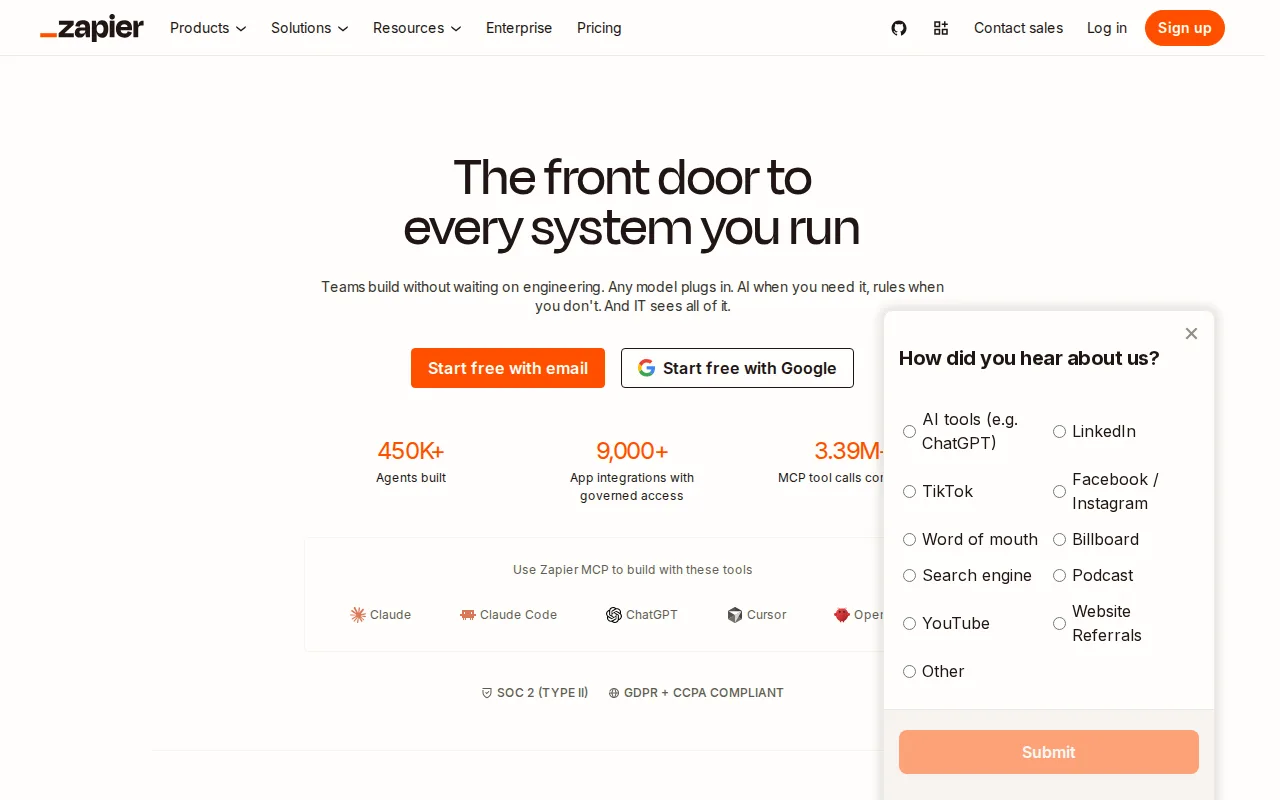
Zapier is the best Make alternative for non-developers and small operations teams who want the broadest pre-built app-integration library, with thousands of supported apps versus Make's own 3,000+. Zapier holds a 4.7/5 rating from 3,069 Capterra reviews, far more evidence than Make's own 4.8/5 from 408 reviews, though at a slightly lower score. Its Free plan covers 100 tasks/month with two-step Zaps, close in spirit to Make's own Free plan at 1,000 operations/month, and Professional starts around $19.99/month billed annually for 750 tasks. Zapier's linear Zap editor is simpler to learn for basic trigger-action automations than Make's canvas-style scenario builder, though Make's own listing notes that complex branching logic is harder to debug in Zapier's linear editor than in visual-flow tools like Make. Make remains the better choice for anyone building genuinely complex, branching automations: Zapier's task-based pricing means cost scales directly with automation volume, and moving from 750 to 2,000 tasks/month on Professional roughly doubles the monthly bill, a steeper scaling curve than Make's operation-credit system, and unused monthly tasks don't roll over the way some credit-based competitors allow.
Compared to Make: broadest pre-built app-integration library (thousands of apps), 4.7/5 from 3,069 Capterra reviews vs Make's 4.8/5 from 408, task-based pricing roughly doubles between 750 and 2,000 tasks/month
Wins:4.7/5 rating from 3,069 Capterra reviews, far more evidence than Make's own 4.8/5 rating from 408 reviews · Broadest pre-built app-integration library among no-code automation tools, with thousands of connectors beyond Make's own 3,000+ · Linear Zap editor is simpler to learn for basic trigger-action automations than Make's canvas-style scenario builder
Loses:Task-based pricing scales directly with automation volume, and moving from 750 to 2,000 tasks/month on Professional roughly doubles the monthly bill · Complex multi-branch logic is harder to debug in Zapier's linear Zap editor than in Make's visual, canvas-style scenario builder · Unused monthly tasks don't roll over between billing periods, a stricter allowance than some credit-based competitors
Pros
- Free plan supports real two-step automations, not just a trial, at 100 tasks/month.
- Broadest app-integration library among no-code automation tools, covering thousands of connectors.
- AI-assisted Zap building and AI fields reduce the manual setup needed for common workflows.
- Multi-step Zaps with filters, paths, and webhooks cover moderately complex logic without custom code.
Cons
- Task-based pricing means cost scales directly with automation volume, and high-frequency workflows can get expensive fast.
- Unused monthly tasks don't roll over, unlike some competitors' credit systems.
- Team and Enterprise features like SSO and shared workflows require a meaningful jump in monthly cost over Professional.
- Complex multi-branch logic can be harder to debug in Zapier's linear Zap editor than in visual-flow competitors like Make.
Pricing: Free tier · paid from $19.99/mo — $19.99/month Professional (750 tasks) vs Make's $12/month Core (10,000 operations); both offer a free entry tier (100 tasks vs 1,000 operations) (verified )
2n8n — best Make alternative for technical teams that want to mix visual workflow building with custom code, either self-hosted for full control or on cloud paying per execution instead of per step
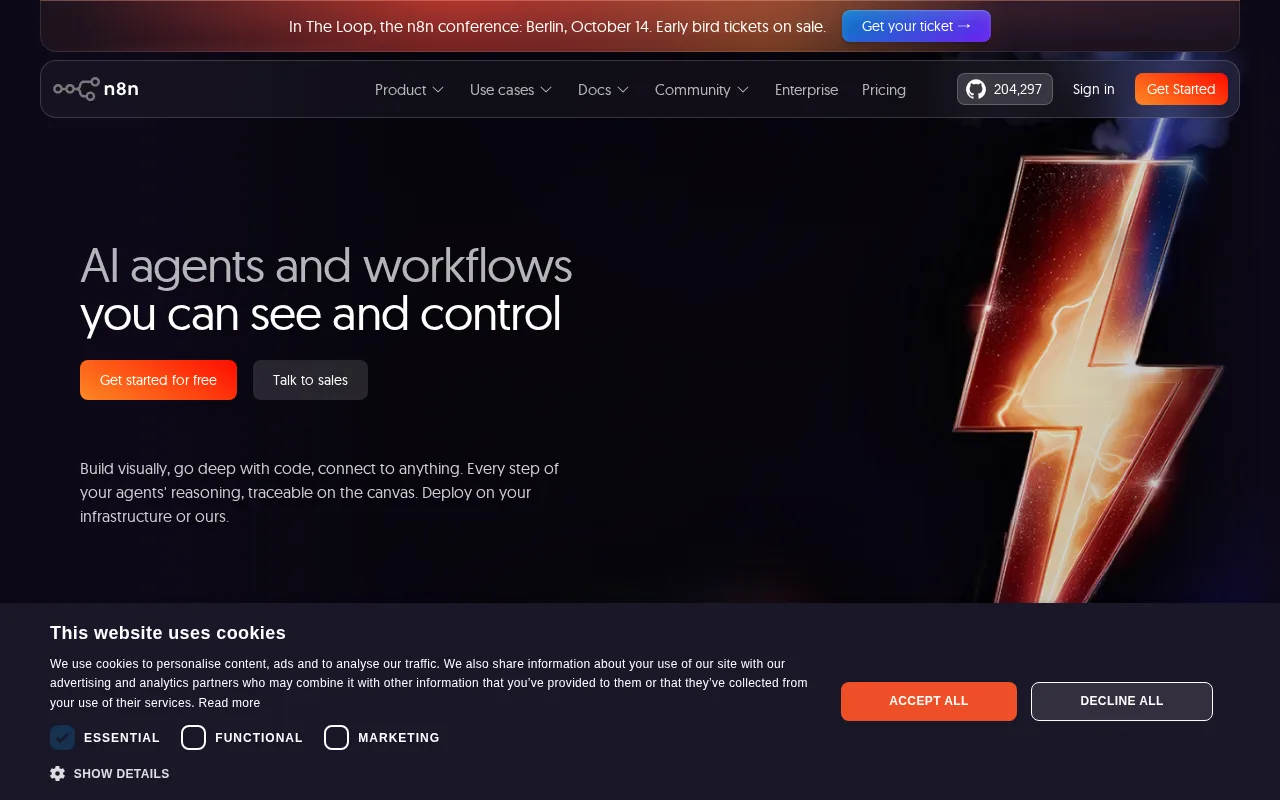
n8n is the best Make alternative for technical teams who want to self-host their automation engine for free or extend any workflow node with custom JavaScript or Python, capabilities beyond Make's fully hosted, no-code-only scenario builder. n8n's Community edition is free and fully featured via Docker under the Sustainable Use License, a genuinely free self-hosting option Make doesn't offer at any tier. n8n holds a 4.6/5 rating from 48 Capterra reviews, a smaller sample than Make's own 4.8/5 from 408 reviews. Cloud pricing starts at €20/month for the Starter tier (2,500 workflow executions/month), and n8n bills by full workflow execution rather than by individual step, which can be cheaper than Make's per-operation pricing for complex multi-step automations. Make remains the better choice for non-technical users who want a larger, more mature app-integration library and simpler onboarding: n8n connects to 500+ apps versus Make's 3,000+, its cloud pricing is listed in euros rather than dollars, and there's a large jump from Pro (€50/month) to Business (€667/month) with nothing in between, a steeper gap than Make's own Core-to-Teams pricing ladder.
Compared to Make: free, fully-featured self-hosted Community edition under the Sustainable Use License, 4.6/5 from 48 Capterra reviews vs Make's 4.8/5 from 408, bills per workflow execution rather than per operation
Wins:Free, fully-featured self-hosted Community edition via Docker, a genuinely free self-hosting option Make doesn't offer at any tier · Every node can be extended or replaced with custom JavaScript or Python code, beyond Make's no-code-only scenario builder · Bills cloud usage by full workflow execution rather than per operation, which can be cheaper than Make's per-operation pricing for complex multi-step automations
Loses:4.6/5 rating from 48 Capterra reviews, a much smaller sample than Make's own 4.8/5 rating from 408 reviews · Connects to 500+ apps, a narrower pre-built integration library than Make's 3,000+ · Cloud pricing is listed in euros and jumps sharply from Pro (€50/month) to Business (€667/month) with nothing in between, a steeper gap than Make's own pricing ladder
Pros
- Bills per full workflow execution, not per step, which can be cheaper than per-task pricing for complex automations.
- Free, fully-featured self-hosted Community edition via Docker with the complete automation engine.
- Every node can be extended or replaced with custom JavaScript or Python code.
- 500+ pre-built app integrations plus native support for building multi-agent AI workflows with human-in-the-loop steps.
Cons
- Large price jump between Pro (€50/month) and Business (€667/month) cloud tiers, with nothing in between.
- Sustainable Use License is not OSI-approved open source; enterprise features require a separate commercial license even for self-hosted use.
- Self-hosting requires managing your own Docker infrastructure, updates, and scaling, unlike a fully managed cloud automation tool.
- Visual canvas can get cluttered on large workflows with many branches and custom code nodes.
Pricing: Free — €20/month Starter (2,500 executions) vs Make's $12/month Core (10,000 operations); n8n's self-hosted Community edition is $0, an option Make doesn't offer (verified )
3Workato — best Make alternative for enterprise IT and operations teams that need governed, auditable integrations across 1,000+ apps with AI agent orchestration, not self-serve no-code automation for individuals
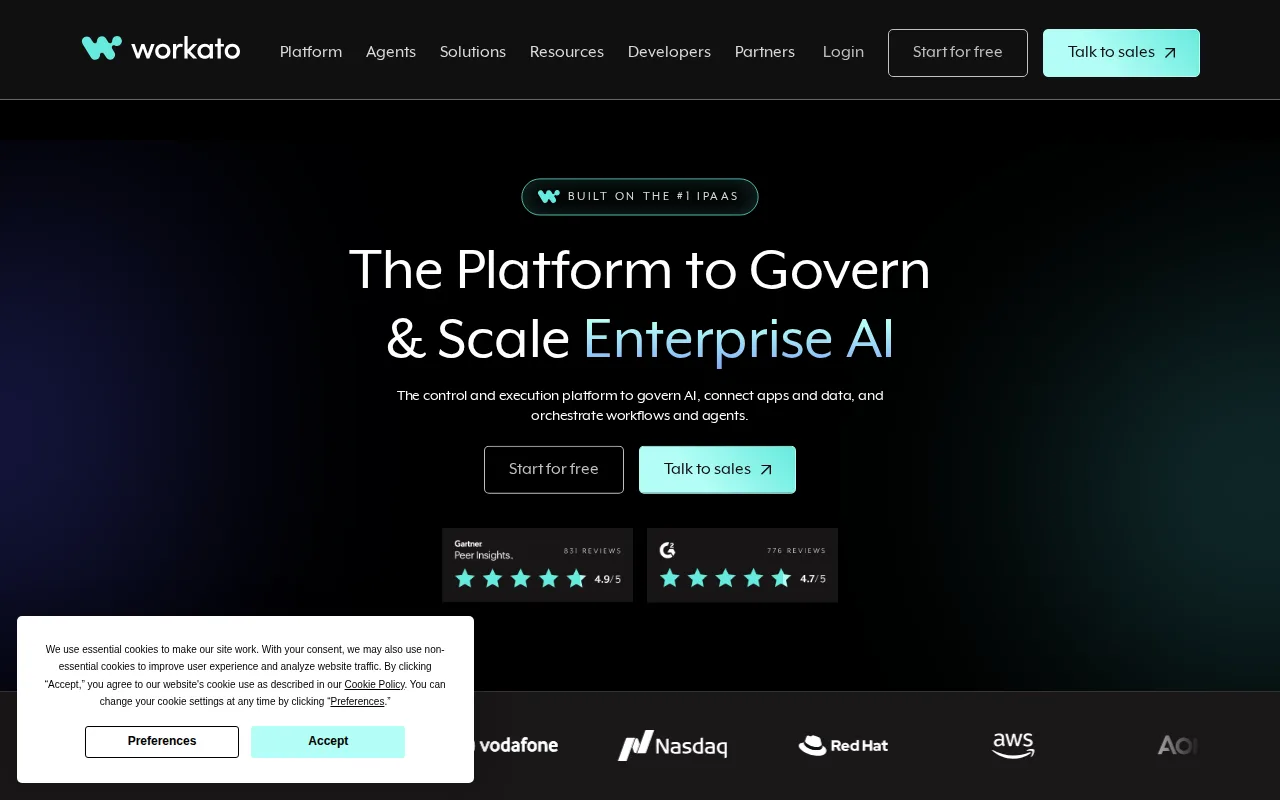
Workato is the best Make alternative for enterprise IT and operations teams that need governed, auditable integrations — role-based access controls, audit logs, and dev/test/prod environment management — capabilities beyond Make's own scenario-focused, self-serve model, even though Workato's 1,000+ connectors is a narrower library than Make's 3,000+. Workato holds a 4.6/5 rating from 85 Capterra reviews, a smaller sample than Make's own 4.8/5 from 408 reviews, though roughly half of the Fortune 500 are cited as customers, a scale of enterprise adoption Make's listing doesn't document. Workato has also added AI agent orchestration, letting teams build and monitor AI agents that call the same connectors and recipes used for traditional integrations. Make remains the better choice for teams that want transparent, self-serve pricing and a broader app library: Workato's pricing page lists no tier names or dollar figures at all, routing every visitor to a sales demo, unlike Make's published Core, Pro, and Teams tiers starting at $12/month, and Workato has no confirmed free tier, unlike Make's own free plan covering 1,000 operations/month.
Compared to Make: enterprise governance (RBAC, audit logs, dev/test/prod environments) beyond Make's self-serve model, roughly half the Fortune 500 cited as customers, no published pricing at all vs Make's published Core/Pro/Teams tiers from $12/month
Wins:Enterprise governance controls (RBAC, audit logs, dev/test/prod environment management) beyond Make's self-serve, scenario-focused model · Roughly half of the Fortune 500 are cited as customers, a scale of enterprise adoption Make's listing doesn't document · AI agent orchestration lets teams build and monitor agents on the same connector and recipe infrastructure as traditional integrations
Loses:No pricing published anywhere; the site shows no tier names or dollar figures, routing every visitor to a sales demo, unlike Make's published Core, Pro, and Teams tiers starting at $12/month · No confirmed free tier at all, unlike Make's own free plan covering 1,000 operations/month · Connects to 1,000+ applications, a narrower pre-built library than Make's own 3,000+
Pros
- Enterprise-grade governance (RBAC, audit logs, environment management) that consumer automation tools typically lack.
- 1,000+ pre-built connectors covering major enterprise systems like Salesforce, NetSuite, Workday, and ServiceNow.
- AI agent orchestration built on the same connector and recipe infrastructure as traditional integrations.
- Trusted by roughly half of the Fortune 500, indicating proven scale for large, complex integration needs.
Cons
- No public, self-serve pricing; every plan requires a sales conversation to get a number.
- Enterprise focus and governance layer add complexity that is overkill for small teams or simple automations.
- No confirmed free tier, unlike Zapier, Make, or n8n, which all offer a usable free plan.
- Steeper learning curve than no-code-first competitors, reflecting its IT-department target audience.
Pricing: Pricing not verified
4IFTTT — best Make alternative for individuals automating smart-home devices or connecting personal apps who want simple no-code triggers rather than Zapier- or Make-style multi-step business workflows
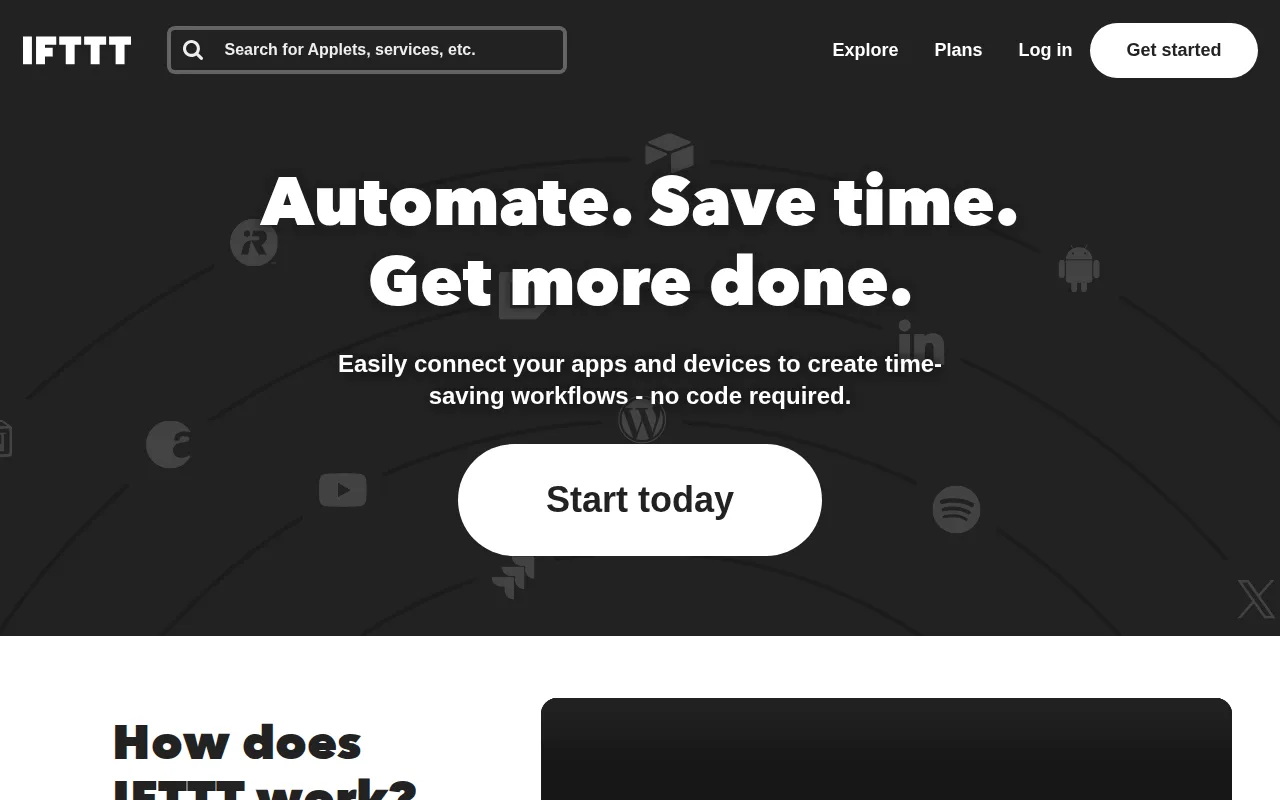
IFTTT is the best Make alternative for individuals automating smart-home devices or connecting personal apps who want simple no-code triggers rather than Make's multi-step, branching scenario builder. IFTTT connects over 1,000 apps and smart-home devices across competing hardware brands (Philips Hue, Ring, Nest), letting one Applet coordinate devices no single manufacturer app can, a consumer-hardware focus Make's business-oriented integration list doesn't specifically target. The free plan is capped at just 2 active Applets, though, far below Make's own free plan at 1,000 operations/month, and Pro raises that to 20 Applets for $2.99/month while Pro+ removes the cap entirely for $8.99/month. IFTTT holds a 4.6/5 rating from 220 Capterra reviews, a smaller sample than Make's own 4.8/5 from 408 reviews. Make remains the better choice for anyone building genuinely complex, multi-step business workflows: IFTTT's Applets are single-trigger, single-purpose by design, limiting complex branching logic even on Pro+, and it has no team or collaboration features aimed at business use, unlike Make's Teams plan with shared scenario templates.
Compared to Make: connects over 1,000 smart-home devices and apps across competing hardware brands, Pro+ unlimited Applets at $8.99/month, free tier capped at just 2 Applets vs Make's 1,000 free operations/month
Wins:Connects over 1,000 apps and smart-home devices across competing hardware brands (Philips Hue, Ring, Nest), a consumer-hardware focus Make's business-integration list doesn't specifically target · Pro+ removes the Applet cap entirely for $8.99/month, cheaper than Make's comparable Core tier at $12/month · Simple no-code Applet builder is faster to learn for basic triggers than Make's canvas-style scenario builder
Loses:Free plan is capped at just 2 active Applets, far below Make's own free plan at 1,000 operations/month · Applets are single-trigger, single-purpose by design, limiting complex branching logic even on Pro+, unlike Make's routers and filters · No team or collaboration features aimed at business use, unlike Make's Teams plan with shared scenario templates
Pros
- Connects over 1,000 apps and smart-home devices across competing hardware brands.
- Simple no-code Applet builder that non-developers can set up in minutes.
- IFTTT MCP server lets AI assistants like Claude and ChatGPT trigger Applets directly.
- Pro+ tier at $8.99/month is cheaper than most competitors' equivalent unlimited-automation plans.
Cons
- Free tier limited to just 2 active Applets, down sharply from an unlimited free tier before 2020.
- Far less depth than Zapier or Make for multi-step business workflows and data transformation.
- Applets are single-trigger, single-purpose by design, limiting complex branching logic even on Pro+.
- No team/collaboration features aimed at business use, unlike Zapier's shared workspaces.
Pricing: Free tier · paid from $2.99/mo — $8.99/month Pro+ (unlimited Applets) vs Make's $12/month Core (10,000 operations); IFTTT's free tier caps at 2 Applets vs Make's 1,000 free operations/month (verified )
5Tray.ai — best Make alternative for IT and platform teams at mid-market and enterprise companies who need governed, auditable integrations and AI agent orchestration across 700+ apps, not a quick self-serve Zapier alternative
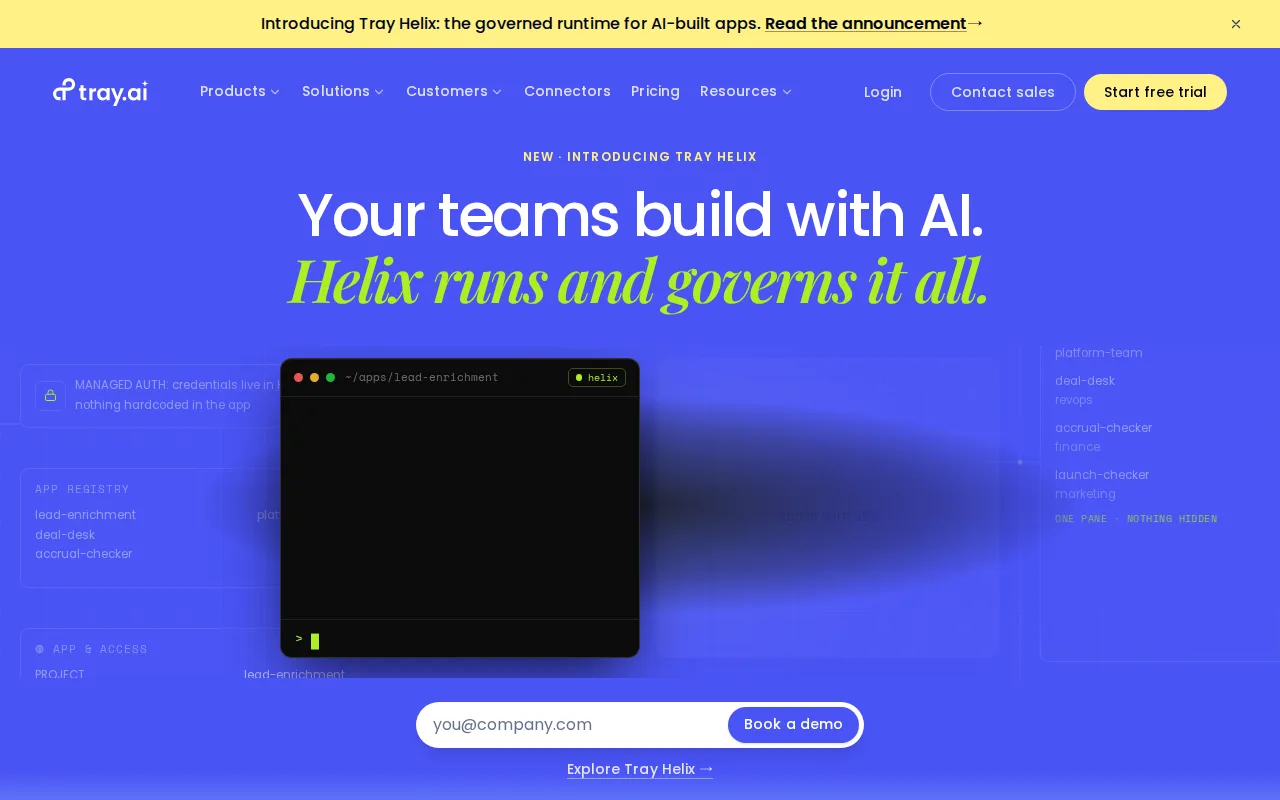
Tray.ai is the best Make alternative for IT and platform teams at mid-market and enterprise companies who need governed, auditable integrations plus AI agent orchestration, going well beyond Make's self-serve scenario builder aimed at individual automation builders. Its Merlin Agent Builder and Agent Gateway let teams build and govern MCP-based AI agents on the same runtime and 700+ connector library used for traditional integrations, a capability Make's listing doesn't document. Tray.ai holds a 4.9/5 rating, though from just 11 Capterra reviews, a much thinner sample than Make's own 4.8/5 from 408 reviews. Enterprise-tier features like HIPAA compliance, on-premise connectivity, and regional data hosting target compliance-sensitive workloads beyond what Make's own listing addresses. Make remains the far better choice for teams that want transparent, self-serve pricing and a broader app library: Tray.ai publishes no pricing anywhere, requiring a custom sales quote even for its entry-level Pro plan, unlike Make's published Core, Pro, and Teams tiers starting at $12/month, and Tray.ai has no free tier at all, only a time-limited trial, while Make's own free plan covers 1,000 operations/month indefinitely.
Compared to Make: Merlin Agent Builder and Agent Gateway for governed MCP-based AI agent deployment, 4.9/5 rating from just 11 Capterra reviews vs Make's 4.8/5 from 408, no published pricing at all vs Make's published tiers from $12/month
Wins:Merlin Agent Builder and Agent Gateway let teams build and govern MCP-based AI agents on the same runtime as traditional integrations, a capability Make's listing doesn't document · Enterprise-tier HIPAA compliance, on-premise connectivity, and regional data hosting target compliance-sensitive workloads beyond what Make's own listing addresses · Governance features (RBAC, audit trails, Guardian Log Masking) target IT teams that self-serve tools like Make don't fully satisfy
Loses:No pricing published anywhere; even the entry-level Pro plan requires a custom sales quote, unlike Make's published Core, Pro, and Teams tiers starting at $12/month · No free tier at all, only a time-limited trial, while Make's own free plan covers 1,000 operations/month indefinitely · 4.9/5 rating rests on just 11 Capterra reviews, a much thinner sample than Make's own 4.8/5 from 408 reviews
Pros
- 700+ pre-built connectors cover most mainstream SaaS and enterprise systems.
- Governance features (RBAC, audit trails, Guardian Log Masking, HIPAA support) target IT teams that self-serve automation tools don't satisfy.
- Merlin Agent Builder and Agent Gateway extend the same platform into AI agent deployment and MCP governance.
- Enterprise tier supports on-premise connectivity and regional data hosting for compliance-sensitive workloads.
Cons
- No public pricing; every tier requires a custom sales quote, adding friction and delay for evaluation.
- Aimed at technical, IT-governed deployments, so the learning curve and setup time are heavier than no-code tools like Zapier or Make.
- No free tier, only a time-limited free trial before a paid commitment.
- Log retention (7-day base) and insight windows are tightly gated by tier, forcing an upgrade for basic historical visibility.
Pricing: Custom pricing