5 Best Alternatives to Teable for Web in 2026
By Noahlast updated pricing verified
Compared: Teable alternatives that run on Web
| Alternative | Best for | Learning curve | Price |
|---|---|---|---|
| Teablereference | teams and developers who want Airtable-style no-code database editing backed by real PostgreSQL, with the option to self-host for free instead of relying on a vendor's cloud | Moderate | Free tier · paid from $10/mo |
| Airtable | Small-to-midsize teams that need a relational database with a spreadsheet UI to run project trackers, content calendars, or lightweight CRMs without writing code. | Moderate | Free tier · paid from $20/mo |
| Baserow | teams that want an Airtable-like no-code database with the option to self-host for free under MIT, avoiding per-user fees at scale | Moderate | Free tier · paid from $10/mo |
| NocoDB | teams wanting an Airtable-style spreadsheet interface over a real MySQL/Postgres database, self-hosted for free with no record caps | Moderate | Free tier · paid from $12/mo |
| Grist | teams needing spreadsheet-style data entry with database structure and granular row/column-level access control, especially security-conscious or regulated industries | Moderate | Free tier · paid from $8/mo |
| Smartsheet | enterprise PMOs, IT portfolio teams, and cross-functional operations teams (construction, healthcare, marketing) that need spreadsheet-familiar project tracking with automation, dashboards, and resource management at scale | Moderate | Custom pricing |
 Teable
 Airtable
 Baserow
 NocoDB
 Grist
Grist Smartsheet
1Airtable — best Teable alternative for small-to-midsize teams that need a relational database with a spreadsheet UI to run project trackers, content calendars, or lightweight CRMs without writing code.
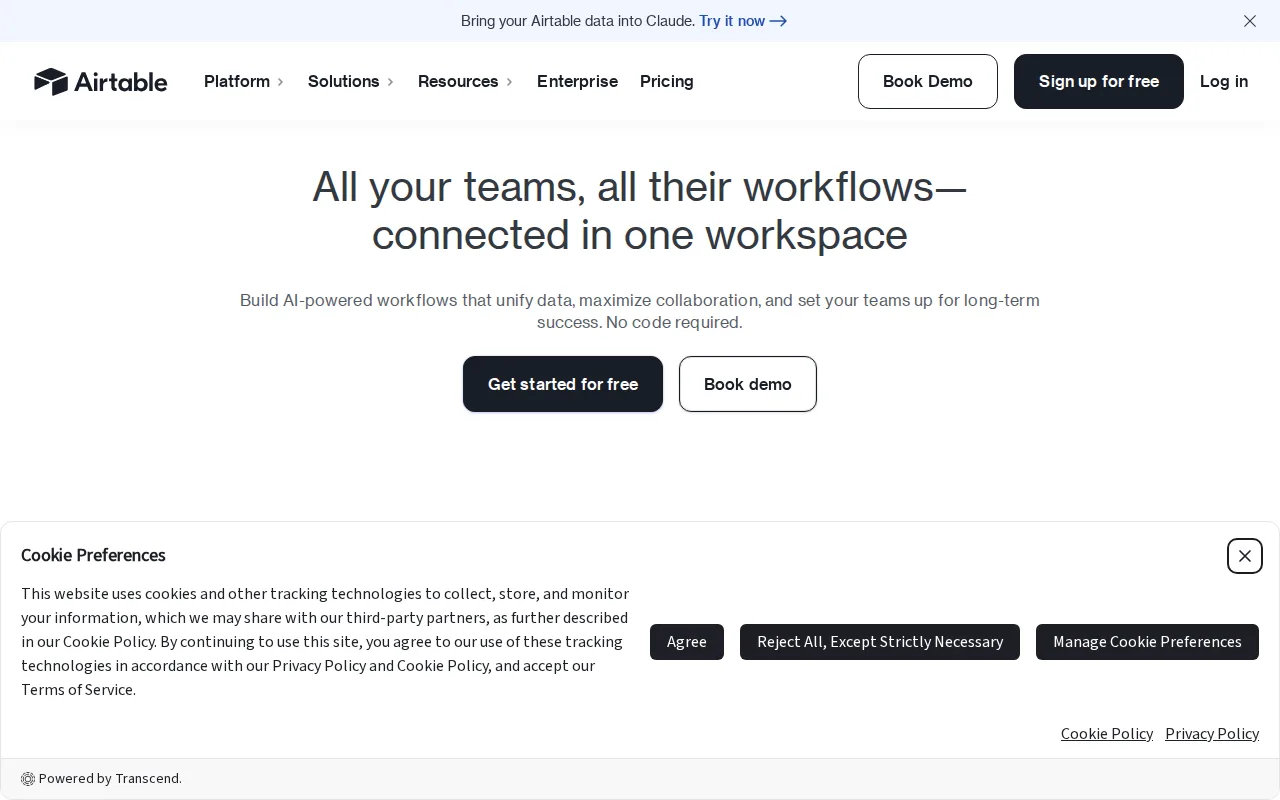
Airtable is the best Teable alternative for teams that want the most established, widely-reviewed no-code database platform rather than Teable's newer, less independently reviewed offering. Airtable's Free plan costs $0/month, similar to Teable's own free Cloud tier, and Airtable's Team plan then costs $20/seat/month, double Teable's $10/seat/month Pro tier, but Airtable adds Interface Designer for turning bases into shareable internal apps, a capability beyond Teable's spreadsheet-on-Postgres core. Airtable holds a 4.6/5 rating from 2,900 G2 reviews and 4.7/5 from 2,100 Capterra reviews, while Teable has no external ratings recorded at all in its own listing, giving Airtable far more independently verifiable evidence. Teable is still the better choice for teams that specifically want to self-host for free on real PostgreSQL: Teable is open source under AGPL-3.0 with 21.7K GitHub stars and can be self-hosted at unlimited scale for free, while Airtable is fully closed-source with no self-hosting option at any price, and Airtable's Business tier at $45/seat/month runs well above Teable's $20/seat/month Business tier for comparable team features.
Compared to Teable: far more independently verifiable review evidence (2,900 G2 reviews vs none recorded for Teable), Interface Designer builds shareable internal apps directly on your data, 4.7/5 rating from 2,100 Capterra reviews as another independent data point Teable's listing lacks
Wins:4.6/5 rating from 2,900 G2 reviews and 4.7/5 from 2,100 Capterra reviews; Teable has no external ratings recorded in its own listing · Interface Designer turns bases into shareable internal apps, beyond Teable's spreadsheet-on-Postgres core feature set · Free plan costs $0/month, the same starting price as Teable's own free Cloud tier, backed by a longer-established integration and template marketplace
Loses:Team plan costs $20/seat/month, double Teable's $10/seat/month Pro tier · No self-hosting option at any price; Teable is open source under AGPL-3.0 with 21.7K GitHub stars and can be self-hosted for free at unlimited scale · Business tier costs $45/seat/month, well above Teable's $20/seat/month Business tier for comparable team features
Pros
- Relational linking between tables goes well beyond what a flat spreadsheet like Google Sheets can do
- Built-in automations, interfaces, and reporting reduce the need for separate tools for simple internal apps
- Free plan is usable for individuals and very small teams before any payment is required
- Native integrations with Slack, Google Drive, Salesforce, Jira, and Zendesk plus a documented REST API for custom work
Cons
- Per-editor seat pricing gets expensive fast once a team grows past a handful of active editors
- Free and Team tiers cap records and attachments per base, forcing upgrades as data volume grows
- Enterprise-grade features (SSO, advanced RBAC, unlimited workspaces) are locked behind custom-quoted Enterprise Scale pricing
- Complex bases with many linked tables and automations can become hard to navigate for new users
Pricing: Free tier · paid from $20/mo — $20/seat/month Team vs Teable's $10/seat/month Pro (or $0 self-hosted, unlimited) (verified )
2Baserow — best Teable alternative for teams that want an Airtable-like no-code database with the option to self-host for free under MIT, avoiding per-user fees at scale
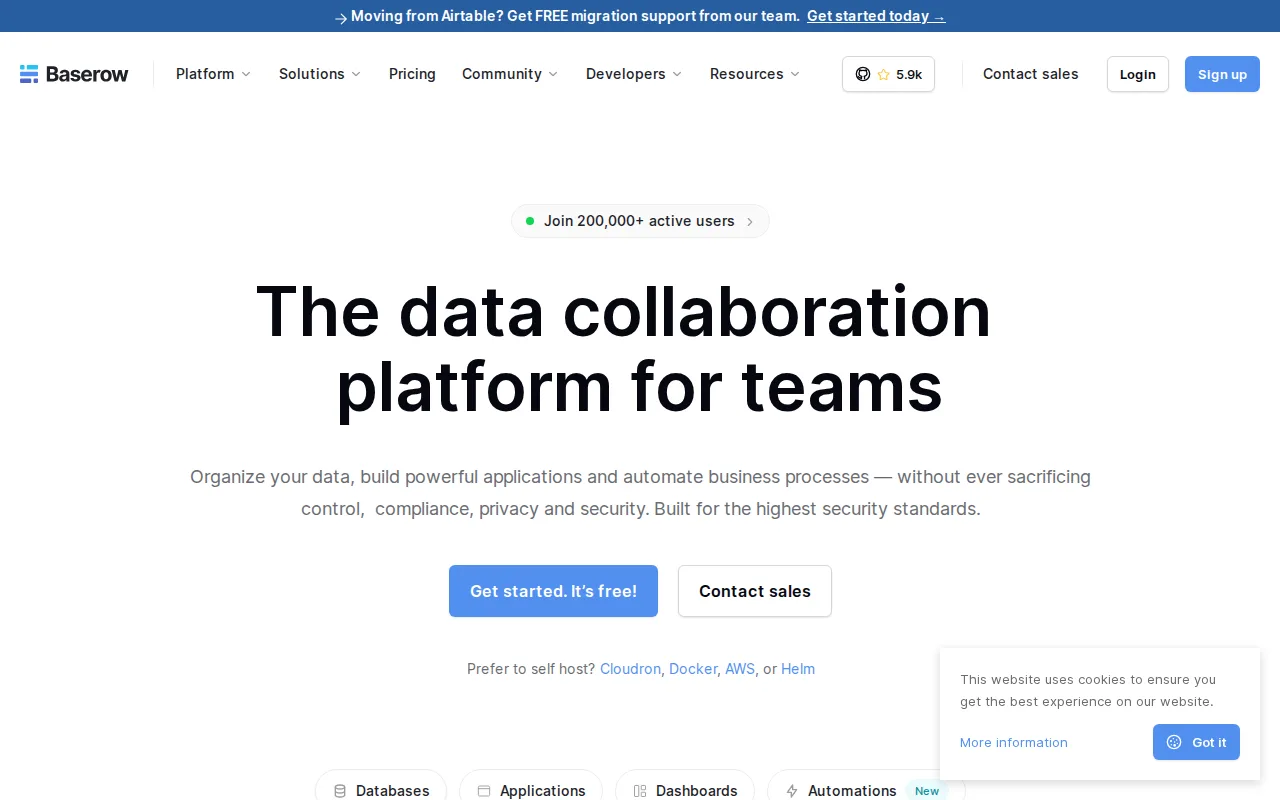
Baserow is the best Teable alternative for teams that want an unambiguously OSI-approved open-source license rather than Teable's AGPL-3.0 core, which is copyleft but carries more restrictive obligations for hosted services. Baserow's MIT-licensed core is free to self-host with no per-user fees, comparable to Teable's own free self-hosting model, and Baserow's cloud Free tier also costs $0/month with 3,000 rows/workspace before Premium at $10/user/month billed yearly, close to Teable's $10/seat/month Pro tier price point. Baserow supports Grid, Kanban, Calendar, Timeline, Form, Gallery, and Survey views plus a Kuma AI assistant that builds databases from natural-language descriptions, comparable to Teable's own AI fields and CuppyClaw agent. Baserow holds a 4.7/5 rating from 69 Capterra reviews and 5.0/5 from 6 Product Hunt reviews, evidence Teable's own listing doesn't have at all. Teable is still the better choice for teams that specifically want the underlying data stored in real PostgreSQL, or dramatically higher row ceilings: Teable's Business tier supports 1,000,000 rows per seat versus Baserow's Advanced tier cap of 250,000 rows/workspace, and premium features on Baserow's self-hosted edition require a separate commercial license.
Compared to Teable: MIT license is OSI-approved open source vs Teable's more restrictive AGPL-3.0 copyleft, Kuma AI assistant builds databases from natural-language descriptions, has external ratings on record (4.7/5, 69 Capterra reviews) vs none for Teable
Wins:MIT license is OSI-approved permissive open source, a cleaner license than Teable's AGPL-3.0 copyleft for hosted-service use cases · Kuma AI assistant builds databases from natural-language descriptions · 4.7/5 rating from 69 Capterra reviews and 5.0/5 from 6 Product Hunt reviews; Teable has no external ratings recorded in its own listing
Loses:Stores data in Baserow's own database engine rather than real PostgreSQL, unlike Teable's Postgres-backed architecture · Advanced tier caps at 250,000 rows/workspace, far below Teable's Business tier limit of 1,000,000 rows per seat · Premium features (Kuma AI, advanced permissions, audit logs) on the self-hosted edition require a separate commercial license, unlike Teable's fully free self-hosted AGPL-3.0 core
Pros
- MIT-licensed core is genuinely free to self-host with no per-user fees.
- Multiple view types (Grid, Kanban, Calendar, Timeline, Form, Gallery, Survey) cover most no-code database use cases.
- Automations and an app builder are included alongside the core database, reducing the need for separate tools.
- GDPR, HIPAA, and SOC 2 compliance available on the managed cloud offering.
Cons
- Premium features like the Kuma AI assistant, advanced permissions, and audit logs are withheld from the free self-hosted edition.
- Row and storage limits on the Free and Premium cloud tiers (3,000 and 50,000 rows respectively) can be restrictive for larger datasets.
- Enterprise pricing is not published and requires a sales conversation.
- Smaller third-party integration and template ecosystem than Airtable's much larger, longer-established marketplace.
Pricing: Free tier · paid from $10/mo — Free self-hosted (MIT) or $10/user/month cloud Premium vs Teable's $10/seat/month Pro (or $0 self-hosted) (verified )
3NocoDB — best Teable alternative for teams wanting an Airtable-style spreadsheet interface over a real MySQL/Postgres database, self-hosted for free with no record caps
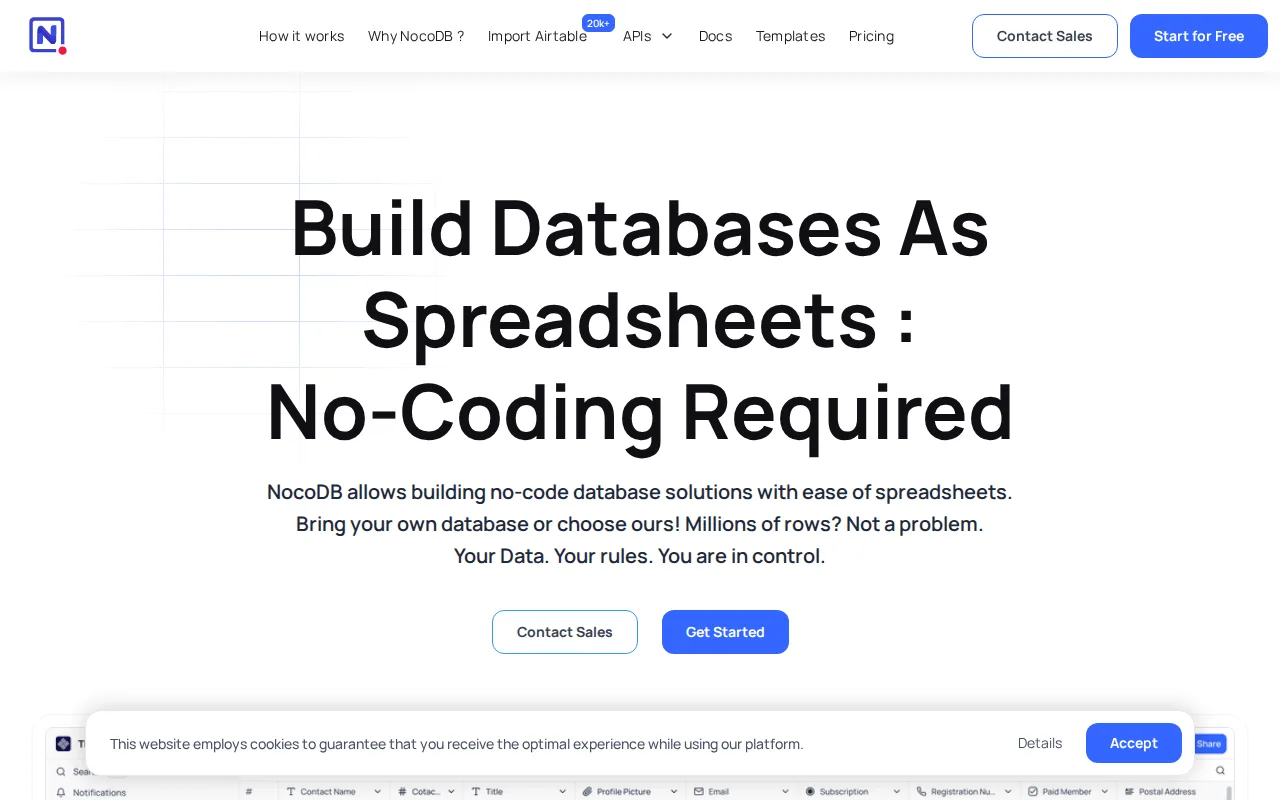
NocoDB is the best Teable alternative for teams that already run a MySQL or PostgreSQL database and want a spreadsheet interface layered directly on top of it, rather than migrating into Teable's own managed Postgres instance. NocoDB's self-hosted Community edition is free forever with unlimited records, storage, and seats under the Sustainable Use License, matching Teable's own free-to-self-host model, and NocoDB's cloud Free tier also costs $0/month before Plus at $12/user/month billed annually, close to Teable's $10/seat/month Pro tier. NocoDB's listing cites over 63,000 GitHub stars, nearly three times Teable's own 21.7K GitHub stars, a larger open-source community signal. NocoDB holds a 5/5 rating from 2 Product Hunt reviews, thin but present evidence Teable's own listing lacks entirely. Teable is still the better choice for teams that want AI fields, an AI chat assistant, and automation workflows built natively into the spreadsheet-database grid: NocoDB's Sustainable Use License is fair-source rather than OSI-approved open source, the same limitation Teable's own AGPL-3.0 license carries, and NocoDB's cloud Free tier caps at 1,000 records and 1GB storage, a comparably tight limit to Teable's own free Cloud tier.
Compared to Teable: over 63,000 GitHub stars vs Teable's 21.7K, connects directly to an existing MySQL/Postgres database instead of migrating into a managed instance, has an external rating on record (5/5 Product Hunt) vs none for Teable
Wins:Over 63,000 GitHub stars in its listing, nearly three times Teable's own 21.7K GitHub stars · Connects directly to an existing MySQL or PostgreSQL database instead of requiring migration into Teable's managed Postgres instance · 5/5 rating from 2 Product Hunt reviews; Teable has no external ratings recorded in its own listing
Loses:No AI fields, AI chat assistant, or automation workflows built natively into the interface the way Teable's Cloud plans include · Sustainable Use License is fair-source, not OSI-approved open source, the same limitation Teable's own AGPL-3.0 license carries · Cloud Free tier caps at 1,000 records and 1GB storage, a comparably tight limit to Teable's own free Cloud tier
Pros
- Self-hosted Community edition is free forever with unlimited records, storage, and seats.
- Connects directly to an existing MySQL or PostgreSQL database instead of requiring data migration into a proprietary format.
- Multiple views (Grid, Kanban, Gallery, Form, Calendar) over the same underlying data.
- Over 63,000 GitHub stars and an active open-source community driving development.
Cons
- Sustainable Use License is fair-source, not OSI-approved open source, unlike fully permissively-licensed alternatives.
- Free cloud tier is capped at 1,000 records and 1 GB storage, far below the unlimited self-hosted Community edition.
- Self-hosting requires managing your own Docker infrastructure, updates, and backups.
- Higher paid tiers (Scale at $45/user/month) get expensive quickly for teams needing SSO or row-level security at scale.
Pricing: Free tier · paid from $12/mo — Free self-hosted (unlimited) or $12/user/month cloud Plus vs Teable's $10/seat/month Pro (or $0 self-hosted) (verified )
4Grist — best Teable alternative for teams needing spreadsheet-style data entry with database structure and granular row/column-level access control, especially security-conscious or regulated industries
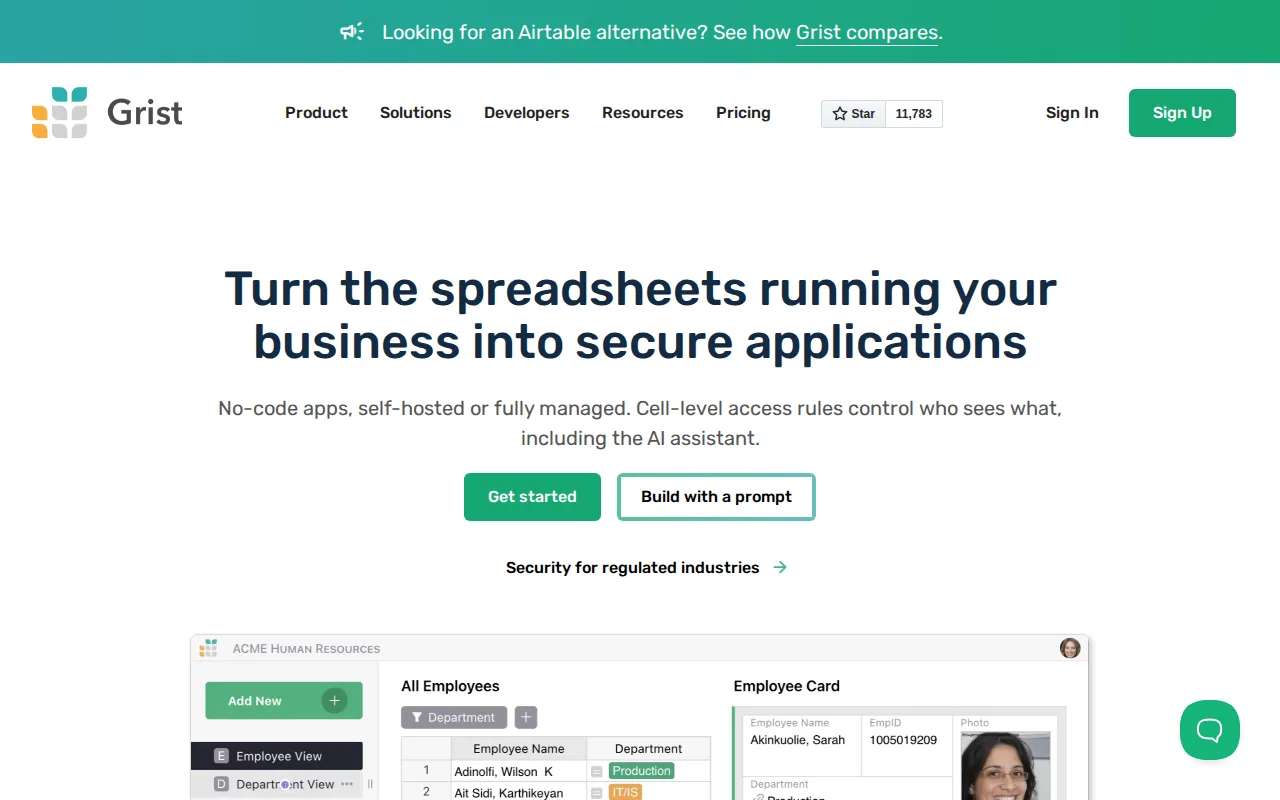
Grist is the best Teable alternative for security-conscious teams that need row- and column-level access rules to expose only specific records or fields to specific users, a permission model more granular than Teable's listing describes. Grist's free tier costs $0/month for up to 5,000 records per document and 10 team members, and Pro then costs $8/user/month billed annually, cheaper than Teable's $10/seat/month Pro tier. Grist's formula engine is Python-powered while also supporting familiar Excel functions, and it is open source at github.com/gristlabs/grist-core with a genuinely free, unlimited self-hosted Community Edition, matching Teable's own free-to-self-host model. Grist holds a 4.9/5 rating from 8 Capterra reviews and 5.0/5 from 3 Product Hunt reviews, thin but present evidence Teable's own listing lacks entirely. Teable is still the better choice for teams that want much higher row ceilings and a larger open-source following: Teable's Business tier supports 1,000,000 rows per seat versus Grist's Business tier cap of 150,000 records per document, and Teable's 21.7K GitHub stars indicate a larger public open-source community than Grist's listing describes.
Compared to Teable: row- and column-level access rules for granular data permissions, cheaper Pro tier ($8/user/month vs $10/seat/month), Python-powered formulas alongside familiar Excel functions
Wins:Row- and column-level access rules let admins expose only specific records or fields to specific users, more granular than Teable's listing describes · Pro tier costs $8/user/month billed annually, cheaper than Teable's $10/seat/month Pro tier · Python-powered formula engine alongside familiar Excel functions, plus a genuinely free, unlimited self-hosted Community Edition matching Teable's own self-hosting model
Loses:Business tier caps at 150,000 records per document, far below Teable's Business tier limit of 1,000,000 rows per seat · Teable's 21.7K GitHub stars suggest a larger public open-source following than Grist's listing describes · AI Assistant credits are capped even on paid tiers (100+/month on Pro), a similarly metered-credit model to Teable's own credit system
Pros
- Row- and column-level access rules give fine-grained data permissions rarely found in spreadsheet tools.
- Open source with a genuinely free, unlimited self-hosted Community Edition on GitHub.
- Python-powered formulas alongside familiar Excel functions, more powerful than Google Sheets' formula language.
- 50% nonprofit discount on the Pro plan for organizations with a Letter of Determination.
Cons
- Free tier caps at 5,000 records per document, restrictive for larger datasets without upgrading or self-hosting.
- Business tier requires a 5-user minimum, and Enterprise requires 50, pricing that penalizes small teams needing advanced features.
- Smaller third-party integration ecosystem than Airtable or Google Sheets.
- AI Assistant credits are capped and consumed even on paid tiers (100+/month on Pro), unlike unlimited AI features in some competitors.
Pricing: Free tier · paid from $8/mo — $8/user/month Pro vs Teable's $10/seat/month Pro (or $0 self-hosted, unlimited) (verified )
5Smartsheet — best Teable alternative for enterprise PMOs, IT portfolio teams, and cross-functional operations teams (construction, healthcare, marketing) that need spreadsheet-familiar project tracking with automation, dashboards, and resource management at scale
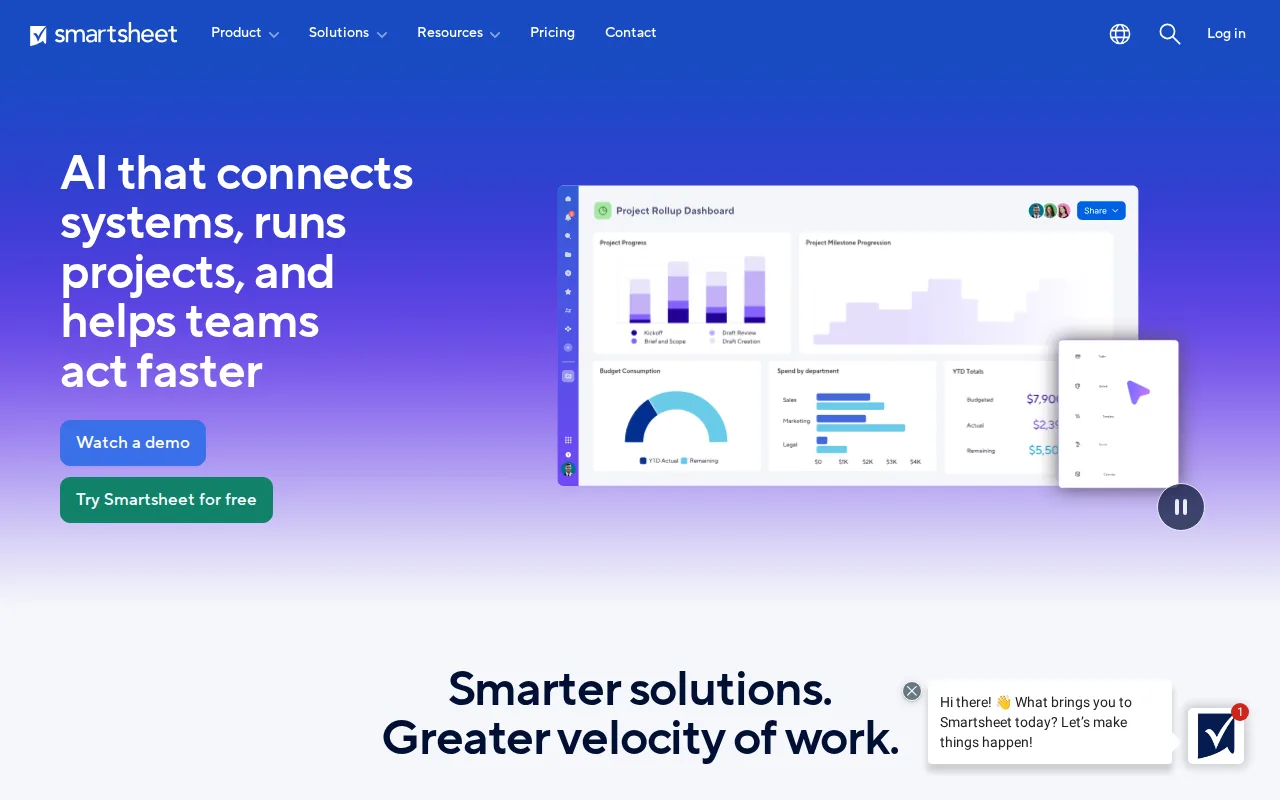
Smartsheet is the best Teable alternative for enterprise PMOs and cross-functional operations teams that need spreadsheet-familiar project tracking with AI-powered dashboards and resource/capacity planning at a scale Teable's no-code database focus isn't built for. Smartsheet has been named a Leader in Gartner's Magic Quadrant for Collaborative Work Management for three consecutive years and reports over 85% of Fortune 500 companies as users, a scale signal Teable's newer, less-reviewed platform doesn't carry. It natively integrates with 20+ platforms including Salesforce, Microsoft, Google, AWS, and Adobe, broader third-party reach than Teable's more developer-oriented API and automation focus. Smartsheet holds a 4.5/5 rating from 3,538 Capterra reviews, evidence Teable's own listing entirely lacks. Teable is still the better choice for teams that want a genuinely free, self-hostable open-source database: Smartsheet has no permanent free tier at all, only a 30-day trial, and its Pro and Business tiers don't display exact per-member dollar amounts without starting checkout, unlike Teable's published $10/$20 per-seat Cloud pricing or its entirely free self-hosted AGPL-3.0 option.
Compared to Teable: Gartner Magic Quadrant Leader for Collaborative Work Management three years running, native integrations with 20+ platforms (Salesforce, Microsoft, Google, AWS, Adobe), has an external rating on record (4.5/5, 3,538 Capterra reviews) vs none for Teable
Wins:Named a Gartner Magic Quadrant Leader for Collaborative Work Management for three consecutive years, a scale signal Teable's listing doesn't carry · Natively integrates with 20+ platforms (Salesforce, Microsoft, Google, AWS, Adobe), broader reach than Teable's developer-oriented API and automation focus · 4.5/5 rating from 3,538 Capterra reviews; Teable has no external ratings recorded in its own listing
Loses:No permanent free tier at all, only a 30-day trial, unlike Teable's free Cloud plan or fully free self-hosted option · Pro and Business tier prices aren't published as dollar amounts without starting checkout, unlike Teable's published $10/$20 per-seat Cloud pricing · No self-hosting option at any price; Teable is open source under AGPL-3.0 and can be self-hosted for free at unlimited scale
Pros
- Spreadsheet-familiar interface lowers the learning curve for teams already comfortable with grids and formulas.
- AI-powered dashboards and resource/capacity planning built into the core product.
- Integrates natively with 20+ platforms, including Salesforce, Microsoft, Google, AWS, and Adobe.
- Recognized as a Gartner Magic Quadrant Leader for Collaborative Work Management for three consecutive years.
Cons
- No permanent free plan; only a 30-day trial before billing begins.
- Exact per-member pricing for Pro and Business isn't published without starting checkout.
- Business tier requires a minimum of 3 members, ruling out very small teams from that tier's features.
Pricing: Custom pricing