5 Best Alternatives to Smartsheet in 2026
By Noahlast updated

From our data: 5 of the 5 alternatives listed here (Asana, monday.com, Airtable, Wrike, ClickUp) offer a genuine free tier, versus zero free plans from Smartsheet; among the alternatives with a published self-serve paid price, ClickUp's $7/month Unlimited tier is the cheapest, followed by monday.com's $9/month Basic tier.
 Asana
Asana ClickUp
 monday.com
 Airtable
 Wrike
WrikeHow we picked
- 5 of the 5 alternatives (Asana, monday.com, Airtable, Wrike, ClickUp) have recorded pricing-verification dates, though Asana, monday.com, Airtable, and ClickUp were verified earlier (2026-08-01) than Wrike's live-page check (2026-08-21), a gap noted here since Smartsheet's own pricing has no recorded pricing-verification date at all.
- External review-platform ratings anchored the ordering directly: ClickUp (4.7/5 G2 from 10,600 reviews), monday.com (4.7/5 G2 from 14,000 reviews), and Asana (4.4/5 G2 from 11,900 reviews) all carry far more combined G2/Capterra review volume than Smartsheet's own single 4.5/5 Capterra score from 3,538 reviews.
- Free-tier availability was weighted heavily: all 5 alternatives (Asana, monday.com, Airtable, Wrike, ClickUp) ship a genuine free tier, against zero free plans from Smartsheet, which offers only a 30-day trial before billing.
- Published, self-serve per-user pricing was compared directly against Smartsheet's own unpublished Pro/Business dollar amounts: monday.com's Basic tier ($9/month) is the cheapest confirmed paid entry price among the group with a listed number on its pricing page.
Paid placement never alters editorial rank — read the full methodology.
Smartsheet alternatives at a glance
| Alternative | Best for | Learning curve | Price |
|---|---|---|---|
| Smartsheetreference | enterprise PMOs, IT portfolio teams, and cross-functional operations teams (construction, healthcare, marketing) that need spreadsheet-familiar project tracking with automation, dashboards, and resource management at scale | Moderate | Custom pricing |
| Asana | Cross-functional teams of 10-500 people who need shared timelines, dependencies, and status reporting across multiple concurrent projects. | Moderate | Free tier · paid from $10.99/mo |
| monday.com | Mid-size teams that want one configurable platform to run project tracking, CRM, and IT/HR workflows on visual boards instead of stitching together separate point tools. | Moderate | Free tier · paid from $9/mo |
| Airtable | Small-to-midsize teams that need a relational database with a spreadsheet UI to run project trackers, content calendars, or lightweight CRMs without writing code. | Moderate | Free tier · paid from $20/mo |
| Wrike | cross-functional teams (marketing, product, professional services, IT) that need shared project visibility across departments, not just a single team's task list | Moderate | Free tier · paid from $10/mo |
| ClickUp | small and mid-sized teams that want tasks, docs, chat, and time tracking on one paid seat instead of buying a tracker, a wiki, a chat app, and a timesheet tool separately | Steep | Free tier · paid from $7/mo |
 Smartsheet
1Asana — best Smartsheet alternative for cross-functional teams of 10-500 people who need shared timelines, dependencies, and status reporting across multiple concurrent projects.
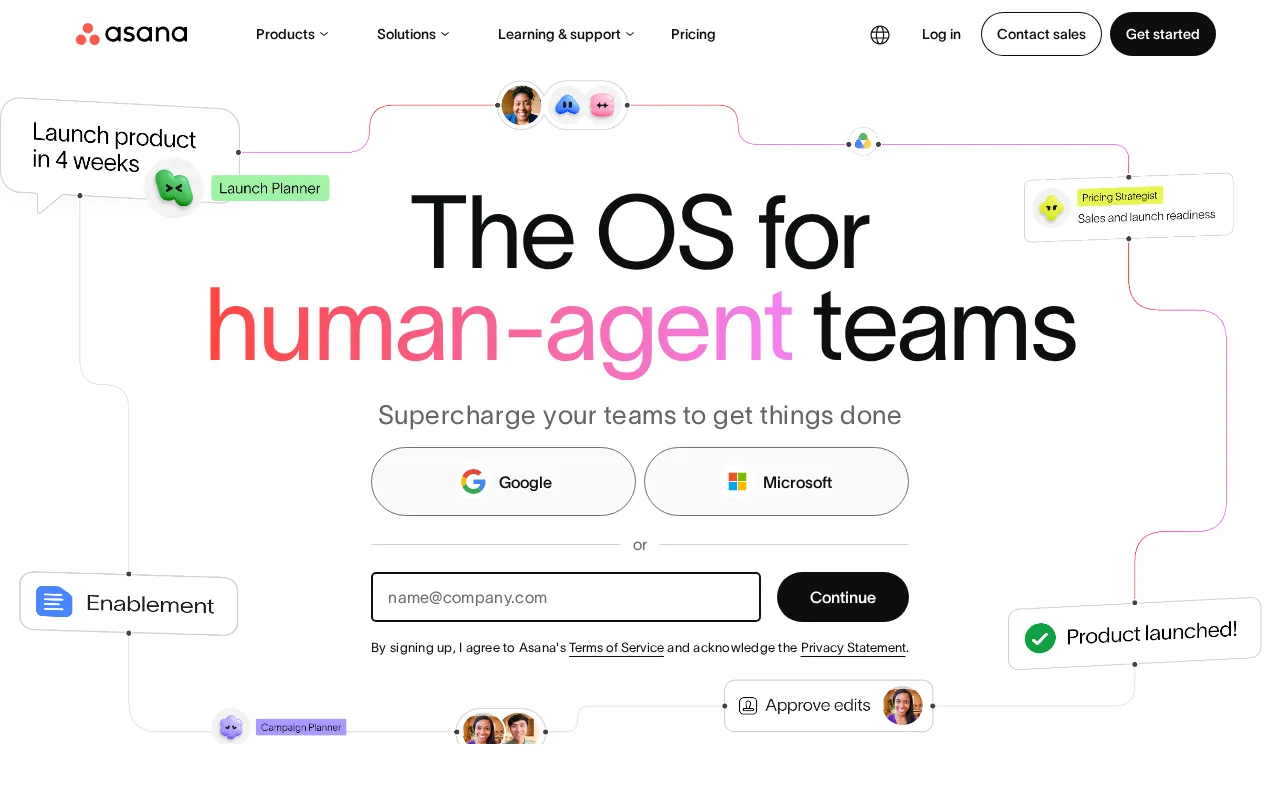
Asana is the best Smartsheet alternative for mid-size teams that need multiple views (list, board, timeline, calendar) over one source of truth, plus a goals-to-portfolios-to-projects hierarchy and workload reporting for cross-project visibility. Asana's Personal tier is free with no cost at all, unlike Smartsheet, which has no permanent free plan and only a 30-day trial before billing begins, and Asana's Starter paid tier costs a published $10.99/month, a self-serve price Smartsheet's own Pro tier doesn't show without starting checkout. Asana holds a 4.4/5 rating from 11,900 G2 reviews and 4.5/5 from 13,900 Capterra reviews, combined review volume well above Smartsheet's single 4.5/5 score from 3,538 Capterra reviews. Smartsheet is still the better choice for enterprise PMOs that specifically need a spreadsheet-familiar grid interface or Gartner-recognized resource/capacity planning at scale: Asana's per-seat price rises quickly for larger teams and can feel heavyweight for small teams, while Smartsheet has been named a Gartner Magic Quadrant Leader for Collaborative Work Management for three consecutive years, a specific industry-analyst recognition Asana's listing doesn't claim.
Compared to Smartsheet: free Personal tier vs Smartsheet's no-free-tier, 30-day-trial-only model, published self-serve pricing from $10.99/month, far higher combined G2/Capterra review volume (11,900 + 13,900 vs 3,538)
Wins:Personal tier is free with no cost at all, unlike Smartsheet's trial-only model with no permanent free plan · Starter tier is a published, self-serve $10.99/month, unlike Smartsheet's unpublished Pro/Business pricing · Combined 11,900 G2 and 13,900 Capterra reviews, far more volume than Smartsheet's 3,538 Capterra reviews
Loses:Per-seat price rises quickly for larger teams, reaching $24.99/month on the Advanced tier · Can feel heavyweight for small teams that don't need goals/portfolios hierarchy · No Gartner Magic Quadrant Leader recognition comparable to Smartsheet's three consecutive years in Collaborative Work Management
Pros
- Free tier covers unlimited tasks and projects for up to 2 users, not just a time-limited trial
- Multiple views (list, board, timeline/Gantt, calendar) on the same project without extra tools
- Deep integration library (100+ free integrations) plus native Salesforce, Tableau, and Power BI connectors on Advanced
- Reporting dashboards and portfolios give a rollup view across many projects at once
Cons
- Per-user pricing means costs scale linearly and jump 127% from Starter to Advanced ($10.99 to $24.99/user/month)
- Core planning features like Goals and Workload are locked behind the Advanced tier, not available on Starter
- SSO, SCIM provisioning, and capacity planning require Enterprise, which has no published price
- Heavy feature surface (AI Teammates, AI Studio, Service Management) can overwhelm teams that just want simple task tracking
Pricing: Free tier · paid from $10.99/mo — $10.99/month Starter vs Smartsheet's unpublished Pro tier pricing (verified )
2monday.com — best Smartsheet alternative for mid-size teams that want one configurable platform to run project tracking, CRM, and IT/HR workflows on visual boards instead of stitching together separate point tools.
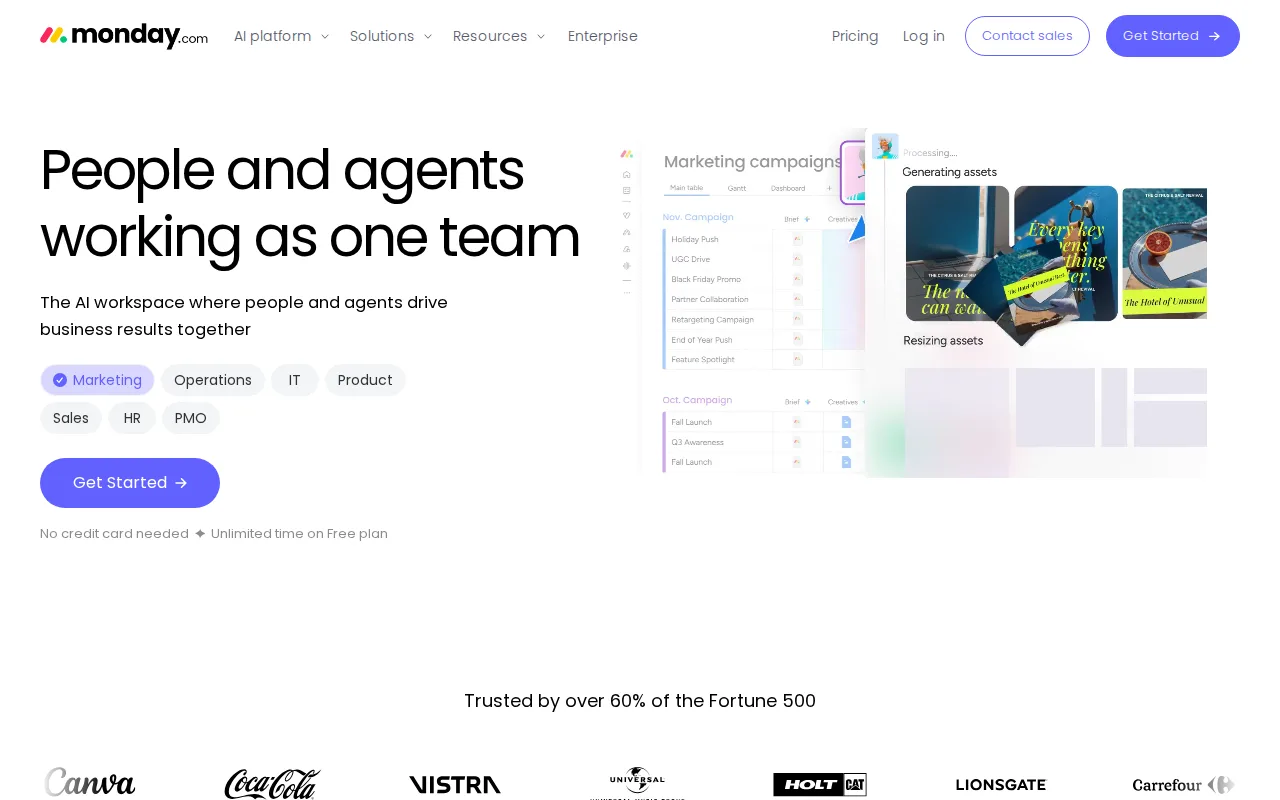
monday.com is the best Smartsheet alternative for non-technical teams that need a visual, approachable interface with 30+ column types and no-code automation recipes, rather than Smartsheet's spreadsheet-grid learning curve. monday.com's Free plan covers 2 seats at no cost, and its Basic paid tier costs a published $9/month, a self-serve number Smartsheet's own Pro tier doesn't display without starting checkout. monday.com holds a 4.7/5 rating from 14,000 G2 reviews and 4.6/5 from 5,600 Capterra reviews, far more combined review volume than Smartsheet's 3,538 Capterra reviews. Smartsheet is still the better choice for enterprise PMOs and IT portfolio teams that need deep native integrations into Salesforce, AWS, and Adobe at scale: monday.com's free plan is capped at just 2 seats and its pricing tiers gate key features behind higher plans, while Smartsheet connects natively to 20+ major platforms and layers AI-powered insights onto dashboards built for cross-functional operations at enterprise scale.
Compared to Smartsheet: published self-serve pricing from $9/month vs Smartsheet's unpublished checkout-only pricing, far higher combined G2/Capterra review volume (14,000 + 5,600 vs 3,538), 30+ customizable column types with no-code automation
Wins:Basic tier is a published, self-serve $9/month, the cheapest confirmed paid entry price among all alternatives compared here · Combined 14,000 G2 and 5,600 Capterra reviews, far more volume than Smartsheet's 3,538 Capterra reviews · 30+ column types and no-code automation recipes make it more approachable for non-technical teams
Loses:Free plan is capped at just 2 seats, a tighter limit than Smartsheet's unlimited free Contributor/viewer seats on Pro · Pricing tiers gate key features behind higher plans, requiring an upgrade for advanced functionality · Fewer named enterprise integrations (Salesforce, AWS, Adobe) documented than Smartsheet's 20+ platform connections
Pros
- Free plan and all paid tiers include AI credits and iOS/Android apps out of the box
- Highly flexible board and column system covers project management, CRM, and ops without needing separate software
- 200+ templates speed up setup for common use cases
- Dashboards and Gantt/timeline views are included from the Standard tier up
Cons
- Free tier is capped at just 2 seats and 3 boards, too small for most real teams
- Automation and integration action limits (250/month on Standard) are easy for active teams to hit and require an upgrade to Pro
- Per-seat annual billing math (e.g., $9/seat shown as $90 for 10 seats) makes true monthly cost easy to underestimate at checkout
- Enterprise features like advanced permissions and portfolio management require contacting sales for custom pricing
Pricing: Free tier · paid from $9/mo — $9/month Basic vs Smartsheet's unpublished Pro tier pricing (verified )
3Airtable — best Smartsheet alternative for small-to-midsize teams that need a relational database with a spreadsheet UI to run project trackers, content calendars, or lightweight CRMs without writing code.
Airtable is the best Smartsheet alternative for teams that have outgrown spreadsheets but aren't ready for a full custom database, pairing a familiar grid with real linked records, typed fields, and an Interface Designer for building shareable internal apps on top of the data. Airtable's Free plan costs nothing, unlike Smartsheet's trial-only model, and its Team paid tier costs a published $20/month, a self-serve price Smartsheet's own Pro tier doesn't show without starting checkout. Airtable holds a 4.6/5 rating from 2,900 G2 reviews and 4.7/5 from 2,100 Capterra reviews, both close to or above Smartsheet's own 4.5/5 from 3,538 Capterra reviews. Interface Designer specifically lets teams build internal apps directly on their Airtable data, a distinct app-building capability Smartsheet's own listing doesn't describe. Smartsheet is still the better choice for large-scale project and portfolio management with Gantt-driven resource planning at enterprise scale: Airtable's record limits per base and per-seat costs that escalate with team size make it a better fit for smaller, database-shaped workflows than for the large cross-functional PMO deployments Smartsheet targets.
Compared to Smartsheet: published self-serve pricing from $20/month, Interface Designer builds shareable internal apps directly on the data, comparable Capterra rating (4.7/5 from 2,100 reviews vs 4.5/5 from 3,538)
Wins:Free plan costs nothing, unlike Smartsheet's trial-only model with no permanent free tier · Team tier is a published, self-serve $20/month, unlike Smartsheet's unpublished Pro/Business pricing · Interface Designer builds shareable internal apps directly on top of the linked-record data
Loses:Record limits per base constrain very large datasets, a cap Smartsheet's grid-based model doesn't impose in the same way · Costs escalate with seats, reaching $45/month on the Business tier before Enterprise Scale custom pricing · No Gartner Magic Quadrant Leader recognition or dedicated resource/capacity planning module comparable to Smartsheet's enterprise PMO features
Pros
- Relational linking between tables goes well beyond what a flat spreadsheet like Google Sheets can do
- Built-in automations, interfaces, and reporting reduce the need for separate tools for simple internal apps
- Free plan is usable for individuals and very small teams before any payment is required
- Native integrations with Slack, Google Drive, Salesforce, Jira, and Zendesk plus a documented REST API for custom work
Cons
- Per-editor seat pricing gets expensive fast once a team grows past a handful of active editors
- Free and Team tiers cap records and attachments per base, forcing upgrades as data volume grows
- Enterprise-grade features (SSO, advanced RBAC, unlimited workspaces) are locked behind custom-quoted Enterprise Scale pricing
- Complex bases with many linked tables and automations can become hard to navigate for new users
Pricing: Free tier · paid from $20/mo — $20/month Team vs Smartsheet's unpublished Pro tier pricing (verified )
4Wrike — best Smartsheet alternative for cross-functional teams (marketing, product, professional services, IT) that need shared project visibility across departments, not just a single team's task list
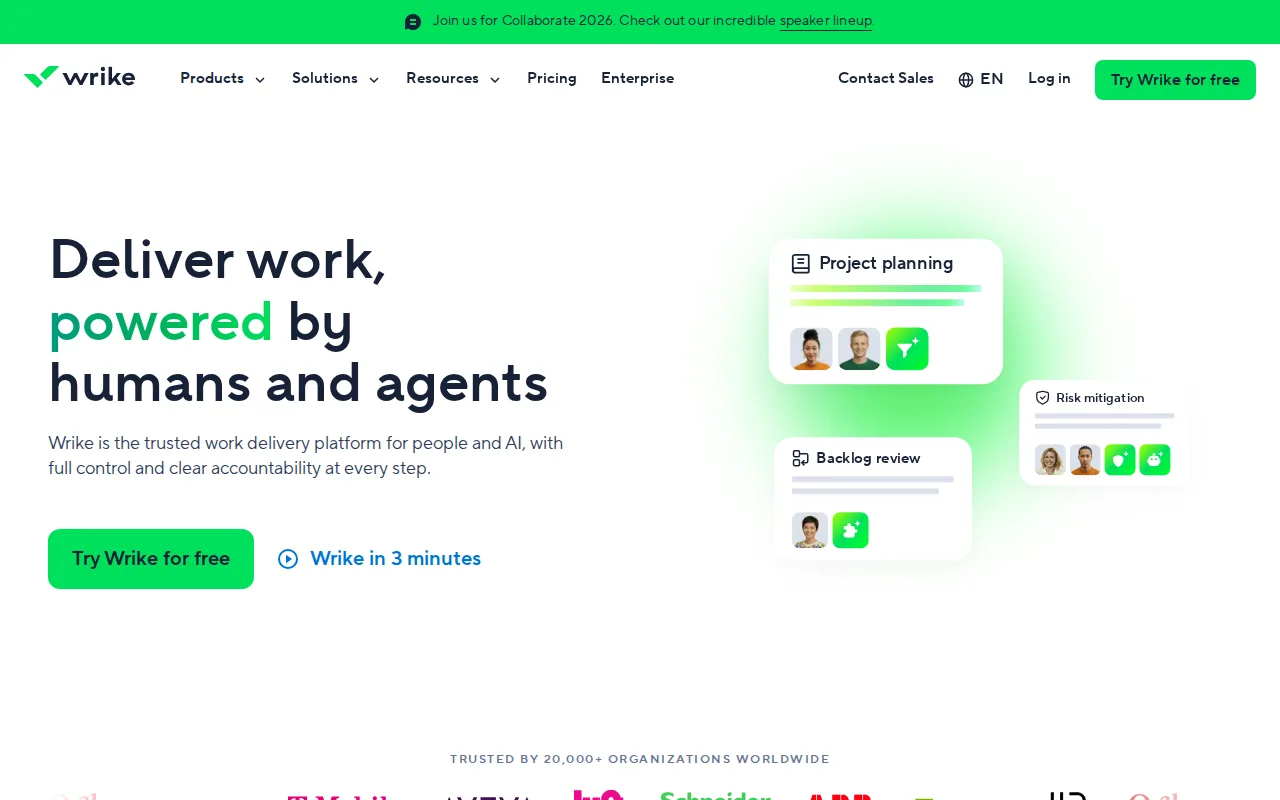
Wrike is the best Smartsheet alternative for cross-functional teams (marketing, product, professional services, IT) that need shared visibility into tasks, timelines, and resourcing across departments, matching Smartsheet's own enterprise PMO positioning at a lower published entry price. Wrike's Free plan supports unlimited users on basic task and project tracking, and its Team tier costs a published $10/user/month billed annually, a self-serve number Smartsheet's own Pro tier doesn't show without starting checkout. Wrike holds a 4.4/5 rating from 3,036 Capterra reviews, close to Smartsheet's own 4.5/5 from 3,538 reviews, and interactive Gantt charts and shareable dashboards are available starting on Wrike's entry-level $10/user/month Team plan, a lower price point than gating those features behind a top-tier plan. Smartsheet is still the better choice for organizations that need the deepest enterprise integration catalog or three consecutive years of Gartner Magic Quadrant Leader recognition: Wrike's two highest tiers, Pinnacle and Apex, require a sales conversation with no published pricing for advanced resource/capacity planning and budgeting, the exact enterprise capabilities that anchor Smartsheet's own standout feature.
Compared to Smartsheet: published self-serve pricing from $10/user/month, interactive Gantt charts and dashboards available from the entry-level Team plan, unlimited users on the free tier
Wins:Free plan supports unlimited users on basic task and project tracking, useful for evaluating broadly before paying · Team tier is a published, self-serve $10/user/month, unlike Smartsheet's unpublished Pro/Business pricing · Interactive Gantt charts and shareable dashboards are available from the entry-level Team plan, not gated to a top tier
Loses:Pinnacle and Apex, the two highest tiers, require a sales conversation with no published pricing for advanced resource/capacity planning and budgeting · Team plan is capped at 15 users, forcing a jump to the pricier Business plan for slightly larger teams · No documented three-year Gartner Magic Quadrant Leader recognition comparable to Smartsheet's
Pros
- Free plan supports unlimited users, useful for evaluating the tool broadly before paying.
- Interactive Gantt charts and dashboards are available from the entry-level $10/user/month Team plan.
- Serves cross-functional use cases well, with templates and workflows for marketing, product, and IT teams alike.
- AI features are being actively expanded across tiers, from AI Essentials on Team to AI Elite on Business and above.
Cons
- Pinnacle and Apex, the two highest tiers, require a sales conversation with no public pricing.
- Advanced resource and capacity planning, and budgeting/financial tracking, are reserved for the custom-priced Pinnacle tier.
- Team plan is capped at 15 users, forcing a jump to the pricier Business plan for slightly larger teams.
- Interface complexity and setup can take longer to learn than simpler task managers like Asana or Trello, per user reviews.
Pricing: Free tier · paid from $10/mo — $10/user/month Team (billed annually) vs Smartsheet's unpublished Pro tier pricing (verified )
5ClickUp — best Smartsheet alternative for small and mid-sized teams that want tasks, docs, chat, and time tracking on one paid seat instead of buying a tracker, a wiki, a chat app, and a timesheet tool separately
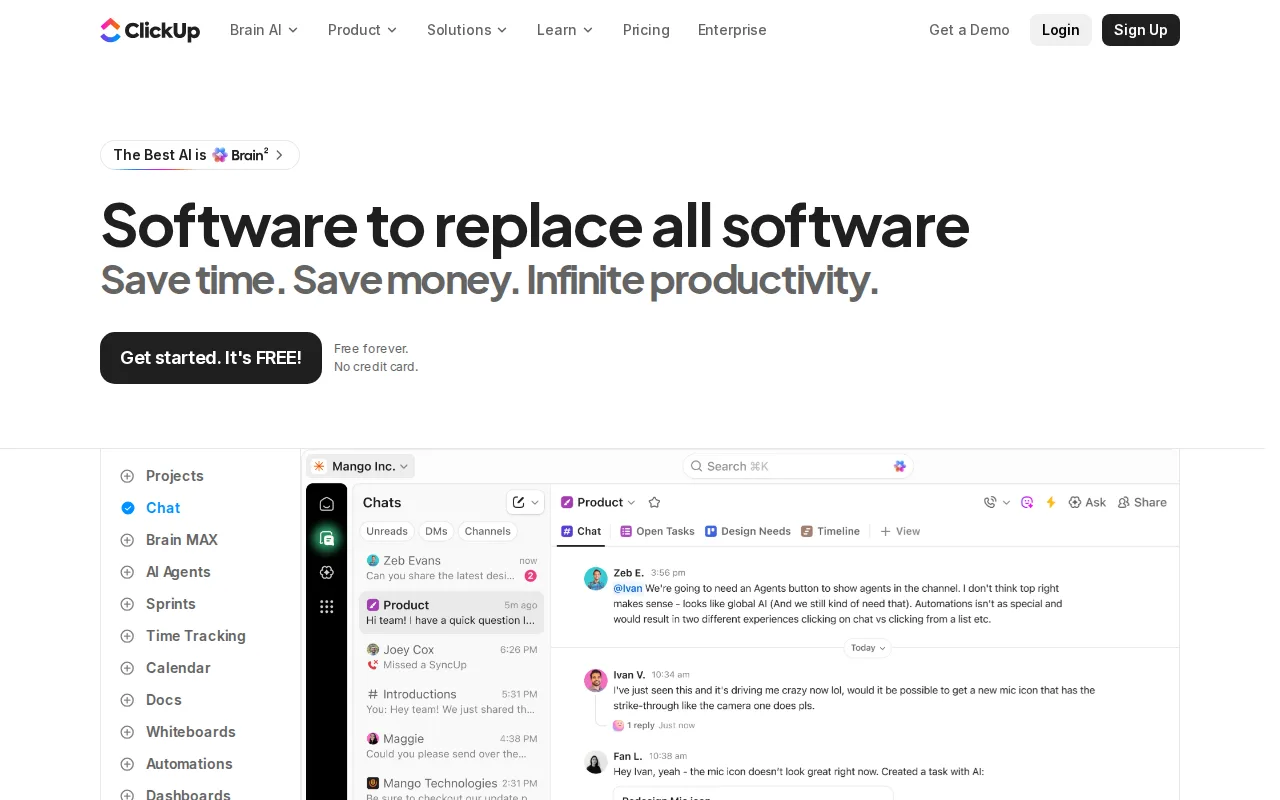
ClickUp is the best Smartsheet alternative for power users who want every workflow knob available in one tool — tasks, docs, whiteboards, goals, and chat combined into a single customizable hierarchy of spaces, folders, and lists. ClickUp's Free Forever plan costs nothing, unlike Smartsheet's trial-only model, and its Unlimited paid tier costs a published $7/month, the cheapest confirmed monthly entry price among all five alternatives compared here. ClickUp holds a 4.7/5 rating from 10,600 G2 reviews and 4.6/5 from 4,500 Capterra reviews, far more combined review volume than Smartsheet's 3,538 Capterra reviews, and custom fields, statuses, and ClickApps give it deeper per-team customization depth than Smartsheet's more structured grid-and-automation model. Smartsheet is still the better choice for enterprise PMOs that want a calmer, more structured interface at scale: ClickUp's feature density overwhelms new users and its steep learning curve contrasts with Smartsheet's more familiar spreadsheet-style grid, and ClickUp's own sourced weaknesses cite a cluttered UI under load and occasional performance hiccups that a large, process-heavy PMO deployment may not tolerate.
Compared to Smartsheet: published self-serve pricing from $7/month, far higher combined G2/Capterra review volume (10,600 + 4,500 vs 3,538), docs, whiteboards, goals, and chat combined into one customizable hierarchy
Wins:Unlimited tier is a published, self-serve $7/month, unlike Smartsheet's unpublished Pro/Business pricing · Combined 10,600 G2 and 4,500 Capterra reviews, far more volume than Smartsheet's 3,538 Capterra reviews · Custom fields, statuses, and ClickApps give it deeper per-team customization depth than Smartsheet's grid model
Loses:Feature density overwhelms new users, a steep learning curve versus Smartsheet's more familiar spreadsheet-style grid · Cluttered UI under load and occasional performance hiccups, per its own sourced weaknesses · No documented three-year Gartner Magic Quadrant Leader recognition comparable to Smartsheet's
Pros
- Free Forever includes unlimited tasks and unlimited members with Kanban boards, sprints, collaborative docs, calendar view, and in-app video recording.
- Unlimited at $7/user/month billed yearly already covers unlimited storage, Gantt charts, integrations, custom fields, and native time tracking.
- One workspace spans tasks, docs and wikis, chat, whiteboards, dashboards, goals, forms, and time tracking, cutting the number of separate subscriptions a team carries.
- Native apps for Windows, macOS, Linux, iOS, and Android plus a Chrome extension and a public API (10,000 calls/minute on Enterprise).
- ClickUp holds 4.6/5 across 4,630 Capterra reviews, 4.1/5 across 687 Trustpilot reviews, and 4.6/5 across 123 Product Hunt reviews.
Cons
- AI is priced on top of the plan at $9/user/month (Brain AI) or $28/user/month (Everything AI), plus $10 per 10,000 AI Super Credits once the allowance runs out.
- Free Forever caps total file storage at 60MB and Spaces at 5, so the free plan stops working for any team that attaches real files.
- Depth comes with per-plan caps on Spaces, lists, folders, automations, and view types — 40 lists per Space on Free, 200 on Unlimited, 400 on Business — so a workspace needs deliberate setup before it is usable.
- Payment is per Workspace and the whole Workspace must upgrade at once; a single team cannot be moved to a paid plan on its own.
Pricing: Free tier · paid from $7/mo — $7/month Unlimited vs Smartsheet's unpublished Pro tier pricing (verified )
Which one is right for you?
- You're a mid-size team coordinating many concurrent projects and want goals, portfolios, and workload viewsAsana
- Your team is non-technical and needs a visual, approachable interface to actually adopt the toolmonday.com
- You've outgrown spreadsheets but need linked records and a database, not a full project-management suiteAirtable
- You coordinate work across marketing, product, IT, and other departments and need shared visibilityWrike
- You want every workflow feature customizable and are willing to accept a steeper learning curveClickUp
- You want the cheapest published, self-serve monthly price among these alternativesmonday.com
Frequently asked questions
Is there a free alternative to Smartsheet?
- Yes — all 5 alternatives listed here (Asana, monday.com, Airtable, Wrike, ClickUp) offer a genuine free tier, unlike Smartsheet, which has no permanent free plan and only a 30-day trial before billing begins.
What is the closest alternative to Smartsheet?
- Wrike is the closest match on positioning: like Smartsheet, it targets cross-functional teams needing shared visibility across departments with Gantt charts and dashboards, though Wrike's Team tier publishes a self-serve $10/user/month price that Smartsheet's own Pro tier doesn't show without checkout.
Can Asana replace Smartsheet?
- Yes for most mid-size teams, since Asana covers goals, portfolios, and workload visibility at a published $10.99/month Starter price with a free Personal tier Smartsheet doesn't offer. Enterprise PMOs that specifically need Smartsheet's Gartner-recognized resource/capacity planning or its 20+ native platform integrations at scale should compare those features directly first.
Which Smartsheet alternative is cheapest?
- monday.com's Basic tier at a published $9/month is the cheapest confirmed paid entry price among the alternatives listed here, followed closely by ClickUp's Unlimited tier at $7/month; Smartsheet's own Pro tier price isn't published without starting checkout.
Which Smartsheet alternative has the most customization for power users?
- ClickUp, with custom fields, statuses, and ClickApps that let teams shape tasks, docs, whiteboards, goals, and chat into one heavily customized hierarchy, though reviewers note the resulting feature density has a steep learning curve.
Why might a team stay on Smartsheet instead of switching to one of these alternatives?
- Smartsheet has been named a Gartner Magic Quadrant Leader for Collaborative Work Management for three consecutive years and connects natively to 20+ platforms including Salesforce, Microsoft, Google, AWS, and Adobe, a specific enterprise-analyst recognition and integration depth none of these five alternatives' listings claim outright.