4 Best Alternatives to Grist in 2026
By Noahlast updated pricing verified

From our data: Combined, the four real alternatives carry 5,077 reviews (Airtable 5,000, Baserow 75, NocoDB 2), more than 460 times Grist's own 11 combined Capterra and Product Hunt reviews — Google Sheets carries no external rating data at all in this comparison.
 Airtable
 NocoDB
 Baserow
 Google Sheets
How we picked
- Two of the four alternatives — NocoDB and Baserow — ship free, open-source self-hosted editions matching Grist's own Community Edition model; Airtable and Google Sheets are cloud-only with no self-hosting option.
- Review volume is dominated by Airtable's combined 5,000 G2 and Capterra reviews, dwarfing Grist's own 11 combined reviews, NocoDB's 2, and Baserow's 75; Google Sheets carries no external rating data at all.
- Pricing is independently verified for Airtable, NocoDB, and Baserow; only Google Sheets' Workspace tier pricing is unverified in this comparison.
- Airtable and Baserow both undercut Grist's per-user Pro price ($8/user/month) at the free tier, but NocoDB and Baserow's paid tiers ($12 and $10/user/month respectively) run slightly above it.
Paid placement never alters editorial rank — read the full methodology.
Grist alternatives at a glance
| Alternative | Best for | Learning curve | Price |
|---|---|---|---|
| Gristreference | teams needing spreadsheet-style data entry with database structure and granular row/column-level access control, especially security-conscious or regulated industries | Moderate | Free tier · paid from $8/mo |
| Airtable | Small-to-midsize teams that need a relational database with a spreadsheet UI to run project trackers, content calendars, or lightweight CRMs without writing code. | Moderate | Free tier · paid from $20/mo |
| NocoDB | teams wanting an Airtable-style spreadsheet interface over a real MySQL/Postgres database, self-hosted for free with no record caps | Moderate | Free tier · paid from $12/mo |
| Baserow | teams that want an Airtable-like no-code database with the option to self-host for free under MIT, avoiding per-user fees at scale | Moderate | Free tier · paid from $10/mo |
| Google Sheets | individuals and small teams who need real-time collaborative spreadsheets synced to cloud storage, without paying for software or managing file versions manually | Low | Free tier · paid from $8.40/mo |
 Grist
Grist1Airtable — best Grist alternative for small-to-midsize teams that need a relational database with a spreadsheet UI to run project trackers, content calendars, or lightweight CRMs without writing code.
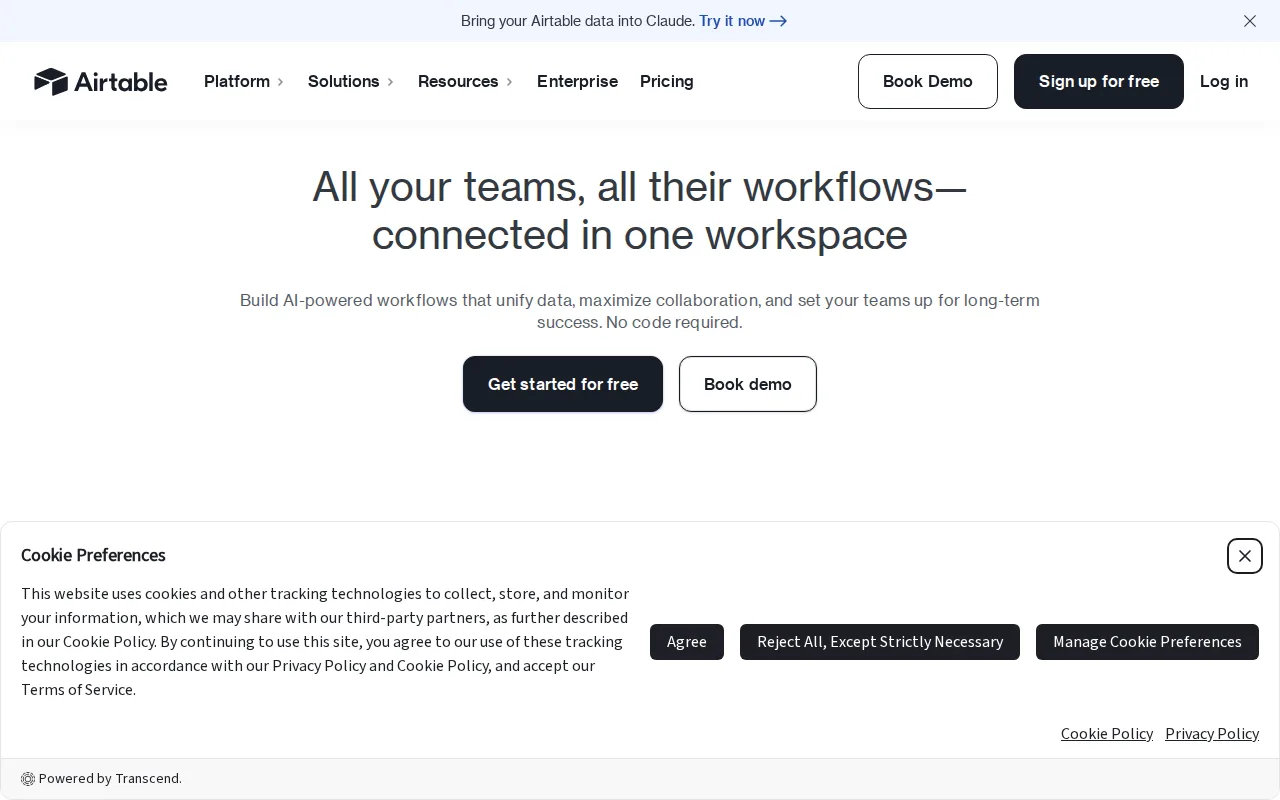
Airtable is the best Grist alternative for teams that want to turn a database into a shareable internal app, using Interface Designer to build dashboards and forms directly on top of linked records, a capability Grist's dashboard and chart tools don't extend to full app-building. Airtable's Free tier costs $0, matching Grist's own free cloud tier, while Team plans run $20/month and Business $45/month, both flat per-workspace prices rather than Grist's per-user model that starts at $8/user/month for Pro. Airtable holds a 4.6/5 rating from 2,900 G2 reviews and a 4.7/5 rating from 2,100 Capterra reviews, a vastly larger combined evidence base than Grist's own 8 Capterra and 3 Product Hunt reviews. Airtable's automations and multiple views (grid, kanban, calendar, gallery) match or exceed Grist's own view options. Grist is still the better choice for teams that need database-grade row- and column-level access control or a genuinely free, unlimited self-hosted option: Airtable has no self-hosting option at all, unlike Grist's open source Community Edition, and its per-base record limits and costs escalating with seats can outpace Grist's free 5,000-record ceiling faster than expected.
Compared to Grist: Interface Designer builds shareable internal apps on top of linked records, 4.6/5 from 2,900 G2 reviews and 4.7/5 from 2,100 Capterra reviews vs Grist's 11 combined reviews, no self-hosting option unlike Grist's open source Community Edition
Wins:Interface Designer builds shareable internal apps directly on top of linked records, a capability Grist's dashboard and chart tools don't extend to full app-building · 4.6/5 from 2,900 G2 reviews and 4.7/5 from 2,100 Capterra reviews, a vastly larger combined evidence base than Grist's own 11 reviews · Flat per-workspace pricing on Team ($20/month) and Business ($45/month), rather than Grist's per-user Pro pricing at $8/user/month
Loses:No self-hosting option at all, unlike Grist's open source Community Edition which can run on a team's own infrastructure for free · No row- or column-level access rules matching Grist's granular permission model · Per-base record limits and costs escalating with seats can outpace Grist's free 5,000-record ceiling faster than expected
Pros
- Relational linking between tables goes well beyond what a flat spreadsheet like Google Sheets can do
- Built-in automations, interfaces, and reporting reduce the need for separate tools for simple internal apps
- Free plan is usable for individuals and very small teams before any payment is required
- Native integrations with Slack, Google Drive, Salesforce, Jira, and Zendesk plus a documented REST API for custom work
Cons
- Per-editor seat pricing gets expensive fast once a team grows past a handful of active editors
- Free and Team tiers cap records and attachments per base, forcing upgrades as data volume grows
- Enterprise-grade features (SSO, advanced RBAC, unlimited workspaces) are locked behind custom-quoted Enterprise Scale pricing
- Complex bases with many linked tables and automations can become hard to navigate for new users
Pricing: Free tier · paid from $20/mo — Free tier ($0, same as Grist's free cloud tier), Team $20/month, Business $45/month vs Grist's Pro at $8/user/month (verified )
2NocoDB — best Grist alternative for teams wanting an Airtable-style spreadsheet interface over a real MySQL/Postgres database, self-hosted for free with no record caps
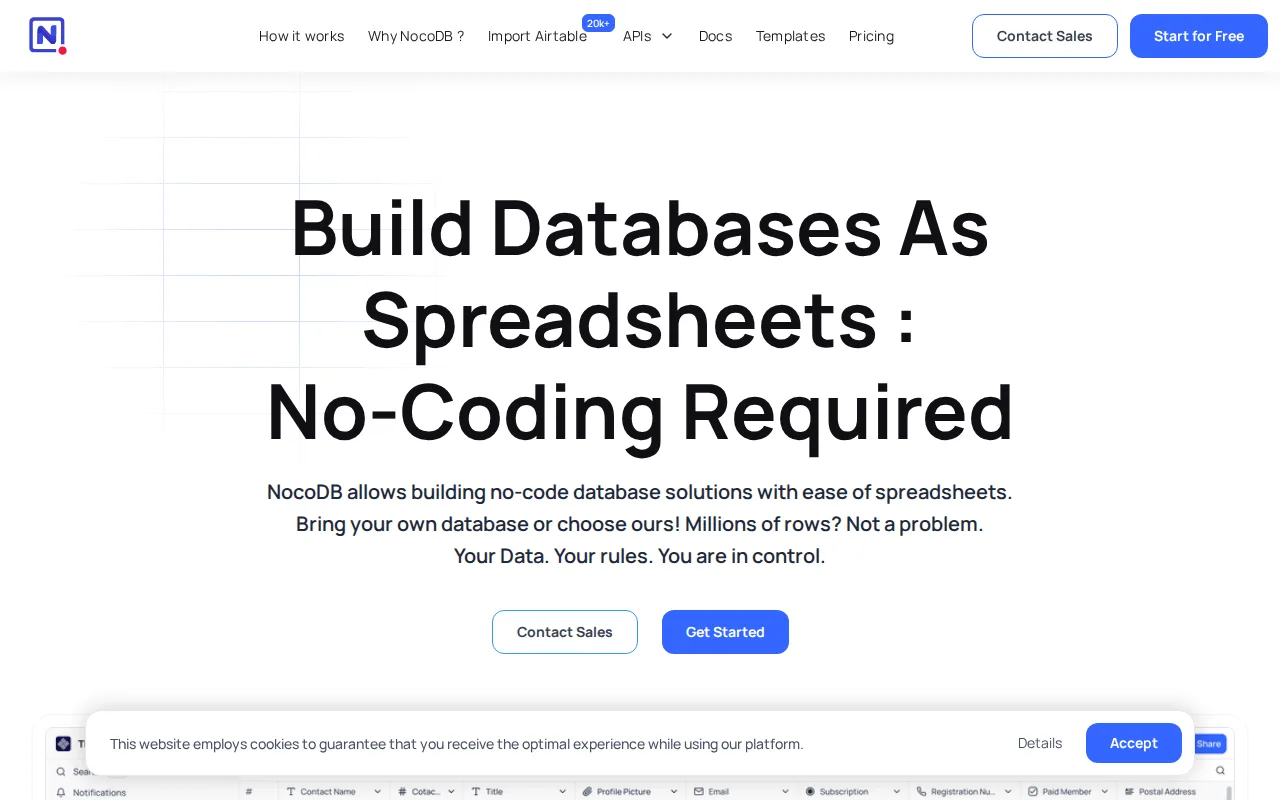
NocoDB is the best Grist alternative for teams that want a spreadsheet-style interface over a database they already run, connecting directly to an existing MySQL or PostgreSQL database rather than Grist's own document-based storage. Like Grist, NocoDB ships a genuinely free, open-source self-hosted Community edition, though NocoDB's self-hosted tier has no record cap at all, while Grist's free cloud tier caps out at 5,000 records per document. NocoDB presents data as Grid, Kanban, Gallery, Form, and Calendar views, more view types than Grist's own dashboard-and-chart toolset. Cloud-hosted plans start at $12/user/month for Plus, close to Grist's own Pro tier at $8/user/month. NocoDB's outside rating comes from just 2 Product Hunt reviews, thinner even than Grist's own 8 Capterra and 3 Product Hunt reviews. Grist is still the better choice for teams that specifically need row- and column-level access rules from the start: NocoDB reserves row-level security for its higher-priced Scale tier at $45/user/month, while Grist includes granular row and column permissions starting on its $8/user/month Pro tier, and self-hosting NocoDB's unlimited Community edition still requires managing your own Docker deployment, backups, and upgrades.
Compared to Grist: free open-source self-hosted Community edition with no record cap vs Grist's 5,000-record free tier cap, connects directly to an existing MySQL or PostgreSQL database instead of document-based storage, row-level security reserved for the $45/user/month Scale tier above Grist's $8/user/month Pro tier
Wins:Self-hosted Community edition is free forever with unlimited records, storage, and seats, beyond Grist's own free cloud tier's 5,000-record cap · Connects directly to an existing MySQL or PostgreSQL database rather than requiring data to live in Grist's own document format · More view types out of the box (Grid, Kanban, Gallery, Form, Calendar) than Grist's dashboard-and-chart toolset
Loses:Row-level security is reserved for the higher-priced Scale tier at $45/user/month, while Grist includes granular row and column permissions starting on its $8/user/month Pro tier · Self-hosting the unlimited Community edition still requires managing your own Docker deployment, backups, and upgrades · Outside rating comes from just 2 Product Hunt reviews, thinner even than Grist's own 11 combined reviews
Pros
- Self-hosted Community edition is free forever with unlimited records, storage, and seats.
- Connects directly to an existing MySQL or PostgreSQL database instead of requiring data migration into a proprietary format.
- Multiple views (Grid, Kanban, Gallery, Form, Calendar) over the same underlying data.
- Over 63,000 GitHub stars and an active open-source community driving development.
Cons
- Sustainable Use License is fair-source, not OSI-approved open source, unlike fully permissively-licensed alternatives.
- Free cloud tier is capped at 1,000 records and 1 GB storage, far below the unlimited self-hosted Community edition.
- Self-hosting requires managing your own Docker infrastructure, updates, and backups.
- Higher paid tiers (Scale at $45/user/month) get expensive quickly for teams needing SSO or row-level security at scale.
Pricing: Free tier · paid from $12/mo — Free self-hosted (unlimited) or free cloud tier (1,000 records) vs Grist's free cloud tier (5,000 records); Plus from $12/user/month vs Grist's Pro at $8/user/month (verified )
3Baserow — best Grist alternative for teams that want an Airtable-like no-code database with the option to self-host for free under MIT, avoiding per-user fees at scale
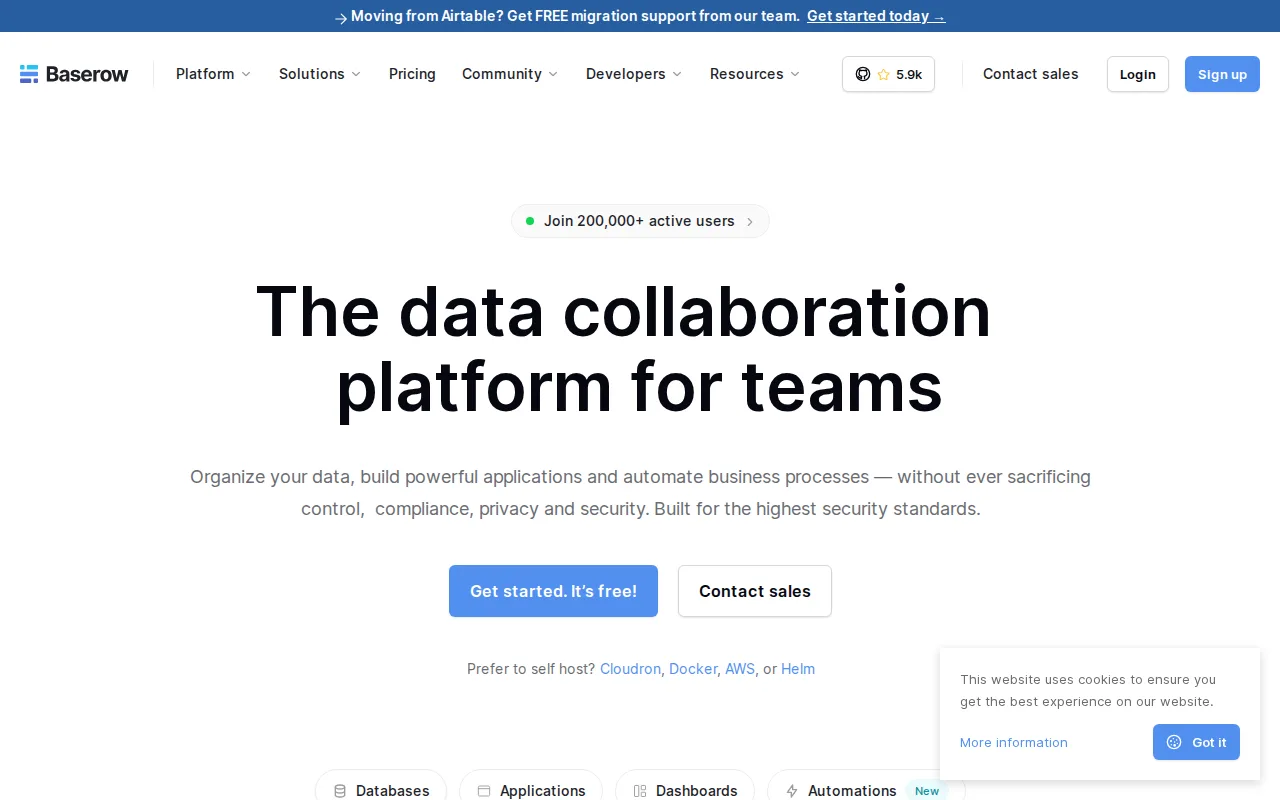
Baserow is the best Grist alternative for teams that want a no-code database they can self-host under a fully permissive MIT license with no per-user fees, unlike Grist's open-core Community Edition model. Baserow's cloud Free tier covers 3,000 rows per workspace and 2GB of storage, while Premium adds AI-assisted database building through its Kuma assistant for $10/user/month billed yearly, close to Grist's own Pro tier at $8/user/month. Baserow offers more view types out of the box — Grid, Kanban, Calendar, Timeline, Form, Gallery, and Survey — than Grist's dashboard-and-chart toolset. Baserow holds a 4.7/5 rating from 69 Capterra reviews and a 5.0/5 rating from 6 Product Hunt reviews, a larger combined sample than Grist's own 8 Capterra and 3 Product Hunt reviews. Grist is still the better choice for teams that need granular row- and column-level access control from the free tier up: Baserow's self-hosted deployments lose premium features like the Kuma AI assistant, advanced permissions, and audit logs unless paired with a commercial license, while Grist's row and column access rules are a core feature of its Pro tier rather than an enterprise add-on.
Compared to Grist: MIT-licensed core self-hosts free with no per-user fees, more view types (Grid, Kanban, Calendar, Timeline, Form, Gallery, Survey) than Grist's dashboard-and-chart toolset, 4.7/5 from 69 Capterra and 5.0/5 from 6 Product Hunt reviews vs Grist's 11 combined
Wins:MIT-licensed core self-hosts for free with no per-user fees at all, a more permissive baseline than Grist's open-core Community Edition · More view types out of the box (Grid, Kanban, Calendar, Timeline, Form, Gallery, Survey) than Grist's dashboard-and-chart toolset · 4.7/5 from 69 Capterra reviews and 5.0/5 from 6 Product Hunt reviews, a larger combined sample than Grist's 11 reviews
Loses:Self-hosted deployments lose premium features like the Kuma AI assistant, advanced permissions, and audit logs unless paired with a commercial license · No row- or column-level access rules matching Grist's granular permission model; Baserow's access control is coarser · Free and Premium cloud tiers (3,000 and 50,000 rows) can be more restrictive than Grist's free 5,000-record ceiling depending on row width
Pros
- MIT-licensed core is genuinely free to self-host with no per-user fees.
- Multiple view types (Grid, Kanban, Calendar, Timeline, Form, Gallery, Survey) cover most no-code database use cases.
- Automations and an app builder are included alongside the core database, reducing the need for separate tools.
- GDPR, HIPAA, and SOC 2 compliance available on the managed cloud offering.
Cons
- Premium features like the Kuma AI assistant, advanced permissions, and audit logs are withheld from the free self-hosted edition.
- Row and storage limits on the Free and Premium cloud tiers (3,000 and 50,000 rows respectively) can be restrictive for larger datasets.
- Enterprise pricing is not published and requires a sales conversation.
- Smaller third-party integration and template ecosystem than Airtable's much larger, longer-established marketplace.
Pricing: Free tier · paid from $10/mo — Free self-hosted (MIT) or free cloud tier (3,000 rows) vs Grist's free cloud tier (5,000 records); Premium from $10/user/month vs Grist's Pro at $8/user/month (verified )
4Google Sheets — best Grist alternative for individuals and small teams who need real-time collaborative spreadsheets synced to cloud storage, without paying for software or managing file versions manually
Google Sheets is the best Grist alternative for individuals and small teams who want a completely free, real-time collaborative spreadsheet bundled with any Google Account, without Grist's per-document record caps or per-user Pro pricing. Google Sheets is free for personal use with 15GB of storage shared across Gmail, Drive, and Photos, and true real-time multi-user editing with live cursors, a collaboration model Grist also supports but without Sheets' massive existing user base. Business use requires a Google Workspace plan starting around $8.40/user/month, close to Grist's own Pro tier at $8/user/month, though Google Sheets integrates natively with Grist itself as a connector for teams that outgrow spreadsheet-only workflows. Google Sheets carries no external rating data in this comparison, unlike Grist's own 4.9/5 from 8 Capterra reviews and 5.0/5 from 3 Product Hunt reviews. Grist is still the better choice for teams that need database-grade structure, row- and column-level access rules, or a Python-powered formula engine: Google Sheets' performance degrades noticeably on very large or formula-heavy spreadsheets, and it offers no granular per-record permission model the way Grist's row- and column-level access rules do.
Compared to Grist: free for personal use with real-time multi-user editing and no per-document record cap, Google Workspace business tier from about $8.40/user/month close to Grist's Pro at $8/user/month, no row/column access rules or Python formula engine matching Grist's core differentiators
Wins:Free for personal use with no per-document record cap, unlike Grist's free cloud tier which caps out at 5,000 records · Massive existing user base and native integration with Google Forms, Drive, and Apps Script · Real-time multi-user editing with live cursors, a collaboration model as fluid as Grist's own
Loses:No row- or column-level access rules; permissions are file- or tab-level only, far coarser than Grist's granular model · No Python-powered formula engine; Sheets' formula language is less powerful for relational data modeling · Performance degrades noticeably on very large or formula-heavy spreadsheets, a problem Grist's database-grade structure is built to avoid
Pros
- Free for personal use with any Google Account, no software purchase required.
- True real-time multi-user editing with live cursors, unlike file-lock-based collaboration in older spreadsheet tools.
- Built-in Gemini AI generates formulas and summarizes data ranges directly in the sheet.
- Apps Script enables custom automation and add-ons without external tooling.
Cons
- Performance slows noticeably on very large or formula-heavy spreadsheets compared to desktop Excel.
- Full functionality requires an internet connection; offline mode is limited and must be enabled per file in Chrome.
- Advanced statistical and financial functions lag behind Excel's depth.
- Business use requires a paid Google Workspace plan for pooled storage and admin controls beyond the free 15GB.
Pricing: Free tier · paid from $8.40/mo — Free for personal use, or Google Workspace Business Starter from about $8.40/user/month vs Grist's free cloud tier or Pro at $8/user/month
Which one is right for you?
- You want to build a shareable internal app on top of your databaseAirtable
- You already run MySQL or Postgres and want a spreadsheet view on top of itNocoDB
- You want unlimited free self-hosted records with no per-user fees at allBaserow
- You want a completely free, real-time collaborative spreadsheet for personal useGoogle Sheets
- You need a genuinely free self-hosted database with no record capNocoDB
- You want the largest third-party review base to validate your choiceAirtable
Frequently asked questions
What is the best free alternative to Grist?
- Airtable, NocoDB, Baserow, and Google Sheets all offer free tiers matching or exceeding Grist's own free cloud plan. NocoDB and Baserow go further, shipping free, open-source self-hosted editions with no record cap, the same self-hosting model Grist itself offers through its Community Edition.
Is Airtable better than Grist?
- Airtable adds Interface Designer for building shareable internal apps on top of linked records, and holds a much larger combined review base (4.6/5 from 2,900 G2 reviews, 4.7/5 from 2,100 Capterra reviews) than Grist's own 11 reviews. Airtable has no self-hosting option though, unlike Grist's open source Community Edition, and lacks Grist's row- and column-level access rules.
Can I self-host a Grist alternative?
- Yes: NocoDB and Baserow both ship free, self-hostable editions — NocoDB's Community edition has no record cap, and Baserow's MIT-licensed core has no per-user fees — matching the self-hosting model Grist itself offers through its own open source Community Edition.
Which Grist alternative connects to an existing database?
- NocoDB connects directly to an existing MySQL or PostgreSQL database and presents it as a spreadsheet-style grid, rather than requiring data to live in Grist's own document format. Cloud-hosted plans start at $12/user/month if you don't want to self-host.
What's a good free alternative to Grist for personal spreadsheets?
- Google Sheets is free for personal use with no per-document record cap and real-time multi-user editing bundled into any Google Account. It lacks Grist's row- and column-level access rules and Python formula engine though, so it's better suited to simpler spreadsheet work than relational data modeling.