4 Best Alternatives to ScreenPal in 2026
By Noahlast updated pricing verified

From our data: 2 of the 4 listed alternatives to ScreenPal carry an external rating on file — Camtasia at 4.5/5 from 453 Capterra reviews and Loom at 4.7/5 from 529 Capterra reviews — both above ScreenPal's own 4.4/5 score from 102 Capterra reviews, while OBS Studio and Vidyard have no external rating recorded at all.
 Camtasia
 Loom
Loom OBS Studio
 Vidyard
How we picked
- External ratings are on file for two of the four alternatives: Camtasia holds 4.5/5 from 453 Capterra reviews and Loom holds 4.7/5 from 529 Capterra reviews, both fetched 2026-08-21, close to ScreenPal's own 4.4/5 score from 102 Capterra reviews fetched the same day; OBS Studio and Vidyard carry no external rating on file at all.
- Every priced tier here carries a 2026-08-21 verification timestamp except Vidyard, whose Starter, Teams, and Enterprise tiers show no verification date at all, since none of the three publish a dollar figure on the site.
- Three of the four alternatives — Loom, OBS Studio, and Vidyard — offer a free tier, matching ScreenPal's own free plan; Camtasia is the exception, with no free tier, since its cheapest Starter tier is a paid $39/year plan rather than a genuine free tier.
- ScreenPal shows zero likes and zero uses recorded in our listing data, the same baseline as every alternative compared here, so on-platform engagement signals could not inform the ranking; the comparison instead relies on the pricing, platform, and rating data actually documented for each product.
Paid placement never alters editorial rank — read the full methodology.
ScreenPal alternatives at a glance
| Alternative | Best for | Learning curve | Price |
|---|---|---|---|
| ScreenPalreference | educators, corporate trainers, and support teams recording short tutorial and how-to videos who want built-in AI captioning without a separate video editor | Low | Free tier · paid from $3/mo |
| Camtasia | corporate trainers, educators, and software marketers producing tutorial and course videos from screen recordings, not general-purpose video editors | Moderate | From $39/yr |
| Loom | product, engineering, and customer-facing teams replacing routine live meetings or long written explanations with short async screen-recording videos | Low | Free tier · paid from $18/mo |
| OBS Studio | streamers and content creators who want a free, unlimited-scene streaming and recording tool without subscription fees or watermarks | Moderate | Free |
| Vidyard | sales and marketing reps who want to send trackable, personalized video messages through their CRM and email tools instead of generic text outreach | Low | Free |
 ScreenPal
1Camtasia — best ScreenPal alternative for corporate trainers, educators, and software marketers producing tutorial and course videos from screen recordings, not general-purpose video editors
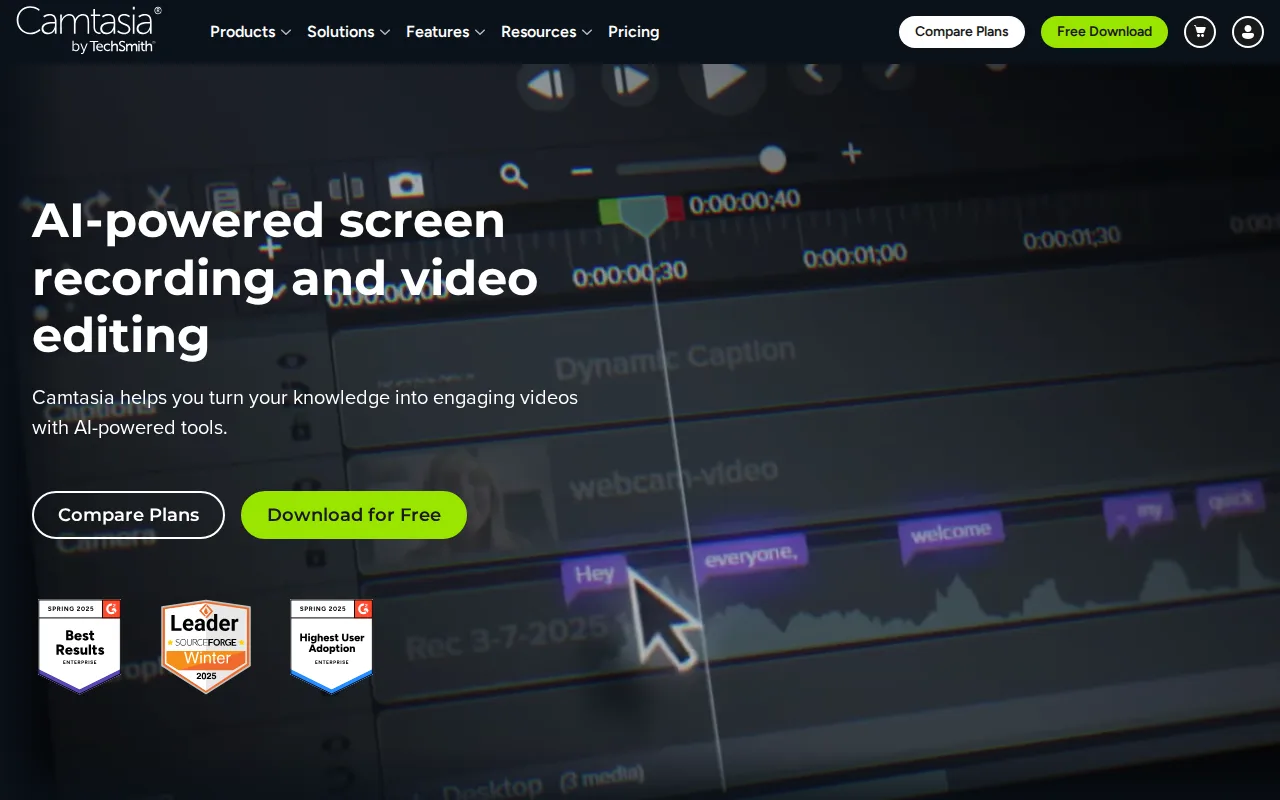
Camtasia is the best ScreenPal alternative for corporate trainers, educators, and software marketers who need a dedicated video editor with text-based editing and AI voiceover rather than ScreenPal's recorder-first, editing-secondary approach. Camtasia holds a 4.5/5 rating from 453 Capterra reviews, a larger sample than ScreenPal's 4.4/5 score from 102 Capterra reviews. Camtasia's text-based editing lets creators cut a screen recording by editing its auto-generated transcript instead of scrubbing a timeline, and its Create tier adds AI voiceover with 200+ voice options, capabilities beyond ScreenPal's own AI transcript, caption, and summary tools. Camtasia's entry Starter tier runs $39/year, close to ScreenPal's cheapest paid tier at $3/month ($36/year), but Starter still watermarks exports, so watermark-free output requires the pricier $179.88/year Essentials tier, a much steeper jump than ScreenPal's $3-to-$7.50/month path to full editing and AI captioning. Camtasia runs natively on Windows and macOS only, plus a browser-based version, while ScreenPal additionally ships iOS and Android apps. ScreenPal remains the better choice for anyone who wants interactive elements built into hosted video: ScreenPal's quizzes, polls, and clickable buttons embedded directly in hosted videos have no equivalent described in Camtasia's listing, and ScreenPal's permanently free plan supports real recording and editing rather than Camtasia's fully paid, subscription-only model with no free tier for the editor itself.
Compared to ScreenPal: 4.5/5 rating from 453 Capterra reviews vs ScreenPal's 4.4/5 from 102 reviews, text-based transcript editing and 200+ AI voiceover options vs ScreenPal's AI transcripts/captions/summaries only, Starter tier still watermarks exports until the $179.88/year Essentials tier vs ScreenPal's $3-$7.50/month path to full editing
Wins:4.5/5 rating from 453 Capterra reviews, a larger sample than ScreenPal's 102 reviews · Text-based editing (cut video by editing a transcript) and AI voiceover with 200+ voice options, tools not described in ScreenPal's own listing
Loses:Entry Starter tier ($39/year) still watermarks exports; watermark-free output requires the $179.88/year Essentials tier, a steeper jump than ScreenPal's $3-to-$7.50/month path · No iOS or Android app, unlike ScreenPal, which runs on Windows, macOS, iOS, Android, and the web from one account · No permanently free tier for real recording and editing, unlike ScreenPal's free plan that supports actual use, not just a trial
Pros
- Text-based editing turns screen recordings into a transcript you can cut like a document, instead of frame-by-frame timeline work.
- Multitrack recording captures screen, webcam, system audio, and microphone as separate editable tracks.
- AI voiceover with 200+ voice options and script translation reduce the need for a separate narrator or dubbing tool.
- 14-day money-back guarantee and live chat support included on every paid plan.
Cons
- Entry-level Starter tier ($39/year) still watermarks exports; watermark-free output requires Essentials at $179.88/year.
- Four separate annual tiers with meaningfully different feature sets make it easy to buy the wrong one for your use case.
- No perpetual-license option remains for new customers; every tier is an annual subscription.
- Performance can slow on longer, effect-heavy multitrack timelines.
Pricing: From $39/yr — $39/year (Starter, watermarked) to $599/year (Pro) vs ScreenPal's $3-$8/month ($36-$96/year) range across Solo Deluxe, Solo Max, and Team Business (verified )
2Loom — best ScreenPal alternative for product, engineering, and customer-facing teams replacing routine live meetings or long written explanations with short async screen-recording videos
Loom is the best ScreenPal alternative for product, engineering, and customer-facing teams that want to replace live meetings with short async video messages rather than ScreenPal's longer-form tutorial and training focus. Loom holds a 4.7/5 rating from 529 Capterra reviews, edging out ScreenPal's own 4.4/5 score from 102 Capterra reviews. Loom's free Starter tier supports up to 50 workspace members, more generous than ScreenPal's free tier, which caps recordings at 15 minutes and 720p, though Loom's own free tier caps recordings at just 5 minutes versus ScreenPal's 15-minute free cap. Since Atlassian's 2023 acquisition, Loom integrates natively with Jira, converting a recorded walkthrough directly into a ticket with technical details auto-extracted, an integration ScreenPal's listing doesn't describe. Loom's Business tier costs $18/user/month, well above ScreenPal's Team Business tier at $8/user/month, and Business + AI runs $24/user/month for meeting recaps and filler-word removal, features ScreenPal's own AI tools (transcripts, captions, chapters, summaries) approach differently at a lower price point. ScreenPal remains the better choice for anyone recording longer tutorial or training content: Loom's free tier caps individual recordings at just 5 minutes, a third of ScreenPal's 15-minute free cap, and Loom's interactive quiz and poll features embedded in hosted videos have no equivalent described in its own listing, unlike ScreenPal's built-in video quizzes.
Compared to ScreenPal: 4.7/5 rating from 529 Capterra reviews vs ScreenPal's 4.4/5 from 102 reviews, native Jira ticket creation from recorded walkthroughs vs nothing comparable in ScreenPal's listing, Business tier at $18-24/user/month vs ScreenPal's Team Business at $8/user/month
Wins:4.7/5 rating from 529 Capterra reviews, a larger sample than ScreenPal's 102 reviews · Native Jira ticket creation from a recorded walkthrough since the Atlassian acquisition, an integration not described in ScreenPal's listing · Free Starter tier supports up to 50 workspace members, broader than ScreenPal's free-tier scope
Loses:Free tier caps individual recordings at just 5 minutes, a third of ScreenPal's 15-minute free cap · Business tier costs $18/user/month and Business + AI costs $24/user/month, well above ScreenPal's $8/user/month Team Business tier · No interactive quizzes or polls embedded in hosted video described in its listing, unlike ScreenPal's built-in video quizzes
Pros
- Records and generates a shareable link in seconds, with no export or upload step.
- Native Jira ticket creation from a recorded walkthrough since the Atlassian acquisition.
- Transcriptions and captions in 50+ languages included even on paid tiers.
- Edit-by-transcript (Business + AI) lets you trim video by deleting text instead of scrubbing a timeline.
Cons
- Free tier is capped at 5-minute recordings and 25 videos per person, too limited for regular use.
- AI features (meeting recaps, filler-word removal) require the pricier Business + AI tier at $24/user/month.
- No offline or local-only recording mode; videos upload to Loom's cloud by default.
- Per-seat pricing adds up quickly for larger teams compared with ad hoc recording tools.
Pricing: Free tier · paid from $18/mo — $18/user/month (Business) to $24/user/month (Business + AI) vs ScreenPal's $3-$8/user/month range across Solo Deluxe, Solo Max, and Team Business (verified )
3OBS Studio — best ScreenPal alternative for streamers and content creators who want a free, unlimited-scene streaming and recording tool without subscription fees or watermarks
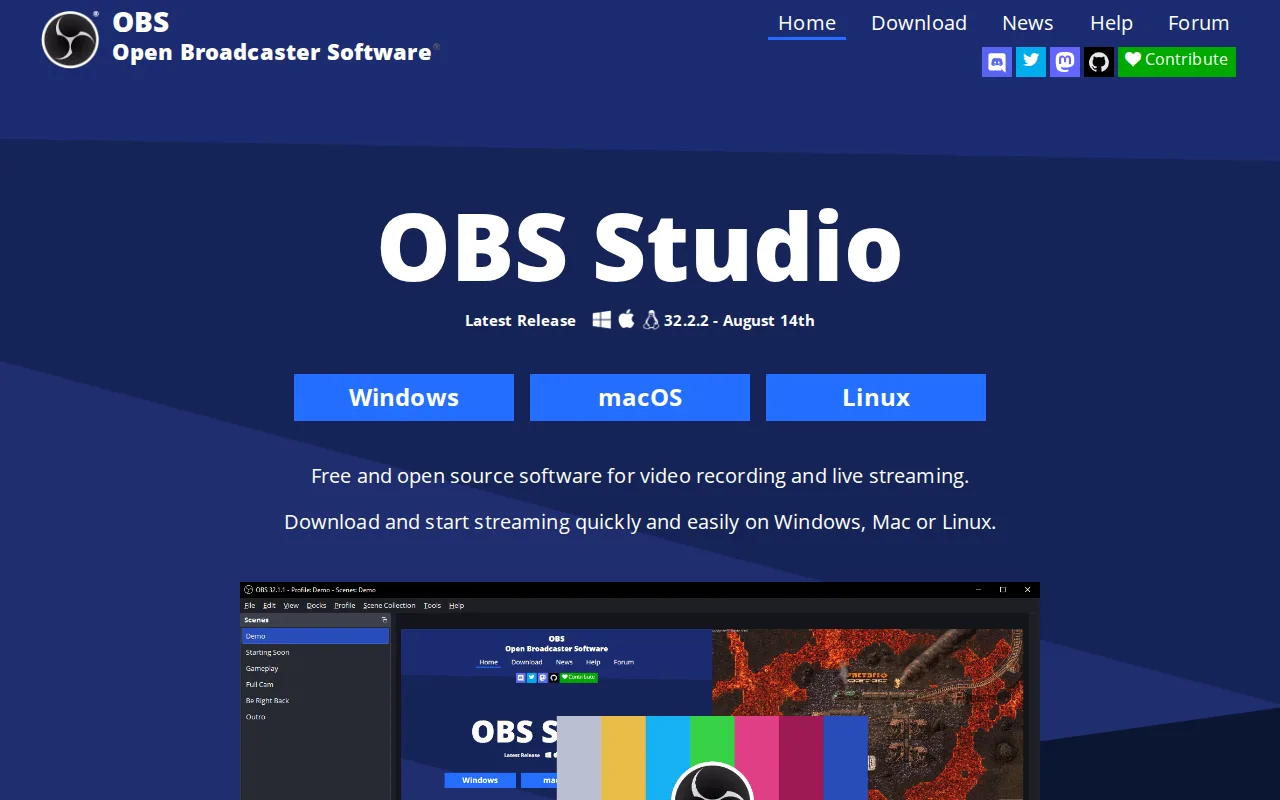
OBS Studio is the best ScreenPal alternative for streamers and content creators who want completely free, open-source screen recording and live streaming with no subscription tier at all, unlike ScreenPal's freemium model that caps free recordings at 15 minutes and 720p. OBS Studio is licensed GPL-2.0 with unlimited customizable scenes, real-time transitions, and a professional audio mixer with VST plugin support, all at $0 with no watermark or account requirement, while ScreenPal's paid Solo Deluxe and Solo Max tiers run $3 to $7.50/month for unlimited recording length and AI captioning. OBS Studio streams directly to platforms like Twitch and YouTube, a live-streaming capability not described in ScreenPal's own listing, which focuses on recording, editing, and hosting rather than live broadcast. OBS Studio runs on Windows, macOS, and Linux, though it lacks ScreenPal's iOS and Android apps. ScreenPal remains the better choice for anyone who wants built-in AI transcripts, captions, chapters, and video summaries, or interactive quizzes and polls embedded in hosted videos: none of these AI or interactivity features are described in OBS Studio's listing, and OBS Studio's initial setup (scene collections, encoder settings, audio routing) has a real learning curve compared to ScreenPal's low learning curve rating.
Compared to ScreenPal: completely free ($0) with no watermark or subscription vs ScreenPal's $3-$8/month paid tiers for unlimited recording, live streaming to Twitch and YouTube vs nothing comparable in ScreenPal's listing, no AI transcripts, captions, or interactive quizzes vs ScreenPal's built-in AI and quiz tools
Wins:Completely free and open source (GPL-2.0) with unlimited scenes and no watermark, subscription, or account requirement, unlike ScreenPal's $3-$8/month paid tiers for unlimited recording · Live streaming directly to platforms like Twitch and YouTube, a capability not described in ScreenPal's listing · Professional audio mixer with per-source filters and VST plugin support
Loses:No AI-generated transcripts, captions, chapters, or video summaries described in its listing, unlike ScreenPal's built-in AI toolset · No interactive quizzes, polls, or clickable buttons embedded in hosted video, unlike ScreenPal's built-in video quizzes · No iOS or Android app, unlike ScreenPal, which runs on Windows, macOS, iOS, Android, and the web · Real learning curve for initial setup (scene collections, encoder settings, audio routing) versus ScreenPal's low learning curve rating
Pros
- Completely free and open source with no watermark, subscription, or account requirement.
- Unlimited scenes and sources, including windows, monitors, webcams, capture cards, browser sources, and text.
- Professional audio mixer with per-source filters and VST plugin support.
- Extensible through Lua and Python scripting and a large third-party plugin ecosystem.
Cons
- No built-in guided setup wizard or overlay store, unlike paid competitors such as Streamlabs.
- Initial configuration of encoders, scenes, and audio routing has a real learning curve for first-time streamers.
- No official cloud backup or sync for scene collections and settings across machines.
- Community-driven support (forums, Discord) rather than dedicated commercial customer support.
Pricing: Free — $0, completely free with no paid tier, vs ScreenPal's $3-$8/user/month range across Solo Deluxe, Solo Max, and Team Business (verified )
4Vidyard — best ScreenPal alternative for sales and marketing reps who want to send trackable, personalized video messages through their CRM and email tools instead of generic text outreach
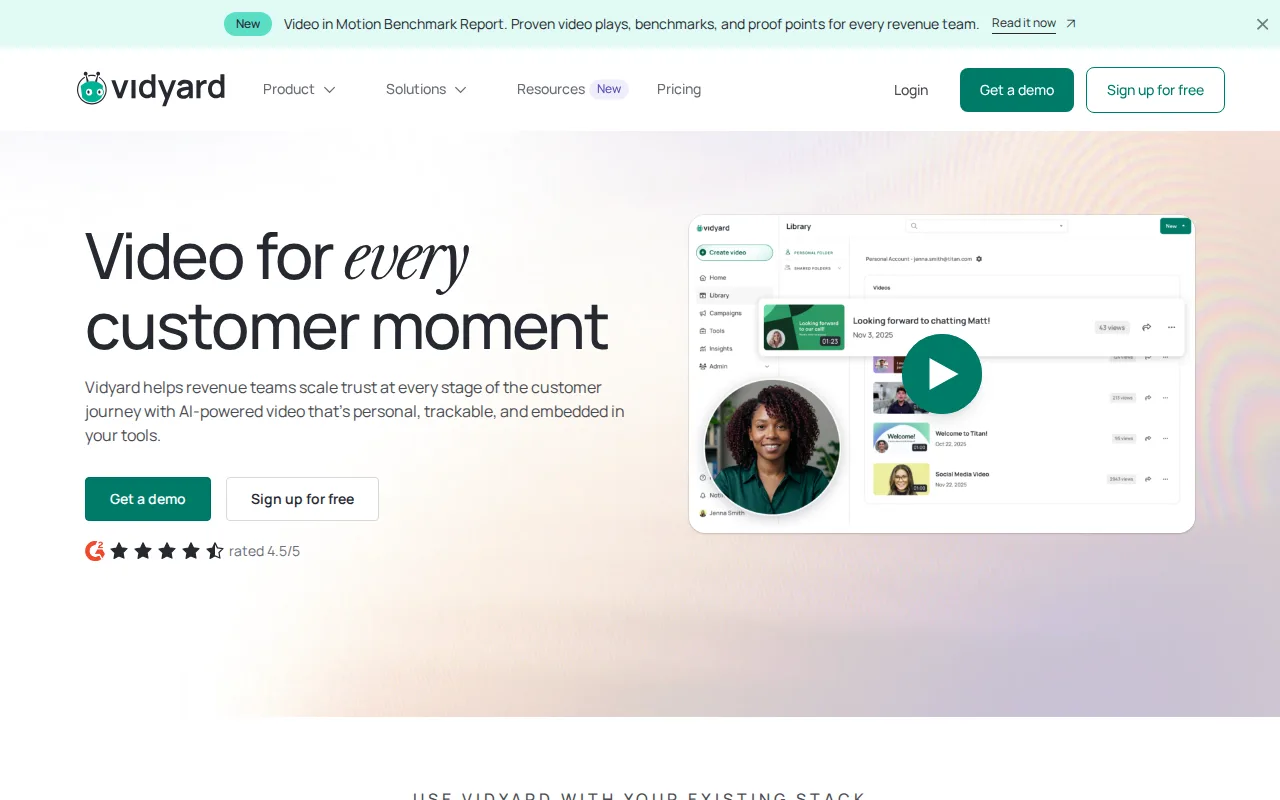
Vidyard is the best ScreenPal alternative for sales and marketing reps who want trackable, personalized video messages with engagement analytics tied to a CRM, a revenue-focused use case ScreenPal's education and training focus doesn't address. Vidyard's AI Avatar feature lets a rep record one video and generate localized or personalized variants at scale, and Video Agent automates trigger-based video sequences, capabilities beyond ScreenPal's AI transcript, caption, and summary tools. Vidyard integrates with more than 50 sales and marketing tools including Salesforce, HubSpot, Gong, and Salesloft, a deeper CRM-specific integration set than ScreenPal's listing describes. Both products offer a free tier, but Vidyard's caps recording at just 5 videos per month and 15 AI videos, tighter than ScreenPal's free tier, which allows 10 hosted videos with recordings up to 15 minutes each. Vidyard ships native iOS and Android apps for on-the-go recording, matching ScreenPal's own mobile coverage. ScreenPal remains the better choice for anyone who wants transparent, published pricing: Vidyard's Starter-tier price is not published on its site and requires a trial or sales contact to learn the actual monthly cost, unlike ScreenPal, which publishes its Solo Deluxe ($3/month), Solo Max ($7.50/month), and Team Business ($8/user/month) rates plainly, and neither Vidyard nor ScreenPal carries an external rating on file, so track record can't break the tie either way.
Compared to ScreenPal: AI Avatar and Video Agent for automated, personalized outreach vs ScreenPal's AI transcripts, captions, and summaries, 50+ CRM and sales tool integrations vs ScreenPal's narrower listing, Starter-tier pricing not published vs ScreenPal's plainly listed $3-$8/month tiers
Wins:AI Avatar and Video Agent let a single recording scale into personalized, automated video outreach at scale, capabilities beyond ScreenPal's AI transcript and caption tools · 50+ integrations with sales and marketing tools including Salesforce, HubSpot, Gong, and Salesloft, a deeper CRM-specific integration set than ScreenPal's listing describes
Loses:Free plan caps recording at just 5 videos per month, tighter than ScreenPal's free tier, which allows 10 hosted videos with recordings up to 15 minutes each · Starter-tier pricing is not published on the site; buyers must start a trial or contact sales, unlike ScreenPal's plainly published $3-$8/month rates · No external rating on file, the same gap as ScreenPal's own listing, so neither track record can settle this comparison
Pros
- Free plan available with no credit card required for basic video recording and sharing.
- Deep integrations with 50+ sales and marketing tools including Salesforce, HubSpot, Gong, and Salesloft.
- AI Avatar and Video Agent features let a single recording scale into personalized, automated outreach.
- Native iOS and Android apps make on-the-go recording straightforward for field sales reps.
Cons
- Starter-tier pricing is not published; prospective buyers must trial or contact sales to see actual monthly cost.
- Free plan is capped at 5 recorded videos per month, tight for active sales reps.
- Teams and Enterprise tiers require custom quotes rather than transparent self-serve pricing.
- Advanced CRM/MAP integrations and SSO are locked behind Teams/Enterprise, not available on Starter.
Pricing: Free — Starter-tier price not published (requires trial or sales contact) vs ScreenPal's plainly listed $3/month (Solo Deluxe) to $8/user/month (Team Business)
Which one is right for you?
- You produce polished tutorial or course videos and want text-based transcript editing.Camtasia
- You want to replace routine live meetings with short async video walkthroughs that turn into Jira tickets.Loom
- You want completely free, open-source screen recording and live streaming with no subscription.OBS Studio
- You need to stream live to platforms like Twitch or YouTube rather than just record and host video.OBS Studio
- You're in sales or marketing and want trackable, personalized video messages tied to your CRM.Vidyard
- You want AI avatars to generate personalized outreach video at scale without re-recording.Vidyard
- You want the highest external rating among quick async recording tools.Loom
Frequently asked questions
Is there a free alternative to ScreenPal?
- Yes, OBS Studio is completely free and open source with no paid tier at all, covering screen recording and live streaming. Camtasia, Loom, and Vidyard also offer free tiers or trials, though each caps recording length, video count, or features more tightly than ScreenPal's own free plan.
What is the closest free, open-source alternative to ScreenPal?
- OBS Studio is the closest open-source alternative, licensed under GPL-2.0 with unlimited scenes, a professional audio mixer, and no paid tier or watermark. Unlike ScreenPal, it has no built-in AI transcripts, captions, or interactive quizzes.
Can Camtasia replace ScreenPal?
- Camtasia can replace ScreenPal for corporate trainers and educators who need text-based transcript editing and AI voiceover with 200+ voice options in a dedicated editor. It's a weaker fit for anyone who wants ScreenPal's interactive quizzes and polls embedded directly in hosted video, since Camtasia's listing doesn't describe that capability.
Is Loom better than ScreenPal for quick video messages?
- Loom holds a 4.7/5 rating from 529 Capterra reviews, edging out ScreenPal's 4.4/5 from 102 reviews, and adds native Jira ticket creation from recorded walkthroughs. Loom's free tier caps recordings at just 5 minutes though, a third of ScreenPal's 15-minute free cap, so ScreenPal's free plan supports longer clips.
Which ScreenPal alternative is best for sales teams?
- Vidyard is the best fit for sales and marketing teams, with AI Avatar and Video Agent features for personalized, automated video outreach and integrations with Salesforce, HubSpot, Gong, and Salesloft. Its Starter-tier pricing isn't published on the site, unlike ScreenPal's plainly listed $3-$8/month rates.
Does ScreenPal have interactive video features like quizzes?
- Yes, ScreenPal supports quizzes, polls, and clickable buttons embedded directly in hosted videos, a feature none of Camtasia, Loom, OBS Studio, or Vidyard's listings describe having. This is one of ScreenPal's standout differentiators against all four alternatives compared here.