4 Best Alternatives to OBS Studio in 2026
By Noahlast updated pricing verified

From our data: None of the 4 OBS Studio alternatives on this page lists live streaming or a Linux app, both of which OBS Studio provides for free; 3 of the 4 (ScreenPal, Loom, and Descript) have a permanent free plan, capped at 15-minute recordings, 5-minute recordings, and 60 media minutes a month respectively.
 Camtasia
 ScreenPal
 Loom
Loom Descript
How we picked
- OBS Studio is the price floor: free and open source under GPL-2.0, with no paid tier, watermark, or account, so each comparison weighs what an alternative adds (an editor, hosting, AI captions, mobile apps, or commercial support) against what it costs.
- Live streaming was checked in every listing and none of the four alternatives lists it, so this page covers the recording side of OBS Studio only; anyone streaming to Twitch or YouTube should stay with OBS Studio.
- All four alternatives carry Capterra ratings: Loom 4.7/5 from 529 reviews, Descript 4.6/5 from 183 (plus 4.4/5 from 41 on Product Hunt), Camtasia 4.5/5 from 453, and ScreenPal 4.4/5 from 102. OBS Studio has no external rating on record here.
- Pricing was verified on October 1, 2026 for Camtasia and on September 14, 2026 for ScreenPal, Loom, Descript, and OBS Studio itself.
- Platform coverage was compared directly: OBS Studio runs on Windows, macOS, and Linux, none of the four alternatives lists a Linux app, and ScreenPal and Loom are the only ones whose listings include iOS and Android apps.
Paid placement never alters editorial rank — read the full methodology.
OBS Studio alternatives at a glance
| Alternative | Best for | Learning curve | Price |
|---|---|---|---|
| OBS Studioreference | streamers and content creators who want a free, unlimited-scene streaming and recording tool without subscription fees or watermarks | Moderate | Free |
| Camtasia | corporate trainers, educators, and software marketers producing tutorial and course videos from screen recordings, not general-purpose video editors | Moderate | From $39/yr |
| ScreenPal | educators, corporate trainers, and support teams recording short tutorial and how-to videos who want built-in AI captioning without a separate video editor | Low | Free tier · paid from $3/mo |
| Loom | product, engineering, and customer-facing teams replacing routine live meetings or long written explanations with short async screen-recording videos | Low | Free tier · paid from $18/mo |
| Descript | podcasters, YouTubers, and marketing teams who want to cut video and audio by editing a transcript instead of scrubbing a timeline | Low | Free tier · paid from $24/mo |
 OBS Studio
1Camtasia — best OBS Studio alternative for corporate trainers, educators, and software marketers producing tutorial and course videos from screen recordings, not general-purpose video editors
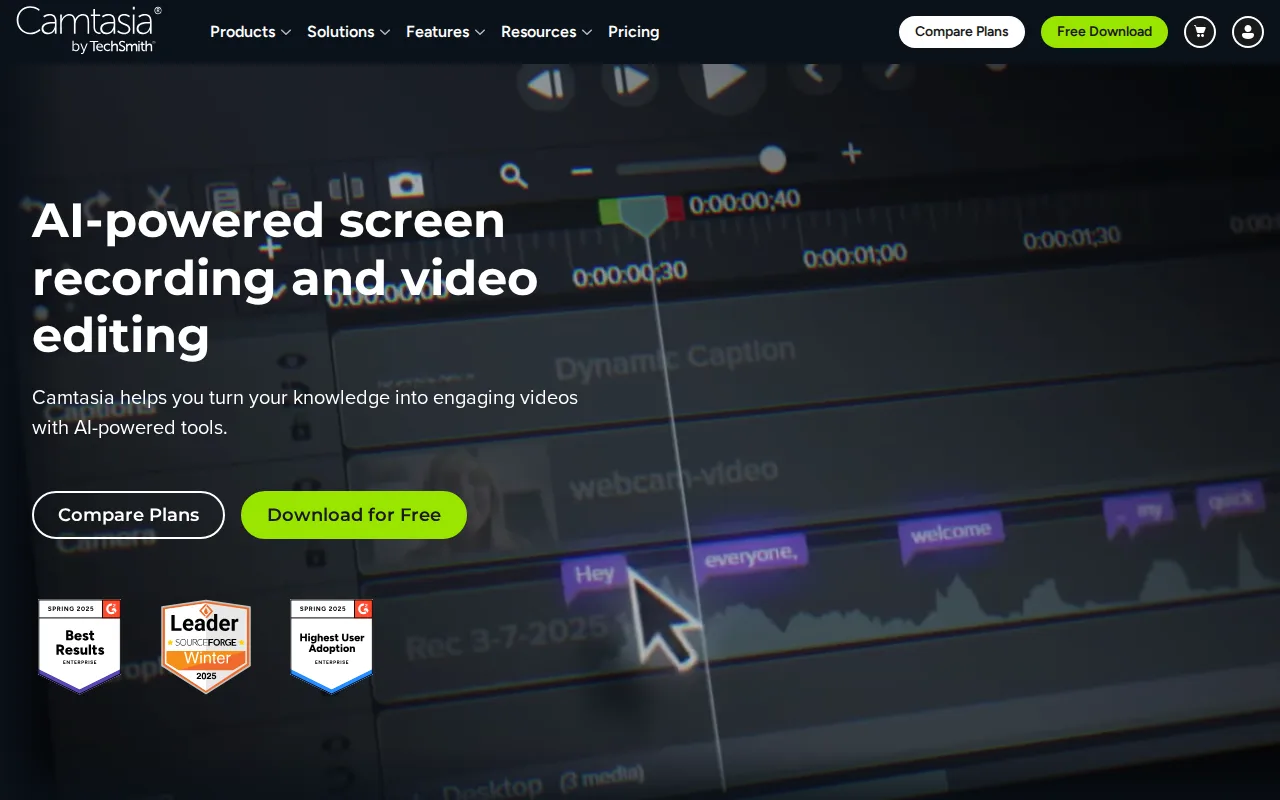
Camtasia is the best OBS Studio alternative for trainers, educators, and software marketers who spend more time editing a recording than capturing it. OBS Studio's listing covers capture, compositing, recording, and streaming but no editing of the finished file, while Camtasia's editor adds cursor effects, callouts, and captions. From Essentials at $179.88/year, Camtasia records screen, webcam, system audio, and microphone as separate tracks, exports without a watermark, and edits by transcript, so cutting words from the auto-generated text cuts the matching video. Create at $249/year adds AI script generation and AI voiceover with 200+ voices, so a tutorial can ship without a narrator. Every paid plan includes live chat support and a 14-day money-back guarantee, against OBS Studio's community forums and Discord, and Camtasia holds 4.5/5 from 453 Capterra reviews, with pricing verified on October 1, 2026. OBS Studio is still the better choice for streamers and for anyone who will not pay. Camtasia lists no live streaming or Linux desktop app and is subscription-only: Starter at $39/year watermarks every export, where OBS Studio is free with no watermark. Reviewers also report Camtasia slowing down on long, effect-heavy multitrack projects, and its learning curve is rated moderate, the same as OBS Studio's.
Compared to OBS Studio: a built-in editor with callouts, captions, and text-based editing, where OBS Studio stops at capture and compositing, AI voiceover with 200+ voices on the $249/year Create plan, subscription-only pricing from $39/year with no live streaming, against OBS Studio's free streaming and recording
Wins:Built-in editor adds cursor effects, callouts, and captions, and from Essentials ($179.88/year) text-based editing and multitrack recording of screen, webcam, system audio, and microphone · AI script generation and AI voiceover with 200+ voices on Create ($249/year), and AI avatars, script translation, and audio dubbing on Pro ($599/year) · Live chat support and a 14-day money-back guarantee on every paid plan, against OBS Studio's community forums and Discord, plus 4.5/5 from 453 Capterra reviews
Loses:Subscription-only: Starter at $39/year watermarks exports and watermark-free output needs Essentials at $179.88/year, where OBS Studio is free with no watermark · No live streaming and no Linux desktop app listed, where OBS Studio streams to Twitch and YouTube and runs on Windows, macOS, and Linux · Reviewers report slowdowns on long, effect-heavy multitrack timelines, and four annual tiers make it easy to buy the wrong one
Pros
- Text-based editing turns screen recordings into a transcript you can cut like a document, instead of frame-by-frame timeline work.
- Multitrack recording captures screen, webcam, system audio, and microphone as separate editable tracks.
- AI voiceover with 200+ voice options and script translation reduce the need for a separate narrator or dubbing tool.
- 14-day money-back guarantee and live chat support included on every paid plan.
Cons
- Entry-level Starter tier ($39/year) still watermarks exports; watermark-free output requires Essentials at $179.88/year.
- Four separate annual tiers with meaningfully different feature sets make it easy to buy the wrong one for your use case.
- No perpetual-license option remains for new customers; every tier is an annual subscription.
- Performance can slow on longer, effect-heavy multitrack timelines.
Pricing: From $39/yr — $179.88/year for watermark-free Essentials ($39/year Starter with watermarked exports) vs $0 for OBS Studio (verified )
2ScreenPal — best OBS Studio alternative for educators, corporate trainers, and support teams recording short tutorial and how-to videos who want built-in AI captioning without a separate video editor
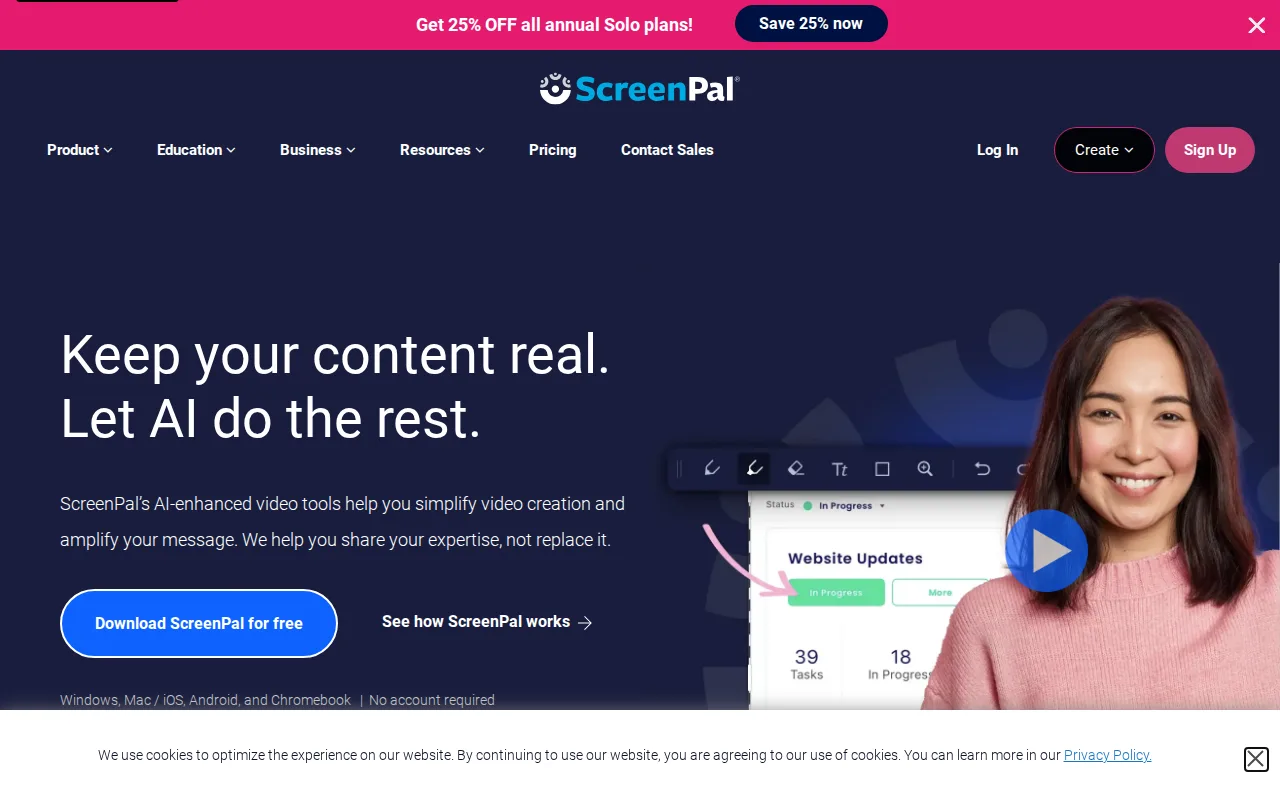
ScreenPal is the best OBS Studio alternative for educators, trainers, and support teams who record short how-to videos and need to caption, host, and share them without a second tool. ScreenPal, formerly Screencast-O-Matic, combines screen and webcam capture with a video editor, AI-generated transcripts, captions, chapters, and summaries, cloud hosting, and quizzes and polls embedded in hosted videos, none of which OBS Studio's listing includes. ScreenPal runs on Windows, macOS, iOS, Android, and the web from one account, where OBS Studio has no mobile app, and its learning curve is rated low against OBS Studio's moderate. Paid plans start low: Solo Deluxe is $3/month billed annually for unlimited recording length and the full editor, and Solo Max at $7.50/month billed annually adds AI auto-captions, cloud backup, and live chat support. ScreenPal holds 4.4/5 from 102 Capterra reviews. OBS Studio is still the better choice for streaming, long free recordings, and Linux. ScreenPal lists no live streaming or Linux app, and its free plan caps every recording at 15 minutes with 720p playback and 10 hosted videos, where OBS Studio records without limits at no cost. SSO and LMS integration need Team Business at $8/user/month billed annually with a 3-user minimum, and some reviewers report clunky bulk uploads and limits on large files.
Compared to OBS Studio: AI captions, transcripts, chapters, cloud hosting, and embedded quizzes in one product, apps for Windows, macOS, iOS, Android, and the web, where OBS Studio has no mobile app, a free plan capped at 15-minute recordings and 720p playback, where OBS Studio records without limits
Wins:AI-generated transcripts, captions, chapters, and summaries, plus cloud hosting with embedded quizzes and polls, none of which OBS Studio's listing includes · Apps for Windows, macOS, iOS, Android, and the web from one account, where OBS Studio has no mobile app, and a low learning curve against OBS Studio's moderate · Solo Max at $7.50/month billed annually adds cloud backup and live chat support, two gaps OBS Studio's listing names: no official cloud backup and community-only support
Loses:Free plan caps recordings at 15 minutes, 720p playback, and 10 hosted videos, where OBS Studio is free with no recording limits · No live streaming and no Linux app listed, where OBS Studio streams to Twitch and YouTube and runs on Linux · SSO and LMS integration require Team Business at $8/user/month billed annually with a 3-user minimum, and reviewers report clunky bulk uploads and large-file limits
Pros
- Permanently free plan supports real recording and editing, not just a trial.
- AI-generated captions, transcripts, chapters, and summaries are built into the paid tiers.
- Runs on Windows, macOS, iOS, Android, and the web from one account.
- Used by 98 of the top 100 US universities, per the vendor, with reviewers praising responsive support.
Cons
- Free tier caps individual recordings at 15 minutes and limits playback to 720p.
- SSO and LMS integration require the Team Business tier, which has a 3-user minimum.
- Some reviewers report cumbersome bulk-upload workflows and limits on large video files.
- AI captioning and unlimited premium stock assets require the Solo Max tier or above, not included on Solo Deluxe.
Pricing: Free tier · paid from $3/mo — $3/month Solo Deluxe or $7.50/month Solo Max, both billed annually, vs $0 for OBS Studio (verified )
3Loom — best OBS Studio alternative for product, engineering, and customer-facing teams replacing routine live meetings or long written explanations with short async screen-recording videos
Loom is the best OBS Studio alternative for product, engineering, and support teams whose recordings are 2-5 minute messages for colleagues rather than finished videos. OBS Studio records to a local file; Loom records the screen, webcam, or both and generates a shareable link in seconds with no export or upload step. Since Atlassian acquired Loom in 2023, a recorded walkthrough can become a Jira ticket with technical details extracted from the video, and Loom offers transcriptions and captions in 50+ languages. Loom runs on Windows, macOS, iOS, Android, and the web, its learning curve is rated low against OBS Studio's moderate, and it holds 4.7/5 from 529 Capterra reviews, the highest rating on this page. OBS Studio is still the better choice for streaming, long recordings, local files, and tight budgets. Loom's free Starter plan caps recordings at 5 minutes, 25 videos per person, and 720p. Unlimited length and 4K need Business at $18/user/month billed monthly, and AI summaries and edit-by-transcript need Business + AI at $24/user/month, so a 10-person team pays $180-240 a month for recording OBS Studio does for free. Loom also has no offline or local-only recording mode, lists no live streaming, and has no Linux app.
Compared to OBS Studio: a shareable link seconds after recording with no export or upload step, where OBS Studio records to a local file, native Jira ticket creation from a recorded walkthrough, a free plan capped at 5-minute recordings and 25 videos per person, with unlimited recording at $18/user/month
Wins:Generates a shareable link seconds after recording with no export or upload step, where OBS Studio records to a local file · Native Jira integration turns a recorded walkthrough into a ticket with technical details extracted from the video, plus transcriptions and captions in 50+ languages · Apps for Windows, macOS, iOS, Android, and the web, a low learning curve against OBS Studio's moderate, and 4.7/5 from 529 Capterra reviews
Loses:Free Starter caps recordings at 5 minutes, 25 videos per person, and 720p, where OBS Studio records without limits for free · Unlimited recording costs $18/user/month (Business) and AI features $24/user/month (Business + AI), or $180-240 a month for 10 people · No offline or local-only recording mode, no live streaming, and no Linux app
Pros
- Records and generates a shareable link in seconds, with no export or upload step.
- Native Jira ticket creation from a recorded walkthrough since the Atlassian acquisition.
- Transcriptions and captions in 50+ languages included even on paid tiers.
- Edit-by-transcript (Business + AI) lets you trim video by deleting text instead of scrubbing a timeline.
Cons
- Free tier is capped at 5-minute recordings and 25 videos per person, too limited for regular use.
- AI features (meeting recaps, filler-word removal) require the pricier Business + AI tier at $24/user/month.
- No offline or local-only recording mode; videos upload to Loom's cloud by default.
- Per-seat pricing adds up quickly for larger teams compared with ad hoc recording tools.
Pricing: Free tier · paid from $18/mo — $18/user/month for Business billed monthly (17% less billed annually) vs $0 for OBS Studio; $180/month at 10 seats (verified )
4Descript — best OBS Studio alternative for podcasters, YouTubers, and marketing teams who want to cut video and audio by editing a transcript instead of scrubbing a timeline
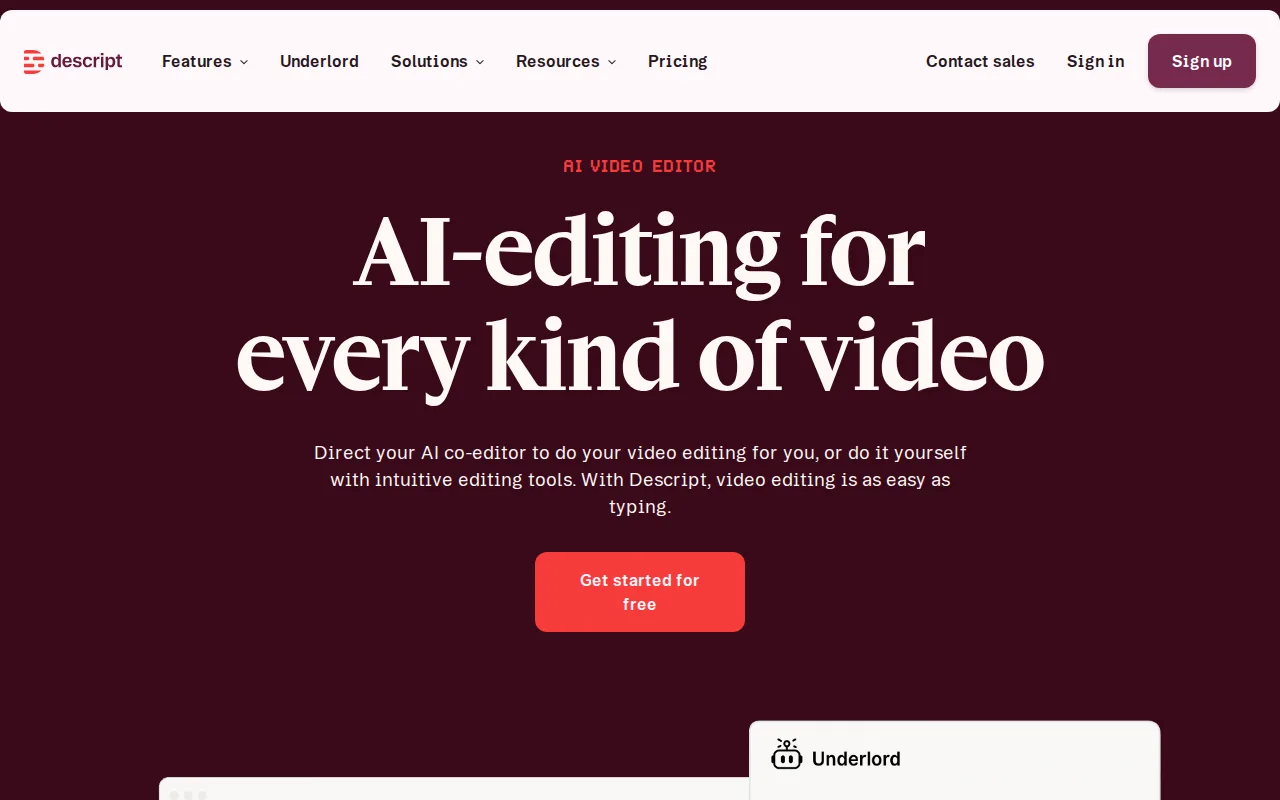
Descript is the best OBS Studio alternative for podcasters, YouTubers, and marketing teams whose real bottleneck is editing, not capture. OBS Studio records and streams but its listing includes no editor for the finished file, while Descript turns a recording into a transcript where deleting a word deletes the matching clip. Descript's AI assistant, Underlord, removes filler words, Studio Sound cleans up audio, and Overdub voice cloning fixes a flubbed line without a re-record. The free plan includes 60 minutes of media a month, 100 one-time AI credits, and 720p export, and Hobbyist at $16/month billed annually ($24 billed monthly) raises that to 10 media hours, 400 AI credits a month, and 1080p watermark-free export. Descript holds 4.6/5 from 183 Capterra reviews and 4.4/5 from 41 Product Hunt reviews, and its learning curve is rated low against OBS Studio's moderate. OBS Studio is still the better choice for live streaming, scene switching, and heavy recording. Descript's listing mentions no live streaming or scene compositing, Descript lists no Linux app, and it meters use by media hours and AI credits even on paid plans, so Creator's 30 hours or 800 credits can run out before the month ends. 4K export needs Creator at $24/month billed annually, where OBS Studio is free with no usage caps.
Compared to OBS Studio: editing by transcript, where deleting a word deletes the matching clip, Overdub voice cloning and Studio Sound cleanup to fix audio without a re-record, monthly caps on media hours and AI credits even on paid plans, where OBS Studio has no usage limits
Wins:Transcript-based editing cuts video by deleting words, where OBS Studio's listing includes no editor for finished recordings · Underlord AI removes filler words, Studio Sound cleans audio, and Overdub voice cloning fixes misspoken lines without a re-record · 4.6/5 from 183 Capterra reviews and 4.4/5 from 41 Product Hunt reviews, and a low learning curve against OBS Studio's moderate
Loses:Usage is metered even on paid plans: Hobbyist allows 10 media hours and 400 AI credits a month, and Creator 30 hours and 800 credits · Free plan stops at 60 minutes of media a month and 720p export, where OBS Studio is free with no caps or watermark · No live streaming, scene compositing, or Linux app listed, and no native mobile app for editing
Pros
- Transcript-based editing makes basic cuts as fast as editing a text document.
- Overdub voice cloning fixes misspoken lines without requiring a re-record.
- Free tier is usable for short projects (60 minutes/month, 720p export).
- Translation and dubbing into 30 languages on the Business tier without third-party tools.
Cons
- Monthly media hours and AI credits are capped even on paid plans, unlike unlimited-usage competitors.
- 4K export and watermark-free output require at least the Creator tier ($24/month annual).
- No native mobile app for editing, only for reviewing/recording on the go.
- AI credit consumption for advanced features (video generation, custom avatars) can outpace the monthly allotment on active projects.
Pricing: Free tier · paid from $24/mo — $16/month Hobbyist billed annually ($24 billed monthly) vs $0 for OBS Studio (verified )
Which one is right for you?
- You record software tutorials and need callouts, captions, and a multitrack editor before publishingCamtasia
- You want AI voiceover so you do not have to narrate every tutorial yourselfCamtasia
- You teach or train staff and want captions, quizzes, and hosting for a few dollars a monthScreenPal
- You record on a phone or tablet as often as on a desktopScreenPal
- You send short walkthroughs to colleagues and want a share link the moment you stop recordingLoom
- Your team files bugs in Jira and wants recorded walkthroughs turned into ticketsLoom
- You make podcasts or YouTube videos and would rather edit a transcript than a timelineDescript
Frequently asked questions
Is there a free alternative to OBS Studio?
- Yes, with caps: ScreenPal, Loom, and Descript each have a permanent free plan, limited to 15-minute recordings, 5-minute recordings with 25 videos per person, and 60 media minutes a month respectively, while OBS Studio is free with no limits. A free alternative only makes sense for the hosting, sharing, or editing features OBS Studio lacks.
What is the closest alternative to OBS Studio?
- Camtasia is the closest for desktop recording, since it runs on Windows and macOS and records screen, webcam, system audio, and microphone as separate tracks from its $179.88/year Essentials plan. No alternative here matches OBS Studio's live streaming or Linux support.
Can Camtasia replace OBS Studio?
- Yes for recording and editing tutorials, no for live streaming. Camtasia adds an editor with callouts, captions, and text-based editing that OBS Studio lacks, but it costs $179.88/year for watermark-free exports and has no Linux desktop app or live streaming.
Can any OBS Studio alternative here stream live?
- No — none of the four alternatives here lists live streaming, so anyone streaming to Twitch or YouTube should stay with OBS Studio, which does it for free.
Which OBS Studio alternative works on Linux?
- None of them lists a native Linux app: Camtasia and Descript list Windows, macOS, and web, and ScreenPal and Loom add iOS and Android. OBS Studio runs natively on Windows, macOS, and Linux.
Which OBS Studio alternative is cheapest?
- ScreenPal Solo Deluxe at $3/month billed annually ($4/month regular) is the cheapest paid plan here, with unlimited recording length and the full editor. Camtasia Starter costs $39/year but watermarks exports, and OBS Studio itself costs nothing.