3 Best Alternatives to Loom in 2026
By Noahlast updated pricing verified

From our data: Of the three alternatives compared here, only ScreenPal ($3/month) and OBS Studio ($0) have a fully confirmed starting paid price; sorted, that gives $0 and $3, a median of $1.50/month, well below Loom's own $18/user/month Business tier, while Vidyard's Starter price remains unpublished.
 OBS Studio
 ScreenPal
 Vidyard
How we picked
- Loom's, OBS Studio's, and ScreenPal's pricing were all independently verified (2026-08-21), while Vidyard's Starter-tier pricing carries no verified dollar figure because it isn't published on the vendor's site.
- External ratings exist for only one of the three alternatives: ScreenPal holds a 4.4/5 rating from 102 Capterra reviews. OBS Studio and Vidyard carry no external ratings on file, versus Loom's own 4.7/5 rating from 529 Capterra reviews.
- Loom itself and all three alternatives show zero likes and zero used-count in our listing data, so on-platform engagement signals could not inform the ranking; order instead reflects pricing transparency and feature overlap with Loom's async video-messaging use case.
- OBS Studio is the only alternative here with an entirely free model and no paid tier at all; ScreenPal and Vidyard both confirm a $0 free tier but gate more advanced features (AI captioning, full analytics) behind paid plans, the same pattern Loom itself follows.
Paid placement never alters editorial rank — read the full methodology.
Loom alternatives at a glance
| Alternative | Best for | Learning curve | Price |
|---|---|---|---|
| Loomreference | product, engineering, and customer-facing teams replacing routine live meetings or long written explanations with short async screen-recording videos | Low | Free tier · paid from $18/mo |
| OBS Studio | streamers and content creators who want a free, unlimited-scene streaming and recording tool without subscription fees or watermarks | Moderate | Free |
| ScreenPal | educators, corporate trainers, and support teams recording short tutorial and how-to videos who want built-in AI captioning without a separate video editor | Low | Free tier · paid from $3/mo |
| Vidyard | sales and marketing reps who want to send trackable, personalized video messages through their CRM and email tools instead of generic text outreach | Low | Free |
 Loom
Loom1OBS Studio — best Loom alternative for streamers and content creators who want a free, unlimited-scene streaming and recording tool without subscription fees or watermarks
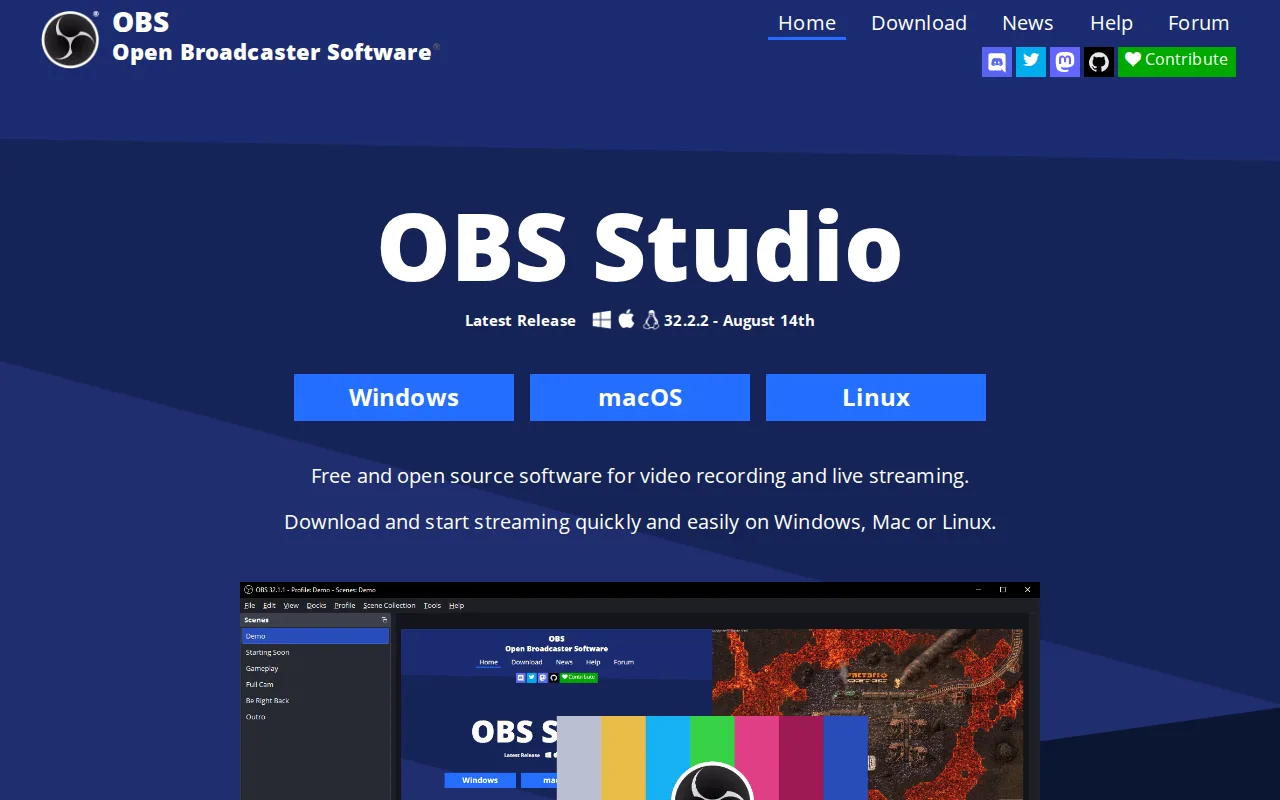
OBS Studio is the best Loom alternative for anyone who wants unlimited scene-based screen and webcam recording with no subscription, no watermark, and no recording-length cap, all of which Loom's free Starter tier restricts. Loom's Starter plan caps recordings at 5 minutes and 25 videos per person, while OBS Studio is completely free and open source under GPL-2.0 with no limits of any kind, verified 2026-08-21, the same day as Loom's own pricing check. OBS Studio's unlimited customizable scenes, professional audio mixer with per-source filters, and VST plugin support give it recording depth Loom's simpler, message-first recorder doesn't attempt to match. Loom remains the better choice for anyone who specifically wants instant async video messaging: OBS Studio has no built-in sharing link generation, no cloud hosting, and no AI transcription or Jira-ticket conversion the way Loom's Atlassian-integrated workflow offers, and OBS Studio's interface and initial setup (scene collections, sources, encoder settings, audio routing) have a real learning curve for first-time users compared to Loom's near-instant record-and-share flow, since OBS Studio has no external rating on file to gauge broader user sentiment against Loom's 4.7/5 from 529 Capterra reviews.
Compared to Loom: completely free with no recording-length or video-count cap vs Loom's 5-minute, 25-video free tier, unlimited scenes with a professional audio mixer vs Loom's simpler message-first recorder, no external rating on file vs Loom's 4.7/5 from 529 Capterra reviews
Wins:Completely free and open source with no recording-length cap, video-count limit, watermark, or account requirement at any tier · Unlimited customizable scenes, sources, and a professional audio mixer with VST plugin support · Extensible through Lua and Python scripting and a large third-party plugin ecosystem
Loses:No built-in shareable-link generation or cloud hosting; recordings must be manually shared, unlike Loom's instant link workflow · No AI transcription, meeting-recap emails, or Jira ticket conversion the way Loom's Atlassian-integrated Business + AI tier offers · No external rating on file to gauge broader user sentiment, versus Loom's 4.7/5 from 529 Capterra reviews
Pros
- Completely free and open source with no watermark, subscription, or account requirement.
- Unlimited scenes and sources, including windows, monitors, webcams, capture cards, browser sources, and text.
- Professional audio mixer with per-source filters and VST plugin support.
- Extensible through Lua and Python scripting and a large third-party plugin ecosystem.
Cons
- No built-in guided setup wizard or overlay store, unlike paid competitors such as Streamlabs.
- Initial configuration of encoders, scenes, and audio routing has a real learning curve for first-time streamers.
- No official cloud backup or sync for scene collections and settings across machines.
- Community-driven support (forums, Discord) rather than dedicated commercial customer support.
Pricing: Free — Completely free at $0 with no paid tier vs Loom's free Starter (5-min cap) and $18-24/user/month Business tiers (verified )
2ScreenPal — best Loom alternative for educators, corporate trainers, and support teams recording short tutorial and how-to videos who want built-in AI captioning without a separate video editor

ScreenPal is the best Loom alternative for educators, corporate trainers, and support teams who want AI-generated transcripts, captions, chapters, and video summaries at a lower price than Loom's Business + AI tier. ScreenPal's Solo Deluxe tier costs $3/month billed annually, six dollars below Loom's cheapest paid Business tier at $18/user/month, and unlocks unlimited recording length plus a full video editor, features Loom's free Starter tier caps at 5 minutes. ScreenPal holds a 4.4/5 rating from 102 Capterra reviews, evidence Loom's own 4.7/5 rating from 529 Capterra reviews outweighs on review count but not by an order of magnitude. ScreenPal reports use by 98 of the top 100 US universities and bundles interactive quizzes and polls directly into hosted videos, a training-oriented feature set Loom's listing doesn't describe. Loom remains the better choice for teams specifically embedded in Atlassian workflows: ScreenPal has no native Jira integration the way Loom's Atlassian-owned product converts a recorded walkthrough directly into a ticket, and ScreenPal's own AI auto-captioning and unlimited premium stock assets require the pricier $7.50/month Solo Max tier rather than the base $3/month Solo Deluxe plan.
Compared to Loom: Solo Deluxe tier at $3/month vs Loom's $18/user/month Business tier, AI captions and interactive quizzes built into paid tiers vs Loom's Jira-focused workflow, 4.4/5 rating from 102 Capterra reviews vs Loom's 4.7/5 from 529
Wins:Solo Deluxe tier costs $3/month billed annually, six dollars below Loom's cheapest $18/user/month Business tier · Unlimited recording length starting at the $3/month Solo Deluxe tier, versus Loom's free tier 5-minute cap · Interactive quizzes, polls, and clickable buttons embedded directly into hosted videos, useful for education and training use cases
Loses:No native Jira ticket conversion, unlike Loom's Atlassian-owned integration that turns a recorded walkthrough directly into a ticket · Smaller review base (102 Capterra reviews) than Loom's 529, though both sit in a similar 4.4-4.7/5 rating range · AI auto-captioning and unlimited premium stock assets require the pricier $7.50/month Solo Max tier, not the base Solo Deluxe plan
Pros
- Permanently free plan supports real recording and editing, not just a trial.
- AI-generated captions, transcripts, chapters, and summaries are built into the paid tiers.
- Runs on Windows, macOS, iOS, Android, and the web from one account.
- Used by 98 of the top 100 US universities, per the vendor, with reviewers praising responsive support.
Cons
- Free tier caps individual recordings at 15 minutes and limits playback to 720p.
- SSO and LMS integration require the Team Business tier, which has a 3-user minimum.
- Some reviewers report cumbersome bulk-upload workflows and limits on large video files.
- AI captioning and unlimited premium stock assets require the Solo Max tier or above, not included on Solo Deluxe.
Pricing: Free tier · paid from $3/mo — $3/month (Solo Deluxe, annual) vs Loom's $18/user/month (Business) or $24/user/month (Business + AI) (verified )
3Vidyard — best Loom alternative for sales and marketing reps who want to send trackable, personalized video messages through their CRM and email tools instead of generic text outreach
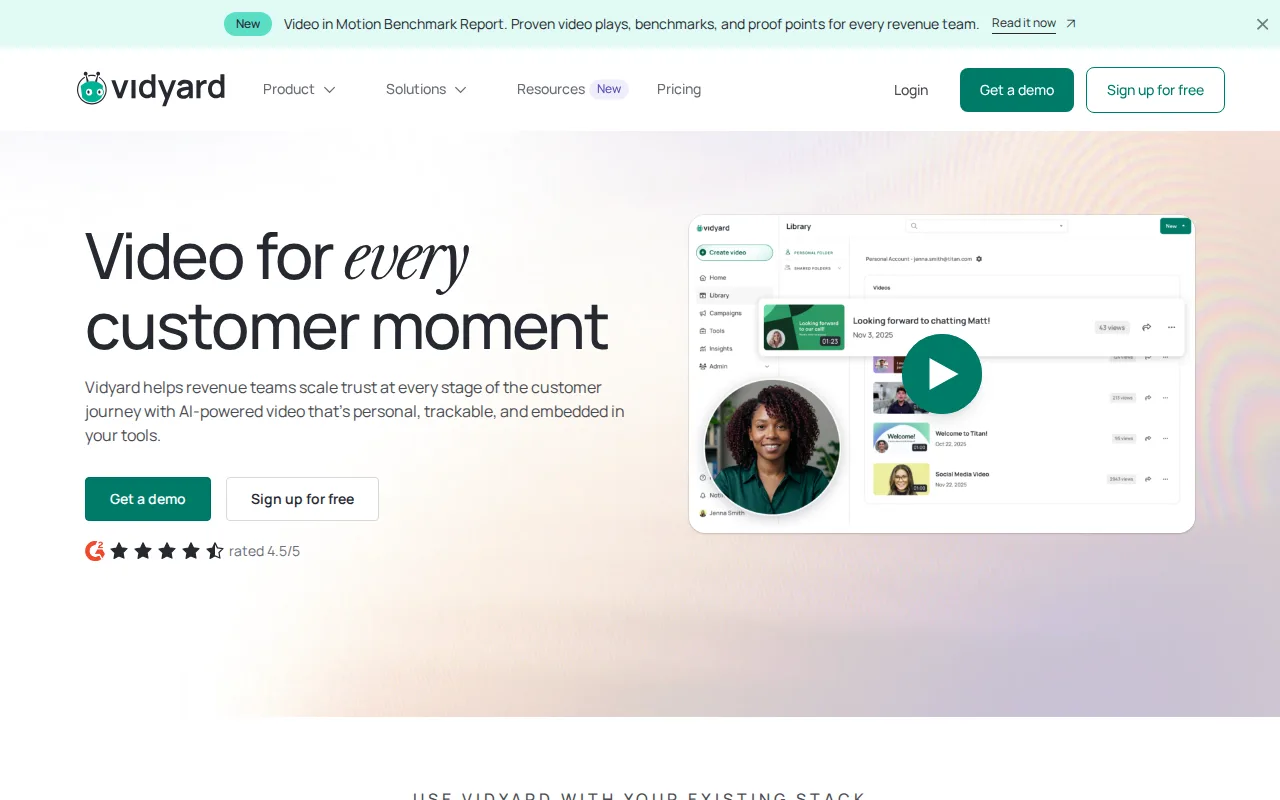
Vidyard is the best Loom alternative for sales and marketing reps who want trackable, personalized video messages tied directly into their CRM and email tools, an outreach-and-analytics focus Loom's general-purpose async messaging tool doesn't specialize in. Both Vidyard and Loom offer a free tier with no cost to start, though Vidyard's free plan caps recording at just 5 videos per month, tighter than Loom's 25-video, 5-minute-per-recording free allowance. Vidyard integrates with more than 50 sales and marketing tools including Salesforce, HubSpot, Gong, and Salesloft, deeper CRM-specific integration than Loom's own listing describes beyond its native Jira connection. Vidyard's AI Avatar and Video Agent features let a rep record once and generate personalized, automated video sequences at scale with engagement analytics (view counts, watch-time heatmaps) tied back to pipeline reporting. Loom remains the better choice for teams that want transparent, published pricing: Vidyard's Starter-tier price isn't published on its site and requires a trial or sales contact to learn, unlike Loom's clearly listed $18/user/month Business and $24/user/month Business + AI tiers, and Vidyard carries no external rating on file to compare against Loom's 4.7/5 from 529 Capterra reviews.
Compared to Loom: 50+ CRM and sales-tool integrations vs Loom's native Jira integration, AI Avatar video sequencing with pipeline analytics vs Loom's meeting-recap and filler-word AI tools, no external rating on file vs Loom's 4.7/5 from 529 Capterra reviews
Wins:Deep integration with 50+ sales and marketing tools including Salesforce, HubSpot, Gong, and Salesloft · AI Avatar and Video Agent let a single recording scale into personalized, automated outreach with engagement analytics tied to pipeline reporting · Both offer a free tier at $0 to start with no credit card required
Loses:Starter-tier pricing is not published on the site, unlike Loom's clearly listed $18/user/month Business and $24/user/month Business + AI tiers · Free plan caps recording at just 5 videos per month, tighter than Loom's 25-video, 5-minute-per-recording free allowance · No external rating on file to compare against Loom's 4.7/5 from 529 Capterra reviews
Pros
- Free plan available with no credit card required for basic video recording and sharing.
- Deep integrations with 50+ sales and marketing tools including Salesforce, HubSpot, Gong, and Salesloft.
- AI Avatar and Video Agent features let a single recording scale into personalized, automated outreach.
- Native iOS and Android apps make on-the-go recording straightforward for field sales reps.
Cons
- Starter-tier pricing is not published; prospective buyers must trial or contact sales to see actual monthly cost.
- Free plan is capped at 5 recorded videos per month, tight for active sales reps.
- Teams and Enterprise tiers require custom quotes rather than transparent self-serve pricing.
- Advanced CRM/MAP integrations and SSO are locked behind Teams/Enterprise, not available on Starter.
Pricing: Free — Starter-tier price not published (trial or sales contact required) vs Loom's clearly listed $18-24/user/month Business tiers
Which one is right for you?
- You want unlimited free screen recording with no subscription or watermarkOBS Studio
- You're a trainer or educator who wants AI captions and interactive quizzes in your videosScreenPal
- You're a sales rep who needs video outreach tracked directly in your CRMVidyard
- You want to livestream to Twitch or YouTube in addition to recordingOBS Studio
- You want AI-generated video summaries at a lower monthly price than Loom's AI tierScreenPal
- You want to generate personalized video variants at scale without re-recordingVidyard
Frequently asked questions
Is there a free alternative to Loom?
- Yes. OBS Studio is completely free with no recording-length cap or paid tier at all, while ScreenPal and Vidyard both offer free plans (15-minute recordings and 5 videos/month respectively) similar in structure to Loom's own free Starter tier.
What is the closest alternative to Loom for AI-generated captions?
- ScreenPal is the closest match, bundling AI-generated transcripts, captions, chapters, and video summaries starting at its $7.50/month Solo Max tier, cheaper than Loom's $24/user/month Business + AI plan for similar AI features.
Can OBS Studio replace Loom?
- OBS Studio can replace Loom for unlimited, free screen and webcam recording, but it has no built-in shareable-link generation, cloud hosting, or AI transcription, so teams relying on Loom's instant-share workflow would need to add a separate hosting step.
Is ScreenPal cheaper than Loom?
- Yes, ScreenPal's Solo Deluxe tier costs $3/month billed annually, well below Loom's $18/user/month Business tier, though ScreenPal's AI captioning features require the pricier $7.50/month Solo Max tier to match Loom's Business + AI capabilities.
Which Loom alternative is best for sales teams?
- Vidyard is built specifically for sales and marketing outreach, with 50+ CRM integrations (Salesforce, HubSpot, Gong, Salesloft) and AI Avatar video sequencing tied to pipeline analytics, capabilities beyond Loom's general-purpose async messaging focus.
Does Vidyard have published pricing like Loom?
- No. Vidyard's Starter-tier price is not published on its site and requires a trial or sales conversation, unlike Loom, which clearly lists its Business ($18/user/month) and Business + AI ($24/user/month) tiers.