5 Best Alternatives to Microsoft Forms in 2026
By Noahlast updated

From our data: Four of the five alternatives listed here (Google Forms, SurveyMonkey, Typeform, Jotform) offer a free tier, matching Microsoft Forms' own free personal tier, while Qualtrics is the only one with no free option and no published pricing at all; among the four alternatives with published ratings, review counts range from Typeform's 974 Capterra reviews to Google Forms' 11,534, all exceeding Microsoft Forms' own 327.
 Google Forms
 SurveyMonkey
 Typeform
 Jotform
 Qualtrics
How we picked
- Free-tier availability was compared directly: four of the five alternatives (Google Forms, SurveyMonkey, Typeform, Jotform) offer a free tier, matching Microsoft Forms' own free personal tier, while Qualtrics is the only one with no free option and no published pricing at all.
- Rating volume varies widely: Google Forms' 11,534 Capterra reviews and Jotform's 2,919 dwarf Typeform's 974, and Qualtrics carries no single aggregate rating since its listings are split across CoreXM, CX, EX, and Strategy & Research product pages.
- Response-based vs seat-based pricing was noted: SurveyMonkey and Typeform meter cost primarily by response volume, not user seats, a different lever from Microsoft Forms' 200-response free cap, which only rises through a full Microsoft 365 subscription upgrade.
- Category depth was weighted honestly: Qualtrics is a substantially larger enterprise experience-management platform (CX plus EX plus market research) than a forms tool, reflected in third-party buyer data showing contracts from roughly $6,500 to over $650,000 a year, a scale far beyond Microsoft Forms' bundled, low-cost model.
Paid placement never alters editorial rank — read the full methodology.
Microsoft Forms alternatives at a glance
| Alternative | Best for | Standout | Biggest weakness | Learning curve | Price |
|---|---|---|---|---|---|
| Microsoft Formsreference | individuals and teams already on Microsoft 365 who need a quick survey, quiz, or poll embedded in Teams or SharePoint without adopting a separate forms tool | Native embedding inside Teams, SharePoint, and OneNote, plus branching logic that works identically for both graded quizzes and standard surveys. | The free personal tier caps responses at 200 per form, and unlocking the 1,000-response tier means paying for a full Microsoft 365 subscription rather than a Forms-specific upgrade, which is a poor trade for anyone who only needs the survey tool. | Low | Free tier · paid from $9.99/mo |
| Google Forms | individuals and small teams who need a free, fast survey or intake form that dumps responses straight into a Google Sheet, without complex branching or payment collection | Zero-cost unlimited forms and responses bundled into every Google account, with responses landing live in a connected Google Sheet for immediate analysis. | Design and branding options are minimal — no custom domains and limited theming on personal accounts — and multi-page conditional logic is far more limited than dedicated tools like Typeform or Jotform. | Low | Free tier · paid from $7/mo |
| SurveyMonkey | HR, customer-experience, and market-research teams that need to run surveys at volume and want response-based pricing rather than a flat per-seat fee | Response-based pricing tiers (50,000-100,000 responses/year) paired with a deep library of validated survey templates and built-in AI question and results summarization. | Team plans require a minimum of 3 users even for a single active survey creator, and useful features like white-label branding and advanced logic are locked behind the $92/user/month Premier tier, a steep jump from the $30 Advantage tier. | Low | Free tier · paid from $30/mo |
| Typeform | marketing and product teams that want higher form-completion rates through a conversational, one-question-at-a-time design and are willing to pay per response volume rather than per user | The one-question-at-a-time conversational form format, which Typeform's own conversion data and third-party comparisons consistently cite as improving completion rates over traditional multi-field forms. | The free plan was cut from 100 to just 10 responses/month in February 2026, and response caps rather than user seats are the main pricing lever, so a single high-traffic form can force an upgrade even for a one-person team. | Low | Free tier · paid from $28/mo |
| Jotform | small businesses and individuals building surveys, applications, or payment-collecting forms who need more submission volume than Google Forms offers without Typeform's higher price | Gold tier includes HIPAA-friendly form handling for healthcare-related data collection, a compliance feature most form builders in this price range do not offer. | Monthly submission caps (100 on Starter, 1,000 on Bronze) are counted per account, not per form, so a single popular form can exhaust the monthly limit and block all other forms from accepting responses until the next billing cycle or an upgrade. | Low | Free tier · paid from $34/mo |
| Qualtrics | large enterprises running unified CX, EX, and market-research programs across many channels who have budget for a six-figure annual contract and dedicated admin resources | A single platform spanning customer experience, employee experience, and market research, with AI "Experience Agents" that automatically trigger interventions when feedback signals cross a defined threshold. | No pricing is published anywhere; every product line requires a sales demo, and third-party buyer data shows contracts ranging from about $6,500/year for small deployments to well over $650,000/year for full enterprise rollouts, with implementation services adding $5,000-$20,000 more. | Steep | Custom pricing |
 Microsoft Forms
1.Google Forms — best Microsoft Forms alternative for individuals and small teams who need a free, fast survey or intake form that dumps responses straight into a Google Sheet, without complex branching or payment collection
Google Forms is the best Microsoft Forms alternative for individuals and small teams who need unlimited responses without any Microsoft 365 upgrade, since Microsoft Forms caps free personal accounts at 200 responses per form and raising that cap to 1,000 requires a paid $9.99/month Microsoft 365 Personal subscription rather than a Forms-only purchase. Google Forms carries no response cap of its own on a free Google account — the only ceiling is the 15GB of storage shared across Gmail, Drive, and Photos. Google Forms holds a 4.7/5 rating from 11,534 Capterra reviews, far more than Microsoft Forms' own 327. Responses flow automatically into a linked Google Sheet, and conditional branching and an auto-graded quiz mode are included at no cost, matching Microsoft Forms' own branching logic. Microsoft Forms is still the better choice for organizations already standardized on Microsoft 365 that want native embedding inside Teams, SharePoint, and OneNote without adopting a separate Google account: Google Forms offers minimal design customization, no custom domains, and limited theming on personal accounts, and it has no native payment collection without a third-party Workspace Marketplace add-on.
Compared to Microsoft Forms: unlimited free responses vs a 200-response cap that requires a $9.99/month Microsoft 365 upgrade to raise, 4.7/5 rating from 11,534 reviews vs 327, no native payment collection without a third-party add-on
Wins:No response cap on a free Google account, vs Microsoft Forms' 200-response free limit that requires a $9.99/month Microsoft 365 upgrade to raise to 1,000 · 4.7/5 rating from 11,534 Capterra reviews vs Microsoft Forms' own 327 · Responses sync live into a linked Google Sheet at no cost
Loses:Minimal design customization — no custom domains, limited theming on personal accounts · No native payment collection; requires a third-party Google Workspace Marketplace add-on · No native embedding inside Teams, SharePoint, or OneNote the way Microsoft Forms offers for Microsoft 365 users
Pros
- Free for unlimited forms and responses on any Google account.
- Responses sync live into Google Sheets for immediate analysis.
- Conditional logic (skip/branch questions) and an auto-graded quiz mode are built in at no cost.
- Real-time collaborative editing, matching Google Docs and Sheets.
Cons
- Minimal design customization — no custom domains, limited theming, and Google branding stays on personal accounts.
- No native payment collection; requires a third-party add-on through the Google Workspace Marketplace.
- Advanced multi-page logic and white-labeling require paid competitors like Typeform or Jotform.
Pricing: Free tier · paid from $7/mo — $0 unlimited on a free Google account vs Microsoft Forms' 200-response free cap, raised to 1,000 only via a $9.99/month Microsoft 365 Personal subscription
2.SurveyMonkey — best Microsoft Forms alternative for HR, customer-experience, and market-research teams that need to run surveys at volume and want response-based pricing rather than a flat per-seat fee
SurveyMonkey is the best Microsoft Forms alternative for market researchers, HR, and customer-experience teams who need to run surveys at real volume with a deep library of validated templates, rather than Microsoft Forms' lighter, Microsoft-365-bundled tool. SurveyMonkey's Team Advantage plan costs $30/user/month billed annually (minimum 3 users) and covers 50,000 responses a year, a response-based pricing lever distinct from Microsoft Forms' 200-response free cap that only rises to 1,000 through a $9.99/month Microsoft 365 subscription. SurveyMonkey holds a 4.6/5 rating from 10,494 Capterra reviews, far more than Microsoft Forms' own 327. Its native iOS and Android apps support offline survey collection at events and in the field, a capability Microsoft Forms doesn't offer. Microsoft Forms is still the better choice for individuals or small Microsoft 365 teams who want a genuinely free tool with no seat minimum: SurveyMonkey's Team plans require a minimum of 3 users even for a single active survey creator, and the jump from Team Advantage ($30/user/month) to Team Premier ($92/user/month) is steep for teams that need just one Premier-only feature like white-label branding.
Compared to Microsoft Forms: response-based pricing (50,000/year on Team Advantage) vs a 200-response free cap raised only via Microsoft 365, 4.6/5 rating from 10,494 reviews vs 327, native offline mobile survey collection
Wins:50,000 responses/year on Team Advantage, well beyond Microsoft Forms' 200-response free cap and 1,000-response Microsoft 365-upgraded cap · 4.6/5 rating from 10,494 Capterra reviews vs Microsoft Forms' own 327 · Native iOS and Android apps support offline survey collection at events and in the field
Loses:Team plans require a minimum of 3 users, even for a single active survey creator · Jump from Team Advantage ($30/user/month) to Team Premier ($92/user/month) is steep for one Premier-only feature · Response overages beyond the annual cap bill at $0.15 per additional response
Pros
- Free tier lets individuals test the product before committing to a paid seat.
- Large library of pre-validated survey templates and question types speeds up survey creation.
- AI-assisted survey summarization surfaces themes in open-text responses automatically.
- Native iOS and Android apps support offline survey collection at events and in the field.
Cons
- Team plans require a 3-user minimum, expensive for a single power user who wants Team-tier features.
- Jump from Team Advantage ($30/user/month) to Team Premier ($92/user/month) is steep for teams that need just one Premier-only feature like white labeling.
- Response overages beyond the annual cap bill at $0.15 per additional response, which can add up quickly for high-volume campaigns.
- Free plan question and response limits are restrictive enough that most real use cases require upgrading.
Pricing: Free tier · paid from $30/mo — $30/user/month Team Advantage (3-user minimum, 50,000 responses/year) vs Microsoft Forms' free 200-response cap, raised to 1,000 only via a $9.99/month Microsoft 365 subscription (verified undefined NaN, NaN)
3.Typeform — best Microsoft Forms alternative for marketing and product teams that want higher form-completion rates through a conversational, one-question-at-a-time design and are willing to pay per response volume rather than per user
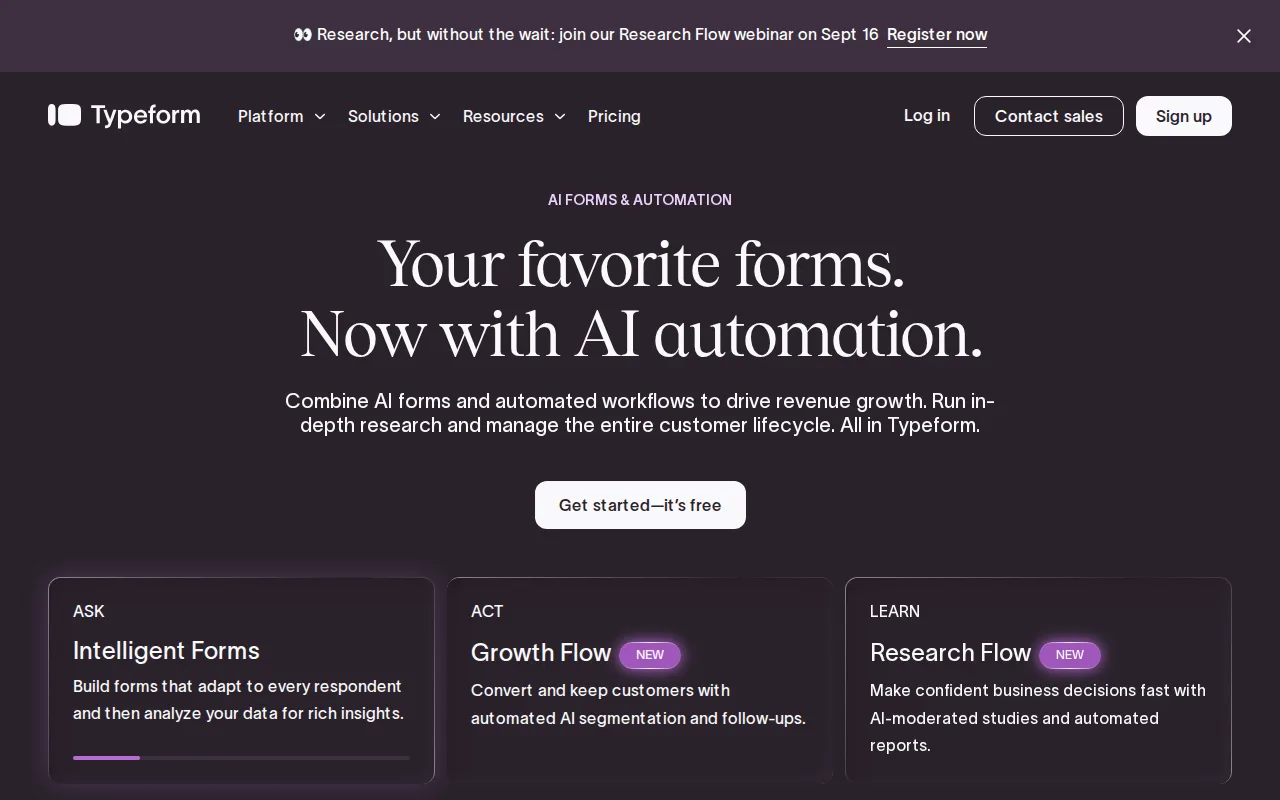
Typeform is the best Microsoft Forms alternative for marketing and product teams that want a one-question-at-a-time conversational format instead of Microsoft Forms' standard multi-field layout, a design Typeform's own conversion data cites as improving completion rates. Typeform holds a 4.7/5 rating from 974 Capterra reviews, more than Microsoft Forms' own 327. AI-powered form creation on paid plans builds a form from a prompt or existing document, and native integrations with Salesforce and HubSpot avoid manual data export, features Microsoft Forms' Teams/SharePoint-focused integrations don't cover. Microsoft Forms is still the clearly better choice for anyone who needs volume without paying per response: Typeform's free plan was cut from 100 to just 10 responses/month in a February 2026 change, well below Microsoft Forms' 200-response free cap, and Basic, Typeform's cheapest paid tier, costs $28/month billed annually for only 100 responses/month, while Microsoft Forms reaches 1,000 responses/month bundled inside a $9.99/month Microsoft 365 Personal subscription that also includes the full desktop Office app suite. Typeform also has no native mobile app, unlike Microsoft Forms' iOS and Android apps.
Compared to Microsoft Forms: one-question-at-a-time format vs standard multi-field layout, 4.7/5 rating from 974 reviews vs 327, free plan capped at just 10 responses/month vs Microsoft Forms' 200
Wins:One-question-at-a-time format is widely cited as improving completion rates over Microsoft Forms' standard multi-field layout · 4.7/5 rating from 974 Capterra reviews vs Microsoft Forms' own 327 · AI-powered form creation and native Salesforce/HubSpot integrations avoid manual data export
Loses:Free plan is capped at just 10 responses/month, well below Microsoft Forms' 200-response free cap · Basic, the cheapest paid tier, costs $28/month for only 100 responses/month, while Microsoft Forms reaches 1,000 responses/month for the same $9.99/month price as a full Microsoft 365 Personal subscription · No native mobile app; form building and management are web-only, unlike Microsoft Forms' iOS and Android apps
Pros
- One-question-at-a-time format is widely cited as improving form completion rates versus traditional scrolling forms.
- AI-powered form creation on paid plans speeds up building forms from a prompt or existing document.
- Native integrations with Salesforce, HubSpot, and Google Sheets avoid manual data export.
- Annual billing cuts the effective monthly price by roughly 30% versus month-to-month across every tier.
Cons
- Free plan responses were cut from 100/month to 10/month in a February 2026 change, making it impractical for anything beyond testing.
- Pricing scales on response volume, not just users, so a single popular form can force an upgrade regardless of team size.
- No native mobile app; form building and management are web-only, unlike SurveyMonkey's dedicated iOS/Android apps.
- Branding removal requires the Plus tier ($56/month annually), unlike some competitors that include it at the entry paid tier.
Pricing: Free tier · paid from $28/mo — Free plan capped at 10 responses/month vs Microsoft Forms' 200; Basic at $28/month for 100 responses/month vs Microsoft Forms' 1,000 responses/month for $9.99/month via Microsoft 365 Personal (verified undefined NaN, NaN)
4.Jotform — best Microsoft Forms alternative for small businesses and individuals building surveys, applications, or payment-collecting forms who need more submission volume than Google Forms offers without Typeform's higher price
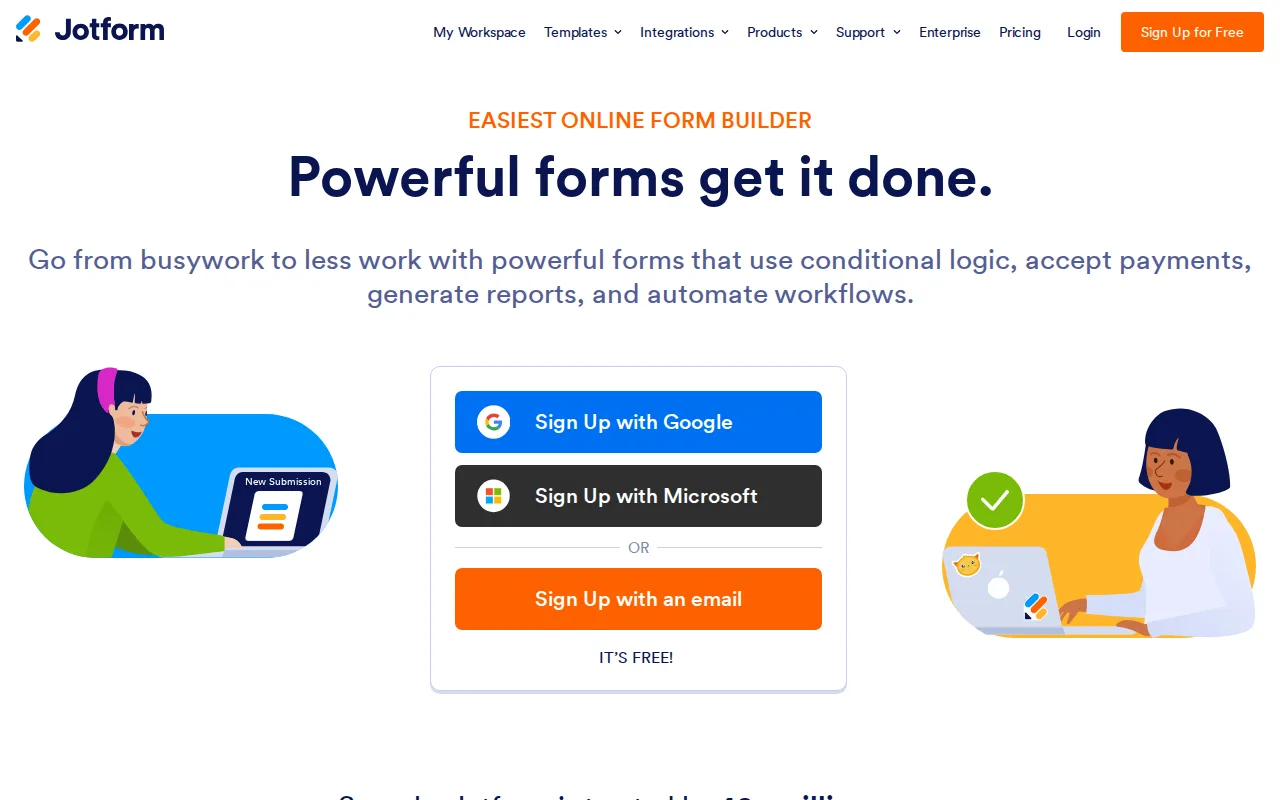
Jotform is the best Microsoft Forms alternative for small businesses and individuals building surveys, applications, or payment-collecting forms, since Microsoft Forms has no built-in payment collection at all. Jotform's free Starter plan covers 5 active forms and 100 monthly submissions with Jotform branding included, and paid Bronze, Silver, and Gold tiers scale submission volume up to 10,000/month at Gold ($99/month billed annually) while adding HIPAA-friendly form handling for healthcare intake, a compliance feature Microsoft Forms doesn't offer. Jotform holds a 4.7/5 rating from 2,919 Capterra reviews, far more than Microsoft Forms' own 327. Payment collection through Stripe, PayPal, and other processors is built directly into the form builder rather than requiring a separate integration. Microsoft Forms is still the better choice for teams already on Microsoft 365 who want native embedding inside Teams, SharePoint, and OneNote and don't need payment collection: Jotform's monthly submission limits apply account-wide, so one high-traffic form can block submissions on all other forms, and Jotform branding stays on forms until upgrading to a paid Bronze tier or higher, unlike Microsoft Forms which carries no branding on its free tier.
Compared to Microsoft Forms: built-in Stripe/PayPal payment collection Microsoft Forms doesn't offer, HIPAA-friendly form handling on the Gold tier, 4.7/5 rating from 2,919 reviews vs 327
Wins:Built-in payment collection (Stripe, PayPal, and others) directly in the form builder, unlike Microsoft Forms which has none · HIPAA-friendly form handling on the Gold tier for healthcare intake, a compliance feature Microsoft Forms doesn't offer · 4.7/5 rating from 2,919 Capterra reviews vs Microsoft Forms' own 327
Loses:Monthly submission caps apply account-wide, so one high-traffic form can block submissions on all other forms · Jotform branding stays on forms until upgrading to a paid Bronze tier or higher, unlike Microsoft Forms' unbranded free tier · No native embedding inside Teams, SharePoint, or OneNote the way Microsoft Forms offers for Microsoft 365 users
Pros
- Free Starter plan is a real, ongoing free tier, not a time-limited trial.
- Payment collection (Stripe, PayPal, and others) is built into the form builder rather than requiring a separate integration.
- Gold tier's HIPAA-friendly capability supports healthcare intake forms without a separate compliance product.
- Nonprofits and educational institutions get 50% off paid tiers.
Cons
- Monthly submission limits apply account-wide, so one high-traffic form can block submissions on all other forms.
- Jotform branding stays on forms until upgrading to a paid Bronze tier or higher.
- Jumping from Starter's 100 monthly submissions to meaningful volume (1,000+ on Bronze) requires a $34-39/month commitment.
- Enterprise pricing is not published and requires a sales conversation for unlimited usage.
Pricing: Free tier · paid from $34/mo — Free for 5 forms/100 submissions per month vs Microsoft Forms' free 200-response cap; Gold at $99/month billed annually (10,000 submissions/month) vs Microsoft Forms' 1,000-response cap via a $9.99/month Microsoft 365 subscription (verified undefined NaN, NaN)
5.Qualtrics — best Microsoft Forms alternative for large enterprises running unified CX, EX, and market-research programs across many channels who have budget for a six-figure annual contract and dedicated admin resources
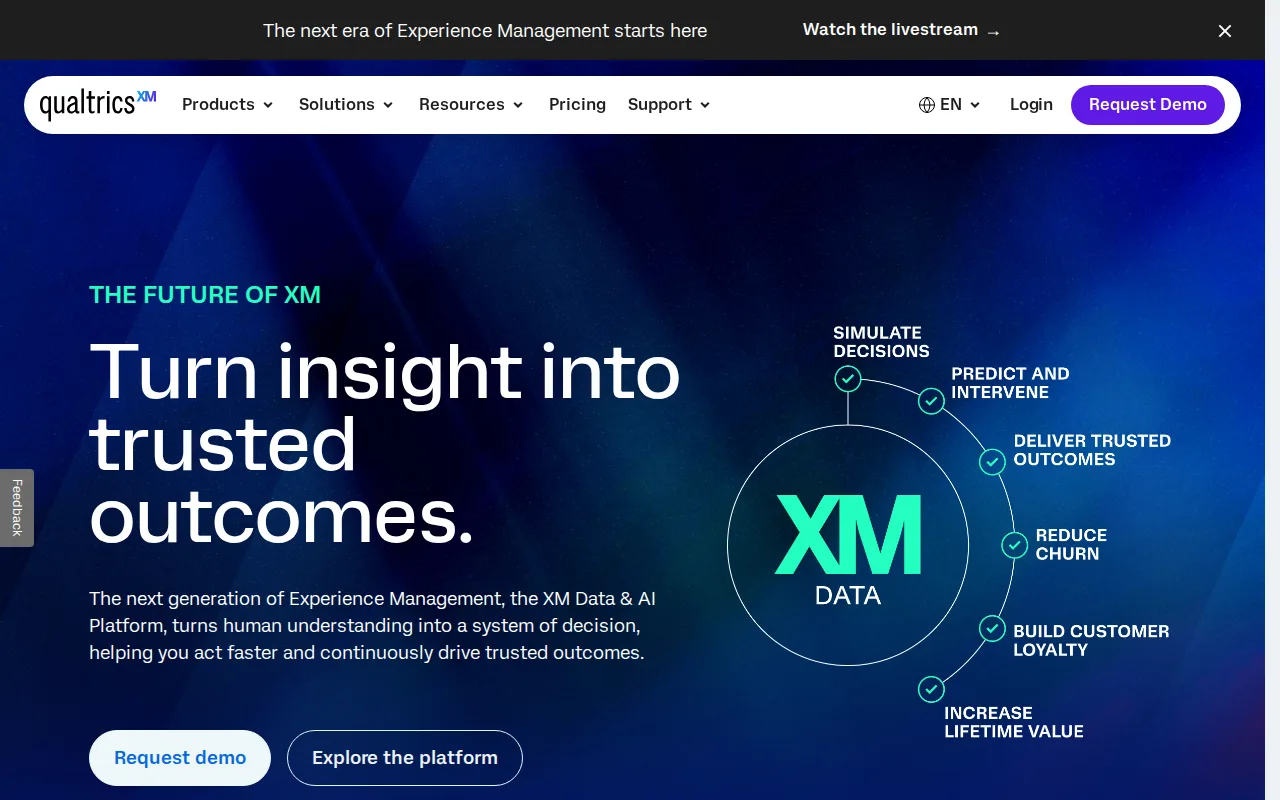
Qualtrics is the best Microsoft Forms alternative for large enterprises that need customer experience, employee experience, and market research unified in one platform with AI-driven text analytics, a scale of product Microsoft Forms was never built for. Its "Experience Agents" feature can automatically trigger interventions when a customer or employee feedback signal crosses a threshold, and synthetic-audience testing supports early-stage product and message testing, capabilities entirely absent from Microsoft Forms' survey-and-quiz builder. Qualtrics carries no single aggregate external rating since its listings are split across CoreXM, CX, EX, and Strategy & Research product pages on G2, each averaging around 4.3-4.4/5, compared to Microsoft Forms' own consolidated 4.6/5 from 327 Capterra reviews. Microsoft Forms is overwhelmingly the better choice for anyone who just needs a quick survey, quiz, or poll: Qualtrics publishes no pricing anywhere on its site, and third-party buyer data shows typical annual contracts ranging from roughly $6,500 for small deployments to well over $650,000 for large enterprise rollouts, with implementation services adding another $5,000-$20,000, against Microsoft Forms' free personal tier and $9.99/month Microsoft 365 upgrade path.
Compared to Microsoft Forms: unified CX/EX/research platform with AI Experience Agents vs a standalone survey/quiz tool, no published pricing (contracts $6,500-$650,000+/year) vs Microsoft Forms' free tier, fragmented ~4.3-4.4/5 ratings across product pages
Wins:Unifies customer experience, employee experience, and market research in one AI-driven platform, far beyond Microsoft Forms' survey-and-quiz scope · Experience Agents automatically trigger interventions when a feedback signal crosses a threshold · Synthetic-audience testing supports early-stage product and message testing that Microsoft Forms has no equivalent for
Loses:No pricing published anywhere; third-party buyer data shows contracts from roughly $6,500 to over $650,000/year, against Microsoft Forms' free personal tier · Implementation and professional services commonly add $5,000-$20,000 on top of the software fee · Ratings are fragmented across CoreXM, CX, EX, and Strategy & Research product pages rather than one consolidated score like Microsoft Forms' 4.6/5
Pros
- Unifies CX, EX, and market research data in one platform instead of separate point tools.
- AI-driven text and sentiment analytics surface themes across large volumes of open-ended feedback automatically.
- Experience Agents can trigger automated workflows the moment a feedback signal crosses a threshold.
- Deep integration ecosystem and long track record with large retail, healthcare, and financial-services customers.
Cons
- No published pricing anywhere; every quote requires a sales demo and negotiation.
- Third-party buyer data shows average enterprise contracts near $650,000/year, well above most survey-tool budgets.
- Implementation and professional services commonly add $5,000-$20,000 on top of the software fee.
- Steep learning curve for teams setting up advanced logic, quotas, or multi-channel workflows without dedicated admin support.
Pricing: Custom pricing — No published pricing; third-party buyer data shows contracts from roughly $6,500 to over $650,000/year, vs Microsoft Forms' free tier and $9.99/month Microsoft 365 upgrade path
Which one is right for you?
- You need unlimited free forms and responses without upgrading to a paid subscriptionGoogle Forms
- You run market research or HR surveys at real volume and want response-based pricingSurveyMonkey
- You want a conversational, one-question-at-a-time form that improves completion ratesTypeform
- You need built-in payment collection or HIPAA-friendly healthcare intake formsJotform
- You're a large enterprise running unified customer, employee, and market-research feedback programsQualtrics
Frequently asked questions
Is there a free alternative to Microsoft Forms?
- Yes — Google Forms, SurveyMonkey, Typeform, and Jotform all offer free tiers; Google Forms is the most generous, with no response cap at all, unlike Microsoft Forms' 200-response free limit.
What is the closest alternative to Microsoft Forms?
- Google Forms is the closest match, since both are free, account-bundled form builders with branching logic and quiz modes; Google Forms holds a 4.7/5 rating from 11,534 Capterra reviews against Microsoft Forms' own 327.
Can Google Forms replace Microsoft Forms?
- Yes for most individuals and teams: Google Forms has no response cap and syncs directly into Google Sheets. Organizations that specifically need native embedding inside Teams, SharePoint, or OneNote should stay with Microsoft Forms.
Which Microsoft Forms alternative supports payment collection?
- Jotform builds Stripe and PayPal payment collection directly into its form builder, a feature Microsoft Forms doesn't offer at any tier.
Is Typeform worth it over Microsoft Forms' free tier?
- Only for teams that specifically want the one-question-at-a-time format: Typeform's free plan caps at just 10 responses/month, well below Microsoft Forms' 200-response free cap, and its cheapest paid tier costs $28/month for only 100 responses/month.
Which Microsoft Forms alternative is built for large enterprises?
- Qualtrics unifies customer experience, employee experience, and market research with AI-driven analytics, but publishes no pricing — third-party buyer data shows contracts from about $6,500 to over $650,000 a year, a different budget tier entirely from Microsoft Forms' free-to-$9.99/month range.