Microsoft Forms — A free online survey, quiz, and poll builder from Microsoft, with expanded response limits and branching under a Microsoft 365 subscription.

By Noahlast updated
Microsoft Forms screenshots & video
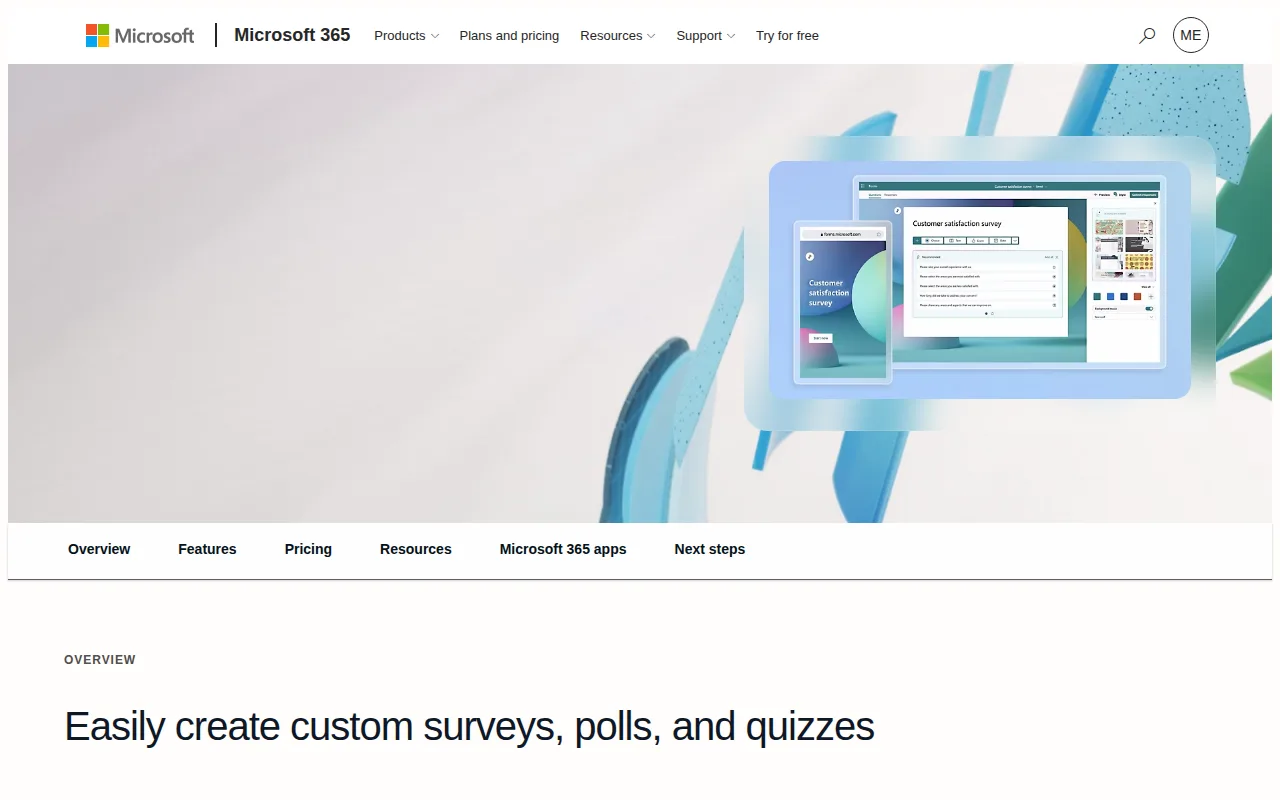
Microsoft Forms in 20 seconds
Best for: Microsoft 365 users who need a quick survey, quiz, or poll embedded in Teams or SharePoint
Pricing: Free with a 200-response cap; Microsoft 365 Personal ($9.99/month) or Family ($12.99/month) raises the cap to 1,000 responses.
- Microsoft Forms' free personal tier caps responses at 200 per form.
- Microsoft 365 Personal ($9.99/month) and Family ($12.99/month, up to 6 people) raise the response cap to 1,000 per form.
- Forms supports branching logic for both surveys and auto-graded quizzes.
- Forms embeds natively inside Microsoft Teams, SharePoint, and OneNote.
- Microsoft Forms is not sold as a standalone product; its limits are set by the underlying Microsoft account or Microsoft 365 plan.
Limitations: Free tier is capped at 200 responses per form.; Higher limits require a full Microsoft 365 subscription, not a Forms-only add-on.; Fewer question types and less visual customization than dedicated survey tools.
Top alternatives: Google Forms, SurveyMonkey, Typeform, Jotform, Qualtrics — full list
What is Microsoft Forms?
Microsoft Forms is a web-based survey, quiz, and poll builder bundled with Microsoft accounts and Microsoft 365 subscriptions. Users build forms from a browser, share a link or embed code, and watch responses populate a live results dashboard and an Excel export in real time. Forms supports branching logic — a survey or quiz can skip questions, redirect respondents, or end early based on how earlier questions were answered — for both standard surveys and Microsoft-Forms-native quizzes with automatic grading. It integrates with the rest of Microsoft 365: forms can be embedded in Teams, SharePoint, and OneNote, and organization-wide surveys route through the same admin controls as other Microsoft 365 apps. It is not sold as a standalone paid product; higher response caps and additional features come from upgrading the underlying Microsoft account to a paid Microsoft 365 plan.
Microsoft Forms is Microsoft's free tool for building online surveys, quizzes, and polls, accessible at forms.microsoft.com (redirected to forms.cloud.microsoft) with a personal Microsoft account or a work/school Microsoft 365 account. The free personal tier caps responses at 200 per form; upgrading to Microsoft 365 Personal ($9.99/month) or Family ($12.99/month for up to 6 people) raises the cap to 1,000 responses and unlocks additional themes and analysis. Forms supports branching logic that skips or redirects respondents based on earlier answers, works for both standard surveys and graded quizzes, and exports responses directly into Excel for analysis. Because it ships bundled inside Microsoft 365 rather than sold as a standalone product, its ceiling on features and response volume is set by which Microsoft 365 plan a user or organization already holds.
Standout feature: Native embedding inside Teams, SharePoint, and OneNote, plus branching logic that works identically for both graded quizzes and standard surveys.
Biggest weakness: The free personal tier caps responses at 200 per form, and unlocking the 1,000-response tier means paying for a full Microsoft 365 subscription rather than a Forms-specific upgrade, which is a poor trade for anyone who only needs the survey tool.
Pros
- Free tier requires only a Microsoft account, no separate signup.
- Branching logic works for both standard surveys and auto-graded quizzes.
- Embeds directly into Teams, SharePoint, and OneNote without extra plugins.
- Responses export straight into Excel for further analysis.
Cons
- Free tier is capped at 200 responses per form.
- Higher response limits require a full Microsoft 365 subscription, not a Forms-only upgrade.
- Customization (themes, question types, logic) is more limited than dedicated survey tools like Typeform or SurveyMonkey.
- No native offline data-collection mode for field surveys.
Microsoft Forms pricing
Free tier · paid from $9.99/mo
| Plan | Price | Notes |
|---|---|---|
| Free (personal Microsoft account) | Free | Up to 200 responses per form; core survey, quiz, and poll building with basic branching logic. |
| Microsoft 365 Personal | $9.99/mo | Raises the response cap to 1,000 per form and bundles Forms with the full Microsoft 365 desktop app suite and 1TB of OneDrive storage for one person; billed at $99.99/year if paid annually. |
| Microsoft 365 Family | $12.99/mo | Same Forms limits as Personal, extended to up to 6 people, each with their own 1TB of storage; billed at $129.99/year if paid annually. |
What reviewers say
Scores belong to their platforms; we display them with attribution and never fold them into our own ratings.