5 Best Alternatives to Trello for macOS in 2026
By Noahlast updated pricing verified
Compared: Trello alternatives that run on macOS
| Alternative | Best for | Learning curve | Price |
|---|---|---|---|
| Trelloreference | Small teams and individuals who want a simple kanban board to track to-dos without adopting a full project-management framework | Low | Free tier · paid from $5/mo |
| Asana | Cross-functional teams of 10-500 people who need shared timelines, dependencies, and status reporting across multiple concurrent projects. | Moderate | Free tier · paid from $10.99/mo |
| monday.com | Mid-size teams that want one configurable platform to run project tracking, CRM, and IT/HR workflows on visual boards instead of stitching together separate point tools. | Moderate | Free tier · paid from $9/mo |
| ClickUp | small and mid-sized teams that want tasks, docs, chat, and time tracking on one paid seat instead of buying a tracker, a wiki, a chat app, and a timesheet tool separately | Steep | Free tier · paid from $7/mo |
| Notion | Teams that want to consolidate scattered docs, wikis, and lightweight project trackers into one linked workspace, and are willing to spend time designing their own database structure. | Steep | Free tier · paid from $10/mo |
| Basecamp | small teams and agencies who want message boards, to-dos, and chat per project under one flat account price rather than per-seat billing | Low | Free tier · paid from $29/mo |
 Trello
 Asana
 monday.com
 ClickUp
 Notion
 Basecamp
1Asana — best Trello alternative for cross-functional teams of 10-500 people who need shared timelines, dependencies, and status reporting across multiple concurrent projects.
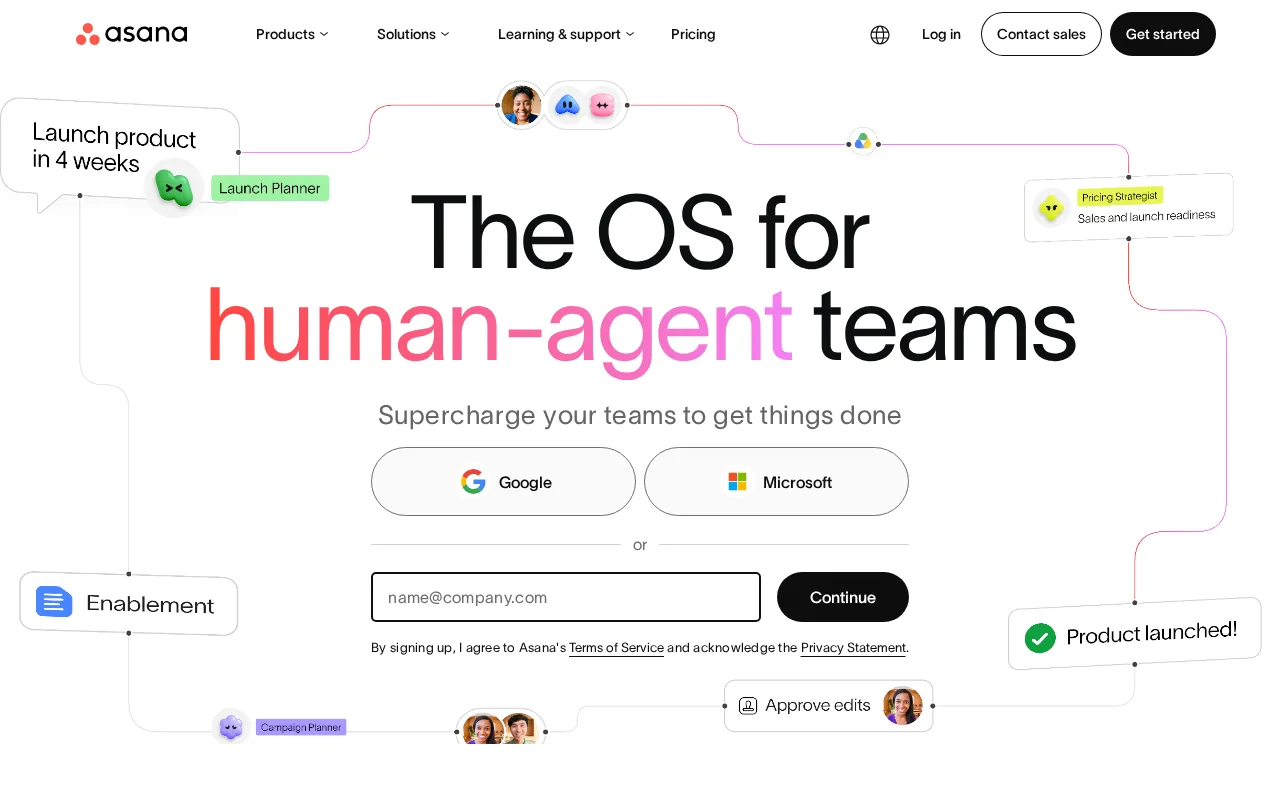
Asana is the best Trello alternative for teams that have outgrown a flat board, which is exactly where Trello's own listing says people go next. Asana organizes work through what it calls the Work Graph, linking goals to portfolios to projects to tasks, and shows the same project as a list, board, Gantt-style timeline, or calendar. Asana Starter is $10.99/user/month billed annually ($13.49 billed monthly) and includes timeline and Gantt views, reporting dashboards, unlimited automations, forms, custom fields, and unlimited free guests. Trello reaches its own Calendar, Timeline, Table, Dashboard, and Map views only on Premium at $10/user/month, so the two land within a dollar of each other once you need real views, though Trello's $5 Standard tier stays cheaper for plain boards. Trello is still the better choice for a small team that wants a shared board running in five minutes: Trello's free plan covers 10 collaborators and 10 boards where Asana's free Personal tier stops at 2 users, Trello's learning curve is rated low against Asana's moderate, and Butler automation needs no setup. Asana also gates Goals and Workload behind Advanced at $24.99/user/month, a 127% jump from Starter, and puts SSO and SCIM in a quote-only Enterprise plan.
Compared to Trello: a goals-to-portfolios hierarchy with timeline and workload views instead of flat boards, $10.99/user/month for Starter against Trello's $5 Standard, and a free tier capped at 2 users against Trello's 10 collaborators
Wins:Goals, portfolios, and Workload give managers a rollup across many projects, which is precisely the case Trello's own listing says its card-and-list model does not handle · Starter at $10.99/user/month includes timeline and Gantt views, reporting dashboards, unlimited automations, forms, and unlimited free guests, where Trello holds Timeline, Table, and Dashboard views for Premium at $10/user/month · Native Salesforce, Tableau, and Power BI connectors on Advanced, plus 100+ free integrations on every tier
Loses:Free Personal plan stops at 2 users, where Trello's free plan supports 10 collaborators and 10 boards per workspace · Goals and Workload require the Advanced tier at $24.99/user/month, a 127% jump from Starter's $10.99, and SSO and SCIM require quote-only Enterprise · Moderate learning curve against Trello's low one, with a feature surface that can overwhelm teams that just want a task list
Pros
- Free tier covers unlimited tasks and projects for up to 2 users, not just a time-limited trial
- Multiple views (list, board, timeline/Gantt, calendar) on the same project without extra tools
- Deep integration library (100+ free integrations) plus native Salesforce, Tableau, and Power BI connectors on Advanced
- Reporting dashboards and portfolios give a rollup view across many projects at once
Cons
- Per-user pricing means costs scale linearly and jump 127% from Starter to Advanced ($10.99 to $24.99/user/month)
- Core planning features like Goals and Workload are locked behind the Advanced tier, not available on Starter
- SSO, SCIM provisioning, and capacity planning require Enterprise, which has no published price
- Heavy feature surface (AI Teammates, AI Studio, Service Management) can overwhelm teams that just want simple task tracking
Pricing: Free tier · paid from $10.99/mo — $10.99/user/month for Starter billed annually vs Trello's $5/user/month Standard, or $109.90 against $50 a month for a ten-person team (verified )
2monday.com — best Trello alternative for mid-size teams that want one configurable platform to run project tracking, CRM, and IT/HR workflows on visual boards instead of stitching together separate point tools.
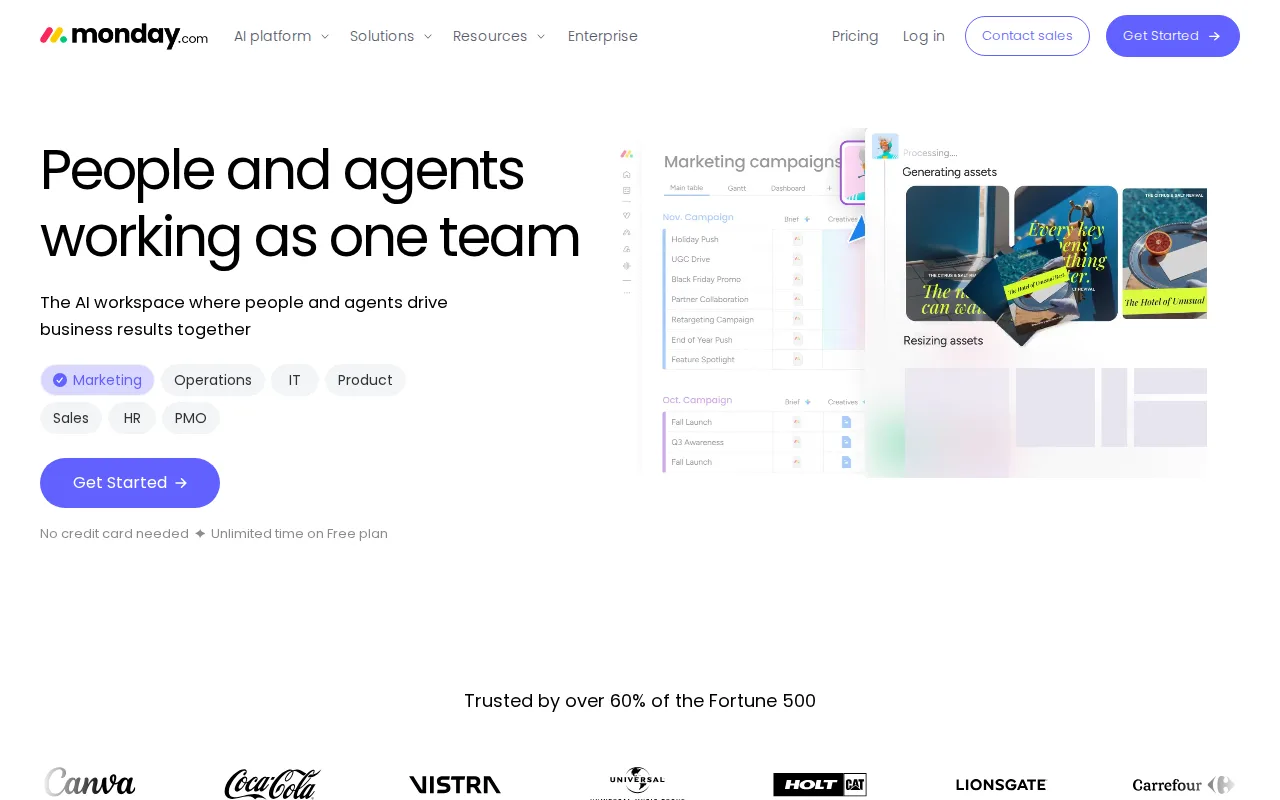
monday.com is the best Trello alternative for a non-technical team that wants to reshape a board into something Trello's cards cannot become, such as a sales pipeline, a hiring tracker, or an IT ticket queue. Where Trello gives lists and cards with checklists, monday.com gives dozens of column types, dashboards, and no-code automation recipes on the same board, plus dedicated products for work management, CRM, dev, service, and marketing on one platform. Every paid tier includes AI credits and agents: Basic at $9/seat/month billed annually carries 1,000 AI credits a month, Standard at $12 carries 2,000, and Pro at $19 carries 3,000, while Trello's $5 Standard tier offers AI-powered capture without a published credit allowance. Basic also adds unlimited free viewers, so read-only stakeholders do not consume seats. Trello is still the better choice for small teams watching cost. monday.com's free plan is capped at 2 seats and 3 boards against Trello's 10 collaborators and 10 boards, Basic at $9/seat is 80% more than Trello Standard's $5, and timeline and Gantt views start at the $12 Standard tier where Trello includes Timeline, Table, and Dashboard views at $10 Premium. monday.com also caps Standard at 250 automation actions a month.
Compared to Trello: dozens of column types with dashboards and AI credits on every paid tier instead of cards and checklists, $9/seat for Basic against Trello's $5 Standard, and a free plan capped at 2 seats and 3 boards against Trello's 10 collaborators and 10 boards
Wins:Boards reshape into CRM pipelines, hiring trackers, or IT queues without custom development, well past what Trello's cards and checklists model · AI credits ship on every paid tier (1,000/month on Basic, 2,000 on Standard, 3,000 on Pro), where Trello's $5 Standard advertises AI-powered capture with no published allowance · Basic at $9/seat includes unlimited free viewers and unlimited items, so read-only stakeholders do not consume paid seats
Loses:Free plan is capped at 2 seats and 3 boards, far tighter than Trello's 10 collaborators and 10 boards per workspace · Basic costs $9/seat/month against Trello Standard's $5, and timeline and Gantt views start at the $12 Standard tier where Trello includes Timeline, Table, and Dashboard views on $10 Premium · Standard caps automations and integrations at 250 actions a month, pushing active teams to Pro at $19/seat for volume rather than features
Pros
- Free plan and all paid tiers include AI credits and iOS/Android apps out of the box
- Highly flexible board and column system covers project management, CRM, and ops without needing separate software
- 200+ templates speed up setup for common use cases
- Dashboards and Gantt/timeline views are included from the Standard tier up
Cons
- Free tier is capped at just 2 seats and 3 boards, too small for most real teams
- Automation and integration action limits (250/month on Standard) are easy for active teams to hit and require an upgrade to Pro
- Per-seat annual billing math (e.g., $9/seat shown as $90 for 10 seats) makes true monthly cost easy to underestimate at checkout
- Enterprise features like advanced permissions and portfolio management require contacting sales for custom pricing
Pricing: Free tier · paid from $9/mo — $9/seat/month for Basic billed annually ($90/month at 10 seats) vs Trello's $5/user/month Standard ($50/month at 10 seats) (verified )
3ClickUp — best Trello alternative for small and mid-sized teams that want tasks, docs, chat, and time tracking on one paid seat instead of buying a tracker, a wiki, a chat app, and a timesheet tool separately
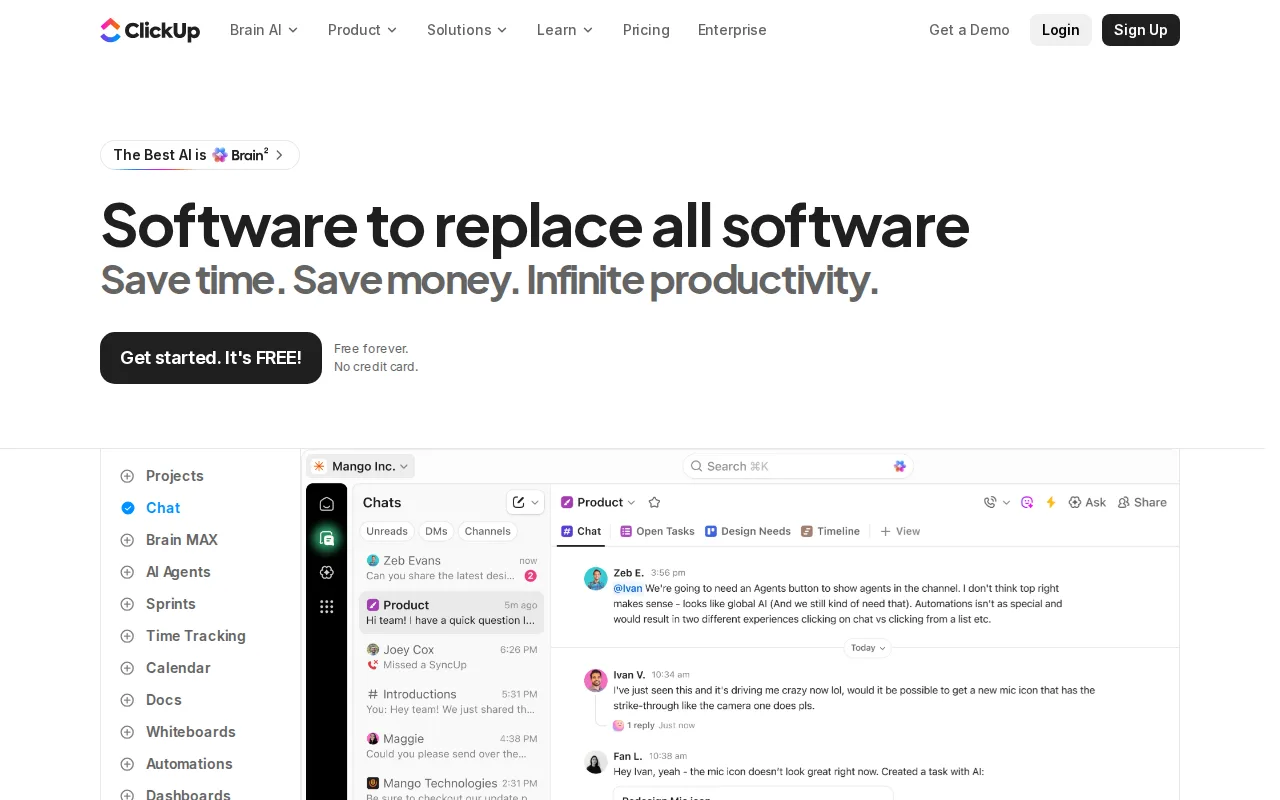
ClickUp is the best Trello alternative for a team that needs to grow past Trello's free ceiling without paying yet. ClickUp's Free Forever plan allows unlimited tasks and unlimited free plan members with kanban boards, collaborative docs, sprint management, calendar view, and 24/7 support, where Trello's free plan stops at 10 collaborators and 10 boards per workspace with a 10MB file cap. Paid plans are priced per user per month on yearly billing: Unlimited at $7 adds unlimited storage, unlimited Gantt charts, native time tracking, goals and portfolio management, and guests with permission control, and Business at $12 adds unlimited dashboards, timeline views, 5,000 automation executions a month, sprint reporting, and Google SSO. That puts Gantt charts and time tracking $3 below the $10 Trello Premium tier where Trello first adds Timeline and Dashboard views. Trello is still the better choice on price and on evidence. Trello Standard is $5/user/month against ClickUp Unlimited's $7, ClickUp's monthly billing jumps that to $10, ClickUp's AI is a separate add-on at $9 or $28 per user per month, and ClickUp is the one tool on this page with no review score on record here. ClickUp prices cited here were read from clickup.com/pricing.
Compared to Trello: a free plan with unlimited members and unlimited tasks instead of 10 collaborators and 10 boards, Gantt charts and native time tracking at $7/user/month against Trello's $10 Premium tier for timeline views, and AI sold as a $9/user/month add-on rather than included
Wins:Free Forever allows unlimited tasks and unlimited free members with docs, kanban boards, sprint management, and 24/7 support, against Trello's free cap of 10 collaborators and 10 boards · Unlimited at $7/user/month billed yearly includes unlimited storage, unlimited Gantt charts, native time tracking, and goals and portfolio management, $3 under the $10 Trello Premium tier where Timeline and Dashboard views first appear · Business at $12/user/month adds 5,000 automation executions a month, unlimited dashboards, sprint points and reporting, and Google SSO
Loses:Cheapest paid plan is $7/user/month against Trello Standard's $5, and ClickUp's monthly billing raises that to $10 against Trello's $6 · AI is a separate subscription at $9/user/month for Brain AI or $28/user/month for Everything AI, with extra credits at $10 per 10,000, where Trello includes AI-powered capture in its $5 Standard tier · Free plan caps file storage at 60MB and gives guests full create-and-edit access with no permission controls, and ClickUp has no external review rating on record here
Pros
- Free Forever includes unlimited tasks and unlimited members with Kanban boards, sprints, collaborative docs, calendar view, and in-app video recording.
- Unlimited at $7/user/month billed yearly already covers unlimited storage, Gantt charts, integrations, custom fields, and native time tracking.
- One workspace spans tasks, docs and wikis, chat, whiteboards, dashboards, goals, forms, and time tracking, cutting the number of separate subscriptions a team carries.
- Native apps for Windows, macOS, Linux, iOS, and Android plus a Chrome extension and a public API (10,000 calls/minute on Enterprise).
- ClickUp holds 4.6/5 across 4,630 Capterra reviews, 4.1/5 across 687 Trustpilot reviews, and 4.6/5 across 123 Product Hunt reviews.
Cons
- AI is priced on top of the plan at $9/user/month (Brain AI) or $28/user/month (Everything AI), plus $10 per 10,000 AI Super Credits once the allowance runs out.
- Free Forever caps total file storage at 60MB and Spaces at 5, so the free plan stops working for any team that attaches real files.
- Depth comes with per-plan caps on Spaces, lists, folders, automations, and view types — 40 lists per Space on Free, 200 on Unlimited, 400 on Business — so a workspace needs deliberate setup before it is usable.
- Payment is per Workspace and the whole Workspace must upgrade at once; a single team cannot be moved to a paid plan on its own.
Pricing: Free tier · paid from $7/mo — $7/user/month for Unlimited billed yearly ($10 billed monthly) vs Trello's $5/user/month Standard billed annually ($6 billed monthly) (verified )
4Notion — best Trello alternative for teams that want to consolidate scattered docs, wikis, and lightweight project trackers into one linked workspace, and are willing to spend time designing their own database structure.
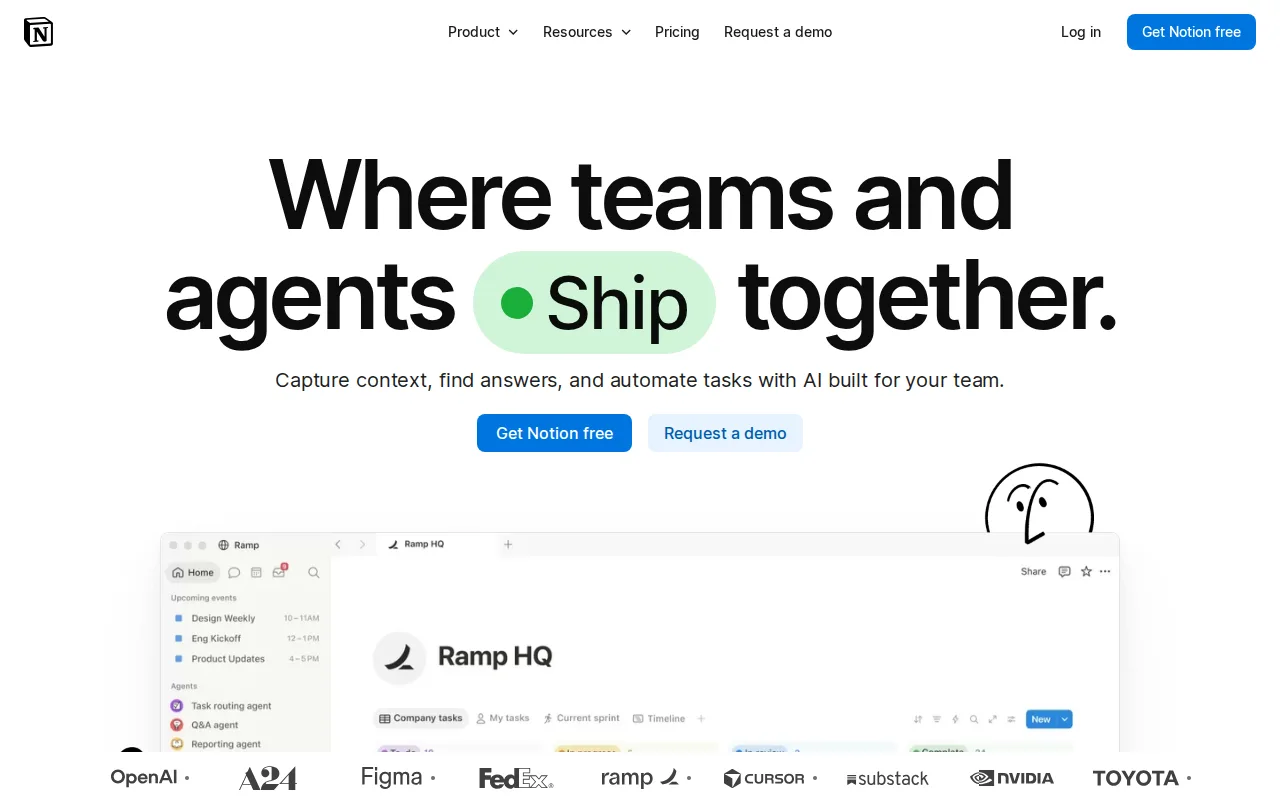
Notion is the best Trello alternative for teams whose project notes, specs, and task list keep drifting into separate tools. A Notion workspace holds documents, wikis, and relational databases as nested blocks, so the board view and the spec that explains it live on the same page, something Trello's cards cannot do without Power-Ups. Notion Plus is $10/member/month billed monthly and cheaper billed yearly, giving unlimited blocks, unlimited file uploads, custom forms and sites, and 30-day page history, against Trello's free-plan 10MB file cap and its $5/user/month Standard tier. Notion is also the only tool on this page with a native Linux client, alongside web, Windows, macOS, iOS, and Android, where Trello ships everything but Linux. Its public API, webhooks, and one-way database syncs pull records in from Jira, GitHub, and Asana. Trello is still the better choice when the goal is a board and nothing more. Notion's learning curve is rated steep against Trello's low, its Plus tier costs double Trello Standard, meaningful AI features such as Notion Agent, AI Meeting Notes, and Enterprise Search require the $20/member/month Business plan with Custom Agents billed at $10 per 1,000 credits, and offline access is limited to recently viewed or favorited pages.
Compared to Trello: documents, wikis, and linked databases in the same workspace instead of boards alone, $10/member/month for Plus against Trello's $5 Standard, and a native Linux client Trello does not ship
Wins:Docs, wikis, and linked databases sit in the same workspace as the task board, so a spec and its tracker are one click apart rather than in separate tools · Plus at $10/member/month includes unlimited blocks and unlimited file uploads, where Trello's free plan caps files at 10MB · Native Linux desktop client in addition to web, Windows, macOS, iOS, and Android, plus a public API, webhooks, and one-way syncs from Jira, GitHub, and Asana
Loses:Steep learning curve against Trello's low one, since the block-and-database model asks you to design the structure yourself · Plus costs $10/member/month, double Trello Standard's $5, and meaningful AI (Notion Agent, AI Meeting Notes, Enterprise Search) requires the $20/member/month Business plan plus credits at $10 per 1,000 · Offline access covers only recently viewed or favorited pages rather than the whole workspace
Pros
- Single tool covers docs, wikis, databases, and basic project tracking, reducing tool-switching
- Free plan supports unlimited pages and blocks for solo use, with only multi-member workspaces hitting block limits
- Deep customization through nested pages, linked databases, and templates
- Public API, webhooks, and 1-way database syncs (Jira, GitHub, Asana) for connecting external tools
Cons
- Per-member pricing on paid tiers ($10-$20/month) gets expensive fast for larger teams compared to flat-fee tools
- Offline support is limited to recently viewed or favorited pages on paid plans rather than full offline access
- Flexible block-and-database model has a steep learning curve for teams used to fixed-structure apps
- Meaningful AI features (Notion Agent, Enterprise Search, AI Meeting Notes) require the $20/month Business plan or higher
Pricing: Free tier · paid from $10/mo — $10/member/month for Plus billed monthly vs Trello's $5/user/month Standard billed annually ($6 billed monthly) (verified )
5Basecamp — best Trello alternative for small teams and agencies who want message boards, to-dos, and chat per project under one flat account price rather than per-seat billing
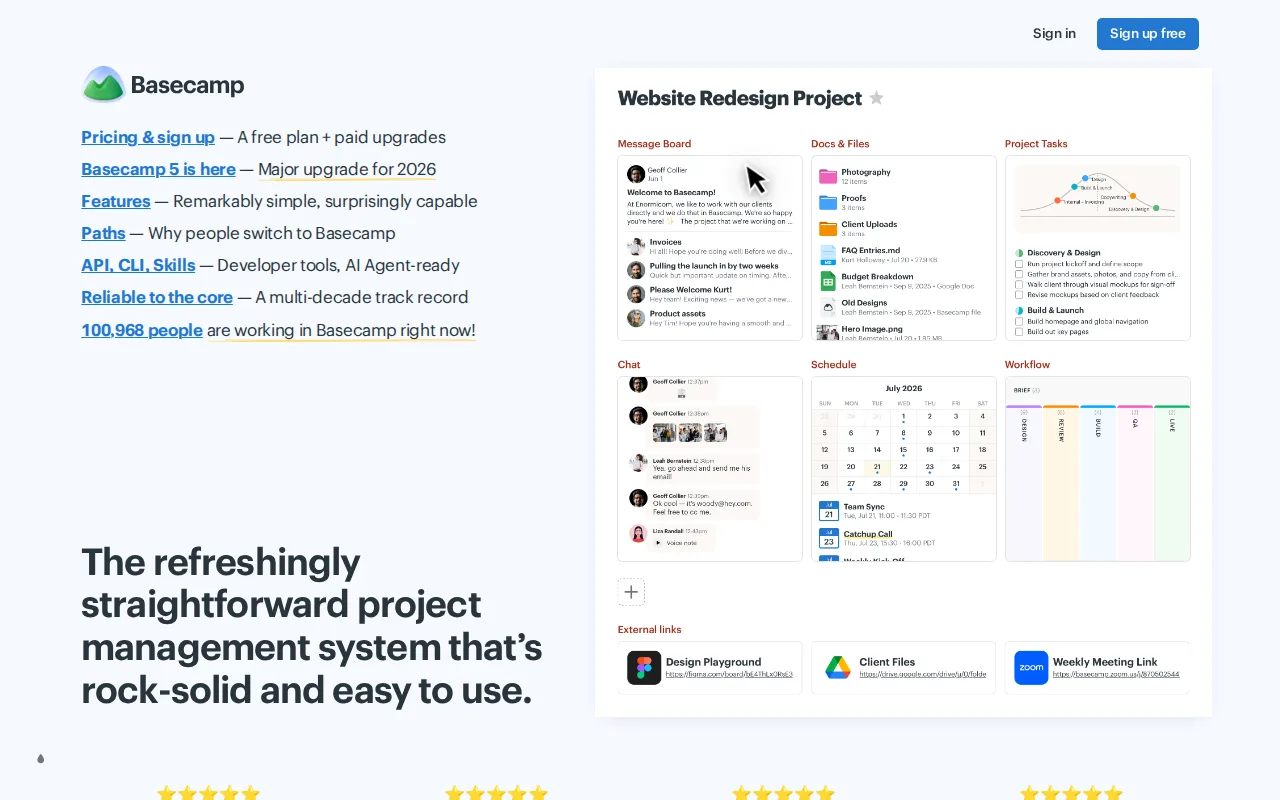
Basecamp is the best Trello alternative for a team whose bill should stop rising every time someone joins. Basecamp from 37signals charges per account, not per seat: Studio is $59/month flat with unlimited users and 10 active projects, Pro is $100/month with 25 projects, and the Unlimited Edition is $300/month billed annually with unlimited projects and 1TB of storage. Trello charges $5/user/month on Standard, so a 12-person team already costs $60/month and a 6-person team on Trello Premium costs $60, both above Basecamp Studio's flat $59 no matter how many people you add after that. Basecamp also bundles message boards, group chat, scheduling, documents, and card tables in one app where Trello supplies boards and relies on Power-Ups for the rest, and it holds 4.4/5 from 14,437 Capterra reviews where Trello has no external rating on record. Trello is still the better choice for small teams and for anyone juggling many clients. Basecamp's free plan allows 1 active project and 5 users against Trello's 10 boards and 10 collaborators, every paid Basecamp tier caps simultaneous active projects while Trello Standard gives unlimited boards for $5 a seat, and reviewers report bugs, slow responses, and excessive notifications.
Compared to Trello: flat monthly pricing with unlimited users from the $59 Studio plan instead of $5 per seat, message boards, chat, scheduling, and docs in one app rather than boards plus Power-Ups, and active-project caps on every tier where Trello Standard gives unlimited boards
Wins:Flat per-account pricing with unlimited users from Studio up, so a 20-person team pays $59/month where Trello Standard would cost $100/month and Trello Premium $200/month · Bundles message boards, group chat, scheduling, documents, and card tables in one app, where Trello covers boards and adds the rest through Power-Ups · 4.4/5 from 14,437 Capterra reviews and a low learning curve matching Trello's own, where Trello has no external rating on record
Loses:Free plan allows just 1 active project, 1GB of storage, and 5 users, against Trello's 10 boards and 10 collaborators per workspace · Active-project caps apply on every paid tier (3 on Freelancer, 10 on Studio, 25 on Pro), where Trello Standard gives unlimited boards at $5 per seat, so agencies with many concurrent clients hit the ceiling first · Capterra reviewers report occasional bugs, slow responses, crashes, and notification volume that is hard to tune
Pros
- No per-user fees: Pro Unlimited covers unlimited people and projects for one capped price ($199/month billed annually).
- Combines message boards, to-dos, Card Tables, group chat, scheduling, docs, and check-ins in one app instead of requiring separate tools.
- Simple, opinionated interface that reviewers consistently describe as easy to onboard new team members into.
- Basecamp 5 connects Claude, ChatGPT, and self-run AI agents through MCP and a CLI on every plan, Free included.
- Trials need no credit card, cancellation is self-serve, and 37signals reports 99.99% historical uptime.
Cons
- The free plan allows one project and 3 users, enough only for personal use.
- Freelancer, Pro, and Pro Plus cap active projects (3, 8, 12) and users (5, 10, 15), so growing agencies hit limits quickly.
- Time tracking requires Pro Plus ($99/month), and templates and multiple tools per project require Pro ($79/month).
- Notification volume and customization are frequently cited by reviewers as excessive and hard to tune.
Pricing: Free tier · paid from $29/mo — $59/month flat for Studio with unlimited users vs Trello Standard's $5/user/month, which passes $59 at 12 seats (verified )