4 Best Alternatives to Basecamp in 2026
By Noahlast updated pricing verified

From our data: Sorted by per-seat starting price, the four alternatives compared to Basecamp run Trello ($5/user/month), ClickUp ($7/user/month), monday.com ($9/user/month), and Asana ($10.99/user/month), a median of $8/user/month; none match Basecamp's own flat, per-account pricing, which starts at $25/month with unlimited users included from the $59/month Studio tier up.
 Asana
Asana monday.com
 ClickUp
 Trello
How we picked
- Pricing was independently verified on-site for all four alternatives — Asana, monday.com, ClickUp, and Trello — all fetched 2026-08-01, alongside Basecamp's own pricing verified 2026-08-21, so every dollar figure in this comparison comes from a live pricing-page read.
- All four alternatives use per-user (per-seat) pricing, structurally different from Basecamp's flat, per-account pricing that includes unlimited users from the Studio tier up; that distinction is the central axis separating Basecamp's own biggest selling point from every alternative compared here.
- Review volume is large and fairly close across all four: Trello's combined 13,700 G2 plus 23,500 Capterra reviews and Asana's combined 11,900 G2 plus 13,900 Capterra reviews are the two largest samples, both far exceeding Basecamp's own 14,437 Capterra reviews taken alone, though Basecamp's single-source total is still substantial.
- Free-tier shape varies: monday.com and ClickUp both offer 'Free Forever'-style tiers, Asana's free Personal tier and Trello's Free tier are similarly unlimited-duration, and Basecamp's own Free plan caps at just 1 active project, a real constraint reflected directly in the differences below.
Paid placement never alters editorial rank — read the full methodology.
Basecamp alternatives at a glance
| Alternative | Best for | Learning curve | Price |
|---|---|---|---|
| Basecampreference | small teams and agencies who want message boards, to-dos, and chat per project under one flat account price rather than per-seat billing | Low | Free tier · paid from $29/mo |
| Asana | Cross-functional teams of 10-500 people who need shared timelines, dependencies, and status reporting across multiple concurrent projects. | Moderate | Free tier · paid from $10.99/mo |
| monday.com | Mid-size teams that want one configurable platform to run project tracking, CRM, and IT/HR workflows on visual boards instead of stitching together separate point tools. | Moderate | Free tier · paid from $9/mo |
| ClickUp | small and mid-sized teams that want tasks, docs, chat, and time tracking on one paid seat instead of buying a tracker, a wiki, a chat app, and a timesheet tool separately | Steep | Free tier · paid from $7/mo |
| Trello | Small teams and individuals who want a simple kanban board to track to-dos without adopting a full project-management framework | Low | Free tier · paid from $5/mo |
 Basecamp
1Asana — best Basecamp alternative for cross-functional teams of 10-500 people who need shared timelines, dependencies, and status reporting across multiple concurrent projects.
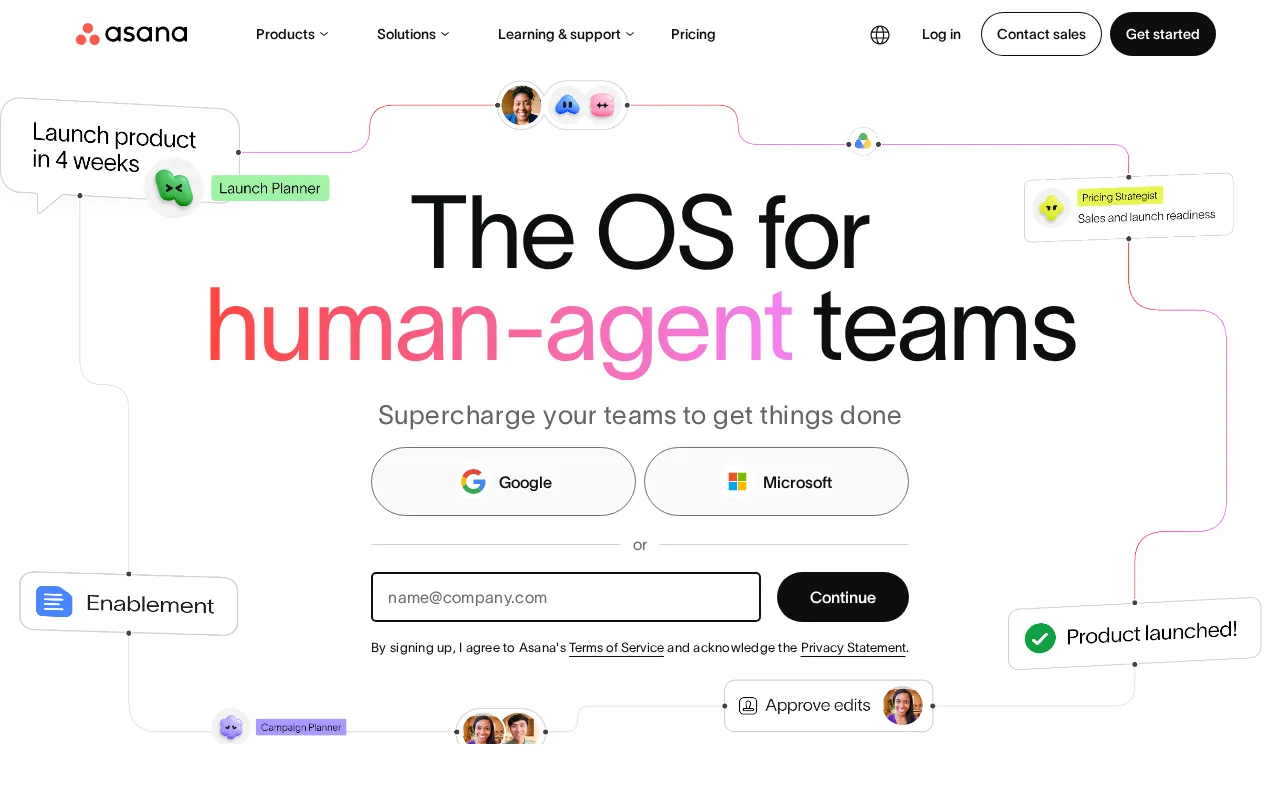
Asana is the best Basecamp alternative for mid-size teams coordinating many concurrent projects, since its goals-to-portfolios-to-projects hierarchy and Workload view give managers cross-project visibility that Basecamp's flatter, message-board-centric structure doesn't provide. Asana holds a 4.4/5 rating from 11,900 G2 reviews and a 4.5/5 from 13,900 Capterra reviews, both larger samples than Basecamp's 14,437 Capterra reviews taken as a single source. Asana's Starter tier costs $10.99/user/month, and while per-user pricing means costs rise with headcount (a real weakness Asana's own data names), it also means small teams pay less upfront than committing to Basecamp's flat $25/month Freelancer tier for as few as 3 projects. Basecamp remains the better choice for teams that specifically want flat, per-account pricing that doesn't grow with headcount: Basecamp's Studio tier and above include unlimited users at a fixed $59-$300/month, while Asana's per-seat price rises quickly for larger teams, and Asana can feel heavyweight for small teams that just need message boards and a shared to-do list.
Compared to Basecamp: goals-to-portfolios-to-projects hierarchy with Workload view Basecamp's flatter structure doesn't provide, 4.4/5 from 11,900 G2 reviews plus 4.5/5 from 13,900 Capterra reviews vs Basecamp's 14,437 Capterra reviews, per-user pricing from $10.99/month rather than Basecamp's flat per-account model
Wins:Goals, Portfolios, and Workload views give managers cross-project visibility that Basecamp's message-board-centric structure doesn't offer · 4.4/5 from 11,900 G2 reviews plus 4.5/5 from 13,900 Capterra reviews, both individually larger than Basecamp's 14,437 Capterra reviews · Strong automation rules and API/integration support beyond Basecamp's more limited third-party ecosystem
Loses:Per-seat pricing rises quickly for larger teams, unlike Basecamp's flat, per-account pricing that includes unlimited users from Studio ($59/month) up · Can feel heavyweight for small teams that just need Basecamp's simpler message boards and to-do lists · No message-board-style async discussion format the way Basecamp's core interface is built around
Pros
- Free tier covers unlimited tasks and projects for up to 2 users, not just a time-limited trial
- Multiple views (list, board, timeline/Gantt, calendar) on the same project without extra tools
- Deep integration library (100+ free integrations) plus native Salesforce, Tableau, and Power BI connectors on Advanced
- Reporting dashboards and portfolios give a rollup view across many projects at once
Cons
- Per-user pricing means costs scale linearly and jump 127% from Starter to Advanced ($10.99 to $24.99/user/month)
- Core planning features like Goals and Workload are locked behind the Advanced tier, not available on Starter
- SSO, SCIM provisioning, and capacity planning require Enterprise, which has no published price
- Heavy feature surface (AI Teammates, AI Studio, Service Management) can overwhelm teams that just want simple task tracking
Pricing: Free tier · paid from $10.99/mo — $10.99/user/month (Starter) vs Basecamp's flat $25/month (Freelancer, 3 projects, 20 users) with no per-seat cost growth (verified )
2monday.com — best Basecamp alternative for mid-size teams that want one configurable platform to run project tracking, CRM, and IT/HR workflows on visual boards instead of stitching together separate point tools.
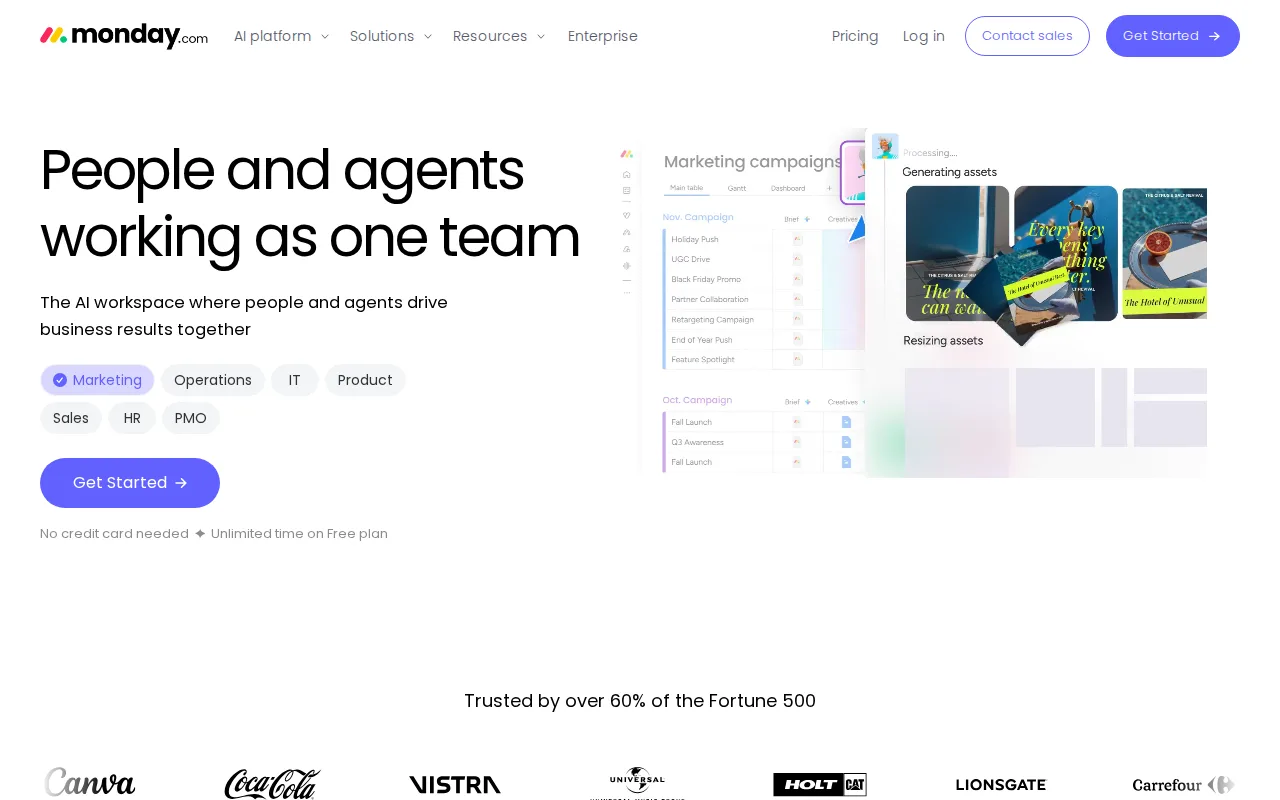
monday.com is the best Basecamp alternative for non-technical teams that need a visual, easily adoptable workflow tool rather than Basecamp's message-board-and-to-do-list format. Its 30+ customizable board column types and no-code automation recipes let teams shape boards into CRMs, trackers, or project hubs, a flexibility Basecamp's more fixed toolset (message boards, to-dos, card tables) doesn't match. monday.com holds a 4.7/5 rating from 14,000 G2 reviews and 4.6/5 from 5,600 Capterra reviews, both larger samples than Basecamp's 14,437 Capterra reviews taken alone. Both tools share a low learning curve, but monday.com's visual approachability is specifically called out in its own listing as a standout feature, backed by strong dashboard widgets Basecamp's simpler interface doesn't offer. Basecamp remains the better choice for teams that want flat, per-account pricing with unlimited users: monday.com's Free plan caps at just 2 seats, tighter than Basecamp's Free plan's 5-user allowance, and monday.com's paid tiers are billed per seat with a minimum seat requirement, so costs add up faster than Basecamp's flat pricing as a team grows past the Studio tier's unlimited-user threshold.
Compared to Basecamp: 30+ customizable board column types and no-code automation vs Basecamp's fixed message-board/to-do toolset, 4.7/5 from 14,000 G2 reviews vs Basecamp's 4.4/5 from 14,437 Capterra reviews, per-seat pricing with a 3-seat minimum vs Basecamp's flat per-account pricing
Wins:30+ customizable board column types and no-code automation recipes let teams reshape the tool into CRMs, trackers, or project hubs beyond Basecamp's fixed toolset · 4.7/5 rating from 14,000 G2 reviews, the highest score among the four alternatives compared here · Strong dashboard widgets give visual reporting Basecamp's simpler interface doesn't offer
Loses:Free plan caps at just 2 seats, tighter than Basecamp's own Free plan, which allows up to 5 users · Per-seat pricing with a 3-seat minimum adds up faster than Basecamp's flat, unlimited-user pricing from the Studio tier up · Key features are gated behind higher pricing tiers, a structure Basecamp's flat-price, all-inclusive tiers avoid
Pros
- Free plan and all paid tiers include AI credits and iOS/Android apps out of the box
- Highly flexible board and column system covers project management, CRM, and ops without needing separate software
- 200+ templates speed up setup for common use cases
- Dashboards and Gantt/timeline views are included from the Standard tier up
Cons
- Free tier is capped at just 2 seats and 3 boards, too small for most real teams
- Automation and integration action limits (250/month on Standard) are easy for active teams to hit and require an upgrade to Pro
- Per-seat annual billing math (e.g., $9/seat shown as $90 for 10 seats) makes true monthly cost easy to underestimate at checkout
- Enterprise features like advanced permissions and portfolio management require contacting sales for custom pricing
Pricing: Free tier · paid from $9/mo — $9/user/month (Basic, 3-seat minimum) vs Basecamp's flat $25/month (Freelancer) with no per-seat cost growth (verified )
3ClickUp — best Basecamp alternative for small and mid-sized teams that want tasks, docs, chat, and time tracking on one paid seat instead of buying a tracker, a wiki, a chat app, and a timesheet tool separately
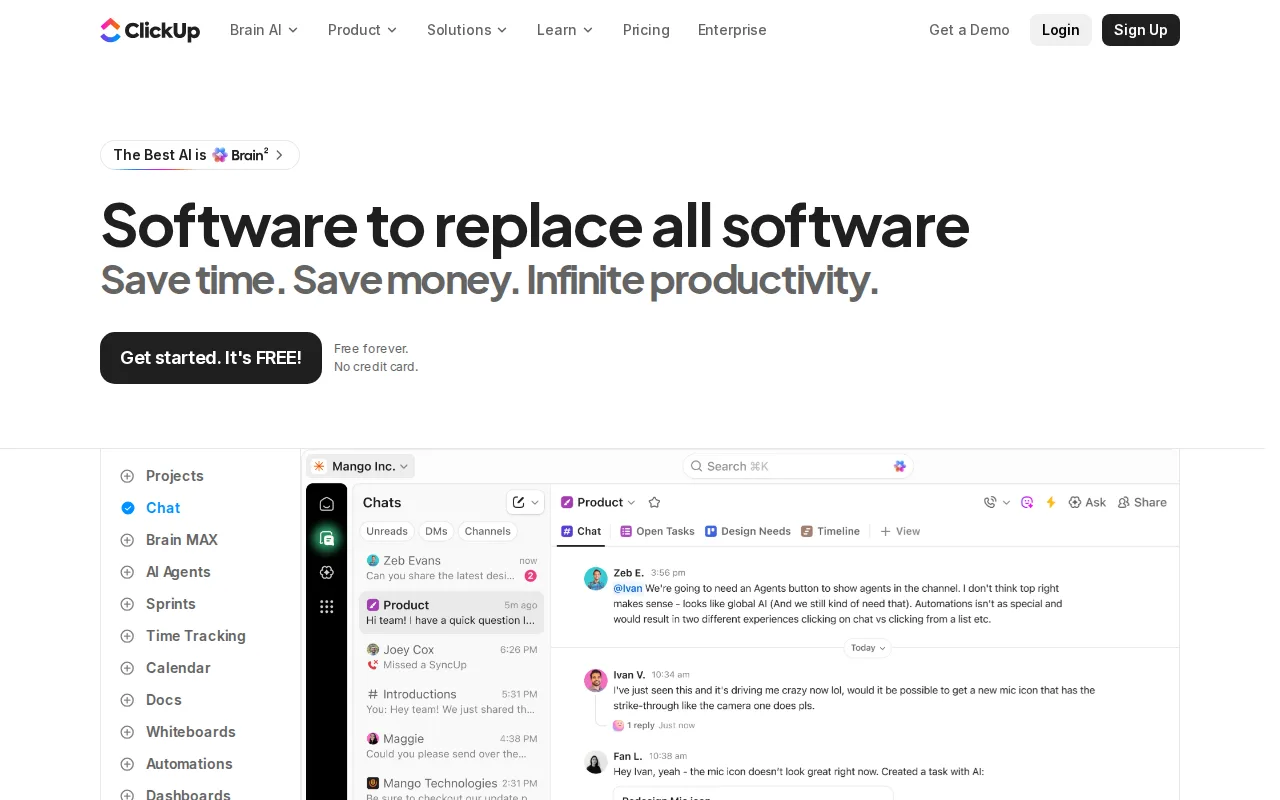
ClickUp is the best Basecamp alternative for power users who want tasks, docs, whiteboards, goals, and chat combined into one deeply customizable hierarchy of spaces, folders, and lists, well beyond Basecamp's simpler set of message boards, to-dos, and card tables. ClickUp holds a 4.7/5 rating from 10,600 G2 reviews and 4.6/5 from 4,500 Capterra reviews, both individually smaller than Basecamp's 14,437 Capterra reviews but still substantial evidence at a similar star rating. Its Free Forever tier has no time limit, and paid tiers start at just $7/user/month (Unlimited), a lower per-seat entry point than every other alternative compared here. Basecamp remains the better choice for teams that specifically want simplicity and flat pricing: ClickUp's feature density creates a cluttered UI under load and reviewers note occasional performance hiccups, a steep learning curve Basecamp's simpler, more opinionated interface avoids, and Basecamp's flat per-account pricing means adding team members on Studio and above doesn't increase the bill the way ClickUp's per-seat pricing does.
Compared to Basecamp: tasks, docs, whiteboards, goals, and chat in one deeply customizable hierarchy vs Basecamp's simpler toolset, 4.7/5 from 10,600 G2 reviews vs Basecamp's 4.4/5 from 14,437 Capterra reviews, paid tiers from $7/user/month vs Basecamp's flat $25/month
Wins:Extremely customizable hierarchy of spaces, folders, and lists, with custom fields, statuses, and ClickApps well beyond Basecamp's simpler toolset · 4.7/5 rating from 10,600 G2 reviews plus 4.6/5 from 4,500 Capterra reviews, both at a higher star rating than Basecamp's 4.4/5 · Free Forever tier has no time limit, and paid tiers start at $7/user/month, an aggressive entry price for small teams
Loses:Cluttered UI under load and occasional performance hiccups, reviewer complaints that Basecamp's simpler, more opinionated interface avoids · Steep learning curve from feature density, unlike Basecamp's low learning curve that reviewers describe as easy to onboard new team members into · Per-seat pricing still grows with headcount, unlike Basecamp's flat per-account pricing with unlimited users from Studio ($59/month) up
Pros
- Free Forever includes unlimited tasks and unlimited members with Kanban boards, sprints, collaborative docs, calendar view, and in-app video recording.
- Unlimited at $7/user/month billed yearly already covers unlimited storage, Gantt charts, integrations, custom fields, and native time tracking.
- One workspace spans tasks, docs and wikis, chat, whiteboards, dashboards, goals, forms, and time tracking, cutting the number of separate subscriptions a team carries.
- Native apps for Windows, macOS, Linux, iOS, and Android plus a Chrome extension and a public API (10,000 calls/minute on Enterprise).
- ClickUp holds 4.6/5 across 4,630 Capterra reviews, 4.1/5 across 687 Trustpilot reviews, and 4.6/5 across 123 Product Hunt reviews.
Cons
- AI is priced on top of the plan at $9/user/month (Brain AI) or $28/user/month (Everything AI), plus $10 per 10,000 AI Super Credits once the allowance runs out.
- Free Forever caps total file storage at 60MB and Spaces at 5, so the free plan stops working for any team that attaches real files.
- Depth comes with per-plan caps on Spaces, lists, folders, automations, and view types — 40 lists per Space on Free, 200 on Unlimited, 400 on Business — so a workspace needs deliberate setup before it is usable.
- Payment is per Workspace and the whole Workspace must upgrade at once; a single team cannot be moved to a paid plan on its own.
Pricing: Free tier · paid from $7/mo — $7/user/month (Unlimited) vs Basecamp's flat $25/month (Freelancer, 3 projects, 20 users) with no per-seat cost growth (verified )
4Trello — best Basecamp alternative for small teams and individuals who want a simple kanban board to track to-dos without adopting a full project-management framework
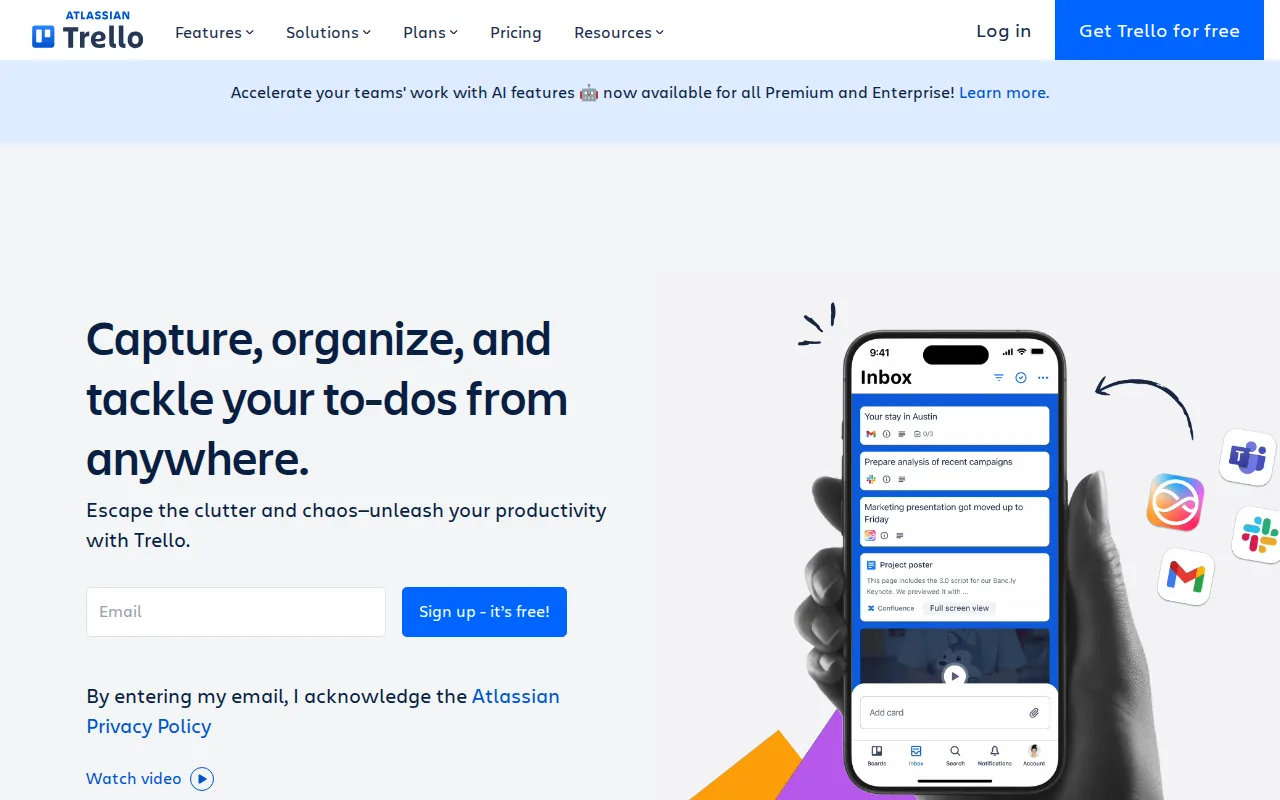
Trello is the best Basecamp alternative for small teams that want the simplest possible shared kanban board, running in minutes rather than requiring Basecamp's fuller suite of message boards, to-dos, chat, and scheduling. Trello holds a 4.4/5 rating from 13,700 G2 reviews and 4.5/5 from 23,500 Capterra reviews, the largest combined review sample among all four alternatives compared here and well beyond Basecamp's own 14,437 Capterra reviews. Butler automation handles repetitive card moves without code, and Trello's Free plan is solid for a small team's basic needs, similar in spirit to Basecamp's own Free tier but without Basecamp's 1-active-project cap. Basecamp remains the better choice for teams that need more than a flat kanban board: Trello's flat boards don't scale to multi-team portfolios the way Basecamp's message boards, scheduling, and card tables combine into a fuller project-communication suite, and Trello's free plan has no native timeline while its reporting is comparatively weak next to Basecamp's built-in project overview tools.
Compared to Basecamp: instantly understandable kanban boards vs Basecamp's fuller message-board/to-do/chat suite, 4.4/5 from 13,700 G2 reviews plus 4.5/5 from 23,500 Capterra reviews vs Basecamp's 14,437 Capterra reviews, Free plan without Basecamp's 1-project cap
Wins:Instantly understandable kanban boards that a team can get running in minutes, simpler than Basecamp's fuller message-board, to-do, and chat suite · 4.4/5 from 13,700 G2 reviews plus 4.5/5 from 23,500 Capterra reviews, the largest combined sample among the four alternatives compared here · Butler automation handles repetitive card moves without code, at a lower learning-curve cost than more complex tools
Loses:Flat boards don't scale to multi-team portfolios, unlike Basecamp's fuller combination of message boards, scheduling, docs, and card tables · No native timeline on the free plan and comparatively weak reporting next to Basecamp's built-in project overview tools · Card sprawl on big projects, a scaling limitation Basecamp's structured project/message-board model is designed to avoid
Pros
- Free plan supports unlimited cards and up to 10 boards per workspace with no time limit
- Simple drag-and-drop kanban interface that most users learn in minutes
- Deep Power-Up and integration ecosystem plus native automation (Butler) without scripting
- Native mobile apps for iOS and Android
Cons
- Free tier limits workspaces to 10 boards and caps file size at 10MB
- Advanced views (Calendar, Timeline, Table, Dashboard, Map) require the Premium plan at $10/user/month
- Card-based structure lacks native support for complex dependencies or Gantt-style planning without add-ons
- Annual billing is required to get the advertised per-seat prices; monthly billing costs 20-25% more per seat
Pricing: Free tier · paid from $5/mo — $5/user/month (Standard) vs Basecamp's flat $25/month (Freelancer, 3 projects, 20 users) with no per-seat cost growth (verified )
Which one is right for you?
- You're a mid-size team coordinating many concurrent projects and need cross-project workload visibility.Asana
- You're a non-technical team that needs a visual, easily adoptable workflow tool with no-code automation.monday.com
- You're a power user who wants every workflow feature — docs, whiteboards, goals, chat — in one deeply customizable tool.ClickUp
- You're a small team that wants a shared kanban board running in five minutes with no learning curve.Trello
- You want the cheapest per-seat entry price among the compared alternatives for a small team.ClickUp
Frequently asked questions
What is the best alternative to Basecamp?
- Asana is the best-reviewed alternative to Basecamp for mid-size teams, holding a 4.4/5 rating from 11,900 G2 reviews and a 4.5/5 from 13,900 Capterra reviews, and its Workload view adds cross-project visibility Basecamp's flatter structure lacks. For the simplest board a small team can start in minutes, Trello is the better match.
Is there a free alternative to Basecamp?
- Yes — Asana, monday.com, ClickUp, and Trello all offer a genuinely free tier, and unlike Basecamp's Free plan, none of them cap active projects at just 1. monday.com's free tier does cap at 2 seats, tighter than Basecamp's 5-user free allowance.
Can ClickUp replace Basecamp?
- ClickUp can replace Basecamp and add far more customization, since it combines tasks, docs, whiteboards, and goals in one hierarchy versus Basecamp's simpler message-board toolset. ClickUp's per-seat pricing (from $7/user/month) still grows with headcount, unlike Basecamp's flat pricing with unlimited users from the Studio tier up.
What is the closest alternative to Basecamp for flat pricing?
- None of the four alternatives compared here match Basecamp's flat, per-account pricing model exactly — Asana, monday.com, ClickUp, and Trello all charge per user. Basecamp's Studio tier and above include unlimited users starting at $59/month, a structure none of these alternatives replicate.
How does Basecamp pricing compare to its alternatives?
- Basecamp charges a flat $25/month for its Freelancer tier (3 projects, 20 users) with unlimited users from Studio ($59/month) up, while its alternatives charge per seat: ClickUp starts cheapest at $7/user/month, followed by Trello at $5/user/month, monday.com at $9/user/month, and Asana at $10.99/user/month. Which is cheaper depends entirely on team size.