6 Best Alternatives to RingCentral in 2026
By Noahlast updated

From our data: Only 2 of the 6 RingCentral alternatives listed here offer a free tier (Zoom Basic and Microsoft Teams Free); among the 5 that publish an entry price the figures are $4, $14.16, $15, $15, and $24 per user per month billed annually, a median of $15, which is 25% below RingCentral Core's own $20/user/month.
 Zoom
Zoom Microsoft Teams
 Dialpad
 Nextiva
 8x8
8x8How we picked
- External review evidence anchored the top of the list: Zoom's 4.6/5 from 14,659 Capterra reviews and Microsoft Teams' 4.5/5 from 11,129 both exceed RingCentral's own 4.2/5 from 1,205, while 8x8, Nextiva, Dialpad, and GoTo Connect have no external rating on record here.
- Price transparency was ranked as a signal in its own right because RingCentral's stated weakness is cost climbing past the advertised rate: Microsoft Teams, 8x8, Nextiva, and Dialpad publish per-user monthly figures, Zoom's own site no longer publishes Pro and Business rates (those come from third-party trackers), and GoTo Connect quotes every tier through sales.
- Annual-versus-monthly gaps were compared like-for-like against RingCentral Core's 50% premium ($20 billed annually, $30 month-to-month): 8x8 X2 adds about 17% ($24 to $28), Nextiva Core adds about 53% ($15 to $23), and Nextiva Engage doubles ($25 to $50).
- Pricing verification dates were used where they exist: Nextiva and GoTo Connect were verified on-site on 15 September 2026 and Microsoft Teams on 14 September 2026; Zoom, 8x8, Dialpad, and RingCentral itself carry no verification timestamp, so their figures are reported as listed.
- AI cost was treated as a ranking factor because RingCentral prices AI Receptionist from $39/user/month and Conversation Intelligence from $60/user/month on top of the base plan: tools that include transcription, summaries, or analytics in the base subscription ranked higher on that axis.
Paid placement never alters editorial rank — read the full methodology.
RingCentral alternatives at a glance
| Alternative | Best for | Learning curve | Price |
|---|---|---|---|
| RingCentralreference | mid-size to large businesses replacing a legacy office phone system with a single platform for calling, video meetings, and team chat | Moderate | From $20/mo |
| Zoom | hybrid teams that need reliable HD video meetings, phone, and chat under one login, from solo users on the free plan up to 1,000-participant company town halls | Low | Free tier · paid from $14.16/mo |
| Microsoft Teams | organizations already using Microsoft 365 that need chat, video meetings, and calling tightly integrated with Word, Excel, Outlook, and SharePoint, from small teams under 300 people up to large enterprises | Moderate | Free tier · paid from $4/mo |
| 8x8 | businesses that want their phone system and contact center on one cloud platform under a single negotiated contract | Moderate | Custom pricing |
| Nextiva | Small-to-mid-size businesses that want a single vendor for business phone lines, team messaging, video meetings, and a basic customer support/contact center in one subscription. | Moderate | From $15/mo |
| Dialpad | Distributed sales and support teams that want VoIP calling, video meetings, and AI-generated call transcripts/summaries in one app instead of stitching together a separate phone system, video tool, and call-recording add-on. | Moderate | From $15/mo |
| GoTo Connect | Small to multi-location businesses replacing an on-premise PBX with a cloud phone system that also needs built-in video meetings and call queues. | Moderate | Custom pricing |
 RingCentral
 GoTo Connect
1Zoom — best RingCentral alternative for hybrid teams that need reliable HD video meetings, phone, and chat under one login, from solo users on the free plan up to 1,000-participant company town halls
Zoom is the best RingCentral alternative for teams whose day runs on meetings rather than on inbound phone calls. Zoom Pro is reported at about $14.16/user/month billed annually, roughly 30% under RingCentral Core's $20/user/month, and Zoom Basic is free forever with unlimited one-to-one meetings, where RingCentral has no free tier at any price. Zoom's AI Companion generates meeting summaries, smart chapters, and follow-up suggestions and is included on every paid plan, while RingCentral sells AI Receptionist from $39/user/month and Conversation Intelligence from $60/user/month as separate per-user add-ons. Zoom also has far more review evidence behind it: 4.6/5 from 14,659 Capterra reviews against RingCentral's 4.2/5 from 1,205. Zoom ships a native Linux client; RingCentral's apps cover web, Windows, macOS, iOS, and Android only. RingCentral is still the better choice for a business that is genuinely replacing a phone system, because RingCentral Core bundles a business number and unlimited US and Canada calling into its $20/user/month price while Zoom Phone is a separate add-on on top of the Zoom license. Zoom also stopped publishing exact Pro and Business rates on its own pricing page, so those figures come from third-party trackers rather than the vendor.
Compared to RingCentral: a free Basic tier where RingCentral has none, AI Companion included on every paid plan instead of AI add-ons from $39/user/month, and a native Linux client RingCentral does not ship
Wins:Free Basic plan gives unlimited one-to-one meetings and 100-participant group calls capped at 40 minutes, where RingCentral has no free tier · AI Companion meeting summaries and smart chapters are included on every paid plan, while RingCentral prices AI Receptionist from $39/user/month and Conversation Intelligence from $60/user/month separately · 4.6/5 from 14,659 Capterra reviews against RingCentral's 4.2/5 from 1,205, plus a native Linux client RingCentral does not offer
Loses:Zoom Phone is a separate paid add-on, where RingCentral Core bundles a business number and unlimited US and Canada calling into its $20/user/month price · Zoom's own pricing page no longer publishes Pro and Business dollar figures, so the ~$14.16 and ~$18.33 annual rates come from third-party trackers rather than the vendor's rate card · Free group meetings stop at 40 minutes, and webinars and large-meeting capacity are further add-ons on top of the per-user license
Pros
- AI Companion (meeting summaries, smart chapters, follow-up suggestions) is included free on paid plans rather than a paid add-on.
- Consistently reliable HD video and audio even on weaker connections, thanks to adaptive bandwidth handling.
- One platform covers meetings, phone (Zoom Phone), team chat, whiteboard, and docs instead of stitching together separate tools.
- Native apps for Windows, macOS, Linux, iOS, and Android, including a full Linux client many competitors skip.
Cons
- Free Basic plan limits group meetings to 40 minutes, forcing an upgrade for most recurring team calls.
- Exact Pro and Business pricing is no longer published on Zoom's own site, requiring a sales conversation or third-party source to confirm.
- Zoom Phone, large-meeting capacity, and webinar capabilities are separate paid add-ons on top of the base per-user license.
- Business Plus was folded into a bundled add-on rather than sold as its own standalone tier, complicating plan comparisons.
Pricing: Free tier · paid from $14.16/mo — About $14.16/user/month for Pro billed annually (third-party tracker figure) vs RingCentral Core's $20/user/month billed annually
2Microsoft Teams — best RingCentral alternative for organizations already using Microsoft 365 that need chat, video meetings, and calling tightly integrated with Word, Excel, Outlook, and SharePoint, from small teams under 300 people up to large enterprises
Microsoft Teams is the best RingCentral alternative for companies whose files, email, and identity already live in Microsoft 365. Teams Essentials costs $4/user/month billed annually against RingCentral Core's $20, which is $40 a month versus $200 a month for a ten-person team, and it still covers chat, VoIP calling, video conferencing, file sharing, 10GB of storage, and meeting recordings with transcripts. Teams Free adds a floor RingCentral does not have at all: unlimited one-to-one messaging and calling with group video capped at 60 minutes. Because Teams runs on Microsoft's own identity and storage stack, it opens SharePoint, OneDrive, Word, Excel, and Loop components inside a chat without a connector, where RingCentral reaches Microsoft 365 through one of its 500+ third-party integrations. Review evidence favors Teams too: 4.5/5 from 11,129 Capterra reviews against RingCentral's 4.2/5 from 1,205. RingCentral remains the better choice when the job is replacing a real phone system. Teams Essentials is not a PSTN line; business numbers require Teams Phone licensing on top, while RingCentral Core includes the number and unlimited US and Canada calling at $20/user/month. Teams reviewers also report recurring crashes, login errors, and sync failures.
Compared to RingCentral: $4/user/month for Teams Essentials against RingCentral Core's $20, a free tier with 60-minute group video calls where RingCentral has none, and native SharePoint, OneDrive, and Office integration instead of a third-party connector
Wins:Teams Essentials is $4/user/month billed annually against RingCentral Core's $20, or $40 versus $200 a month at ten seats · Teams Free covers unlimited one-to-one messaging and calling with 60-minute group video calls, where RingCentral has no free tier · 4.5/5 from 11,129 Capterra reviews against RingCentral's 4.2/5 from 1,205, plus native SharePoint, OneDrive, Word, Excel, and Loop integration
Loses:Teams Essentials is not a PSTN phone system: business lines require Teams Phone licensing on top, where RingCentral Core includes a business number and unlimited US and Canada calling at $20/user/month · Reviewers report recurring crashes, login errors, sync failures, and unreliable presence indicators · Full desktop Office apps require the $23.50/user/month Microsoft 365 Business Standard plan, and like RingCentral there is no official Linux client
Pros
- Free tier is usable for small teams with unlimited 1:1 messaging and calling.
- Tight native integration with Word, Excel, PowerPoint, Outlook, and SharePoint.
- AI-generated meeting notes, live captions, and real-time translation on paid tiers.
- Scales from a $4/user/month Essentials plan up to enterprise-grade Teams Phone and Teams Premium add-ons.
Cons
- Users report recurring bugs: crashes, login errors, sync failures, and unreliable status indicators.
- Free tier caps group video calls at 60 minutes.
- Full desktop Office apps require a $23.50/user/month Microsoft 365 Business Standard plan, not a lower-cost Teams-only upgrade.
- No official native Linux client.
Pricing: Free tier · paid from $4/mo — $4/user/month for Teams Essentials billed annually vs RingCentral Core's $20/user/month billed annually (verified )
38x8 — best RingCentral alternative for businesses that want their phone system and contact center on one cloud platform under a single negotiated contract
8x8 is the closest structural match to RingCentral on this list and the best choice when calls cross borders. 8x8 Work's entry X2 plan is $24/user/month billed annually and includes unlimited calling to 14 countries, where RingCentral Core at $20/user/month covers unlimited calling in the US and Canada. The gap widens at the analytics tier: 8x8 X4 is $44/user/month and bundles speech analytics, quality management, and advanced reporting, while the comparable RingCentral setup is Ultra at $35/user/month plus Conversation Intelligence from $60/user/month, roughly $95 per user per month. 8x8 also punishes month-to-month billing less than RingCentral does, at about 17% on X2 ($28 versus $24) against RingCentral Core's 50% ($30 versus $20). RingCentral is still the better pick for buyers who want the cheapest entry seat and the deepest integration catalog: RingCentral starts $4/user/month lower, advertises 500+ pre-built integrations across Salesforce, HubSpot, Zendesk, and native Microsoft Teams, and carries 1,205 Capterra reviews at 4.2/5 where 8x8 has no external rating on record here. Neither vendor offers a free tier.
Compared to RingCentral: unlimited calling to 14 countries on the entry X2 plan instead of US and Canada only, speech analytics and quality management bundled into the $44/user/month X4 tier instead of a $60/user/month add-on, and a smaller month-to-month premium of about 17% against RingCentral Core's 50%
Wins:X2 at $24/user/month includes unlimited calling to 14 countries, where RingCentral Core's $20/user/month covers unlimited US and Canada calling only · X4 at $44/user/month bundles speech analytics and quality management, against roughly $95/user/month for RingCentral Ultra ($35) plus Conversation Intelligence (from $60) · Month-to-month billing adds about 17% on X2 ($28 versus $24), where RingCentral Core's month-to-month rate is 50% higher ($30 versus $20)
Loses:Entry seat costs $24/user/month against RingCentral Core's $20, and 8x8 has no free tier either · No external review rating on record here, where RingCentral has 1,205 Capterra reviews at 4.2/5 · Contact Center and Communications APIs are priced and sold separately from 8x8 Work, and exact per-user rates vary by region and promotion, where RingCentral publishes three flat RingEX tiers and 500+ pre-built integrations
Pros
- Phone, video meetings, team chat, and contact center run on one platform instead of separate vendors.
- 8x8 markets 99.999% uptime with end-to-end encryption and compliance controls built in.
- Integrations with Salesforce, HubSpot, Microsoft Dynamics, Zendesk, Microsoft Teams, and Google Workspace.
- Native 8x8 Work apps for web, Windows, macOS, iOS, and Android.
Cons
- No published pricing; every plan requires a sales quote, so costs cannot be compared upfront.
- No free tier or self-serve sign-up for small teams that want to start without talking to sales.
- Contact Center, Engage, and API products are quoted and sold separately from 8x8 Work, adding complexity for buyers who need more than basic calling.
Pricing: Custom pricing — $24/user/month for X2 billed annually vs RingCentral Core's $20/user/month billed annually (verified )
4Nextiva — best RingCentral alternative for small-to-mid-size businesses that want a single vendor for business phone lines, team messaging, video meetings, and a basic customer support/contact center in one subscription.
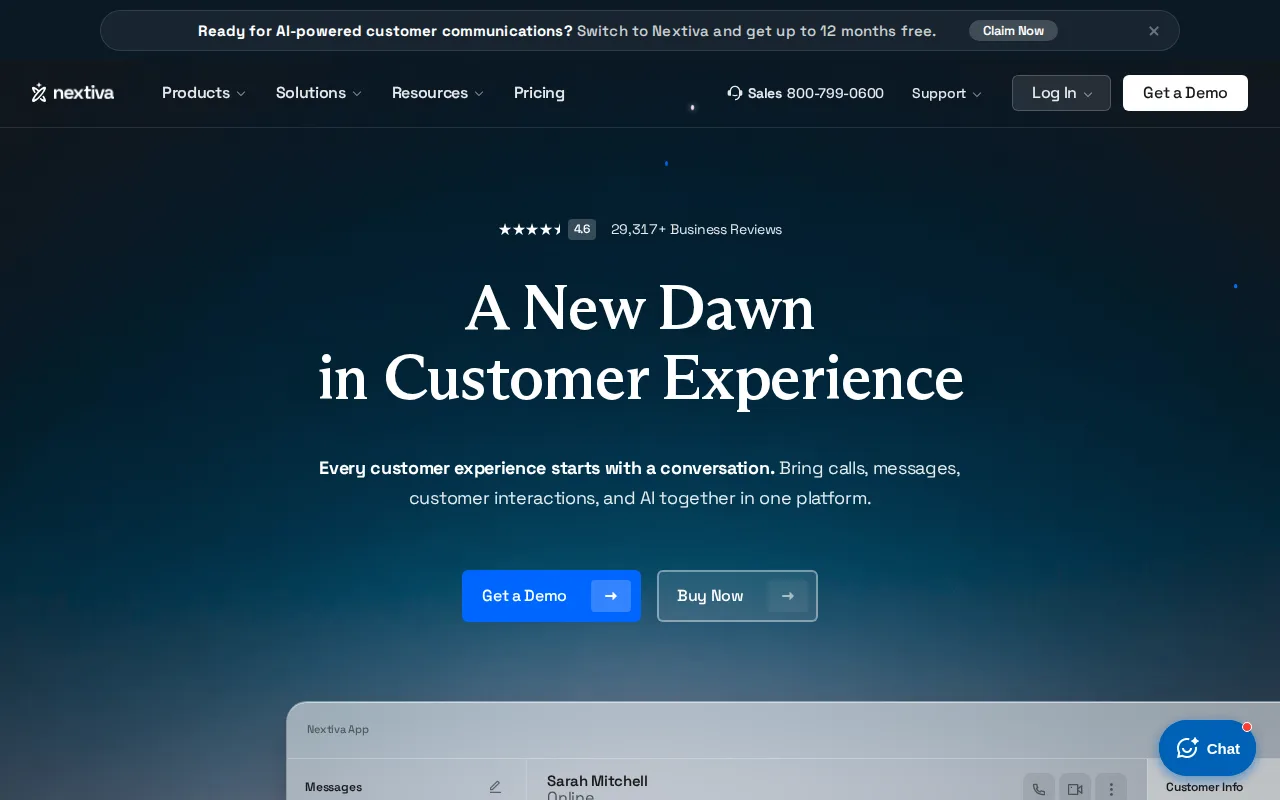
Nextiva is the best RingCentral alternative for a small business that wants a real business phone line at the lowest published seat price. Nextiva Core is $15/user/month billed annually against RingCentral Core's $20, which is $150 a month versus $200 for ten seats, and the plan still carries inbound and outbound voice, business SMS, video meetings, screen sharing, call routing, team chat, and a mobile app. XBert, Nextiva's AI receptionist that answers calls, texts, and chats around the clock, is available as an add-on on every tier including that cheapest one, where RingCentral's AI Receptionist starts at $39/user/month on top of a RingEX subscription. At $25/user/month, Nextiva Engage matches RingCentral Advanced's price but spends it differently, adding a toll-free number and minutes, an inbound call center, live chat, and a chatbot rather than call recording and call monitoring. RingCentral is still the better choice for buyers who need predictable published pricing at every level: Nextiva's contact center Professional and Premium tiers are quote-only, its month-to-month rates rise faster than RingCentral's, and its 4.6/5 from 8,484 Trustpilot reviews is a vendor-advertised figure rather than an independently recorded rating like RingCentral's 4.2/5 from 1,205 Capterra reviews.
Compared to RingCentral: $15/user/month for the Core plan against RingCentral's $20, an XBert AI receptionist add-on available on every tier including the cheapest, and quote-only pricing above the Engage plan where RingCentral publishes all three RingEX tiers
Wins:Core is $15/user/month billed annually against RingCentral Core's $20, or $150 versus $200 a month at ten seats · XBert, Nextiva's 24/7 AI receptionist, can be added on every plan tier including the $15 Core plan, where RingCentral's AI Receptionist starts at $39/user/month · Engage at $25/user/month matches RingCentral Advanced's price while adding a toll-free number and minutes, an inbound call center, live chat, and a chatbot
Loses:Month-to-month billing rises faster than RingCentral's: Core goes from $15 to $23 and Engage doubles from $25 to $50, against RingCentral Core's $20 to $30 · Contact center Professional and Premium tiers are quote-only, so total cost cannot be compared without a sales call, where RingCentral publishes $20, $25, and $35 per user per month · No independently recorded review rating here; Nextiva advertises 4.6/5 from 8,484 Trustpilot reviews, while RingCentral has 4.2/5 from 1,205 Capterra reviews on record
Pros
- Bundles phone, video, team chat, SMS, and live chat under one subscription starting at $15/user/mo (annual billing)
- AI receptionist (XBert) available as an add-on across all plan tiers, including the cheapest one
- Rated 4.6/5 on Trustpilot across 8,484 reviews and cites 100,000+ business customers
- Scales from a single small-business phone plan up to a full omnichannel contact center on the same platform
Cons
- Monthly (non-annual) billing roughly doubles per-user cost versus the advertised annual price (e.g., Core is $23/user/mo monthly vs $15/user/mo annual)
- Contact center's higher tiers (Professional, Premium) are quote-only, so buyers cannot compare full costs without a sales call
- No published free tier; pricing requires either annual commitment or a demo to unlock the better rates
Pricing: From $15/mo — $15/user/month for Core billed annually vs RingCentral Core's $20/user/month billed annually (verified )
5Dialpad — best RingCentral alternative for distributed sales and support teams that want VoIP calling, video meetings, and AI-generated call transcripts/summaries in one app instead of stitching together a separate phone system, video tool, and call-recording add-on.
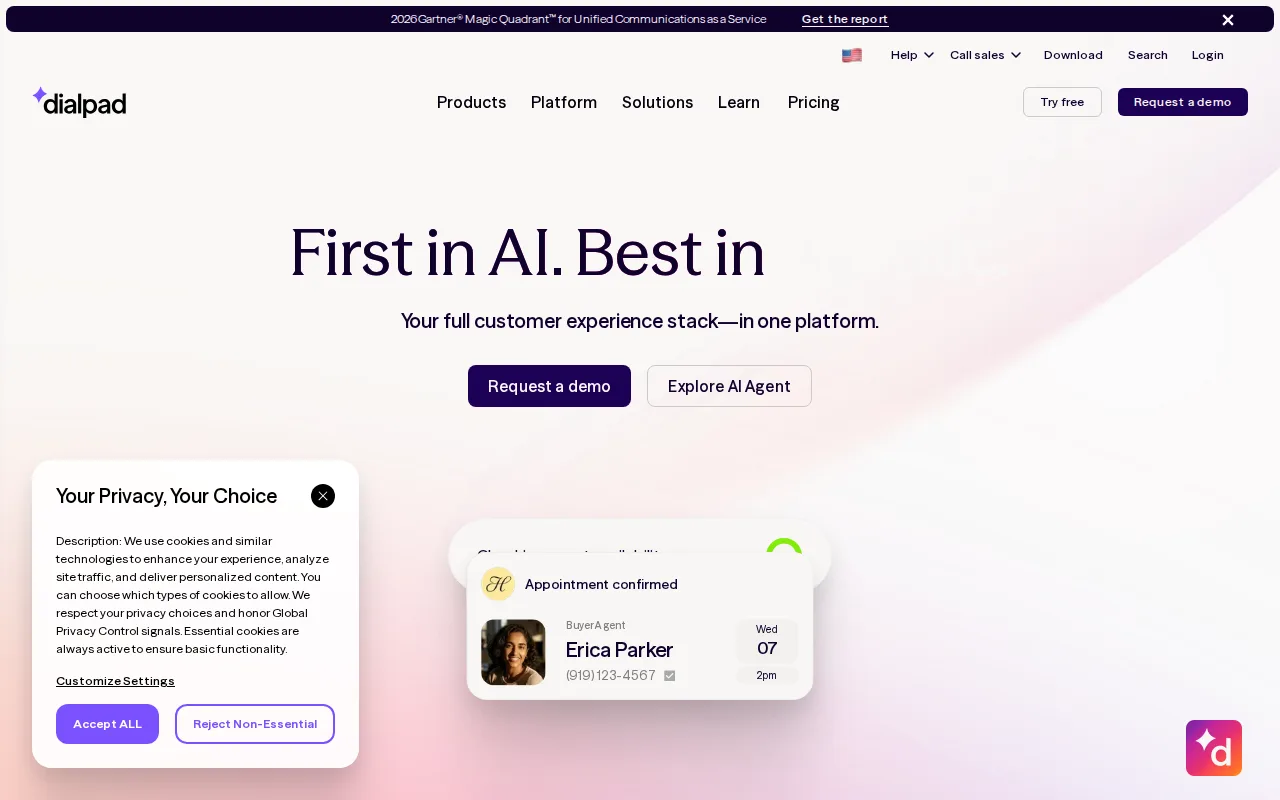
Dialpad is the best RingCentral alternative for teams that want conversation intelligence without paying for it twice. Dialpad Standard is $15/user/month billed annually and already includes unlimited US and Canada calling, unlimited SMS and MMS, video meetings, and AI call and voicemail transcription. RingCentral prices the equivalent analytics as an add-on: Conversation Intelligence starts at $60/user/month on top of a RingEX plan that itself runs $20 to $35, so a comparable RingCentral seat lands near $80 or more. Dialpad's AI is real-time rather than post-hoc, covering live transcription, automatic post-call summaries, sentiment analysis, and live coaching prompts for sales and support agents. Its $25/user/month Pro tier matches RingCentral Advanced on price and adds multiple local numbers, Salesforce, HubSpot, and Zendesk integrations, an open API, and an SLA-backed uptime commitment. RingCentral is still the better choice when you need published prices across the whole product line: Dialpad's Support contact center, Sell dialer, and newer Ai Agent are quote-only or billed on conversation credits, there is no free tier, and Dialpad has no external review rating on record here against RingCentral's 4.2/5 from 1,205 Capterra reviews.
Compared to RingCentral: AI call transcription included on the $15/user/month entry plan instead of a $60/user/month Conversation Intelligence add-on, the same $25/user/month price for CRM integrations, and quote-only pricing for its contact center and AI agent products
Wins:AI call and voicemail transcription is included on the $15/user/month Standard plan, where RingCentral prices Conversation Intelligence from $60/user/month on top of a $20 to $35 RingEX base · Standard's $15/user/month covers unlimited US and Canada calling plus unlimited SMS and MMS and video meetings, $5 under RingCentral Core's $20 · Live transcription, post-call summaries, sentiment analysis, and live coaching prompts are native to every call rather than a separate conversation-intelligence purchase
Loses:Support (contact center), Sell, and Ai Agent are quote-only or billed on conversation credits, so a full cost comparison needs a sales call, where RingCentral publishes its three RingEX tiers and its AI add-on starting prices · CRM integrations and the open API are gated behind the $25/user/month Pro tier, and RingCentral advertises 500+ pre-built integrations across its platform · No free tier and no external review rating on record here, where RingCentral carries 4.2/5 from 1,205 Capterra reviews
Pros
- Combines phone, video, SMS, and AI transcription/summaries in one app instead of separate tools
- AI features (call summaries, live transcription, sentiment analysis) are built in rather than bolted on
- Deep integrations with Salesforce, HubSpot, Zendesk, Microsoft Teams, and Google Workspace
- Available on web, Windows, macOS, iOS, and Android with the same feature set
Cons
- Contact center (Support), Sell, and Ai Agent pricing is not published and requires a sales call to get a quote
- Entry Standard plan lacks CRM integrations and open API, which are gated behind the Pro tier
- New conversation-based credit pricing for Ai Agent is harder to budget than a flat per-seat fee
- Advanced compliance and higher uptime SLAs are Enterprise-only, custom-priced features
Pricing: From $15/mo — $15/user/month for Standard billed annually vs RingCentral Core's $20/user/month billed annually
6GoTo Connect — best RingCentral alternative for small to multi-location businesses replacing an on-premise PBX with a cloud phone system that also needs built-in video meetings and call queues.
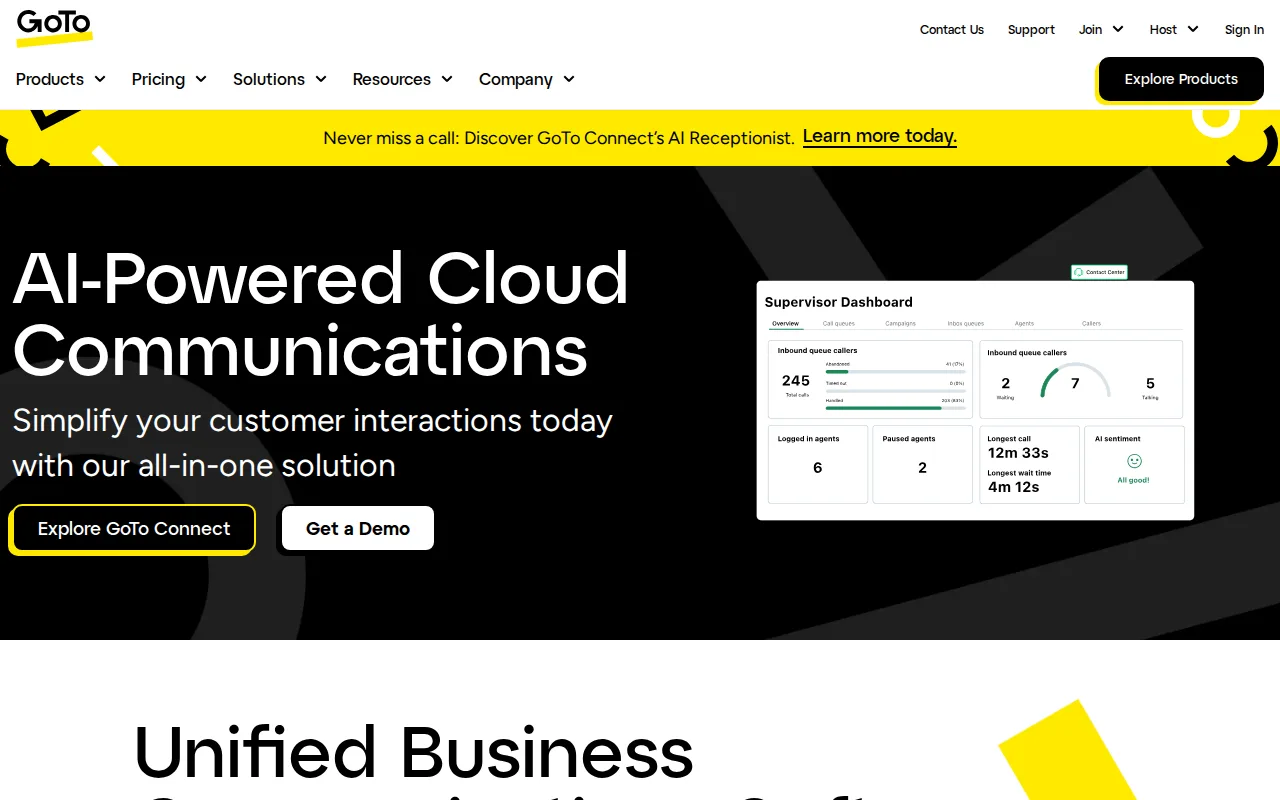
GoTo Connect is the best RingCentral alternative for a business whose priority is call handling across several sites rather than per-seat price. Built by GoTo, the company behind GoTo Meeting and GoTo Webinar, GoTo Connect puts unlimited auto attendants, call queues, and customizable dial plans on every tier including the entry Phone System plan, where RingCentral holds advanced call monitoring such as whisper and barge back for the $25/user/month Advanced plan. The base plan also advertises free calls to 50 countries, against RingCentral Core's unlimited US and Canada calling, and includes video meetings for up to 250 participants plus 24/7 support with a stated 99.999% reliability figure. Native Microsoft Teams, ServiceNow, and Zendesk integrations carry no extra licensing cost. RingCentral is the better choice for anyone who needs to compare costs before a sales call, and that is GoTo Connect's biggest problem: no per-user price is published for any of its four tiers, so every quote goes through a rep, while RingCentral lists Core at $20, Advanced at $25, and Ultra at $35 per user per month. GoTo Connect also caps toll-free minutes at 1,000 shared across the entire account on every tier, where RingCentral Ultra includes 10,000.
Compared to RingCentral: free calls to 50 countries on the base Phone System plan instead of US and Canada only, unlimited auto attendants and call queues on every tier instead of advanced call handling from the $25 Advanced plan, and no published pricing at all where RingCentral lists $20, $25, and $35 per user per month
Wins:The base Phone System plan advertises free calls to 50 countries, where RingCentral Core's $20/user/month covers unlimited US and Canada calling · Unlimited auto attendants, call queues, and customizable dial plans ship on all four tiers, where RingCentral reserves whisper and barge call monitoring for the $25/user/month Advanced plan · Video meetings for up to 250 participants are built into the base plan, and Microsoft Teams, ServiceNow, and Zendesk integrations carry no extra licensing cost
Loses:No self-serve pricing is published for any of the four tiers, so every quote requires a sales call, where RingCentral publishes Core at $20, Advanced at $25, and Ultra at $35 per user per month · Toll-free minutes are capped at 1,000 shared across the whole account on every tier, where RingCentral Ultra includes 10,000 toll-free minutes · AI features such as dynamic call routing and the 24/7 virtual assistant sit in the CX Complete tier rather than the base plan, and GoTo Connect has no external review rating on record here against RingCentral's 4.2/5 from 1,205 Capterra reviews
Pros
- Unlimited auto attendants, call queues, and customizable dial plans on every plan tier
- Video meetings for up to 250 participants included even on the base Phone System plan
- 24/7 support advertised across all tiers with a stated 99.999% reliability figure
- Native integrations with Microsoft Teams, ServiceNow, and Zendesk without extra licensing cost
Cons
- No published per-user pricing; all four tiers require a sales call to get a quote
- Higher-value AI features (dynamic call routing, 24/7 virtual assistant) are locked behind the CX Complete tier, not the base plan
- Toll-free minutes are shared and capped at 1,000 minutes across the account on every tier
- Feature set is heavily geared toward voice/contact-center use cases, so teams only needing video meetings may find it more than they need
Pricing: Custom pricing — GoTo Connect publishes no per-user price for any of its four tiers vs RingCentral's listed $20, $25, and $35 per user per month billed annually (verified )
Which one is right for you?
- You mostly run video meetings and only occasionally need calling, and you want to start without paying anythingZoom
- Your company already pays for Microsoft 365 and you want chat, meetings, and files inside the same tenantMicrosoft Teams
- Your team calls customers in Europe or Asia and unlimited international minutes matter more than the entry price8x8
- You are a small business that wants a real business phone line at the lowest published per-seat priceNextiva
- You want every call transcribed and summarized automatically without buying a separate conversation-intelligence add-onDialpad
- You are retiring an on-premise PBX across several sites and need unlimited auto attendants and call queues on every planGoTo Connect
- You need the longest free group video calls before committing any budgetMicrosoft Teams
Frequently asked questions
Is there a free alternative to RingCentral?
- Yes — Zoom and Microsoft Teams both offer free plans, where RingCentral has no free tier at any level. Teams Free caps group video calls at 60 minutes and Zoom Basic at 40 minutes; 8x8, Nextiva, Dialpad, and GoTo Connect are paid-only like RingCentral.
What is the closest alternative to RingCentral?
- 8x8 is the closest match: both are paid-only UCaaS platforms that bundle VoIP calling, video meetings, and team chat into one per-user subscription, both run on web, Windows, macOS, iOS, and Android with no Linux client, and both discount annual billing over month-to-month. The main split is scope of calling, since 8x8's $24 X2 plan covers 14 countries and RingCentral's $20 Core plan covers the US and Canada.
Which RingCentral alternative is cheapest?
- Nextiva Core and Dialpad Standard are the cheapest real phone plans at $15/user/month billed annually, 25% below RingCentral Core's $20. Microsoft Teams Essentials is cheaper still at $4/user/month, but it is not a PSTN business line without Teams Phone licensing on top.
Can Zoom replace RingCentral?
- For teams whose communication is mostly meetings and chat, yes — Zoom Pro is reported near $14.16/user/month annually against RingCentral Core's $20, and Zoom's AI Companion is included on paid plans. For replacing an office phone system, Zoom Phone is a separate add-on, while RingCentral Core includes a business number and unlimited US and Canada calling in its base price.
Which RingCentral alternative has AI call features without an add-on fee?
- Dialpad includes live transcription, automatic call summaries, and sentiment analysis in its $15/user/month Standard plan, where RingCentral sells AI Receptionist from $39/user/month and Conversation Intelligence from $60/user/month on top of the base subscription. Zoom also includes AI Companion summaries on every paid plan at no extra charge.
Which RingCentral alternative is best for international calling?
- 8x8 is the clearest choice, with unlimited calling to 14 countries on the $24/user/month X2 plan. GoTo Connect advertises free calls to 50 countries on its base Phone System plan, but it publishes no price for that plan or any other.
Do these RingCentral alternatives publish their prices?
- Microsoft Teams, 8x8, Nextiva, and Dialpad publish per-user monthly rates, and RingCentral publishes all three RingEX tiers. GoTo Connect publishes nothing and quotes every tier through sales, and Zoom no longer lists Pro and Business figures on its own pricing page.