6 Best Alternatives to Obsidian for Android in 2026
By Noahlast updated pricing verified
Compared: Obsidian alternatives that run on Android
| Alternative | Best for | Learning curve | Price |
|---|---|---|---|
| Obsidianreference | individuals building a long-lived personal knowledge base who want their notes to stay plain markdown files they can read, back up, and move without the app | Moderate | Free tier · paid from $4/mo |
| Notion | Teams that want to consolidate scattered docs, wikis, and lightweight project trackers into one linked workspace, and are willing to spend time designing their own database structure. | Steep | Free tier · paid from $10/mo |
| Anytype | privacy-conscious individuals and small teams who want a Notion-style flexible workspace that works fully offline and doesn't require trusting a third party with unencrypted data | Moderate | Free |
| Standard Notes | privacy-focused professionals and journalists who want a fully open-source, end-to-end encrypted notes app they can self-host instead of trusting a vendor's servers | Low | Free |
| Joplin | People who want an offline-first, end-to-end encrypted Markdown note app with a free self-hosted sync option and no vendor lock-in. | Moderate | Free tier · paid from $3.23/mo |
| Evernote | Individuals who want to capture and search notes, scanned documents, and web clips across phone, desktop, and browser in one synced place | Moderate | Free tier · paid from $14.99/mo |
| Microsoft OneNote | Windows and Microsoft 365 users who want a free, flexible page-based notebook for lecture notes, meeting notes, and research without a separate subscription | Low | Free |
 Obsidian
 Notion
 Anytype
 Standard Notes
 Joplin
 Evernote
 Microsoft OneNote
1Notion — best Obsidian alternative for teams that want to consolidate scattered docs, wikis, and lightweight project trackers into one linked workspace, and are willing to spend time designing their own database structure.
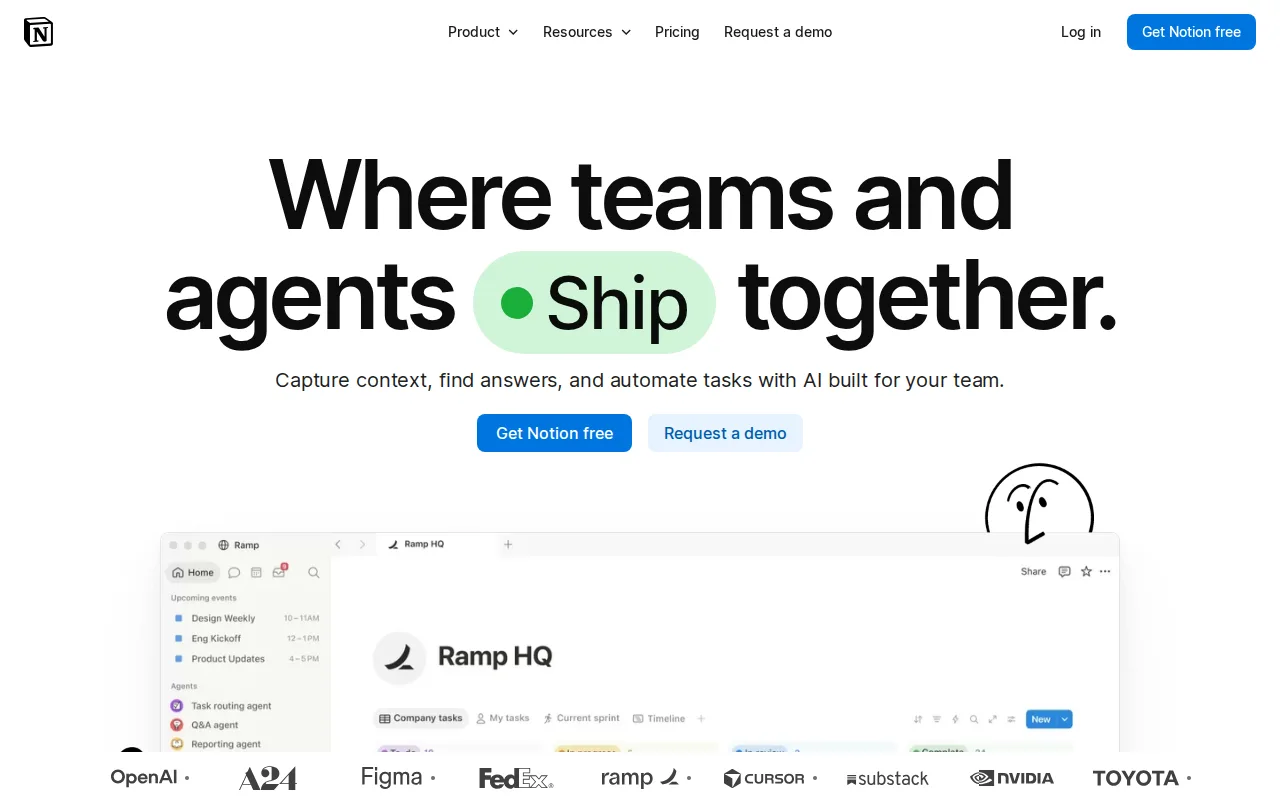
Notion is the best Obsidian alternative for teams that need many people working in the same docs, wikis, and project databases, which is the case Obsidian's own listing says costs extra or does not exist. Notion runs in a browser as well as on Windows, macOS, Linux, iOS, and Android, so a workspace opens on any machine, where Obsidian has no web version and a vault is unreachable without the installed app. Notion's free plan covers unlimited pages and blocks for solo use, and Plus at $10/member/month billed monthly adds unlimited blocks for shared workspaces, unlimited file uploads, custom forms and sites, and 30-day page history. Relational databases, a public API, webhooks, and one-way syncs from Jira, GitHub, and Asana let the same pages double as project trackers. Obsidian is still the better choice for one person building a long-lived knowledge base. Obsidian keeps every note as a plain markdown file on your own disk and works fully offline, while Notion's offline access covers only recently viewed or favorited pages on paid plans. Notion's learning curve is rated steep against Obsidian's moderate, its full AI features need the $20/member/month Business plan, and Notion has no external rating on record here, against Obsidian's 4.9/5 from 173 Product Hunt reviews.
Compared to Obsidian: a shared team workspace that runs in a browser where Obsidian has no web version, $10/member/month for Plus where the Obsidian app is free and Sync starts at $4/user/month, and offline access limited to recently viewed or favorited pages
Wins:Runs in a browser as well as on Windows, macOS, Linux, iOS, and Android, where Obsidian has no web version and a vault is unreachable without the installed app · Built for multi-member workspaces, with private teamspaces, granular database permissions, and SAML SSO on the $20/member/month Business plan, where Obsidian's real-time collaboration needs paid shared vaults on Obsidian Sync · Relational databases, a public API, webhooks, and one-way database syncs from Jira, GitHub, and Asana turn notes into project trackers
Loses:Offline access covers only recently viewed or favorited pages on paid plans, where Obsidian opens every note offline from local markdown files · Steep learning curve against Obsidian's moderate, and full AI features need the $20/member/month Business plan or Custom Agents billed at $10 per 1,000 credits · Free plan limits blocks in multi-member workspaces and keeps 7 days of page history, and Notion has no external rating on record here against Obsidian's 4.9/5 from 173 Product Hunt reviews
Pros
- Single tool covers docs, wikis, databases, and basic project tracking, reducing tool-switching
- Free plan supports unlimited pages and blocks for solo use, with only multi-member workspaces hitting block limits
- Deep customization through nested pages, linked databases, and templates
- Public API, webhooks, and 1-way database syncs (Jira, GitHub, Asana) for connecting external tools
Cons
- Per-member pricing on paid tiers ($10-$20/month) gets expensive fast for larger teams compared to flat-fee tools
- Offline support is limited to recently viewed or favorited pages on paid plans rather than full offline access
- Flexible block-and-database model has a steep learning curve for teams used to fixed-structure apps
- Meaningful AI features (Notion Agent, Enterprise Search, AI Meeting Notes) require the $20/month Business plan or higher
Pricing: Free tier · paid from $10/mo — $10/member/month for Notion Plus billed monthly vs Obsidian's free app plus optional Sync Standard at $5/user/month billed monthly ($4 billed annually) (verified )
2Anytype — best Obsidian alternative for privacy-conscious individuals and small teams who want a Notion-style flexible workspace that works fully offline and doesn't require trusting a third party with unencrypted data
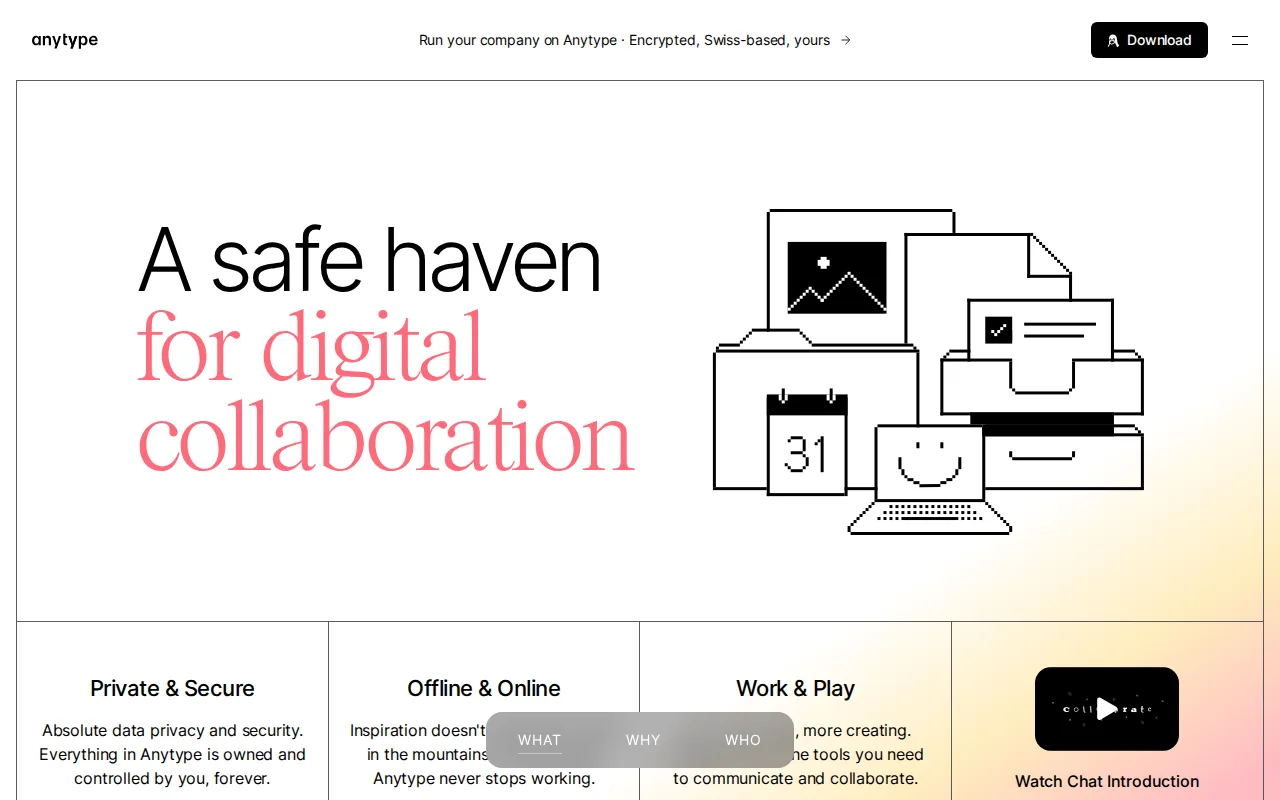
Anytype is the best Obsidian alternative for people who want Obsidian's local-first privacy with Notion-style structure on top. Anytype keeps data on your own device, encrypted end to end, and can sync it peer-to-peer with zero-knowledge encryption, while its composable blocks cover rich text, databases, kanban boards, calendars, and galleries that link across pages. Obsidian's core, by comparison, is a markdown editor with bidirectional links, a graph view, and Canvas. Anytype's free desktop apps for Windows, macOS, and Linux and its iOS and Android apps run fully offline on unlimited devices with no paywall on core features, and Anytype holds 4.9/5 from 104 Product Hunt reviews plus a 2023 Golden Kitty Award. Anytype's client code is published under the Any Source Available License 1.0, visible and modifiable under Any's terms, where Obsidian does not publish its application source. Obsidian is still the better choice for anyone who values plain files and a deep plugin ecosystem. Obsidian notes are ordinary markdown files that stay readable without the app, Obsidian's 7,647 community plugins and 755 themes outweigh Anytype's smaller integration ecosystem, and Obsidian publishes Sync at $4/user/month, while the listing could not verify the price of Anytype's paid Any-Sync Network membership. Anytype's license is not OSI-approved, and neither Anytype nor Obsidian offers a web version.
Compared to Obsidian: databases, kanban boards, calendars, and galleries as built-in blocks, source-available client code where Obsidian publishes none, and a smaller plugin ecosystem than Obsidian's 7,647 community plugins
Wins:Composable blocks for databases, kanban boards, calendars, and galleries are built in, where Obsidian's core is a markdown editor with bidirectional links, a graph view, and Canvas · Free apps cover local-only or peer-to-peer use on unlimited devices with end-to-end, zero-knowledge encryption, with no paywall on core features · Client source is published under the Any Source Available License 1.0, where Obsidian publishes plugin and release repositories but not its application source
Loses:Smaller plugin and third-party integration ecosystem, where Obsidian offers 7,647 community plugins and 755 themes · The paid Any-Sync Network membership price could not be verified, where Obsidian publishes Sync at $4 and $8/user/month and Publish at $8/site/month billed annually · The source-available license is not OSI-approved, and Anytype is a younger, less battle-tested product than long-established note apps
Pros
- Local-first architecture means the app works fully offline with data stored on-device.
- End-to-end, zero-knowledge encryption for any data that does sync.
- Free desktop and mobile apps with no feature paywall on core offline functionality.
- Composable block system (databases, kanban, calendar) offers Notion-like flexibility.
Cons
- Uses a source-available license rather than a standard OSI-approved open-source license.
- Smaller plugin and third-party integration ecosystem than Notion or Obsidian.
- Paid Any-Sync Network membership pricing is not clearly published, making cost planning harder.
- Younger, less battle-tested product than long-established note-taking competitors.
Pricing: Free — Both core apps are free; Anytype's paid Any-Sync Network membership has no verified price, against Obsidian Sync Standard at $4/user/month billed annually (verified )
3Standard Notes — best Obsidian alternative for privacy-focused professionals and journalists who want a fully open-source, end-to-end encrypted notes app they can self-host instead of trusting a vendor's servers
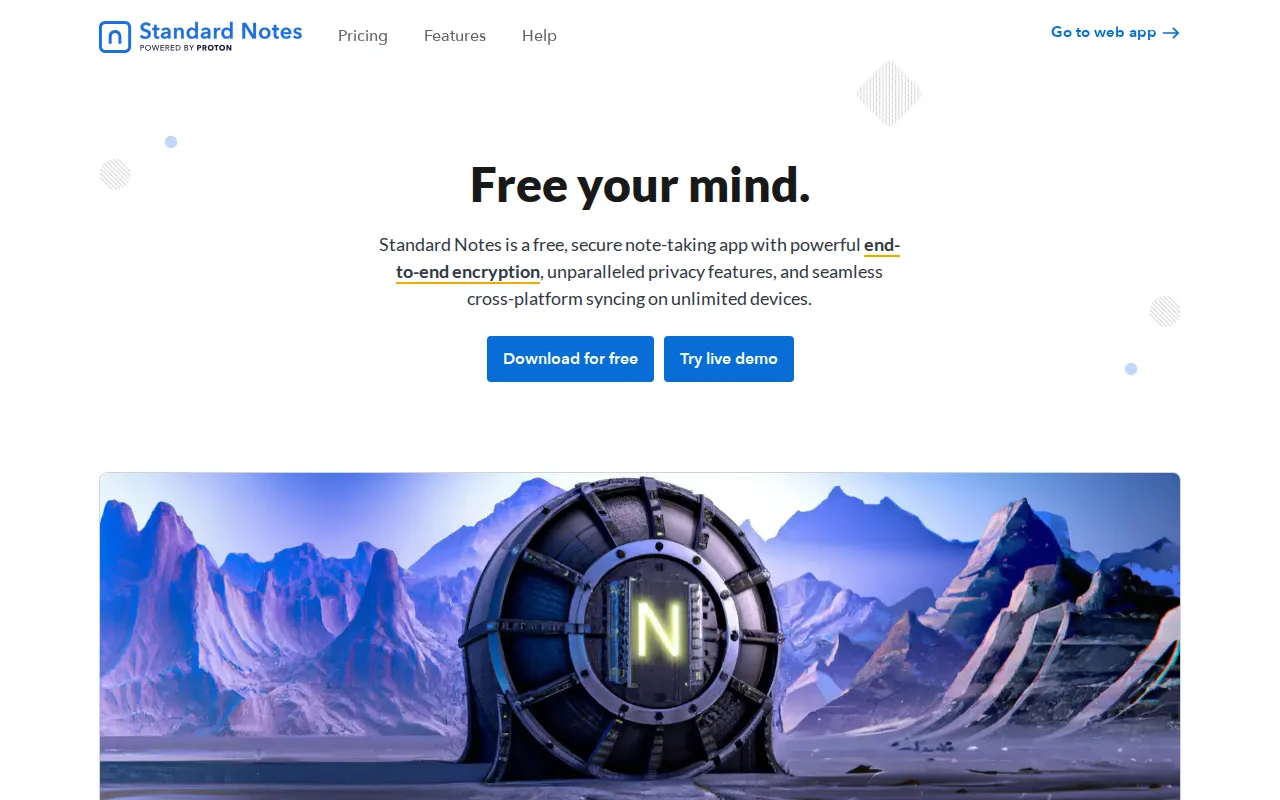
Standard Notes is the best Obsidian alternative for privacy-focused people who want encrypted notes on every device without paying for sync. The Standard Notes free tier includes unlimited end-to-end encrypted notes synced across unlimited devices, the job Obsidian sells as Sync from $4/user/month billed annually or leaves to a do-it-yourself iCloud, Dropbox, or Git setup. The Standard Notes client and server code is open source under AGPL-3.0, with 6.6K GitHub stars, and the server can be self-hosted, where Obsidian does not publish its application source. Standard Notes runs on web, Windows, macOS, Linux, iOS, and Android from one shared codebase, which covers Obsidian's missing web version, its learning curve is rated low against Obsidian's moderate, and Proton AG has owned it since April 2024. Standard Notes holds 4.5/5 from 14 Capterra reviews. Obsidian is still the better choice for building a knowledge base rather than keeping private notes. The Standard Notes free editor is intentionally plain-text focused, and richer editors, extended note history, and encrypted file storage need a paid plan whose current price the listing could not verify. Standard Notes also has fewer third-party integrations, while Obsidian adds bidirectional links, a graph view, Canvas, and 7,647 community plugins, and keeps every note as a plain markdown file readable without the app.
Compared to Obsidian: free end-to-end encrypted sync across unlimited devices instead of a $4/user/month add-on, open-source AGPL-3.0 code with a self-hostable server, and a deliberately plain free editor
Wins:Free tier syncs unlimited end-to-end encrypted notes across unlimited devices, where Obsidian charges $4-$8/user/month for Sync or leaves you to set up iCloud, Dropbox, or Git · Open source under AGPL-3.0 with 6.6K GitHub stars and a self-hostable server, where Obsidian does not publish its application source · Runs on web, Windows, macOS, Linux, iOS, and Android, covering the web version Obsidian lacks, with a learning curve rated low against Obsidian's moderate
Loses:Free editor is intentionally plain-text focused; rich text, markdown, and code editors, extended note history, and file storage need a paid plan · Paid plan price could not be verified because standardnotes.com blocked automated fetches, where Obsidian's prices were verified on its own pricing page on 15 September 2026 · Smaller review footprint (4.5/5 from 14 Capterra reviews) and fewer third-party integrations, where Obsidian has 4.8/5 from 47 Capterra reviews and 7,647 community plugins
Pros
- Fully open-source and self-hostable (AGPL-3.0), letting privacy-conscious users run their own server.
- End-to-end encryption means Standard Notes cannot read note content, even after the Proton acquisition.
- Native apps across web, Windows, macOS, Linux, iOS, and Android from one shared codebase.
- Backed by Proton's infrastructure and funding since the April 2024 acquisition.
Cons
- Free tier's default editor is intentionally plain and minimal compared to rich-text or block-based note apps.
- Paid tier's exact current pricing is not clearly published on the marketing site without starting a signup flow.
- Smaller user base and review footprint than mainstream note apps, meaning fewer third-party integrations.
- Self-hosting the server requires technical setup that most users will skip in favor of the hosted service.
Pricing: Free — Free encrypted sync across unlimited devices vs Obsidian Sync Standard at $4/user/month billed annually ($5 billed monthly)
4Joplin — best Obsidian alternative for people who want an offline-first, end-to-end encrypted Markdown note app with a free self-hosted sync option and no vendor lock-in.
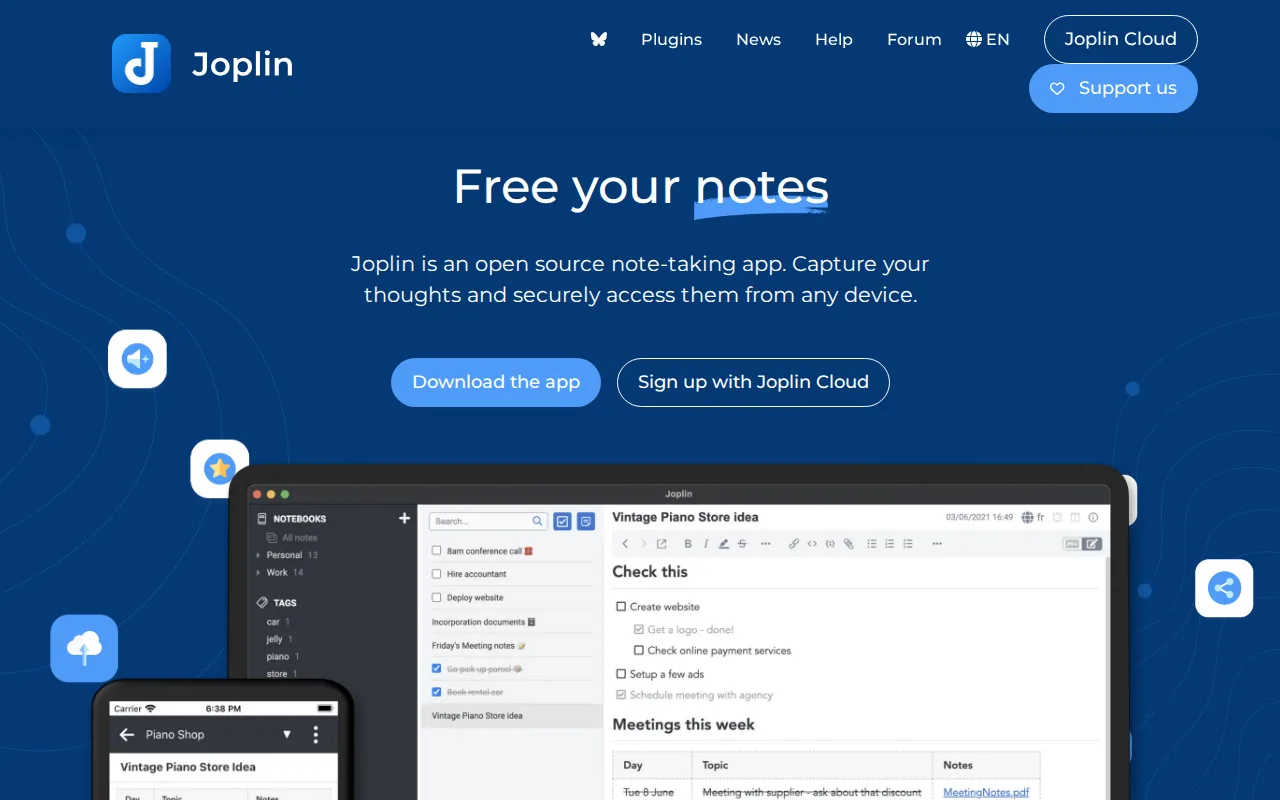
Joplin is the best Obsidian alternative for people who want local markdown notes with encrypted sync over storage they already use. Joplin stores notes locally in Markdown with attachments and syncs them through Dropbox, OneDrive, WebDAV, Nextcloud, or a self-hosted Joplin Server, and end-to-end encryption works on every one of those free options. Obsidian's free app ships no sync of its own, so the same result there means Obsidian Sync at $4/user/month billed annually or a do-it-yourself iCloud, Dropbox, or Git folder. Joplin's own hosted service, Joplin Cloud Basic, costs 2.99 EUR/month billed monthly (about $3.23) for 2GB of storage and a 10MB attachment cap, against $5/user/month billed monthly for Obsidian Sync Standard with 1GB and a 5MB file cap. The Joplin core app is open source, runs on web, Windows, macOS, Linux, iOS, and Android plus a terminal client, and offers both Markdown and Rich Text editors. Obsidian is still the better choice for building a linked knowledge base. Joplin's UI and mobile clipper are less refined than commercial note apps, notebook sharing and email-to-note need Joplin Cloud Pro at 5.99 EUR/month, and Joplin has no external rating on record here, against Obsidian's 4.8/5 from 47 Capterra reviews. Obsidian also adds a graph view, Canvas, and 7,647 community plugins.
Compared to Obsidian: free end-to-end encrypted sync over Dropbox, OneDrive, WebDAV, Nextcloud, or a self-hosted server, hosted Joplin Cloud Basic at about $3.23/month against Obsidian Sync Standard's $5/user/month on monthly billing, and a less refined UI and mobile clipper
Wins:End-to-end encryption works on every sync method, including free Dropbox, OneDrive, WebDAV, Nextcloud, and self-hosted Joplin Server sync, where Obsidian's free app ships no sync of its own · Joplin Cloud Basic gives 2GB of storage and a 10MB attachment cap for 2.99 EUR/month billed monthly (about $3.23), where Obsidian Sync Standard gives 1GB and a 5MB file cap for $5/user/month billed monthly · Runs on web, Windows, macOS, Linux, iOS, and Android plus a terminal client, covering the web version Obsidian lacks
Loses:UI and mobile clipper are less refined than commercial note apps such as Notion or Evernote · Notebook sharing and email-to-note need Joplin Cloud Pro at 5.99 EUR/month (about $6.47) billed monthly; the Basic plan does not include them · No external rating on record here, where Obsidian holds 4.9/5 from 173 Product Hunt reviews and 4.8/5 from 47 Capterra reviews
Pros
- Fully open-source core app under a permissive license, with source code on GitHub
- Notes stored as local Markdown files with attachments, avoiding proprietary lock-in
- End-to-end encryption supported on all sync backends, including free ones like Dropbox and WebDAV
- Extensible via a plugin API, custom themes, and both Markdown and Rich Text editors
- Available on Windows, macOS, Linux, Android, iOS, and as a terminal app
Cons
- No free tier for the official Joplin Cloud sync service; cheapest paid plan is 2.99 EUR/month billed monthly
- Basic Joplin Cloud plan caps attachments at 10 MB and storage at 2 GB, well below Pro's 30 GB
- Notebook sharing and email-to-note require the Pro tier or higher, not included in Basic
- UI and mobile clipper are less refined than commercial alternatives like Notion or Evernote
Pricing: Free tier · paid from $3.23/mo — Joplin Cloud Basic at 2.99 EUR/month (about $3.23) billed monthly, or 2.40 EUR/month billed annually, vs Obsidian Sync Standard at $5/user/month billed monthly or $4 billed annually (verified )
5Evernote — best Obsidian alternative for individuals who want to capture and search notes, scanned documents, and web clips across phone, desktop, and browser in one synced place

Evernote is the best Obsidian alternative for people who capture more than they write: web clips, scanned paper, PDFs, and audio that must be searchable later. Evernote's OCR and document scanning turn paper and PDFs into searchable notes, its Web Clipper saves full articles, screenshots, and PDFs into notebooks, and its search supports Boolean, geographic, and filtered queries across notes and attachments. Evernote runs on web, Windows, macOS, iOS, and Android with first-party sync built in, and its paid plans add AI meeting transcription, rewriting, and semantic search, where Obsidian has no web version and its free app ships no sync. Obsidian is the better choice for building a knowledge base, and on price by a wide margin. Evernote's free plan is capped at 50 notes, 1 notebook, and 1 synced device, and Starter is listed at $14.99/month for 1,000 notes, 20 notebooks, and 3 devices, figures that were not verified, while the Obsidian app is free without limits and Obsidian Sync starts at $4/user/month billed annually. Evernote has no Linux app where Obsidian does, Evernote note bodies are not end-to-end encrypted by default where Obsidian Sync is AES-256 end-to-end encrypted, and Evernote has no external rating on record here.
Compared to Obsidian: OCR and Boolean search across scanned documents and attachments with built-in sync and a web app, a free plan capped at 50 notes and 1 device, and Starter listed at $14.99/month against Obsidian Sync's $4/user/month
Wins:OCR and document scanning make paper and PDFs searchable, with Boolean, geographic, and filtered search across notes and attachments · First-party sync and a web app are part of the product, where Obsidian has no web version and its free app ships no sync · Paid plans include AI meeting transcription, rewriting, and semantic search
Loses:Free plan is capped at 50 notes, 1 notebook, 1 synced device, and 20 tags, where the Obsidian app is free without limits · Starter is listed at $14.99/month and Advanced at $17.99/month (both unverified), against Obsidian Sync at $4 or $8/user/month billed annually · No Linux app and no end-to-end encryption of note bodies by default, where Obsidian runs on Linux and Obsidian Sync is AES-256 end-to-end encrypted
Pros
- Strong OCR and document scanning for turning paper and PDFs into searchable notes
- Mature apps on Windows, Mac, iOS, Android, and web with reliable sync
- Web Clipper captures full articles, screenshots, and PDFs directly into notebooks
- AI features for meeting transcription, rewriting, and semantic search built into paid plans
Cons
- Free plan is capped at 50 notes and 1 device, far tighter than competitors like Google Keep or Notion's free tiers
- Notebook limits even on the paid Starter plan (20 notebooks) can feel restrictive for heavy users
- Pricing has risen substantially over the years, which has pushed some long-time users toward cheaper alternatives
- No fully offline-first, end-to-end encrypted note body by default outside of the in-note encryption feature on Mac and Windows
Pricing: Free tier · paid from $14.99/mo — $14.99/month for Evernote Starter (unverified) vs Obsidian's free app plus optional Sync Standard at $4/user/month billed annually
6Microsoft OneNote — best Obsidian alternative for windows and Microsoft 365 users who want a free, flexible page-based notebook for lecture notes, meeting notes, and research without a separate subscription
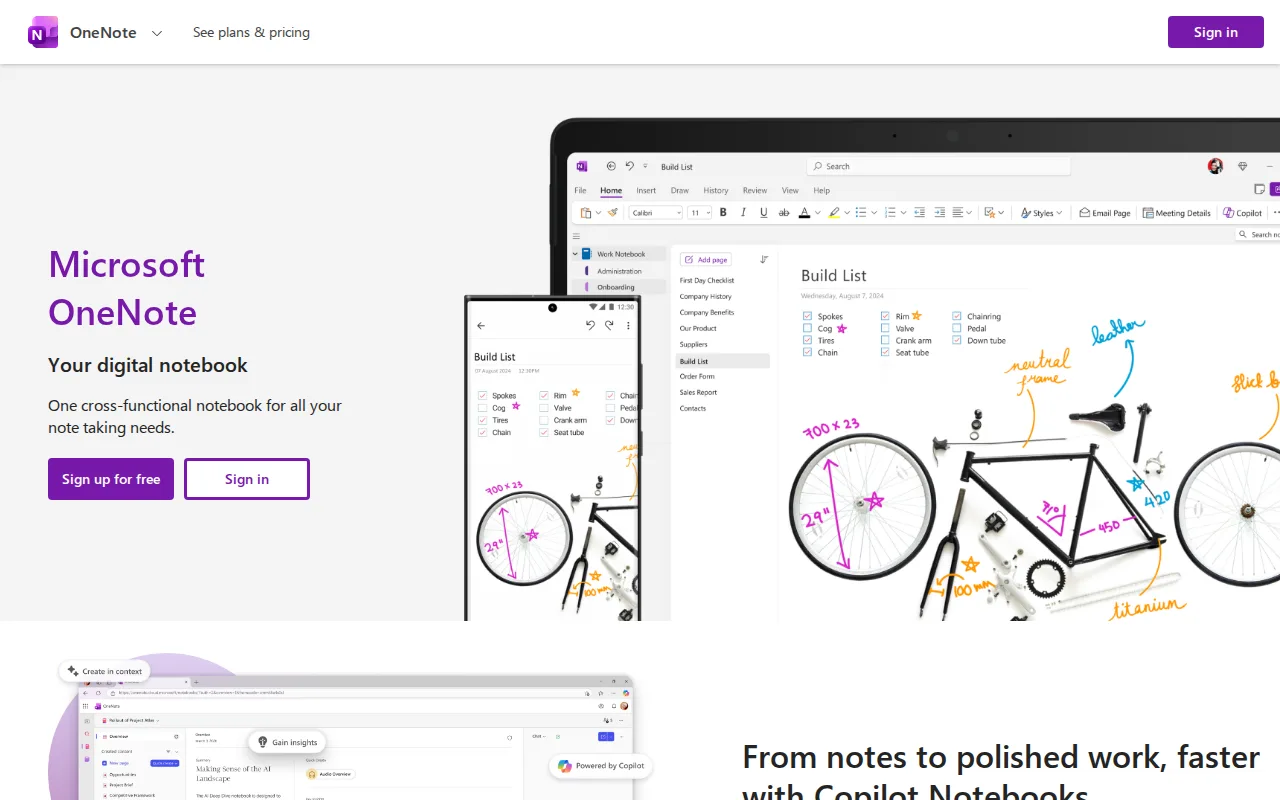
Microsoft OneNote is the best Obsidian alternative for students and professionals already on Windows or Microsoft 365 who want free-form notes with handwriting and audio. Microsoft OneNote organizes content into notebooks, sections, and pages, and lets typed text, pen ink, images, audio recordings, and web clippings sit anywhere on a page instead of in a linear document. The full app is free with a Microsoft account on web, Windows, macOS, iOS, and Android, syncs through OneDrive's free 5GB allowance, and has no OneNote-specific paywall, so cross-device sync costs nothing where Obsidian Sync costs $4/user/month billed annually. Microsoft OneNote's learning curve is rated low against Obsidian's moderate, and Microsoft 365 subscribers get deeper Outlook and Teams integration. Obsidian is the better choice for structured, long-lived knowledge. Microsoft OneNote's free-form canvas makes large notebooks harder to search and organize, its feature development has slowed as Microsoft invests in Loop and Copilot, and it has no Linux app where Obsidian does. Obsidian also keeps every note as a plain markdown file readable in any text editor and connects notes with bidirectional links and a graph view. Microsoft OneNote has no external rating on record here, and its Microsoft 365 upgrade pricing was not verified.
Compared to Obsidian: typed text, pen ink, images, and audio anywhere on a free-form page, free cross-device sync through OneDrive's 5GB against Obsidian Sync's $4/user/month, and large notebooks that are harder to search and organize
Wins:Free with a Microsoft account on web, Windows, macOS, iOS, and Android, with sync through OneDrive's free 5GB, where Obsidian charges $4-$8/user/month for Sync and has no web version · Free-form pages take typed text, handwritten ink, images, audio recordings, and web clippings anywhere on the page · Learning curve rated low against Obsidian's moderate, plus deeper Outlook and Teams integration for Microsoft 365 subscribers
Loses:Free-form canvas makes large notebooks harder to search and organize, where Obsidian connects plain markdown notes with bidirectional links and a graph view · Feature development has slowed as Microsoft invests more in Loop and Copilot · No Linux app, where Obsidian runs natively on Linux, and no external rating on record here against Obsidian's 4.9/5 from 173 Product Hunt reviews
Pros
- Completely free to use with a Microsoft account, with no OneNote-specific paid tier.
- Free-form, page-based canvas supports mixing typed text, handwriting, images, and audio anywhere on the page.
- Syncs across web, Windows, macOS, iOS, and Android via OneDrive.
- Bundled at no extra cost for the large existing base of Windows and Microsoft 365 users.
Cons
- Free-form canvas structure makes large notebooks harder to search and organize than database- or block-based tools like Notion.
- Feature development has slowed compared to competitors, with Microsoft investing more recently in Loop and Copilot.
- Deeper storage and integration require a paid Microsoft 365 subscription rather than a OneNote-specific upgrade.
- Collaboration features are less robust than purpose-built collaborative workspace tools like Notion.
Pricing: Free — Free, with sync on OneDrive's 5GB allowance, vs Obsidian's free app plus Sync Standard at $4/user/month billed annually; more storage comes with Microsoft 365, whose price was not verified