3 Best Alternatives to Anytype in 2026
By Noahlast updated pricing verified

From our data: One of the three alternatives compared to Anytype — Logseq — matches its $0, no-paid-tier pricing exactly, while Notion and Obsidian are both freemium with paid add-ons; on reviews, Notion's combined sample of 6,100 G2 and 2,600 Capterra reviews (8,700 total) dwarfs Obsidian's 500 and Logseq's 65, and is more than 83 times Anytype's own 104 Product Hunt reviews.
 Notion
 Obsidian
 Logseq
How we picked
- Pricing was independently verified on-site for two of the three alternatives — Notion and Obsidian, both fetched 2026-08-01 — while Logseq's free pricing carries a 2026-08-21 verification timestamp; Anytype's own pricing hasn't been verified, because its pricing page didn't return usable content.
- One of the three alternatives, Logseq, matches Anytype's $0 cost with no paid tier at all; Notion and Obsidian are both freemium, with a genuinely free core plan but paid tiers layered on top for sync, storage, or team features.
- Review volume and source vary widely: Notion carries the largest combined sample at 6,100 G2 reviews plus 2,600 Capterra reviews, Obsidian has 500 Capterra reviews, and Logseq has 65 Product Hunt reviews, while Anytype's own 104 Product Hunt reviews (4.9/5) sit closest to Logseq's sample size and rating.
- All three alternatives and Anytype itself use an open or source-based licensing model rather than fully closed-source: Logseq is AGPLv3, Anytype is source-available, and both Notion and Obsidian are proprietary freemium software, a real distinction reflected directly in the differences below.
Paid placement never alters editorial rank — read the full methodology.
Anytype alternatives at a glance
| Alternative | Best for | Learning curve | Price |
|---|---|---|---|
| Anytypereference | privacy-conscious individuals and small teams who want a Notion-style flexible workspace that works fully offline and doesn't require trusting a third party with unencrypted data | Moderate | Free |
| Notion | Teams that want to consolidate scattered docs, wikis, and lightweight project trackers into one linked workspace, and are willing to spend time designing their own database structure. | Steep | Free tier · paid from $10/mo |
| Obsidian | individuals building a long-lived personal knowledge base who want their notes to stay plain markdown files they can read, back up, and move without the app | Moderate | Free tier · paid from $4/mo |
| Logseq | individuals who want a local-first, privacy-respecting outliner that stores notes as portable plain-text files instead of locking them into a proprietary cloud database | Moderate | Free |
 Anytype
1Notion — best Anytype alternative for teams that want to consolidate scattered docs, wikis, and lightweight project trackers into one linked workspace, and are willing to spend time designing their own database structure.
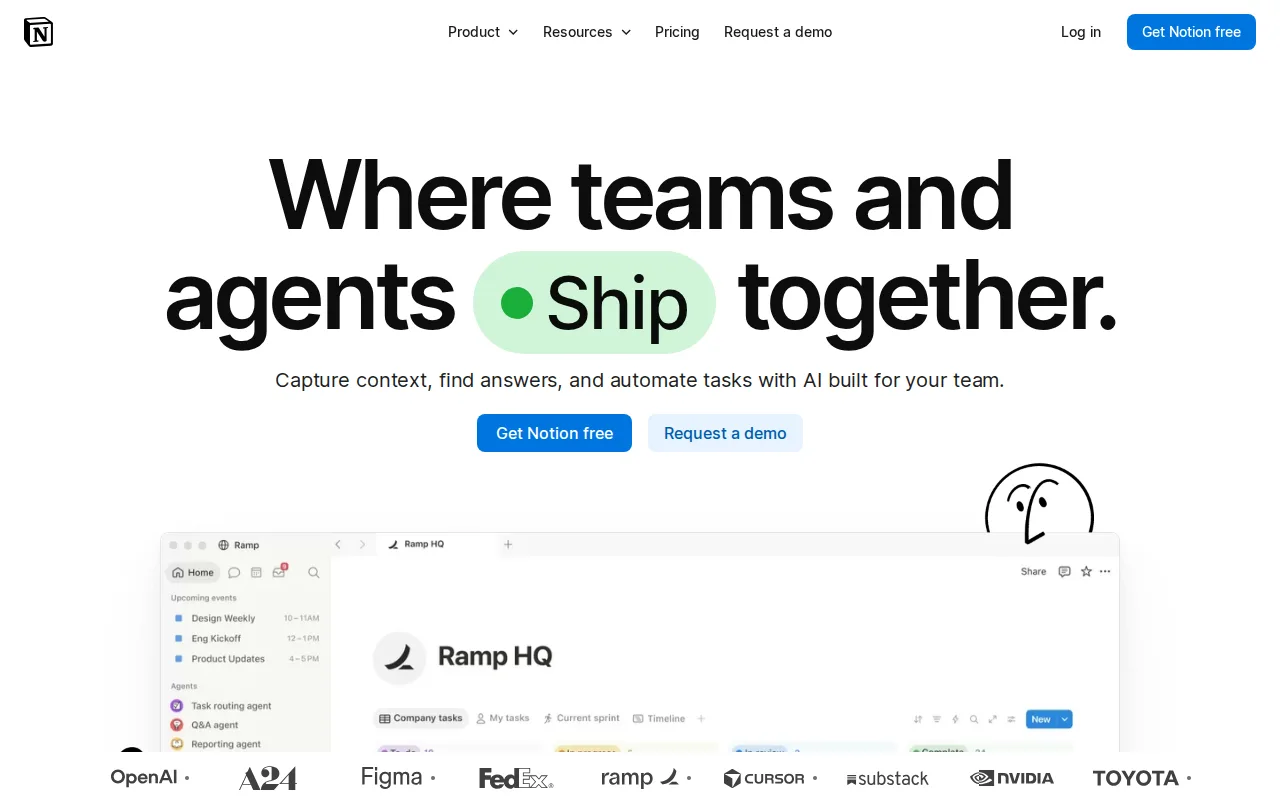
Notion is the best Anytype alternative for teams that want one workspace for documents, wikis, and lightweight project tracking, backed by a much larger review base than Anytype's own listing. Notion's block-based editor and relational databases with rollups and multiple views give teams a mature toolset for company knowledge bases, a use case Anytype's smaller plugin and integration ecosystem doesn't yet match. Notion holds a 4.7/5 rating from 6,100 G2 reviews and another 4.7/5 from 2,600 Capterra reviews, far more combined evidence than Anytype's 104 Product Hunt reviews. Both tools offer a free tier, with Notion's Plus plan starting at $10/month for individuals who need more than the free plan's limits, comparable to Anytype's own free core app plus a paid Any-Sync Network tier for expanded sync. Anytype remains the better choice for anyone who specifically wants local-first, end-to-end encrypted storage that works fully offline by default: Notion's offline mode is unreliable and its performance degrades in large workspaces, while Anytype's entire architecture is built around on-device data ownership rather than a cloud-first backend.
Compared to Anytype: 4.7/5 from 6,100 G2 reviews plus 2,600 Capterra reviews vs Anytype's 104 Product Hunt reviews, relational databases and multiple views Anytype's smaller ecosystem doesn't match, unreliable offline mode unlike Anytype's local-first design
Wins:4.7/5 rating from 6,100 G2 reviews plus another 4.7/5 from 2,600 Capterra reviews, far more combined evidence than Anytype's 104 Product Hunt reviews · Relational databases with rollups and multiple views give teams a mature toolset for company knowledge bases · Larger plugin, template, and third-party integration ecosystem than Anytype's currently smaller one
Loses:Offline mode is unreliable and performance degrades in large workspaces, unlike Anytype's local-first design built for full offline use · Data lives primarily in Notion's cloud by default, without the end-to-end, zero-knowledge encryption Anytype provides for synced data · Easy to over-engineer workspace structure, a common complaint that a simpler, block-composable app like Anytype avoids for personal use
Pros
- Single tool covers docs, wikis, databases, and basic project tracking, reducing tool-switching
- Free plan supports unlimited pages and blocks for solo use, with only multi-member workspaces hitting block limits
- Deep customization through nested pages, linked databases, and templates
- Public API, webhooks, and 1-way database syncs (Jira, GitHub, Asana) for connecting external tools
Cons
- Per-member pricing on paid tiers ($10-$20/month) gets expensive fast for larger teams compared to flat-fee tools
- Offline support is limited to recently viewed or favorited pages on paid plans rather than full offline access
- Flexible block-and-database model has a steep learning curve for teams used to fixed-structure apps
- Meaningful AI features (Notion Agent, Enterprise Search, AI Meeting Notes) require the $20/month Business plan or higher
Pricing: Free tier · paid from $10/mo — Free tier plus Plus at $10/month vs Anytype's free core app plus a paid Any-Sync Network tier with unverified current pricing (verified )
2Obsidian — best Anytype alternative for individuals building a long-lived personal knowledge base who want their notes to stay plain markdown files they can read, back up, and move without the app

Obsidian is the best Anytype alternative for individuals who want a local-first knowledge base built on plain-text Markdown files, the closest architectural match to Anytype's own local-first, privacy-focused design. Both tools store data primarily on the user's device, but Obsidian goes further on portability: notes are plain Markdown files rather than Anytype's block-based database format, so they can be opened, edited, or migrated with any text editor. Obsidian holds a 4.8/5 rating from 500 Capterra reviews, close to Anytype's own 4.9/5 from 104 Product Hunt reviews. Obsidian's personal tier is free with no paid core, and its 1,000+ community plugin ecosystem is considerably larger than Anytype's smaller ecosystem, which trails more established competitors. Anytype remains the better choice for anyone who wants end-to-end, zero-knowledge encrypted sync built in: Obsidian has no native real-time collaboration, and its Sync add-on is a separate $4/month paid feature, while Anytype's peer-to-peer sync with zero-knowledge encryption is part of the core product philosophy rather than a bolt-on.
Compared to Anytype: plain-text Markdown files instead of Anytype's block-based database, 1,000+ community plugins vs Anytype's smaller ecosystem, Sync sold as a separate $4/month add-on unlike Anytype's built-in encrypted sync
Wins:Notes are plain Markdown files on disk, more portable than Anytype's block-based database format · 1,000+ community plugin ecosystem, considerably larger than Anytype's own smaller plugin and integration ecosystem · 4.8/5 rating from 500 Capterra reviews, close to Anytype's own 4.9/5 from 104 Product Hunt reviews
Loses:No native real-time collaboration built in, and Sync is a separate $4/month paid add-on, unlike Anytype's built-in peer-to-peer encrypted sync · No zero-knowledge encryption guarantee documented for synced data, a core feature of Anytype's architecture · Commercial license costs $50/year for business use, an extra cost Anytype's free core app doesn't require
Pros
- The app is free without limits and needs no account; notes are stored locally as plain markdown files in open formats, so there is no lock-in.
- 7,647 community plugins and 755 themes let the editor be reshaped for research, writing, task management, or visualization.
- Works fully offline on Windows, macOS, Linux, iOS, and Android, with no server round-trip to open a note.
- Obsidian states notes stay on the device and are inaccessible to the company, its apps collect no telemetry, and Obsidian Sync is AES-256 end-to-end encrypted.
- Paid products are optional services rather than a feature wall: Sync from $4/user/month, Publish from $8/site/month, and a commercial license the FAQ says is not required.
Cons
- There is no web version, so a vault is only reachable from a device where Obsidian is installed.
- Cross-device sync is a paid add-on from $4/user/month, or a do-it-yourself setup on iCloud, Dropbox, or Git.
- Real-time collaboration needs paid shared vaults on Obsidian Sync; there is no free multi-user editing.
- Obsidian's own apps are not open source — obsidian.md publishes open file formats plus public release and plugin repositories, but not the application source.
Pricing: Free tier · paid from $4/mo — Free personal tier plus a $4/month Sync add-on vs Anytype's free core app with built-in encrypted sync and an unverified paid Any-Sync Network tier (verified )
3Logseq — best Anytype alternative for individuals who want a local-first, privacy-respecting outliner that stores notes as portable plain-text files instead of locking them into a proprietary cloud database
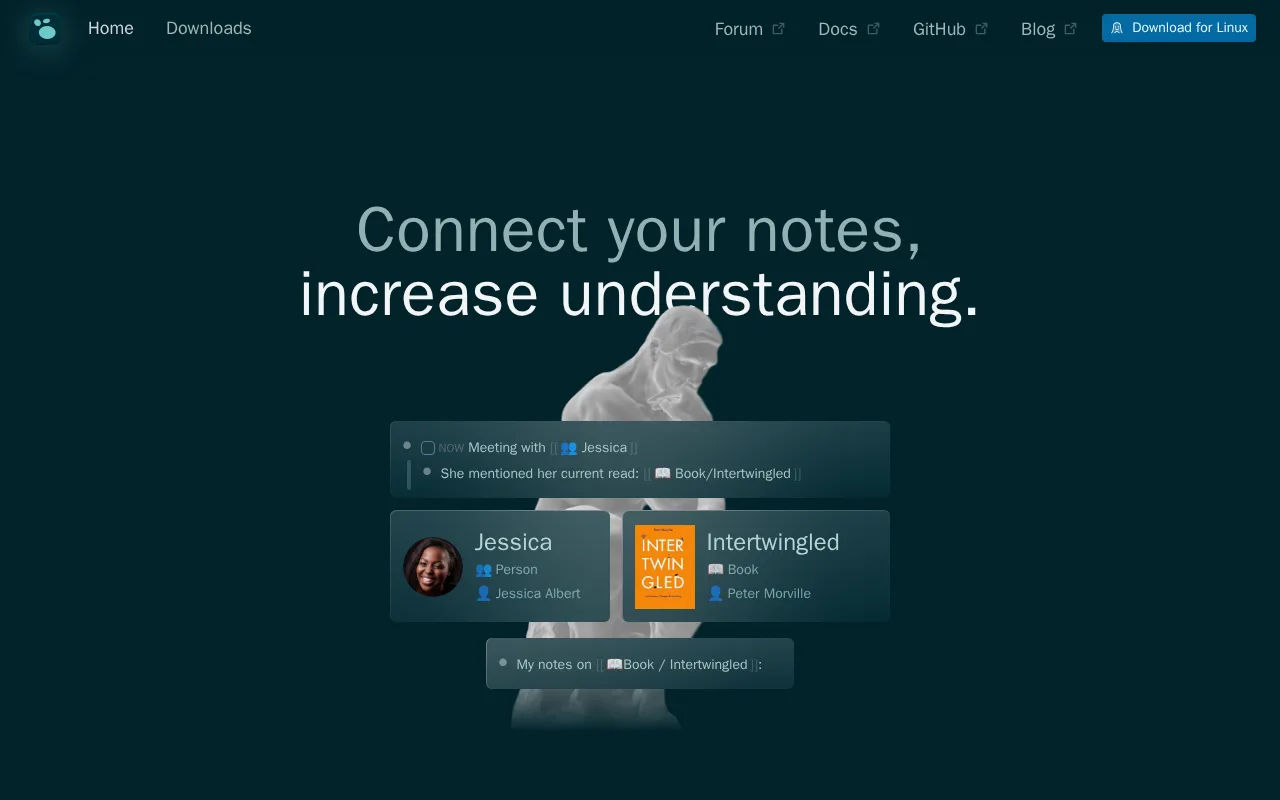
Logseq is the best Anytype alternative for anyone who wants a fully free, fully open-source outliner rather than Anytype's source-available client. Both apps are built around local-first, privacy-respecting principles, but Logseq goes a step further on licensing: it's released under AGPL-3.0, an OSI-approved open-source license, while Anytype's client uses an Any Source Available License 1.0 that isn't OSI-approved. Logseq holds a 4.9/5 rating from 65 Product Hunt reviews, matching Anytype's own 4.9/5 from 104 reviews on the same platform. Logseq is entirely free with no paid tier at all, the same $0 price as Anytype's core app, and it stores notes as local plain-text Markdown or Org-mode files rather than a proprietary database. Anytype remains the better choice for anyone who wants reliable multi-device sync today: Logseq's real-time collaboration and sync feature (RTC) is still in alpha testing and requires opt-in signup, while Anytype's peer-to-peer sync with zero-knowledge encryption is a core, shipped part of the product rather than an alpha feature.
Compared to Anytype: fully open source (AGPL-3.0, OSI-approved) vs Anytype's source-available license, 4.9/5 from 65 Product Hunt reviews matching Anytype's own 4.9/5, sync still in alpha unlike Anytype's shipped encrypted sync
Wins:Fully open source under AGPL-3.0, an OSI-approved license with community-audit and fork guarantees Anytype's source-available license doesn't carry · Notes are stored as local plain-text Markdown or Org-mode files rather than a proprietary database, maximizing portability · Completely free with no paid tier at all, the same $0 price as Anytype's core app but with no separate paid sync tier to consider
Loses:Real-time collaboration and sync (RTC) are still in alpha testing and require opt-in signup, unlike Anytype's shipped peer-to-peer encrypted sync · Android app is still in development, while Anytype already ships on both iOS and Android · Outliner-based, block-structured notes have a learning curve for users coming from document-style editors, a curve Anytype's composable blocks share but Logseq's journal-first workflow adds to
Pros
- Completely free and open source (AGPL-3.0) with no paid tier or feature gating.
- Local-first plain-text storage (Markdown or Org-mode) keeps notes portable and outside vendor lock-in.
- Bidirectional linking and a daily-journal workflow suit outliner-style thinking better than document-first note apps.
- Plugin ecosystem and native PDF annotation extend the app without needing a separate tool.
Cons
- Built-in real-time collaboration and sync (RTC) are still in alpha and require opt-in, not yet a reliable production feature.
- Android app is still in development, while competitors offer mobile apps on both platforms already.
- Outliner-based, block-structured notes have a learning curve for users coming from document-style editors like Notion.
- As a volunteer/community-driven open-source project, there is no paid support tier or SLA to fall back on.
Pricing: Free — $0, no paid tier, matching Anytype's free core app; Anytype layers an additional paid Any-Sync Network tier for expanded cloud sync that Logseq has no equivalent to (verified )
Which one is right for you?
- You want one workspace for docs, wiki, and light project tracking with mature relational databases.Notion
- You want your notes stored as portable plain-text Markdown files with a huge plugin ecosystem.Obsidian
- You want a fully open-source (AGPL-3.0), completely free outliner with no paid tier at all.Logseq
- You need reliable real-time collaboration today rather than an alpha-stage sync feature.Notion
- You're building a long-lived personal knowledge base and want to own your files outright with no vendor lock-in.Obsidian
Frequently asked questions
What is the best alternative to Anytype?
- Notion is the best-reviewed alternative to Anytype, holding a 4.7/5 rating across 6,100 G2 reviews and 2,600 Capterra reviews, far more evidence than Anytype's 104 Product Hunt reviews. For a closer match to Anytype's local-first, privacy-focused design, Obsidian is the better fit.
Is there a free alternative to Anytype?
- Yes — Logseq is completely free with no paid tier at all, matching Anytype's own $0 core-app pricing. Notion and Obsidian both offer a free tier too, with paid plans layered on top for extra storage, sync, or team features.
Can Obsidian replace Anytype?
- Obsidian can replace Anytype for local-first note-taking, since both store data primarily on-device and prioritize user data ownership. Obsidian stores notes as plain Markdown files rather than Anytype's block-based database, but it has no native real-time collaboration and sells Sync as a separate $4/month add-on.
What is the closest open-source alternative to Anytype?
- Logseq is the closest fully open-source alternative to Anytype, released under the OSI-approved AGPL-3.0 license versus Anytype's own source-available client license. Logseq is entirely free with no paid tier, though its real-time sync feature is still in alpha testing.
Is Anytype's data really private compared to its alternatives?
- Anytype's local-first, end-to-end encrypted architecture is closest matched by Obsidian's plain-text local files and Logseq's local-first, open-source design among the alternatives here. Notion, by contrast, is cloud-first by default with an offline mode described as unreliable.