4 Best Alternatives to Standard Notes in 2026
By Noahlast updated

From our data: All 4 of the 4 listed alternatives to Standard Notes report a free tier, matching Standard Notes' own free plan; sorted by external rating, the four alternatives run from 4.4/5 (Evernote, a combined 10,300 reviews) to 4.8/5 (Obsidian, 500 reviews), and all four sit on a far larger review base than Standard Notes' own 4.5/5 score from just 14 Capterra reviews.
 Obsidian
 Joplin
 Notion
 Evernote
How we picked
- External ratings are on file for all four alternatives — Obsidian at 4.8/5 (500 Capterra reviews), Joplin at 4.5/5 (90 Capterra reviews), Notion at 4.7/5 (6,100 G2 reviews plus 2,600 on Capterra), and Evernote at 4.4/5 (2,000 G2 reviews plus 8,300 on Capterra) — all comfortably larger samples than Standard Notes' own 4.5/5 score from just 14 Capterra reviews.
- Pricing for Obsidian, Joplin, Notion, and Evernote was all verified 2026-08-01, while Standard Notes' own paid-plan price could not be verified at all because standardnotes.com returned a 403 to automated fetches on its pricing page.
- All four alternatives and Standard Notes itself report a free tier, so free-tier availability alone doesn't separate this list; the comparison instead relies on the pricing, licensing, and encryption data actually documented for each product.
- Joplin is the only alternative in our listing data with recorded GitHub statistics (46,000 stars, 5,100 forks, MIT license), a public adoption signal none of the other three alternatives or Standard Notes itself carry in structured form, though Standard Notes' own description separately cites 6.6K GitHub stars for its codebase.
Paid placement never alters editorial rank — read the full methodology.
Standard Notes alternatives at a glance
| Alternative | Best for | Learning curve | Price |
|---|---|---|---|
| Standard Notesreference | privacy-focused professionals and journalists who want a fully open-source, end-to-end encrypted notes app they can self-host instead of trusting a vendor's servers | Low | Free |
| Obsidian | individuals building a long-lived personal knowledge base who want their notes to stay plain markdown files they can read, back up, and move without the app | Moderate | Free tier · paid from $4/mo |
| Joplin | People who want an offline-first, end-to-end encrypted Markdown note app with a free self-hosted sync option and no vendor lock-in. | Moderate | Free tier · paid from $3.23/mo |
| Notion | Teams that want to consolidate scattered docs, wikis, and lightweight project trackers into one linked workspace, and are willing to spend time designing their own database structure. | Steep | Free tier · paid from $10/mo |
| Evernote | Individuals who want to capture and search notes, scanned documents, and web clips across phone, desktop, and browser in one synced place | Moderate | Free tier · paid from $14.99/mo |
 Standard Notes
1Obsidian — best Standard Notes alternative for individuals building a long-lived personal knowledge base who want their notes to stay plain markdown files they can read, back up, and move without the app
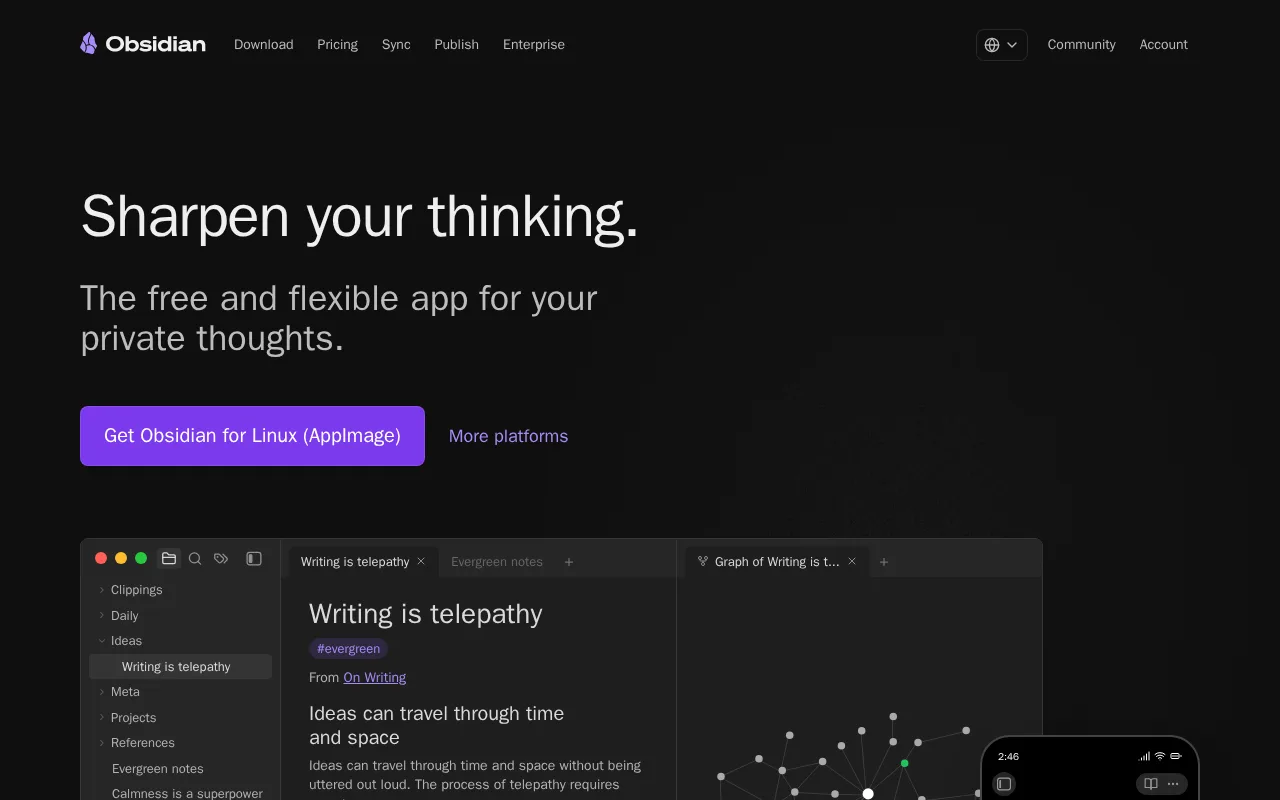
Obsidian is the best Standard Notes alternative for individuals building a long-lived personal knowledge base who want local plain-text files instead of Standard Notes' encrypted-but-cloud-synced model. Obsidian holds a 4.8/5 rating from 500 Capterra reviews, a far larger sample than Standard Notes' own 4.5/5 score from just 14 Capterra reviews. Obsidian's Personal tier is free ($0), matching Standard Notes' own free tier for unlimited encrypted note sync, and Obsidian only charges for optional add-ons: $4/month for Sync and $50/year for Commercial use, both confirmed pricing verified 2026-08-01. Obsidian's backlinks and graph view, plus a plugin ecosystem of 1,000+ community add-ons, extend far past Standard Notes' own editor set, which historically has included additional rich-text, markdown, and code editors on paid tiers. Both are AGPL-3.0-adjacent in spirit around user data control, though Obsidian's notes are unencrypted local Markdown files rather than Standard Notes' client-side end-to-end encrypted format. Standard Notes remains the better choice for anyone who specifically wants end-to-end encryption so that even the vendor cannot read note content: Obsidian has no native real-time collaboration and stores files unencrypted on disk, while Standard Notes is built around encryption that keeps even Standard Notes, now owned by Proton, from reading user content, and Standard Notes is also fully self-hostable under AGPL-3.0 for anyone who wants to run their own sync server.
Compared to Standard Notes: 4.8/5 rating from 500 Capterra reviews vs Standard Notes' 4.5/5 from just 14 reviews, 1,000+ community plugins and graph-view backlinks vs Standard Notes' smaller built-in editor set, local unencrypted Markdown files vs Standard Notes' client-side end-to-end encrypted format
Wins:4.8/5 rating from 500 Capterra reviews, a far larger sample than Standard Notes' 14 reviews · 1,000+ community plugins plus backlinks and a graph view, extending well past Standard Notes' built-in editor set · Free Personal tier ($0) with optional add-ons only, versus Standard Notes' paid tier whose exact current price couldn't be verified
Loses:No native real-time collaboration, a gap in Obsidian's own listing · Notes are stored as unencrypted local Markdown files by default, unlike Standard Notes' client-side end-to-end encryption that keeps even the vendor from reading content
Pros
- The app is free without limits and needs no account; notes are stored locally as plain markdown files in open formats, so there is no lock-in.
- 7,647 community plugins and 755 themes let the editor be reshaped for research, writing, task management, or visualization.
- Works fully offline on Windows, macOS, Linux, iOS, and Android, with no server round-trip to open a note.
- Obsidian states notes stay on the device and are inaccessible to the company, its apps collect no telemetry, and Obsidian Sync is AES-256 end-to-end encrypted.
- Paid products are optional services rather than a feature wall: Sync from $4/user/month, Publish from $8/site/month, and a commercial license the FAQ says is not required.
Cons
- There is no web version, so a vault is only reachable from a device where Obsidian is installed.
- Cross-device sync is a paid add-on from $4/user/month, or a do-it-yourself setup on iCloud, Dropbox, or Git.
- Real-time collaboration needs paid shared vaults on Obsidian Sync; there is no free multi-user editing.
- Obsidian's own apps are not open source — obsidian.md publishes open file formats plus public release and plugin repositories, but not the application source.
Pricing: Free tier · paid from $4/mo — $0 (Personal) plus optional $4/month Sync add-on vs Standard Notes' free tier for unlimited notes, with paid-plan pricing unverified (verified )
2Joplin — best Standard Notes alternative for people who want an offline-first, end-to-end encrypted Markdown note app with a free self-hosted sync option and no vendor lock-in.
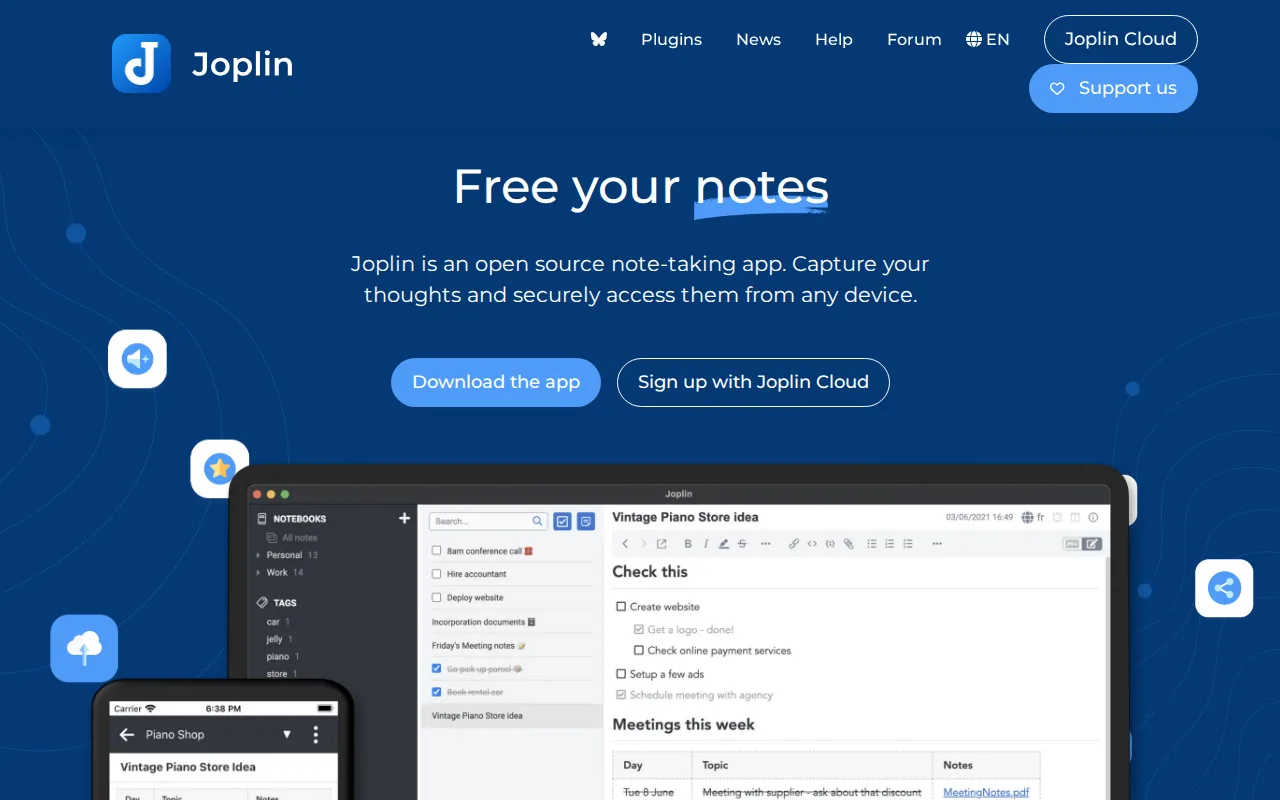
Joplin is the best Standard Notes alternative for privacy-focused users who want open source and control over their own sync backend, the same core value Standard Notes offers but with a different storage model. Joplin holds a 4.5/5 rating from 90 Capterra reviews, matching Standard Notes' own 4.5/5 score but built on a sample more than six times larger than Standard Notes' 14 reviews. Joplin's GitHub repository carries 46,000 stars and 5,100 forks under an MIT license, a public adoption signal none of the other alternatives in our listing data or Standard Notes itself carry in structured form. Joplin's self-hosted tier is free ($0), matching Standard Notes' own free tier, and its end-to-end encrypted sync works over any storage backend the user chooses, Joplin Cloud, Dropbox, OneDrive, WebDAV, or S3, a flexibility beyond Standard Notes' own sync infrastructure. Joplin Cloud's paid tiers are transparently priced at $2.99/month (Basic) and $5.99/month (Pro), both verified 2026-08-01, unlike Standard Notes' own paid plan, whose exact current price could not be verified because its pricing page returned a 403 to automated fetches. Standard Notes remains the better choice for anyone who wants native apps across the most platforms: Standard Notes ships on web, Windows, macOS, Linux, iOS, and Android from one shared codebase, while Joplin's own listing notes its UI polish lags the commercial competition and it has no built-in real-time collaboration.
Compared to Standard Notes: 46,000-star, MIT-licensed GitHub repository vs no structured GitHub stats for Standard Notes, transparently priced $2.99-$5.99/month Cloud tiers vs Standard Notes' paid plan with no independently verified current price, encrypted sync to any backend of your choice (Dropbox, OneDrive, WebDAV, S3) vs Standard Notes' own sync infrastructure
Wins:46,000 GitHub stars and 5,100 forks under an MIT license, a public adoption signal not recorded in structured form for Standard Notes · End-to-end encrypted sync works over any storage backend the user chooses (Joplin Cloud, Dropbox, OneDrive, WebDAV, S3), more flexible than Standard Notes' own sync infrastructure · Joplin Cloud pricing ($2.99-$5.99/month) is transparently published and verified 2026-08-01, unlike Standard Notes' unverified current paid-plan price
Loses:UI polish lags the commercial competition, per its own listing, while Standard Notes ships a more consistent app experience across platforms · No built-in real-time collaboration, a gap Standard Notes' own listing doesn't resolve either but doesn't claim to address
Pros
- Fully open-source core app under a permissive license, with source code on GitHub
- Notes stored as local Markdown files with attachments, avoiding proprietary lock-in
- End-to-end encryption supported on all sync backends, including free ones like Dropbox and WebDAV
- Extensible via a plugin API, custom themes, and both Markdown and Rich Text editors
- Available on Windows, macOS, Linux, Android, iOS, and as a terminal app
Cons
- No free tier for the official Joplin Cloud sync service; cheapest paid plan is 2.99 EUR/month billed monthly
- Basic Joplin Cloud plan caps attachments at 10 MB and storage at 2 GB, well below Pro's 30 GB
- Notebook sharing and email-to-note require the Pro tier or higher, not included in Basic
- UI and mobile clipper are less refined than commercial alternatives like Notion or Evernote
Pricing: Free tier · paid from $3.23/mo — $0 (self-hosted) to $5.99/month (Cloud Pro), all verified 2026-08-01, vs Standard Notes' free tier with an unverified paid-plan price (verified )
3Notion — best Standard Notes alternative for teams that want to consolidate scattered docs, wikis, and lightweight project trackers into one linked workspace, and are willing to spend time designing their own database structure.
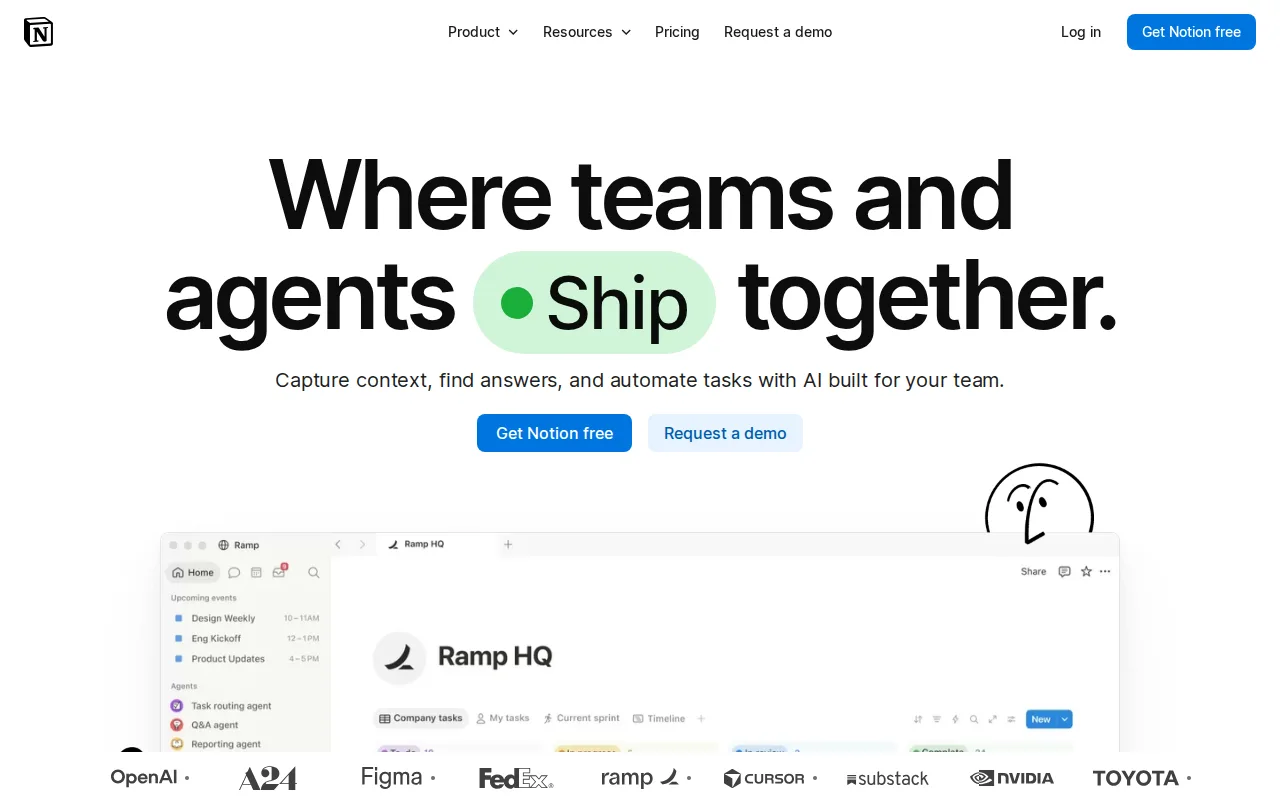
Notion is the best Standard Notes alternative for teams that want documents, a wiki, and lightweight project tracking in one workspace rather than Standard Notes' single-purpose, encrypted-notes focus built for individual privacy. Notion holds a 4.7/5 rating from 6,100 G2 reviews plus another 2,600 on Capterra, a combined sample of roughly 8,700 reviews, dwarfing Standard Notes' own 4.5/5 score from just 14 reviews. Notion offers a generous free tier ($0) for personal use, matching Standard Notes' own free tier for unlimited encrypted note sync, while Notion's paid Plus tier is $10/month and Business is $20/month, both confirmed pricing verified 2026-08-01. Notion's relational databases embedded directly in documents give it team-collaboration and project-tracking depth that Standard Notes' plain-text-focused editor doesn't attempt to match. Standard Notes remains the better choice for anyone who specifically wants end-to-end encryption that keeps even the vendor from reading note content: Notion's own listing concedes it can get sluggish on large workspaces with unreliable offline support, and Notion is not built around client-side encryption the way Standard Notes is, so privacy-focused professionals and journalists who want a vendor unable to read their notes would find Notion's cloud-hosted, unencrypted-at-rest-by-default model a meaningfully weaker fit.
Compared to Standard Notes: 4.7/5 rating from 6,100 G2 reviews plus 2,600 on Capterra vs Standard Notes' 4.5/5 from just 14 reviews, relational databases embedded in documents vs Standard Notes' plain-text-focused editor, not built around client-side encryption vs Standard Notes' end-to-end encrypted-by-default notes
Wins:4.7/5 rating from a combined 8,700 G2 and Capterra reviews, a far larger sample than Standard Notes' 14 reviews · Relational databases with rollups and multiple views embedded directly in documents, extending well beyond Standard Notes' plain-text-focused editor · Free tier ($0) for personal use, matching Standard Notes' own free plan
Loses:Gets sluggish on large workspaces with unreliable offline support, a tradeoff Standard Notes' lighter, encryption-first design avoids · Not built around client-side end-to-end encryption, unlike Standard Notes, which is designed so that even the vendor cannot read note content
Pros
- Single tool covers docs, wikis, databases, and basic project tracking, reducing tool-switching
- Free plan supports unlimited pages and blocks for solo use, with only multi-member workspaces hitting block limits
- Deep customization through nested pages, linked databases, and templates
- Public API, webhooks, and 1-way database syncs (Jira, GitHub, Asana) for connecting external tools
Cons
- Per-member pricing on paid tiers ($10-$20/month) gets expensive fast for larger teams compared to flat-fee tools
- Offline support is limited to recently viewed or favorited pages on paid plans rather than full offline access
- Flexible block-and-database model has a steep learning curve for teams used to fixed-structure apps
- Meaningful AI features (Notion Agent, Enterprise Search, AI Meeting Notes) require the $20/month Business plan or higher
Pricing: Free tier · paid from $10/mo — $0 (Free) to $10/month (Plus) or $20/month (Business), all verified 2026-08-01, vs Standard Notes' free tier with an unverified paid-plan price (verified )
4Evernote — best Standard Notes alternative for individuals who want to capture and search notes, scanned documents, and web clips across phone, desktop, and browser in one synced place
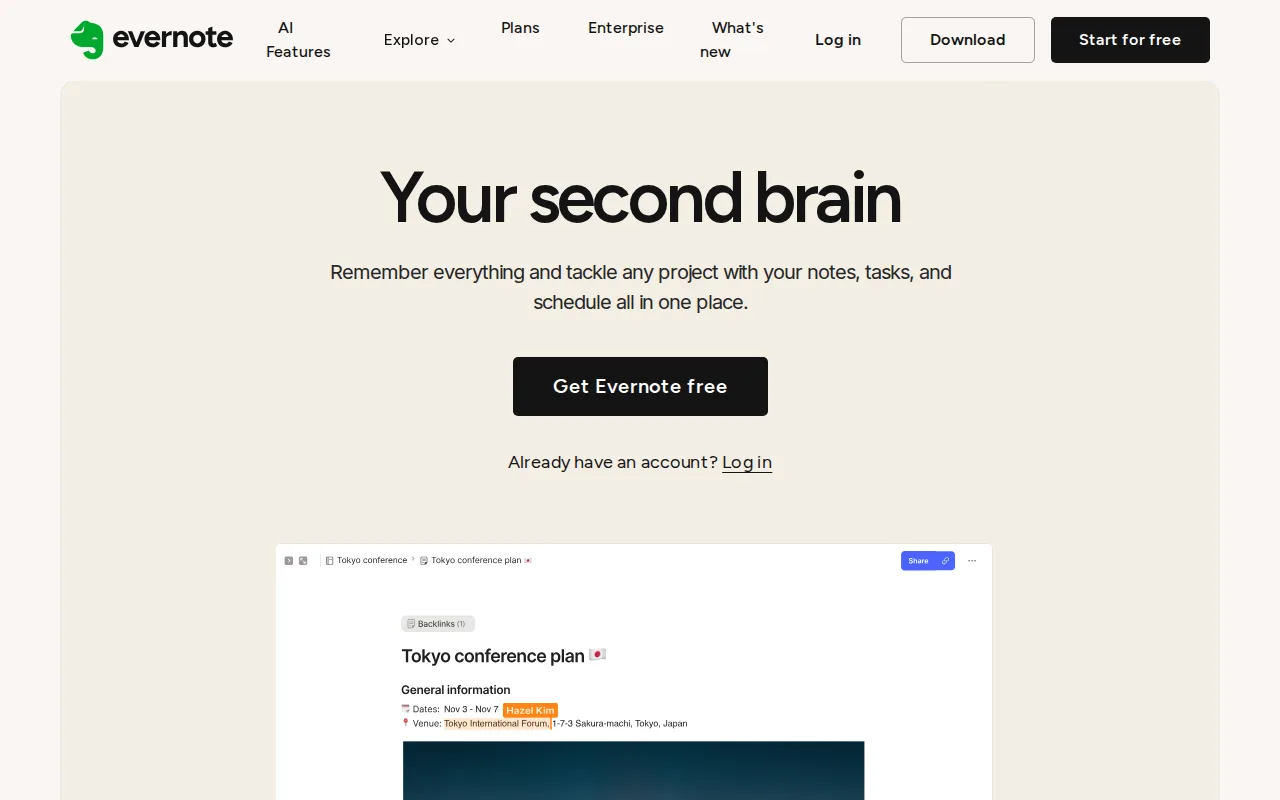
Evernote is the best Standard Notes alternative for people who capture lots of mixed media, clipped pages, scans, and audio, and need to find it later, a use case Standard Notes' encrypted, plain-text-first editor doesn't specialize in. Evernote holds a 4.4/5 rating from 2,000 G2 reviews plus another 8,300 on Capterra, a combined sample of roughly 10,300 reviews, the largest review base of any product in this comparison and far more than Standard Notes' 14 reviews. Evernote's OCR search works inside images, scans, and PDFs, a capture-and-retrieve capability well beyond Standard Notes' own listing, which focuses on encrypted text notes and to-dos rather than document scanning. Both offer a free tier ($0), though Evernote's own listing notes that free plan is heavily restricted with constrained note counts, while Standard Notes' free tier includes unlimited encrypted note sync across devices. Evernote's Personal tier costs $14.99/month and Professional $17.99/month, both verified pricing as of 2026-08-01, well above Standard Notes' own historical paid-tier estimate near 50 EUR/year mentioned in third-party reviews, though that figure isn't independently verified either. Standard Notes remains the better choice for anyone who specifically wants end-to-end encryption and a fully open-source, self-hostable codebase: Evernote's own listing names its pricing as expensive relative to rivals, and Evernote is closed-source with no self-hosting option, unlike Standard Notes' AGPL-3.0 client and server code.
Compared to Standard Notes: 4.4/5 rating from a combined 10,300 G2 and Capterra reviews vs Standard Notes' 4.5/5 from just 14 reviews, OCR search inside images, scans, and PDFs vs nothing comparable in Standard Notes' listing, $14.99-17.99/month pricing vs Standard Notes' free tier and unverified paid-plan price
Wins:4.4/5 rating from a combined 10,300 G2 and Capterra reviews, the largest review base of any product in this comparison · OCR search inside images, scans, and PDFs, a capture-and-retrieve capability not described in Standard Notes' listing · Mature mobile apps across iOS and Android, per its own listing
Loses:Expensive relative to rivals per its own listing, with Personal at $14.99/month and Professional at $17.99/month, well above Standard Notes' free tier · Free plan is heavily restricted with constrained note counts, unlike Standard Notes' free tier, which includes unlimited encrypted note sync · Closed-source with no self-hosting option, unlike Standard Notes' AGPL-3.0 client and server code
Pros
- Strong OCR and document scanning for turning paper and PDFs into searchable notes
- Mature apps on Windows, Mac, iOS, Android, and web with reliable sync
- Web Clipper captures full articles, screenshots, and PDFs directly into notebooks
- AI features for meeting transcription, rewriting, and semantic search built into paid plans
Cons
- Free plan is capped at 50 notes and 1 device, far tighter than competitors like Google Keep or Notion's free tiers
- Notebook limits even on the paid Starter plan (20 notebooks) can feel restrictive for heavy users
- Pricing has risen substantially over the years, which has pushed some long-time users toward cheaper alternatives
- No fully offline-first, end-to-end encrypted note body by default outside of the in-note encryption feature on Mac and Windows
Pricing: Free tier · paid from $14.99/mo — $14.99/month (Personal) to $17.99/month (Professional), verified 2026-08-01, vs Standard Notes' free tier with an unverified paid-plan price
Which one is right for you?
- You want to own your notes as local files instead of trusting a cloud-only vendor.Obsidian
- You want end-to-end encrypted sync but with the flexibility to choose your own storage backend.Joplin
- You need a single workspace that combines docs, a wiki, and lightweight project tracking for a team.Notion
- You capture lots of scanned documents, receipts, or images and need to search text inside them later.Evernote
- You're building a personal knowledge base and want the largest plugin ecosystem to extend it.Obsidian
- You want a fully open-source note app with a large, publicly verifiable GitHub project behind it.Joplin
- You're a small team that wants relational databases embedded directly in your notes and docs.Notion
Frequently asked questions
Is there a free alternative to Standard Notes?
- Yes, Obsidian, Joplin, Notion, and Evernote all publish a free tier, matching Standard Notes' own free plan for unlimited encrypted note sync. Each caps different things, though: Evernote's free plan restricts note counts more tightly than Standard Notes' unlimited free sync.
What is the closest open-source alternative to Standard Notes?
- Joplin is the closest open-source alternative, offering end-to-end encrypted sync to a storage backend of your choice and a 46,000-star, MIT-licensed GitHub repository. Obsidian is also open around its file format, plain local Markdown, though it doesn't encrypt notes by default the way Standard Notes and Joplin do.
Can Obsidian replace Standard Notes?
- Obsidian can replace Standard Notes for anyone who wants a private, local-first knowledge base with a large plugin ecosystem, and it holds a 4.8/5 rating from 500 Capterra reviews. It can't fully replace Standard Notes' end-to-end encryption, since Obsidian stores notes as unencrypted local Markdown files by default rather than encrypting content client-side.
How much does Standard Notes cost compared to its alternatives?
- Standard Notes' free tier includes unlimited encrypted note sync, and its paid plan's exact current price could not be independently verified because its pricing page returned a 403 to automated fetches. By comparison, Joplin's Cloud tiers start at $2.99/month, Notion's Plus tier is $10/month, and Evernote's Personal tier is $14.99/month, all independently verified 2026-08-01.
Is Notion a good replacement for Standard Notes?
- Notion is a good replacement for teams that want docs, a wiki, and project tracking in one workspace rather than Standard Notes' encrypted, single-purpose notes focus, and it holds a combined 8,700+ reviews across G2 and Capterra at 4.7/5. It's a weaker fit for privacy-focused users who specifically want end-to-end encryption, since Notion isn't built around client-side encryption the way Standard Notes is.
Does Evernote offer end-to-end encryption like Standard Notes?
- Evernote's own listing doesn't describe end-to-end encryption; its focus is capture and OCR search across images, scans, and PDFs rather than privacy-first encrypted storage. Standard Notes is built specifically so that even the vendor, now Proton, cannot read note content.