5 Best Alternatives to Mouseflow in 2026
By Noahlast updated pricing verified

From our data: 4 of the 5 alternatives listed here have a free tier, and the 3 that publish paid entry prices all cost more than Mouseflow's $25/month Essential plan (5,000 sessions): Crazy Egg Starter at $29/month billed annually for 5,000 pageviews and 50 recordings, Lucky Orange Build at $32/month billed annually for 3,500 sessions, and Contentsquare Growth at $39/month billed yearly for 7,000 sessions.
 FullStory
 Crazy Egg
 Microsoft Clarity
 Contentsquare
 Lucky Orange
How we picked
- Ranked partly by external ratings against Mouseflow's own cited 4.6/5 from 689 G2 reviews: FullStory has the largest base (4.5/5 from 1,048 G2 reviews), Crazy Egg 4.4/5 from 87 Capterra reviews, and Microsoft Clarity 4.4/5 from 10 Product Hunt reviews, while Contentsquare displays 4.6/5 on G2 and on Gartner Peer Insights with no review counts on record and Lucky Orange has no rating on record.
- Pricing pages were checked on-site for every entry: Mouseflow, Microsoft Clarity, and FullStory on 2026-09-14, Lucky Orange on 2026-09-15, and Contentsquare and Crazy Egg on 2026-10-26.
- Free-session allowance was compared directly against Mouseflow's own 500-sessions/month free cap: Microsoft Clarity is unlimited, Contentsquare counts up to 200,000 sessions a month but replays only 5% of them, capped at 10,000, and FullStory covers 30,000 sessions a month; Crazy Egg's free plan lists heatmaps and surveys but no recordings, and Lucky Orange has no free tier.
- Paid entry prices were compared against Mouseflow's $25/month Essential plan for 5,000 sessions: Crazy Egg's Starter costs $29/month billed annually for 50 recordings, Lucky Orange's Build $32/month billed annually for 3,500 sessions, Contentsquare's Growth $39/month billed yearly ($49 monthly) for 7,000 sessions, and FullStory quotes paid plans through sales.
- Seat pricing was checked because unlimited users on every plan is Mouseflow's standout: Crazy Egg and Lucky Orange match it, while FullStory's free tier stops at 10 users.
Paid placement never alters editorial rank — read the full methodology.
Mouseflow alternatives at a glance
| Alternative | Best for | Learning curve | Price |
|---|---|---|---|
| Mouseflowreference | digital marketers and CRO specialists who need session replay and heatmaps to diagnose where a specific page or checkout flow loses users, without paying per seat as the team grows | Low | Free tier · paid from $25/mo |
| FullStory | product and UX teams who need to watch actual user sessions to diagnose friction, not just aggregate funnel metrics | Low | Free |
| Crazy Egg | marketers and agencies who want heatmaps, session recordings, and A/B tests across several websites on one pageview-priced plan instead of paying per seat | Low | Free tier · paid from $29/mo |
| Microsoft Clarity | marketing and product teams who want free, unlimited session recordings and heatmaps to complement traffic analytics they already run in Google Analytics | Low | Free |
| Contentsquare | Finding where and why visitors drop out of key website or app journeys by combining heatmaps, session replays and funnels on one dataset | Moderate | Free tier · paid from $39/mo |
| Lucky Orange | ecommerce and SaaS marketing teams under ~50,000 monthly sessions who want heatmaps, session recordings, and on-site surveys in one subscription instead of buying each separately | Low | From $32/mo |
 Mouseflow
1FullStory — best Mouseflow alternative for product and UX teams who need to watch actual user sessions to diagnose friction, not just aggregate funnel metrics
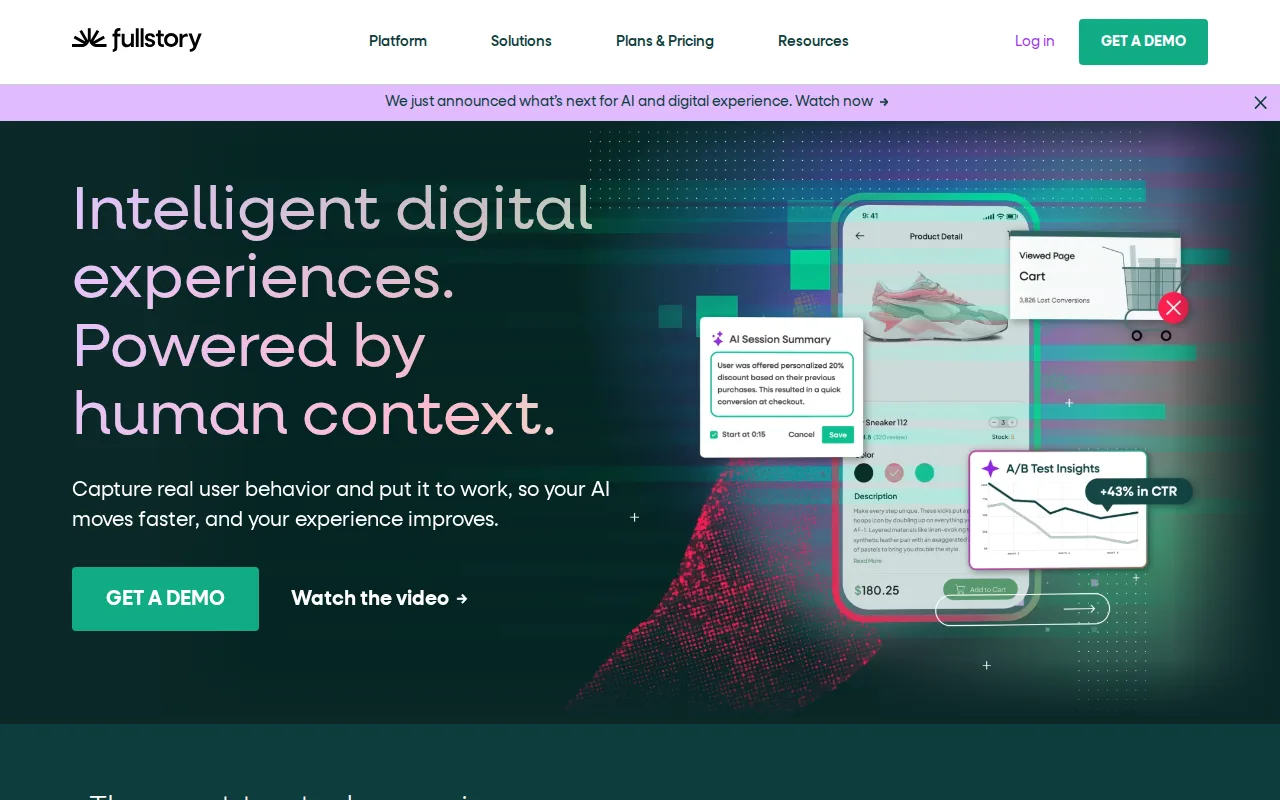
FullStory is the best Mouseflow alternative for teams that want to retroactively search and replay any past user session without pre-defining tracked events, so a team can find every user who hit a specific error months later without having set up a funnel for it first. FullStory's free FullstoryFree tier covers 30,000 monthly sessions, 60 times Mouseflow's 500-session free cap, with 12 months of retention against Mouseflow Free's 1 month and up to 10 users, and it holds a rating cited at 4.5/5 from 1,048 G2 reviews, the largest review base among Mouseflow's alternatives here. FullStory's StoryAI assistant, on the quote-only Advanced tier, answers behavioral questions in plain language, a parallel to the Mina AI that Mouseflow includes on every tier. Mouseflow is still the better choice for anyone who wants transparent, published self-serve pricing at every tier: FullStory's Business, Advanced, and Enterprise plans all require a sales quote with no public dollar figures, and reviewers report costs rising sharply past the free quota, while Mouseflow publishes flat prices (Essential $25/month, Advanced $109/month, Premium $319/month) and allows unlimited team members on every plan, including Free, unlike FullStory's 10-user cap on its free tier.
Compared to Mouseflow: 30,000 free sessions/month vs Mouseflow's 500, retroactive session search without pre-defined event tracking, a 4.5/5 rating from 1,048 G2 reviews
Wins:Free tier covers 30,000 sessions/month, 60 times Mouseflow's 500-session free cap · 12 months of analytics retention on the free tier, against 1 month on Mouseflow Free · Captures every session by default, letting teams retroactively search behavior without pre-defining tracked events · Rating cited at 4.5/5 from 1,048 G2 reviews, the largest review base among these alternatives
Loses:No self-serve pricing beyond the free tier; Business, Advanced, and Enterprise all require a sales quote · Free tier caps team members at 10 users, unlike Mouseflow's unlimited seats on every plan including Free · StoryAI requires the quote-only Advanced tier, where Mouseflow includes Mina AI and an MCP server on every tier
Pros
- Retroactive session search finds and replays any past user behavior without pre-defining tracked events.
- StoryAI answers behavioral questions in plain language instead of requiring a custom dashboard build.
- Free tier covers 30,000 sessions/month and 12 months of retention with no credit card required.
- Reviewers consistently rate the interface as intuitive enough for non-technical team members to use directly.
Cons
- No published pricing above the free tier; Business, Advanced, and Enterprise all require a sales quote.
- Reviewers report costs escalate sharply once a site outgrows the 30,000-session free tier.
- High-traffic sites generate enough session volume that finding actionable insights can become overwhelming.
- Mobile analytics is a separate add-on rather than included by default.
Pricing: Free — Free up to 30,000 sessions/month, then custom-quoted, vs Mouseflow's $25/month Essential (5,000 sessions) (verified )
2Crazy Egg — best Mouseflow alternative for marketers and agencies who want heatmaps, session recordings, and A/B tests across several websites on one pageview-priced plan instead of paying per seat
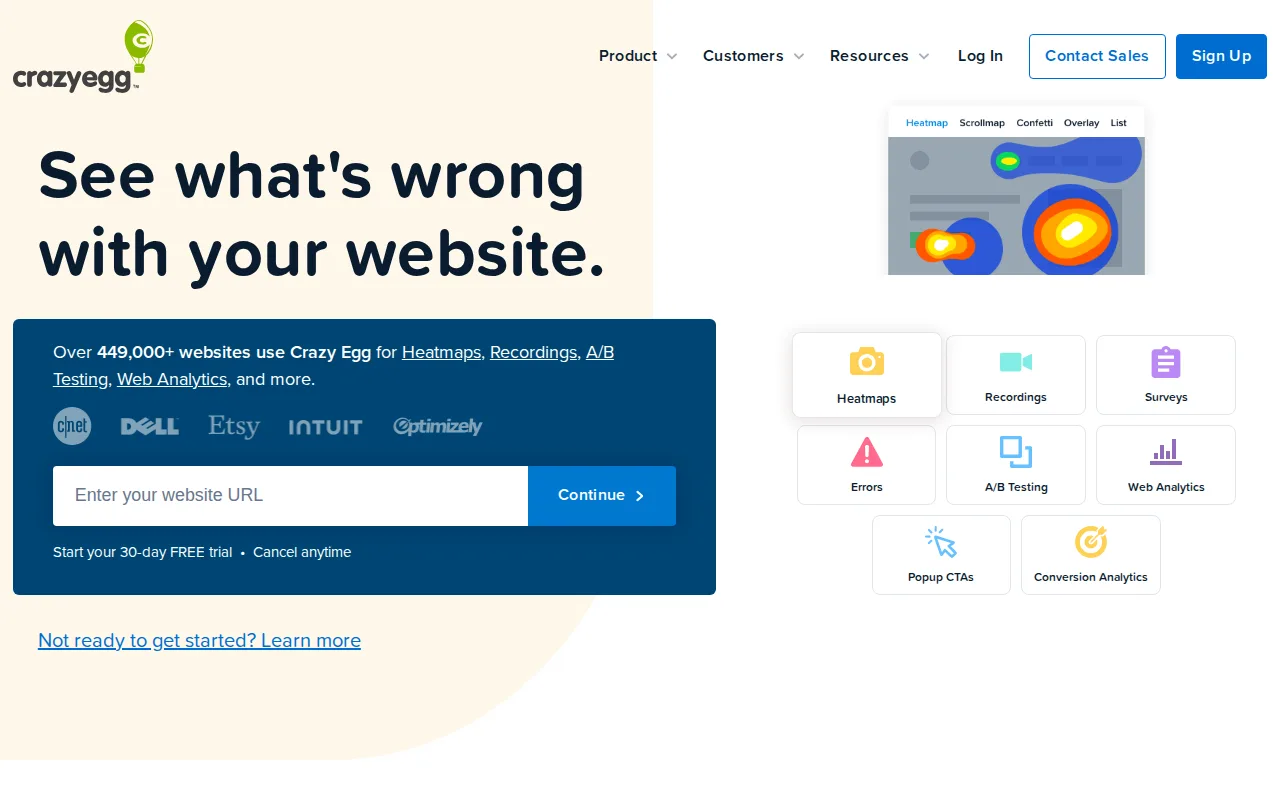
Crazy Egg is the best Mouseflow alternative for marketers and agencies who want A/B testing and unlimited sites on one plan. Crazy Egg's Plus plan at $99/month billed annually adds unlimited A/B testing with device-type targeting, popup CTAs, and error tracking, covers 150,000 pageviews and 1,000 recordings a month, and stores recordings for 2 years, where Mouseflow's $109/month Advanced plan keeps 6 months of data and lists no testing tools. Every Crazy Egg plan includes unlimited domains and team members, while Mouseflow caps website projects at 1 on Free and Essential, 2 on Advanced, and 5 on Premium. Crazy Egg also never bills overages, pausing collection until the 1st of the next month, and every paid plan starts with a 30-day trial. Crazy Egg holds 4.4/5 from 87 Capterra reviews. Mouseflow is still the better choice for teams that mostly watch recordings: Mouseflow's $25/month Essential plan records 5,000 sessions against 50 recordings on Crazy Egg's $29/month Starter, Mouseflow's Free plan records 500 sessions while Crazy Egg's free plan lists no recordings, and every Crazy Egg paid plan is billed annually only, so Starter means $348 upfront. Mouseflow also includes form analytics and Mina AI on every tier, and its listing cites 4.6/5 from 689 G2 reviews.
Compared to Mouseflow: unlimited A/B testing and popup CTAs on the $99/month Plus plan, unlimited domains where Mouseflow caps projects at 1 to 5, but 50 recordings on the $29/month Starter against 5,000 sessions on Mouseflow's $25 Essential
Wins:Unlimited A/B testing with device-type targeting, popup CTAs, and error tracking on the $99/month Plus plan; Mouseflow's listing includes no testing tools · Unlimited domains and team members on every plan, where Mouseflow caps website projects at 1 on Free and Essential, 2 on Advanced, and 5 on Premium · Plus stores recordings for 2 years at $99/month billed annually, against 6 months of retention on Mouseflow's $109/month Advanced plan · Never bills overages, pausing collection instead, and every paid plan starts with a 30-day free trial
Loses:Starter includes 50 recordings a month for $29/month billed annually, against 5,000 recorded sessions on Mouseflow's $25/month Essential plan · Every paid plan is billed annually only, so Starter means $348 upfront · The free plan lists heatmaps, analytics, and surveys but no recordings, while Mouseflow's Free plan records 500 sessions · No form analytics or MCP server in its listing, both of which Mouseflow includes on every tier
Pros
- Free plan with web analytics, instant heatmaps, conversion analytics, and surveys requires no credit card.
- Unlimited domains and unlimited team members on every plan, so an agency can run many client sites on one account.
- No overage charges: tracking pauses at the monthly limit and resumes on the 1st of the next month.
- Heatmaps, recordings, A/B testing, popup CTAs, error tracking, funnels, and surveys share one install snippet.
- Every paid plan, Enterprise included, starts with a 30-day free trial.
Cons
- All paid plans are billed annually; there is no month-to-month option.
- Starter includes only 5 heatmap reports and 50 recordings a month and no A/B testing, which starts on Plus at $99/month.
- Large price steps between plans: $99, $249, and $599 a month, each paid a year at a time.
- Once a monthly limit is hit, data collection stops until the 1st of the next month, leaving gaps in heatmaps and recordings during traffic spikes.
Pricing: Free tier · paid from $29/mo — $29/month billed annually for 5,000 pageviews and 50 recordings (Starter) vs Mouseflow's $25/month for 5,000 sessions (Essential) (verified )
3Microsoft Clarity — best Mouseflow alternative for marketing and product teams who want free, unlimited session recordings and heatmaps to complement traffic analytics they already run in Google Analytics
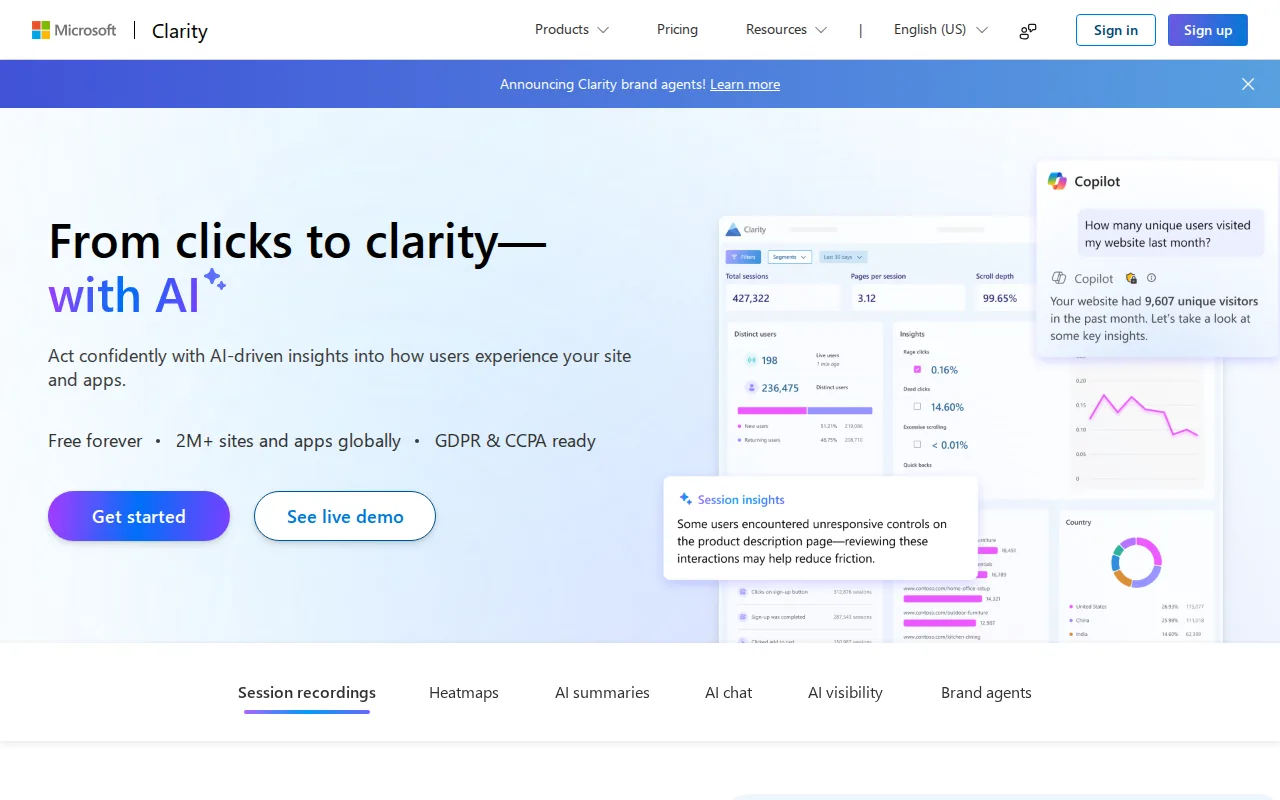
Microsoft Clarity is the best Mouseflow alternative for teams that want unlimited session recording with no traffic cap and no paid tier at all, a stark contrast to Mouseflow's tiered pricing, which runs from $25/month for 5,000 sessions to $319/month for 100,000 before custom Enterprise pricing. Clarity is free forever, funded by Microsoft's Bing and advertising ecosystem, and it holds a 4.4/5 rating from 10 Product Hunt reviews, a thin but rated sample. Clarity also layers AI Summaries and an AI Chat feature on top of session data, comparable in spirit to Mouseflow's own Mina AI, and it tracks native mobile apps through Android, iOS, Flutter, React Native, and Cordova/Ionic SDKs, where Mouseflow is web-only. Mouseflow is still the better choice for teams that need dedicated conversion funnels, form analytics, or a stated retention window: Clarity's own listing admits its funnel and conversion reporting is thinner than dedicated tools, while Mouseflow supports up to 10 conversion funnels and 12 months of data retention on its Premium tier, includes form analytics on every plan, and adds a Mouseflow MCP Server for programmatic session-data access that Clarity's listing doesn't describe. Clarity, as a free Microsoft product, also carries no contractual SLA.
Compared to Mouseflow: free forever with no session cap vs Mouseflow's $25-$319/month tiers, native mobile SDKs where Mouseflow is web-only, but thinner funnel reporting and no form analytics
Wins:Free forever with no traffic or session cap, unlike Mouseflow's tiered pricing up to $319/month for 100,000 sessions · Native mobile-app SDKs for Android, iOS, Flutter, React Native, and Cordova/Ionic, where Mouseflow is web-only · AI Summaries and AI Chat surface behavior trends without manual review of recordings · Direct integration with Google Analytics to correlate GA segments with session recordings
Loses:Funnel and conversion-analysis depth is thinner than Mouseflow's dedicated conversion funnels (up to 10 on Premium) · No form analytics in its listing, which Mouseflow includes on every tier · No equivalent to Mouseflow's MCP Server for programmatic session-data access, and a free Microsoft product carries no contractual SLA
Pros
- Completely free with no traffic limits, session caps, or paid upgrade tier.
- Session recordings and heatmaps installable via a single JavaScript snippet or native SDKs for Android, iOS, Flutter, and React Native.
- AI Summaries and AI Chat surface behavior trends without manual review of individual recordings.
- Direct integration with Google Analytics to correlate GA segments with Clarity session recordings.
Cons
- No conversion funnel or cohort analysis depth comparable to dedicated product analytics tools like Mixpanel or Amplitude.
- Recording only begins after the tracking code is installed, with no retroactive historical data.
- Data ownership sits with Microsoft's free ecosystem product rather than a paid vendor with contractual SLAs.
- Session sampling and masking require manual configuration to avoid capturing sensitive form data.
Pricing: Free — Free forever vs Mouseflow's $25-$319/month tiers depending on session volume (verified )
4Contentsquare — best Mouseflow alternative for finding where and why visitors drop out of key website or app journeys by combining heatmaps, session replays and funnels on one dataset
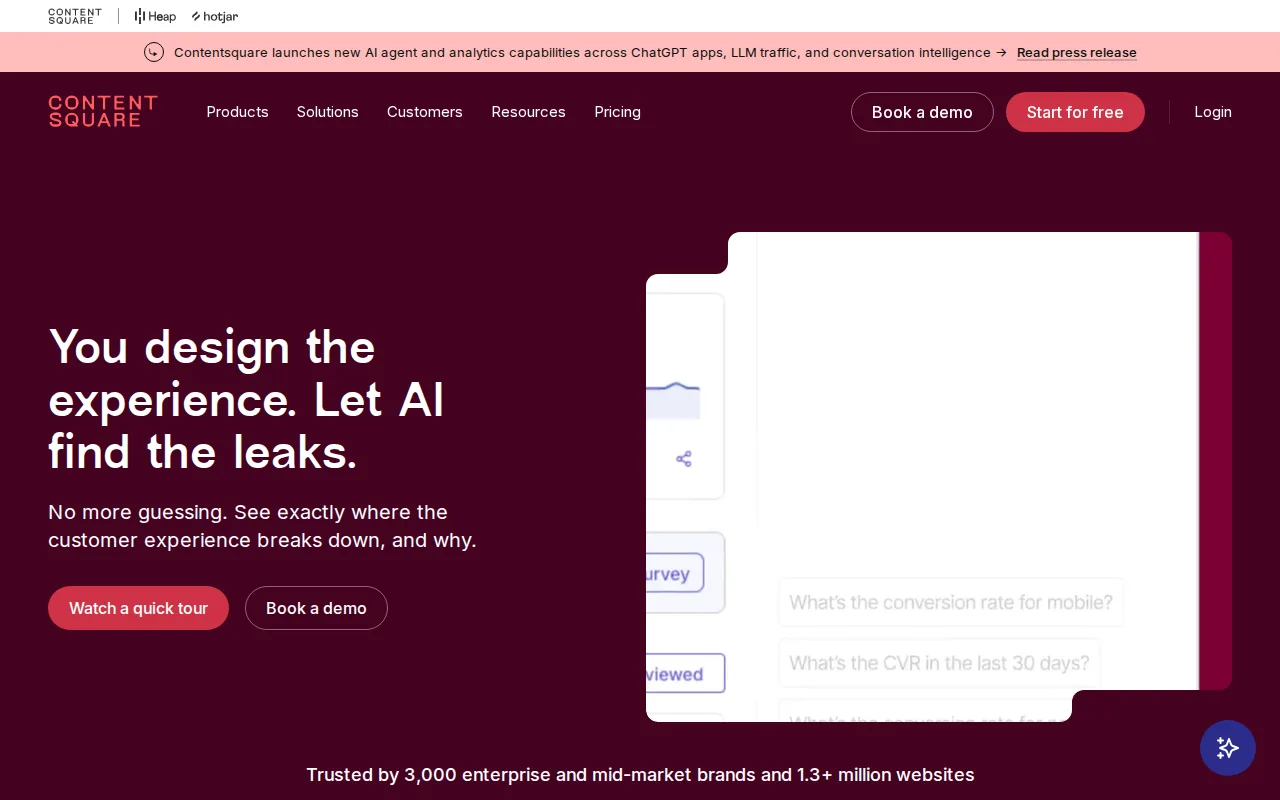
Contentsquare is the best Mouseflow alternative for enterprise and mid-market brands that need AI-prioritized experience analytics without manual event tagging, going beyond Mouseflow's session-replay and heatmap core. Contentsquare captures full user interactions automatically, its zone-based heatmaps attach engagement or revenue metrics to each page element, and Sense AI summarizes replays and heatmaps and suggests what to fix. Contentsquare also covers mobile apps through an SDK and offers product analytics, Conversation Intelligence, and Voice of Customer, where Mouseflow is web-only. On volume, Contentsquare's Free plan counts up to 200,000 sessions a month against Mouseflow Free's 500, Growth keeps 13 months of data against 3 months on Mouseflow Essential, and Growth lists prices up to 200,000 sessions, where Mouseflow quotes anything above Premium's 100,000. Mouseflow is still the better choice for small teams that want full session recording at the lowest price: Mouseflow Essential records 5,000 sessions for $25/month, against $39/month billed yearly or $49 monthly for 7,000 on Contentsquare Growth, Contentsquare Free replays only 5% of sessions, and Mouseflow allows unlimited team members on every plan with Mina AI included even on Free, where Contentsquare's Sense AI chat starts on Growth. Mouseflow's learning curve is also rated low against Contentsquare's moderate.
Compared to Mouseflow: AI-prioritized friction analysis via Sense AI and zone-based heatmaps, a free plan counting up to 200,000 sessions a month against Mouseflow Free's 500 plus mobile app capture, but a higher entry price of $39/month billed yearly for 7,000 sessions against Mouseflow's $25/month for 5,000
Wins:Sense AI summarizes replays and heatmaps and suggests what to fix, and zone-based heatmaps attach engagement or revenue metrics to each page element · Mobile app capture through an SDK plus product analytics, Conversation Intelligence, and Voice of Customer; Mouseflow is web-only · Free plan counts up to 200,000 sessions a month against Mouseflow Free's 500, and Growth keeps 13 months of data against 3 months on Essential and 6 on Advanced · Growth lists prices up to 200,000 sessions ($739/month on monthly billing), where Mouseflow quotes anything above Premium's 100,000
Loses:Higher entry price: Growth costs $39/month billed yearly or $49 monthly for 7,000 sessions, against $25/month for 5,000 recorded sessions on Mouseflow Essential · Free replays only 5% of sessions, capped at 10,000 a month, where Mouseflow's quotas count recorded sessions · Sense AI chat starts on the paid Growth plan, where Mouseflow includes Mina AI on every tier including Free, and APIs, alerts, and SAML SSO need custom-quoted Pro or Enterprise plans · Learning curve rated moderate against Mouseflow's low
Pros
- The Free plan includes up to 200,000 sessions a month with heatmaps, funnels, error monitoring and basic surveys, against the 35 sessions a day Hotjar's old free plan captured.
- Automatic, tag-free capture lets teams analyze clicks, scrolls and form interactions retroactively without defining events in advance.
- Sense AI answers plain-language questions and summarizes replays and heatmaps, and the MCP server connects the data to ChatGPT, Claude or Copilot.
- One platform spans heatmaps, session replay, journeys, error and performance monitoring, surveys, product analytics and A/B testing, and Hotjar users log in with their existing credentials.
- Rated 4.6/5 on G2 and 4.6/5 on Gartner Peer Insights, the scores Contentsquare displays on its site.
Cons
- Free keeps only 1 month of data and records replays for 5% of sessions, capped at 10,000 a month.
- Growth pricing scales steeply with traffic, from $49/month at 7,000 sessions to $739/month at 200,000 on monthly billing, and larger volumes need a sales quote.
- APIs, alerts, SAML SSO, Data Connect and revenue attribution are reserved for the custom-quoted Pro and Enterprise plans.
- Hotjar is no longer sold on its own, so teams that wanted a simple standalone tool must adopt Contentsquare's broader platform and session-based plans.
Pricing: Free tier · paid from $39/mo — Free up to 200,000 sessions, then Growth from $39/month billed yearly ($49 monthly) for 7,000 sessions, vs Mouseflow's free 500 sessions and $25-$319/month tiers (verified )
5Lucky Orange — best Mouseflow alternative for ecommerce and SaaS marketing teams under ~50,000 monthly sessions who want heatmaps, session recordings, and on-site surveys in one subscription instead of buying each separately
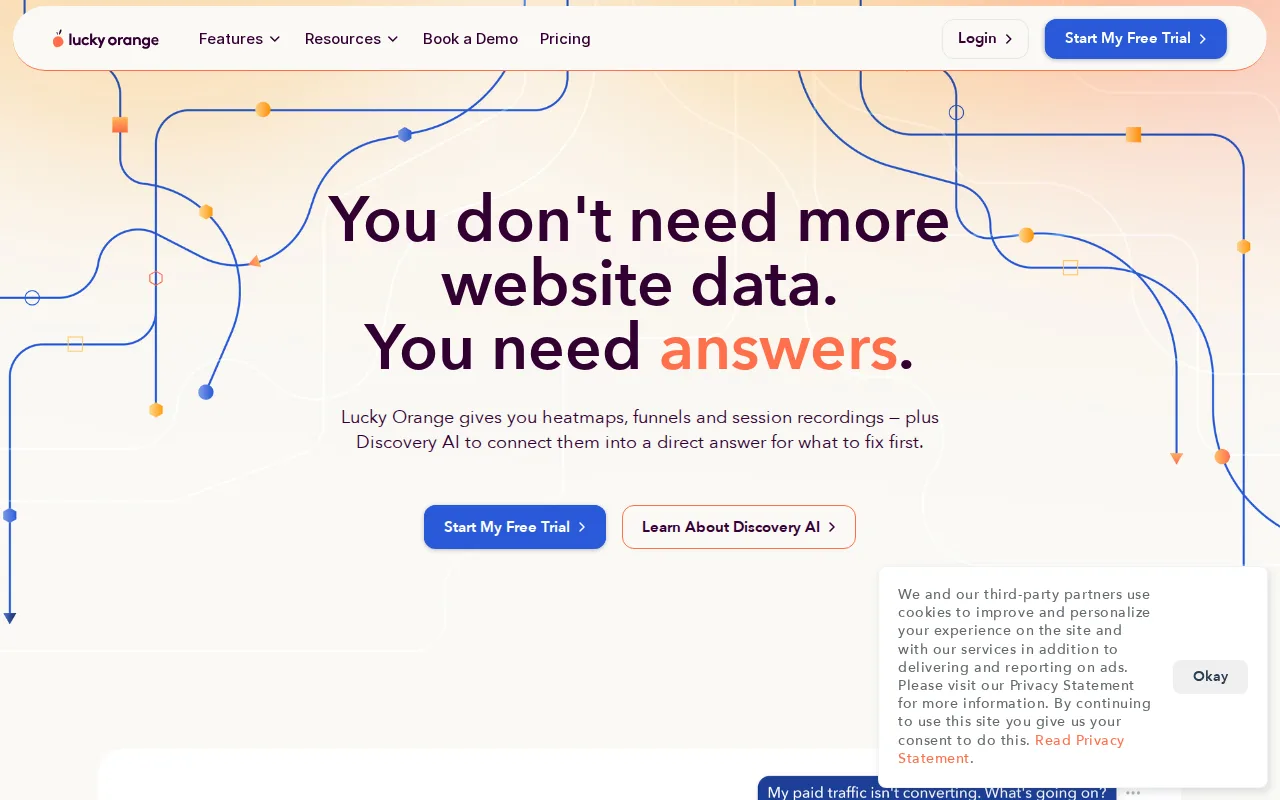
Lucky Orange is the best Mouseflow alternative for ecommerce and SaaS marketing teams that want live chat and on-site surveys in the same tool as heatmaps and recordings. Both tools price by monthly sessions with unlimited team members on every plan, but their tiers break at different points: Lucky Orange's Grow plan covers 10,000 sessions for $72/month billed annually, where Mouseflow's Essential stops at 5,000 and the next step, Advanced, costs $109/month, and Lucky Orange's Expand plan covers 50,000 sessions for $199/month against Mouseflow Premium at $319/month, since Advanced stops at 25,000. Every Lucky Orange paid plan includes heatmaps, recordings, funnels, on-site surveys, and live chat, the last of which Mouseflow's listing doesn't include; its dynamic heatmaps capture clicks inside dropdowns and pop-ups, and extra websites cost $5 each on any plan rather than requiring a higher tier. Mouseflow is still the better choice at the low end and on AI: Mouseflow has a free plan for 500 sessions where Lucky Orange offers only a 7-day trial, Essential at $25/month for 5,000 sessions undercuts Lucky Orange's $32/month Build plan for 3,500, and Mouseflow includes Mina AI and an MCP server on every tier while Lucky Orange sells Discovery AI as a paid add-on. Lucky Orange also has no external rating on record, against Mouseflow's cited 4.6/5 from 689 G2 reviews.
Compared to Mouseflow: cheaper at 10,000 sessions ($72 vs $109/month) and 50,000 sessions ($199 vs $319/month), live chat included on every paid plan, but no free plan and Discovery AI sold as a paid add-on
Wins:Grow covers 10,000 sessions for $72/month billed annually, where Mouseflow's next tier above 5,000 sessions is Advanced at $109/month · Expand covers 50,000 sessions for $199/month billed annually, against Mouseflow Premium at $319/month, since Advanced stops at 25,000 · Live chat is included on every paid plan alongside heatmaps, recordings, funnels, and surveys, and dynamic heatmaps capture clicks inside dropdowns and pop-ups · Extra websites cost $5 each on any plan, where Mouseflow needs Premium at $319/month for more than 2 website projects
Loses:No free plan, only a 7-day trial, where Mouseflow's Free plan records 500 sessions a month · Build costs $32/month billed annually for 3,500 sessions, more than Mouseflow Essential's $25/month for 5,000 · Discovery AI is a paid add-on on every plan, while Mouseflow includes Mina AI and an MCP server on every tier · No external rating on record, against Mouseflow's cited 4.6/5 from 689 G2 reviews
Pros
- Heatmaps, session recordings, funnels, surveys, and live chat are included on every paid plan with no per-feature upsell
- Unlimited team members on every tier, including the entry-level Build plan
- Dynamic heatmaps capture clicks inside dropdowns and pop-ups that some competing heatmap tools miss
- 7-day free trial gives full access to every feature, including Discovery AI, before billing starts
Cons
- No permanent free plan, only a 7-day trial before a paid plan is required
- Discovery AI is a paid add-on on top of every plan rather than a bundled feature
- Pricing jumps sharply between tiers, from $199/month (Expand, annual) to $839/month (Scale, annual)
- Additional websites cost $5/site on top of the base plan price
Pricing: From $32/mo — $72/month billed annually for 10,000 sessions (Grow) vs Mouseflow's $109/month for 25,000 (Advanced); at entry, $32 for 3,500 sessions (Build) vs $25 for 5,000 (Essential) (verified )
Which one is right for you?
- You want to retroactively search past sessions without pre-defining which events to trackFullStory
- You want 30,000 free sessions a month instead of 500 before paying anythingFullStory
- You want to A/B test page variants in the same tool as your heatmapsCrazy Egg
- You run many client sites and keep hitting Mouseflow's website-project capsCrazy Egg
- You want unlimited session recording forever with no traffic cap or paid tier at allMicrosoft Clarity
- You run a large enterprise that needs AI-prioritized friction analysis across web and mobileContentsquare
- You want to chat with visitors live and survey them in the same tool as your recordingsLucky Orange
Frequently asked questions
Is there a free alternative to Mouseflow?
- Yes, Microsoft Clarity is free forever with no session cap and FullStory's free tier covers 30,000 sessions a month, both far larger than Mouseflow's own 500-session Free plan. Contentsquare's Free plan counts up to 200,000 sessions a month but replays only 5% of them, and Crazy Egg also has a free plan, though it lists heatmaps, analytics, and surveys rather than recordings, while Lucky Orange has no free tier.
What is the closest alternative to Mouseflow?
- Lucky Orange is the closest match: both price by monthly sessions with unlimited team members on every plan, and both combine heatmaps, session recordings, conversion funnels, and on-site surveys in one web-only product with an AI layer. Lucky Orange adds live chat but has no free plan, and sells its Discovery AI as a paid add-on where Mouseflow includes Mina AI.
Can FullStory replace Mouseflow?
- Yes for session replay and heatmaps, and FullStory's free tier covers 30,000 sessions a month against Mouseflow's 500, with retroactive behavioral search that Mouseflow's listing doesn't describe. Teams that want published self-serve pricing should stay with Mouseflow, since every FullStory paid plan is sales-quoted, and FullStory's free tier stops at 10 users where Mouseflow allows unlimited seats.
Which Mouseflow alternative is completely free with no session cap?
- Microsoft Clarity, which is free forever with no traffic or session limit at any scale, unlike Mouseflow's tiered pricing that runs up to $319/month for 100,000 sessions before custom Enterprise pricing.
Does Mouseflow have unlimited team members like some alternatives?
- Yes, Mouseflow allows unlimited team members on every plan including Free, which Crazy Egg and Lucky Orange also offer; FullStory's free tier, by contrast, caps at 10 users.
Which Mouseflow alternative includes A/B testing?
- Crazy Egg, which includes unlimited A/B testing with device-type targeting from its $99/month Plus plan billed annually; Contentsquare lists A/B testing only on its custom-quoted Pro and Enterprise plans, and Mouseflow and the other alternatives here list no testing tools.
What happened to Hotjar?
- Hotjar is no longer sold on its own: it has been folded into Contentsquare, new accounts cannot be created, and hotjar.com has redirected to Contentsquare since mid-August 2026, so Hotjar is not listed as a Mouseflow alternative. Hotjar's heatmaps, recordings, and surveys continue in Contentsquare's Free and Growth plans, and for a larger free allowance than Mouseflow's 500 sessions, Microsoft Clarity has no cap and FullStory covers 30,000 sessions a month.