7 Best Alternatives to monday.com for Android in 2026
By Noahlast updated pricing verified
Compared: monday.com alternatives that run on Android
| Alternative | Best for | Learning curve | Price |
|---|---|---|---|
| monday.comreference | Mid-size teams that want one configurable platform to run project tracking, CRM, and IT/HR workflows on visual boards instead of stitching together separate point tools. | Moderate | Free tier · paid from $9/mo |
| Asana | Cross-functional teams of 10-500 people who need shared timelines, dependencies, and status reporting across multiple concurrent projects. | Moderate | Free tier · paid from $10.99/mo |
| ClickUp | small and mid-sized teams that want tasks, docs, chat, and time tracking on one paid seat instead of buying a tracker, a wiki, a chat app, and a timesheet tool separately | Steep | Free tier · paid from $7/mo |
| Smartsheet | enterprise PMOs, IT portfolio teams, and cross-functional operations teams (construction, healthcare, marketing) that need spreadsheet-familiar project tracking with automation, dashboards, and resource management at scale | Moderate | Custom pricing |
| Airtable | Small-to-midsize teams that need a relational database with a spreadsheet UI to run project trackers, content calendars, or lightweight CRMs without writing code. | Moderate | Free tier · paid from $20/mo |
| Trello | Small teams and individuals who want a simple kanban board to track to-dos without adopting a full project-management framework | Low | Free tier · paid from $5/mo |
| HubSpot | small businesses that start on the free CRM and want marketing, sales, and service tools sharing one contact database as they grow, and can absorb the price jump into Professional tiers | Moderate | Free tier · paid from $7/mo |
| Wrike | cross-functional teams (marketing, product, professional services, IT) that need shared project visibility across departments, not just a single team's task list | Moderate | Free tier · paid from $10/mo |
 monday.com
 Asana
Asana ClickUp
 Smartsheet
 Airtable
 Trello
 HubSpot
 Wrike
Wrike1Asana — best monday.com alternative for cross-functional teams of 10-500 people who need shared timelines, dependencies, and status reporting across multiple concurrent projects.
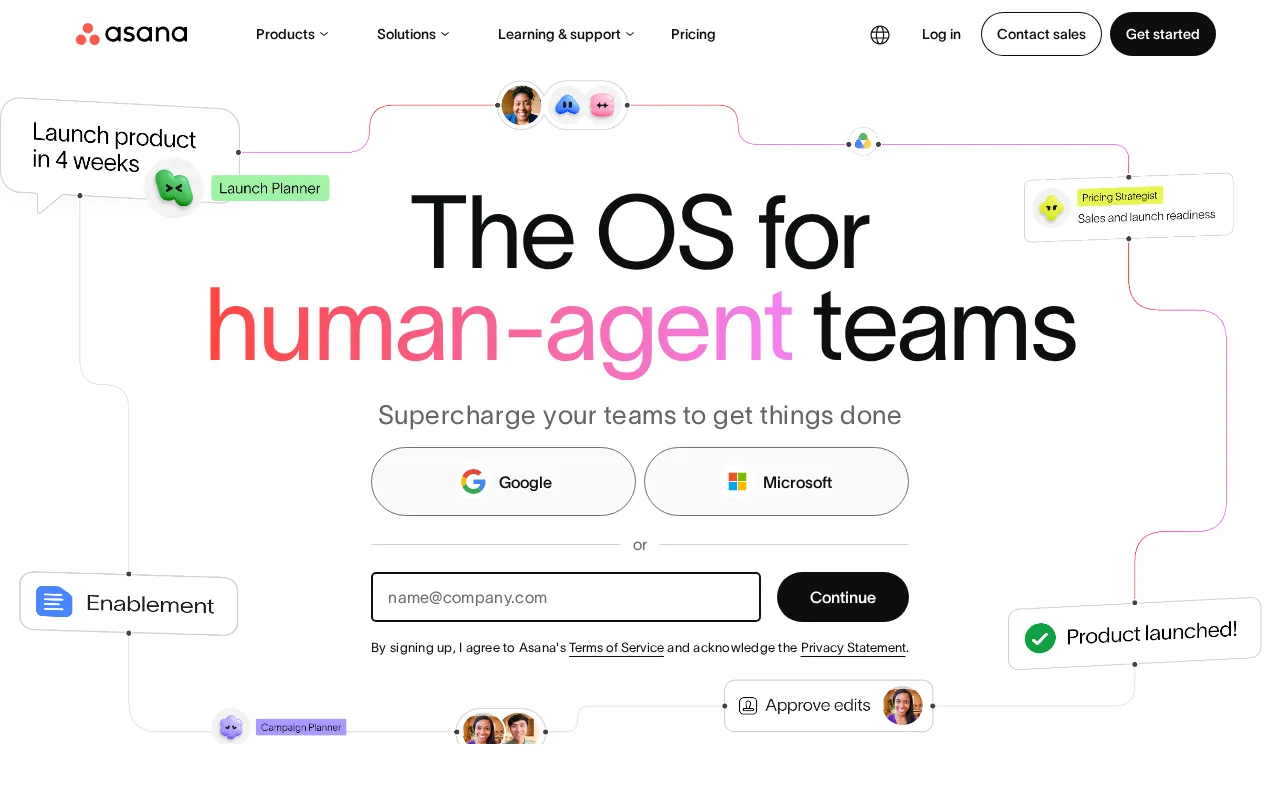
Asana is the best monday.com alternative for teams running many projects at once who need one place to see how all of them are tracking. Asana's Work Graph links goals, portfolios, projects, and tasks into one connected model, so a status rollup across departments is a built-in view rather than a dashboard you assemble from boards. The sharpest practical difference is automation: Asana's Starter plan at $10.99/user/month billed annually ($13.49 monthly) includes unlimited automations, forms, custom fields, timeline and Gantt views, reporting dashboards, and unlimited free guests, while monday.com's $12/seat Standard plan caps automations and integrations at 250 actions per month and only lifts that to 25,000 on Pro at $19/seat — monday.com's own listing names that usage-driven tier jump as its biggest weakness. Asana's free Personal tier covers up to 2 users with unlimited tasks and projects and 100+ integrations. monday.com is still the better choice on entry price and product breadth: monday.com Basic is $9/seat/month against Asana's $10.99, monday.com Pro at $19/seat includes time tracking where Asana gates time tracking, Goals, and Workload behind Advanced at $24.99/user/month — a 127% jump from Starter — and monday.com ships dedicated CRM, dev, service, and marketing products on the same platform.
Compared to monday.com: unlimited automations on the $10.99/user/month Starter plan against monday.com's 250 actions per month on $12 Standard, a connected goals-to-tasks Work Graph for cross-project rollups, and a 127% price jump from Starter to Advanced at $24.99/user/month
Wins:Unlimited automations, forms, custom fields, timeline and Gantt views, and reporting dashboards on Starter at $10.99/user/month, where monday.com's $12/seat Standard caps automations at 250 actions per month · The Work Graph connects goals, portfolios, projects, and tasks, so cross-department status rollups are a native view rather than a dashboard assembled from boards · Free Personal tier covers up to 2 users with unlimited tasks and projects, unlimited storage at 100MB per file, and 100+ integrations
Loses:Starter costs $10.99/user/month against monday.com Basic at $9/seat, and Advanced is $24.99 against monday.com Pro at $19 · Goals, Workload, and time tracking require the $24.99/user/month Advanced tier, while monday.com includes time tracking on Pro at $19/seat · SAML SSO, SCIM provisioning, and capacity planning require quote-only Enterprise, and Asana ships no dedicated CRM, dev, service, or marketing products of the kind monday.com runs on one platform
Pros
- Free tier covers unlimited tasks and projects for up to 2 users, not just a time-limited trial
- Multiple views (list, board, timeline/Gantt, calendar) on the same project without extra tools
- Deep integration library (100+ free integrations) plus native Salesforce, Tableau, and Power BI connectors on Advanced
- Reporting dashboards and portfolios give a rollup view across many projects at once
Cons
- Per-user pricing means costs scale linearly and jump 127% from Starter to Advanced ($10.99 to $24.99/user/month)
- Core planning features like Goals and Workload are locked behind the Advanced tier, not available on Starter
- SSO, SCIM provisioning, and capacity planning require Enterprise, which has no published price
- Heavy feature surface (AI Teammates, AI Studio, Service Management) can overwhelm teams that just want simple task tracking
Pricing: Free tier · paid from $10.99/mo — $10.99/user/month for Asana Starter billed annually vs monday.com's $9/seat Basic — $109.90/month vs $90/month at 10 seats, but Asana's Starter includes unlimited automations where monday.com's $120/month Standard tier caps them at 250 actions (verified )
2ClickUp — best monday.com alternative for small and mid-sized teams that want tasks, docs, chat, and time tracking on one paid seat instead of buying a tracker, a wiki, a chat app, and a timesheet tool separately
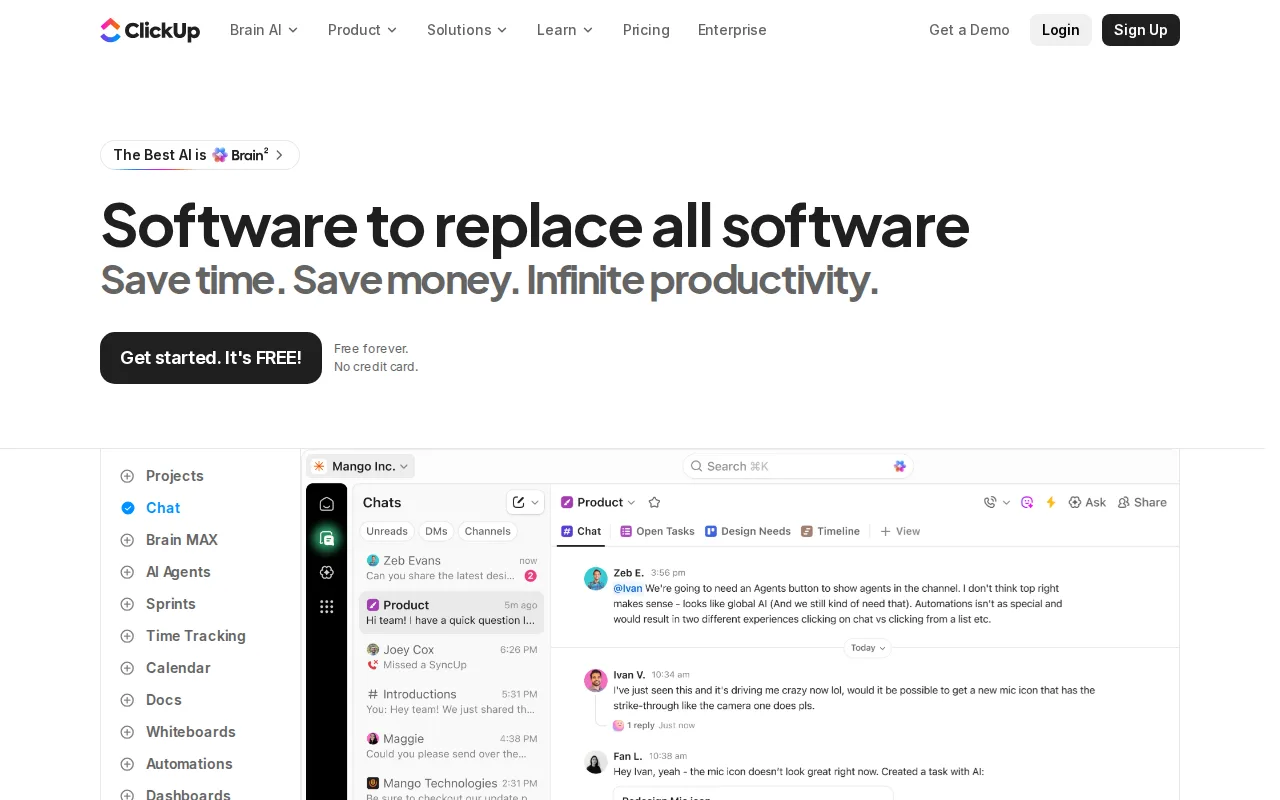
ClickUp is the best monday.com alternative for teams that want to put everyone in the tool before paying for anyone. ClickUp's Free Forever plan allows unlimited tasks and unlimited free members with collaborative docs, kanban boards, sprint management, calendar view, and 24/7 support, where monday.com's free plan stops at 2 seats and 3 boards. Paid seats are cheaper at every level: ClickUp Unlimited is $7/user/month billed yearly ($10 monthly) and already includes unlimited storage, unlimited Gantt charts, unlimited integrations, unlimited custom fields, native time tracking, and resource management — monday.com charges $12/seat for timeline and Gantt views and $19/seat for time tracking. ClickUp Business at $12/user/month billed yearly ($19 monthly) includes 5,000 automations per month, 20 times monday.com's 250-action Standard allowance at exactly the same $12 price, plus unlimited dashboards, private whiteboards, sprint points and reporting, and Google SSO. monday.com is still the better choice for breadth and polish at the top: ClickUp's Free Forever plan caps total file storage at 60MB and Spaces at 5, SAML SSO and SCIM provisioning require custom-quoted Enterprise, and monday.com ships dedicated CRM, dev, service, and marketing products plus 200+ templates on one shared platform.
Compared to monday.com: a free plan with unlimited members and unlimited tasks against monday.com's 2-seat cap, $7/user/month billed yearly with unlimited Gantt charts and native time tracking, and 5,000 automations per month at the same $12 price monday.com caps at 250 actions
Wins:Free Forever supports unlimited tasks and unlimited free members with docs, kanban, sprints, calendar view, and 24/7 support, where monday.com's free plan caps at 2 seats and 3 boards · Unlimited at $7/user/month billed yearly includes unlimited Gantt charts, native time tracking, and resource management — features monday.com puts on its $12 and $19 tiers · Business at $12/user/month billed yearly includes 5,000 automations per month, 20 times the 250 actions monday.com allows on its $12/seat Standard plan
Loses:Free Forever caps total file storage at 60MB and Spaces at 5, and the advertised $7 and $12 rates require yearly billing — monthly costs $10 and $19 · SAML SSO and SCIM provisioning require custom-quoted Enterprise, so security-led buyers cannot price the plan they actually need · monday.com runs dedicated CRM, dev, service, and marketing products plus 200+ templates on one shared platform, where ClickUp is a single general work product
Pros
- Free Forever includes unlimited tasks and unlimited members with Kanban boards, sprints, collaborative docs, calendar view, and in-app video recording.
- Unlimited at $7/user/month billed yearly already covers unlimited storage, Gantt charts, integrations, custom fields, and native time tracking.
- One workspace spans tasks, docs and wikis, chat, whiteboards, dashboards, goals, forms, and time tracking, cutting the number of separate subscriptions a team carries.
- Native apps for Windows, macOS, Linux, iOS, and Android plus a Chrome extension and a public API (10,000 calls/minute on Enterprise).
- ClickUp holds 4.6/5 across 4,630 Capterra reviews, 4.1/5 across 687 Trustpilot reviews, and 4.6/5 across 123 Product Hunt reviews.
Cons
- AI is priced on top of the plan at $9/user/month (Brain AI) or $28/user/month (Everything AI), plus $10 per 10,000 AI Super Credits once the allowance runs out.
- Free Forever caps total file storage at 60MB and Spaces at 5, so the free plan stops working for any team that attaches real files.
- Depth comes with per-plan caps on Spaces, lists, folders, automations, and view types — 40 lists per Space on Free, 200 on Unlimited, 400 on Business — so a workspace needs deliberate setup before it is usable.
- Payment is per Workspace and the whole Workspace must upgrade at once; a single team cannot be moved to a paid plan on its own.
Pricing: Free tier · paid from $7/mo — $7/user/month for ClickUp Unlimited billed yearly ($10 monthly) vs monday.com's $9/seat Basic — $70/month vs $90/month at 10 seats — and $12/user/month for ClickUp Business against monday.com Standard at the same $12/seat (verified )
3Smartsheet — best monday.com alternative for enterprise PMOs, IT portfolio teams, and cross-functional operations teams (construction, healthcare, marketing) that need spreadsheet-familiar project tracking with automation, dashboards, and resource management at scale
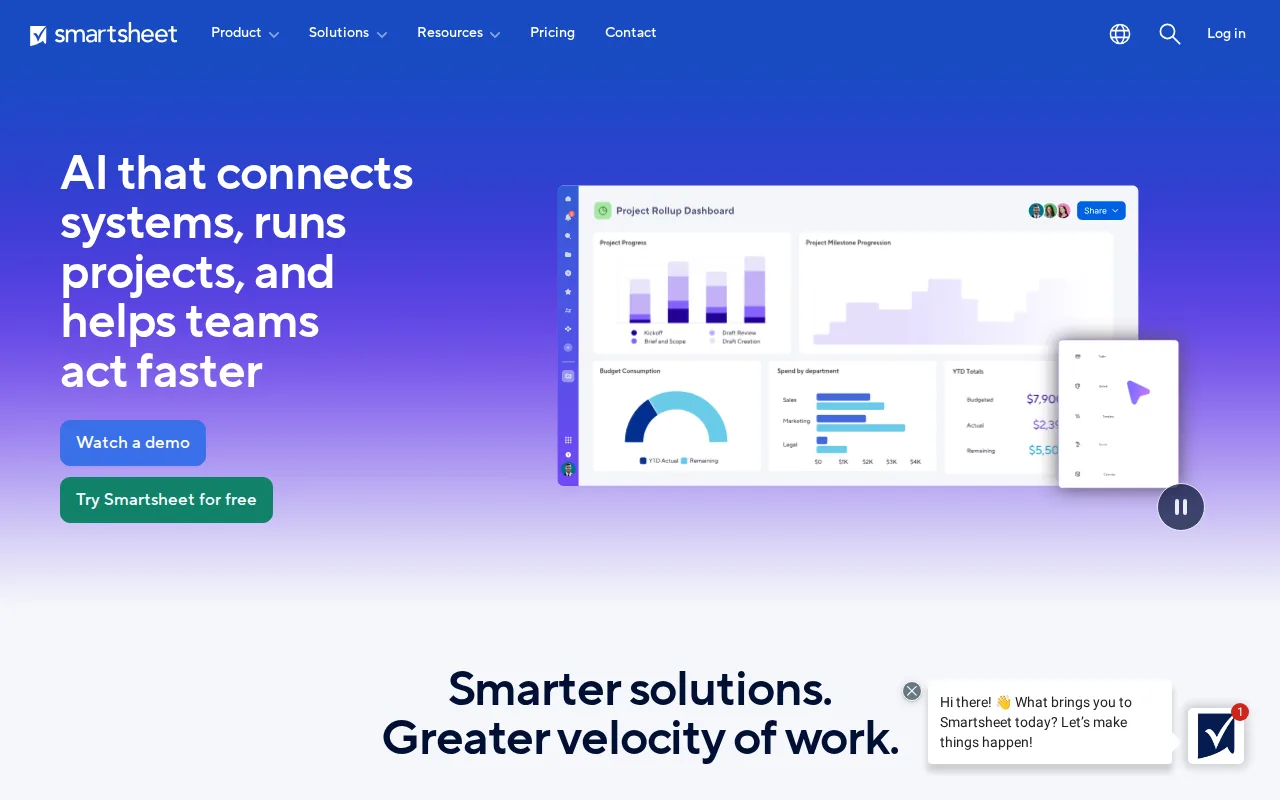
Smartsheet is the best monday.com alternative for a PMO that has to report upward. Smartsheet is built on a spreadsheet-style grid, which lowers the switching cost for teams already living in formulas and cross-sheet references, then layers project tracking, workflow automation, AI-powered dashboards, and resource and capacity planning on top. It is the most externally validated tool in this comparison: 4.5/5 from 3,538 Capterra reviews, where monday.com carries no external rating on record here, plus Gartner Magic Quadrant Leader recognition for Collaborative Work Management three consecutive years and reported use by more than 85% of Fortune 500 companies. Smartsheet's Pro tier covers 1 to 10 members with unlimited free Contributor and viewer seats, and it connects natively to more than 20 platforms including Salesforce, Microsoft, Google, AWS, and Adobe. monday.com is still the better choice for anyone who wants to know the price before a sales call: Smartsheet publishes no permanent free plan at all, only a 30-day trial, against monday.com's free 2-seat tier, and its own pricing page does not show exact per-member dollar amounts for Pro or Business without selecting a country and starting checkout, while monday.com lists $9, $12, and $19 openly. Smartsheet's Business tier also requires a minimum of 3 members.
Compared to monday.com: 4.5/5 from 3,538 Capterra reviews where monday.com has no external rating on record, a spreadsheet-style grid with resource and capacity planning built in, and no permanent free plan and no published per-member price
Wins:4.5/5 from 3,538 Capterra reviews, Gartner Magic Quadrant Leader for Collaborative Work Management three years running, and reported use by over 85% of Fortune 500 companies · Spreadsheet-familiar grid lowers the switching cost for teams already working in formulas, with AI-powered dashboards and resource and capacity planning in the core product · Native integrations with 20+ platforms including Salesforce, Microsoft, Google, AWS, and Adobe, and unlimited free Contributor and viewer seats on the Pro tier
Loses:No permanent free plan — only a 30-day trial — where monday.com's free tier is permanent, if capped at 2 seats and 3 boards · Exact per-member prices for Pro and Business are not published without selecting a country and starting checkout, while monday.com lists $9, $12, and $19 per seat openly · The Business tier requires a minimum of 3 members, and portfolio plus resource management sit in a custom-priced Advanced Work Management add-on layered on top of Enterprise
Pros
- Spreadsheet-familiar interface lowers the learning curve for teams already comfortable with grids and formulas.
- AI-powered dashboards and resource/capacity planning built into the core product.
- Integrates natively with 20+ platforms, including Salesforce, Microsoft, Google, AWS, and Adobe.
- Recognized as a Gartner Magic Quadrant Leader for Collaborative Work Management for three consecutive years.
Cons
- No permanent free plan; only a 30-day trial before billing begins.
- Exact per-member pricing for Pro and Business isn't published without starting checkout.
- Business tier requires a minimum of 3 members, ruling out very small teams from that tier's features.
Pricing: Custom pricing — Smartsheet's per-member Pro and Business prices are not published without starting checkout, so no dollar comparison is possible against monday.com's $9 Basic, $12 Standard, and $19 Pro seats
4Airtable — best monday.com alternative for small-to-midsize teams that need a relational database with a spreadsheet UI to run project trackers, content calendars, or lightweight CRMs without writing code.
Airtable is the best monday.com alternative for teams whose work is structured data rather than cards on a board. Each Airtable base behaves like a genuine relational database — records linked across tables, with grid, kanban, calendar, gallery, and Gantt views over the same data — which goes past what monday.com's board-and-column model can express once one record needs to relate to many others. Airtable layers automations, no-code interfaces, and AI agents on that same base, so an internal tool and its data live together instead of being stitched across boards. Airtable reports over 500,000 organizations using it, and its HyperDB tier scales to records in the hundreds of millions, well beyond typical board workloads. It integrates natively with Slack, Google Drive, Salesforce, Jira, and Zendesk and publishes a documented REST API. monday.com is still the better choice on cost and on general project management: Airtable Team costs $20/user/month billed annually, more than monday.com's top published tier at $19/seat, and Airtable Business at $45/user/month is more than double it — a 20-person team pays $900/month for edit rights. Airtable's Free and Team tiers also cap records and attachments per base, where monday.com's $9 Basic plan includes unlimited items.
Compared to monday.com: real relational linking between tables instead of a board-and-column model, HyperDB scale into the hundreds of millions of records, and $20/user/month billed annually against monday.com's $19/seat top published tier
Wins:Bases link records across tables like a genuine relational database while still reading as a spreadsheet, with grid, kanban, calendar, gallery, and Gantt views over the same data · Automations, no-code interfaces, and AI agents run on that same base, so an internal tool and its data stay together rather than spread across boards · Over 500,000 organizations reported using it, HyperDB scaling into the hundreds of millions of records, and native Slack, Google Drive, Salesforce, Jira, and Zendesk integrations plus a documented REST API
Loses:Team costs $20/user/month billed annually, above monday.com's $19/seat Pro, and Business at $45/user/month bills a 20-person team $900/month just for edit rights · Free and Team tiers cap records and attachments per base, where monday.com's $9/seat Basic plan includes unlimited items · SSO and advanced RBAC are locked behind custom-quoted Enterprise Scale pricing, and complex bases with many linked tables and automations get hard for new users to navigate
Pros
- Relational linking between tables goes well beyond what a flat spreadsheet like Google Sheets can do
- Built-in automations, interfaces, and reporting reduce the need for separate tools for simple internal apps
- Free plan is usable for individuals and very small teams before any payment is required
- Native integrations with Slack, Google Drive, Salesforce, Jira, and Zendesk plus a documented REST API for custom work
Cons
- Per-editor seat pricing gets expensive fast once a team grows past a handful of active editors
- Free and Team tiers cap records and attachments per base, forcing upgrades as data volume grows
- Enterprise-grade features (SSO, advanced RBAC, unlimited workspaces) are locked behind custom-quoted Enterprise Scale pricing
- Complex bases with many linked tables and automations can become hard to navigate for new users
Pricing: Free tier · paid from $20/mo — $20/user/month for Airtable Team billed annually vs monday.com's $9/seat Basic — $200/month vs $90/month at 10 seats — and Airtable Business at $45/user/month is more than double monday.com Pro at $19 (verified )
5Trello — best monday.com alternative for small teams and individuals who want a simple kanban board to track to-dos without adopting a full project-management framework
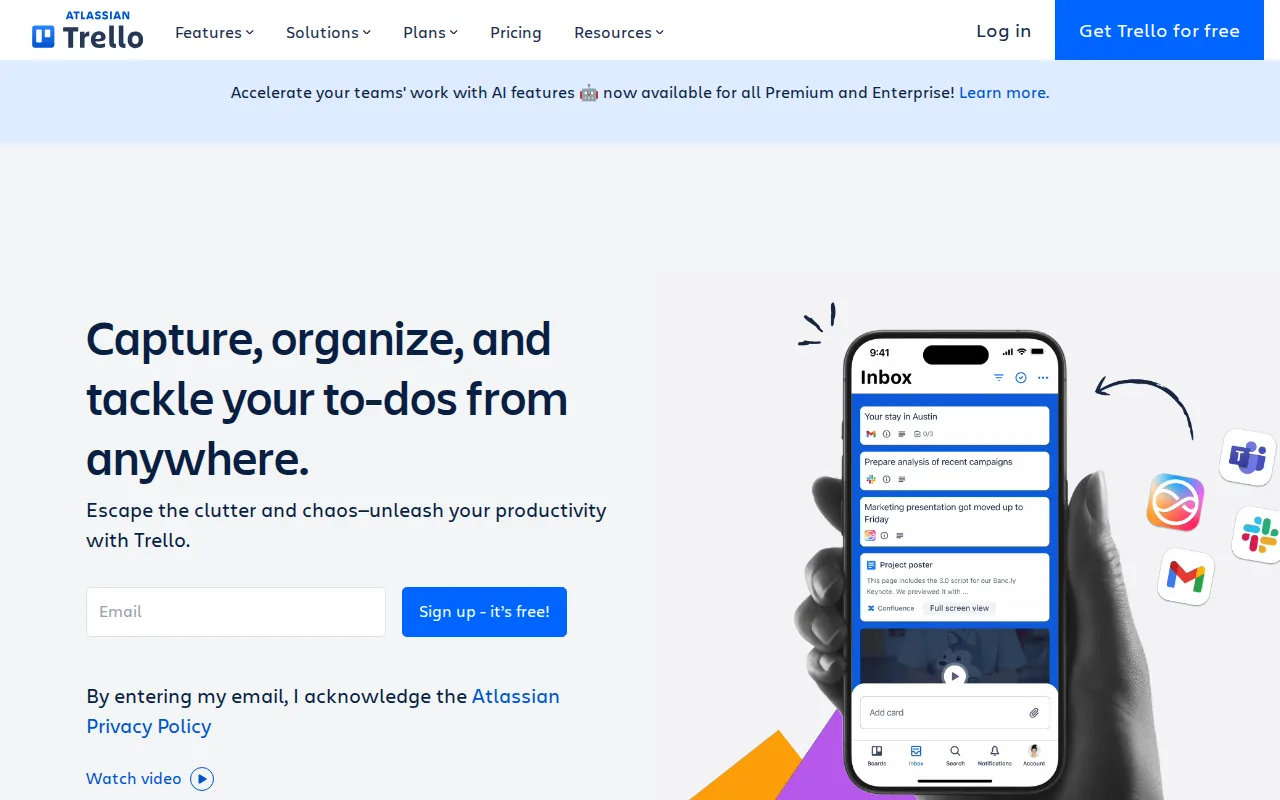
Trello is the best monday.com alternative for teams that want a board, not a work operating system. Trello's learning curve is rated low against monday.com's moderate, and its Standard plan costs $5/user/month billed annually ($6 monthly) — 44% below monday.com's $9/seat Basic tier — with unlimited boards, advanced checklists, card mirroring, and custom fields. Trello's free plan supports 10 collaborators per workspace with 10 boards and unlimited cards, five times monday.com's 2-seat free cap. Butler, Trello's built-in automation engine, creates no-code rules, buttons, and scheduled commands directly on a board with no add-on purchase and no monthly action budget to watch. Trello Premium at $10/user/month adds Calendar, Timeline, Table, Dashboard, and Map views, and Trello Enterprise is published at $17.50/user/month billed annually ($210/user/year) with organization-wide permissions and free SSO through Atlassian Guard — where monday.com's Enterprise tier is quote-only. monday.com is still the better choice for complex work: Trello's card-and-list model has no native support for dependencies or Gantt-style planning without Power-Ups, its free tier caps workspaces at 10 boards with a 10MB file limit, the advanced views require Premium at $10/user/month, and monthly billing costs 20-25% more per seat.
Compared to monday.com: $5/user/month billed annually against monday.com's $9/seat Basic, a free plan covering 10 collaborators per workspace against monday.com's 2 seats, and a published $17.50/user/month Enterprise tier where monday.com's Enterprise is quote-only
Wins:Standard at $5/user/month billed annually is 44% cheaper than monday.com Basic at $9/seat, with unlimited boards, card mirroring, and custom fields · Free plan covers 10 collaborators per workspace, 10 boards, and unlimited cards, against monday.com's 2 seats and 3 boards, and Trello's learning curve is rated low against monday.com's moderate · Butler automation builds no-code rules, buttons, and scheduled commands on any board with no add-on and no monthly action budget, where monday.com meters automations at 250 actions per month on Standard
Loses:The card-and-list model has no native support for dependencies or Gantt-style planning without Power-Ups, which monday.com covers with timeline and Gantt views from its $12 Standard tier · Calendar, Timeline, Table, Dashboard, and Map views all require Premium at $10/user/month, and the free tier caps workspaces at 10 boards with a 10MB file limit · Monthly billing costs 20-25% more per seat than the advertised annual rate, and Trello ships no dedicated CRM, dev, service, or marketing products of the kind monday.com runs on one platform
Pros
- Free plan supports unlimited cards and up to 10 boards per workspace with no time limit
- Simple drag-and-drop kanban interface that most users learn in minutes
- Deep Power-Up and integration ecosystem plus native automation (Butler) without scripting
- Native mobile apps for iOS and Android
Cons
- Free tier limits workspaces to 10 boards and caps file size at 10MB
- Advanced views (Calendar, Timeline, Table, Dashboard, Map) require the Premium plan at $10/user/month
- Card-based structure lacks native support for complex dependencies or Gantt-style planning without add-ons
- Annual billing is required to get the advertised per-seat prices; monthly billing costs 20-25% more per seat
Pricing: Free tier · paid from $5/mo — $5/user/month for Trello Standard billed annually ($6 monthly) vs monday.com's $9/seat Basic — $50/month vs $90/month at 10 seats — and Trello Premium at $10 undercuts monday.com Standard at $12 (verified )
6HubSpot — best monday.com alternative for small businesses that start on the free CRM and want marketing, sales, and service tools sharing one contact database as they grow, and can absorb the price jump into Professional tiers
HubSpot is the best monday.com alternative for teams whose real job is customers rather than projects. HubSpot's free CRM has no seat limit at all — the whole company can work in the contact database and deal pipeline without paying — against monday.com's free plan capped at 2 seats and 3 boards, and HubSpot reports over 299,000 customers built on that entry point. Marketing Hub Starter costs $7/seat/month billed annually ($20/seat billed monthly) with 500 HubSpot Credits and 1,000 marketing contacts, undercutting monday.com's $9/seat Basic tier, and every Hub — Marketing, Sales, Service, Content, Operations — reads and writes the same contact record, so there is no duplicate data entry between departments. HubSpot rates 4.5/5 across 4,480 Capterra reviews, where monday.com has no external rating on record, and its Customer Agent is claimed to resolve 65% of inbound support inquiries automatically. monday.com is still the better choice for project work and for predictable cost: HubSpot jumps from Starter to Marketing Hub Professional at $800/month for 3 included seats plus a mandatory one-time $3,000 onboarding fee ($7,000 at Enterprise), Trustpilot reviewers report unexpected charges and difficulty canceling, and HubSpot runs on web, iOS, and Android only, with no Windows or macOS desktop app.
Compared to monday.com: a free CRM with no seat limit against monday.com's 2-seat free cap, Marketing Hub Starter at $7/seat/month billed annually undercutting $9 Basic, and a jump to $800/month plus a one-time $3,000 onboarding fee at Professional
Wins:The free CRM has no seat limit, so an entire company can use the contact database and deal pipeline without paying, against monday.com's 2-seat free cap · Marketing Hub Starter is $7/seat/month billed annually, below monday.com Basic at $9/seat, and every Hub shares one contact record so departments avoid duplicate data entry · 4.5/5 from 4,480 Capterra reviews where monday.com has no external rating on record, plus a Customer Agent HubSpot says resolves 65% of inbound support inquiries automatically
Loses:Marketing Hub Professional costs $800/month for 3 included seats plus a mandatory one-time $3,000 onboarding fee, and Enterprise is $3,600/month plus $7,000 onboarding — monday.com's published ladder tops out at $19/seat with no onboarding fee · Trustpilot reviewers report unexpected charges and difficulty canceling subscriptions, in contrast to HubSpot's Capterra score · Runs on web, iOS, and Android only, with no Windows or macOS desktop app, and it is a CRM and marketing platform rather than a board-based project tracker
Pros
- Free CRM has no user-seat limit, unlike most competitors' free tiers.
- Marketing, Sales, and Service Hubs share one contact record, avoiding duplicate data entry across departments.
- AI Customer Agent and prospecting agents are built into paid tiers without separate integration work.
- Large ecosystem of native integrations and a certified-partner network for implementation help.
Cons
- Steep price jump from Starter to Professional tier, plus mandatory one-time onboarding fees ($3,000-$7,000) at Professional and Enterprise.
- Trustpilot reviewers report unexpected charges and difficulty canceling, a stark contrast to its high G2/Capterra ratings.
- Running Marketing, Sales, and Service Hubs together multiplies per-seat costs quickly for a growing team.
- Advanced customization and reporting are gated behind Professional/Enterprise tiers, not available on Starter.
Pricing: Free tier · paid from $7/mo — $7/seat/month for Marketing Hub Starter billed annually ($20/seat monthly) vs monday.com's $9/seat Basic, but Professional is $800/month for 3 seats plus a one-time $3,000 onboarding fee against monday.com Pro at $190/month for 10 seats (verified )
7Wrike — best monday.com alternative for cross-functional teams (marketing, product, professional services, IT) that need shared project visibility across departments, not just a single team's task list
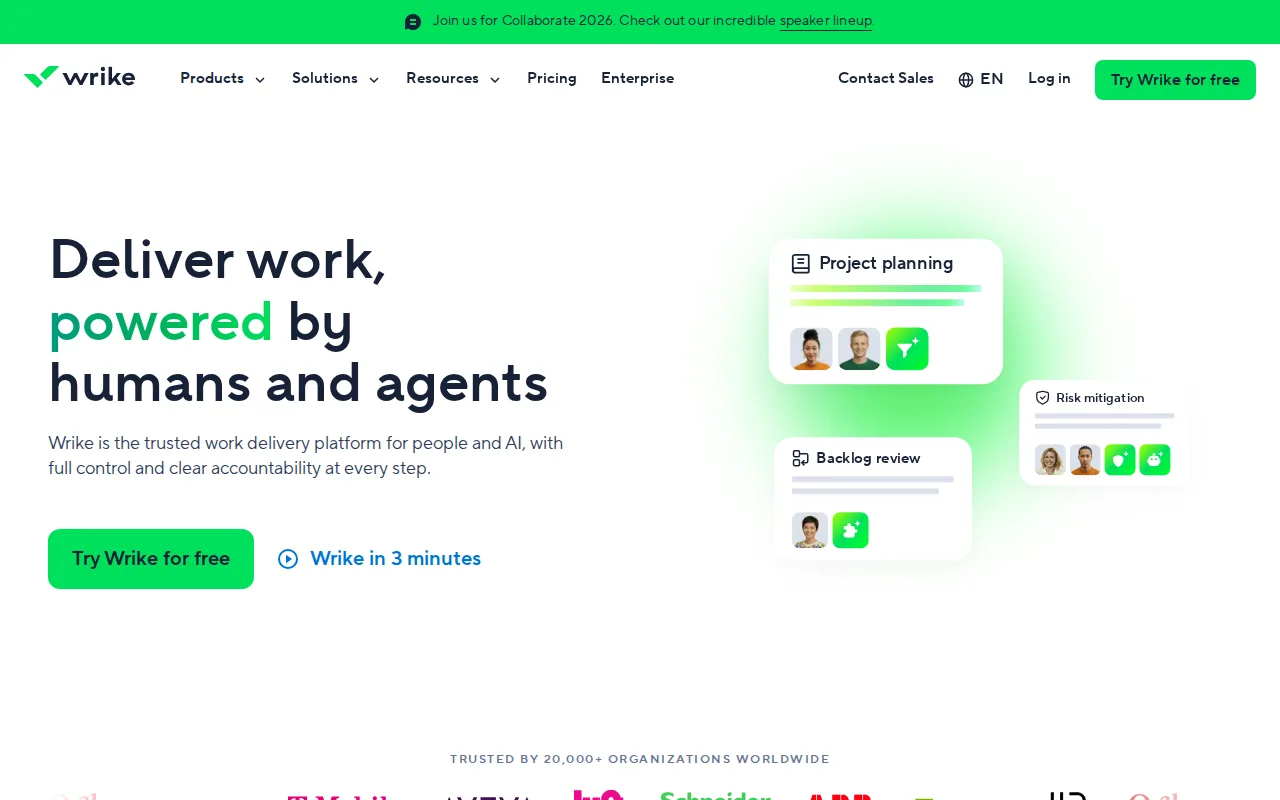
Wrike is the best monday.com alternative for organizations that want everyone in the tool during evaluation. Wrike's Free plan supports unlimited users with project and task management plus board and table views on web, desktop, and mobile, where monday.com's free plan stops at 2 seats and 3 boards — a difference that matters when you are trying to prove a tool across departments before asking for budget. Wrike Team costs $10/user/month billed annually for 2 to 15 users and already includes interactive Gantt charts, shareable dashboards, and AI Essentials for content editing, comment summaries, and natural-language automation; monday.com charges $12/seat for timeline and Gantt views. Wrike reports 20,000+ organizations across marketing, product, professional services, and IT, and holds 4.4/5 from 3,036 Capterra reviews, where monday.com has no external rating on record. monday.com is still the better choice once a team grows: Wrike's Team plan is capped at 15 users, forcing a jump to Business at $25/user/month — well above monday.com Pro at $19/seat — and advanced resource and capacity planning and budgeting sit behind the quote-only Pinnacle and Apex tiers, where monday.com publishes its ladder through Pro. Reviewers also report Wrike takes longer to learn than simpler task managers.
Compared to monday.com: a free plan with unlimited users against monday.com's 2-seat cap, interactive Gantt charts on the $10/user/month Team plan against monday.com's $12 Standard, and a 15-user ceiling on Team that forces a jump to $25/user/month Business
Wins:Free plan supports unlimited users with project and task management plus board and table views on web, desktop, and mobile, against monday.com's 2 seats and 3 boards · Team at $10/user/month billed annually includes interactive Gantt charts, shareable dashboards, and AI Essentials, where monday.com charges $12/seat before timeline and Gantt views appear · 4.4/5 from 3,036 Capterra reviews and 20,000+ reported organizations, where monday.com carries no external rating on record here
Loses:The Team plan is capped at 15 users, so a 16-person team jumps to Business at $25/user/month, well above monday.com Pro at $19/seat · Advanced resource and capacity planning, budgeting, and financial tracking sit behind the quote-only Pinnacle and Apex tiers, where monday.com publishes its ladder through Pro · Reviewers report Wrike's interface and setup take longer to learn than simpler task managers, and Wrike ships no dedicated CRM, dev, service, or marketing products of the kind monday.com runs on one platform
Pros
- Free plan supports unlimited users, useful for evaluating the tool broadly before paying.
- Interactive Gantt charts and dashboards are available from the entry-level $10/user/month Team plan.
- Serves cross-functional use cases well, with templates and workflows for marketing, product, and IT teams alike.
- AI features are being actively expanded across tiers, from AI Essentials on Team to AI Elite on Business and above.
Cons
- Pinnacle and Apex, the two highest tiers, require a sales conversation with no public pricing.
- Advanced resource and capacity planning, and budgeting/financial tracking, are reserved for the custom-priced Pinnacle tier.
- Team plan is capped at 15 users, forcing a jump to the pricier Business plan for slightly larger teams.
- Interface complexity and setup can take longer to learn than simpler task managers like Asana or Trello, per user reviews.
Pricing: Free tier · paid from $10/mo — $10/user/month for Wrike Team billed annually vs monday.com's $12/seat Standard — $100/month vs $120/month at 10 seats — but Wrike's Team plan stops at 15 users, after which Business costs $25/user/month against monday.com Pro at $19 (verified )