3 Best Free Alternatives to Make in 2026
By Noahlast updated pricing verified
Compared: free alternatives to Make
| Alternative | Best for | Standout | Biggest weakness | Learning curve | Price |
|---|---|---|---|---|---|
| Makereference | operations, marketing, and IT teams that need visual, branching automation workflows across 3,000+ apps, beyond what simpler linear automation tools support | A canvas-style visual scenario builder with routers, filters, and branching logic that handles more complex multi-path automations than simpler linear automation tools, plus a natural-language builder (Maia) for describing automations in plain text. | Pricing is metered by operation credits rather than a flat seat price, so complex, high-volume scenarios can consume the monthly allowance quickly; the listed per-tier prices are also annual-billing rates, with monthly billing costing more, and building non-trivial branching scenarios has a real learning curve. | Moderate | Free tier · paid from $12/mo |
| Zapier | non-developers and small operations teams who need to connect thousands of different apps through simple trigger-action automations, without engineering resources | The largest pre-built app-integration library in workflow automation, with thousands of supported apps, so most tools a team already uses can be connected without custom API work. | Pricing is metered by task volume, not just seats, so cost rises quickly for high-volume automations, and moving from 750 to 2,000 tasks/month on Professional roughly doubles the monthly bill; unused tasks don't roll over between billing periods. | Low | Free tier · paid from $19.99/mo |
| n8n | technical teams that want to mix visual workflow building with custom code, either self-hosted for full control or on cloud paying per execution instead of per step | Billing by full workflow execution rather than by individual step or task, so complex multi-node automations don't multiply cost the way per-task pricing does on competitors. | Cloud pricing is listed in euros, not dollars, and jumps sharply from Pro (€50/month) to Business (€667/month), leaving a wide gap for teams that outgrow Pro's execution limits but don't need Business's SSO and compliance features. | Moderate | Free |
| IFTTT | individuals automating smart-home devices or connecting personal apps who want simple no-code triggers rather than Zapier- or Make-style multi-step business workflows | Direct integration with over 1,000 apps and smart-home devices across competing hardware brands (Philips Hue, Ring, Nest), letting one Applet coordinate devices no single manufacturer app can. | The free tier has been capped at just 2 active Applets since 2020 (down from unlimited before that), and IFTTT lacks the multi-step data transformation and team-collaboration depth that Zapier and Make offer for business automation. | Low | Free tier · paid from $2.99/mo |
 Make
Make Zapier
 n8n
n8n IFTTT
IFTTT1.Zapier — best Make alternative for non-developers and small operations teams who need to connect thousands of different apps through simple trigger-action automations, without engineering resources
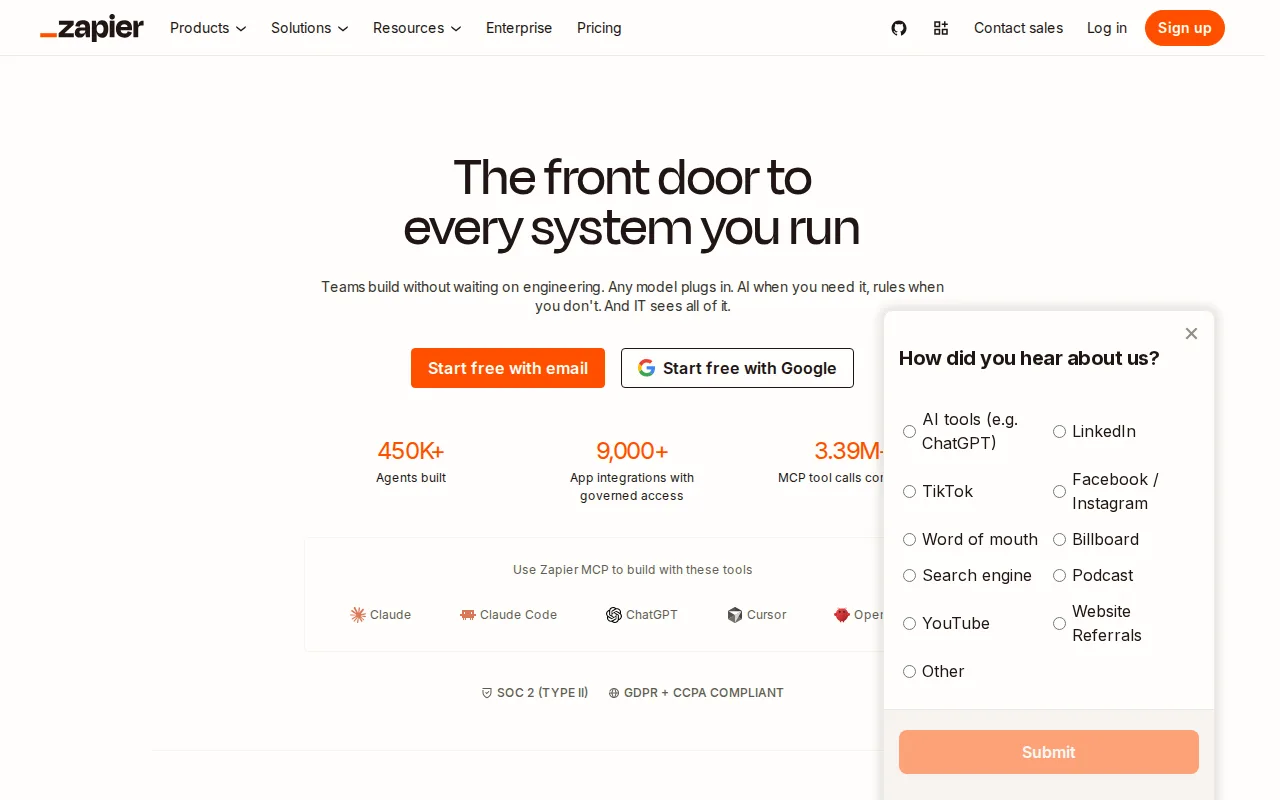
Zapier is the best Make alternative for non-developers and small operations teams who want the broadest pre-built app-integration library, with thousands of supported apps versus Make's own 3,000+. Zapier holds a 4.7/5 rating from 3,069 Capterra reviews, far more evidence than Make's own 4.8/5 from 408 reviews, though at a slightly lower score. Its Free plan covers 100 tasks/month with two-step Zaps, close in spirit to Make's own Free plan at 1,000 operations/month, and Professional starts around $19.99/month billed annually for 750 tasks. Zapier's linear Zap editor is simpler to learn for basic trigger-action automations than Make's canvas-style scenario builder, though Make's own listing notes that complex branching logic is harder to debug in Zapier's linear editor than in visual-flow tools like Make. Make remains the better choice for anyone building genuinely complex, branching automations: Zapier's task-based pricing means cost scales directly with automation volume, and moving from 750 to 2,000 tasks/month on Professional roughly doubles the monthly bill, a steeper scaling curve than Make's operation-credit system, and unused monthly tasks don't roll over the way some credit-based competitors allow.
Compared to Make: broadest pre-built app-integration library (thousands of apps), 4.7/5 from 3,069 Capterra reviews vs Make's 4.8/5 from 408, task-based pricing roughly doubles between 750 and 2,000 tasks/month
Wins:4.7/5 rating from 3,069 Capterra reviews, far more evidence than Make's own 4.8/5 rating from 408 reviews · Broadest pre-built app-integration library among no-code automation tools, with thousands of connectors beyond Make's own 3,000+ · Linear Zap editor is simpler to learn for basic trigger-action automations than Make's canvas-style scenario builder
Loses:Task-based pricing scales directly with automation volume, and moving from 750 to 2,000 tasks/month on Professional roughly doubles the monthly bill · Complex multi-branch logic is harder to debug in Zapier's linear Zap editor than in Make's visual, canvas-style scenario builder · Unused monthly tasks don't roll over between billing periods, a stricter allowance than some credit-based competitors
Pros
- Free plan supports real two-step automations, not just a trial, at 100 tasks/month.
- Broadest app-integration library among no-code automation tools, covering thousands of connectors.
- AI-assisted Zap building and AI fields reduce the manual setup needed for common workflows.
- Multi-step Zaps with filters, paths, and webhooks cover moderately complex logic without custom code.
Cons
- Task-based pricing means cost scales directly with automation volume, and high-frequency workflows can get expensive fast.
- Unused monthly tasks don't roll over, unlike some competitors' credit systems.
- Team and Enterprise features like SSO and shared workflows require a meaningful jump in monthly cost over Professional.
- Complex multi-branch logic can be harder to debug in Zapier's linear Zap editor than in visual-flow competitors like Make.
Pricing: Free tier · paid from $19.99/mo — $19.99/month Professional (750 tasks) vs Make's $12/month Core (10,000 operations); both offer a free entry tier (100 tasks vs 1,000 operations) (verified undefined NaN, NaN)
2.n8n — best Make alternative for technical teams that want to mix visual workflow building with custom code, either self-hosted for full control or on cloud paying per execution instead of per step
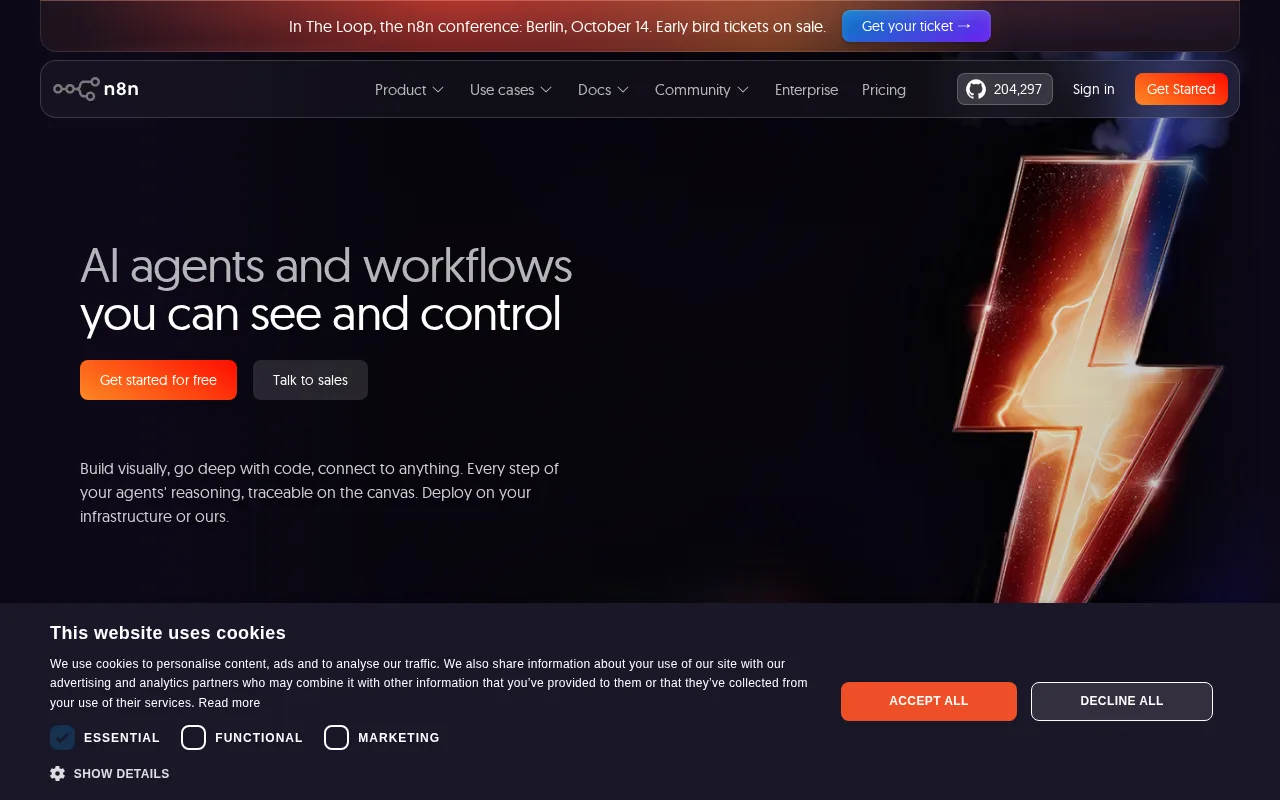
n8n is the best Make alternative for technical teams who want to self-host their automation engine for free or extend any workflow node with custom JavaScript or Python, capabilities beyond Make's fully hosted, no-code-only scenario builder. n8n's Community edition is free and fully featured via Docker under the Sustainable Use License, a genuinely free self-hosting option Make doesn't offer at any tier. n8n holds a 4.6/5 rating from 48 Capterra reviews, a smaller sample than Make's own 4.8/5 from 408 reviews. Cloud pricing starts at €20/month for the Starter tier (2,500 workflow executions/month), and n8n bills by full workflow execution rather than by individual step, which can be cheaper than Make's per-operation pricing for complex multi-step automations. Make remains the better choice for non-technical users who want a larger, more mature app-integration library and simpler onboarding: n8n connects to 500+ apps versus Make's 3,000+, its cloud pricing is listed in euros rather than dollars, and there's a large jump from Pro (€50/month) to Business (€667/month) with nothing in between, a steeper gap than Make's own Core-to-Teams pricing ladder.
Compared to Make: free, fully-featured self-hosted Community edition under the Sustainable Use License, 4.6/5 from 48 Capterra reviews vs Make's 4.8/5 from 408, bills per workflow execution rather than per operation
Wins:Free, fully-featured self-hosted Community edition via Docker, a genuinely free self-hosting option Make doesn't offer at any tier · Every node can be extended or replaced with custom JavaScript or Python code, beyond Make's no-code-only scenario builder · Bills cloud usage by full workflow execution rather than per operation, which can be cheaper than Make's per-operation pricing for complex multi-step automations
Loses:4.6/5 rating from 48 Capterra reviews, a much smaller sample than Make's own 4.8/5 rating from 408 reviews · Connects to 500+ apps, a narrower pre-built integration library than Make's 3,000+ · Cloud pricing is listed in euros and jumps sharply from Pro (€50/month) to Business (€667/month) with nothing in between, a steeper gap than Make's own pricing ladder
Pros
- Bills per full workflow execution, not per step, which can be cheaper than per-task pricing for complex automations.
- Free, fully-featured self-hosted Community edition via Docker with the complete automation engine.
- Every node can be extended or replaced with custom JavaScript or Python code.
- 500+ pre-built app integrations plus native support for building multi-agent AI workflows with human-in-the-loop steps.
Cons
- Large price jump between Pro (€50/month) and Business (€667/month) cloud tiers, with nothing in between.
- Sustainable Use License is not OSI-approved open source; enterprise features require a separate commercial license even for self-hosted use.
- Self-hosting requires managing your own Docker infrastructure, updates, and scaling, unlike a fully managed cloud automation tool.
- Visual canvas can get cluttered on large workflows with many branches and custom code nodes.
Pricing: Free — €20/month Starter (2,500 executions) vs Make's $12/month Core (10,000 operations); n8n's self-hosted Community edition is $0, an option Make doesn't offer (verified undefined NaN, NaN)
3.IFTTT — best Make alternative for individuals automating smart-home devices or connecting personal apps who want simple no-code triggers rather than Zapier- or Make-style multi-step business workflows
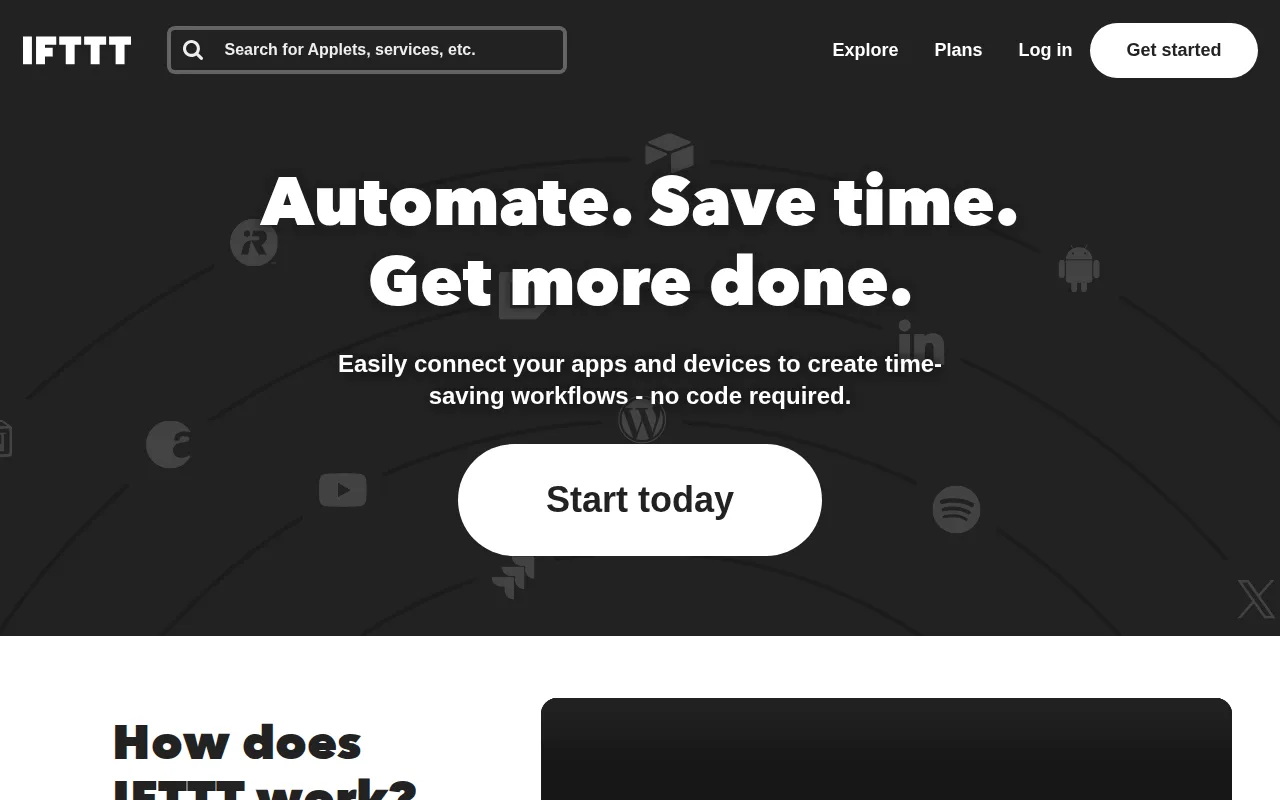
IFTTT is the best Make alternative for individuals automating smart-home devices or connecting personal apps who want simple no-code triggers rather than Make's multi-step, branching scenario builder. IFTTT connects over 1,000 apps and smart-home devices across competing hardware brands (Philips Hue, Ring, Nest), letting one Applet coordinate devices no single manufacturer app can, a consumer-hardware focus Make's business-oriented integration list doesn't specifically target. The free plan is capped at just 2 active Applets, though, far below Make's own free plan at 1,000 operations/month, and Pro raises that to 20 Applets for $2.99/month while Pro+ removes the cap entirely for $8.99/month. IFTTT holds a 4.6/5 rating from 220 Capterra reviews, a smaller sample than Make's own 4.8/5 from 408 reviews. Make remains the better choice for anyone building genuinely complex, multi-step business workflows: IFTTT's Applets are single-trigger, single-purpose by design, limiting complex branching logic even on Pro+, and it has no team or collaboration features aimed at business use, unlike Make's Teams plan with shared scenario templates.
Compared to Make: connects over 1,000 smart-home devices and apps across competing hardware brands, Pro+ unlimited Applets at $8.99/month, free tier capped at just 2 Applets vs Make's 1,000 free operations/month
Wins:Connects over 1,000 apps and smart-home devices across competing hardware brands (Philips Hue, Ring, Nest), a consumer-hardware focus Make's business-integration list doesn't specifically target · Pro+ removes the Applet cap entirely for $8.99/month, cheaper than Make's comparable Core tier at $12/month · Simple no-code Applet builder is faster to learn for basic triggers than Make's canvas-style scenario builder
Loses:Free plan is capped at just 2 active Applets, far below Make's own free plan at 1,000 operations/month · Applets are single-trigger, single-purpose by design, limiting complex branching logic even on Pro+, unlike Make's routers and filters · No team or collaboration features aimed at business use, unlike Make's Teams plan with shared scenario templates
Pros
- Connects over 1,000 apps and smart-home devices across competing hardware brands.
- Simple no-code Applet builder that non-developers can set up in minutes.
- IFTTT MCP server lets AI assistants like Claude and ChatGPT trigger Applets directly.
- Pro+ tier at $8.99/month is cheaper than most competitors' equivalent unlimited-automation plans.
Cons
- Free tier limited to just 2 active Applets, down sharply from an unlimited free tier before 2020.
- Far less depth than Zapier or Make for multi-step business workflows and data transformation.
- Applets are single-trigger, single-purpose by design, limiting complex branching logic even on Pro+.
- No team/collaboration features aimed at business use, unlike Zapier's shared workspaces.
Pricing: Free tier · paid from $2.99/mo — $8.99/month Pro+ (unlimited Applets) vs Make's $12/month Core (10,000 operations); IFTTT's free tier caps at 2 Applets vs Make's 1,000 free operations/month (verified undefined NaN, NaN)