6 Best Alternatives to Google Forms for Web in 2026
By Noahlast updated
All 6 Google Forms alternatives
Compared: Google Forms alternatives that run on Web
| Alternative | Best for | Standout | Biggest weakness | Learning curve | Price |
|---|---|---|---|---|---|
| Google Formsreference | individuals and small teams who need a free, fast survey or intake form that dumps responses straight into a Google Sheet, without complex branching or payment collection | Zero-cost unlimited forms and responses bundled into every Google account, with responses landing live in a connected Google Sheet for immediate analysis. | Design and branding options are minimal — no custom domains and limited theming on personal accounts — and multi-page conditional logic is far more limited than dedicated tools like Typeform or Jotform. | Low | Free tier · paid from $7/mo |
| Typeform | marketing and product teams that want higher form-completion rates through a conversational, one-question-at-a-time design and are willing to pay per response volume rather than per user | The one-question-at-a-time conversational form format, which Typeform's own conversion data and third-party comparisons consistently cite as improving completion rates over traditional multi-field forms. | The free plan was cut from 100 to just 10 responses/month in February 2026, and response caps rather than user seats are the main pricing lever, so a single high-traffic form can force an upgrade even for a one-person team. | Low | Free tier · paid from $28/mo |
| SurveyMonkey | HR, customer-experience, and market-research teams that need to run surveys at volume and want response-based pricing rather than a flat per-seat fee | Response-based pricing tiers (50,000-100,000 responses/year) paired with a deep library of validated survey templates and built-in AI question and results summarization. | Team plans require a minimum of 3 users even for a single active survey creator, and useful features like white-label branding and advanced logic are locked behind the $92/user/month Premier tier, a steep jump from the $30 Advantage tier. | Low | Free tier · paid from $30/mo |
| Jotform | small businesses and individuals building surveys, applications, or payment-collecting forms who need more submission volume than Google Forms offers without Typeform's higher price | Gold tier includes HIPAA-friendly form handling for healthcare-related data collection, a compliance feature most form builders in this price range do not offer. | Monthly submission caps (100 on Starter, 1,000 on Bronze) are counted per account, not per form, so a single popular form can exhaust the monthly limit and block all other forms from accepting responses until the next billing cycle or an upgrade. | Low | Free tier · paid from $34/mo |
| Tally | founders and small teams who want advanced form features (conditional logic, payments, e-signatures) without paying for them, and only need a paid plan to remove branding or add a custom domain | The free plan includes conditional logic, payment collection, and e-signatures with no submission cap, features most competitors reserve for paid tiers. | The free plan keeps "Powered by Tally" branding on every form and offers no custom domain, so any team that needs a professional, unbranded form must jump straight to the $24/month Pro tier — there's no low-cost branding-removal option in between. | Low | Free tier · paid from $24/mo |
| Airtable | Small-to-midsize teams that need a relational database with a spreadsheet UI to run project trackers, content calendars, or lightweight CRMs without writing code. | Bases behave like a real relational database (linked records across tables) while looking and feeling like a spreadsheet, so non-technical users can model structured data without SQL. | Costs scale per editor seat, so a 20-person team on the Business plan pays $45/user/month billed annually ($900/month) just to give everyone edit rights, and the Free plan's record and attachment caps push active teams into a paid tier quickly. | Moderate | Free tier · paid from $20/mo |
| Microsoft Forms | individuals and teams already on Microsoft 365 who need a quick survey, quiz, or poll embedded in Teams or SharePoint without adopting a separate forms tool | Native embedding inside Teams, SharePoint, and OneNote, plus branching logic that works identically for both graded quizzes and standard surveys. | The free personal tier caps responses at 200 per form, and unlocking the 1,000-response tier means paying for a full Microsoft 365 subscription rather than a Forms-specific upgrade, which is a poor trade for anyone who only needs the survey tool. | Low | Free tier · paid from $9.99/mo |
 Google Forms
 Typeform
 SurveyMonkey
 Jotform
 Tally
Tally Airtable
 Microsoft Forms
1.Typeform — best Google Forms alternative for marketing and product teams that want higher form-completion rates through a conversational, one-question-at-a-time design and are willing to pay per response volume rather than per user
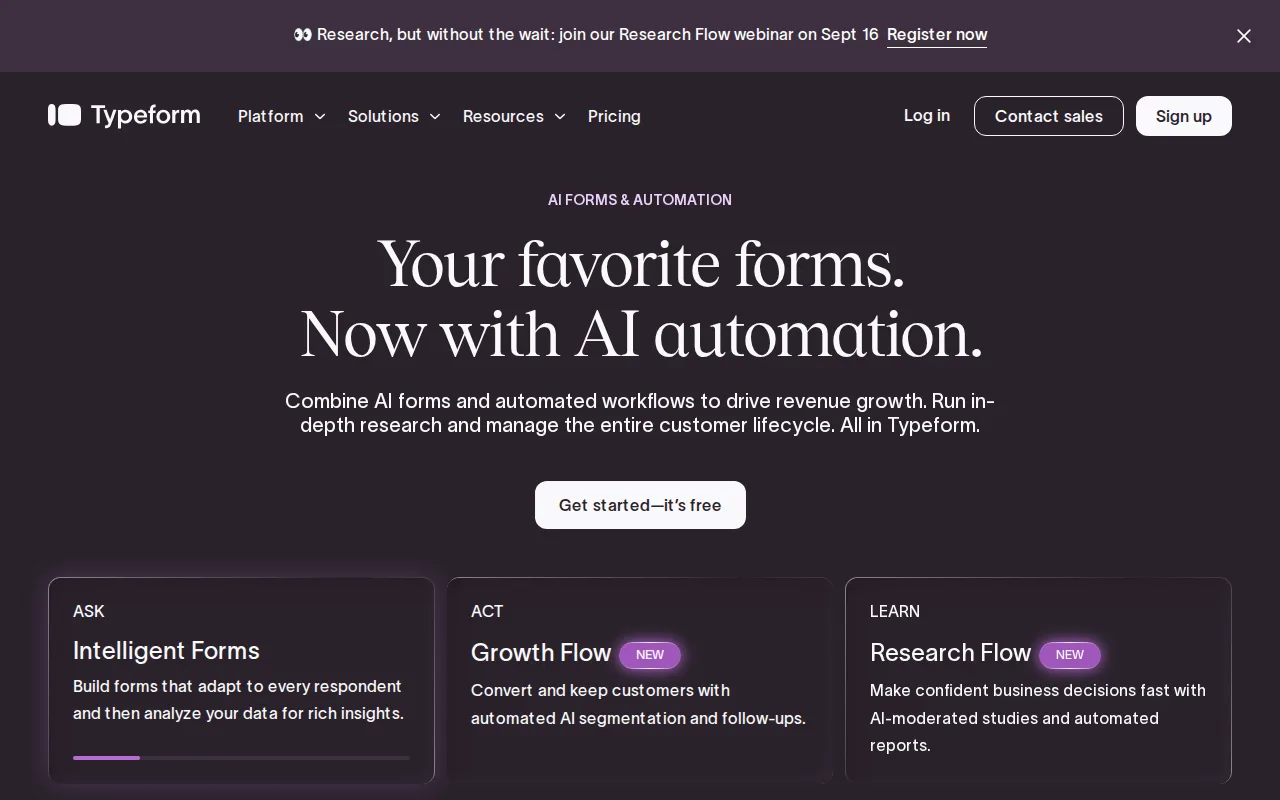
Typeform is the best Google Forms alternative for marketing and product teams that want a one-question-at-a-time conversational format instead of Google Forms' traditional scrolling layout, a design Typeform's own conversion data cites as improving completion rates. Typeform's AI-powered form creation, conditional logic, and webhooks are available starting on the Basic plan at $28/month billed annually, and its Plus tier at $56/month removes Typeform branding and adds a custom subdomain. Typeform holds a 4.7/5 rating from 974 Capterra reviews, matching Google Forms' own 4.7/5 score. Google Forms is still the better choice for anyone who wants to stay completely free at real volume: Typeform's free plan was cut from 100 to just 10 responses/month in a February 2026 pricing change, making it impractical beyond testing, while Google Forms remains free for unlimited forms and responses on any Google account. Typeform is also web-only with no native mobile app, unlike Google Forms' broader accessibility through any browser plus Google's mobile apps.
Compared to Google Forms: one-question-at-a-time format Typeform's own data cites as improving completion rates, AI-powered form creation and webhooks on paid tiers, drop-off analytics and conversion tracking on the Business tier
Wins:One-question-at-a-time conversational format widely cited as improving completion rates over Google Forms' scrolling layout · AI-powered form creation and webhooks on paid tiers, which Google Forms doesn't offer · Drop-off analytics and conversion tracking on the $91/month Business tier
Loses:Free plan responses were cut from 100/month to just 10/month in a February 2026 change, far below Google Forms' unlimited free responses · No native mobile app, unlike Google Forms' web and mobile accessibility · Branding removal requires the $56/month Plus tier, while Google Forms carries no visible per-form branding to remove
Pros
- One-question-at-a-time format is widely cited as improving form completion rates versus traditional scrolling forms.
- AI-powered form creation on paid plans speeds up building forms from a prompt or existing document.
- Native integrations with Salesforce, HubSpot, and Google Sheets avoid manual data export.
- Annual billing cuts the effective monthly price by roughly 30% versus month-to-month across every tier.
Cons
- Free plan responses were cut from 100/month to 10/month in a February 2026 change, making it impractical for anything beyond testing.
- Pricing scales on response volume, not just users, so a single popular form can force an upgrade regardless of team size.
- No native mobile app; form building and management are web-only, unlike SurveyMonkey's dedicated iOS/Android apps.
- Branding removal requires the Plus tier ($56/month annually), unlike some competitors that include it at the entry paid tier.
Pricing: Free tier · paid from $28/mo — $28/month Basic (100 responses/month) vs Google Forms' free unlimited responses on any Google account (verified undefined NaN, NaN)
2.SurveyMonkey — best Google Forms alternative for HR, customer-experience, and market-research teams that need to run surveys at volume and want response-based pricing rather than a flat per-seat fee
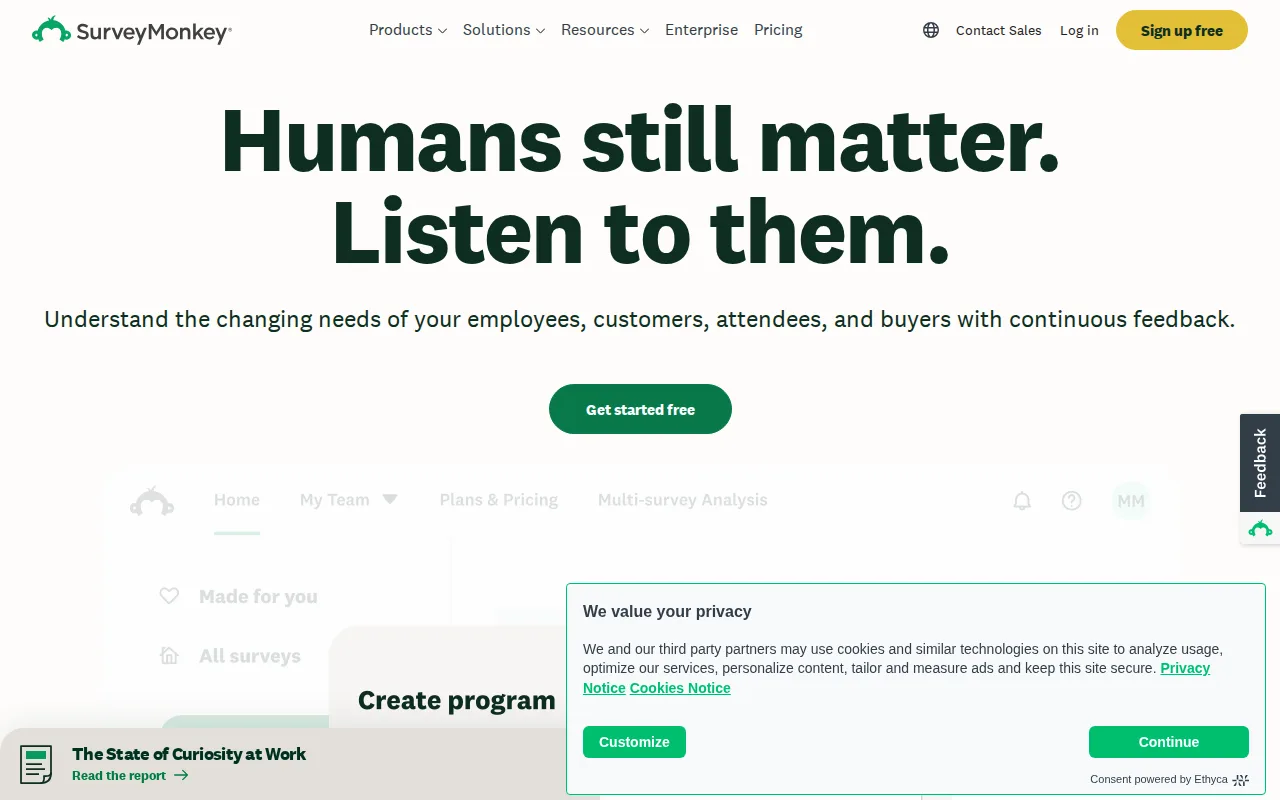
SurveyMonkey is the best Google Forms alternative for HR, customer-experience, and market-research teams that need to run surveys at real volume with built-in AI-assisted analysis, rather than exporting to a separate spreadsheet the way Google Forms does. SurveyMonkey's Team Advantage plan covers 50,000 responses/year for $30/user/month billed annually, and it includes AI-assisted survey summarization that surfaces themes in open-text responses automatically. SurveyMonkey holds a 4.6/5 rating from 10,494 Capterra reviews, just below Google Forms' 4.7/5 from 11,534 reviews. Google Forms is still the better choice for individuals and small teams who don't want to pay anything: SurveyMonkey's Team plans require a minimum of 3 users even for a single active survey creator, and its free tier restricts question and response limits enough that most real use cases require upgrading, while Google Forms stays free for unlimited forms and responses on any Google account with no user minimum.
Compared to Google Forms: AI-assisted survey summarization for open-text responses, native iOS and Android apps for offline field collection, large library of pre-validated survey templates
Wins:AI-assisted survey summarization surfaces themes in open-text responses, a step beyond Google Forms' raw Sheets export · Native iOS and Android apps support offline survey collection at events, unlike Google Forms' web-only editing · Large library of pre-validated survey templates speeds up survey creation
Loses:Team plans require a minimum of 3 users even for a single survey creator, unlike Google Forms' no-minimum free access · Free tier's question and response limits are restrictive enough that most real use requires upgrading, unlike Google Forms' unlimited free responses · Response overages beyond the annual cap bill at $0.15 per additional response, a cost Google Forms doesn't have
Pros
- Free tier lets individuals test the product before committing to a paid seat.
- Large library of pre-validated survey templates and question types speeds up survey creation.
- AI-assisted survey summarization surfaces themes in open-text responses automatically.
- Native iOS and Android apps support offline survey collection at events and in the field.
Cons
- Team plans require a 3-user minimum, expensive for a single power user who wants Team-tier features.
- Jump from Team Advantage ($30/user/month) to Team Premier ($92/user/month) is steep for teams that need just one Premier-only feature like white labeling.
- Response overages beyond the annual cap bill at $0.15 per additional response, which can add up quickly for high-volume campaigns.
- Free plan question and response limits are restrictive enough that most real use cases require upgrading.
Pricing: Free tier · paid from $30/mo — $30/user/month Team Advantage (50,000 responses/year, 3-user minimum) vs Google Forms' free unlimited responses (verified undefined NaN, NaN)
3.Jotform — best Google Forms alternative for small businesses and individuals building surveys, applications, or payment-collecting forms who need more submission volume than Google Forms offers without Typeform's higher price
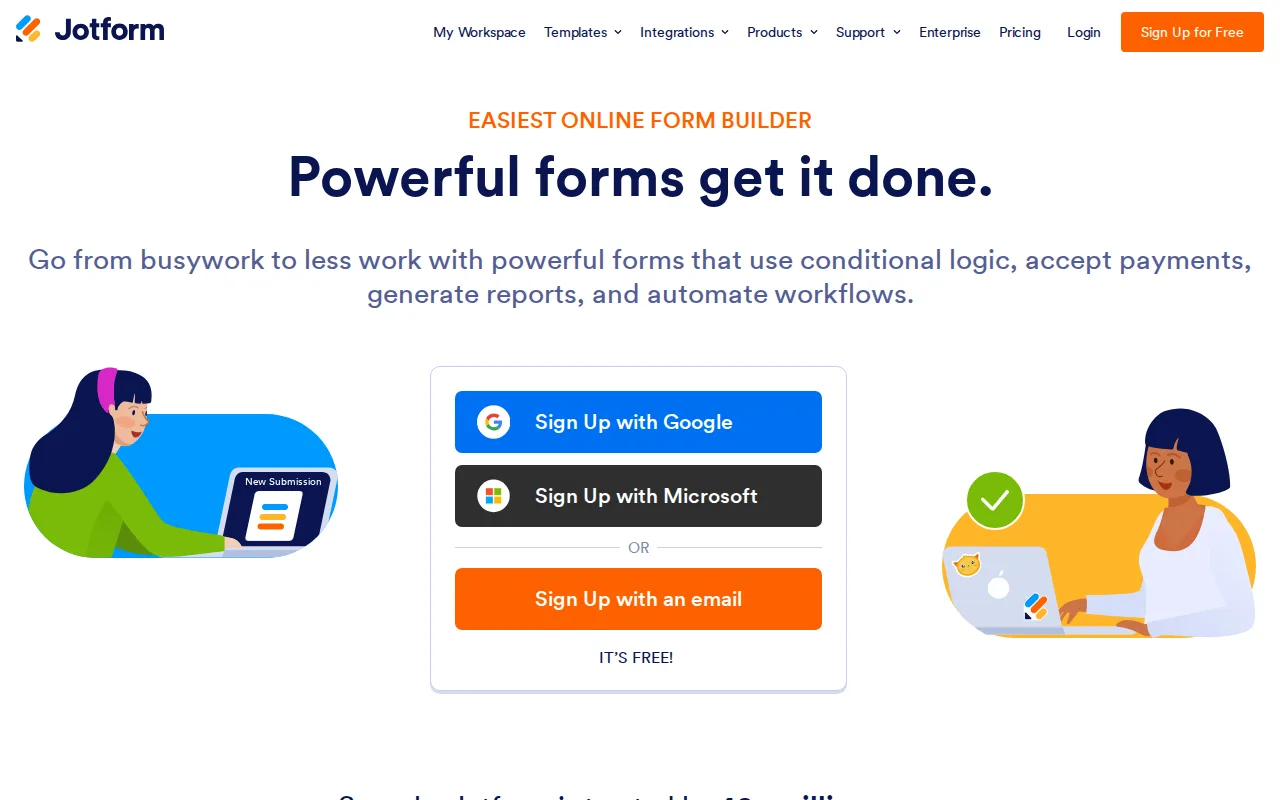
Jotform is the best Google Forms alternative for small businesses and individuals building order forms, applications, or payment-collecting forms who need more volume than Google Forms offers and payment integration Google Forms doesn't have. Jotform's paid tiers integrate Stripe, PayPal, and other processors directly into the form builder, and the Gold tier at $99/month adds HIPAA-friendly form handling for healthcare intake without a separate compliance product. Jotform holds a 4.7/5 rating from 2,919 Capterra reviews, matching Google Forms' own 4.7/5 score. Google Forms is still the better choice for anyone who wants unlimited free volume: Jotform's free Starter plan caps at just 100 monthly submissions counted account-wide, so one popular form can block submissions on all other forms, while Google Forms places no cap on forms or responses beyond shared Google account storage. Nonprofits and educational institutions do get 50% off Jotform's paid tiers, narrowing that gap for qualifying organizations.
Compared to Google Forms: built-in payment collection via Stripe and PayPal that Google Forms lacks natively, HIPAA-friendly form handling on the Gold tier, 50% nonprofit and education discounts on paid tiers
Wins:Payment collection (Stripe, PayPal, and others) is built into the form builder, which Google Forms requires a third-party add-on to do · Gold tier's HIPAA-friendly capability supports healthcare intake forms without a separate compliance product · Nonprofits and educational institutions get 50% off paid Bronze/Silver/Gold tiers
Loses:Free Starter plan caps at 100 monthly submissions account-wide, versus Google Forms' unlimited responses · Jotform branding stays on forms until upgrading to a paid Bronze tier or higher, unlike Google Forms' branding-free personal forms · Monthly submission caps apply account-wide, so one high-traffic form can block submissions on all other forms
Pros
- Free Starter plan is a real, ongoing free tier, not a time-limited trial.
- Payment collection (Stripe, PayPal, and others) is built into the form builder rather than requiring a separate integration.
- Gold tier's HIPAA-friendly capability supports healthcare intake forms without a separate compliance product.
- Nonprofits and educational institutions get 50% off paid tiers.
Cons
- Monthly submission limits apply account-wide, so one high-traffic form can block submissions on all other forms.
- Jotform branding stays on forms until upgrading to a paid Bronze tier or higher.
- Jumping from Starter's 100 monthly submissions to meaningful volume (1,000+ on Bronze) requires a $34-39/month commitment.
- Enterprise pricing is not published and requires a sales conversation for unlimited usage.
Pricing: Free tier · paid from $34/mo — $34/month Bronze (25 forms, 1,000 submissions/month) vs Google Forms' free unlimited forms and responses (verified undefined NaN, NaN)
4.Tally — best Google Forms alternative for founders and small teams who want advanced form features (conditional logic, payments, e-signatures) without paying for them, and only need a paid plan to remove branding or add a custom domain
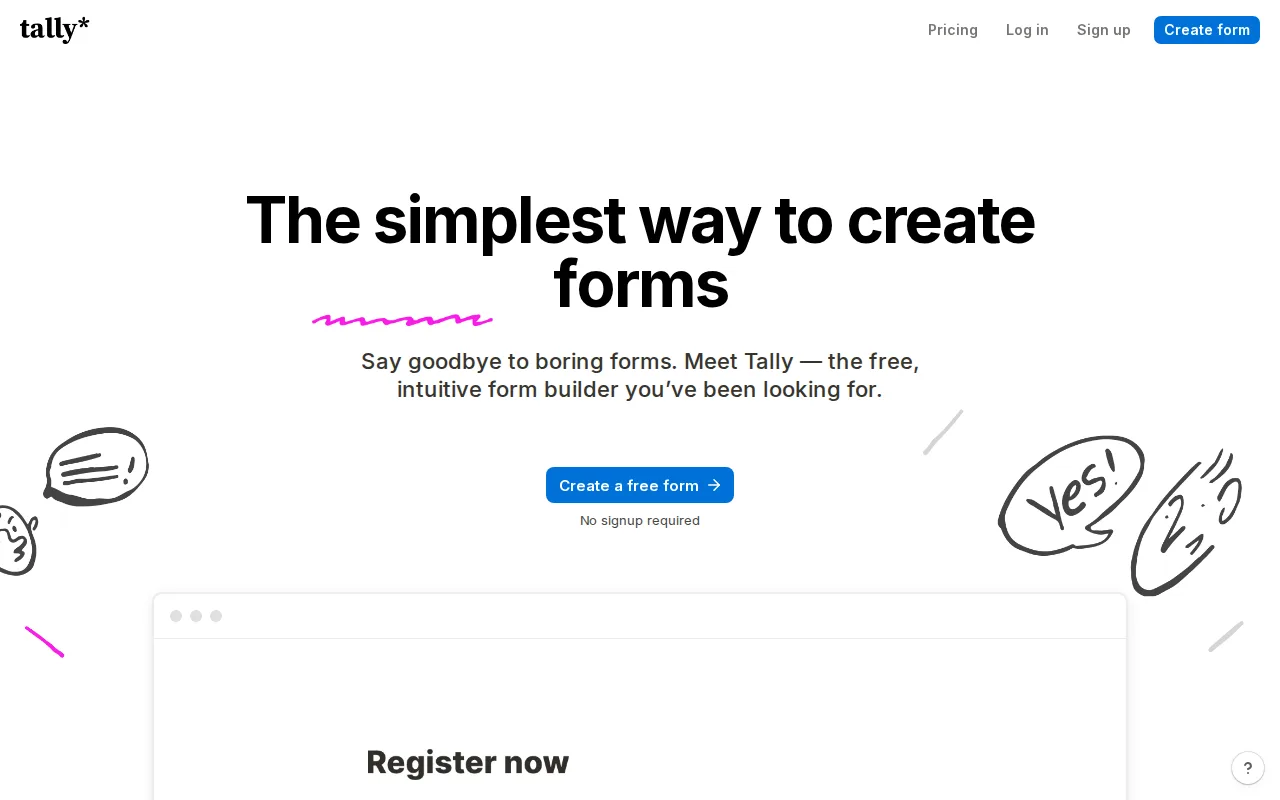
Tally is the best Google Forms alternative for founders and small teams who want conditional logic, payment collection, and e-signatures without paying, features Google Forms doesn't offer at any tier. Tally's free plan includes unlimited forms and submissions, conditional logic, calculations, Stripe payment collection, e-signatures, and file uploads, all subject to fair-use limits rather than a hard cap. Tally holds a 4.9/5 rating from 99 Product Hunt reviews, the highest external rating among these alternatives and above Google Forms' 4.7/5 Capterra score. Google Forms is still the better choice for teams that specifically want native integration with Google Sheets for live response analysis: Tally's document-style editor doesn't sync responses into a spreadsheet the same automatic way, and removing Tally's 'Powered by Tally' branding requires the $24/month Pro plan with no cheaper branding-removal option in between, while Google Forms carries no comparable branding to remove on personal accounts.
Compared to Google Forms: payment collection, e-signatures, and conditional logic included free with no submission cap, EU-hosted with no cookie tracking, document-style editor for faster form building
Wins:Free plan includes payment collection, e-signatures, and conditional logic with no submission cap, none of which Google Forms offers at any tier · EU-hosted, GDPR-compliant, and doesn't use cookie tracking by default · Document-style editor is faster to build in than Google Forms' block-based interface for users comfortable typing in a Notion-like format
Loses:Removing Tally's branding requires the $24/month Pro plan, with no cheaper branding-removal add-on · Responses don't flow into a live-synced spreadsheet the same automatic way Google Forms feeds Google Sheets · 'Fair use' limits on the free plan aren't published as hard numbers, unlike Google Forms' clearly stated storage-based ceiling
Pros
- Free plan has no cap on forms or submissions and includes payments, signatures, and conditional logic.
- Document-style editor is faster to build in than block-and-canvas competitors for anyone comfortable typing in Notion.
- EU-hosted, GDPR-compliant, and doesn't use cookie tracking by default.
- Embeds cleanly into WordPress, Webflow, and Framer sites via iframe or popup.
Cons
- Removing Tally's branding requires the $24/month Pro plan; there's no cheaper branding-removal add-on.
- Jump from Pro ($24) to Business ($74) is steep for teams that need only one or two compliance features.
- "Fair use" limits on the free plan aren't published as hard numbers, leaving high-volume users uncertain when they'll be asked to upgrade.
Pricing: Free tier · paid from $24/mo — Free unlimited forms and submissions (fair-use limits apply) vs Google Forms' free unlimited forms and responses (verified undefined NaN, NaN)
5.Airtable — best Google Forms alternative for small-to-midsize teams that need a relational database with a spreadsheet UI to run project trackers, content calendars, or lightweight CRMs without writing code.
Airtable is the best Google Forms alternative for teams that want form responses to land directly in a structured database with linked records and views, rather than a flat spreadsheet row the way Google Forms feeds Google Sheets. Airtable's free tier includes core database functionality, and its Team plan at $20/month adds automations and an Interface Designer for turning collected data into shareable internal apps. Airtable holds a 4.6/5 rating from 2,900 G2 reviews and 4.7/5 from 2,100 Capterra reviews, both edging above Google Forms' 4.7/5 from 11,534 Capterra reviews. Google Forms is still the better choice for anyone who wants a dedicated, purpose-built form tool at zero cost: Airtable's per-seat pricing escalates for larger teams and its record limits per base can constrain very large response volumes, while Google Forms remains completely free for unlimited forms and responses with no database-management overhead.
Compared to Google Forms: responses land in a structured database with linked records instead of a flat spreadsheet, Interface Designer builds shareable internal apps on top of collected data, multiple views (grid, calendar, kanban) over the same responses
Wins:Structured database with linked records and typed fields, versus Google Forms' flat Sheets export · Interface Designer turns collected responses into shareable internal apps without extra tooling · Multiple views (grid, calendar, kanban, gallery) over the same underlying response data
Loses:Record limits per base can constrain very large response volumes, unlike Google Forms' unlimited responses · Costs escalate with seats on the Team and Business tiers, while Google Forms stays free regardless of team size · Not purpose-built as a form tool, so building the intake form itself takes more setup than Google Forms' direct form-first interface
Pros
- Relational linking between tables goes well beyond what a flat spreadsheet like Google Sheets can do
- Built-in automations, interfaces, and reporting reduce the need for separate tools for simple internal apps
- Free plan is usable for individuals and very small teams before any payment is required
- Native integrations with Slack, Google Drive, Salesforce, Jira, and Zendesk plus a documented REST API for custom work
Cons
- Per-editor seat pricing gets expensive fast once a team grows past a handful of active editors
- Free and Team tiers cap records and attachments per base, forcing upgrades as data volume grows
- Enterprise-grade features (SSO, advanced RBAC, unlimited workspaces) are locked behind custom-quoted Enterprise Scale pricing
- Complex bases with many linked tables and automations can become hard to navigate for new users
Pricing: Free tier · paid from $20/mo — $20/month Team plan vs Google Forms' free unlimited forms and responses (verified undefined NaN, NaN)
6.Microsoft Forms — best Google Forms alternative for individuals and teams already on Microsoft 365 who need a quick survey, quiz, or poll embedded in Teams or SharePoint without adopting a separate forms tool
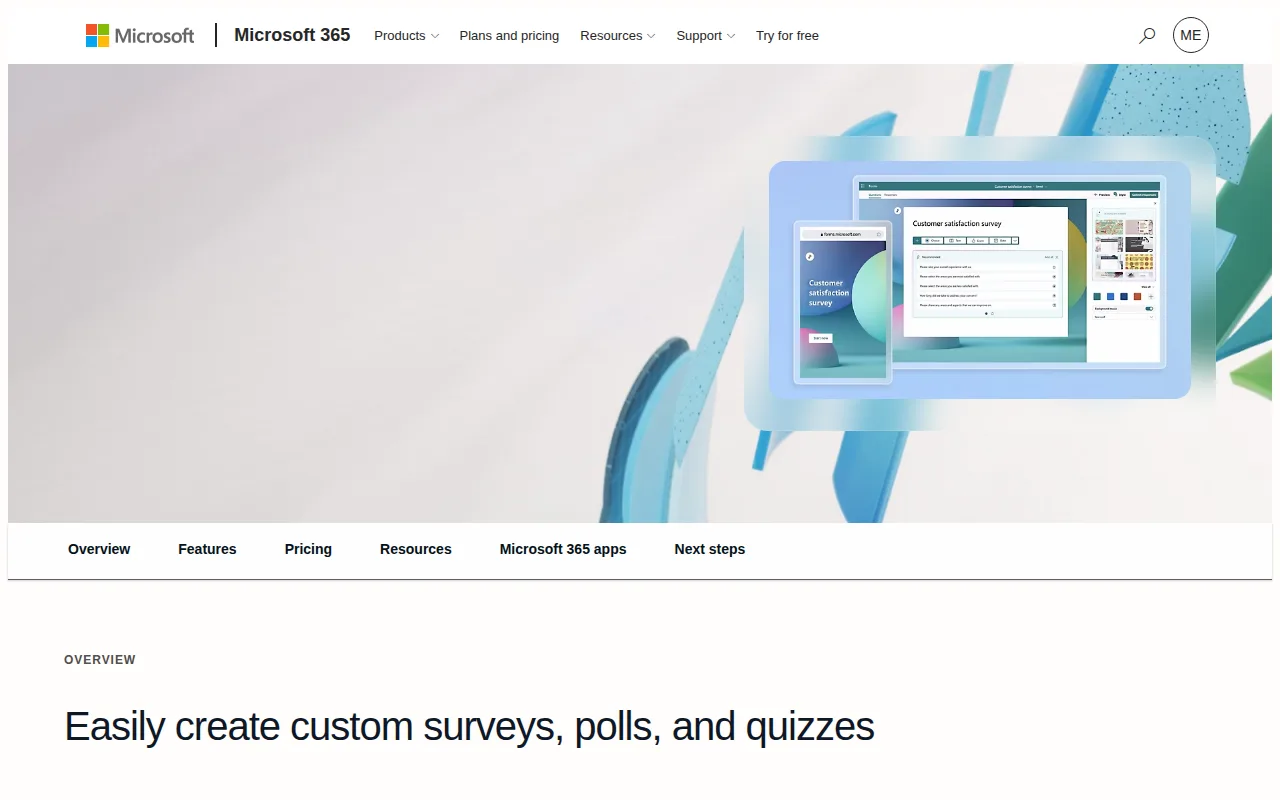
Microsoft Forms is the best Google Forms alternative for individuals and teams already on Microsoft 365 who want a survey, quiz, or poll tool that embeds directly into Teams, SharePoint, and OneNote instead of a Google account. The free personal tier caps responses at 200 per form, and upgrading to Microsoft 365 Personal at $9.99/month raises that cap to 1,000 responses while bundling the full desktop Office app suite and 1TB of OneDrive storage. Microsoft Forms holds a 4.6/5 rating from 327 Capterra reviews, close to Google Forms' 4.7/5 from 11,534 reviews. Google Forms is still the better choice for anyone who wants unlimited responses without a paid subscription: Microsoft Forms' free tier is capped at 200 responses per form, far below Google Forms' unlimited free responses, and unlocking the 1,000-response tier requires a full Microsoft 365 subscription rather than a Forms-specific upgrade, a poor trade for anyone who only needs the survey tool.
Compared to Google Forms: native embedding inside Teams, SharePoint, and OneNote instead of Google Docs/Sheets, branching logic that works for both surveys and auto-graded quizzes, responses export directly into Excel
Wins:Embeds directly into Teams, SharePoint, and OneNote without extra plugins, for teams already inside Microsoft 365 · Branching logic works identically for standard surveys and auto-graded quizzes · Responses export straight into Excel for further analysis
Loses:Free tier caps responses at 200 per form, far below Google Forms' unlimited free responses · Higher response limits require a full Microsoft 365 subscription rather than a Forms-only upgrade · No native offline data-collection mode for field surveys, a gap Google Forms shares but doesn't need to close via a paid ecosystem
Pros
- Free tier requires only a Microsoft account, no separate signup.
- Branching logic works for both standard surveys and auto-graded quizzes.
- Embeds directly into Teams, SharePoint, and OneNote without extra plugins.
- Responses export straight into Excel for further analysis.
Cons
- Free tier is capped at 200 responses per form.
- Higher response limits require a full Microsoft 365 subscription, not a Forms-only upgrade.
- Customization (themes, question types, logic) is more limited than dedicated survey tools like Typeform or SurveyMonkey.
- No native offline data-collection mode for field surveys.
Pricing: Free tier · paid from $9.99/mo — Free (200 responses/form) or $9.99/month Microsoft 365 Personal (1,000 responses/form) vs Google Forms' free unlimited responses