5 Best Alternatives to Copper for Android in 2026
By Noahlast updated pricing verified
Compared: Copper alternatives that run on Android
| Alternative | Best for | Learning curve | Price |
|---|---|---|---|
| Copperreference | service-based businesses already standardized on Google Workspace — agencies, consultancies, and construction firms — that want CRM and project handoff without leaving Gmail | Low | From $23/mo |
| HubSpot | small businesses that start on the free CRM and want marketing, sales, and service tools sharing one contact database as they grow, and can absorb the price jump into Professional tiers | Moderate | Free tier · paid from $7/mo |
| Pipedrive | small and mid-sized sales teams that want a visual, pipeline-first CRM rather than a generic contact database or a full enterprise suite | Low | From $14/mo |
| Salesforce | mid-market to enterprise sales teams that need a highly customizable CRM with pipeline management, forecasting, and AI-driven automation, and can dedicate admin resources to configuring it | Steep | From $25/mo |
| Streak | small sales, support, or hiring teams that live in Gmail and want pipeline tracking without asking reps to leave the inbox | Low | Free tier · paid from $49/mo |
| Nutshell | small sales teams (5-50 reps) that want Gmail/Outlook-synced pipeline tracking and built-in call transcription without configuring a larger enterprise CRM | Low | From $13/mo |
 Copper
 HubSpot
 Pipedrive
 Salesforce
 Streak
 Nutshell
1HubSpot — best Copper alternative for small businesses that start on the free CRM and want marketing, sales, and service tools sharing one contact database as they grow, and can absorb the price jump into Professional tiers
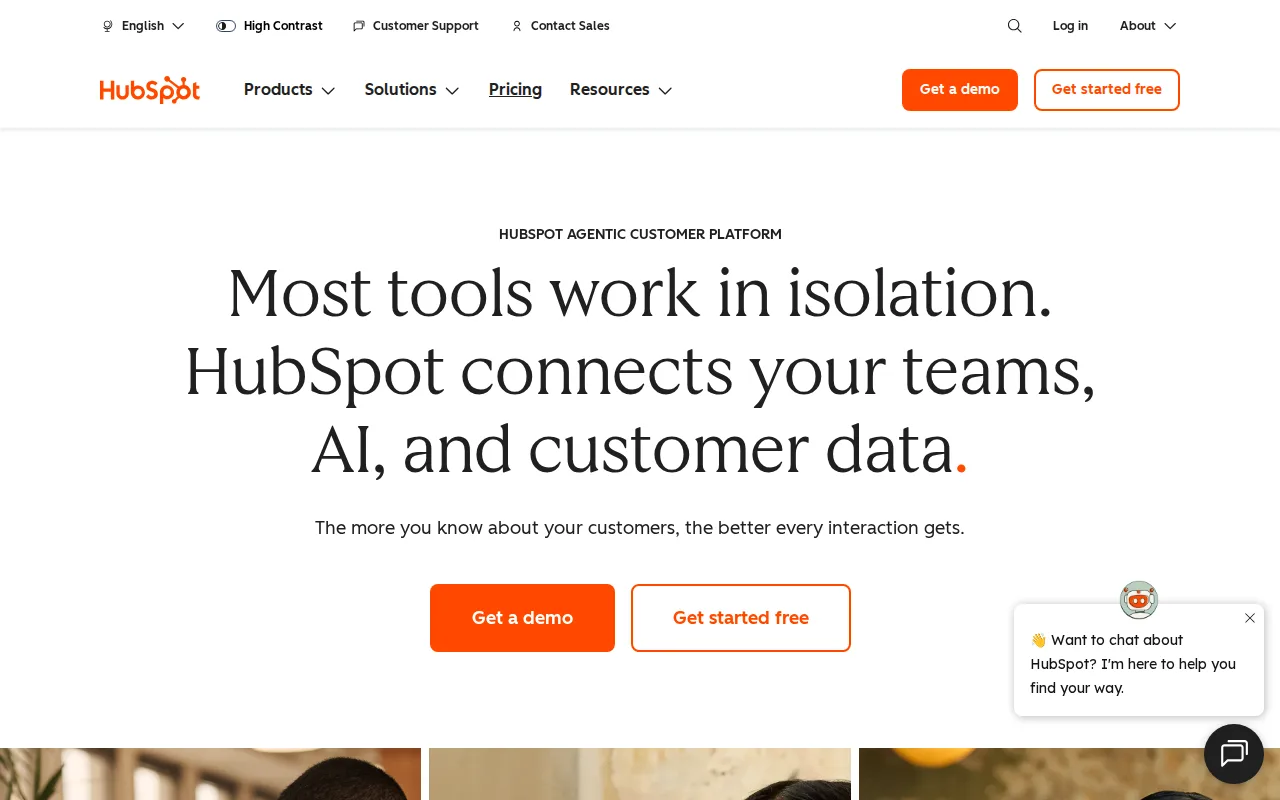
HubSpot is the best Copper alternative for small businesses that want to start on a completely free, seat-unlimited CRM before paying for anything, something Copper doesn't offer at any tier — every Copper plan starts as a 14-day trial before billing begins. HubSpot's Free CRM has no user-seat limit, and Marketing Hub Starter runs about $20/month per seat ($7/month billed annually), well below Copper's $23/seat/month Basic plan. HubSpot holds a 4.5/5 rating from 4,480 Capterra reviews, far more review volume than Copper's 622 Capterra reviews. Marketing, Sales, and Service Hubs all share the same contact database, avoiding duplicate data entry across departments, something Copper's single-product scope doesn't need to solve but also doesn't offer beyond CRM and project handoff. Copper is still the better choice for agencies, consultancies, and construction firms specifically standardized on Google Workspace: Copper's native two-way sync with Gmail, Calendar, and Drive is deeper than HubSpot's Google integration, and HubSpot's pricing jumps sharply from Starter to an $800+/month Professional bundle plus a mandatory $3,000 onboarding fee, a price cliff Copper's three flat per-seat tiers don't have.
Compared to Copper: free CRM with no seat limit vs Copper's $23/seat/month starting price with no free tier at all, higher Capterra review volume (4,480 vs 622 reviews), Marketing/Sales/Service Hubs share one contact database
Wins:Free CRM has no seat limit at all, vs Copper's $23/seat/month Basic plan with no permanently free tier · 4.5/5 rating from 4,480 Capterra reviews, far more review volume than Copper's 622 Capterra reviews · Marketing, Sales, and Service Hubs share one contact database, avoiding duplicate data entry across departments
Loses:Google Workspace integration is less deep than Copper's native two-way Gmail/Calendar/Drive sync built specifically for that ecosystem · Pricing jumps sharply from Starter to an $800+/month Professional bundle plus a mandatory $3,000 onboarding fee · Trustpilot reviewers report unexpected charges and difficulty canceling, a contrast to Copper's own Capterra-reported cancellation complaints
Pros
- Free CRM has no user-seat limit, unlike most competitors' free tiers.
- Marketing, Sales, and Service Hubs share one contact record, avoiding duplicate data entry across departments.
- AI Customer Agent and prospecting agents are built into paid tiers without separate integration work.
- Large ecosystem of native integrations and a certified-partner network for implementation help.
Cons
- Steep price jump from Starter to Professional tier, plus mandatory one-time onboarding fees ($3,000-$7,000) at Professional and Enterprise.
- Trustpilot reviewers report unexpected charges and difficulty canceling, a stark contrast to its high G2/Capterra ratings.
- Running Marketing, Sales, and Service Hubs together multiplies per-seat costs quickly for a growing team.
- Advanced customization and reporting are gated behind Professional/Enterprise tiers, not available on Starter.
Pricing: Free tier · paid from $7/mo — $0 (HubSpot Free CRM) vs $23/seat/month (Copper Basic, billed annually) (verified )
2Pipedrive — best Copper alternative for small and mid-sized sales teams that want a visual, pipeline-first CRM rather than a generic contact database or a full enterprise suite
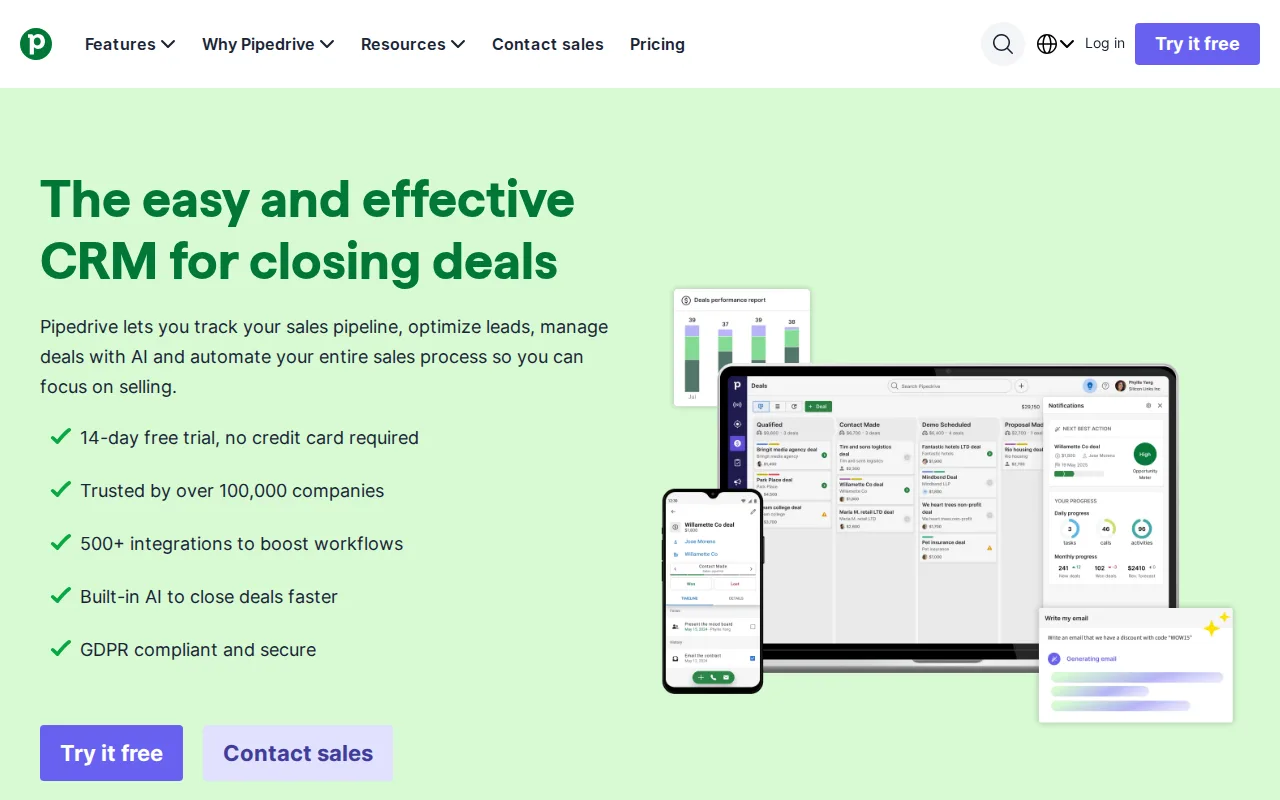
Pipedrive is the best Copper alternative for sales teams that want a visual, Kanban-style pipeline as the CRM's central interface, without being locked into Copper's Google Workspace-native design. Pipedrive's Essential plan starts at $14/user/month billed annually, cheaper than Copper's $23/seat/month Basic plan, and Pipedrive is used by more than 100,000 companies across 179 countries. Pipedrive holds a 4.5/5 rating from 3,058 Capterra reviews, far more review volume than Copper's 622 Capterra reviews, and its AI Sales Assistant predicts deal outcomes from historical pipeline data at the Professional tier and above. Copper is still the better choice for agencies and service businesses specifically standardized on Google Workspace who want one-click conversion of closed deals into delivery projects: Pipedrive has no equivalent project-handoff feature, its AI Sales Assistant and revenue forecasting are locked behind the Professional tier ($64/user/month) and above, and Pipedrive has no permanent free tier at all, only a 14-day trial, the same limitation Copper has.
Compared to Copper: cheaper entry price ($14/user/month vs $23/seat/month), used by more than 100,000 companies across 179 countries, 4.5/5 rating from 3,058 Capterra reviews vs Copper's 622
Wins:Essential plan starts at $14/user/month billed annually, cheaper than Copper's $23/seat/month Basic plan · 4.5/5 rating from 3,058 Capterra reviews, far more review volume than Copper's 622 Capterra reviews · Used by more than 100,000 companies across 179 countries
Loses:No one-click conversion of closed deals into delivery projects, a feature Copper offers specifically for service businesses · AI Sales Assistant and revenue forecasting are locked behind the Professional tier ($64/user/month) and above · No permanent free tier, only a 14-day trial, the same limitation Copper has
Pros
- Visual, drag-and-drop Kanban pipeline is faster to learn than list-based CRMs.
- AI Sales Assistant surfaces deal-win predictions from historical pipeline data.
- 500+ integrations available through the Pipedrive Marketplace.
- 14-day free trial requires no credit card.
Cons
- No permanent free tier; every plan is a paid subscription after the trial.
- AI Sales Assistant, revenue forecasting, and e-signature tracking are locked behind the Professional tier and above.
- Reporting customization is limited on the entry-level Essential plan.
- Per-seat pricing climbs quickly for teams that need Professional or Power tier features.
Pricing: From $14/mo — $14/user/month (Pipedrive Essential, billed annually) vs $23/seat/month (Copper Basic, billed annually)
3Salesforce — best Copper alternative for mid-market to enterprise sales teams that need a highly customizable CRM with pipeline management, forecasting, and AI-driven automation, and can dedicate admin resources to configuring it
Salesforce is the best Copper alternative for mid-market and enterprise sales teams that need deep customization of objects, workflows, and reporting beyond what Copper's Google Workspace-native design offers. Salesforce Starter Suite starts at $25/user/month, close to Copper's $23/seat/month Basic plan, and Salesforce holds a 4.4/5 rating from 18,803 Capterra reviews, by far the largest review volume of any product compared here. Agentforce AI automation can autonomously handle lead qualification and case routing at higher tiers, and Salesforce integrates with Slack, Tableau, and thousands of third-party apps through the AppExchange marketplace, a far larger ecosystem than Copper's Google Workspace-centric integrations. Copper is still the better choice for agencies and consultancies that want a low-effort, low-learning-curve CRM: Salesforce's learning curve is rated steep, with reviewers describing admin training as extensive and time-consuming, and pricing climbs sharply to $550/user/month at the fully AI-enabled Agentforce 1 tier, versus Copper's simpler three-tier structure topping out at $99/seat/month.
Compared to Copper: much larger integration ecosystem via Slack, Tableau, and thousands of AppExchange apps, 4.4/5 rating from 18,803 Capterra reviews vs Copper's 622, Agentforce AI automation for lead qualification and case routing
Wins:Deep customization of objects, workflows, and reporting beyond Copper's fixed CRM structure · 4.4/5 rating from 18,803 Capterra reviews, by far the largest review volume of any product compared here · Integrates with Slack, Tableau, and thousands of third-party apps through the AppExchange marketplace
Loses:Steep learning curve; reviewers describe admin training as extensive and time-consuming, unlike Copper's low learning curve · Pricing climbs to $550/user/month at the top Agentforce 1 tier, well past Copper's $99/seat/month Business plan ceiling · No native two-way Gmail/Calendar/Drive sync built specifically for Google Workspace users the way Copper offers
Pros
- Highly customizable objects, workflows, and reporting for complex sales processes.
- Deep integration ecosystem, including native Slack and Tableau integration plus thousands of AppExchange apps.
- AI-powered forecasting, deal insights, and Agentforce automation on higher tiers.
- Scales from small-team Starter Suite up through enterprise-grade Unlimited and Agentforce 1 plans.
Cons
- Pricing rises sharply across tiers, reaching $550/user/month for the top AI-enabled plan.
- Pro Suite and above require annual billing, reducing flexibility for growing teams.
- Steep learning curve; reviewers describe admin training as extensive and time-consuming.
- Deep customization often requires a dedicated Salesforce admin to configure and maintain.
Pricing: From $25/mo — $25/user/month (Salesforce Starter Suite) vs $23/seat/month (Copper Basic, billed annually) (verified )
4Streak — best Copper alternative for small sales, support, or hiring teams that live in Gmail and want pipeline tracking without asking reps to leave the inbox
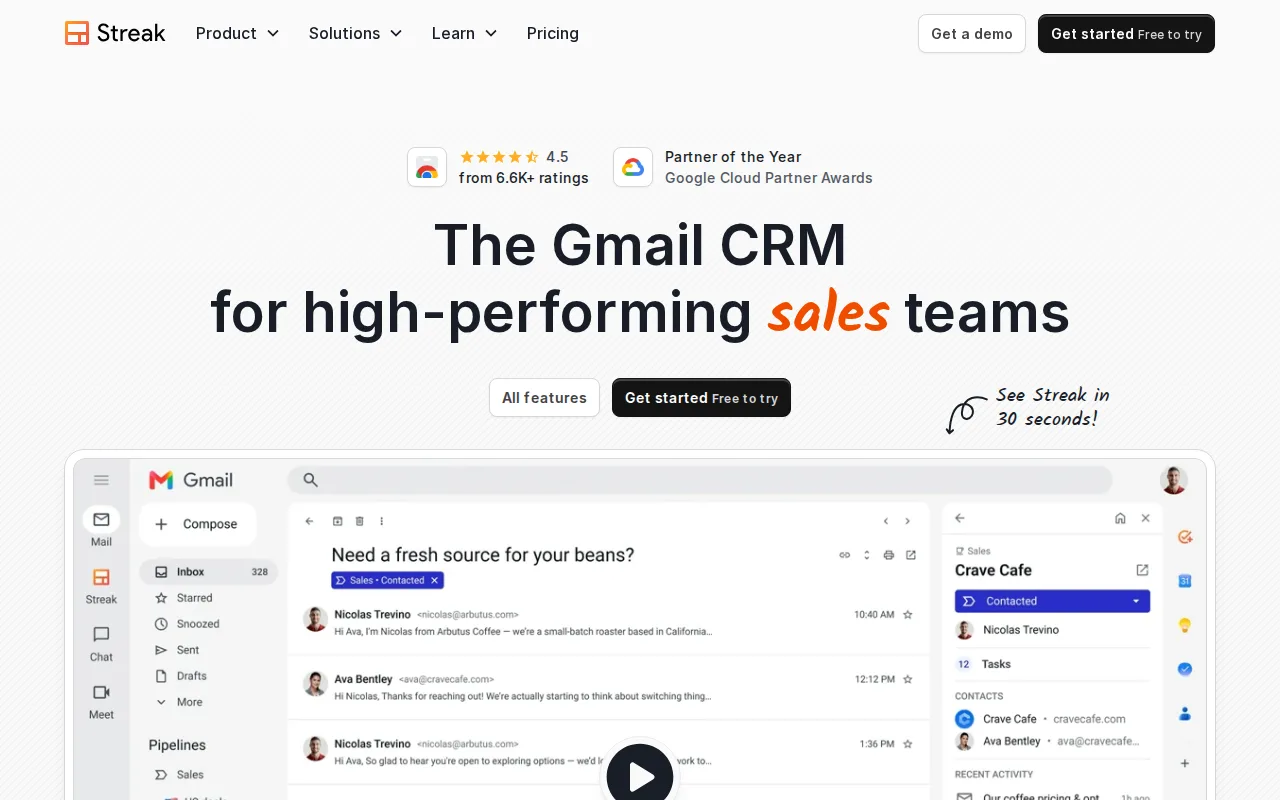
Streak is the best Copper alternative for small sales, support, or hiring teams that want pipeline tracking to live directly inside Gmail as a browser extension, rather than a separate app that syncs with Gmail the way Copper does. Streak's free email tools (tracking, snippets, mail merge capped at 50 sends/day) are available forever at no cost, something Copper doesn't offer at any tier since every Copper plan starts as a paid trial. Streak Pro starts at $49/user/month billed annually, close to Copper's $59/seat/month Professional plan, and Streak serves more than 750,000 professionals across roughly 4,000 companies. Streak's generic "box" structure works for sales pipelines, hiring, fundraising, and support workflows alike, a more flexible data model than Copper's CRM-specific one. Copper is still the better choice for agencies and consultancies that want dedicated project-management features: Streak's Enterprise tier requires a minimum of 10 seats and a sales conversation, and Streak works only with Gmail and Google Workspace with no standalone web app, while Copper at least offers native iOS and Android apps alongside its Workspace integration.
Compared to Copper: free email power tools (tracking, snippets, mail merge) forever at no cost, cheaper Pro tier ($49/user/month vs Copper's $59/seat/month Professional), generic box structure works for sales, hiring, and support alike
Wins:Free email power tools (tracking, snippets, mail merge) available forever at no cost, unlike Copper's paid-trial-only model · Pro tier starts at $49/user/month billed annually, cheaper than Copper's $59/seat/month Professional plan · Generic "box" structure works for sales pipelines, hiring, fundraising, and support tickets alike
Loses:Works only with Gmail and Google Workspace, with no standalone web app, a narrower reach than Copper's own Workspace-plus-mobile-apps approach · Enterprise tier requires a minimum of 10 users and a sales conversation · No dedicated conversion of closed deals into delivery projects the way Copper offers for service businesses
Pros
- Lives inside Gmail, so reps never switch tabs or re-learn a separate CRM interface.
- Free tier includes real email tools (tracking, mail merge, snippets) forever, not just a trial.
- AI magic columns and natural-language queries auto-populate deal data from email content.
- Generic "box" structure works for sales pipelines, hiring, fundraising, and support tickets alike.
Cons
- Works only with Gmail and Google Workspace; unusable for Outlook-based teams.
- Free plan caps mail merge at 50 sends/day and includes no CRM pipeline features.
- Enterprise tier requires a minimum of 10 users and custom sales pricing, pricing out very small teams from its advanced features.
- AI credits are metered per plan (20/150/500 per user/month), so heavy AI users can hit limits mid-cycle.
Pricing: Free tier · paid from $49/mo — $49/user/month (Streak Pro, billed annually) vs $59/seat/month (Copper Professional, billed annually) (verified )
5Nutshell — best Copper alternative for small sales teams (5-50 reps) that want Gmail/Outlook-synced pipeline tracking and built-in call transcription without configuring a larger enterprise CRM
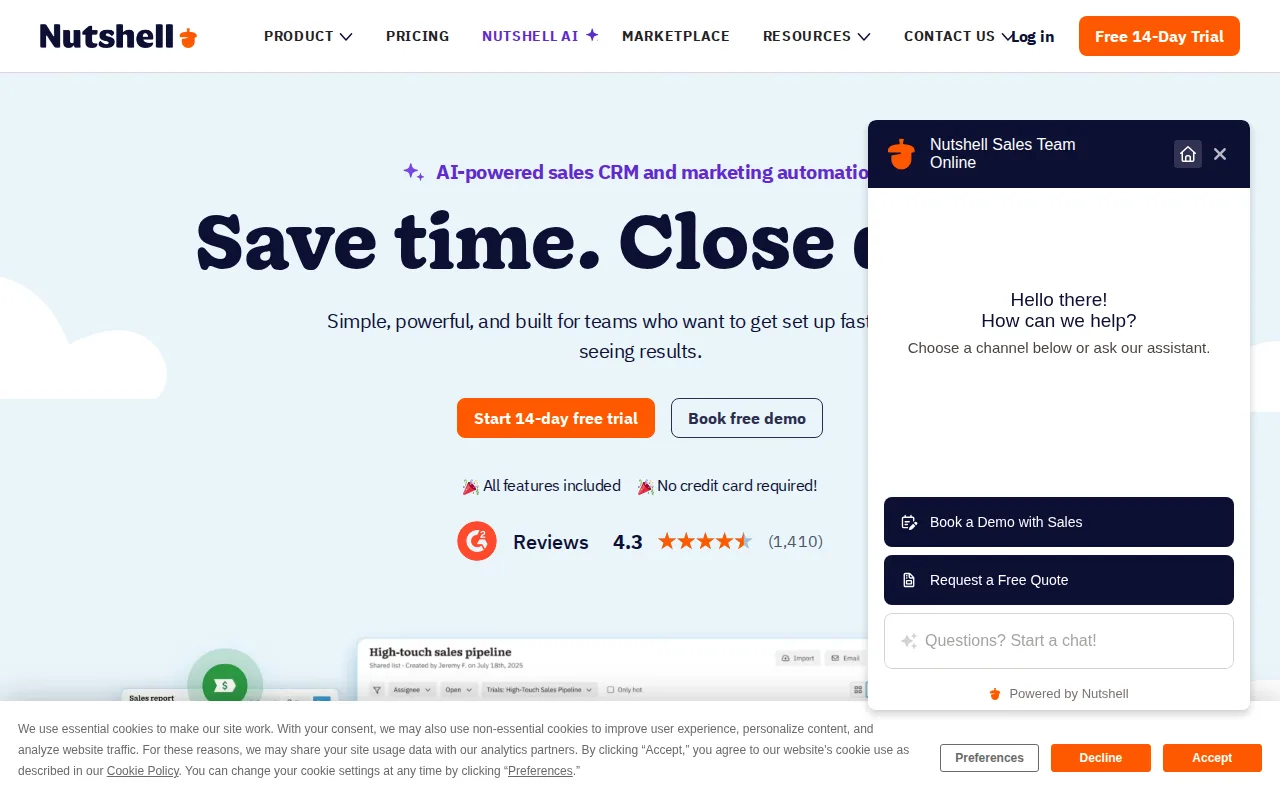
Nutshell is the best Copper alternative for small sales teams (roughly 5-50 reps) that want AI-assisted call transcription and lead recaps bundled into every paid tier, rather than as a separate add-on. Nutshell's Foundation plan starts at $13/user/month billed monthly ($7/user/month billed annually), cheaper than Copper's $23/seat/month Basic plan, and two-way Gmail and Outlook sync keeps contact history current, a broader email-platform reach than Copper's Google Workspace-only design. Nutshell has been a G2 CRM Leader every quarter since Fall 2020, and reviewers report full setup in under a day. Copper is still the better choice for agencies specifically standardized on Google Workspace that want deals converted directly into delivery projects: Nutshell has no free tier at all, only a 14-day trial, the same limitation Copper has, and Marketing ($49/month) and Engagement ($16/user/month) features are separate paid add-ons rather than included in the core CRM tiers the way Copper folds workflow automation into its Professional plan.
Compared to Copper: works with both Gmail and Outlook instead of Google Workspace only, AI call transcription and lead recaps included in every paid tier, cheaper entry price ($13/user/month vs $23/seat/month)
Wins:Two-way Gmail and Outlook sync, a broader email-platform reach than Copper's Google Workspace-only design · AI outcomes (call transcription, lead recaps, chatbot) are included in every paid tier rather than a separate add-on · Foundation plan starts at $13/user/month billed monthly, cheaper than Copper's $23/seat/month Basic plan
Loses:No permanent free tier, only a 14-day trial, the same limitation Copper has · Marketing ($49/month) and Engagement ($16/user/month) features are separate paid add-ons rather than bundled into core tiers · No native project-conversion feature turning closed deals into delivery projects the way Copper offers
Pros
- Reviewers report full setup in under a day, with no steep learning curve compared to larger CRMs.
- AI outcomes (transcription, lead recaps, chatbot) are included in every paid tier rather than a separate add-on.
- Two-way Gmail and Outlook sync keeps contact and email history current without manual entry.
- G2 CRM Leader every quarter since Fall 2020, with a 4.3/5 rating across 1,426 reviews.
Cons
- No free tier; only a 14-day trial, so there's no ongoing free option for very small teams.
- Marketing and Engagement features are separate paid add-ons ($49/month and $16/user/month) rather than included in the core CRM tiers.
- Custom pipelines are capped below Enterprise (5 on Pro, 10 on Business), a constraint for teams running multiple distinct sales processes.
- Phone support is limited to the Enterprise tier, leaving lower tiers with slower support channels.
Pricing: From $13/mo — $13/user/month (Nutshell Foundation, billed monthly) vs $23/seat/month (Copper Basic, billed annually) (verified )