4 Best Alternatives to Pipedrive in 2026
By Noahlast updated

From our data: Of the 4 listed Pipedrive alternatives, 2 (HubSpot, Zoho CRM) offer a permanent free tier that Pipedrive's own trial-only pricing does not, and the combined review volume across all 4 (30,279 Capterra and Product Hunt reviews: 4,480 + 18,803 + 4 + 6,992) is nearly 10 times Pipedrive's own 3,058 Capterra reviews.
 HubSpot
 Salesforce
 Close
Close Zoho CRM
How we picked
- Pricing was independently verified for HubSpot, Salesforce, and Close (all dated 2026-08-21); Pipedrive's own pricing carries no fresh verification timestamp and should be rechecked before publishing.
- Review volume was weighed directly: Salesforce's 18,803 Capterra reviews and HubSpot's 4,480 are the largest samples here, both well above Pipedrive's own 3,058 Capterra reviews, while Close's 4.8/5 score rests on only 4 Product Hunt reviews.
- Free-tier availability was checked against Pipedrive's own model, which has no permanent free plan, only a 14-day trial: HubSpot's Free CRM has no seat cap, and Zoho CRM offers a permanently free tier capped at 3 users, a real difference from Pipedrive's trial-only approach.
- All 4 alternatives are dedicated sales CRMs like Pipedrive itself, ranked on how they handle deal pipelines, pricing at the same seat count, and review volume relative to Pipedrive's own 3,058 Capterra reviews.
Paid placement never alters editorial rank — read the full methodology.
Pipedrive alternatives at a glance
| Alternative | Best for | Learning curve | Price |
|---|---|---|---|
| Pipedrivereference | small and mid-sized sales teams that want a visual, pipeline-first CRM rather than a generic contact database or a full enterprise suite | Low | From $14/mo |
| HubSpot | small businesses that start on the free CRM and want marketing, sales, and service tools sharing one contact database as they grow, and can absorb the price jump into Professional tiers | Moderate | Free tier · paid from $7/mo |
| Salesforce | mid-market to enterprise sales teams that need a highly customizable CRM with pipeline management, forecasting, and AI-driven automation, and can dedicate admin resources to configuring it | Steep | From $25/mo |
| Zoho CRM | sales teams already using or considering other Zoho apps (Books, Desk, Campaigns) who want a CRM with deep AI automation without per-app vendor sprawl | Moderate | Free tier · paid from $14/mo |
| Close | outbound sales teams that call leads directly and want the dialer, email, and SMS built into the CRM instead of stitched together from separate tools | Low | From $19/mo |
 Pipedrive
1HubSpot — best Pipedrive alternative for small businesses that start on the free CRM and want marketing, sales, and service tools sharing one contact database as they grow, and can absorb the price jump into Professional tiers
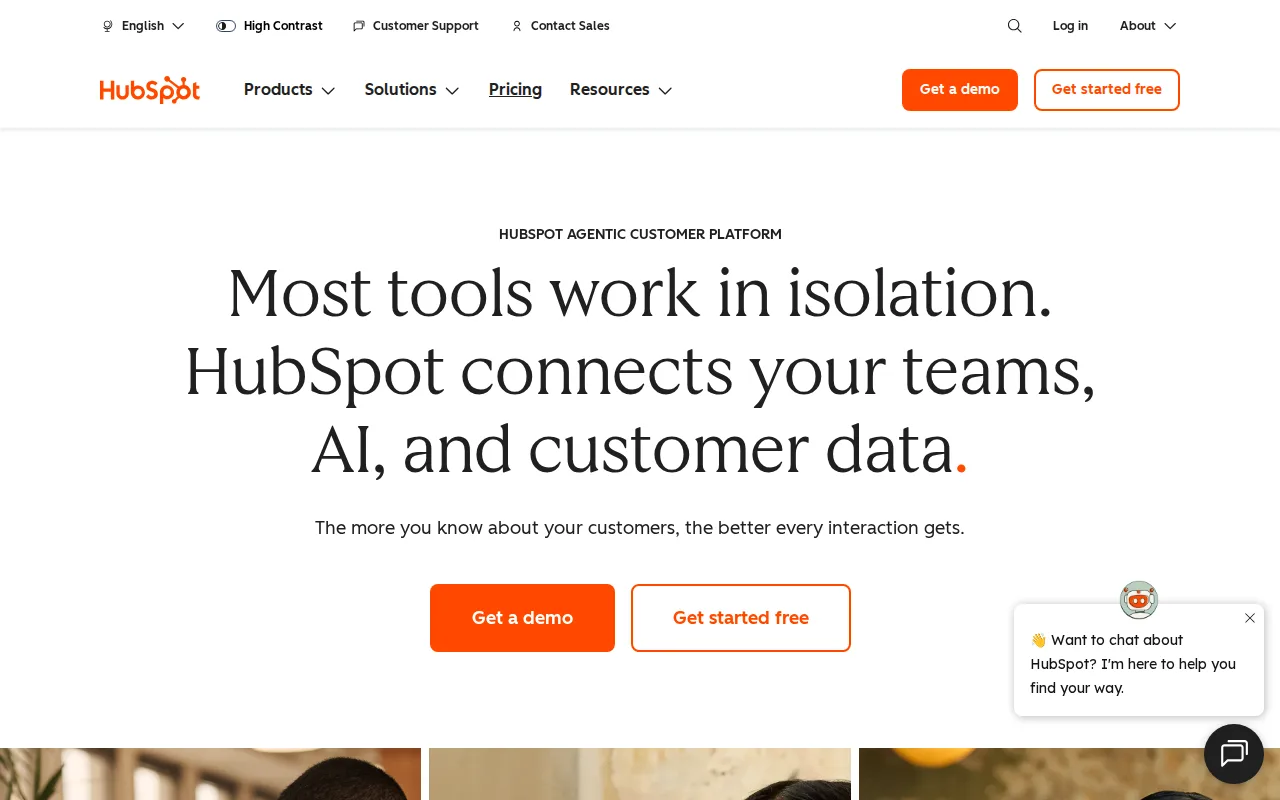
HubSpot is the best Pipedrive alternative for small teams that want to start on a CRM at no cost, since HubSpot's Free CRM has no seat limit at all, while Pipedrive offers no permanent free tier and only a 14-day trial before every plan converts to paid billing. HubSpot holds a 4.5/5 rating from 4,480 Capterra reviews, more than the 3,058 Capterra reviews behind Pipedrive's own 4.5/5 score. Where Pipedrive centers everything on a single Kanban pipeline, HubSpot's free CRM shares one contact database across separate Marketing, Sales, and Service Hubs a team can add later without re-entering data. HubSpot's Marketing Hub Starter runs about $20/month per seat billed monthly ($7/month billed annually), a similar entry point to Pipedrive's $14/user/month Essential plan. Pipedrive is still the better choice for sales teams that want a simpler, pipeline-only tool without HubSpot's steep Professional-tier price jump: HubSpot's Marketing Hub Professional jumps to an $800+/month bundle plus a one-time $3,000 onboarding fee, and Trustpilot reviewers report unexpected charges and difficulty canceling, complaints Pipedrive's listing does not carry at the same scale.
Compared to Pipedrive: permanently free, seat-unlimited CRM vs Pipedrive's 14-day-trial-only model, matching 4.5/5 rating with more reviews, but a steep Professional-tier price jump with a $3,000 onboarding fee
Wins:Free CRM has no seat limit, unlike Pipedrive, which has no permanent free tier and only a 14-day trial · 4.5/5 rating from 4,480 Capterra reviews, more than Pipedrive's 3,058 · One shared contact database across Marketing, Sales, and Service Hubs, versus Pipedrive's single-pipeline focus
Loses:Marketing Hub Professional jumps to an $800+/month bundle plus a one-time $3,000 onboarding fee, a steeper step than Pipedrive's flat per-seat pricing · Trustpilot reviewers report unexpected charges and difficulty canceling, complaints Pipedrive's listing doesn't carry at the same scale · Running multiple Hubs together multiplies per-seat costs in a way Pipedrive's single-product pricing avoids
Pros
- Free CRM has no user-seat limit, unlike most competitors' free tiers.
- Marketing, Sales, and Service Hubs share one contact record, avoiding duplicate data entry across departments.
- AI Customer Agent and prospecting agents are built into paid tiers without separate integration work.
- Large ecosystem of native integrations and a certified-partner network for implementation help.
Cons
- Steep price jump from Starter to Professional tier, plus mandatory one-time onboarding fees ($3,000-$7,000) at Professional and Enterprise.
- Trustpilot reviewers report unexpected charges and difficulty canceling, a stark contrast to its high G2/Capterra ratings.
- Running Marketing, Sales, and Service Hubs together multiplies per-seat costs quickly for a growing team.
- Advanced customization and reporting are gated behind Professional/Enterprise tiers, not available on Starter.
Pricing: Free tier · paid from $7/mo — Free CRM ($0, unlimited seats) vs Pipedrive's $14/user/month Essential with no free tier; HubSpot Marketing Hub Starter ~$20/seat/month vs Pipedrive Essential $14/user/month (verified )
2Salesforce — best Pipedrive alternative for mid-market to enterprise sales teams that need a highly customizable CRM with pipeline management, forecasting, and AI-driven automation, and can dedicate admin resources to configuring it

Salesforce is the best Pipedrive alternative for organizations that have outgrown a simple visual pipeline and need highly customizable objects, workflows, and reporting, something Pipedrive's Kanban-first design does not aim to provide. Salesforce holds a 4.4/5 rating from 18,803 Capterra reviews, over six times the review volume behind Pipedrive's own 3,058 reviews. Salesforce's Starter Suite starts at $25/user/month, close to Pipedrive's $14/user/month Essential plan, but Salesforce scales up through Pro Suite ($100/user/month), Enterprise ($175/user/month), and Agentforce 1 Sales ($550/user/month) with AI-driven Agentforce automation and a thousands-strong AppExchange integration marketplace that dwarfs Pipedrive's 500+ Marketplace apps. Both platforms offer no permanent free plan and rely on trials, but Salesforce's 30-day trial gives more evaluation time than Pipedrive's 14 days. Pipedrive is still the better choice for small and mid-sized sales teams that find Salesforce too complex: Salesforce's reviewers consistently describe onboarding and admin training as extensive and time-consuming, and its customization depth often requires a dedicated Salesforce admin, overhead Pipedrive's low learning curve avoids entirely.
Compared to Pipedrive: deep object and workflow customization at $25-$550/user/month, 6x the Capterra review volume, but a steep learning curve requiring a dedicated admin
Wins:Highly customizable objects, workflows, and reporting beyond Pipedrive's Kanban-first design · 4.4/5 rating from 18,803 Capterra reviews, over six times Pipedrive's 3,058 · Thousands of AppExchange integrations, versus Pipedrive's 500+ Marketplace apps
Loses:Pricing climbs from $25/user/month to $550/user/month at the top Agentforce 1 tier, far above Pipedrive's $14-$129/user/month range · Steep learning curve; reviewers describe admin training as extensive and time-consuming, unlike Pipedrive's low learning curve · Pro Suite and above require annual billing, less flexible than Pipedrive's option to pay monthly
Pros
- Highly customizable objects, workflows, and reporting for complex sales processes.
- Deep integration ecosystem, including native Slack and Tableau integration plus thousands of AppExchange apps.
- AI-powered forecasting, deal insights, and Agentforce automation on higher tiers.
- Scales from small-team Starter Suite up through enterprise-grade Unlimited and Agentforce 1 plans.
Cons
- Pricing rises sharply across tiers, reaching $550/user/month for the top AI-enabled plan.
- Pro Suite and above require annual billing, reducing flexibility for growing teams.
- Steep learning curve; reviewers describe admin training as extensive and time-consuming.
- Deep customization often requires a dedicated Salesforce admin to configure and maintain.
Pricing: From $25/mo — $25/user/month Starter Suite vs Pipedrive's $14/user/month Essential; tops out at $550/user/month vs Pipedrive's $129/user/month Enterprise (verified )
3Zoho CRM — best Pipedrive alternative for sales teams already using or considering other Zoho apps (Books, Desk, Campaigns) who want a CRM with deep AI automation without per-app vendor sprawl
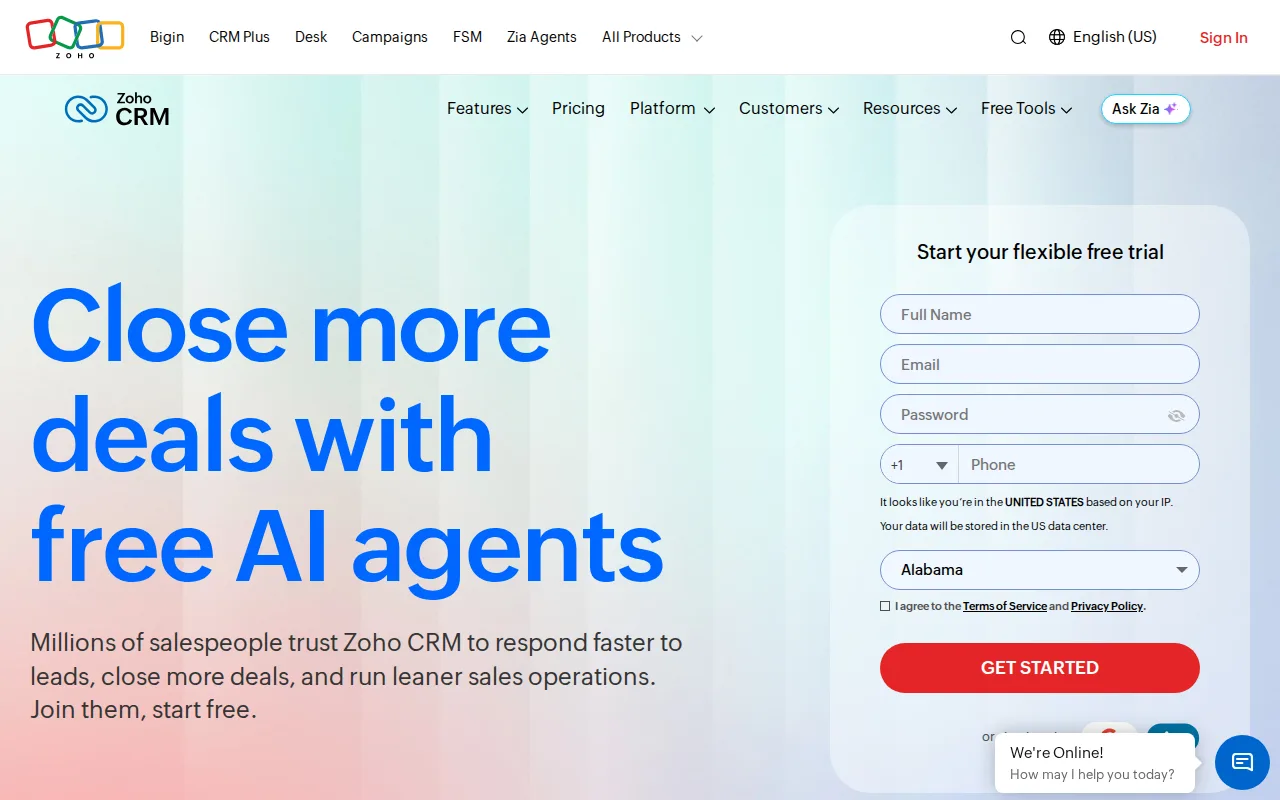
Zoho CRM is the best Pipedrive alternative for small teams that want a genuinely free starting tier, since Zoho CRM offers a permanent free plan for up to 3 users with real workflow automation, while Pipedrive has no permanent free tier at all, only a 14-day trial. Zoho CRM's paid Standard tier costs $14/user/month billed annually, matching Pipedrive's $14/user/month Essential price exactly, and Zoho CRM connects to 1,200+ third-party apps versus Pipedrive's 500+ Marketplace integrations. Zoho CRM holds a 4.3/5 rating from 6,992 Capterra reviews, more than double Pipedrive's 3,058 reviews, and its Zia AI agents handle lead scoring and deal-engagement suggestions from the Professional tier up ($23/user/month), comparable to Pipedrive's AI Sales Assistant, which is gated behind Pipedrive's pricier Professional tier at $64/user/month. Pipedrive is still the better choice for teams that specifically want a visual, drag-and-drop Kanban pipeline as the main interface: Zoho CRM's Capterra reviewers report frequent bugs affecting search and data-saving reliability, and its free plan caps out at 3 users, forcing a quick jump to paid tiers for any growing team.
Compared to Pipedrive: a permanent free 3-user tier vs Pipedrive's trial-only model, matching $14/user/month Standard pricing, but with more reported reliability bugs
Wins:Free tier for up to 3 users with real workflow automation, unlike Pipedrive, which has no permanent free plan · 4.3/5 rating from 6,992 Capterra reviews, more than double Pipedrive's 3,058 · 1,200+ pre-built integrations, versus Pipedrive's 500+ Marketplace apps
Loses:Capterra reviewers report frequent bugs affecting search and data-saving reliability, a complaint Pipedrive's listing doesn't carry at the same scale · AI lead-scoring (Zia) and CPQ require the $23/user/month Professional tier, similar to how Pipedrive gates its AI Sales Assistant behind its $64/user/month Professional plan · Free plan caps out at 3 users, forcing a jump to paid tiers quickly for any growing team
Pros
- Free tier for up to 3 users with real workflow automation, not just a trial.
- 1,200+ pre-built integrations including QuickBooks, Shopify, and Mailchimp.
- Zia AI agents for lead qualification and deal suggestions included from the Professional tier up.
- Bundles cleanly with other Zoho apps (Desk, Books, Campaigns) under Zoho One pricing.
Cons
- Capterra reviewers report frequent bugs affecting search and data saving reliability.
- Free plan caps out at 3 users, pushing growing teams to a paid tier quickly.
- Deep AI and automation features are locked behind Professional and Enterprise tiers, not Standard.
- Heavy reliance on the broader Zoho ecosystem can mean lock-in for teams that adopt multiple Zoho apps.
Pricing: Free tier · paid from $14/mo — Free for 3 users, Standard $14/user/month, matching Pipedrive's $14/user/month Essential exactly
4Close — best Pipedrive alternative for outbound sales teams that call leads directly and want the dialer, email, and SMS built into the CRM instead of stitched together from separate tools
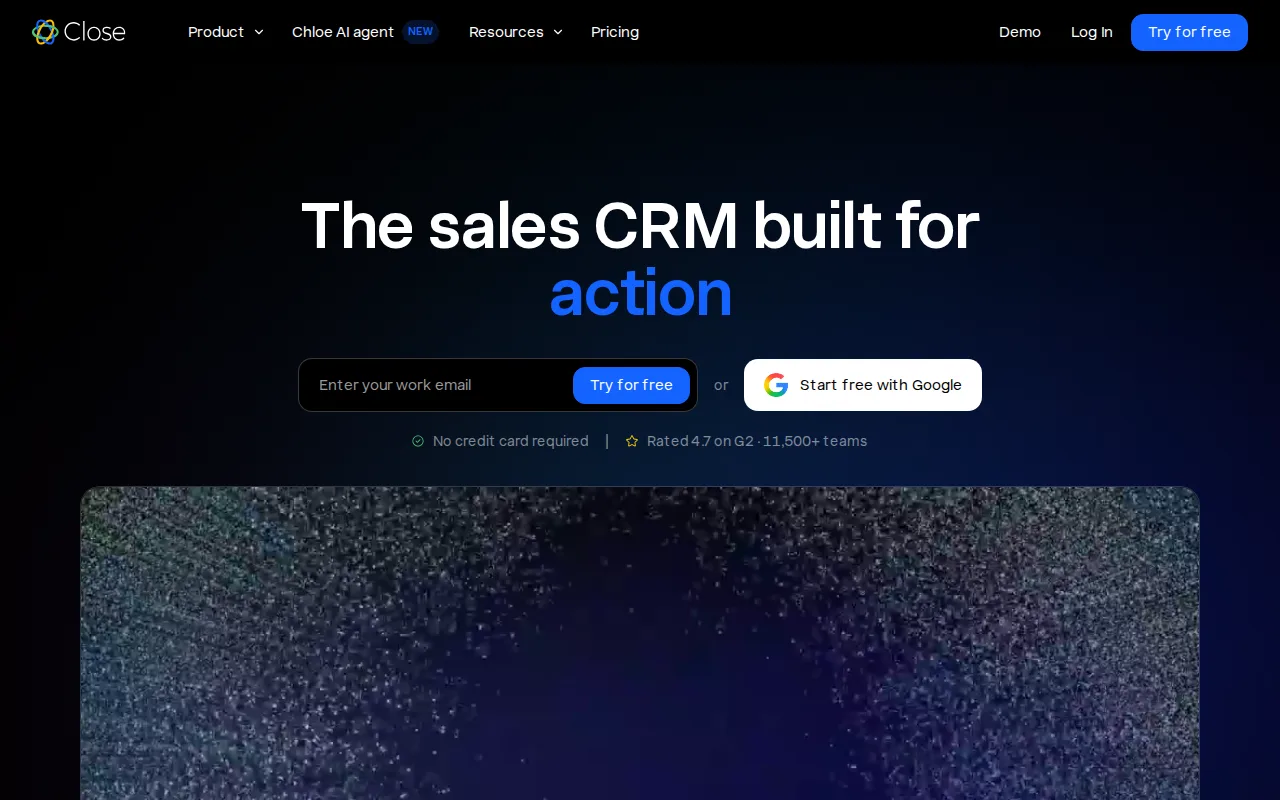
Close is the best Pipedrive alternative for outbound sales teams that call, email, and text leads directly from the CRM, since Close builds a native dialer, SMS, and an AI agent named Chloe that calls and qualifies leads into the core product, while Pipedrive's pipeline tool requires third-party integrations for calling at scale. Close's Essentials plan costs $49/user/month ($35/user/month billed annually), higher than Pipedrive's $14/user/month Essential tier, though Close's cheaper Solo plan runs $19/user/month ($9/user/month annually) for a single user. Close serves more than 11,500 sales teams and holds a 4.8/5 rating, though from only 4 Product Hunt reviews, a far thinner sample than Pipedrive's 3,058 Capterra reviews. Pipedrive is still the better choice for teams larger than one person on a budget, or anyone who wants deal management without metered calling costs: Close's Solo plan caps out at 1 user and 10,000 leads, and calling minutes, SMS, and phone numbers bill separately on top of the seat price, an added variable cost Pipedrive's flat per-seat pricing avoids.
Compared to Pipedrive: native dialer, SMS, and an AI calling agent (Chloe) built in, but $35-$139/user/month vs Pipedrive's $14-$129/user/month, plus metered calling costs
Wins:Native dialer, email, and SMS built into the CRM, rather than requiring third-party integrations like Pipedrive does for calling at scale · Chloe AI agent calls and qualifies leads through a live conversation and books meetings automatically · Automatic call transcripts and follow-up generation reduce manual data entry for outbound-heavy teams
Loses:Essentials plan costs $35/user/month billed annually, well above Pipedrive's $14/user/month Essential · Calling minutes (~$0.02/min), SMS, and phone numbers bill as metered add-ons, an extra variable cost Pipedrive's flat pricing doesn't have · Rating of 4.8/5 comes from only 4 Product Hunt reviews, far thinner evidence than Pipedrive's 3,058 Capterra reviews
Pros
- Native dialer, email, and SMS built into the CRM rather than requiring third-party integrations.
- Chloe AI agent calls and qualifies leads automatically, not just after-the-fact call summaries.
- Automatic call transcripts, summaries, and follow-up generation reduce manual data entry.
- 14-day free trial with no credit card required, plus a 30-day money-back guarantee.
Cons
- Solo plan is capped at 1 user and 10,000 leads, forcing an upgrade the moment a team adds a second rep.
- Calling minutes, SMS, and phone numbers are metered add-ons on top of the seat price, not included flat.
- Workflow automation and the power dialer are locked behind the Growth tier ($99+/user/month annually), out of reach for smaller teams.
- No native marketing automation or multi-channel campaign builder beyond sales outreach.
Pricing: From $19/mo — Solo $9/user/month (1-user cap) or Essentials $35/user/month billed annually vs Pipedrive's $14/user/month Essential (no user cap) (verified )
Which one is right for you?
- You're a small team that wants to start on a CRM for free with no seat limitHubSpot
- You've outgrown a simple pipeline and need deep customization across a large sales orgSalesforce
- Your reps call leads directly and want a native dialer and AI calling agent built inClose
- You want a genuinely free tier for up to 3 users before committing to a paid CRMZoho CRM
- You want marketing, sales, and service tools sharing one contact database without extra integration workHubSpot
- You need thousands of pre-built integrations and enterprise-grade admin controlsSalesforce
Frequently asked questions
Is there a free alternative to Pipedrive?
- Yes, HubSpot's Free CRM has no seat limit at all, and Zoho CRM offers a permanent free tier for up to 3 users. Pipedrive itself has no permanent free plan, only a 14-day trial.
What is the closest alternative to Pipedrive?
- HubSpot is the closest overall alternative, matching Pipedrive's pipeline-and-deal-tracking core while adding a free, seat-unlimited entry tier. Zoho CRM is the closest match on price, with its Standard tier costing exactly $14/user/month like Pipedrive's Essential plan.
Can HubSpot replace Pipedrive?
- Yes, HubSpot's free CRM covers deal pipelines, contact records, and basic reporting, the core of what Pipedrive does. Teams that need HubSpot's Marketing or Service Hubs later should budget for a steep price jump at the Professional tier plus a one-time onboarding fee.
Which Pipedrive alternative is cheapest?
- Zoho CRM is the cheapest paid option that matches Pipedrive's Essential-tier price at $14/user/month, and it also offers a free 3-user tier Pipedrive doesn't have. Close's Solo plan is cheaper still at $9/user/month billed annually, but it caps out at 1 user.
Is Salesforce better than Pipedrive?
- Salesforce offers far deeper customization and a larger integration marketplace, but at $25-$550/user/month against Pipedrive's $14-$129/user/month and with a steeper learning curve. Salesforce fits large, complex sales orgs; Pipedrive fits small and mid-sized teams that want a simpler visual pipeline.
Does any Pipedrive alternative include a built-in phone dialer?
- Close is the only alternative here with a native dialer, SMS, and an AI calling agent (Chloe) built into the core product. Pipedrive requires third-party integrations for calling at that scale.