7 Best Free Alternatives to ClickUp in 2026
By Noahlast updated pricing verified
Compared: free alternatives to ClickUp
| Alternative | Best for | Learning curve | Price |
|---|---|---|---|
| ClickUpreference | small and mid-sized teams that want tasks, docs, chat, and time tracking on one paid seat instead of buying a tracker, a wiki, a chat app, and a timesheet tool separately | Steep | Free tier · paid from $7/mo |
| Asana | Cross-functional teams of 10-500 people who need shared timelines, dependencies, and status reporting across multiple concurrent projects. | Moderate | Free tier · paid from $10.99/mo |
| Notion | Teams that want to consolidate scattered docs, wikis, and lightweight project trackers into one linked workspace, and are willing to spend time designing their own database structure. | Steep | Free tier · paid from $10/mo |
| Jira | software development teams that need deeply configurable issue workflows and tight integration with Bitbucket/GitHub, and are willing to invest in a dedicated Jira admin to manage the configuration | Steep | Free tier · paid from $7.91/mo |
| Linear | software product and engineering teams that want a fast, keyboard-driven issue tracker with built-in support for assigning work to AI coding agents, rather than a heavily customizable general project-management tool | Low | Free tier · paid from $10/mo |
| Trello | Small teams and individuals who want a simple kanban board to track to-dos without adopting a full project-management framework | Low | Free tier · paid from $5/mo |
| Wrike | cross-functional teams (marketing, product, professional services, IT) that need shared project visibility across departments, not just a single team's task list | Moderate | Free tier · paid from $10/mo |
| Basecamp | small teams and agencies who want message boards, to-dos, and chat per project under one flat account price rather than per-seat billing | Low | Free tier · paid from $29/mo |
 ClickUp
 Asana
Asana Notion
 Jira
Jira Linear
 Trello
 Wrike
Wrike Basecamp
1Asana — best ClickUp alternative for cross-functional teams of 10-500 people who need shared timelines, dependencies, and status reporting across multiple concurrent projects.
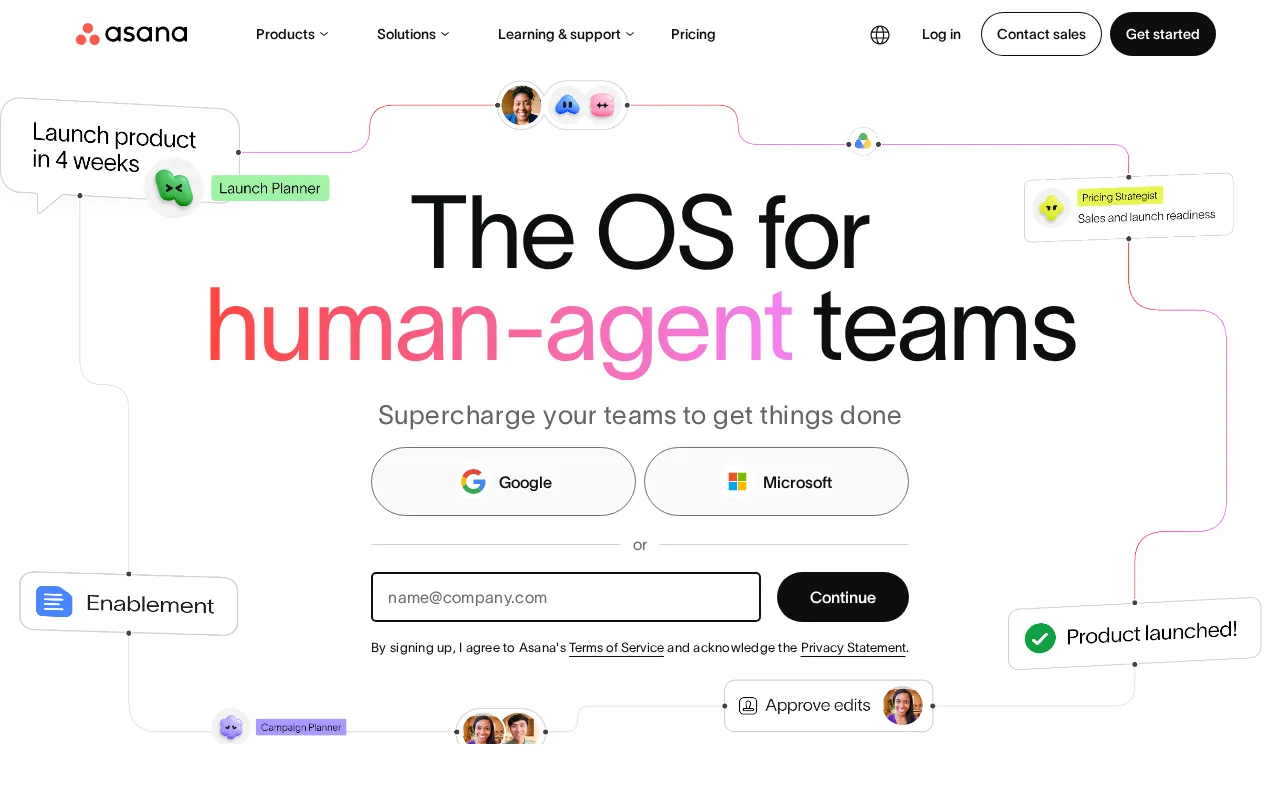
Asana is the best ClickUp alternative for cross-functional teams of roughly 10 to 500 people that want shared timelines, dependencies, and status reporting without ClickUp's setup burden. Asana's learning curve is rated moderate against ClickUp's steep, and it organizes work through the Work Graph, linking goals, portfolios, projects, and tasks, with list, board, timeline, Gantt, and calendar views of the same project. Asana Starter costs $10.99/user/month billed annually ($13.49 monthly) and includes timeline and Gantt views, reporting dashboards, unlimited automations, forms, custom fields, unlimited free guests, and AI Studio Basic with 50,000 credits a month, where ClickUp sells AI separately at $9 or $28/user/month. Asana's free Personal plan also gives unlimited storage with a 100MB per-file limit, where ClickUp Free Forever caps total storage at 60MB. ClickUp is still the better choice on price and free-plan headcount. ClickUp Unlimited costs $7/user/month billed yearly and already includes Gantt charts and native time tracking, which Asana holds back for Advanced at $24.99/user/month, a 127% jump from Starter. Asana's free plan stops at 2 users where ClickUp's covers unlimited members, Asana has no Linux app, and Asana has no external rating on record here, against ClickUp's 4.6/5 from 4,630 Capterra reviews.
Compared to ClickUp: a moderate learning curve against ClickUp's steep, AI Studio credits included in Starter where ClickUp sells AI from $9/user/month, and $10.99/user/month for Starter against ClickUp Unlimited's $7
Wins:Learning curve rated moderate against ClickUp's steep, with goals, portfolios, projects, and tasks linked in one Work Graph · Starter includes AI Studio Basic with 50,000 credits a month and unlimited automations, where ClickUp's AI is a $9 or $28/user/month add-on · Free Personal plan includes unlimited storage with a 100MB per-file limit, where ClickUp Free Forever caps total storage at 60MB
Loses:Starter costs $10.99/user/month billed annually against ClickUp Unlimited's $7, and time tracking waits for Advanced at $24.99/user/month where ClickUp includes native time tracking at $7 · Free plan stops at 2 users, where ClickUp Free Forever allows unlimited members · No Linux app and no external rating on record here, where ClickUp ships a Linux app and holds 4.6/5 from 4,630 Capterra reviews
Pros
- Free tier covers unlimited tasks and projects for up to 2 users, not just a time-limited trial
- Multiple views (list, board, timeline/Gantt, calendar) on the same project without extra tools
- Deep integration library (100+ free integrations) plus native Salesforce, Tableau, and Power BI connectors on Advanced
- Reporting dashboards and portfolios give a rollup view across many projects at once
Cons
- Per-user pricing means costs scale linearly and jump 127% from Starter to Advanced ($10.99 to $24.99/user/month)
- Core planning features like Goals and Workload are locked behind the Advanced tier, not available on Starter
- SSO, SCIM provisioning, and capacity planning require Enterprise, which has no published price
- Heavy feature surface (AI Teammates, AI Studio, Service Management) can overwhelm teams that just want simple task tracking
Pricing: Free tier · paid from $10.99/mo — $10.99/user/month for Asana Starter vs $7/user/month for ClickUp Unlimited, both billed annually ($109.90 vs $70 a month at 10 seats) (verified )
2Notion — best ClickUp alternative for teams that want to consolidate scattered docs, wikis, and lightweight project trackers into one linked workspace, and are willing to spend time designing their own database structure.
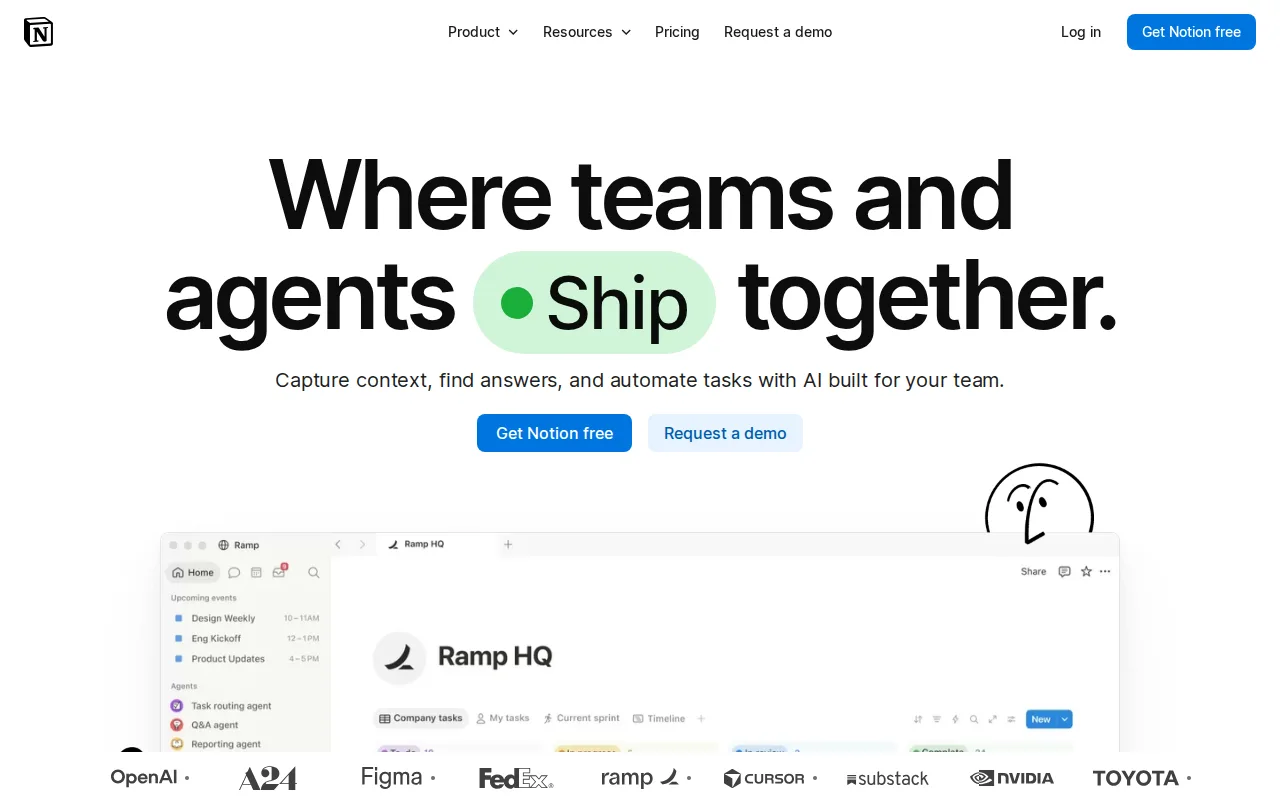
Notion is the best ClickUp alternative for teams whose work starts in documents and wikis rather than task lists. Notion builds docs, wikis, and relational databases out of nested blocks, so a project tracker is a database inside the same page as the spec it tracks, and its public API, webhooks, and one-way database syncs pull in Jira, GitHub, and Asana. Notion's Business plan at $20/member/month includes Notion Agent, AI Meeting Notes, Enterprise Search, and SAML SSO, while the closest ClickUp setup, Business at $12/user/month plus the $28 Everything AI add-on that carries AI Notetaker, costs $40/user/month billed yearly. Notion runs on web, Windows, macOS, Linux, iOS, and Android, the same six platforms as ClickUp. ClickUp is still the better choice for teams that mainly manage tasks. Notion's own listing describes its project tracking as basic, where ClickUp ships Gantt charts, sprints with points, workload management, and native time tracking. Notion's free plan limits blocks in multi-member workspaces and caps files at 5MB, where ClickUp Free Forever allows unlimited members and tasks. Notion Plus at $10/member/month billed monthly matches ClickUp Unlimited's monthly rate but costs more than ClickUp's $7 yearly rate, both tools have a steep learning curve, and Notion has no external rating on record here, against ClickUp's 4.6/5 from 4,630 Capterra reviews.
Compared to ClickUp: docs, wikis, and relational databases at the core instead of task lists, Notion Agent and AI Meeting Notes in the $20/member/month Business plan against $40/user/month for ClickUp Business plus Everything AI, and project tracking that Notion's own listing calls basic
Wins:Business at $20/member/month includes Notion Agent, AI Meeting Notes, and Enterprise Search, where ClickUp Business plus the Everything AI add-on with AI Notetaker costs $40/user/month billed yearly · SAML SSO comes with the $20/member/month Business plan, where ClickUp Business offers Google SSO and reserves SAML SSO for quote-only Enterprise · Docs, wikis, and relational databases built from nested blocks keep specs and trackers on the same page, with a public API, webhooks, and one-way syncs from Jira, GitHub, and Asana
Loses:Project tracking is basic by Notion's own listing, where ClickUp ships Gantt charts, sprint points and reporting, workload management, and native time tracking · Free plan limits blocks in multi-member workspaces, caps files at 5MB, and keeps 7 days of page history, where ClickUp Free Forever allows unlimited members and tasks · Offline access covers only recently viewed or favorited pages on paid plans, and Notion has no external rating on record here against ClickUp's 4.6/5 from 4,630 Capterra reviews
Pros
- Single tool covers docs, wikis, databases, and basic project tracking, reducing tool-switching
- Free plan supports unlimited pages and blocks for solo use, with only multi-member workspaces hitting block limits
- Deep customization through nested pages, linked databases, and templates
- Public API, webhooks, and 1-way database syncs (Jira, GitHub, Asana) for connecting external tools
Cons
- Per-member pricing on paid tiers ($10-$20/month) gets expensive fast for larger teams compared to flat-fee tools
- Offline support is limited to recently viewed or favorited pages on paid plans rather than full offline access
- Flexible block-and-database model has a steep learning curve for teams used to fixed-structure apps
- Meaningful AI features (Notion Agent, Enterprise Search, AI Meeting Notes) require the $20/month Business plan or higher
Pricing: Free tier · paid from $10/mo — $10/member/month for Notion Plus billed monthly vs ClickUp Unlimited at $10/user/month billed monthly ($7 billed yearly); Notion Business at $20/member/month vs ClickUp Business at $19 billed monthly ($12 billed yearly) before AI add-ons (verified )
3Jira — best ClickUp alternative for software development teams that need deeply configurable issue workflows and tight integration with Bitbucket/GitHub, and are willing to invest in a dedicated Jira admin to manage the configuration
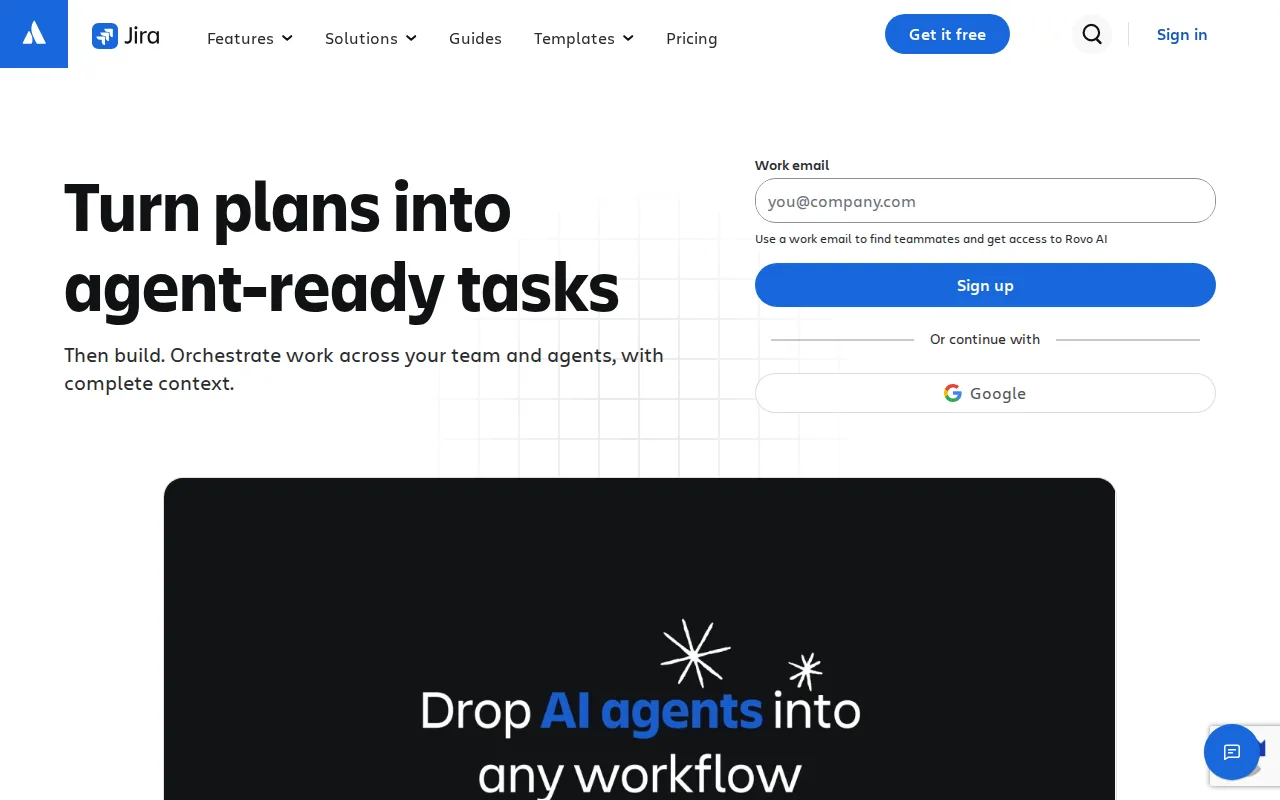
Jira is the best ClickUp alternative for software teams that need issue workflows configured per project and code linked to the tickets it closes. Jira lets each project define its own workflows, fields, statuses, and permission schemes, runs Scrum sprints or continuous Kanban from a prioritized backlog, and integrates natively with Bitbucket, GitHub, GitLab, and CI/CD pipelines so commits and pull requests attach to issues. Jira Free covers up to 10 users with boards, backlog, and limited automation, and Standard runs about $7.91/user/month on monthly billing, below ClickUp Unlimited's $10 monthly rate, sliding lower as the team grows. Jira also has the largest review base on this page, 4.4/5 from 15,456 Capterra reviews, against ClickUp's 4.6/5 from 4,630. ClickUp is still the better choice for mixed teams and for anyone who wants desktop apps. Jira has no official desktop app, so access is web and mobile only, where ClickUp ships Windows, macOS, and Linux apps. Jira's free plan stops at 10 users where ClickUp's allows unlimited members, Jira's learning curve is as steep as ClickUp's and often needs a dedicated administrator, its sliding per-seat price is harder to budget than ClickUp's fixed $7 and $12 tiers, and Jira's prices carry no verification date here.
Compared to ClickUp: workflows, fields, and permission schemes configured per project with native Bitbucket, GitHub, and GitLab links, Standard at about $7.91/user/month against ClickUp's $10 on monthly billing, and no desktop app
Wins:Per-project workflows, custom fields, statuses, and permission schemes, plus Scrum and Kanban boards on a prioritized backlog · Native Bitbucket, GitHub, GitLab, and CI/CD integration links commits and pull requests directly to issues · Standard runs about $7.91/user/month on monthly billing against ClickUp Unlimited's $10, and Jira has 15,456 Capterra reviews (4.4/5) against ClickUp's 4,630 (4.6/5)
Loses:No official desktop app, so access is web and mobile only, where ClickUp ships Windows, macOS, and Linux apps · Free plan stops at 10 users, where ClickUp Free Forever allows unlimited members · Steep learning curve that often needs a dedicated Jira administrator, and per-seat pricing that slides with team size and carries no verification date here
Pros
- Free for up to 10 users with core Scrum/Kanban boards and backlog management.
- Deep workflow, field, and permission-scheme customization per project.
- Native integration with Bitbucket, GitHub, GitLab, and CI/CD pipelines links code directly to issues.
- Scales into the broader Atlassian suite (Confluence, Jira Product Discovery) without leaving the ecosystem.
Cons
- Steep learning curve; workflow and permission-scheme setup often requires a dedicated Jira administrator.
- Per-seat pricing slides with team size, making exact cost harder to predict than a flat per-seat rate.
- No official native desktop app; access is web and mobile only.
- Default configuration can feel heavy for small teams that just need a simple task list.
Pricing: Free tier · paid from $7.91/mo — About $7.91/user/month for Jira Standard on monthly billing (unverified) vs ClickUp Unlimited at $10/user/month billed monthly ($7 billed yearly)
4Linear — best ClickUp alternative for software product and engineering teams that want a fast, keyboard-driven issue tracker with built-in support for assigning work to AI coding agents, rather than a heavily customizable general project-management tool
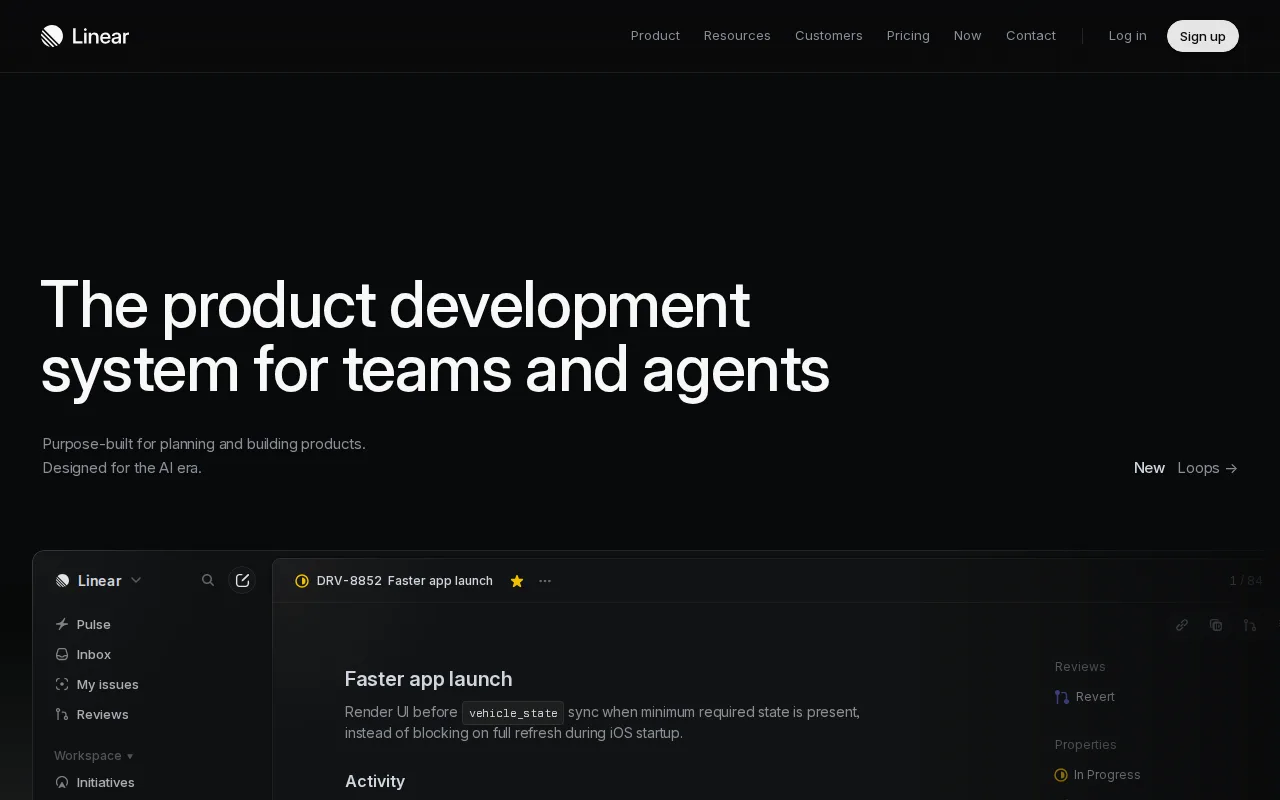
Linear is the best ClickUp alternative for product and engineering teams that find ClickUp's configurability slows them down. Linear is deliberately opinionated: issues, sprint cycles, roadmaps, and dashboards sit behind a keyboard-driven interface that reviewers cite as faster than Jira or Asana, and its learning curve is rated low against ClickUp's steep. Linear also builds in support for AI coding agents, so issues can be assigned directly to agents that set up, run, and test code, with the Diffs feature reviewing human- and agent-written changes, and agent platform access is included even on the Free plan, where ClickUp charges $9 or $28/user/month for AI. Linear reports over 40,000 companies as customers, including OpenAI, Ramp, and Opendoor, and holds 4.9/5 from 436 Product Hunt reviews. ClickUp is still the better choice for anyone outside engineering. Linear's own listing calls it less suited to marketing, HR, and ops teams than general tools like ClickUp, and less configurable for complex workflows. Linear's Free plan caps work at 250 issues and 2 teams where ClickUp allows unlimited tasks, Basic costs $10/user/month billed annually against ClickUp Unlimited's $7, Business at $16 requires annual billing, and Linear has no Linux app.
Compared to ClickUp: a keyboard-driven, opinionated tracker with a low learning curve against ClickUp's steep, AI coding-agent assignment included even on Free where ClickUp sells AI from $9/user/month, and a free plan capped at 250 issues
Wins:Learning curve rated low against ClickUp's steep, with a keyboard-first interface reviewers cite as faster than Jira or Asana · Issues can be assigned directly to AI coding agents, with Diffs code review, and agent platform access is included on Free, where ClickUp's AI costs $9 or $28/user/month extra · 4.9/5 from 436 Product Hunt reviews, against ClickUp's 4.6/5 from 123 Product Hunt reviews
Loses:Free plan caps work at 250 issues and 2 teams, where ClickUp Free Forever allows unlimited tasks and members · Basic costs $10/user/month billed annually against ClickUp Unlimited's $7, and Business at $16/user/month requires annual billing · Less suited to marketing, HR, and ops teams and less configurable for complex workflows, by Linear's own listing, and no Linux app
Pros
- Fast, keyboard-shortcut-driven interface that reviewers consistently cite as faster than Jira or Asana for daily use.
- Free tier is genuinely usable for small teams (unlimited members, 250 issues, 2 teams).
- Native support for assigning issues to AI coding agents with structured code review via Diffs.
- Native desktop and mobile apps keep the same fast experience across platforms.
Cons
- Less configurable than Jira for teams with complex or non-software workflows.
- Business and Enterprise tiers require annual billing for their listed per-seat prices.
- 250-issue cap on the Free plan is restrictive once a team is doing real ongoing work.
- Less suited to non-engineering teams (marketing, HR, ops) than general tools like Asana or ClickUp.
Pricing: Free tier · paid from $10/mo — $10/user/month for Linear Basic vs $7/user/month for ClickUp Unlimited, both billed annually ($100 vs $70 a month at 10 seats) (verified )
5Trello — best ClickUp alternative for small teams and individuals who want a simple kanban board to track to-dos without adopting a full project-management framework
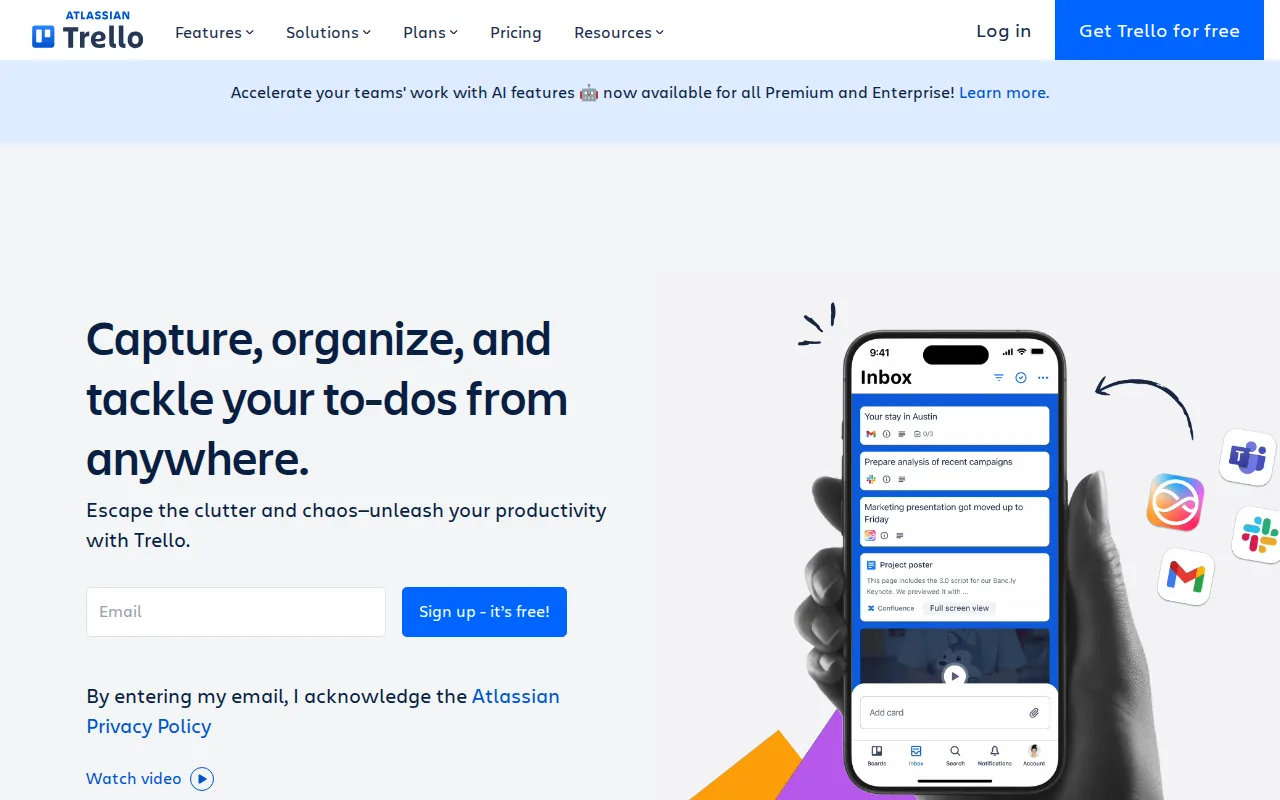
Trello is the best ClickUp alternative for small teams that only need a kanban board and find ClickUp's Spaces, folders, lists, and view types more structure than the work needs. Trello's boards, lists, and cards are learned in minutes, its learning curve is rated low against ClickUp's steep, and Butler automation builds no-code rules, buttons, and scheduled commands right on the board. Trello Standard costs $5/user/month billed annually ($6 monthly), the only published per-seat price among these alternatives below ClickUp Unlimited's $7, and adds unlimited boards, AI-powered capture, advanced checklists, card mirroring, and custom fields, where ClickUp's AI is a separate $9 or $28/user/month add-on. Trello's free plan covers 10 collaborators and 10 boards per workspace with unlimited cards and unlimited Power-Ups per board. ClickUp is still the better choice once a project has dependencies or needs reporting. ClickUp Unlimited at $7 includes Gantt charts and native time tracking, while Trello holds Calendar, Timeline, Table, Dashboard, and Map views for Premium at $10/user/month and lacks native Gantt-style planning without add-ons. ClickUp's free plan allows unlimited members where Trello's stops at 10 collaborators, Trello caps free-plan files at 10MB, Trello has no Linux app, and Trello has no external rating on record here, against ClickUp's 4.6/5 from 4,630 Capterra reviews.
Compared to ClickUp: boards, lists, and cards with a low learning curve against ClickUp's steep, Standard at $5/user/month against ClickUp Unlimited's $7, and no native Gantt or dependency planning without add-ons
Wins:Standard at $5/user/month billed annually ($6 monthly) is the only per-seat entry price among these alternatives below ClickUp Unlimited's $7 ($10 monthly) · Learning curve rated low against ClickUp's steep, with Butler no-code rules, buttons, and scheduled commands built into every board · Standard includes AI-powered capture in the seat price, where ClickUp's AI is a $9 or $28/user/month add-on
Loses:No native dependency or Gantt-style planning without add-ons, and Calendar, Timeline, Table, Dashboard, and Map views need Premium at $10/user/month, where ClickUp Unlimited includes Gantt charts and native time tracking at $7 · Free plan stops at 10 collaborators and 10 boards per workspace with a 10MB file cap, where ClickUp Free Forever allows unlimited members and tasks · No Linux app and no external rating on record here, where ClickUp ships on Linux and holds 4.6/5 from 4,630 Capterra reviews
Pros
- Free plan supports unlimited cards and up to 10 boards per workspace with no time limit
- Simple drag-and-drop kanban interface that most users learn in minutes
- Deep Power-Up and integration ecosystem plus native automation (Butler) without scripting
- Native mobile apps for iOS and Android
Cons
- Free tier limits workspaces to 10 boards and caps file size at 10MB
- Advanced views (Calendar, Timeline, Table, Dashboard, Map) require the Premium plan at $10/user/month
- Card-based structure lacks native support for complex dependencies or Gantt-style planning without add-ons
- Annual billing is required to get the advertised per-seat prices; monthly billing costs 20-25% more per seat
Pricing: Free tier · paid from $5/mo — $5/user/month for Trello Standard vs $7/user/month for ClickUp Unlimited, both billed annually ($50 vs $70 a month at 10 seats) (verified )
6Wrike — best ClickUp alternative for cross-functional teams (marketing, product, professional services, IT) that need shared project visibility across departments, not just a single team's task list
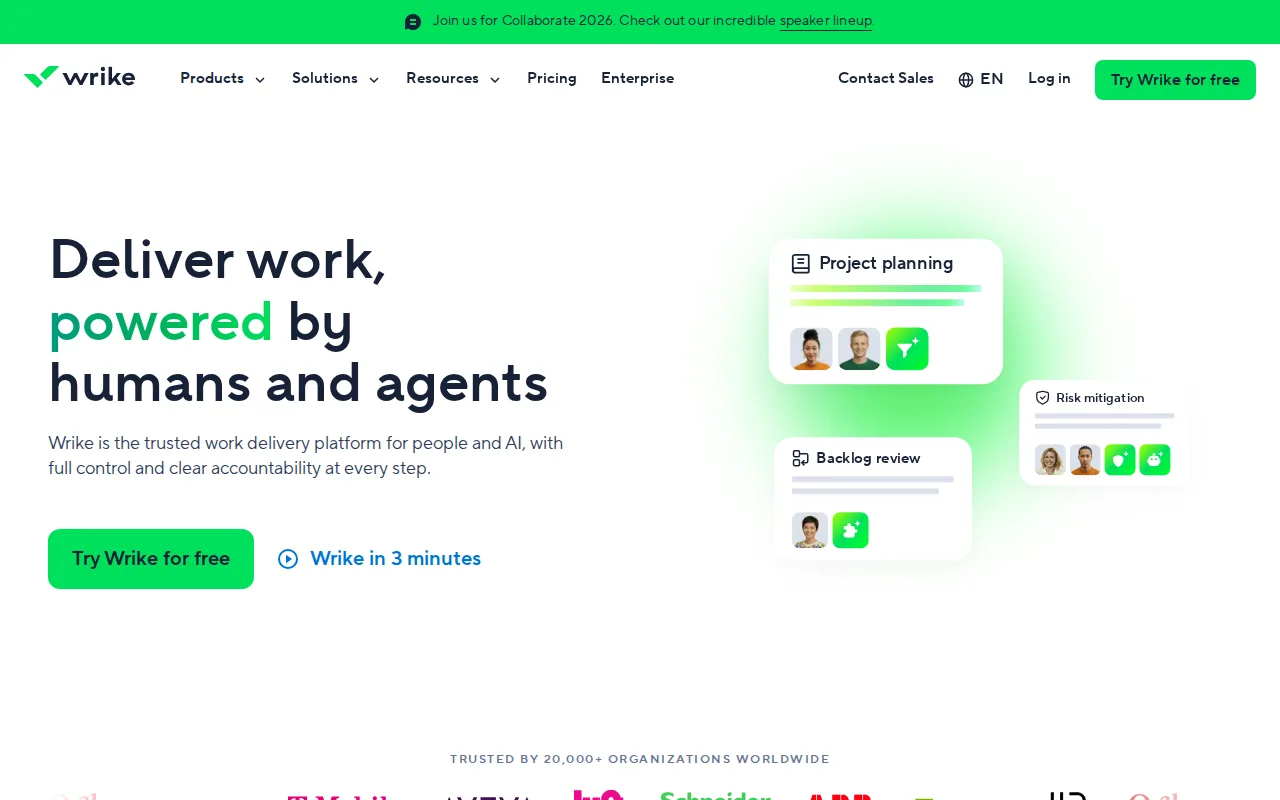
Wrike is the best ClickUp alternative for cross-functional teams in marketing, product, professional services, and IT that want AI features without a second subscription. Wrike's Team plan at $10/user/month billed annually includes AI Essentials, covering content editing, comment summaries, board AI, and natural-language automation, plus shareable dashboards and interactive Gantt charts, where the nearest ClickUp setup, Unlimited at $7 plus Brain AI at $9, costs $16/user/month billed yearly. Wrike's free plan, like ClickUp's, has no user cap, and Wrike's learning curve is rated moderate against ClickUp's steep. Wrike reports 20,000+ organizations as customers and holds 4.4/5 from 3,036 Capterra reviews. ClickUp is still the better choice for teams that want low per-seat prices as they grow. Wrike's Team plan is capped at 15 users, and the next tier, Business, costs $25/user/month billed annually against ClickUp Business at $12. Advanced resource and capacity planning and budgeting sit in Wrike's custom-priced Pinnacle tier, where ClickUp Business includes workload management at $12. Wrike's free plan is limited to basic task and project management with board and table views, Wrike has no Linux app, and its Capterra score trails ClickUp's 4.6/5 from 4,630 reviews.
Compared to ClickUp: AI Essentials, dashboards, and Gantt charts in the $10/user/month Team plan against $16/user/month for ClickUp Unlimited plus Brain AI, a moderate learning curve against ClickUp's steep, and a Team plan capped at 15 users
Wins:Team at $10/user/month billed annually includes AI Essentials (content editing, comment summaries, board AI, natural-language automation), where ClickUp Unlimited plus Brain AI costs $16/user/month billed yearly · Learning curve rated moderate against ClickUp's steep, with templates and workflows for marketing, product, and IT teams
Loses:Team plan is capped at 15 users, and Business costs $25/user/month billed annually against ClickUp Business at $12 · Advanced resource and capacity planning and budgeting require the custom-priced Pinnacle tier, where ClickUp Business includes workload management at $12/user/month · No Linux app, a free plan limited to basic task management with board and table views, and a 4.4/5 Capterra score from 3,036 reviews against ClickUp's 4.6/5 from 4,630
Pros
- Free plan supports unlimited users, useful for evaluating the tool broadly before paying.
- Interactive Gantt charts and dashboards are available from the entry-level $10/user/month Team plan.
- Serves cross-functional use cases well, with templates and workflows for marketing, product, and IT teams alike.
- AI features are being actively expanded across tiers, from AI Essentials on Team to AI Elite on Business and above.
Cons
- Pinnacle and Apex, the two highest tiers, require a sales conversation with no public pricing.
- Advanced resource and capacity planning, and budgeting/financial tracking, are reserved for the custom-priced Pinnacle tier.
- Team plan is capped at 15 users, forcing a jump to the pricier Business plan for slightly larger teams.
- Interface complexity and setup can take longer to learn than simpler task managers like Asana or Trello, per user reviews.
Pricing: Free tier · paid from $10/mo — $10/user/month for Wrike Team with AI Essentials vs $16/user/month for ClickUp Unlimited plus Brain AI, both billed annually (verified )
7Basecamp — best ClickUp alternative for small teams and agencies who want message boards, to-dos, and chat per project under one flat account price rather than per-seat billing
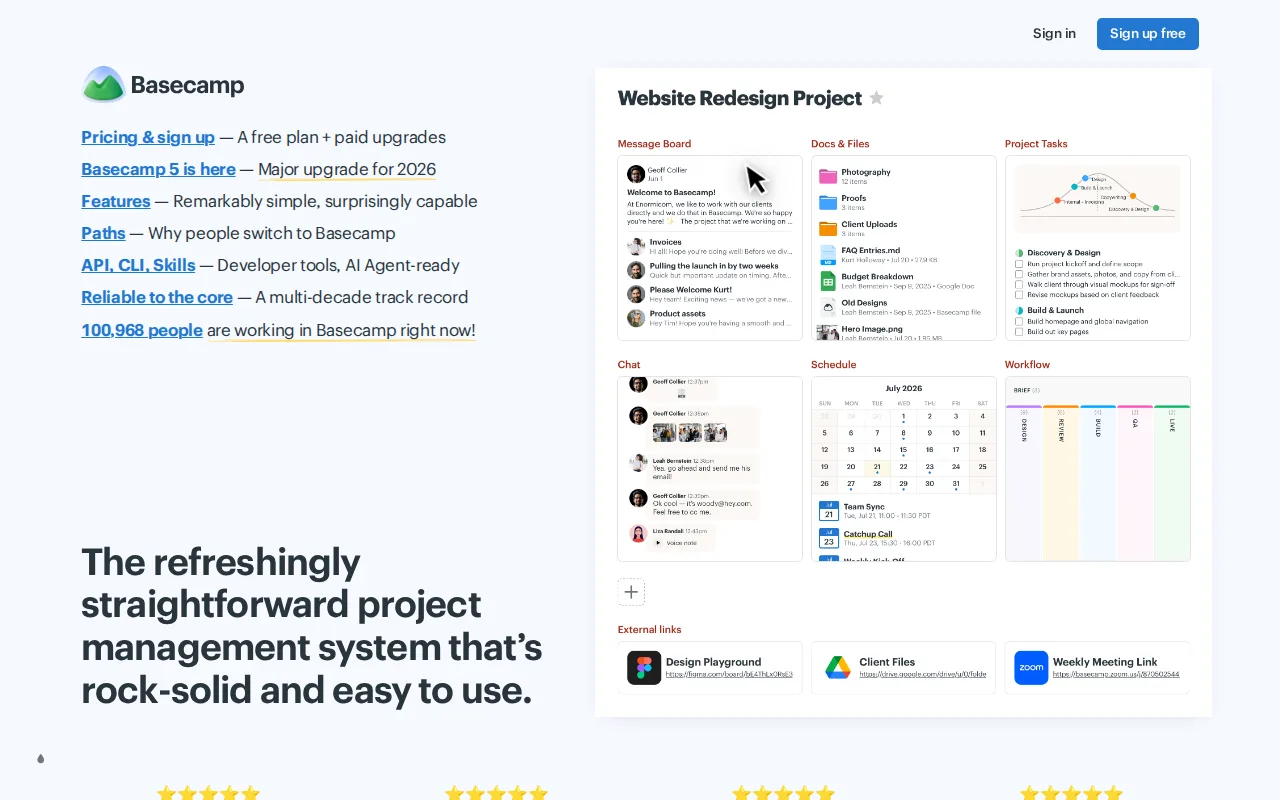
Basecamp is the best ClickUp alternative for small and midsize teams that want one bill no matter how many people join. Basecamp charges per account, not per seat: Studio costs $59/month with unlimited users, 10 active projects, and 25GB of storage, so a team of 9 or more already pays less than on ClickUp Unlimited at $7/user/month billed yearly ($63 for 9 seats), and a team of 5 or more pays less than on ClickUp Business at $12 ($60 for 5 seats). Basecamp combines message boards, to-dos, chat, scheduling, docs, and card tables in one app, reviewers describe its opinionated interface as easy to onboard into, and its learning curve is rated low against ClickUp's steep. Basecamp holds 4.4/5 from 14,437 Capterra reviews. ClickUp is still the better choice for small teams, agencies, and anyone who needs planning depth. Basecamp's free plan allows 1 project and 5 users where ClickUp's allows unlimited tasks and members, and every paid Basecamp tier caps active projects, 3 on the $25 Freelancer plan and 10 on Studio, which hurts agencies juggling many clients. ClickUp's Gantt charts, sprints, dashboards, and native time tracking do not appear in Basecamp's listing, Basecamp has no Linux app, and Capterra reviewers report occasional bugs, slow responses, and hard-to-tune notifications.
Compared to ClickUp: flat pricing with unlimited users from the $59/month Studio plan instead of per-seat billing, a low learning curve against ClickUp's steep, and active-project caps on every paid tier
Wins:Studio at $59/month flat includes unlimited users, cheaper than ClickUp Unlimited from 9 seats ($63/month billed yearly) and ClickUp Business from 5 seats ($60/month) · Learning curve rated low against ClickUp's steep, with message boards, to-dos, chat, scheduling, docs, and card tables in one opinionated app · 4.4/5 from 14,437 Capterra reviews, about three times as many reviews as ClickUp's 4,630
Loses:Free plan allows 1 project, 1GB of storage, and 5 users, where ClickUp Free Forever allows unlimited tasks and members · Every paid tier caps active projects (3 on the $25 Freelancer plan, 10 on Studio), where ClickUp Unlimited includes unlimited Spaces, folders, and storage · ClickUp's Gantt charts, sprints, dashboards, and native time tracking do not appear in Basecamp's listing, and Capterra reviewers report bugs, slow responses, and hard-to-tune notifications
Pros
- No per-user fees: Pro Unlimited covers unlimited people and projects for one capped price ($199/month billed annually).
- Combines message boards, to-dos, Card Tables, group chat, scheduling, docs, and check-ins in one app instead of requiring separate tools.
- Simple, opinionated interface that reviewers consistently describe as easy to onboard new team members into.
- Basecamp 5 connects Claude, ChatGPT, and self-run AI agents through MCP and a CLI on every plan, Free included.
- Trials need no credit card, cancellation is self-serve, and 37signals reports 99.99% historical uptime.
Cons
- The free plan allows one project and 3 users, enough only for personal use.
- Freelancer, Pro, and Pro Plus cap active projects (3, 8, 12) and users (5, 10, 15), so growing agencies hit limits quickly.
- Time tracking requires Pro Plus ($99/month), and templates and multiple tools per project require Pro ($79/month).
- Notification volume and customization are frequently cited by reviewers as excessive and hard to tune.
Pricing: Free tier · paid from $29/mo — $59/month flat for Basecamp Studio with unlimited users vs ClickUp Unlimited at $7/user/month billed yearly, which passes $59 at 9 seats (verified )