4 Best Alternatives to Linear in 2026
By Noahlast updated pricing verified

From our data: Sorted by starting paid price, the four alternatives run ClickUp $7/month, Notion $10/month, Asana $10.99/month, and Jira $7.91/month; sorted as $7, $7.91, $10, $10.99, the median starting paid price is $8.955/month, below Linear's own $10/user/month Basic tier.
 Jira
Jira Asana
Asana ClickUp
 Notion
How we picked
- Linear's own pricing was independently verified on 2026-08-21; Jira's has no verified, on-site pricing, while Asana, ClickUp, and Notion were all verified on 2026-08-01, roughly three weeks earlier.
- External ratings are available for all four alternatives — Jira at 4.4/5 (15,456 Capterra reviews), Asana at 4.4/5 (11,900 G2) and 4.5/5 (13,900 Capterra), ClickUp at 4.7/5 (10,600 G2) and 4.6/5 (4,500 Capterra), Notion at 4.7/5 on both G2 (6,100) and Capterra (2,600) — versus Linear's own single Product Hunt rating of 4.9/5 from 436 reviews.
- Linear itself and all four alternatives show zero likes and zero used-count in our listing data, so on-platform engagement signals could not inform the ranking; order instead reflects free-tier scope and documented workflow depth for software teams specifically.
- Jira is the only alternative here with a free tier confirmed at exactly $0 for up to 10 users; Asana, ClickUp, and Notion all confirm a $0 free tier as well, but their per-user limits are not specified in our listing data the way Jira's 10-user cap is.
Paid placement never alters editorial rank — read the full methodology.
Linear alternatives at a glance
| Alternative | Best for | Learning curve | Price |
|---|---|---|---|
| Linearreference | software product and engineering teams that want a fast, keyboard-driven issue tracker with built-in support for assigning work to AI coding agents, rather than a heavily customizable general project-management tool | Low | Free tier · paid from $10/mo |
| Jira | software development teams that need deeply configurable issue workflows and tight integration with Bitbucket/GitHub, and are willing to invest in a dedicated Jira admin to manage the configuration | Steep | Free tier · paid from $7.91/mo |
| Asana | Cross-functional teams of 10-500 people who need shared timelines, dependencies, and status reporting across multiple concurrent projects. | Moderate | Free tier · paid from $10.99/mo |
| ClickUp | small and mid-sized teams that want tasks, docs, chat, and time tracking on one paid seat instead of buying a tracker, a wiki, a chat app, and a timesheet tool separately | Steep | Free tier · paid from $7/mo |
| Notion | Teams that want to consolidate scattered docs, wikis, and lightweight project trackers into one linked workspace, and are willing to spend time designing their own database structure. | Steep | Free tier · paid from $10/mo |
 Linear
1Jira — best Linear alternative for software development teams that need deeply configurable issue workflows and tight integration with Bitbucket/GitHub, and are willing to invest in a dedicated Jira admin to manage the configuration
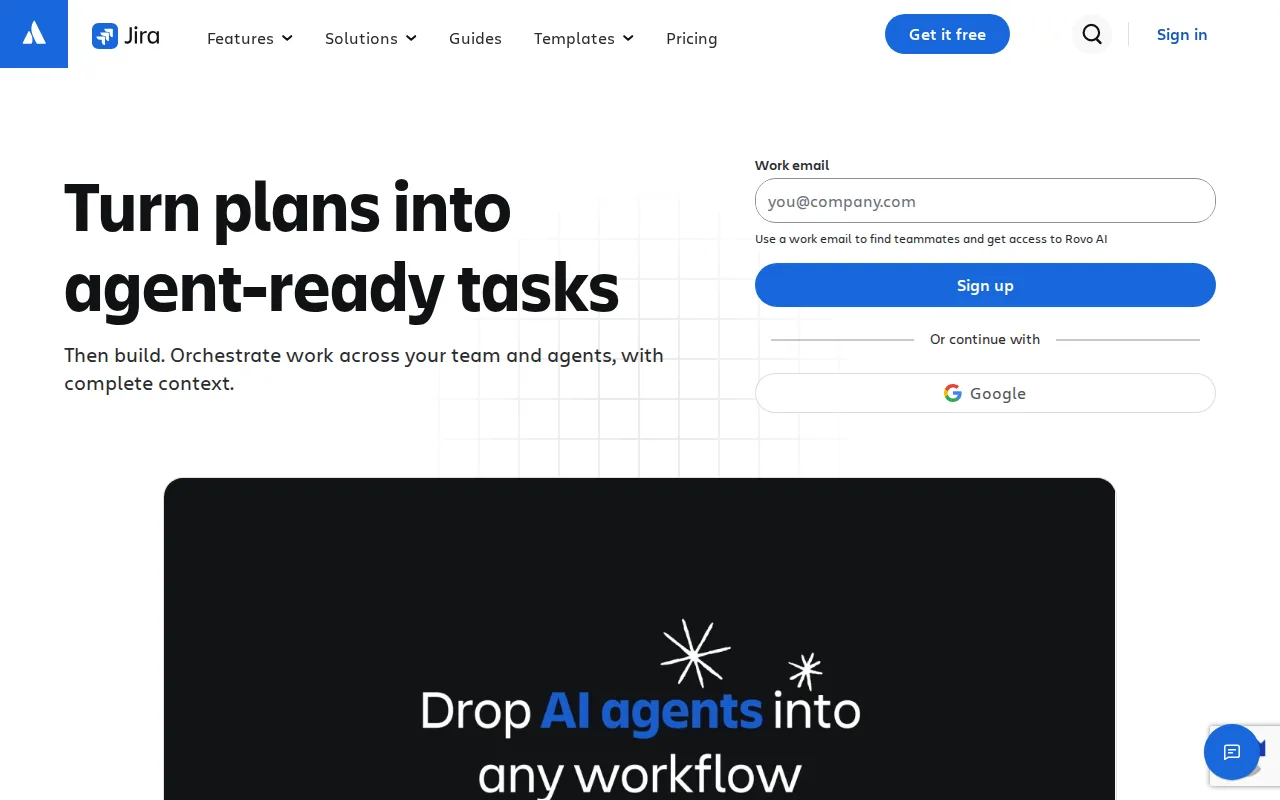
Jira is the best Linear alternative for software development teams that need deeply configurable issue workflows and tight integration with Bitbucket, GitHub, and CI/CD pipelines, rather than Linear's deliberately opinionated, less-customizable model. Jira is free for up to 10 users, more generous than Linear's own free plan, which caps at 250 issues and 2 teams regardless of headcount. Jira holds a 4.4/5 rating from 15,456 Capterra reviews, over 35 times the review volume behind Linear's 4.9/5 rating from 436 Product Hunt reviews. Jira's Standard tier starts around $7.91/user/month on monthly billing, undercutting Linear's Basic tier at $10/user/month, and Jira's per-project workflow, field, and permission-scheme customization goes well beyond what Linear's intentionally opinionated interface allows, letting teams model complex, non-software workflows Linear isn't built for. Linear remains the better choice for teams that specifically want speed over configurability: Jira's flexibility comes with a steep learning curve, and reviewers say teams scaling past a few projects commonly need a dedicated Jira administrator just to keep instances usable, an overhead Linear's keyboard-driven, fast-by-default interface avoids entirely, and Linear's native support for assigning issues directly to AI coding agents (with structured review via Diffs) has no equivalent described in Jira's own listing.
Compared to Linear: free for up to 10 users vs Linear's 250-issue, 2-team free cap, Standard tier from $7.91/user/month vs Linear's $10/user/month Basic tier, 4.4/5 rating from 15,456 Capterra reviews vs Linear's 4.9/5 from 436 Product Hunt reviews
Wins:Free tier covers up to 10 full users, more generous than Linear's 250-issue, 2-team cap that applies regardless of headcount · Standard tier starts around $7.91/user/month on monthly billing, undercutting Linear's $10/user/month Basic tier · Deep per-project workflow, field, and permission-scheme customization, plus native Bitbucket, GitHub, GitLab, and CI/CD integration linking commits directly to issues
Loses:Steep learning curve; teams scaling past a few projects commonly need a dedicated Jira administrator, per reviewers · No native support for assigning issues directly to AI coding agents with structured review, a feature built into Linear · No official native desktop app; access is web and mobile only, unlike Linear's native desktop and mobile apps
Pros
- Free for up to 10 users with core Scrum/Kanban boards and backlog management.
- Deep workflow, field, and permission-scheme customization per project.
- Native integration with Bitbucket, GitHub, GitLab, and CI/CD pipelines links code directly to issues.
- Scales into the broader Atlassian suite (Confluence, Jira Product Discovery) without leaving the ecosystem.
Cons
- Steep learning curve; workflow and permission-scheme setup often requires a dedicated Jira administrator.
- Per-seat pricing slides with team size, making exact cost harder to predict than a flat per-seat rate.
- No official native desktop app; access is web and mobile only.
- Default configuration can feel heavy for small teams that just need a simple task list.
Pricing: Free tier · paid from $7.91/mo — Free for up to 10 users, Standard from $7.91/user/month vs Linear's free tier (250 issues, 2 teams) and $10/user/month Basic tier
2Asana — best Linear alternative for cross-functional teams of 10-500 people who need shared timelines, dependencies, and status reporting across multiple concurrent projects.
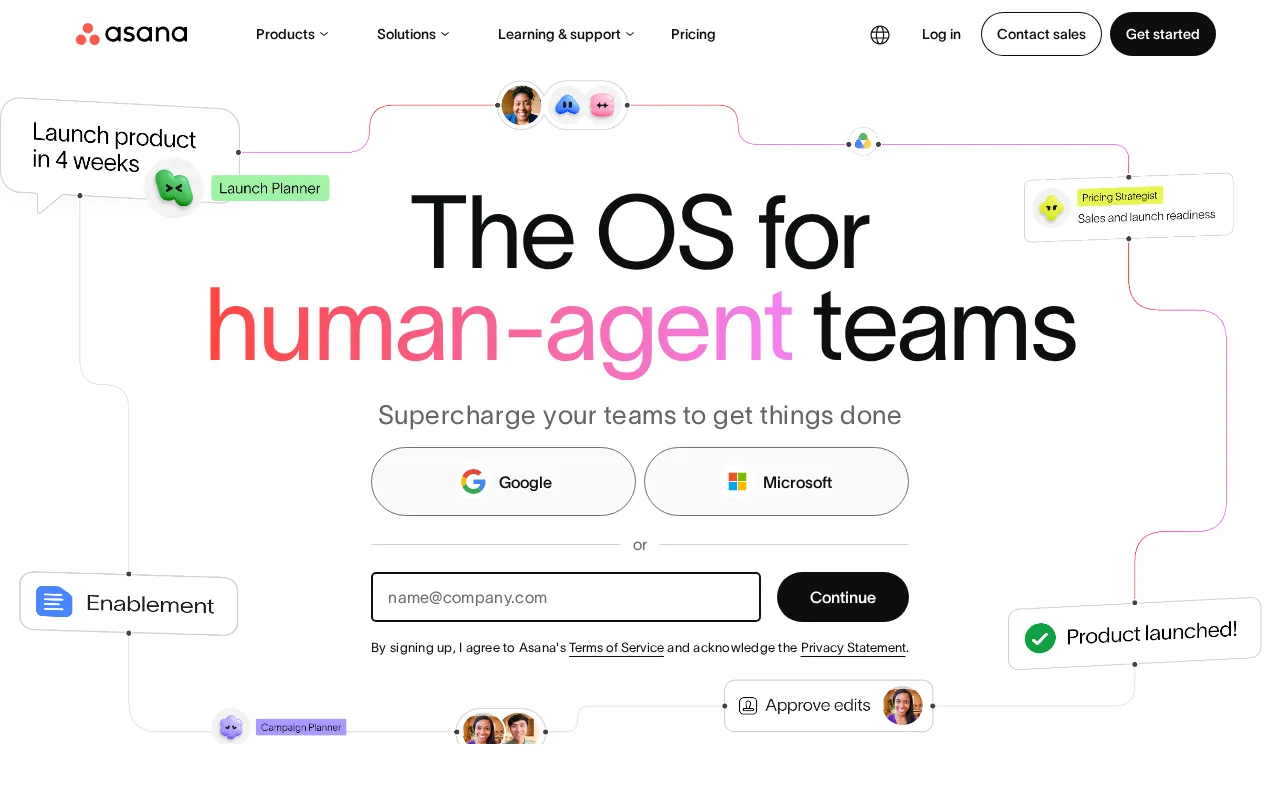
Asana is the best Linear alternative for mid-size teams coordinating many concurrent projects across engineering and non-engineering functions, where Linear's software-first design doesn't extend as naturally. Asana's free Personal plan matches Linear's own $0 free tier, and Asana's Starter tier costs $10.99/month, close to Linear's $10/user/month Basic tier. Asana holds two independently sourced ratings — 4.4/5 from 11,900 G2 reviews and 4.5/5 from 13,900 Capterra reviews — both individually larger than Linear's single 436-review Product Hunt sample of 4.9/5. Asana's goals-to-portfolios-to-projects hierarchy combined with workload view gives managers cross-project visibility that Linear's issue-tracker-first model doesn't directly replicate, useful for teams running work outside pure software development. Linear remains the better choice for engineering teams specifically: Linear's keyboard-shortcut-driven interface is built for speed in a way Asana's broader, view-heavy interface isn't optimized for, and Linear's native AI coding-agent assignment (with Diffs-based review) has no equivalent in Asana's listing; Asana's own per-seat pricing also rises quickly for larger teams, a cost curve reviewers flag as a real weakness at scale.
Compared to Linear: free Personal plan matches Linear's $0 free tier, Starter tier at $10.99/month close to Linear's $10/user/month Basic tier, two independent ratings (4.4/5 G2, 4.5/5 Capterra) vs Linear's single 4.9/5 Product Hunt rating
Wins:Goals-to-portfolios-to-projects hierarchy with a dedicated workload view gives managers cross-project visibility beyond Linear's issue-tracker-first model · Two independently sourced ratings (11,900 G2 and 13,900 Capterra reviews) provide a broader review base than Linear's single 436-review Product Hunt sample · Better suited to non-engineering teams (marketing, HR, ops) than Linear, which is scoped specifically to software product development
Loses:Per-seat pricing rises quickly for larger teams, a cost curve reviewers call a real weakness at scale · No native support for assigning issues to AI coding agents, a feature built into Linear · Can feel heavyweight for small teams compared to Linear's deliberately fast, minimal interface
Pros
- Free tier covers unlimited tasks and projects for up to 2 users, not just a time-limited trial
- Multiple views (list, board, timeline/Gantt, calendar) on the same project without extra tools
- Deep integration library (100+ free integrations) plus native Salesforce, Tableau, and Power BI connectors on Advanced
- Reporting dashboards and portfolios give a rollup view across many projects at once
Cons
- Per-user pricing means costs scale linearly and jump 127% from Starter to Advanced ($10.99 to $24.99/user/month)
- Core planning features like Goals and Workload are locked behind the Advanced tier, not available on Starter
- SSO, SCIM provisioning, and capacity planning require Enterprise, which has no published price
- Heavy feature surface (AI Teammates, AI Studio, Service Management) can overwhelm teams that just want simple task tracking
Pricing: Free tier · paid from $10.99/mo — Free Personal plan matches Linear's $0 free tier; Starter at $10.99/month vs Linear's $10/user/month Basic tier (verified )
3ClickUp — best Linear alternative for small and mid-sized teams that want tasks, docs, chat, and time tracking on one paid seat instead of buying a tracker, a wiki, a chat app, and a timesheet tool separately
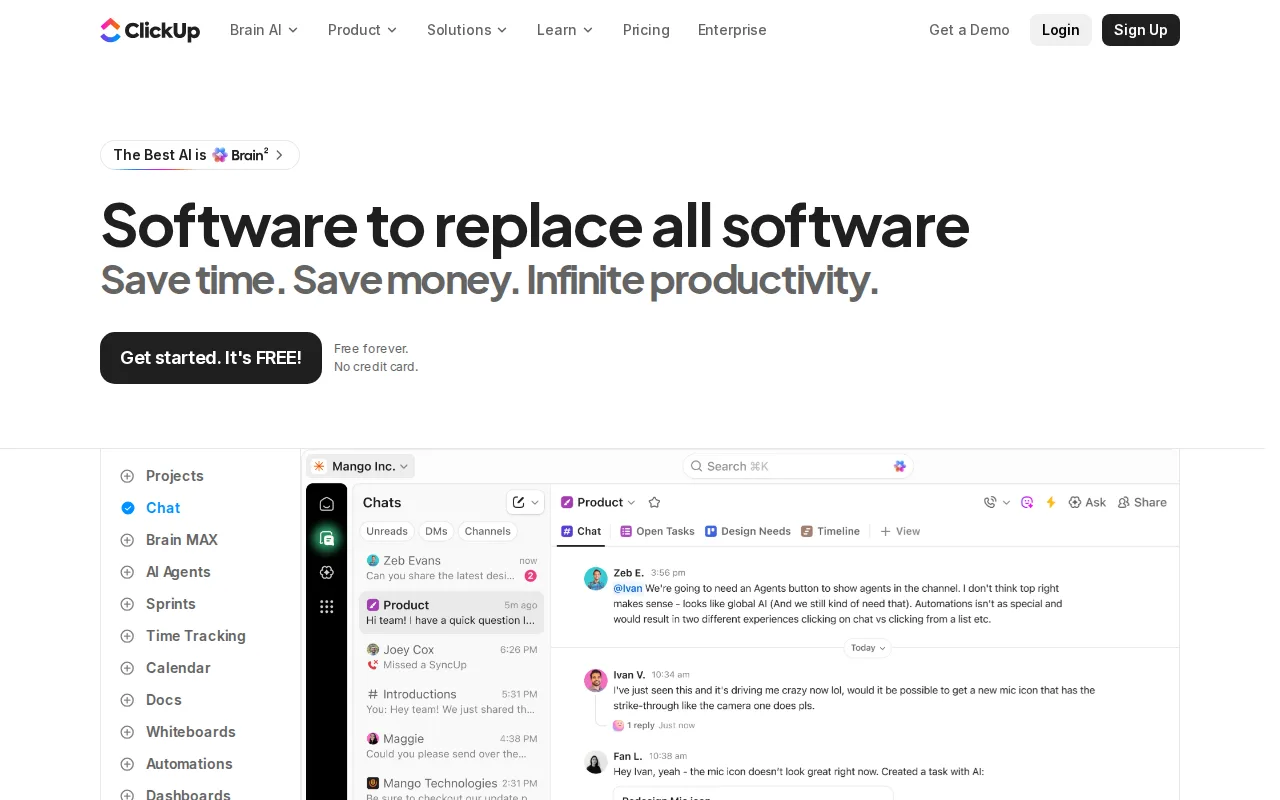
ClickUp is the best Linear alternative for power users who want every workflow knob available in one tool at an aggressive price point, going further in customization depth than Linear's deliberately opinionated interface allows. ClickUp's Unlimited tier costs just $7/month, undercutting Linear's $10/user/month Basic tier, and its Free Forever plan matches Linear's own $0 free tier. ClickUp holds a 4.7/5 rating from 10,600 G2 reviews and 4.6/5 from 4,500 Capterra reviews, both larger review samples than Linear's 436-review Product Hunt base, though Linear's 4.9/5 star average is nominally higher. ClickUp bundles tasks, docs, whiteboards, goals, and chat into one hierarchy of spaces, folders, and lists with custom fields, statuses, and ClickApps, extending far beyond Linear's core issue-tracking, cycles, and roadmap scope. Linear remains the better choice for engineering teams that specifically want speed over configuration: ClickUp's feature density and cluttered UI under load are common reviewer complaints, a direct contrast to Linear's fast, keyboard-shortcut-driven interface, and ClickUp's listing doesn't describe any equivalent to Linear's native AI coding-agent task assignment and Diffs-based code review.
Compared to Linear: Unlimited tier at $7/month vs Linear's $10/user/month Basic tier, Free Forever plan matches Linear's $0 free tier, 4.7/5 rating from 10,600 G2 reviews vs Linear's 4.9/5 from 436 Product Hunt reviews
Wins:Unlimited tier costs $7/month, cheaper than Linear's $10/user/month Basic tier · Bundles tasks, docs, whiteboards, goals, and chat into one customizable hierarchy, far beyond Linear's core issue-tracking scope · Two independently sourced ratings (10,600 G2 and 4,500 Capterra reviews) give a broader sample than Linear's 436-review Product Hunt base
Loses:Feature density and a cluttered UI under load are common reviewer complaints, unlike Linear's deliberately fast, minimal interface · No native support for assigning issues to AI coding agents with structured review, a feature built into Linear · Occasional performance hiccups reported by reviewers, a contrast to Linear's speed-first design goal
Pros
- Free Forever includes unlimited tasks and unlimited members with Kanban boards, sprints, collaborative docs, calendar view, and in-app video recording.
- Unlimited at $7/user/month billed yearly already covers unlimited storage, Gantt charts, integrations, custom fields, and native time tracking.
- One workspace spans tasks, docs and wikis, chat, whiteboards, dashboards, goals, forms, and time tracking, cutting the number of separate subscriptions a team carries.
- Native apps for Windows, macOS, Linux, iOS, and Android plus a Chrome extension and a public API (10,000 calls/minute on Enterprise).
- ClickUp holds 4.6/5 across 4,630 Capterra reviews, 4.1/5 across 687 Trustpilot reviews, and 4.6/5 across 123 Product Hunt reviews.
Cons
- AI is priced on top of the plan at $9/user/month (Brain AI) or $28/user/month (Everything AI), plus $10 per 10,000 AI Super Credits once the allowance runs out.
- Free Forever caps total file storage at 60MB and Spaces at 5, so the free plan stops working for any team that attaches real files.
- Depth comes with per-plan caps on Spaces, lists, folders, automations, and view types — 40 lists per Space on Free, 200 on Unlimited, 400 on Business — so a workspace needs deliberate setup before it is usable.
- Payment is per Workspace and the whole Workspace must upgrade at once; a single team cannot be moved to a paid plan on its own.
Pricing: Free tier · paid from $7/mo — Free Forever plan matches Linear's $0 free tier; Unlimited at $7/month vs Linear's $10/user/month Basic tier (verified )
4Notion — best Linear alternative for teams that want to consolidate scattered docs, wikis, and lightweight project trackers into one linked workspace, and are willing to spend time designing their own database structure.
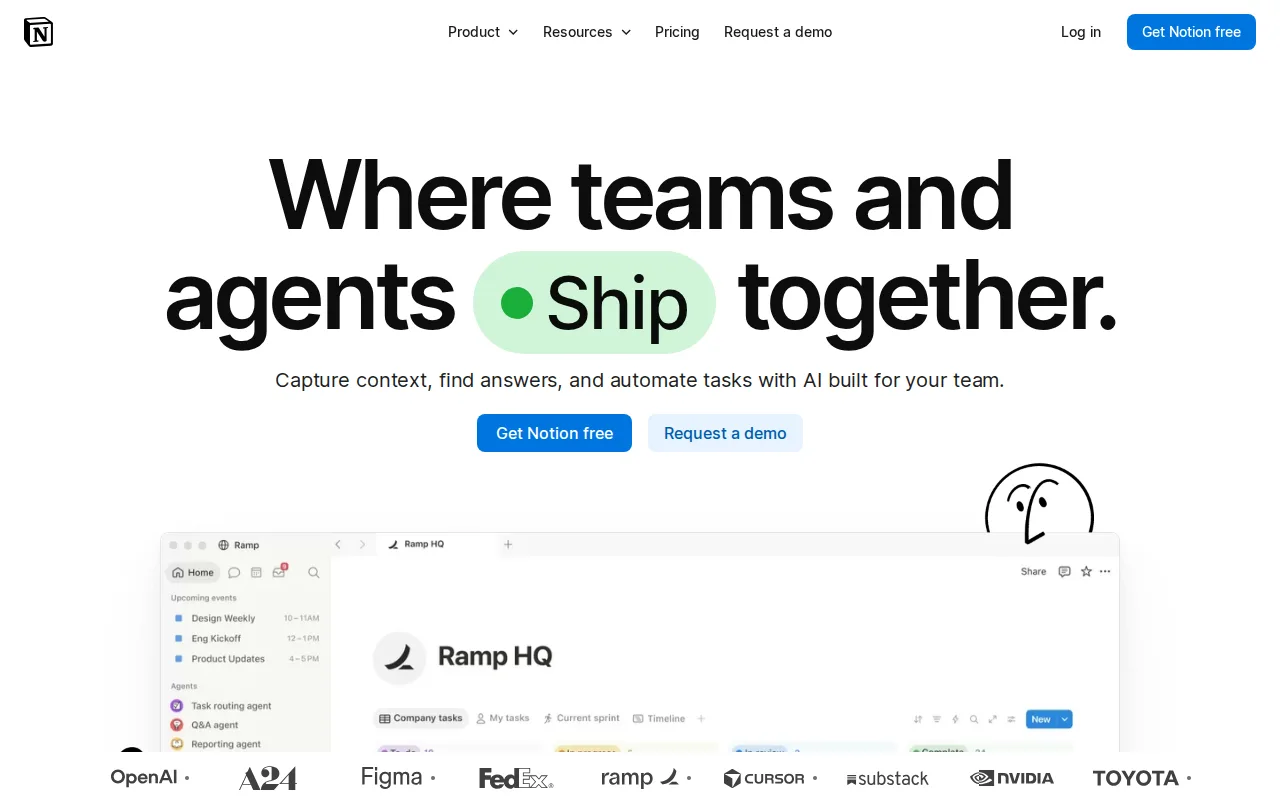
Notion is the best Linear alternative for teams that want documents, a company wiki, and light project tracking in one workspace rather than Linear's dedicated, issue-tracking-first scope. Notion's free plan matches Linear's own $0 free tier, and Notion's Plus tier costs $10/month, right in line with Linear's $10/user/month Basic tier. Notion holds a 4.7/5 rating on both G2 (6,100 reviews) and Capterra (2,600 reviews), a larger combined review sample than Linear's 436-review Product Hunt base, though Linear's own 4.9/5 average edges it out narrowly. Notion's block-based editor and relational databases with rollups and multiple views let one tool act as wiki, docs, and project tracker simultaneously, a breadth Linear's focused issue-tracker doesn't attempt to match. Linear remains the better choice for software teams specifically: Notion's project-tracking features are lighter-weight than Linear's purpose-built cycles, roadmaps, and AI coding-agent task assignment with Diffs-based review, and Notion's performance degrades in large workspaces with unreliable offline mode, issues that don't appear in Linear's fast, keyboard-driven listing.
Compared to Linear: free plan matches Linear's $0 free tier, Plus tier at $10/month matches Linear's $10/user/month Basic tier, 4.7/5 rating on both G2 and Capterra vs Linear's 4.9/5 from 436 Product Hunt reviews
Wins:Block-based editor with relational databases lets one tool act as wiki, docs, and project tracker, broader scope than Linear's issue-tracking focus · Larger combined review sample (6,100 G2 plus 2,600 Capterra) than Linear's 436-review Product Hunt base · Extremely flexible workspace structure suited to teams that want docs and light project tracking together
Loses:Project-tracking features are lighter-weight than Linear's purpose-built cycles, roadmaps, and AI coding-agent task assignment · Performance degrades in large workspaces and offline mode is unreliable, issues not described in Linear's listing · Easy to over-engineer workspace structure, a risk Linear's more opinionated, fixed structure avoids
Pros
- Single tool covers docs, wikis, databases, and basic project tracking, reducing tool-switching
- Free plan supports unlimited pages and blocks for solo use, with only multi-member workspaces hitting block limits
- Deep customization through nested pages, linked databases, and templates
- Public API, webhooks, and 1-way database syncs (Jira, GitHub, Asana) for connecting external tools
Cons
- Per-member pricing on paid tiers ($10-$20/month) gets expensive fast for larger teams compared to flat-fee tools
- Offline support is limited to recently viewed or favorited pages on paid plans rather than full offline access
- Flexible block-and-database model has a steep learning curve for teams used to fixed-structure apps
- Meaningful AI features (Notion Agent, Enterprise Search, AI Meeting Notes) require the $20/month Business plan or higher
Pricing: Free tier · paid from $10/mo — Free plan matches Linear's $0 free tier; Plus at $10/month matches Linear's $10/user/month Basic tier (verified )
Which one is right for you?
- You need deeply configurable workflows and native Bitbucket or GitHub integration for a software teamJira
- You're coordinating many concurrent projects across engineering and non-engineering teamsAsana
- You want every workflow knob available in one tool at a low monthly priceClickUp
- You want docs, a company wiki, and light project tracking in one workspaceNotion
- You have more than 10 people on the team but want to stay on a free plan as long as possibleJira
- You need managers to see workload and goals across many projects at onceAsana
Frequently asked questions
Is there a free alternative to Linear?
- Yes, all four alternatives compared here have a free tier: Jira is free for up to 10 users, while Asana, ClickUp, and ClickUp's Free Forever plan and Notion's free plan all match Linear's own $0 starting price, though exact per-user caps for Asana and Notion aren't specified in this data.
What is the closest alternative to Linear for software teams?
- Jira is the closest match for software-specific workflows, with native Bitbucket, GitHub, and CI/CD integration and deep per-project customization, though it comes with a steeper learning curve than Linear's fast, keyboard-driven interface.
Can ClickUp replace Linear?
- ClickUp can replace Linear for teams that want maximum customization at a low price ($7/month Unlimited tier versus Linear's $10/user/month Basic), but ClickUp's listing describes no equivalent to Linear's native AI coding-agent task assignment and Diffs-based code review.
Is Jira cheaper than Linear?
- Jira's Standard tier starts around $7.91/user/month versus Linear's $10/user/month Basic tier, and Jira's free plan covers up to 10 full users where Linear's free plan caps at 250 issues and 2 teams regardless of headcount.
Which Linear alternative has the best reviews?
- ClickUp holds the highest single rating among the alternatives at 4.7/5 from 10,600 G2 reviews, matched by Notion's 4.7/5 on G2, though Linear's own 4.9/5 from 436 Product Hunt reviews is nominally higher than any alternative's rating.
Does Notion have project tracking like Linear?
- Notion offers light project tracking through its relational databases and multiple views, but it's lighter-weight than Linear's purpose-built cycles, roadmaps, and AI coding-agent integration, making Notion better suited to teams that also want docs and a wiki in the same tool.