5 Best Alternatives to Apple Notes for macOS in 2026
By Noahlast updated pricing verified
All 5 Apple Notes alternatives
Compared: Apple Notes alternatives that run on macOS
| Alternative | Best for | Learning curve | Price |
|---|---|---|---|
| Apple Notesreference | Apple users who want a free, preinstalled note app that syncs automatically across iPhone, iPad, and Mac without setting up a third-party account. | Low | Free tier · paid from $0.99/mo |
| Notion | Teams that want to consolidate scattered docs, wikis, and lightweight project trackers into one linked workspace, and are willing to spend time designing their own database structure. | Steep | Free tier · paid from $10/mo |
| Evernote | Individuals who want to capture and search notes, scanned documents, and web clips across phone, desktop, and browser in one synced place | Moderate | Free tier · paid from $14.99/mo |
| Microsoft OneNote | Windows and Microsoft 365 users who want a free, flexible page-based notebook for lecture notes, meeting notes, and research without a separate subscription | Low | Free |
| Bear | writers and students on Mac, iPhone, and iPad who want a fast markdown editor with tag-based organization instead of folders | Low | Free tier · paid from $2.99/mo |
| Obsidian | individuals building a long-lived personal knowledge base who want their notes to stay plain markdown files they can read, back up, and move without the app | Moderate | Free tier · paid from $4/mo |
 Apple Notes
 Notion
 Evernote
 Microsoft OneNote
 Bear
Bear Obsidian
1Notion — best Apple Notes alternative for teams that want to consolidate scattered docs, wikis, and lightweight project trackers into one linked workspace, and are willing to spend time designing their own database structure.
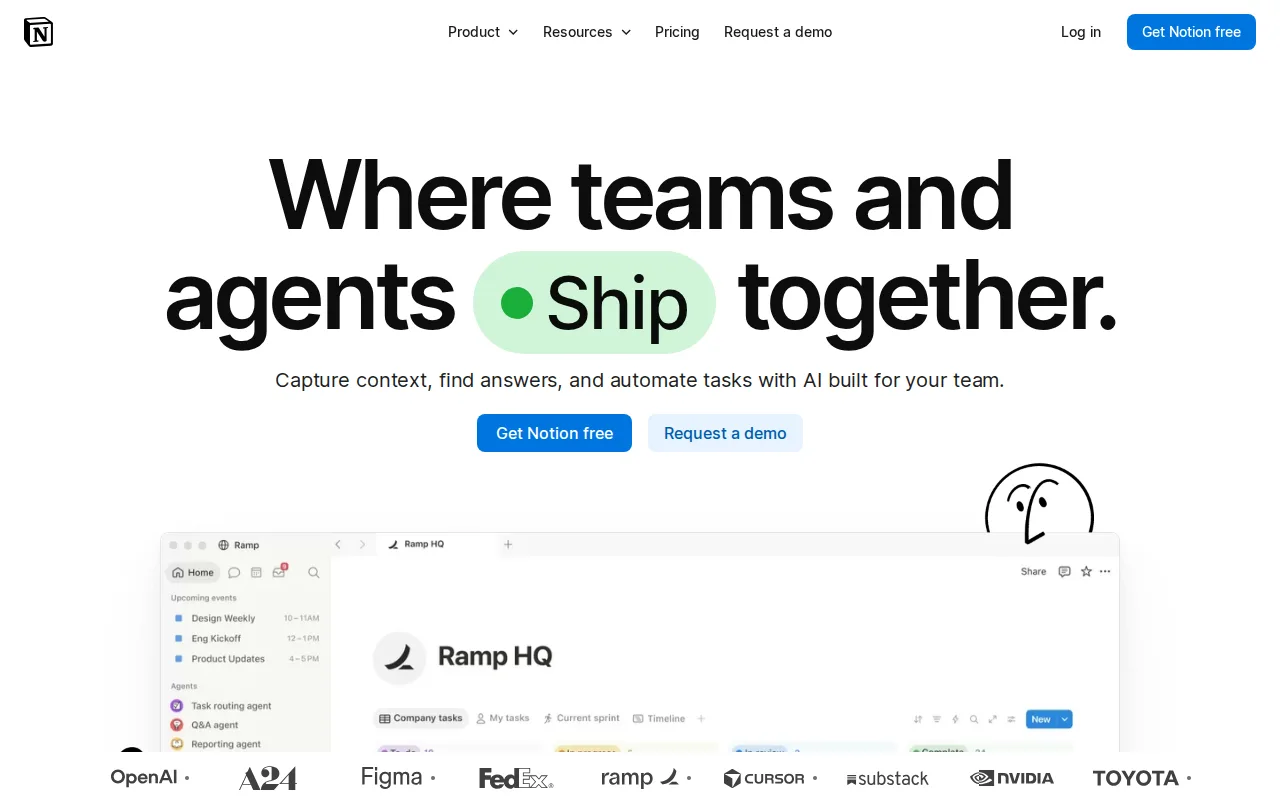
Notion is the best Apple Notes alternative for people who have outgrown a flat note list and need the same notes on a Windows PC or Android phone. Apple Notes runs only on macOS and iOS, with a limited web view at iCloud.com; Notion ships native apps for web, Windows, macOS, Linux, iOS, and Android, so a note written on an iPhone opens on a Linux desktop. Notion also closes two gaps Apple Notes' own listing names: it has a public API with webhooks and one-way syncs from Jira, GitHub, and Asana, where Apple Notes has no public API or plugin ecosystem, and its linked databases and nested pages give the relations and backlinking Apple Notes lacks. Notion's free plan covers unlimited pages and blocks for solo use; Plus is $10 per member/month and Business $20. Apple Notes is still the better choice for quick capture on Apple hardware. It is preinstalled and needs no account beyond an existing Apple Account, while Notion's learning curve is rated steep because a team has to design its own structure first. Apple Notes also does document scanning with perspective correction, Apple Pencil handwriting, and Live Text search across scanned pages, and Notion's offline support reaches only recently viewed or favorited pages on paid plans.
Compared to Apple Notes: native Windows, Linux, and Android apps against an Apple-only app with a limited iCloud.com web view, a public API and webhooks where Apple Notes has none, linked databases and backlinks instead of flat folders and tags
Wins:Runs natively on web, Windows, macOS, Linux, iOS, and Android; Apple Notes covers macOS and iOS plus a stripped-down iCloud.com view · Public API, webhooks, and one-way database syncs (Jira, GitHub, Asana), where Apple Notes has no public API or plugin ecosystem · Linked databases, nested pages, and templates deliver the structure and backlinking Apple Notes' listing names as a weakness
Loses:Notion Plus costs $10 per member/month and Business $20, while the Apple Notes app itself is $0 and preinstalled · Learning curve is rated steep against Apple Notes' low; the block-and-database model has to be designed before it is useful · No built-in document scanning with perspective correction, Apple Pencil handwriting recognition, or Live Text search, and offline support covers only recently viewed or favorited pages
Pros
- Single tool covers docs, wikis, databases, and basic project tracking, reducing tool-switching
- Free plan supports unlimited pages and blocks for solo use, with only multi-member workspaces hitting block limits
- Deep customization through nested pages, linked databases, and templates
- Public API, webhooks, and 1-way database syncs (Jira, GitHub, Asana) for connecting external tools
Cons
- Per-member pricing on paid tiers ($10-$20/month) gets expensive fast for larger teams compared to flat-fee tools
- Offline support is limited to recently viewed or favorited pages on paid plans rather than full offline access
- Flexible block-and-database model has a steep learning curve for teams used to fixed-structure apps
- Meaningful AI features (Notion Agent, Enterprise Search, AI Meeting Notes) require the $20/month Business plan or higher
Pricing: Free tier · paid from $10/mo — Free for solo use, then Plus at $10 per member/month, vs Apple Notes at $0 for the app with iCloud+ from $0.99/month only for extra storage (verified )
2Evernote — best Apple Notes alternative for individuals who want to capture and search notes, scanned documents, and web clips across phone, desktop, and browser in one synced place

Evernote is the best Apple Notes alternative for people who collect research rather than write it. Evernote's Web Clipper captures full articles, screenshots, and PDFs straight into notebooks, and its search handles Boolean, geographic, and filtered queries across notes, attachments, and scanned documents — deeper query syntax than the single search field Apple Notes offers. Evernote runs natively on Windows, macOS, iOS, Android, and the web, so it covers the Windows and Android gap Apple Notes' own listing calls its biggest weakness. Paid tiers add AI meeting transcription, rewriting, and semantic search. Apple Notes is still the better choice for almost everyone whose notes are not a research archive, and the reason is price and free-tier scope. Evernote's free plan is the tightest here: 50 notes total, 1 notebook, 1 device sync, 1GB of monthly upload, and 20 tags, so a daily user hits the ceiling within weeks. Getting past it costs $14.99/month for Starter (1,000 notes, 20 notebooks, 3-device sync) or $17.99/month for Advanced, against $0 for Apple Notes with unlimited notes across every Apple device. Apple Notes also scans documents, recognizes Apple Pencil handwriting, and locks individual notes with Face ID at no cost.
Compared to Apple Notes: native Windows and Android apps closing Apple Notes' biggest platform gap, a Web Clipper and Boolean, geographic, and filtered search, but a free plan capped at 50 notes and 1 device against Apple Notes' unlimited free notes
Wins:Native Windows and Android apps alongside macOS, iOS, and web, where Apple Notes has neither · Web Clipper saves full articles, screenshots, and PDFs into notebooks; Apple Notes has no equivalent capture extension · Boolean, geographic, and filtered search across notes, scanned documents, and attachments, plus AI transcription and semantic search on paid plans
Loses:Free plan is capped at 50 notes, 1 notebook, 1 device sync, 1GB of monthly upload, and 20 tags; Apple Notes has no note or device cap · Starter costs $14.99/month and Advanced $17.99/month, the most expensive entry tier on this page, against $0 for the Apple Notes app · No equivalent to Apple Notes' Quick Note capture, Apple Pencil handwriting recognition, or per-note Face ID locking
Pros
- Strong OCR and document scanning for turning paper and PDFs into searchable notes
- Mature apps on Windows, Mac, iOS, Android, and web with reliable sync
- Web Clipper captures full articles, screenshots, and PDFs directly into notebooks
- AI features for meeting transcription, rewriting, and semantic search built into paid plans
Cons
- Free plan is capped at 50 notes and 1 device, far tighter than competitors like Google Keep or Notion's free tiers
- Notebook limits even on the paid Starter plan (20 notebooks) can feel restrictive for heavy users
- Pricing has risen substantially over the years, which has pushed some long-time users toward cheaper alternatives
- No fully offline-first, end-to-end encrypted note body by default outside of the in-note encryption feature on Mac and Windows
Pricing: Free tier · paid from $14.99/mo — $14.99/month (Starter) or $17.99/month (Advanced) vs $0 for Apple Notes, with iCloud+ from $0.99/month only if attachments exceed the free 5GB
3Microsoft OneNote — best Apple Notes alternative for windows and Microsoft 365 users who want a free, flexible page-based notebook for lecture notes, meeting notes, and research without a separate subscription
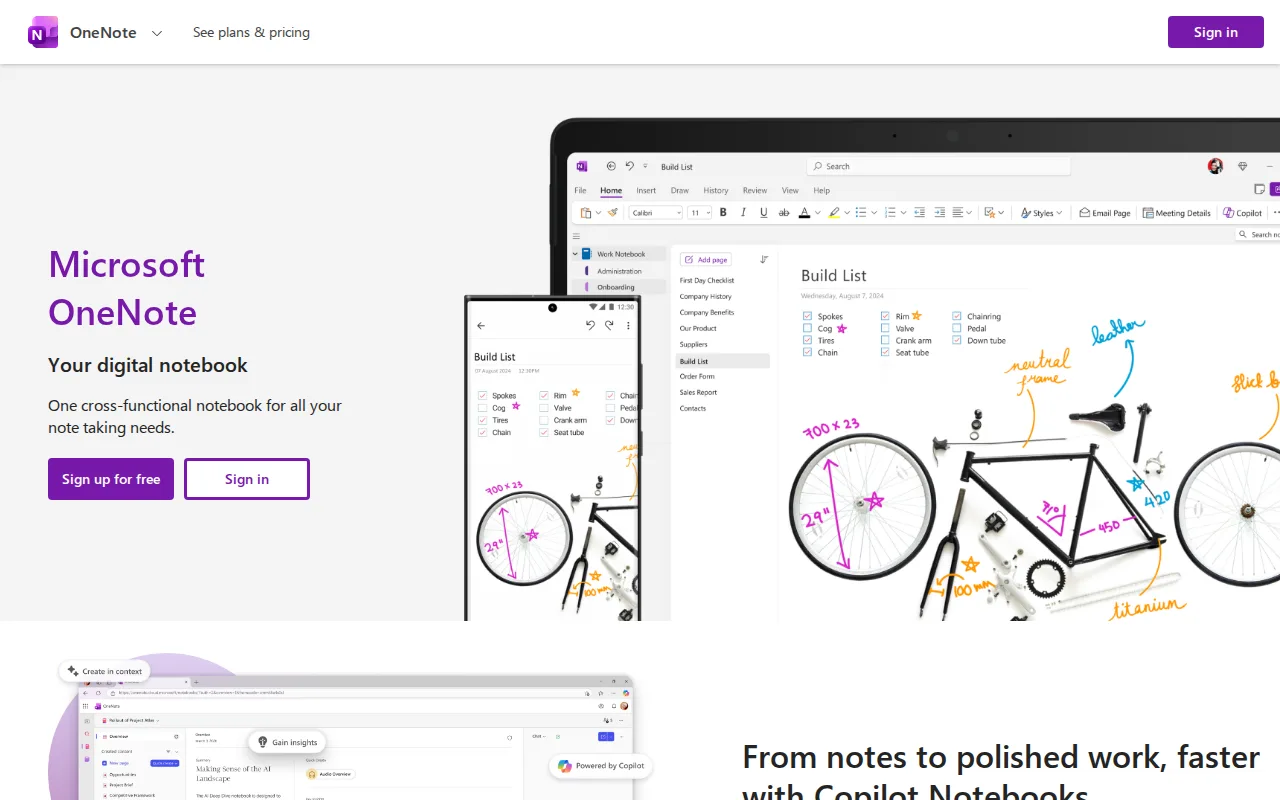
Microsoft OneNote is the best Apple Notes alternative for anyone who needs the same free, preinstalled-feeling notebook on a Windows PC or Android phone. OneNote is the closest structural match to Apple Notes on this page: both cost $0 for the app, both sync through their maker's cloud on a free 5GB allowance (OneDrive for OneNote, iCloud for Apple Notes), and both let handwriting, images, and audio sit alongside typed text. The difference is reach. OneNote ships full native apps on web, Windows, macOS, iOS, and Android, where Apple Notes leaves Windows and Android users with the stripped-down iCloud.com view its own listing calls a limitation. OneNote also has no product-specific paywall at all — every feature is in the free app, and a Microsoft 365 subscription only buys more OneDrive storage and tighter Outlook and Teams integration. Apple Notes is still the better choice on Apple hardware. Its Quick Note capture from Control Center or Safari, document scanning with automatic perspective correction, and Live Text search across handwritten and scanned pages are OS-level features OneNote cannot match. OneNote's free-form canvas also makes large notebooks harder to search and organize than structured tools, and its feature development has visibly slowed while Microsoft invests in Loop and Copilot.
Compared to Apple Notes: native Windows and Android apps plus a full web app rather than a limited iCloud.com view, no feature paywall at any tier, but a free-form canvas that gets harder to search as notebooks grow
Wins:Full native apps on web, Windows, macOS, iOS, and Android; Apple Notes is macOS and iOS only, with a limited iCloud.com web view · Completely free with a Microsoft account and no OneNote-specific paywall; paid Microsoft 365 only adds OneDrive storage and Outlook/Teams integration · Free-form page canvas places typed text, handwritten ink, images, and audio anywhere on the page rather than in a linear note
Loses:The free-form canvas makes large notebooks harder to search and organize than structured or database-style tools · Feature development has slowed while Microsoft invests in Loop and Copilot, and collaboration is less robust than purpose-built collaborative tools · No equivalent to Apple Notes' Quick Note capture, document scanning with perspective correction, or Live Text search across scanned and handwritten pages
Pros
- Completely free to use with a Microsoft account, with no OneNote-specific paid tier.
- Free-form, page-based canvas supports mixing typed text, handwriting, images, and audio anywhere on the page.
- Syncs across web, Windows, macOS, iOS, and Android via OneDrive.
- Bundled at no extra cost for the large existing base of Windows and Microsoft 365 users.
Cons
- Free-form canvas structure makes large notebooks harder to search and organize than database- or block-based tools like Notion.
- Feature development has slowed compared to competitors, with Microsoft investing more recently in Loop and Copilot.
- Deeper storage and integration require a paid Microsoft 365 subscription rather than a OneNote-specific upgrade.
- Collaboration features are less robust than purpose-built collaborative workspace tools like Notion.
Pricing: Free — Both apps are $0; OneNote runs on OneDrive's free 5GB allowance and Apple Notes on iCloud's free 5GB, with paid upgrades through Microsoft 365 and iCloud+ (from $0.99/month) respectively
4Bear — best Apple Notes alternative for writers and students on Mac, iPhone, and iPad who want a fast markdown editor with tag-based organization instead of folders
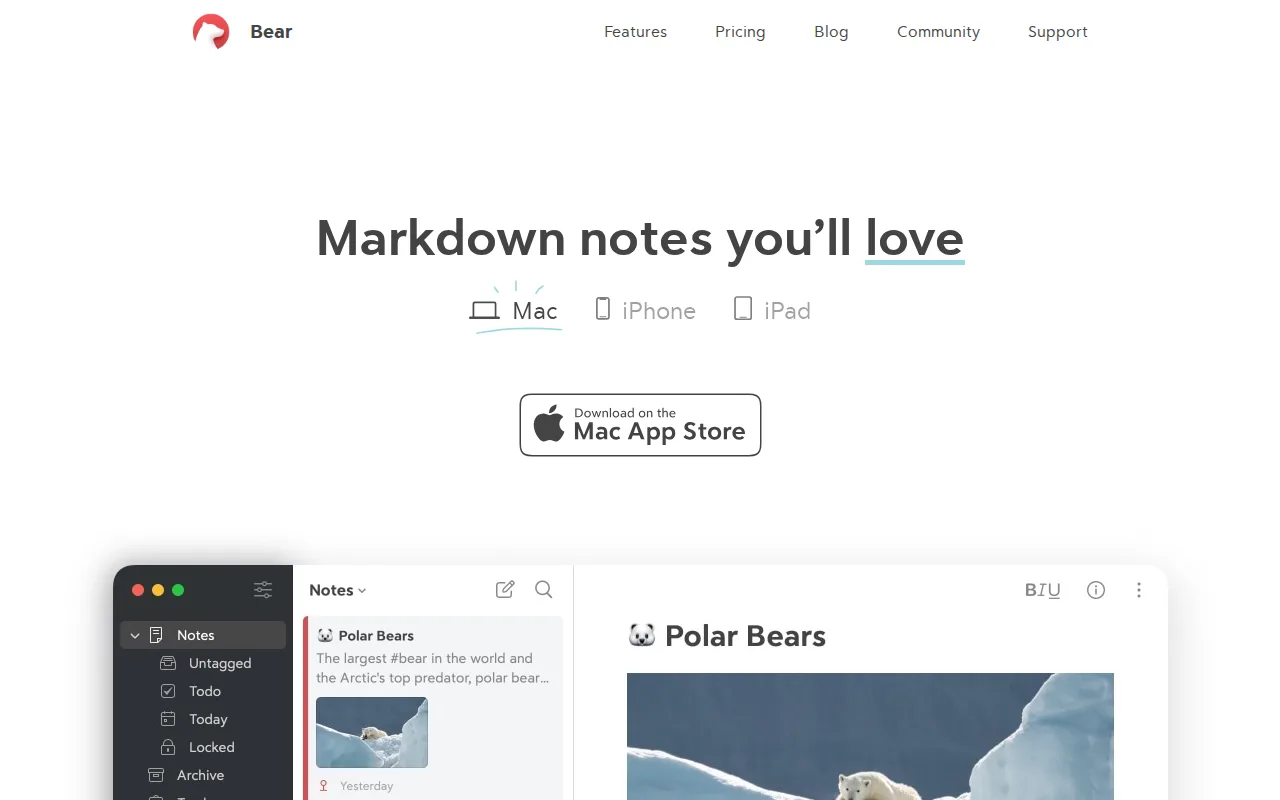
Bear is the best Apple Notes alternative for writers who are staying inside Apple's ecosystem but want plain markdown and a way out. Bear writes notes in markdown with live rendering and exports to DOCX, PDF, RTF, HTML, TextBundle, and ePub, where Apple Notes keeps notes in its own format with no comparable export path. Organization replaces folders with nested hashtags such as #work/projects/2026, and one search bar filters by tag, title, or body text at once. Bear Pro adds OCR search inside images and PDFs, 28+ themes, and iCloud sync for $2.99/month or $29.99/year. Bear holds 4.6/5 from 34 Product Hunt reviews; Apple Notes has no external review-platform rating on record. Apple Notes is still the better choice for most Apple users, and Bear does not fix its biggest problem. Bear runs on macOS and iOS only, with no Windows, Linux, Android, or web client at all, so it is narrower than Apple Notes rather than broader. Bear's free tier is local-only with no cross-device sync, so syncing a note from Mac to iPhone requires the $2.99/month subscription that Apple Notes provides free over iCloud, and Bear has no built-in collaboration, where Apple Notes shares notes in real time with other Apple Account holders.
Compared to Apple Notes: markdown notes with export to DOCX, PDF, RTF, HTML, TextBundle, and ePub, nested hashtags instead of folders, but cross-device sync costs $2.99/month where Apple Notes syncs free over iCloud
Wins:Markdown editor with export to DOCX, PDF, RTF, HTML, TextBundle, and ePub, more formats than Apple Notes offers · Nested hashtag organization replaces folders and doubles as instant search filtering across tag, title, and body · 4.6/5 from 34 Product Hunt reviews, where Apple Notes has no external review-platform rating on record, plus OCR search inside images and PDFs on Pro
Loses:macOS and iOS only, with no Windows, Linux, Android, or web client, so it is narrower than Apple Notes rather than fixing its platform gap · The free tier is local-only: cross-device sync requires Bear Pro at $2.99/month or $29.99/year, while Apple Notes syncs across devices at no cost · No built-in collaboration or note sharing, where Apple Notes shares and co-edits notes in real time with other Apple Account holders
Pros
- Distraction-free markdown editor with live preview and Apple Pencil sketch support.
- Nested hashtag system replaces rigid folders and doubles as instant search filtering.
- Exports to DOCX, PDF, RTF, HTML, TextBundle, and ePub, more formats than most note apps offer.
- Low subscription price ($2.99/month) compared to bundled productivity suites.
Cons
- No Windows, Linux, Android, or web client — Apple-only.
- iCloud sync, OCR search, and most themes are locked behind the Pro subscription; the free tier is local-only.
- No built-in collaboration or note-sharing features for teams.
Pricing: Free tier · paid from $2.99/mo — $2.99/month or $29.99/year for Bear Pro, which is what adds cross-device sync, vs $0 for Apple Notes with iCloud sync included (verified )
5Obsidian — best Apple Notes alternative for individuals building a long-lived personal knowledge base who want their notes to stay plain markdown files they can read, back up, and move without the app

Obsidian is the best Apple Notes alternative for people who want to own the files their notes live in. Obsidian stores every note as a plain Markdown file on the device in open formats, works fully offline, requires no sign-up, and is free without limits — read from obsidian.md/pricing on 2026-09-15. It answers both of the capability gaps Apple Notes' own listing admits: an open API with thousands of community plugins and themes, where Apple Notes has no public API or plugin ecosystem, and wiki-style links with a backlink graph, where Apple Notes' backlinking is weak. Obsidian also runs on Windows, macOS, Linux, iOS, and Android, covering the Windows and Android gap Apple Notes leaves open, and adds Canvas for laying ideas out on an infinite board. Apple Notes is still the better choice for capture and for free sync. Obsidian Sync is a paid add-on at $4 per user/month billed annually ($5 monthly) for cross-device sync with AES-256 end-to-end encryption, version history, and shared-vault collaboration, while Apple Notes syncs and collaborates over iCloud at no cost. Obsidian is also a download you configure with plugins rather than a preinstalled app, and it has no built-in document scanning, Apple Pencil handwriting recognition, or Live Text search.
Compared to Apple Notes: notes stored as plain Markdown files on your own device, an open API with thousands of community plugins and a backlink graph, but cross-device sync costs $4 per user/month where Apple Notes syncs free over iCloud
Wins:Notes are plain Markdown files stored locally in open formats, so there is no lock-in and no account required; Apple Notes keeps notes in iCloud in its own format · Open API with thousands of community plugins and themes, plus wiki links, a backlink graph, and Canvas, answering the missing plugin ecosystem and weak backlinking in Apple Notes' own listing · Runs on Windows, macOS, Linux, iOS, and Android, covering the Windows and Android gap Apple Notes leaves open
Loses:Cross-device sync is a paid add-on: Obsidian Sync costs $4 per user/month billed annually ($5 monthly), while Apple Notes syncs across Apple devices for free · No built-in document scanning with perspective correction, Apple Pencil handwriting recognition, or Live Text search across scanned pages · It is a download you set up and extend with plugins rather than a preinstalled app, and collaboration on shared vaults requires the paid Sync plan
Pros
- The app is free without limits and needs no account; notes are stored locally as plain markdown files in open formats, so there is no lock-in.
- 7,647 community plugins and 755 themes let the editor be reshaped for research, writing, task management, or visualization.
- Works fully offline on Windows, macOS, Linux, iOS, and Android, with no server round-trip to open a note.
- Obsidian states notes stay on the device and are inaccessible to the company, its apps collect no telemetry, and Obsidian Sync is AES-256 end-to-end encrypted.
- Paid products are optional services rather than a feature wall: Sync from $4/user/month, Publish from $8/site/month, and a commercial license the FAQ says is not required.
Cons
- There is no web version, so a vault is only reachable from a device where Obsidian is installed.
- Cross-device sync is a paid add-on from $4/user/month, or a do-it-yourself setup on iCloud, Dropbox, or Git.
- Real-time collaboration needs paid shared vaults on Obsidian Sync; there is no free multi-user editing.
- Obsidian's own apps are not open source — obsidian.md publishes open file formats plus public release and plugin repositories, but not the application source.
Pricing: Free tier · paid from $4/mo — Free to use without limits, with optional Sync at $4 per user/month billed annually ($5 monthly) and Publish at $8 per site/month, vs Apple Notes at $0 with iCloud sync included (verified )