5 Best Alternatives to Airtable for macOS in 2026
By Noahlast updated pricing verified
Compared: Airtable alternatives that run on macOS
| Alternative | Best for | Learning curve | Price |
|---|---|---|---|
| Airtablereference | Small-to-midsize teams that need a relational database with a spreadsheet UI to run project trackers, content calendars, or lightweight CRMs without writing code. | Moderate | Free tier · paid from $20/mo |
| Notion | Teams that want to consolidate scattered docs, wikis, and lightweight project trackers into one linked workspace, and are willing to spend time designing their own database structure. | Steep | Free tier · paid from $10/mo |
| Smartsheet | enterprise PMOs, IT portfolio teams, and cross-functional operations teams (construction, healthcare, marketing) that need spreadsheet-familiar project tracking with automation, dashboards, and resource management at scale | Moderate | Custom pricing |
| monday.com | Mid-size teams that want one configurable platform to run project tracking, CRM, and IT/HR workflows on visual boards instead of stitching together separate point tools. | Moderate | Free tier · paid from $9/mo |
| Coda | Teams that want to replace a mix of wiki, spreadsheet, and lightweight internal-tool software with one doc-based workspace, e.g. a product team building a roadmap, OKR tracker, and meeting hub in the same file. | Steep | Pricing not verified |
| ClickUp | small and mid-sized teams that want tasks, docs, chat, and time tracking on one paid seat instead of buying a tracker, a wiki, a chat app, and a timesheet tool separately | Steep | Free tier · paid from $7/mo |
 Airtable
 Notion
 Smartsheet
 monday.com
 Coda
Coda ClickUp
1Notion — best Airtable alternative for teams that want to consolidate scattered docs, wikis, and lightweight project trackers into one linked workspace, and are willing to spend time designing their own database structure.
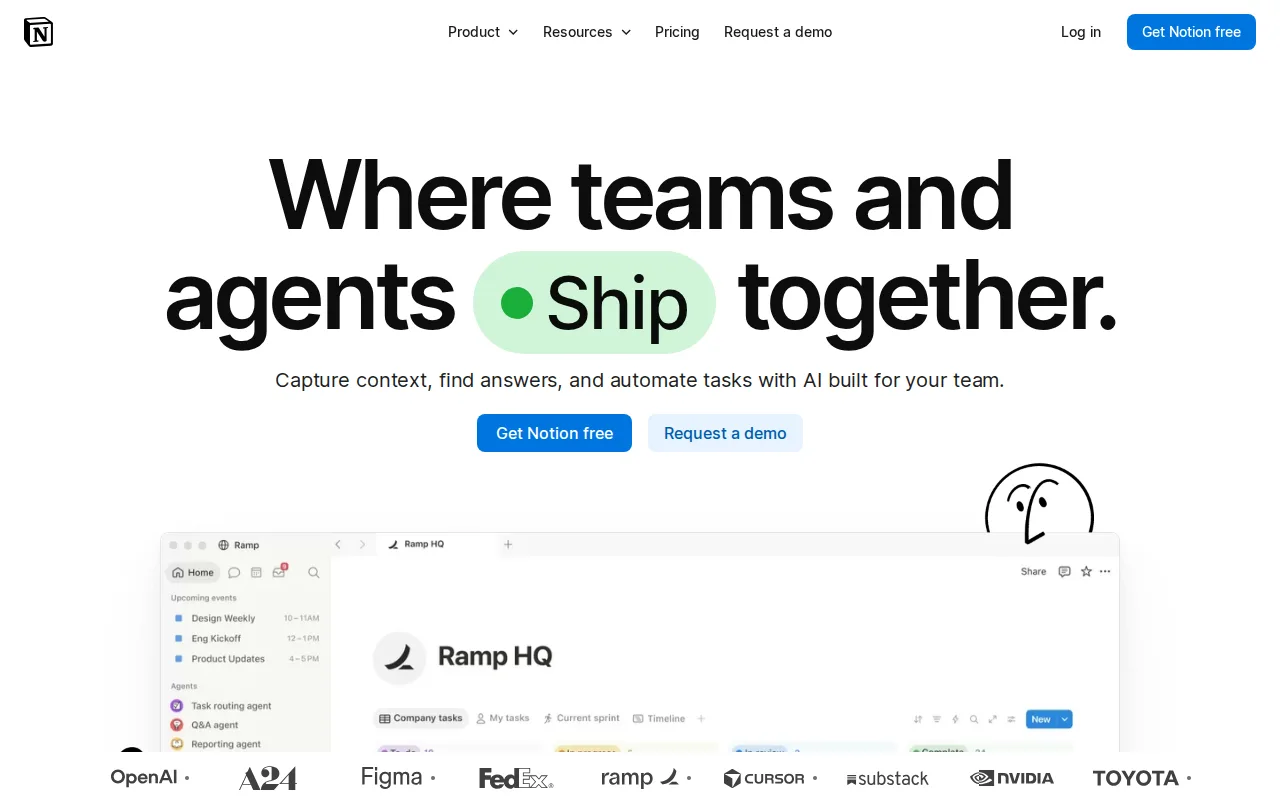
Notion is the best Airtable alternative for teams that want relational databases sitting in the same workspace as their docs and wikis. Notion Plus costs $10 per member/month against Airtable Team at $20 per user/month billed annually, so 20 editors cost $200/month on Notion Plus versus $400/month on Airtable Team and $900/month on Airtable Business at $45 per user/month. Notion databases support linked relations and the same grid, board, calendar, and gallery views Airtable is built around, but they live as blocks inside pages, so a project tracker and the spec that explains it are the same document. Notion also ships a native Linux desktop client; Airtable covers web, Windows, macOS, iOS, and Android but not Linux. Airtable is still the better choice when the database itself is the product. Airtable's Enterprise Scale tier runs HyperDB at record counts in the hundreds of millions, a ceiling Notion doesn't claim, and Airtable's learning curve is rated moderate against Notion's steep, since Notion asks a team to design its own structure before anything works. Notion's meaningful AI (Notion Agent, AI Meeting Notes, Enterprise Search) requires the $20/member/month Business plan, the same price as an Airtable Team seat, and Custom Agents bill separately at $10 per 1,000 Notion credits on top of that.
Compared to Airtable: $10 per member/month against Airtable Team's $20 per user/month, docs and wikis in the same workspace as the databases, a native Linux desktop client Airtable doesn't ship
Wins:Notion Plus is $10 per member/month against Airtable Team at $20 per user/month — $200 vs $400 a month for 20 editors · Docs, wikis, and databases share one workspace, so a tracker and the writing that explains it are the same page; Airtable keeps documentation outside the base · Native Linux desktop client on top of web, Windows, macOS, iOS, and Android; Airtable has no Linux client
Loses:Full AI (Notion Agent, AI Meeting Notes, Enterprise Search) requires the $20/member/month Business plan, and Custom Agents bill on top at $10 per 1,000 Notion credits · Learning curve is rated steep against Airtable's moderate; teams must design their own block-and-database structure before anything works · No equivalent to Airtable's HyperDB tier, which scales to record counts in the hundreds of millions on Enterprise Scale
Pros
- Single tool covers docs, wikis, databases, and basic project tracking, reducing tool-switching
- Free plan supports unlimited pages and blocks for solo use, with only multi-member workspaces hitting block limits
- Deep customization through nested pages, linked databases, and templates
- Public API, webhooks, and 1-way database syncs (Jira, GitHub, Asana) for connecting external tools
Cons
- Per-member pricing on paid tiers ($10-$20/month) gets expensive fast for larger teams compared to flat-fee tools
- Offline support is limited to recently viewed or favorited pages on paid plans rather than full offline access
- Flexible block-and-database model has a steep learning curve for teams used to fixed-structure apps
- Meaningful AI features (Notion Agent, Enterprise Search, AI Meeting Notes) require the $20/month Business plan or higher
Pricing: Free tier · paid from $10/mo — $10 per member/month (Plus) vs Airtable Team at $20 per user/month billed annually; at 20 editors, $200/month vs $400/month (verified )
2Smartsheet — best Airtable alternative for enterprise PMOs, IT portfolio teams, and cross-functional operations teams (construction, healthcare, marketing) that need spreadsheet-familiar project tracking with automation, dashboards, and resource management at scale
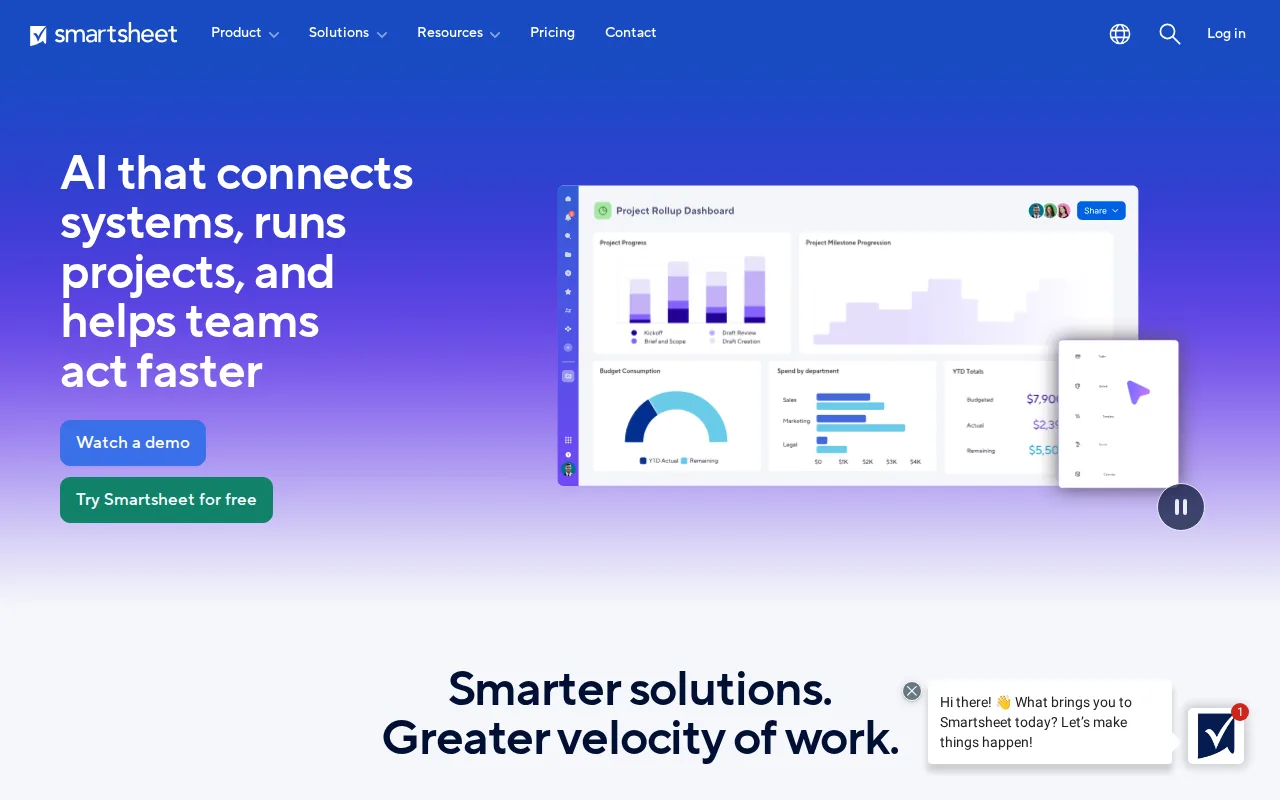
Smartsheet is the best Airtable alternative for enterprise PMOs and cross-functional operations teams that need spreadsheet-familiar project tracking with resource and capacity planning behind it. Smartsheet is the only tool on this page with independent review evidence at scale: 4.5/5 from 3,538 Capterra reviews, where Airtable has no external review-platform rating on record. It has been named a Leader in Gartner's Magic Quadrant for Collaborative Work Management three years running, reports use by more than 85% of Fortune 500 companies, and connects natively to 20+ platforms including Salesforce, Microsoft, Google, AWS, and Adobe. Its Pro tier includes unlimited free Contributor and viewer seats, so only the people who build sheets are billed, which speaks directly to the per-editor seat pricing Airtable's own listing names as its biggest weakness at $45 per user/month on Business. Airtable is still the better choice for small teams and for anyone who needs a price before a sales call. Smartsheet has no permanent free plan at all, only a 30-day trial, while Airtable's Free tier runs indefinitely, and Smartsheet's pricing page publishes no exact per-member dollar amount for Pro or Business without selecting a country and starting checkout. Smartsheet's Business tier also requires a minimum of 3 members.
Compared to Airtable: 4.5/5 from 3,538 Capterra reviews vs no external rating on record, unlimited free Contributor and viewer seats against Airtable's per-editor billing, but no permanent free plan where Airtable's runs indefinitely
Wins:4.5/5 from 3,538 Capterra reviews, the deepest external review record on this page; Airtable has none · Pro includes unlimited free Contributor and viewer seats, so only sheet builders are billed, unlike Airtable's per-editor pricing at $20-$45 per user/month · Built-in resource and capacity planning plus AI-powered dashboards and native integrations with 20+ platforms including Salesforce, AWS, and Adobe
Loses:No permanent free plan, only a 30-day trial, while Airtable's Free tier is usable indefinitely · Per-member prices for Pro and Business are not published without selecting a country and starting checkout, so Airtable's $20 and $45 tiers are the only directly comparable numbers · Built around a spreadsheet-style grid rather than Airtable's linked-record relational bases, and the Business tier requires a minimum of 3 members
Pros
- Spreadsheet-familiar interface lowers the learning curve for teams already comfortable with grids and formulas.
- AI-powered dashboards and resource/capacity planning built into the core product.
- Integrates natively with 20+ platforms, including Salesforce, Microsoft, Google, AWS, and Adobe.
- Recognized as a Gartner Magic Quadrant Leader for Collaborative Work Management for three consecutive years.
Cons
- No permanent free plan; only a 30-day trial before billing begins.
- Exact per-member pricing for Pro and Business isn't published without starting checkout.
- Business tier requires a minimum of 3 members, ruling out very small teams from that tier's features.
Pricing: Custom pricing
3monday.com — best Airtable alternative for mid-size teams that want one configurable platform to run project tracking, CRM, and IT/HR workflows on visual boards instead of stitching together separate point tools.
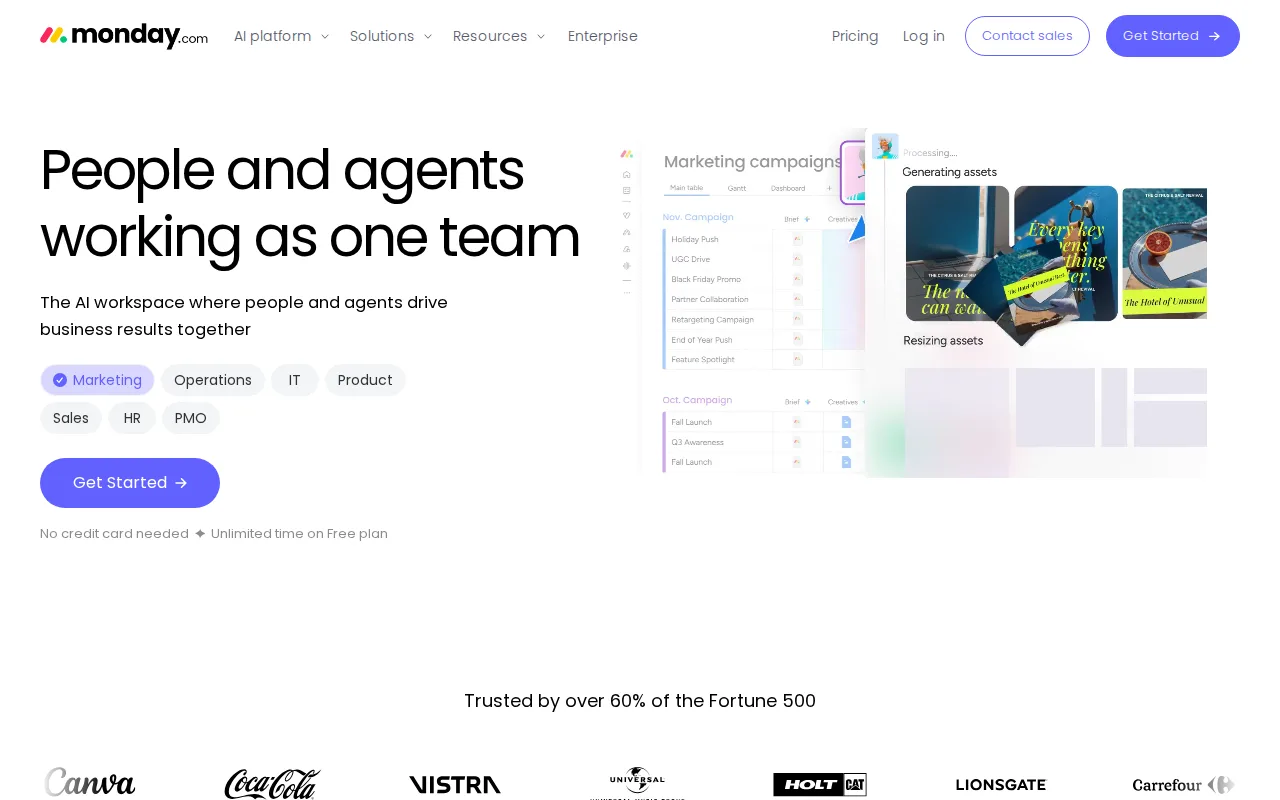
monday.com is the best Airtable alternative for teams that want the lowest per-seat entry price and a visual board instead of a grid. monday.com Basic costs $9 per seat/month billed annually against Airtable Team at $20 per user/month, so ten editors cost $90/month on monday.com versus $200/month on Airtable; even monday.com Pro at $19 per seat comes in under Airtable Team and at less than half Airtable Business at $45 per user/month. Every paid tier bundles AI credits — 1,000/month on Basic, 2,000 on Standard, 3,000 on Pro — and the board model covers project tracking, CRM, dev, service, and marketing on one platform with 200+ templates, so a team running a sales pipeline and a roadmap doesn't need two products. Airtable is still the better choice when the data model matters more than the board. Airtable bases link records across tables like a real relational database, while monday.com boards are flatter, and monday.com's free plan stops at 2 seats and 3 boards against an Airtable Free tier that serves individuals and very small teams without that seat wall. monday.com's usage ceilings also force tier jumps unrelated to features: Standard allows 250 automation actions a month and Pro jumps to 25,000.
Compared to Airtable: $9 per seat/month billed annually against Airtable Team's $20 per user/month, AI credits bundled into every paid tier, but a free plan capped at 2 seats and 3 boards
Wins:Basic is $9 per seat/month billed annually against Airtable Team at $20 per user/month — $90 vs $200 a month at 10 editors · AI credits are included on every paid tier (1,000/month on Basic, 2,000 on Standard, 3,000 on Pro) rather than quoted separately · One platform covers project management, CRM, and IT/HR workflows with 200+ templates and Gantt and timeline views from Standard up
Loses:Free plan stops at 2 seats and 3 boards, too small for a real team, where Airtable's Free tier has no such seat wall · Automation and integration caps force tier upgrades for volume rather than features: 250 actions/month on Standard, 25,000 on Pro · Boards are flatter than Airtable bases, which link records across tables like a relational database
Pros
- Free plan and all paid tiers include AI credits and iOS/Android apps out of the box
- Highly flexible board and column system covers project management, CRM, and ops without needing separate software
- 200+ templates speed up setup for common use cases
- Dashboards and Gantt/timeline views are included from the Standard tier up
Cons
- Free tier is capped at just 2 seats and 3 boards, too small for most real teams
- Automation and integration action limits (250/month on Standard) are easy for active teams to hit and require an upgrade to Pro
- Per-seat annual billing math (e.g., $9/seat shown as $90 for 10 seats) makes true monthly cost easy to underestimate at checkout
- Enterprise features like advanced permissions and portfolio management require contacting sales for custom pricing
Pricing: Free tier · paid from $9/mo — $9 per seat/month (Basic, billed annually) vs Airtable Team at $20 per user/month; at 10 seats, $90/month vs $200/month (verified )
4Coda — best Airtable alternative for teams that want to replace a mix of wiki, spreadsheet, and lightweight internal-tool software with one doc-based workspace, e.g. a product team building a roadmap, OKR tracker, and meeting hub in the same file.
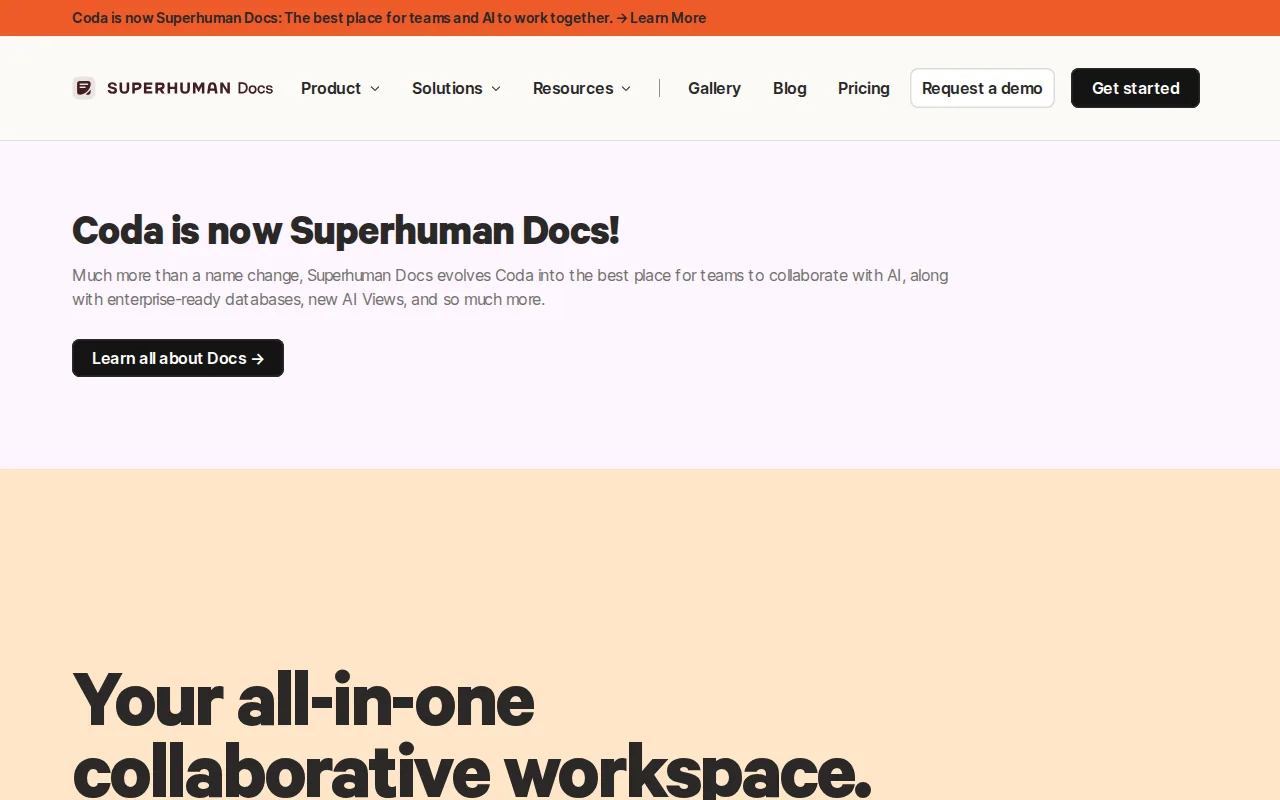
Coda is the best Airtable alternative for teams that want structured tables living inside a working document rather than in a separate base. A Coda doc holds text, live tables, buttons, and automations in one file, and the same table can drive a calendar view, a kanban board, and an AI-generated summary column from a single dataset, while Airtable keeps the base and any documentation around it apart. Coda's 600+ Packs pull Slack, Jira, Google Calendar, and Figma data straight into a doc, and its AI features run on the live table already there. The pricing model is the sharpest structural difference: Coda bills by doc maker rather than per seat, so a team with many read-only viewers pays only for the people who build docs, where Airtable charges per editor at $20 per user/month on Team and $45 per user/month on Business. Airtable is still the better choice for anyone who needs predictable, published pricing. Coda's pricing page exposes no plan numbers without a JavaScript-rendered session, so no dollar figure can be quoted here, and maker-based billing is harder to forecast as more people need edit rights. Coda is also mid-rebrand to Superhuman Docs under Superhuman (owned by Grammarly), and its learning curve is rated steep against Airtable's moderate.
Compared to Airtable: tables that live inside a working document rather than in a separate base, billing by doc maker instead of per editor seat, but no plan prices published where Airtable lists $20 and $45 per user/month
Wins:Tables, text, buttons, and automations live in one doc, so a roadmap and the writing that explains it are the same file; Airtable keeps documentation outside the base · Maker-based billing charges only the people who build docs, avoiding Airtable's per-editor cost of $20 per user/month on Team and $45 on Business · 600+ Packs pull Slack, Jira, Google Calendar, and Figma data directly into a doc, and AI columns run on the live table already there
Loses:The pricing page publishes no plan numbers without a JavaScript-rendered session, while Airtable lists Team at $20 and Business at $45 per user/month as static text · Mid-rebrand to Superhuman Docs under Superhuman (owned by Grammarly) leaves plan continuity and support channels uncertain · Learning curve is rated steep against Airtable's moderate, and maker-based billing is hard to forecast as more people need edit rights
Pros
- Combines docs, spreadsheet-style tables, and app-like buttons/automations in one file instead of three separate tools
- 600+ Packs (integrations) let a doc pull in Slack, Jira, Google Calendar, Figma, and other tools directly
- AI features (chat, AI-generated tables, AI column) work on the same live data already in the doc
- Templates for team hubs, CRM, OKRs, and meeting notes give teams a working starting doc instead of a blank page
Cons
- Maker-based pricing is unusual and harder to estimate than flat per-seat pricing
- Steep learning curve for building anything beyond a simple table or note
- Pricing page did not expose concrete plan prices without a JS-rendered app session
- Mid-transition rebrand to Superhuman Docs creates near-term uncertainty about plan continuity and support
Pricing: Pricing not verified (verified )
5ClickUp — best Airtable alternative for small and mid-sized teams that want tasks, docs, chat, and time tracking on one paid seat instead of buying a tracker, a wiki, a chat app, and a timesheet tool separately
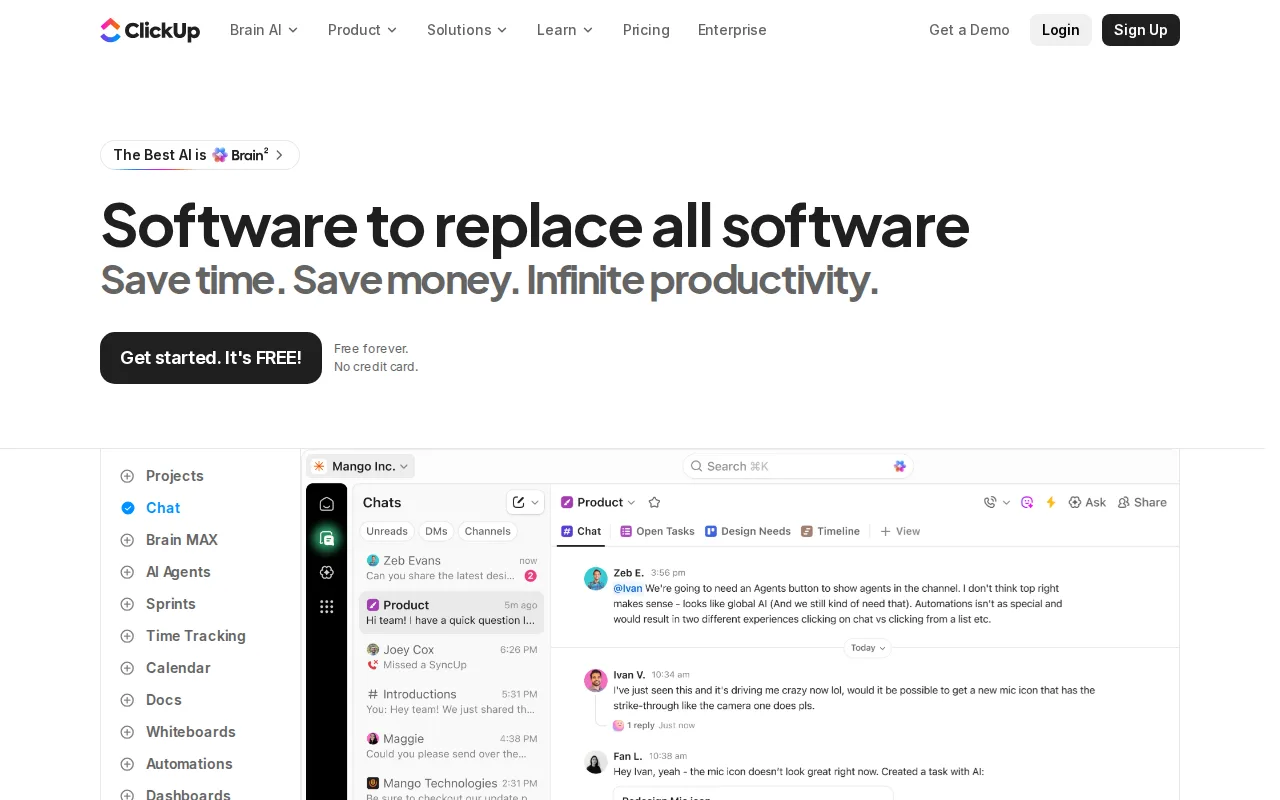
ClickUp is the best Airtable alternative for teams whose work is tasks and projects first and structured data second. ClickUp's Free Forever plan carries unlimited tasks and unlimited free plan members on 60MB of storage, so an entire team can work without paying, where Airtable's Free tier caps records and attachments per base — the thing Airtable's own listing names as what pushes active teams into a paid plan. Paid seats are the cheapest on this page: ClickUp Unlimited is $7 per user/month billed yearly ($10 billed monthly) with unlimited storage, unlimited Gantt charts, unlimited integrations, and native time tracking, against Airtable Team at $20 per user/month. ClickUp Business is $12 per user/month billed yearly ($19 monthly) and adds unlimited dashboards, 5,000 automation executions a month, and Google SSO, roughly a quarter of Airtable Business at $45 per user/month. Airtable is still the better choice when the data model is the point. ClickUp organizes work as tasks inside Spaces, Folders, and Lists rather than linked records across relational tables, and its Free plan limits storage to 60MB, Spaces to 5, and automations to 5 active rules. SAML SSO, audit logs, and HIPAA availability sit behind ClickUp's custom-priced Enterprise tier, the same place Airtable puts SSO and advanced RBAC on Enterprise Scale.
Compared to Airtable: unlimited tasks and unlimited members on the Free Forever plan, Unlimited seats at $7 per user/month billed yearly against Airtable Team's $20, but tasks in Spaces and Lists rather than linked relational records
Wins:Free Forever allows unlimited tasks and unlimited free plan members; Airtable's Free tier caps records and attachments per base · Unlimited is $7 per user/month billed yearly ($10 monthly) with unlimited storage, Gantt charts, and integrations, against Airtable Team at $20 per user/month · Business at $12 per user/month billed yearly ($19 monthly) adds unlimited dashboards, 5,000 automation executions a month, and Google SSO, roughly a quarter of Airtable Business at $45
Loses:Work is modeled as tasks in Spaces, Folders, and Lists, not linked records across relational tables the way Airtable bases are · Free Forever caps file storage at 60MB, Spaces at 5, and automations at 5 active rules with 100 executions · SAML SSO, audit logs, and HIPAA availability require custom-priced Enterprise, and ClickUp has no external review-platform rating on record here
Pros
- Free Forever includes unlimited tasks and unlimited members with Kanban boards, sprints, collaborative docs, calendar view, and in-app video recording.
- Unlimited at $7/user/month billed yearly already covers unlimited storage, Gantt charts, integrations, custom fields, and native time tracking.
- One workspace spans tasks, docs and wikis, chat, whiteboards, dashboards, goals, forms, and time tracking, cutting the number of separate subscriptions a team carries.
- Native apps for Windows, macOS, Linux, iOS, and Android plus a Chrome extension and a public API (10,000 calls/minute on Enterprise).
- ClickUp holds 4.6/5 across 4,630 Capterra reviews, 4.1/5 across 687 Trustpilot reviews, and 4.6/5 across 123 Product Hunt reviews.
Cons
- AI is priced on top of the plan at $9/user/month (Brain AI) or $28/user/month (Everything AI), plus $10 per 10,000 AI Super Credits once the allowance runs out.
- Free Forever caps total file storage at 60MB and Spaces at 5, so the free plan stops working for any team that attaches real files.
- Depth comes with per-plan caps on Spaces, lists, folders, automations, and view types — 40 lists per Space on Free, 200 on Unlimited, 400 on Business — so a workspace needs deliberate setup before it is usable.
- Payment is per Workspace and the whole Workspace must upgrade at once; a single team cannot be moved to a paid plan on its own.
Pricing: Free tier · paid from $7/mo — $7 per user/month billed yearly ($10 monthly) on Unlimited vs Airtable Team at $20 per user/month; ClickUp Business at $12 ($19 monthly) vs Airtable Business at $45 (verified )