5 Best Alternatives to Tor Browser in 2026
By Noahlast updated pricing verified

From our data: All five Tor Browser alternatives are free like Tor Browser itself, four (Brave, LibreWolf, Firefox, Zen Browser) are open source under the Mozilla Public License 2.0, three (LibreWolf, Firefox, Zen Browser) share Tor Browser's Firefox base, and three (Brave, Firefox, Vivaldi) ship the iOS app Tor Browser lacks.
 Brave
 LibreWolf
 Firefox
 Vivaldi
 Zen Browser
How we picked
- Tor Browser does two jobs, anonymity through at least three volunteer relays per connection and tracker resistance through per-site cookie isolation and fingerprint standardization. These five were compared on the second job, and each entry notes where Tor Browser's relay routing still makes it the better choice.
- Engine lineage was tracked because Tor Browser is a hardened Firefox fork: LibreWolf, Firefox, and Zen Browser share its Firefox base, while Brave and Vivaldi run on Google's Chromium engine.
- Platform coverage was checked against Tor Browser's Windows, macOS, Linux, and Android builds: Brave, Firefox, and Vivaldi add the iOS app Tor Browser lacks, while LibreWolf and Zen Browser are desktop only.
- All five are free, matching Tor Browser, so cost did not separate them; the only paid item is Brave's optional Firewall + VPN at $9.99/month or $99.99/year. Pricing was verified on 14 September 2026 for Tor Browser, LibreWolf, Firefox, Vivaldi, and Zen Browser and on 1 October 2026 for Brave.
- Review evidence is sparse: Firefox holds 4.4/5 from 543 Capterra reviews and Zen Browser 4.8/5 from 9 Product Hunt reviews, while Tor Browser, Brave, LibreWolf, and Vivaldi have no rating on record, so ratings did not decide the order.
Paid placement never alters editorial rank — read the full methodology.
Tor Browser alternatives at a glance
| Alternative | Best for | Learning curve | Price |
|---|---|---|---|
| Tor Browserreference | privacy-conscious individuals, journalists, and activists who need to browse anonymously and resist tracking, fingerprinting, and censorship | Moderate | Free |
| Brave | privacy-conscious users who want built-in ad and tracker blocking plus an optional device-wide VPN without installing separate browser extensions | Low | Free tier · paid from $9.99/mo |
| LibreWolf | privacy-conscious desktop users who want Firefox's engine and extension ecosystem with telemetry removed and ad-blocking built in by default | Low | Free |
| Firefox | users who want a non-Chromium, open-source browser with tracker blocking on by default and no ties to Google's or Apple's advertising businesses | Low | Free |
| Vivaldi | power users who want deep tab and workspace customization (tiling, stacking, mouse gestures) built into the browser instead of relying on extensions | Moderate | Free |
| Zen Browser | Firefox users who want vertical tabs, workspaces, and split view built in without installing separate extensions or switching to a Chromium-based browser | Low | Free |
 Tor Browser
1Brave — best Tor Browser alternative for privacy-conscious users who want built-in ad and tracker blocking plus an optional device-wide VPN without installing separate browser extensions
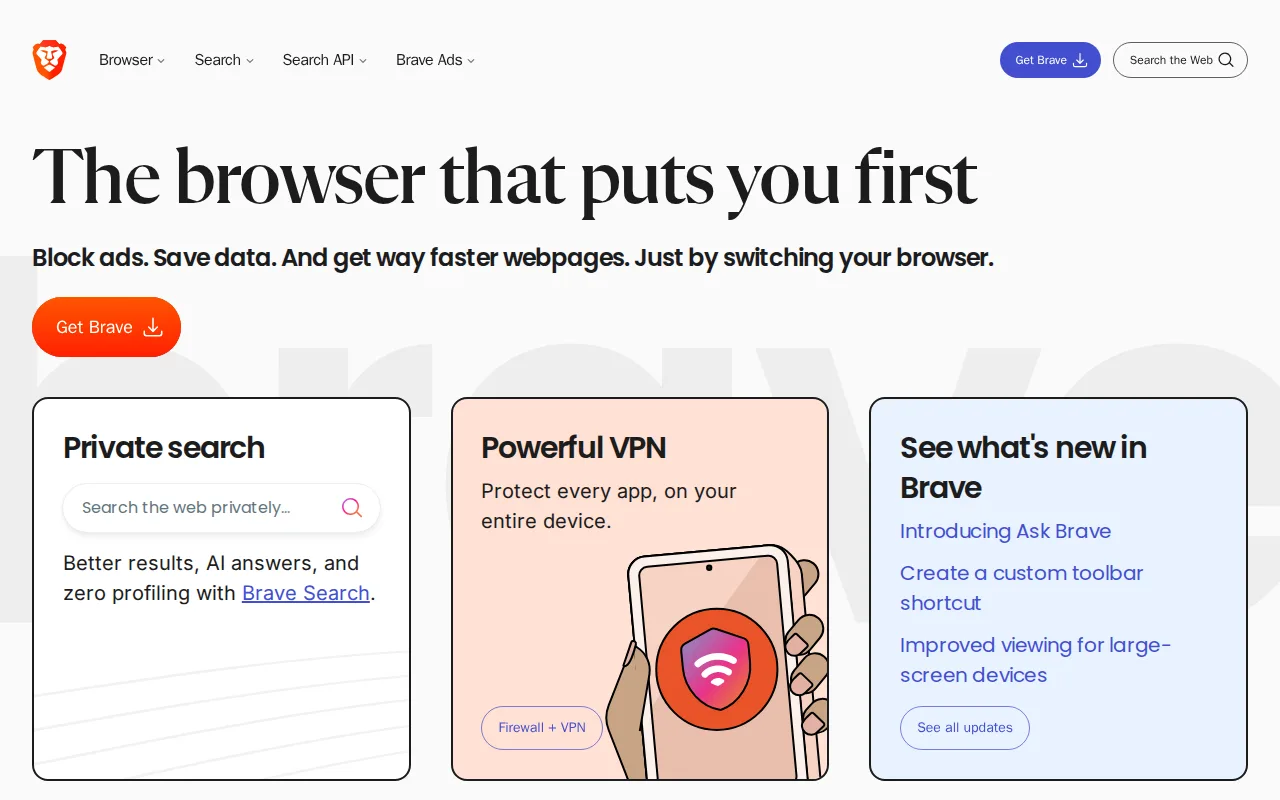
Brave is the best Tor Browser alternative for people who want strong tracker protection in a browser they can use all day. Brave blocks ads, trackers, and third-party cookies by default, adds script blocking and fingerprint randomization without extensions, and defaults to Brave Search, which runs on its own index rather than reselling Google or Bing results. Tor Browser, by contrast, bounces every connection through at least three relays, which its own listing says makes page loads noticeably slower, and many sites block or CAPTCHA-challenge Tor exit nodes. Brave is free, its client code is open source under the Mozilla Public License 2.0, and it runs on Windows, macOS, Linux, iOS, and Android, where Tor Browser has no iOS build. For protection beyond the browser, Brave Firewall + VPN encrypts all device traffic on up to 10 devices for $9.99/month or $99.99/year, with a 7-day free trial. Tor Browser is still the better choice for journalists, activists, and anyone who needs anonymity or a way around censorship. Tor Browser hides which sites you visit from an observer on your local network and standardizes fingerprints so users look alike, while Brave randomizes fingerprints, which some sites mistake for bot activity. Brave's opt-in Rewards ads and crypto wallet defaults confuse some users, and Brave is built on Google's Chromium engine.
Compared to Tor Browser: ad, tracker, and script blocking plus fingerprint randomization without Tor's multi-relay slowdown, iOS and Android apps where Tor Browser has no iOS build, an optional $9.99/month device-wide VPN, while Tor Browser's relay routing is free
Wins:Ad, tracker, script, and third-party cookie blocking plus fingerprint randomization on by default, without the multi-relay routing that slows Tor Browser's page loads · Apps for Windows, macOS, Linux, iOS, and Android, where Tor Browser has no iOS build · Brave Search runs on an independent index, and the optional Firewall + VPN encrypts all device traffic on up to 10 devices for $9.99/month
Loses:Tor Browser's anonymity comes from routing each connection through at least three volunteer relays, while Brave's listed protections are blocking, fingerprint randomization, and an optional VPN · Fingerprint randomization can make sites misidentify Brave as a bot, where Tor Browser standardizes fingerprints so users look alike · Opt-in Rewards ads and crypto wallet defaults confuse some users, and the VPN is a separate $9.99/month subscription where Tor Browser costs nothing · Built on Google's Chromium engine, where Tor Browser is a hardened Firefox fork maintained by a nonprofit
Pros
- Blocks ads and trackers by default with no extensions required to set up.
- Client code is open source (MPL-2.0) and independently auditable.
- Built-in Brave Search runs on an independent index rather than reselling another engine's results.
- Available on every major desktop and mobile platform with nearly 160 languages supported.
Cons
- Brave Rewards' opt-in BAT-token ad program confuses some users about what's on by default versus optional.
- Brave VPN is a separate $9.99/month subscription, not bundled free with the browser.
- Built on Chromium, so it inherits Google's engine-level decisions and roadmap even while blocking Google's tracking.
- Some sites misidentify Brave's fingerprint randomization as bot activity, occasionally breaking site functionality.
Pricing: Free tier · paid from $9.99/mo — $0 for Brave, with optional Firewall + VPN at $9.99/month ($99.99/year), vs $0 for Tor Browser (verified November 1, 2026)
2LibreWolf — best Tor Browser alternative for privacy-conscious desktop users who want Firefox's engine and extension ecosystem with telemetry removed and ad-blocking built in by default
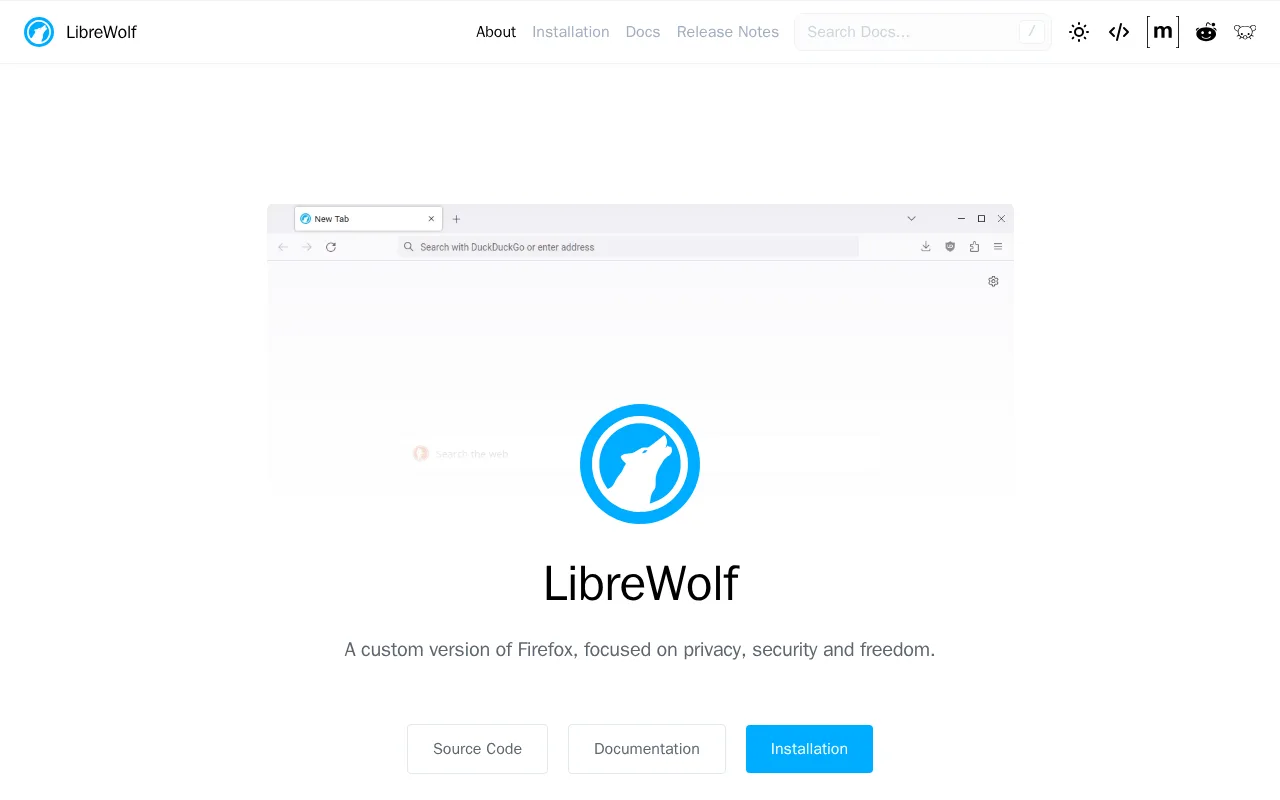
LibreWolf is the best Tor Browser alternative for desktop users who like Tor Browser's hardened Firefox base but need it for daily browsing. LibreWolf is an independent build of Firefox that strips out Mozilla's telemetry, sponsored content, and other data collection, ships hardened privacy settings, defaults to private search engines such as DuckDuckGo, and bundles uBlock Origin from the first launch. Like Tor Browser, it keeps Firefox's engine, and it keeps Firefox extension compatibility and tracks upstream Firefox releases closely, so security patches arrive without a long lag. It is free and open source under the Mozilla Public License 2.0 on Windows, macOS, and most Linux distributions. As a regular Firefox build rather than a Tor client, LibreWolf avoids the multi-relay routing that slows Tor Browser's page loads and gets Tor exit nodes blocked or CAPTCHA-challenged on many sites. Tor Browser is still the better choice for anyone who needs anonymity, censorship circumvention, or a phone browser. Tor Browser routes each connection through at least three volunteer relays and runs on Android, where LibreWolf has no Android or iOS app. LibreWolf is entirely volunteer-run and declines donations, so there is no commercial support or guaranteed release schedule, help comes from community Matrix, Reddit, and Lemmy spaces, and its hardened defaults can break some sites until adjusted.
Compared to Tor Browser: the same Firefox base with telemetry stripped and uBlock Origin bundled, no multi-relay routing slowing page loads or triggering Tor exit-node blocks, desktop only, with no Android app where Tor Browser has one
Wins:Ships uBlock Origin, hardened privacy settings, and private search defaults such as DuckDuckGo out of the box, with Mozilla's telemetry and sponsored content removed · Avoids the multi-relay routing that slows Tor Browser's page loads and gets Tor exit nodes blocked or CAPTCHA-challenged by many sites · Tracks upstream Firefox releases closely, so security patches arrive without a long lag, while keeping Firefox extension compatibility
Loses:Offers no relay-based anonymity or censorship circumvention, which Tor Browser provides by routing each connection through at least three volunteer relays · No Android or iOS app, where Tor Browser runs on Android · Volunteer-run with donations declined, so there is no commercial support or guaranteed release schedule, and hardened defaults can break some sites until adjusted · No rating on record
Pros
- Free and open source with no ads, telemetry, or data collection by default.
- uBlock Origin and privacy-hardened settings are bundled in, not left to the user to configure.
- Built on Firefox's engine, so most Firefox extensions and web compatibility carry over.
- Tracks upstream Firefox releases closely, so security patches arrive without a long lag.
Cons
- No official mobile app for Android or iOS, unlike Firefox itself.
- The project explicitly declines donations, so its long-term funding and maintenance depend entirely on volunteer time.
- No corporate or dedicated support channel; help comes from community Matrix, Reddit, and Lemmy spaces.
- Hardened default settings can break some sites' functionality until manually adjusted.
Pricing: Free — $0 for LibreWolf vs $0 for Tor Browser (verified September 14, 2026)
3Firefox — best Tor Browser alternative for users who want a non-Chromium, open-source browser with tracker blocking on by default and no ties to Google's or Apple's advertising businesses
Firefox is the best Tor Browser alternative for people who want Tor Browser's Firefox foundations in a mainstream browser they can use everywhere. Tor Browser is itself a hardened fork of Firefox, and stock Firefox keeps the open-source Gecko engine and the Mozilla Public License 2.0 without the relay routing that slows Tor Browser's pages and gets Tor users blocked or CAPTCHA-challenged. Enhanced Tracking Protection blocks known trackers and third-party cookies by default, and Firefox adds 30,000+ extensions and themes, Reader Mode, picture-in-picture, PDF editing, and sync for tabs, history, and passwords. It runs on Windows, macOS, Linux, iOS, and Android, covering the iPhone that Tor Browser skips, and it is maintained by the nonprofit Mozilla Foundation, which states it does not sell browsing data. Firefox holds 4.4/5 from 543 Capterra reviews, where Tor Browser has no rating on record. Tor Browser is still the better choice for anyone who needs to hide which sites they visit. On top of relay routing that hides visited sites from a local network observer, Tor Browser isolates cookies and local storage per site, clears cookies automatically, and standardizes screen size and fonts across users to resist fingerprinting. Firefox also trails Chrome on some heavy web apps, some sites are tested on Chromium first, and its extension library is smaller than the Chrome Web Store.
Compared to Tor Browser: the same Gecko engine without Tor's multi-relay slowdown, Enhanced Tracking Protection plus 30,000+ extensions and cross-device sync, iOS and Android apps, but tracker blocking rather than anonymity
Wins:Same open-source Gecko engine and MPL-2.0 license Tor Browser builds on, without the relay routing that slows Tor Browser's page loads and triggers exit-node blocks · 30,000+ extensions and themes, Reader Mode, picture-in-picture, PDF editing, and sync for tabs, history, and passwords · Runs on Windows, macOS, Linux, iOS, and Android, where Tor Browser has no iOS build, and holds 4.4/5 from 543 Capterra reviews
Loses:Enhanced Tracking Protection blocks known trackers and third-party cookies, but Tor Browser also isolates and auto-clears cookies per site and standardizes fingerprints across users · Offers no relay routing or censorship circumvention, where Tor Browser hides visited sites from a local network observer and routes around site blocks · Some sites are tested against Chromium first, and performance can lag Chrome on heavy JavaScript web apps
Pros
- Free and open source, published on GitHub under the Mozilla Public License 2.0.
- Enhanced Tracking Protection blocks third-party trackers and cookies by default.
- Runs on the independent Gecko engine rather than Chromium, preserving rendering-engine diversity on the web.
- Built-in Reader Mode, picture-in-picture, and PDF editing without extra extensions.
Cons
- Market share has declined for years, so some sites are tested against Chromium first and can render inconsistently.
- Fewer and sometimes lower-quality extensions available compared to the Chrome Web Store.
- Sync and account features are less tightly integrated with a broader productivity suite than Edge (Microsoft 365) or Chrome (Google Workspace).
- Performance and memory usage can lag Chrome on some heavy, JavaScript-intensive web apps.
Pricing: Free — $0 for Firefox vs $0 for Tor Browser (verified September 14, 2026)
4Vivaldi — best Tor Browser alternative for power users who want deep tab and workspace customization (tiling, stacking, mouse gestures) built into the browser instead of relying on extensions
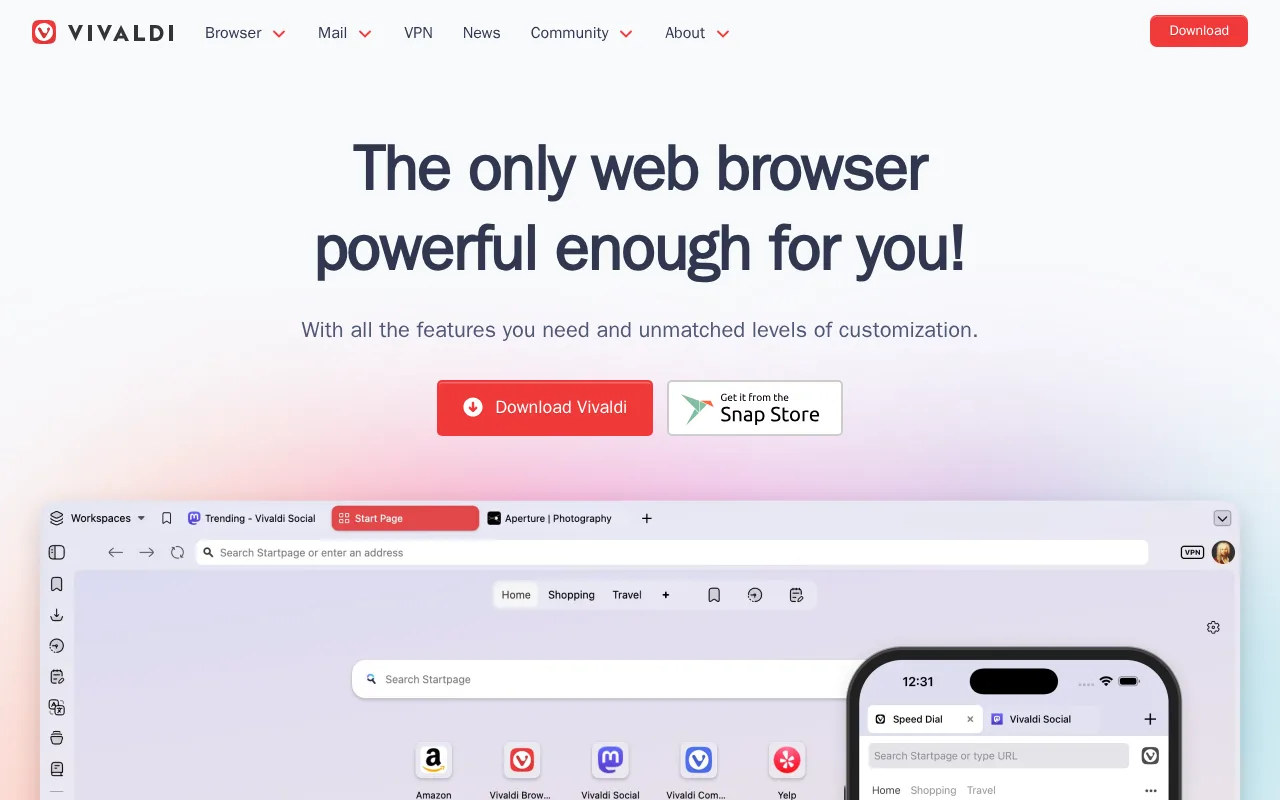
Vivaldi is the best Tor Browser alternative for power users who want a privacy-minded browser that doubles as a workspace. Vivaldi, from Norway-based Vivaldi Technologies, blocks ads and trackers, encrypts sync end to end, integrates Proton VPN, and states it does not sell user data. It builds in tab tiling and stacking, workspaces, mouse gestures, command chains, a mail client, a calendar, a feed reader, and notes, none of which Tor Browser's listing describes. Vivaldi is free on Windows, macOS, Linux, iOS, and Android, adding the iOS app Tor Browser lacks, and it avoids the multi-relay slowdown and Tor exit-node CAPTCHAs. Its revenue comes from search partnerships and optional services such as Vivaldi Mail rather than from the browser itself. Tor Browser is still the better choice for anonymity and for anyone who wants fully open-source software. Tor Browser routes each connection through at least 3 relays and standardizes fingerprints across users, while Vivaldi's listing describes ad and tracker blocking and a VPN integration. Vivaldi's license is listed as free rather than open source, it runs on Google's Chromium engine, its dense settings give it a learning curve rated moderate, like Tor Browser's, and its smaller market share surfaces occasional compatibility quirks. Vivaldi has no rating on record.
Compared to Tor Browser: tab tiling, workspaces, a mail client, calendar, and feed reader built in, an iOS app plus ad and tracker blocking without Tor's multi-relay slowdown, a free but not open-source license on Google's Chromium engine
Wins:Tab tiling and stacking, workspaces, mouse gestures, and command chains, plus a mail client, calendar, feed reader, and notes built into the browser · Free on Windows, macOS, Linux, iOS, and Android, where Tor Browser has no iOS build · Ad and tracker blocking, end-to-end encrypted sync, and Proton VPN integration without Tor's multi-relay slowdown or exit-node blocks
Loses:Offers no relay-based anonymity, which Tor Browser provides by routing each connection through at least three relays while standardizing fingerprints across users · License is listed as free rather than open source, and it runs on Google's Chromium engine, where Tor Browser is an open-source Firefox fork · Dense settings and a large feature set, and smaller market share means occasional compatibility quirks
Pros
- Deep tab management: tiling, stacking, and workspaces built in without needing extensions.
- Bundled mail client, calendar, feed reader, and note-taking tools inside the browser itself.
- No data tracking sold to advertisers; independent, privately funded company.
- Highly customizable UI, including custom keyboard shortcuts and mouse gesture command chains.
Cons
- Dense feature set and settings menus make the learning curve steeper than Chrome, Safari, or Firefox.
- Built on Chromium, so it still depends on Google's rendering engine despite privacy-focused positioning.
- Smaller market share than mainstream browsers means fewer sites are specifically tested against it, occasionally surfacing compatibility quirks.
Pricing: Free — $0 for Vivaldi vs $0 for Tor Browser (verified September 14, 2026)
5Zen Browser — best Tor Browser alternative for firefox users who want vertical tabs, workspaces, and split view built in without installing separate extensions or switching to a Chromium-based browser
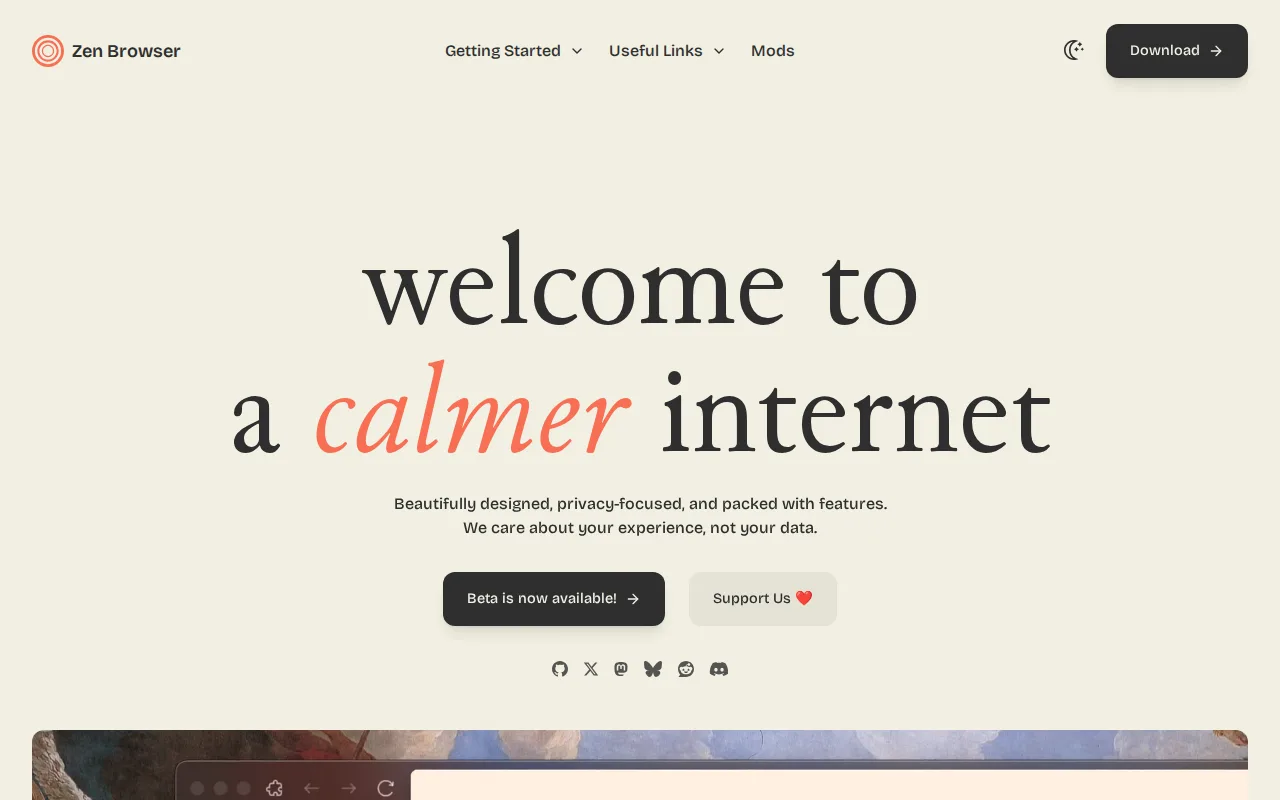
Zen Browser is the best Tor Browser alternative for Firefox fans who want a modern layout for everyday desktop browsing. Zen Browser is a free, open-source Firefox fork under the Mozilla Public License 2.0, so like Tor Browser it inherits the Gecko engine, Firefox's tracking protections, and Firefox extension compatibility. It replaces the stock interface with vertical tabs, workspaces that keep work, personal, and research tabs apart, split view for two tabs side by side, and Zen Mods for community themes. It runs on Windows, macOS, and Linux with stable Release and pre-release Twilight channels, is funded by donations, has drawn 44,000+ GitHub stars, and holds 4.8/5 from 9 Product Hunt reviews. Unlike Tor Browser, Zen Browser does not route pages through relays, so it avoids the slowdown and exit-node blocks Tor users hit. Tor Browser is still the better choice for anyone who needs anonymity, and on Android. Tor Browser routes each connection through at least three relays and standardizes fingerprints, while Zen Browser has no official iOS or Android app. As a smaller community-run fork, Zen Browser lags Firefox on security patch turnaround, a real cost for a privacy tool, has no enterprise policy support, and offers help only through Discord and GitHub issues.
Compared to Tor Browser: the same Firefox base with vertical tabs, workspaces, and split view built in, no relay routing, so no multi-hop slowdown or exit-node blocks, desktop only, with slower security patch turnaround than Firefox
Wins:Vertical tabs, workspaces, split view, and Zen Mods theming built in, on the same Firefox Gecko base and extension compatibility Tor Browser starts from · No multi-relay routing, so pages avoid the slowdown and exit-node blocks or CAPTCHAs Tor Browser users face · Open source under MPL-2.0 with 44,000+ GitHub stars and a 4.8/5 rating from 9 Product Hunt reviews, where Tor Browser has no rating on record
Loses:Offers no relay-based anonymity, which Tor Browser provides through at least three volunteer relays per connection · No official iOS or Android app, where Tor Browser runs on Android · Lags Firefox on security patch turnaround and has no enterprise policy support, with help only through Discord and GitHub issues
Pros
- Free and open source under the Mozilla Public License 2.0, with the code public on GitHub (44,000+ stars).
- Vertical tabs, workspaces, and split view are built in, not bolted on through extensions.
- Inherits Firefox's Gecko engine and extension compatibility rather than being another Chromium skin.
- Zen Mods provides a built-in system for community themes and interface customization.
Cons
- No official iOS or Android app, so it can't be a cross-device replacement for Chrome or Firefox mobile.
- Smaller, community-run project without Mozilla's release cadence or enterprise/managed-policy support.
- As a Firefox fork, it depends on Mozilla continuing to maintain the underlying Gecko engine and Firefox codebase it forks from.
- No official support channel beyond Discord and GitHub issues.
Pricing: Free — $0 for Zen Browser vs $0 for Tor Browser (verified September 14, 2026)
Which one is right for you?
- You want ads and trackers blocked by default on your phone and laptop without installing extensionsBrave
- You want a VPN that covers every app on up to 10 devices, not just the browserBrave
- You like Tor Browser's hardened Firefox but need everyday speed on a desktopLibreWolf
- You want one open-source browser that syncs across iPhone, Android, and desktopFirefox
- You manage many tabs and want tiling, workspaces, and mail inside the browserVivaldi
- You want vertical tabs and split view on a Firefox baseZen Browser
Frequently asked questions
Is there a free alternative to Tor Browser?
- Yes — all five alternatives here are free, just like Tor Browser: Brave, LibreWolf, Firefox, Vivaldi, and Zen Browser charge nothing for the browser. The only paid item on this page is Brave's optional Firewall + VPN at $9.99/month or $99.99/year.
What is the closest alternative to Tor Browser?
- LibreWolf is the closest in spirit: like Tor Browser, it is a hardened, open-source Firefox build with telemetry removed and privacy settings pre-configured. LibreWolf is not an anonymity tool, though, because Tor Browser's protection comes from routing each connection through at least three volunteer relays, which LibreWolf does not do.
Can Brave replace Tor Browser?
- For everyday private browsing, yes: Brave blocks ads, trackers, and third-party cookies by default, randomizes fingerprints, and avoids the slower page loads that Tor Browser's multi-relay routing causes. For anonymity or getting around censorship, Tor Browser remains the better tool, because its relay network hides which sites you visit from a local network observer and routes around blocks.
Is there a Tor Browser alternative for iPhone?
- Yes — Brave, Firefox, and Vivaldi all have iOS apps, while Tor Browser has no iOS build and points iPhone and iPad users to the separate Onion Browser app. LibreWolf and Zen Browser are desktop only.
Is Firefox private enough without Tor?
- Firefox is private enough for everyday tracker blocking, since Enhanced Tracking Protection blocks known trackers and third-party cookies by default, but it is not built for anonymity. Tor Browser, a hardened Firefox fork, adds per-site cookie isolation, automatic cookie clearing, fingerprint standardization, and routing through at least three relays.
Which Tor Browser alternatives use the same engine?
- LibreWolf, Firefox, and Zen Browser all run on Firefox's Gecko engine, the same base Tor Browser is built on. Brave and Vivaldi run on Google's Chromium engine instead.