4 Best Alternatives to LibreWolf in 2026
By Noahlast updated pricing verified

From our data: All four alternatives listed here are free, matching LibreWolf's own $0 pricing, with Brave the only one offering an optional paid add-on (a $9.99/month Firewall + VPN subscription); only two of the four (Firefox and Google Chrome) carry an on-file rating, and Chrome's 2,148 Capterra reviews are nearly 4 times Firefox's 543, while Brave, Tor Browser, and LibreWolf itself carry no external ratings at all.
 Firefox
 Brave
Brave Tor Browser
 Google Chrome
How we picked
- Pricing was independently verified on-site for all four alternatives — Firefox, Brave, Tor Browser, and Google Chrome — matching LibreWolf's own verified $0 pricing; every listing here is free, and Brave is the only one with an optional paid add-on (Firewall + VPN, $9.99/month).
- All four alternatives, like LibreWolf itself, are entirely free with no required payment for the core browser.
- Review volume is uneven: Google Chrome's 2,148 Capterra reviews and Firefox's 543 are the only on-file ratings among the four; Brave and Tor Browser carry no external ratings at all, matching LibreWolf's own unrated listing.
- Engine lineage was checked directly against LibreWolf's own Firefox/Gecko base: Firefox and Tor Browser share that same non-Chromium Gecko engine, while Brave and Google Chrome both run on Chromium instead.
Paid placement never alters editorial rank — read the full methodology.
LibreWolf alternatives at a glance
| Alternative | Best for | Standout | Biggest weakness | Learning curve | Price |
|---|---|---|---|---|---|
| LibreWolfreference | privacy-conscious desktop users who want Firefox's engine and extension ecosystem with telemetry removed and ad-blocking built in by default | Ships with uBlock Origin and hardened privacy settings pre-configured out of the box, rather than requiring users to manually strip telemetry or install a content blocker themselves. | No mobile version (Android or iOS) is offered, and as a fully volunteer-run project with no company or funding model behind it, users get no commercial support, no guaranteed release schedule, and updates depend entirely on maintainer availability. | Low | Free |
| Firefox | users who want a non-Chromium, open-source browser with tracker blocking on by default and no ties to Google's or Apple's advertising businesses | Runs on the independent Gecko engine rather than Chromium, giving the web a genuine rendering-engine alternative to Google's dominant Blink/Chromium base, with Enhanced Tracking Protection blocking trackers by default. | Firefox's market share has declined for years as most competing browsers (Chrome, Edge, Brave, Opera) all run on Chromium, meaning some sites and web apps get tested and optimized for Chromium first and occasionally behave inconsistently in Firefox. | Low | Free |
| Brave | privacy-conscious users who want built-in ad and tracker blocking plus an optional device-wide VPN without installing separate browser extensions | Ships with ad and tracker blocking, script blocking, and fingerprint randomization built in and on by default, with no extensions needed to match what competitors require several add-ons to replicate. | Brave Rewards' opt-in BAT-token ad program has drawn criticism from users who find its ad-serving and crypto-wallet defaults confusing to disable, and the VPN/Firewall add-on requires a separate $9.99/month subscription rather than being bundled free. | Low | Free tier · paid from $9.99/mo |
| Tor Browser | privacy-conscious individuals, journalists, and activists who need to browse anonymously and resist tracking, fingerprinting, and censorship | Routes traffic through a volunteer-run relay network with multiple layers of encryption, isolating each site visited so trackers can't correlate browsing across sites. | Page loads are noticeably slower than a normal browser because traffic bounces through multiple relays, and many sites block or CAPTCHA-gate visitors arriving from Tor exit nodes. | Moderate | Free |
| Google Chrome | users who want the widest website compatibility and browser-extension ecosystem, and who are already inside the Google account/services ecosystem for sync | The largest extension ecosystem and highest web-compatibility of any browser, since Chrome's Chromium engine is also the basis most other browsers build on and test against. | Chrome consistently uses more RAM than lighter competitors when many tabs are open, which reviewers say slows down lower-spec machines and drains laptop battery faster than Firefox, Safari, or other Chromium-based browsers with more aggressive tab suspension. | Low | Free |
 LibreWolf
1.Firefox — best LibreWolf alternative for users who want a non-Chromium, open-source browser with tracker blocking on by default and no ties to Google's or Apple's advertising businesses
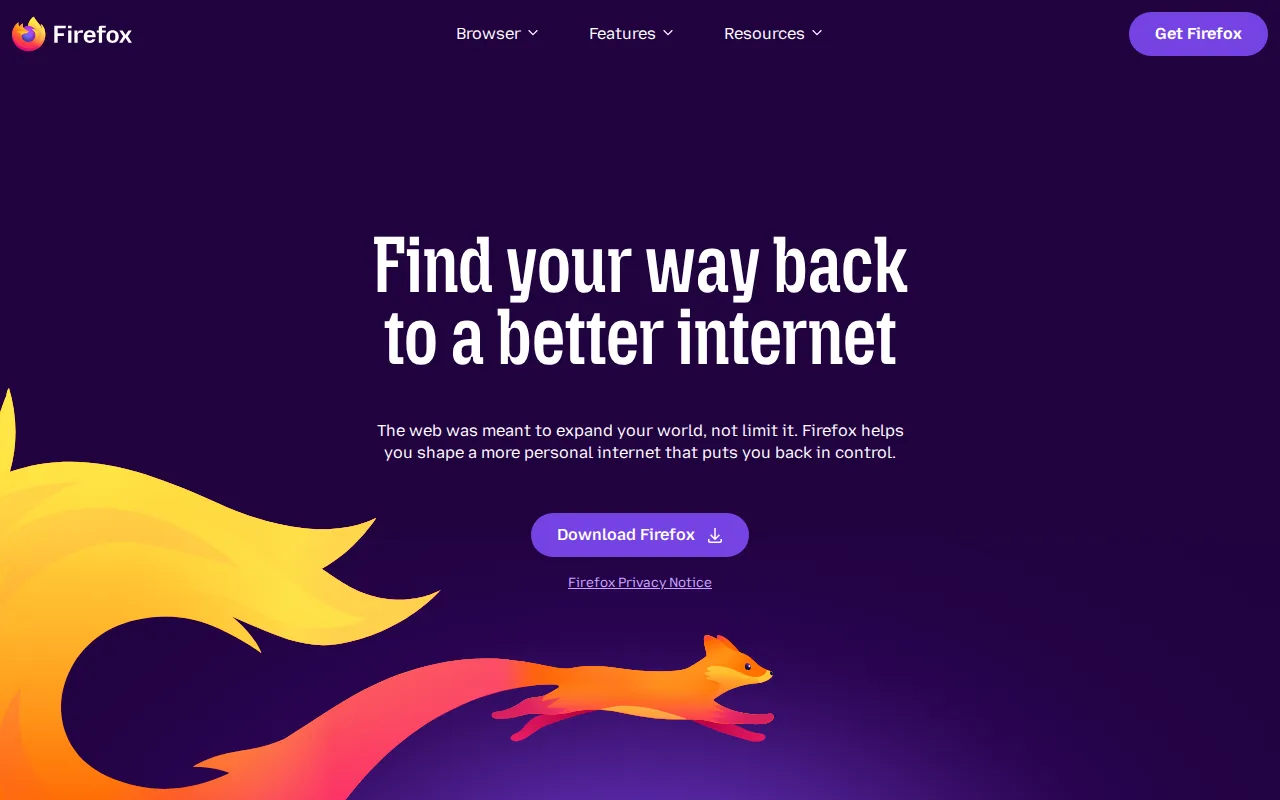
Firefox is the best LibreWolf alternative for users who want the same independent Gecko rendering engine with official Mozilla backing, mobile apps, and a support organization behind it, none of which LibreWolf's volunteer-run project offers. Firefox holds a 4.4/5 rating from 543 Capterra reviews, evidence LibreWolf's own listing has none of since it carries no external ratings on file. Firefox blocks trackers and third-party cookies by default through Enhanced Tracking Protection, similar in spirit to LibreWolf's own hardened privacy defaults, and it ships official apps for iOS and Android, platforms LibreWolf doesn't support at all. Both are free and open source under the Mozilla Public License 2.0, and both are built on the same underlying Firefox codebase. LibreWolf remains the better choice for users who specifically want telemetry stripped out and uBlock Origin bundled by default: Firefox includes Mozilla's own telemetry and data collection unless a user manually disables it, and doesn't ship uBlock Origin pre-installed the way LibreWolf does, so matching LibreWolf's privacy-hardened defaults in Firefox requires manual configuration LibreWolf's users skip entirely.
Compared to LibreWolf: official Mozilla-backed browser with iOS and Android apps, 4.4/5 from 543 Capterra reviews vs LibreWolf's no rating on file, includes Mozilla's telemetry by default unlike LibreWolf's stripped-out configuration
Wins:Official Mozilla-backed development with mobile apps for iOS and Android, platforms LibreWolf's volunteer-run project doesn't support · 4.4/5 rating from 543 Capterra reviews, evidence LibreWolf's own unrated listing doesn't have · Enhanced Tracking Protection blocks trackers and third-party cookies by default, similar in spirit to LibreWolf's own hardened settings
Loses:Includes Mozilla's own telemetry and data collection by default, unlike LibreWolf which strips telemetry out entirely · Doesn't ship uBlock Origin pre-installed the way LibreWolf does; achieving similar ad-blocking requires a manual extension install · Doesn't apply LibreWolf's additional hardened privacy settings out of the box, requiring manual configuration to match
Pros
- Free and open source, published on GitHub under the Mozilla Public License 2.0.
- Enhanced Tracking Protection blocks third-party trackers and cookies by default.
- Runs on the independent Gecko engine rather than Chromium, preserving rendering-engine diversity on the web.
- Built-in Reader Mode, picture-in-picture, and PDF editing without extra extensions.
Cons
- Market share has declined for years, so some sites are tested against Chromium first and can render inconsistently.
- Fewer and sometimes lower-quality extensions available compared to the Chrome Web Store.
- Sync and account features are less tightly integrated with a broader productivity suite than Edge (Microsoft 365) or Chrome (Google Workspace).
- Performance and memory usage can lag Chrome on some heavy, JavaScript-intensive web apps.
Pricing: Free — $0 vs LibreWolf's $0 — both free and open source under the Mozilla Public License 2.0 (verified undefined NaN, NaN)
2.Brave — best LibreWolf alternative for privacy-conscious users who want built-in ad and tracker blocking plus an optional device-wide VPN without installing separate browser extensions
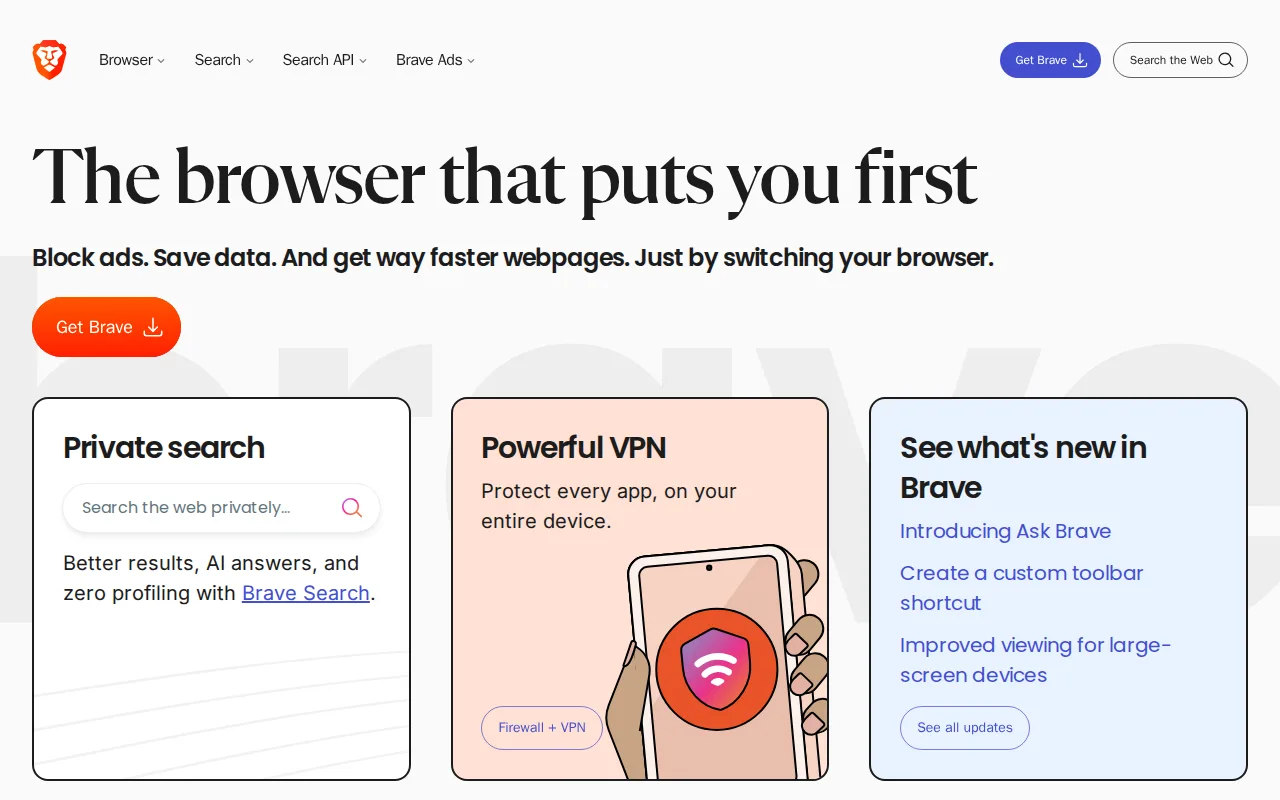
Brave is the best LibreWolf alternative for users who want ad and tracker blocking on by default without installing a separate extension, plus official mobile apps LibreWolf doesn't offer. Brave blocks ads, trackers, and third-party cookies by default, similar to LibreWolf's own uBlock Origin-bundled approach, but Brave's client code is Chromium-based rather than a Firefox fork, so it shares Chrome's rendering engine and extension compatibility rather than LibreWolf's Gecko lineage. Both are free and open source, though Brave adds an optional Firewall + VPN subscription at $9.99/month for encrypting all device traffic, a paid add-on LibreWolf's project has no equivalent to since it declines donations and sells nothing. Brave is available on Windows, macOS, Linux, iOS, and Android, extending to mobile platforms LibreWolf doesn't support at all. LibreWolf remains the better choice for users who specifically want a non-Chromium browser: Brave inherits Google's Chromium engine-level decisions and roadmap even while blocking Google's own tracking, and its opt-in Brave Rewards BAT-token ad program has drawn criticism from users who find its defaults confusing, a complexity LibreWolf's simpler, ad-free-by-design model avoids.
Compared to LibreWolf: ad and tracker blocking on by default plus official iOS and Android apps, optional Firewall + VPN subscription at $9.99/month, Chromium-based engine vs LibreWolf's Firefox/Gecko lineage
Wins:Ships on iOS and Android in addition to desktop, platforms LibreWolf doesn't support at all · Ad and tracker blocking, script blocking, and fingerprint randomization are built in and on by default, matching LibreWolf's own uBlock Origin-bundled approach without needing a Firefox-based fork · Optional Brave Firewall + VPN ($9.99/month) encrypts all device traffic, not just browser traffic, a paid option LibreWolf's project doesn't offer
Loses:Built on Chromium rather than Firefox's Gecko engine, so it inherits Google's engine-level decisions and roadmap even while blocking Google's tracking · Brave Rewards' opt-in BAT-token ad program has drawn criticism from users who find its defaults confusing to disable, a complexity LibreWolf's simpler model avoids · No independently audited claim of telemetry-free operation to the degree LibreWolf explicitly strips out Mozilla's own telemetry
Pros
- Blocks ads and trackers by default with no extensions required to set up.
- Client code is open source (MPL-2.0) and independently auditable.
- Built-in Brave Search runs on an independent index rather than reselling another engine's results.
- Available on every major desktop and mobile platform with nearly 160 languages supported.
Cons
- Brave Rewards' opt-in BAT-token ad program confuses some users about what's on by default versus optional.
- Brave VPN is a separate $9.99/month subscription, not bundled free with the browser.
- Built on Chromium, so it inherits Google's engine-level decisions and roadmap even while blocking Google's tracking.
- Some sites misidentify Brave's fingerprint randomization as bot activity, occasionally breaking site functionality.
Pricing: Free tier · paid from $9.99/mo — $0 core browser, matching LibreWolf's $0 cost; Brave's optional Firewall + VPN adds $9.99/month, a paid tier LibreWolf's project doesn't offer (verified undefined NaN, NaN)
3.Tor Browser — best LibreWolf alternative for privacy-conscious individuals, journalists, and activists who need to browse anonymously and resist tracking, fingerprinting, and censorship
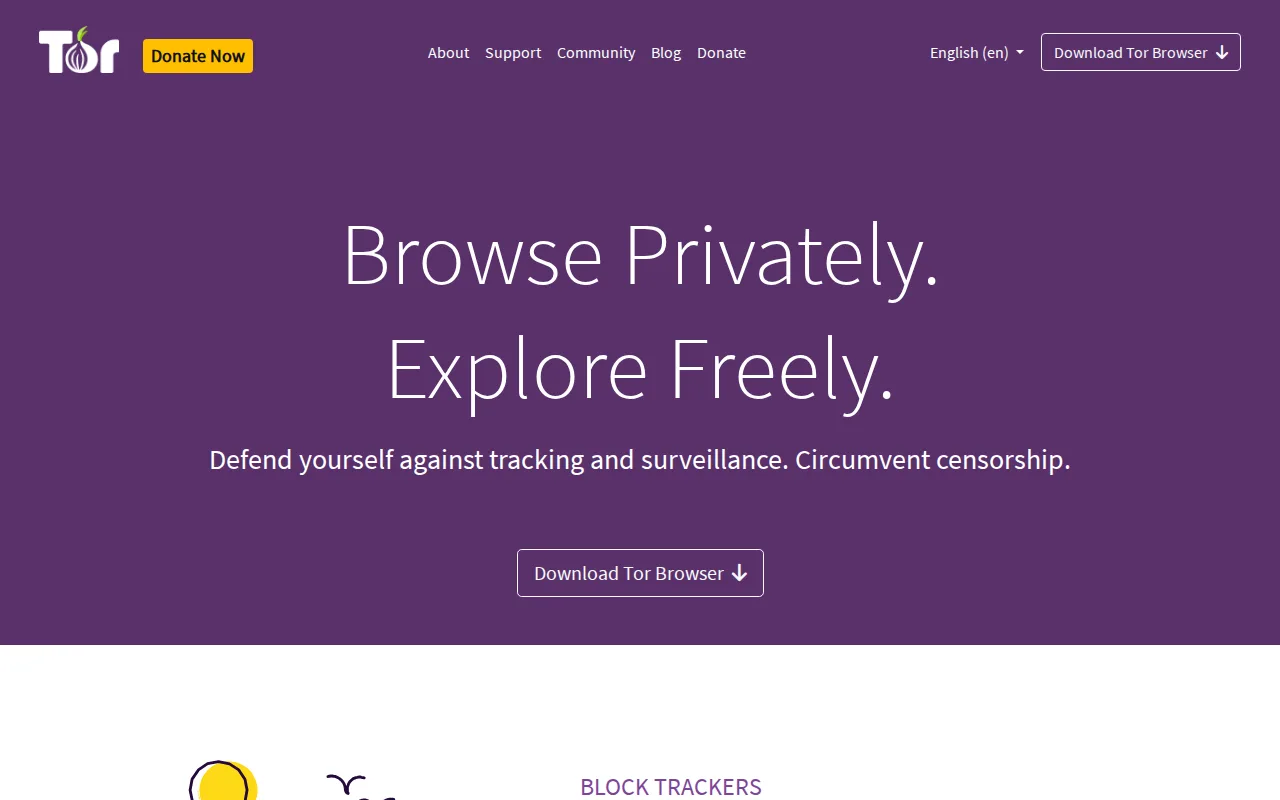
Tor Browser is the best LibreWolf alternative for journalists, activists, and privacy-conscious users who need to browse anonymously and resist network-level censorship, going further than LibreWolf's telemetry-stripped but still directly-connected browsing model. Tor Browser routes traffic through at least 3 volunteer-operated relays with multiple layers of encryption, so no single relay can see both where a request came from and where it's going, a level of anonymity LibreWolf's straightforward internet connection doesn't provide. Both are free, open-source, Firefox-based browsers maintained without a commercial parent company — Tor Browser by the nonprofit Tor Project, LibreWolf by independent volunteers — and neither ships a paid tier. Tor Browser is available on Windows, macOS, Linux, and Android, while LibreWolf offers no official Android build at all. LibreWolf remains the better choice for everyday browsing speed and broad site compatibility: Tor Browser's multi-hop relay routing adds noticeable latency to every page load, and many websites block or CAPTCHA-challenge visitors arriving from Tor exit nodes, friction LibreWolf's direct connection avoids entirely.
Compared to LibreWolf: multi-hop routing through at least 3 relays anonymizes traffic and resists censorship, official Android app unlike LibreWolf's desktop-only availability, but noticeably slower page loads and CAPTCHA-gated sites
Wins:Multi-layered relay encryption prevents a single network observer from linking a user to the sites they visit, a level of anonymity LibreWolf's direct connection doesn't provide · Official Android app, a mobile platform LibreWolf's volunteer-run project doesn't support at all · Maintained by the nonprofit Tor Project rather than an unfunded volunteer effort, giving it more established organizational backing than LibreWolf, which explicitly declines donations
Loses:Page loads are noticeably slower than LibreWolf's direct connection because traffic bounces through multiple relays · Many websites block or CAPTCHA-challenge visitors arriving from Tor exit nodes, friction LibreWolf's direct connection doesn't trigger · No official iOS build; iOS users are redirected to the separate Onion Browser app, while LibreWolf at least ships on every major desktop OS
Pros
- Free and open source, maintained by the nonprofit Tor Project with no subscription or account required.
- Isolates each site in its own identity, clearing cookies automatically and resisting browser fingerprinting techniques.
- Multi-layered relay encryption prevents a single network observer from linking a user to the sites they visit.
- Bypasses local network censorship and site blocks by routing around them.
Cons
- Significantly slower browsing than Chrome, Firefox, or Vivaldi due to multi-hop relay routing.
- No official iOS build; iOS users are redirected to the separate Onion Browser app.
- Many websites block or CAPTCHA-challenge traffic from Tor exit nodes, breaking some pages entirely.
Pricing: Free — $0 vs LibreWolf's $0 — both free, funded by donations or volunteers rather than a commercial parent, though LibreWolf explicitly declines donations while the Tor Project accepts them (verified undefined NaN, NaN)
4.Google Chrome — best LibreWolf alternative for users who want the widest website compatibility and browser-extension ecosystem, and who are already inside the Google account/services ecosystem for sync
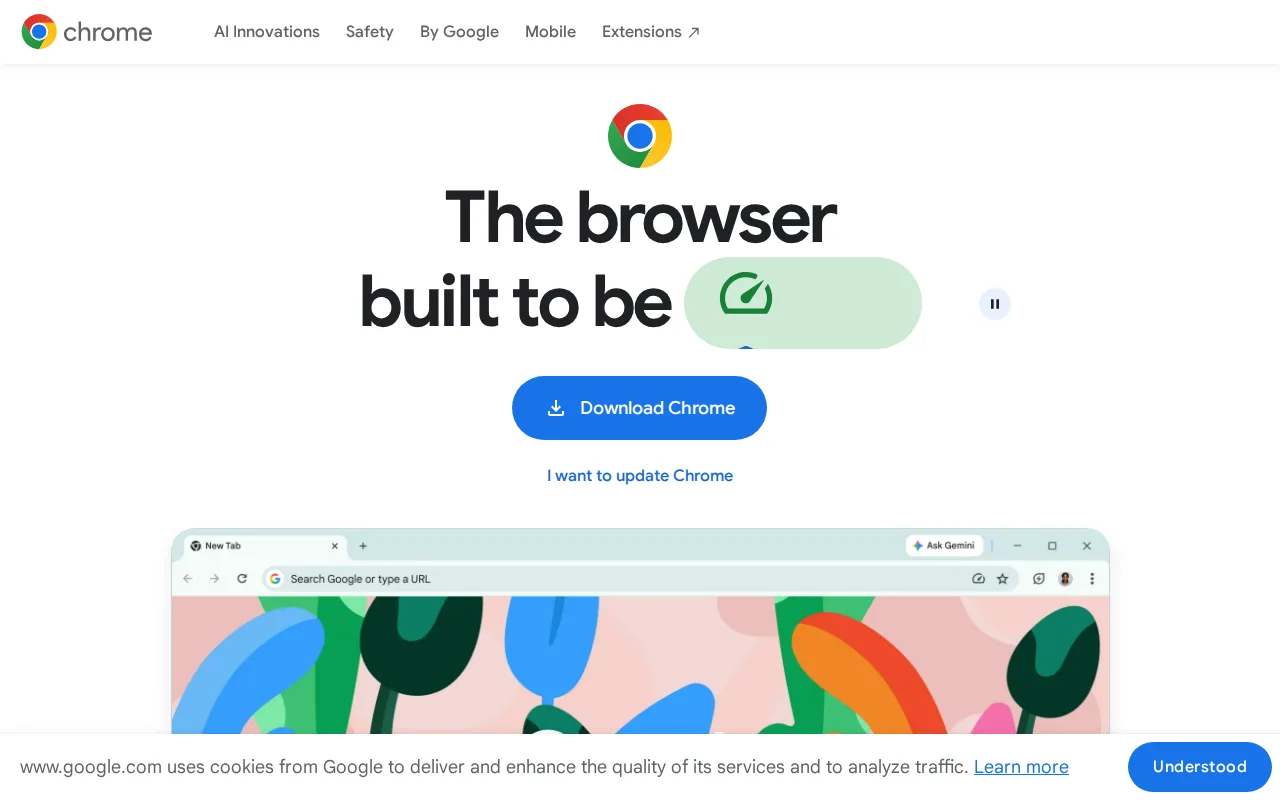
Google Chrome is the best LibreWolf alternative for users who prioritize the broadest extension ecosystem and highest website compatibility over LibreWolf's privacy-first defaults. Chrome holds a 4.8/5 rating from 2,148 Capterra reviews, vastly more evidence than LibreWolf's own listing, which carries no external ratings on file at all. As the reference implementation of Chromium, Chrome drives web-standards adoption broadly and supports the largest library of browser extensions available, beyond what LibreWolf's Firefox-based extension ecosystem offers. Chrome integrates Gemini AI for page summarization and an auto-browse feature for automating tasks, capabilities LibreWolf's privacy-hardened, telemetry-free build has no equivalent to. Chrome is also free across Windows, macOS, Linux, iOS, and Android, reaching mobile platforms LibreWolf doesn't support. LibreWolf remains the far better choice for anyone who wants tracking and telemetry stripped out by default: Chrome collects browsing data as part of Google's advertising-funded business model, ships no ad or tracker blocking on by default the way LibreWolf's bundled uBlock Origin does, and uses significantly more RAM than lighter browsers when many tabs are open, an overhead LibreWolf's leaner, hardened build doesn't carry.
Compared to LibreWolf: broadest extension ecosystem and highest web compatibility, 4.8/5 from 2,148 Capterra reviews vs LibreWolf's no rating on file, collects browsing data by default unlike LibreWolf's telemetry-stripped build
Wins:4.8/5 rating from 2,148 Capterra reviews, vastly more evidence than LibreWolf's own listing, which carries no external ratings on file · Broadest extension ecosystem and highest website compatibility of any browser, since Chrome's Chromium engine is what most other browsers build on and test against · Free on Windows, macOS, Linux, iOS, and Android, reaching mobile platforms LibreWolf doesn't support at all
Loses:Collects browsing data as part of Google's advertising-funded business model, unlike LibreWolf which strips out telemetry and data collection entirely · Ships no ad or tracker blocking on by default, unlike LibreWolf's bundled uBlock Origin · Uses significantly more RAM than lighter browsers when many tabs are open, an overhead LibreWolf's leaner, hardened build doesn't carry
Pros
- Broadest extension ecosystem and highest website compatibility of any browser.
- Free with no paid tier; all sync, password manager, and AI features are included.
- Cross-device sync of bookmarks, passwords, and tabs via a Google account.
- Frequent, low-friction automatic updates roughly every four weeks.
Cons
- Uses significantly more RAM than lighter browsers when many tabs are open, slowing lower-spec machines.
- Heavier resource use drains laptop battery faster than more battery-optimized alternatives.
- Deep integration with Google services and account-based sync raises privacy concerns for some users.
- Built-in Gemini AI features and "auto browse" cannot be fully disabled by users who prefer a minimal browser.
Pricing: Free — $0 vs LibreWolf's $0 — both free with no paid tier (verified undefined NaN, NaN)
Which one is right for you?
- You want Firefox's engine with official Mozilla backing and mobile apps for iOS and Android.Firefox
- You want ad and tracker blocking on by default without installing a separate extension.Brave
- You need to browse anonymously and resist network-level censorship.Tor Browser
- You want the broadest extension ecosystem and highest website compatibility.Google Chrome
- You want a browser that pays you in tokens for opting into privacy-preserving ads.Brave
- You're a journalist or activist who needs multi-hop relay routing to hide your location.Tor Browser
Frequently asked questions
What is the best alternative to LibreWolf?
- Firefox is the best-reviewed alternative to LibreWolf, holding a 4.4/5 rating from 543 Capterra reviews and sharing the same Gecko rendering engine with official Mozilla backing and mobile apps. LibreWolf strips out Mozilla's telemetry and bundles uBlock Origin by default, though, settings Firefox users must configure manually.
Is Firefox the same as LibreWolf?
- No — Firefox and LibreWolf share the same underlying Gecko engine and codebase, but Firefox includes Mozilla's own telemetry and data collection by default, while LibreWolf strips that out and bundles uBlock Origin pre-installed. Firefox also ships official iOS and Android apps, which LibreWolf doesn't offer.
Can Brave replace LibreWolf?
- Brave can replace LibreWolf for users who want ad and tracker blocking on by default plus official mobile apps, though Brave is Chromium-based rather than a Firefox fork, so it shares Chrome's engine rather than LibreWolf's Gecko lineage. Brave's optional Firewall + VPN subscription costs $9.99/month, a paid add-on LibreWolf's donation-free project has no equivalent to.
Which LibreWolf alternative is best for anonymous browsing?
- Tor Browser is the best LibreWolf alternative for anonymous browsing, routing traffic through at least three volunteer-operated relays with multiple layers of encryption. It's noticeably slower than LibreWolf's direct connection, though, and many websites block or CAPTCHA-challenge visitors arriving from Tor exit nodes.
Is there a free alternative to LibreWolf?
- Yes — all four alternatives here (Firefox, Brave, Tor Browser, Google Chrome) are free, matching LibreWolf's own $0 pricing. Brave is the only one with an optional paid add-on, a $9.99/month Firewall + VPN subscription.
Why would someone choose Google Chrome over LibreWolf?
- Google Chrome offers the broadest extension ecosystem and highest website compatibility of any browser, plus a 4.8/5 rating from 2,148 Capterra reviews. Chrome collects browsing data as part of Google's advertising business by default, though, the opposite of LibreWolf's telemetry-stripped, privacy-first design.