Vivaldi — A free, independently developed Chromium-based browser with built-in tab tiling, workspaces, a mail client, and ad/tracker blocking, aimed at power users.

By Noahlast updated pricing verified
Vivaldi screenshots & video
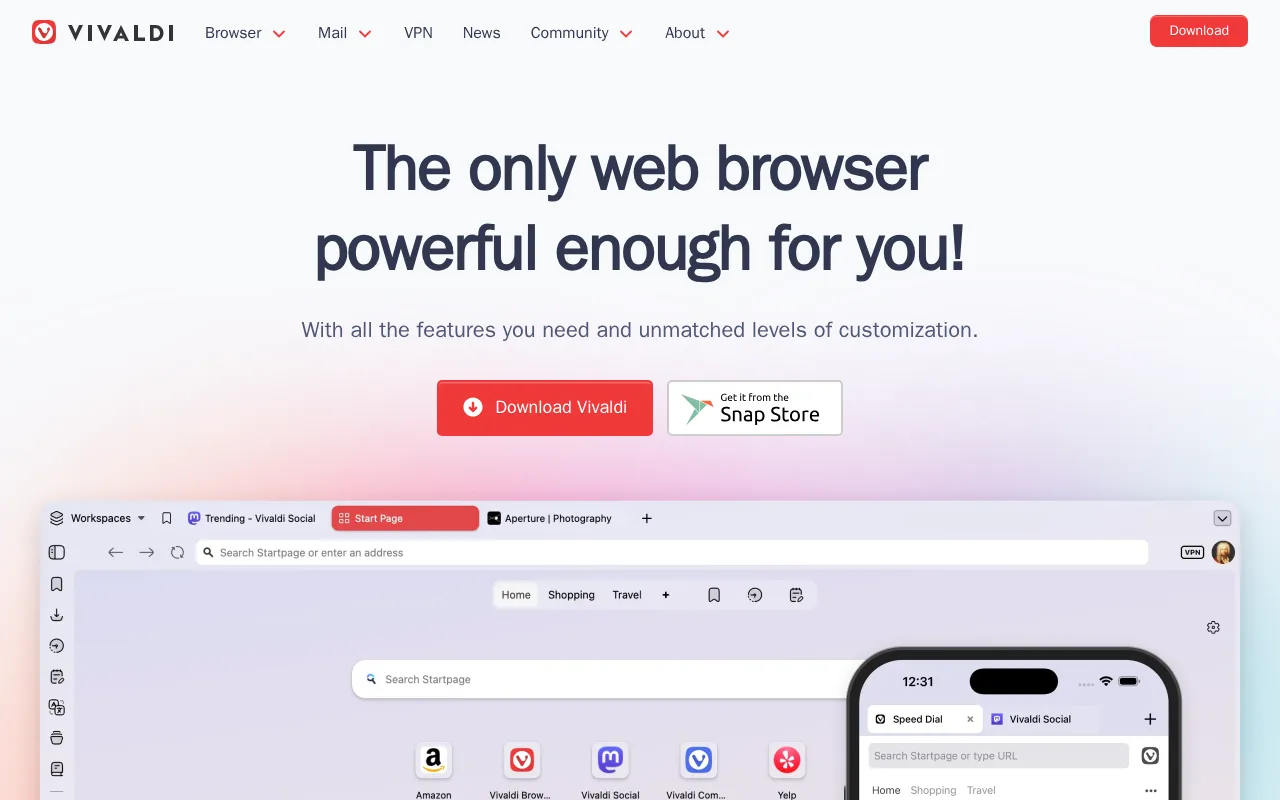
Vivaldi in 20 seconds
Best for: power users who want deep tab and workspace customization built into the browser instead of relying on extensions
Pricing: Free for desktop and mobile; no paid tier for the browser itself.
- Vivaldi is completely free with no paid tier for the browser itself.
- Vivaldi is available for Windows, macOS, Linux, iOS, and Android.
- Vivaldi bundles a mail client, calendar, feed reader, and note-taking tools directly into the browser.
- Vivaldi is built on Chromium but developed independently by Vivaldi Technologies, a privately funded company.
- Vivaldi includes built-in ad and tracker blocking, tab tiling/stacking, and customizable workspaces.
Limitations: Steeper learning curve than mainstream browsers due to the dense feature set.; Still Chromium-based, dependent on Google's rendering engine.; Smaller market share means occasional site compatibility quirks.
Top alternatives: Brave, Firefox, Opera, Arc — full list
What is Vivaldi?
Vivaldi is a web browser built by Vivaldi Technologies, an independent, privately funded company founded by former Opera executives, positioned as a customizable alternative to Big Tech browsers for power users who manage many tabs and want built-in productivity tools. The browser is built on the Chromium engine but developed independently, with a UI that bundles features other browsers require extensions for: tab tiling and stacking, workspaces for grouping projects, mouse gestures, customizable command chains, a pop-out video player, and screenshot and translation tools. Vivaldi also includes a native mail client, calendar, feed reader, and note-taking panel directly in the browser, along with end-to-end encrypted sync and Proton VPN integration. Vivaldi is entirely free on Windows, macOS, Linux, iOS, and Android, with no paid tier for the browser itself; the company's privacy-first positioning includes built-in ad and tracker blocking and a stated policy against selling user data. The tradeoff is complexity: the dense settings and feature set take longer to learn than a mainstream browser, and because Vivaldi is Chromium-based, it still depends on Google's rendering engine even as it markets itself against Google's data practices.
Vivaldi is a free, independently developed web browser built on Chromium by the Norway-based Vivaldi Technologies, aimed at power users who want deep customization and built-in productivity tools rather than relying on browser extensions. It bundles tab tiling and stacking, customizable workspaces, an ad and tracker blocker, a mail client, calendar, feed reader, and note-taking tools directly into the browser, available free on Windows, macOS, Linux, iOS, and Android. Vivaldi positions itself against Big Tech browsers on privacy grounds, syncing data end-to-end encrypted across devices with no behavioral advertising business model. Despite the privacy focus, it remains built on Google's Chromium engine, and its dense settings and feature set create a steeper learning curve than mainstream browsers like Chrome or Safari.
Standout feature: Built-in tab tiling, stacking, and workspaces plus a native mail client, calendar, and feed reader bundled directly into the browser rather than requiring separate apps or extensions.
Biggest weakness: The extensive feature set and settings menus create a steeper learning curve than mainstream browsers, and being Chromium-based, Vivaldi still depends on Google's browser engine even while blocking Google's own tracking.
Pros
- Deep tab management: tiling, stacking, and workspaces built in without needing extensions.
- Bundled mail client, calendar, feed reader, and note-taking tools inside the browser itself.
- No data tracking sold to advertisers; independent, privately funded company.
- Highly customizable UI, including custom keyboard shortcuts and mouse gesture command chains.
Cons
- Dense feature set and settings menus make the learning curve steeper than Chrome, Safari, or Firefox.
- Built on Chromium, so it still depends on Google's rendering engine despite privacy-focused positioning.
- Smaller market share than mainstream browsers means fewer sites are specifically tested against it, occasionally surfacing compatibility quirks.
Vivaldi pricing
Free · verified from the vendor's pricing page
| Plan | Price | Notes |
|---|---|---|
| Vivaldi Browser | Free | Free browser for desktop and mobile; company revenue comes from search engine partnerships and optional services like Vivaldi Mail, not the browser itself. |
What reviewers say
No third-party review scores on file yet.