Zen Browser — A free, open-source Firefox fork with vertical tabs, workspaces, and split view built in, for Windows, macOS, and Linux.

By Noahlast updated pricing verified
Zen Browser screenshots & video
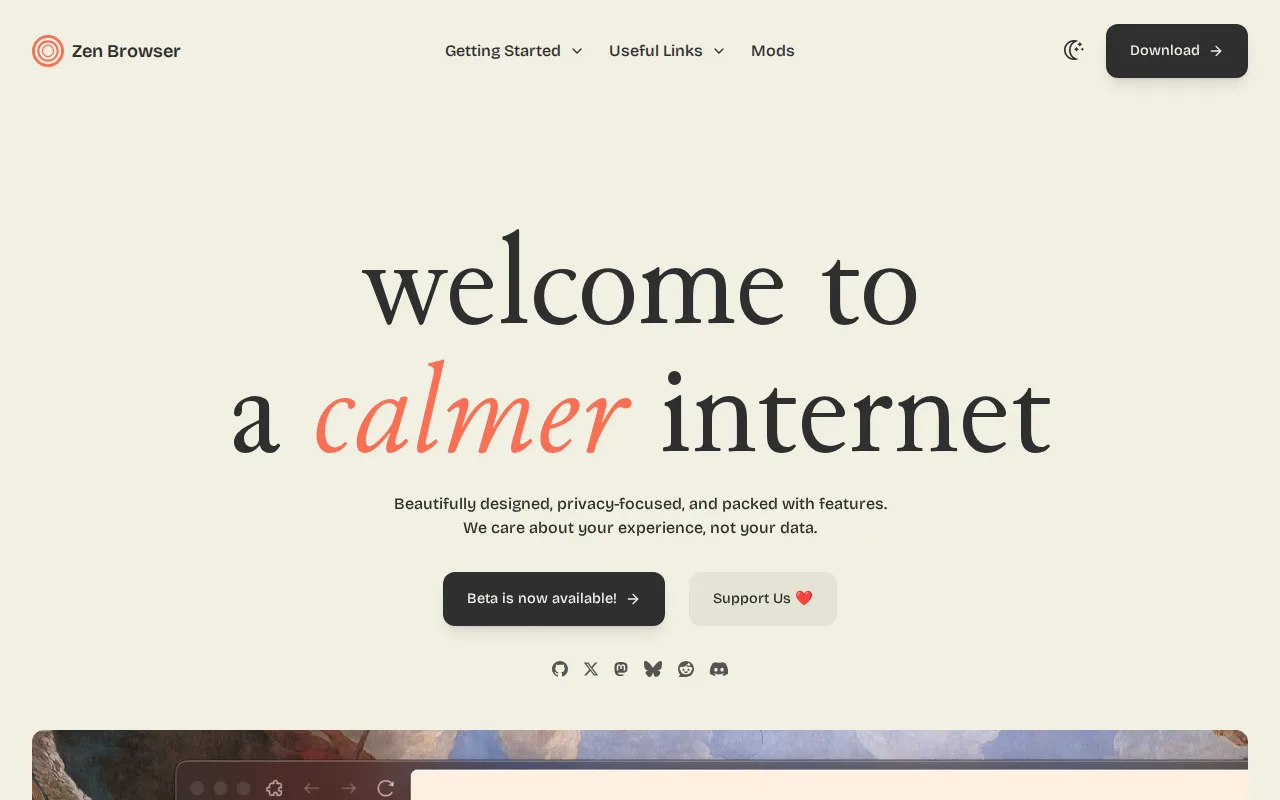
Zen Browser in 20 seconds
Best for: Firefox users who want vertical tabs, workspaces, and split view built into the browser without extensions
Pricing: Completely free with no paid tier; development is funded through donations.
- Zen Browser is free and open source under the Mozilla Public License 2.0, with over 44,000 GitHub stars.
- Zen Browser is a fork of Firefox, built on Mozilla's Gecko rendering engine.
- Zen Browser holds a 4.8/5 rating from 9 reviews on Product Hunt.
- Zen Browser ships built-in vertical tabs, workspaces, and split view.
- Zen Browser is available for Windows, macOS, and Linux, with no official mobile app.
Limitations: No official iOS or Android app.; Smaller community-run project without Mozilla's release cadence or enterprise support.; Depends on Mozilla continuing to maintain the underlying Firefox/Gecko codebase.
Top alternatives: Firefox, Arc, Vivaldi, Brave, Google Chrome — full list
What is Zen Browser?
Zen Browser is an open-source web browser forked from Mozilla Firefox, inheriting Firefox's Gecko rendering engine and privacy features while replacing the default interface with a design built around vertical tabs, workspaces, and split-screen browsing. Workspaces let users keep separate sets of tabs for different contexts (work, personal, research) and switch between them without losing state, while split view lets two tabs sit side by side in one window. "Zen Mods" is a built-in customization layer for community-made themes and CSS tweaks, and because Zen inherits Firefox's engine, it also inherits Firefox's extension compatibility and tracking protections. The project is entirely free, with no paid tier or account requirement, and is funded through donations rather than a business model. Its source code is public on GitHub under the zen-browser organization (primary repo zen-browser/desktop) under the Mozilla Public License 2.0, and it ships stable (Release) and pre-release (Twilight) update channels. Downloads are available for Windows, macOS, and Linux; there is no official iOS or Android app.
Zen Browser is a free, open-source web browser built on Mozilla's Firefox and Gecko engine, positioned as a calmer, more customizable alternative to Chrome and stock Firefox. It ships with vertical tabs, workspaces for separating contexts, split-screen tab view, and a compact glassy interface out of the box, plus a "Zen Mods" system for further theming. Zen Browser has no paid tier and is funded through donations; its source is public on GitHub (zen-browser/desktop) under the Mozilla Public License 2.0 and has drawn over 44,000 stars. It's built for Windows, macOS, and Linux, with no official mobile app as of this review.
Standout feature: Workspaces and native split view ship built into the browser itself, letting users separate browsing contexts and view two tabs side by side without third-party extensions, on top of Firefox's Gecko engine.
Biggest weakness: Zen Browser has no official mobile app, so it can't replace Firefox or Chrome as a synced browser across phone and desktop, and as a smaller community-run fork it lags behind Firefox itself on security patch turnaround and enterprise policy support.
Pros
- Free and open source under the Mozilla Public License 2.0, with the code public on GitHub (44,000+ stars).
- Vertical tabs, workspaces, and split view are built in, not bolted on through extensions.
- Inherits Firefox's Gecko engine and extension compatibility rather than being another Chromium skin.
- Zen Mods provides a built-in system for community themes and interface customization.
Cons
- No official iOS or Android app, so it can't be a cross-device replacement for Chrome or Firefox mobile.
- Smaller, community-run project without Mozilla's release cadence or enterprise/managed-policy support.
- As a Firefox fork, it depends on Mozilla continuing to maintain the underlying Gecko engine and Firefox codebase it forks from.
- No official support channel beyond Discord and GitHub issues.
Zen Browser pricing
Free · verified from the vendor's pricing page
| Plan | Price | Notes |
|---|---|---|
| Zen Browser | Free | Free, open-source browser with no paid tier or account requirement; development is funded through voluntary donations. |
What reviewers say
Scores belong to their platforms; we display them with attribution and never fold them into our own ratings.