3 Best Free Alternatives to ScreenPal in 2026
By Noahlast updated pricing verified
Compared: free alternatives to ScreenPal
| Alternative | Best for | Standout | Biggest weakness | Learning curve | Price |
|---|---|---|---|---|---|
| ScreenPalreference | educators, corporate trainers, and support teams recording short tutorial and how-to videos who want built-in AI captioning without a separate video editor | AI-generated transcripts, captions, chapters, and video summaries built directly into the recorder and editor, alongside interactive quizzes and polls embedded in hosted videos. | The free plan caps every recording at 15 minutes and 720p playback, and SSO or LMS integration for institutional rollouts require the $8/user Team Business tier with a 3-user minimum. | Low | Free tier · paid from $3/mo |
| Loom | product, engineering, and customer-facing teams replacing routine live meetings or long written explanations with short async screen-recording videos | Native Jira integration (as an Atlassian product) that converts a recorded walkthrough directly into a ticket with technical details auto-extracted from the video. | The free Starter tier caps recordings at 5 minutes and 25 videos per person, which most teams recording walkthroughs regularly outgrow fast, forcing an $18-24/user/month upgrade. | Low | Free tier · paid from $18/mo |
| OBS Studio | streamers and content creators who want a free, unlimited-scene streaming and recording tool without subscription fees or watermarks | Unlimited customizable scenes and sources with a full audio mixer and VST plugin support, all free and open source with no watermark or paywalled features. | The interface and initial setup (scene collections, sources, encoder settings, audio routing) have a real learning curve for first-time users compared to opinionated paid tools like Streamlabs that ship with guided setup wizards and built-in overlay stores. | Moderate | Free |
| Vidyard | sales and marketing reps who want to send trackable, personalized video messages through their CRM and email tools instead of generic text outreach | Video Agent automates trigger-based video sequences using AI avatars, letting a rep record once and send personalized-feeling video outreach at scale with engagement analytics tied back to pipeline. | Starter-tier pricing is not published on the site, so buyers must start a trial or talk to sales to learn the actual monthly cost, and the free plan caps recording at just 5 videos per month. | Low | Free |
 ScreenPal
 Loom
Loom OBS Studio
 Vidyard
1.Loom — best ScreenPal alternative for product, engineering, and customer-facing teams replacing routine live meetings or long written explanations with short async screen-recording videos
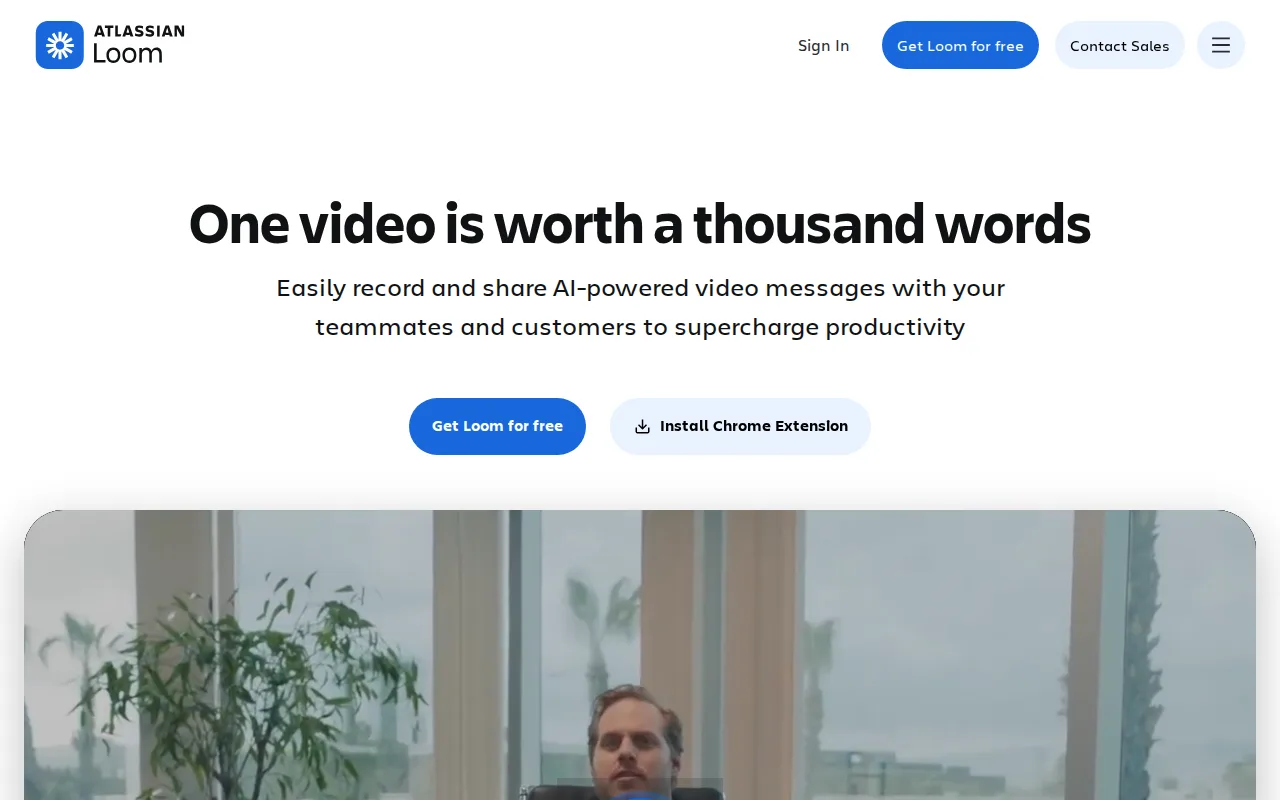
Loom is the best ScreenPal alternative for product, engineering, and customer-facing teams that want to replace live meetings with short async video messages rather than ScreenPal's longer-form tutorial and training focus. Loom holds a 4.7/5 rating from 529 Capterra reviews, edging out ScreenPal's own 4.4/5 score from 102 Capterra reviews. Loom's free Starter tier supports up to 50 workspace members, more generous than ScreenPal's free tier, which caps recordings at 15 minutes and 720p, though Loom's own free tier caps recordings at just 5 minutes versus ScreenPal's 15-minute free cap. Since Atlassian's 2023 acquisition, Loom integrates natively with Jira, converting a recorded walkthrough directly into a ticket with technical details auto-extracted, an integration ScreenPal's listing doesn't describe. Loom's Business tier costs $18/user/month, well above ScreenPal's Team Business tier at $8/user/month, and Business + AI runs $24/user/month for meeting recaps and filler-word removal, features ScreenPal's own AI tools (transcripts, captions, chapters, summaries) approach differently at a lower price point. ScreenPal remains the better choice for anyone recording longer tutorial or training content: Loom's free tier caps individual recordings at just 5 minutes, a third of ScreenPal's 15-minute free cap, and Loom's interactive quiz and poll features embedded in hosted videos have no equivalent described in its own listing, unlike ScreenPal's built-in video quizzes.
Compared to ScreenPal: 4.7/5 rating from 529 Capterra reviews vs ScreenPal's 4.4/5 from 102 reviews, native Jira ticket creation from recorded walkthroughs vs nothing comparable in ScreenPal's listing, Business tier at $18-24/user/month vs ScreenPal's Team Business at $8/user/month
Wins:4.7/5 rating from 529 Capterra reviews, a larger sample than ScreenPal's 102 reviews · Native Jira ticket creation from a recorded walkthrough since the Atlassian acquisition, an integration not described in ScreenPal's listing · Free Starter tier supports up to 50 workspace members, broader than ScreenPal's free-tier scope
Loses:Free tier caps individual recordings at just 5 minutes, a third of ScreenPal's 15-minute free cap · Business tier costs $18/user/month and Business + AI costs $24/user/month, well above ScreenPal's $8/user/month Team Business tier · No interactive quizzes or polls embedded in hosted video described in its listing, unlike ScreenPal's built-in video quizzes
Pros
- Records and generates a shareable link in seconds, with no export or upload step.
- Native Jira ticket creation from a recorded walkthrough since the Atlassian acquisition.
- Transcriptions and captions in 50+ languages included even on paid tiers.
- Edit-by-transcript (Business + AI) lets you trim video by deleting text instead of scrubbing a timeline.
Cons
- Free tier is capped at 5-minute recordings and 25 videos per person, too limited for regular use.
- AI features (meeting recaps, filler-word removal) require the pricier Business + AI tier at $24/user/month.
- No offline or local-only recording mode; videos upload to Loom's cloud by default.
- Per-seat pricing adds up quickly for larger teams compared with ad hoc recording tools.
Pricing: Free tier · paid from $18/mo — $18/user/month (Business) to $24/user/month (Business + AI) vs ScreenPal's $3-$8/user/month range across Solo Deluxe, Solo Max, and Team Business (verified undefined NaN, NaN)
2.OBS Studio — best ScreenPal alternative for streamers and content creators who want a free, unlimited-scene streaming and recording tool without subscription fees or watermarks
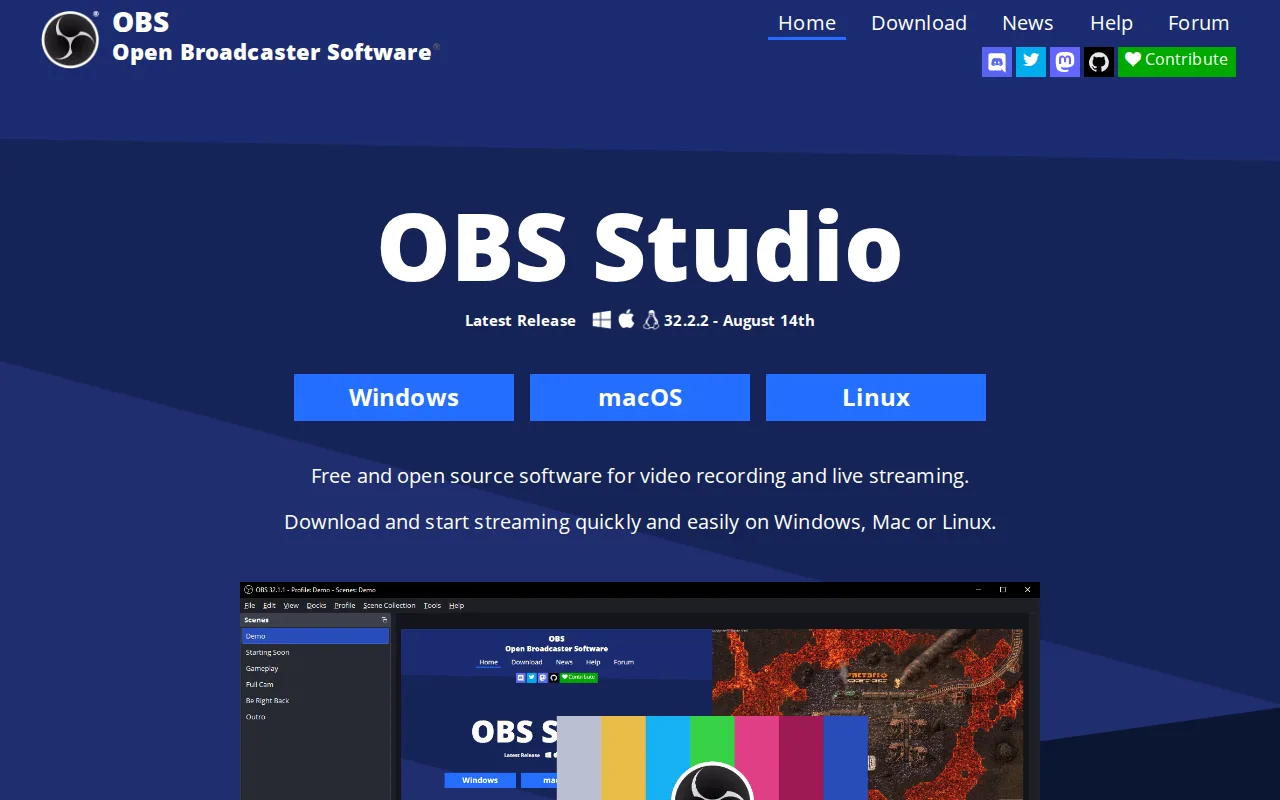
OBS Studio is the best ScreenPal alternative for streamers and content creators who want completely free, open-source screen recording and live streaming with no subscription tier at all, unlike ScreenPal's freemium model that caps free recordings at 15 minutes and 720p. OBS Studio is licensed GPL-2.0 with unlimited customizable scenes, real-time transitions, and a professional audio mixer with VST plugin support, all at $0 with no watermark or account requirement, while ScreenPal's paid Solo Deluxe and Solo Max tiers run $3 to $7.50/month for unlimited recording length and AI captioning. OBS Studio streams directly to platforms like Twitch and YouTube, a live-streaming capability not described in ScreenPal's own listing, which focuses on recording, editing, and hosting rather than live broadcast. OBS Studio runs on Windows, macOS, and Linux, though it lacks ScreenPal's iOS and Android apps. ScreenPal remains the better choice for anyone who wants built-in AI transcripts, captions, chapters, and video summaries, or interactive quizzes and polls embedded in hosted videos: none of these AI or interactivity features are described in OBS Studio's listing, and OBS Studio's initial setup (scene collections, encoder settings, audio routing) has a real learning curve compared to ScreenPal's low learning curve rating.
Compared to ScreenPal: completely free ($0) with no watermark or subscription vs ScreenPal's $3-$8/month paid tiers for unlimited recording, live streaming to Twitch and YouTube vs nothing comparable in ScreenPal's listing, no AI transcripts, captions, or interactive quizzes vs ScreenPal's built-in AI and quiz tools
Wins:Completely free and open source (GPL-2.0) with unlimited scenes and no watermark, subscription, or account requirement, unlike ScreenPal's $3-$8/month paid tiers for unlimited recording · Live streaming directly to platforms like Twitch and YouTube, a capability not described in ScreenPal's listing · Professional audio mixer with per-source filters and VST plugin support
Loses:No AI-generated transcripts, captions, chapters, or video summaries described in its listing, unlike ScreenPal's built-in AI toolset · No interactive quizzes, polls, or clickable buttons embedded in hosted video, unlike ScreenPal's built-in video quizzes · No iOS or Android app, unlike ScreenPal, which runs on Windows, macOS, iOS, Android, and the web · Real learning curve for initial setup (scene collections, encoder settings, audio routing) versus ScreenPal's low learning curve rating
Pros
- Completely free and open source with no watermark, subscription, or account requirement.
- Unlimited scenes and sources, including windows, monitors, webcams, capture cards, browser sources, and text.
- Professional audio mixer with per-source filters and VST plugin support.
- Extensible through Lua and Python scripting and a large third-party plugin ecosystem.
Cons
- No built-in guided setup wizard or overlay store, unlike paid competitors such as Streamlabs.
- Initial configuration of encoders, scenes, and audio routing has a real learning curve for first-time streamers.
- No official cloud backup or sync for scene collections and settings across machines.
- Community-driven support (forums, Discord) rather than dedicated commercial customer support.
Pricing: Free — $0, completely free with no paid tier, vs ScreenPal's $3-$8/user/month range across Solo Deluxe, Solo Max, and Team Business (verified undefined NaN, NaN)
3.Vidyard — best ScreenPal alternative for sales and marketing reps who want to send trackable, personalized video messages through their CRM and email tools instead of generic text outreach
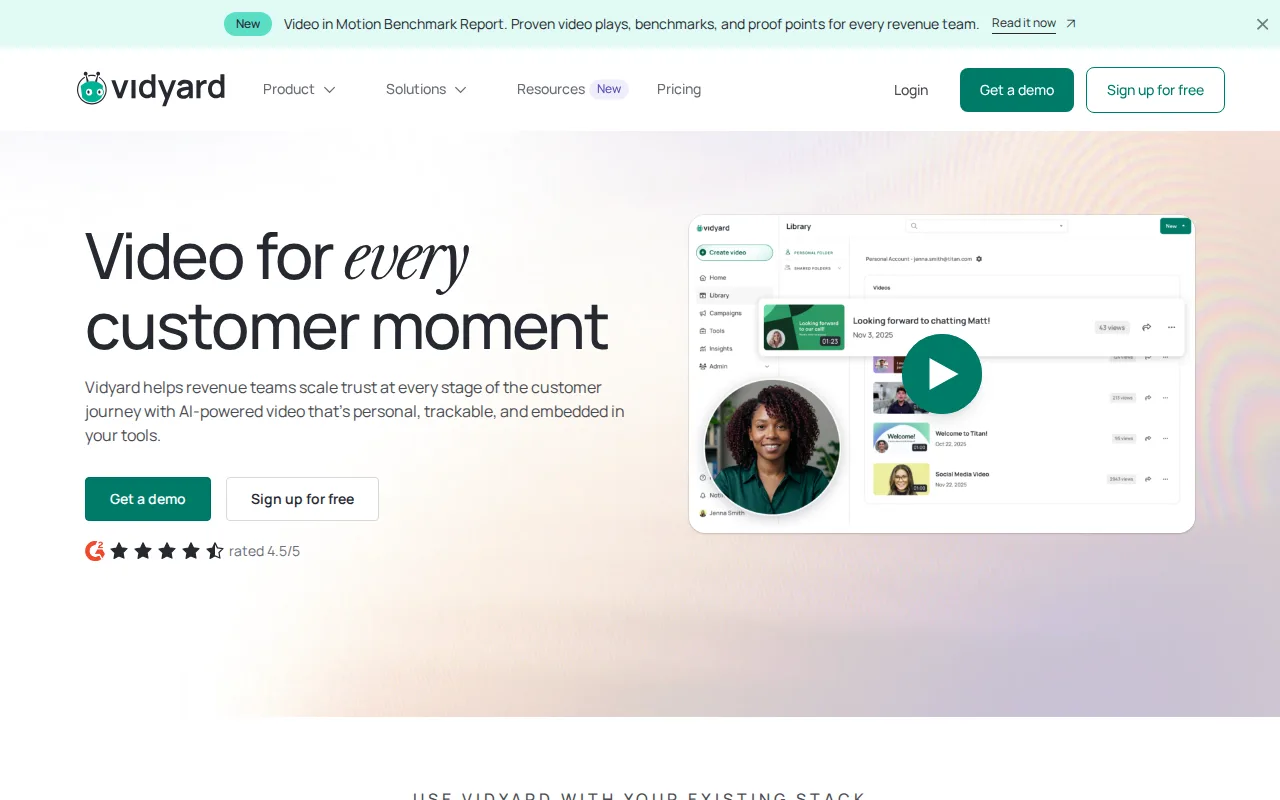
Vidyard is the best ScreenPal alternative for sales and marketing reps who want trackable, personalized video messages with engagement analytics tied to a CRM, a revenue-focused use case ScreenPal's education and training focus doesn't address. Vidyard's AI Avatar feature lets a rep record one video and generate localized or personalized variants at scale, and Video Agent automates trigger-based video sequences, capabilities beyond ScreenPal's AI transcript, caption, and summary tools. Vidyard integrates with more than 50 sales and marketing tools including Salesforce, HubSpot, Gong, and Salesloft, a deeper CRM-specific integration set than ScreenPal's listing describes. Both products offer a free tier, but Vidyard's caps recording at just 5 videos per month and 15 AI videos, tighter than ScreenPal's free tier, which allows 10 hosted videos with recordings up to 15 minutes each. Vidyard ships native iOS and Android apps for on-the-go recording, matching ScreenPal's own mobile coverage. ScreenPal remains the better choice for anyone who wants transparent, published pricing: Vidyard's Starter-tier price is not published on its site and requires a trial or sales contact to learn the actual monthly cost, unlike ScreenPal, which publishes its Solo Deluxe ($3/month), Solo Max ($7.50/month), and Team Business ($8/user/month) rates plainly, and neither Vidyard nor ScreenPal carries an external rating on file, so track record can't break the tie either way.
Compared to ScreenPal: AI Avatar and Video Agent for automated, personalized outreach vs ScreenPal's AI transcripts, captions, and summaries, 50+ CRM and sales tool integrations vs ScreenPal's narrower listing, Starter-tier pricing not published vs ScreenPal's plainly listed $3-$8/month tiers
Wins:AI Avatar and Video Agent let a single recording scale into personalized, automated video outreach at scale, capabilities beyond ScreenPal's AI transcript and caption tools · 50+ integrations with sales and marketing tools including Salesforce, HubSpot, Gong, and Salesloft, a deeper CRM-specific integration set than ScreenPal's listing describes
Loses:Free plan caps recording at just 5 videos per month, tighter than ScreenPal's free tier, which allows 10 hosted videos with recordings up to 15 minutes each · Starter-tier pricing is not published on the site; buyers must start a trial or contact sales, unlike ScreenPal's plainly published $3-$8/month rates · No external rating on file, the same gap as ScreenPal's own listing, so neither track record can settle this comparison
Pros
- Free plan available with no credit card required for basic video recording and sharing.
- Deep integrations with 50+ sales and marketing tools including Salesforce, HubSpot, Gong, and Salesloft.
- AI Avatar and Video Agent features let a single recording scale into personalized, automated outreach.
- Native iOS and Android apps make on-the-go recording straightforward for field sales reps.
Cons
- Starter-tier pricing is not published; prospective buyers must trial or contact sales to see actual monthly cost.
- Free plan is capped at 5 recorded videos per month, tight for active sales reps.
- Teams and Enterprise tiers require custom quotes rather than transparent self-serve pricing.
- Advanced CRM/MAP integrations and SSO are locked behind Teams/Enterprise, not available on Starter.
Pricing: Free — Starter-tier price not published (requires trial or sales contact) vs ScreenPal's plainly listed $3/month (Solo Deluxe) to $8/user/month (Team Business)