2 Best Alternatives to Process Street in 2026
By Noahlast updated

The best alternative to Process Street is ClickUp. Other top alternatives are Smartsheet — 2 options compared below with verified pricing, pros and cons, and honest weaknesses.
How we picked
- Fit first: every listed tool replaces the core job of the product on this page.
- Pricing is read from each vendor's pricing page; the verification date is shown above.
- Third-party review scores are displayed with counts and linked to their source.
- Likes and “I use this” marks from signed-in users feed the ordering.
Paid placement never alters editorial rank — read the full methodology.
Process Street alternatives at a glance
| Alternative | Best for | Learning curve | Price |
|---|---|---|---|
| Process Streetreference | Operations teams running repeatable, high-stakes processes | Moderate | Custom pricing |
| ClickUp | small and mid-sized teams that want tasks, docs, chat, and time tracking on one paid seat instead of buying a tracker, a wiki, a chat app, and a timesheet tool separately | Steep | Free tier · paid from $7/mo |
| Smartsheet | enterprise PMOs, IT portfolio teams, and cross-functional operations teams (construction, healthcare, marketing) that need spreadsheet-familiar project tracking with automation, dashboards, and resource management at scale | Moderate | Custom pricing |
 Process Street
 ClickUp
 Smartsheet
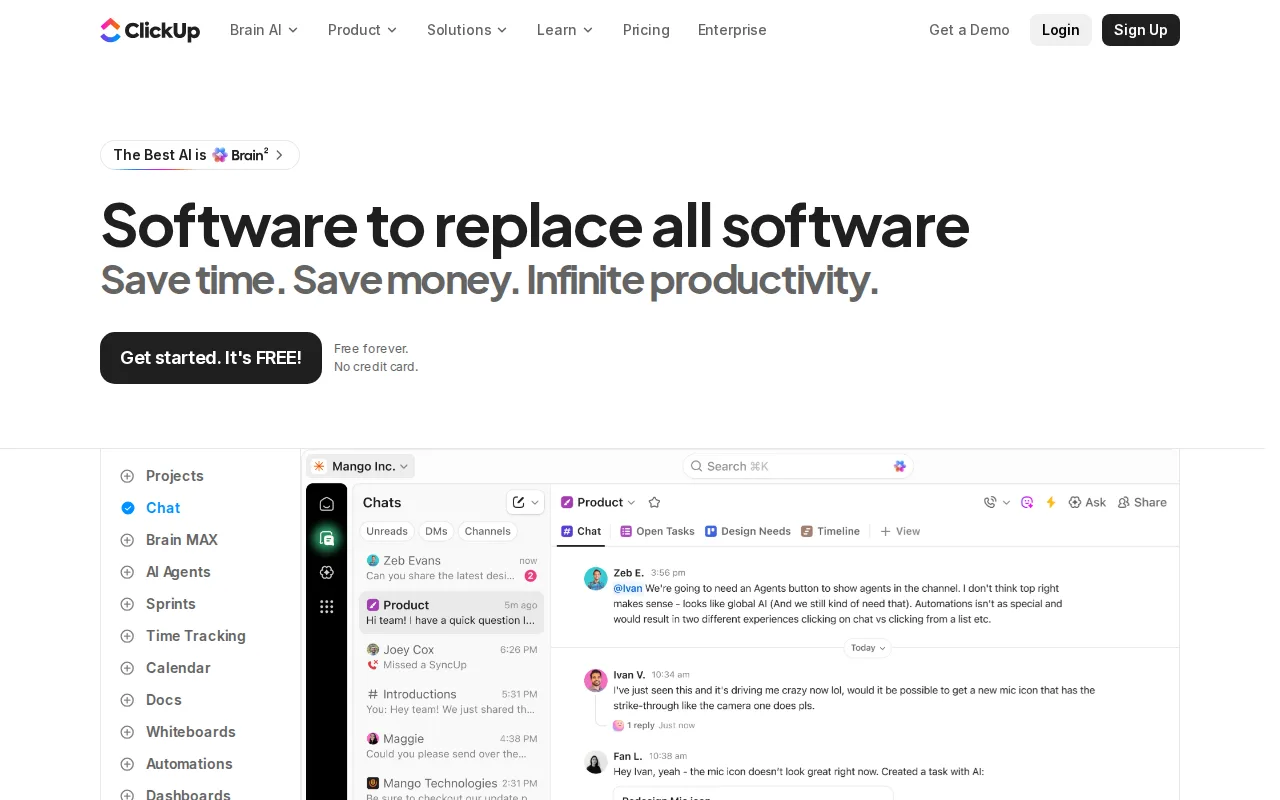
1ClickUp — best Process Street alternative for small and mid-sized teams that want tasks, docs, chat, and time tracking on one paid seat instead of buying a tracker, a wiki, a chat app, and a timesheet tool separately
Pros
- Free Forever includes unlimited tasks and unlimited members with Kanban boards, sprints, collaborative docs, calendar view, and in-app video recording.
- Unlimited at $7/user/month billed yearly already covers unlimited storage, Gantt charts, integrations, custom fields, and native time tracking.
- One workspace spans tasks, docs and wikis, chat, whiteboards, dashboards, goals, forms, and time tracking, cutting the number of separate subscriptions a team carries.
- Native apps for Windows, macOS, Linux, iOS, and Android plus a Chrome extension and a public API (10,000 calls/minute on Enterprise).
- ClickUp holds 4.6/5 across 4,630 Capterra reviews, 4.1/5 across 687 Trustpilot reviews, and 4.6/5 across 123 Product Hunt reviews.
Cons
- AI is priced on top of the plan at $9/user/month (Brain AI) or $28/user/month (Everything AI), plus $10 per 10,000 AI Super Credits once the allowance runs out.
- Free Forever caps total file storage at 60MB and Spaces at 5, so the free plan stops working for any team that attaches real files.
- Depth comes with per-plan caps on Spaces, lists, folders, automations, and view types — 40 lists per Space on Free, 200 on Unlimited, 400 on Business — so a workspace needs deliberate setup before it is usable.
- Payment is per Workspace and the whole Workspace must upgrade at once; a single team cannot be moved to a paid plan on its own.
Pricing: Free tier · paid from $7/mo (verified November 1, 2026)
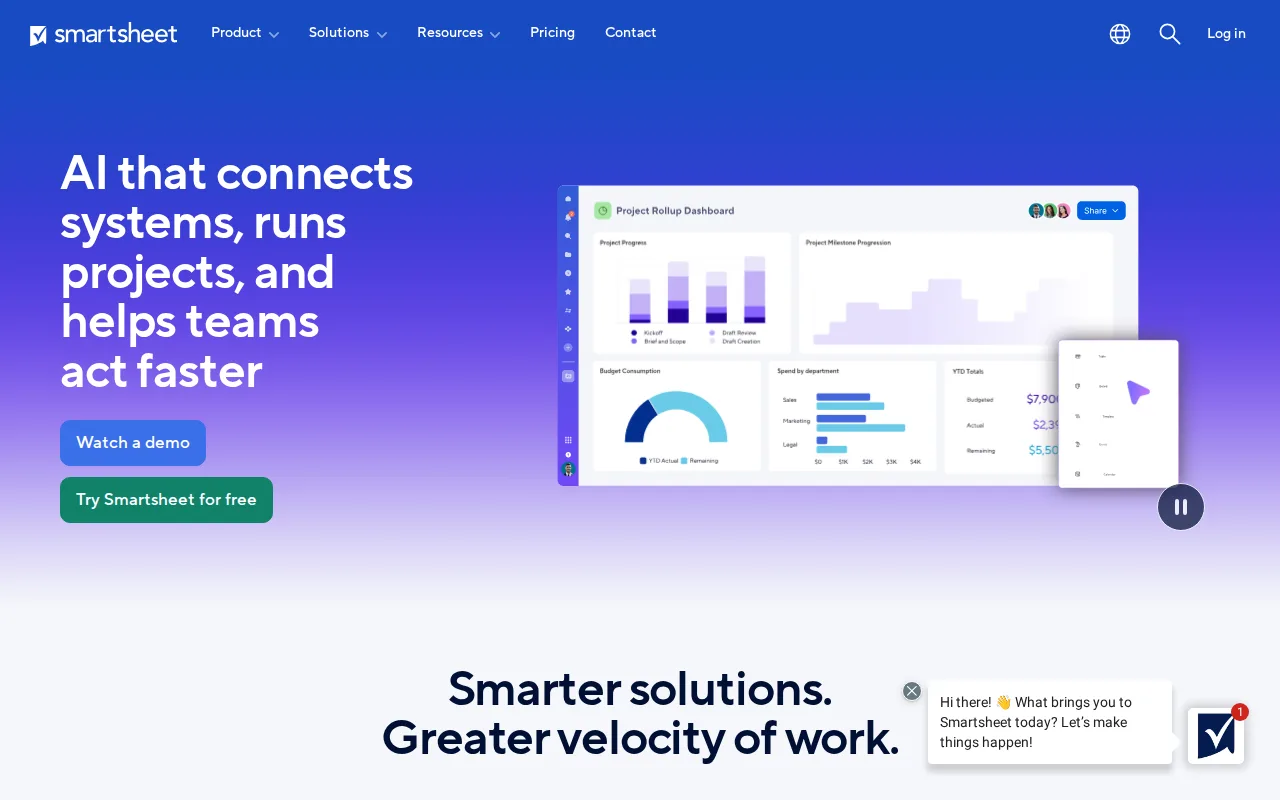
2Smartsheet — best Process Street alternative for enterprise PMOs, IT portfolio teams, and cross-functional operations teams (construction, healthcare, marketing) that need spreadsheet-familiar project tracking with automation, dashboards, and resource management at scale
Pros
- Spreadsheet-familiar interface lowers the learning curve for teams already comfortable with grids and formulas.
- AI-powered dashboards and resource/capacity planning built into the core product.
- Integrates natively with 20+ platforms, including Salesforce, Microsoft, Google, AWS, and Adobe.
- Recognized as a Gartner Magic Quadrant Leader for Collaborative Work Management for three consecutive years.
Cons
- No permanent free plan; only a 30-day trial before billing begins.
- Exact per-member pricing for Pro and Business isn't published without starting checkout.
- Business tier requires a minimum of 3 members, ruling out very small teams from that tier's features.
Pricing: Custom pricing