5 Best Alternatives to Plane for iOS in 2026
By Noahlast updated pricing verified
Compared: Plane alternatives that run on iOS
| Alternative | Best for | Learning curve | Price |
|---|---|---|---|
| Planereference | engineering teams migrating from Jira or Linear who want an AGPL-licensed self-hosting option plus a cloud plan that bundles AI credits into every paid tier | Moderate | Free tier · paid from $6/mo |
| Linear | software product and engineering teams that want a fast, keyboard-driven issue tracker with built-in support for assigning work to AI coding agents, rather than a heavily customizable general project-management tool | Low | Free tier · paid from $10/mo |
| Jira | software development teams that need deeply configurable issue workflows and tight integration with Bitbucket/GitHub, and are willing to invest in a dedicated Jira admin to manage the configuration | Steep | Free tier · paid from $7.91/mo |
| ClickUp | small and mid-sized teams that want tasks, docs, chat, and time tracking on one paid seat instead of buying a tracker, a wiki, a chat app, and a timesheet tool separately | Steep | Free tier · paid from $7/mo |
| Asana | Cross-functional teams of 10-500 people who need shared timelines, dependencies, and status reporting across multiple concurrent projects. | Moderate | Free tier · paid from $10.99/mo |
| monday.com | Mid-size teams that want one configurable platform to run project tracking, CRM, and IT/HR workflows on visual boards instead of stitching together separate point tools. | Moderate | Free tier · paid from $9/mo |
 Plane
Plane Linear
 Jira
Jira ClickUp
 Asana
Asana monday.com
1Linear — best Plane alternative for software product and engineering teams that want a fast, keyboard-driven issue tracker with built-in support for assigning work to AI coding agents, rather than a heavily customizable general project-management tool
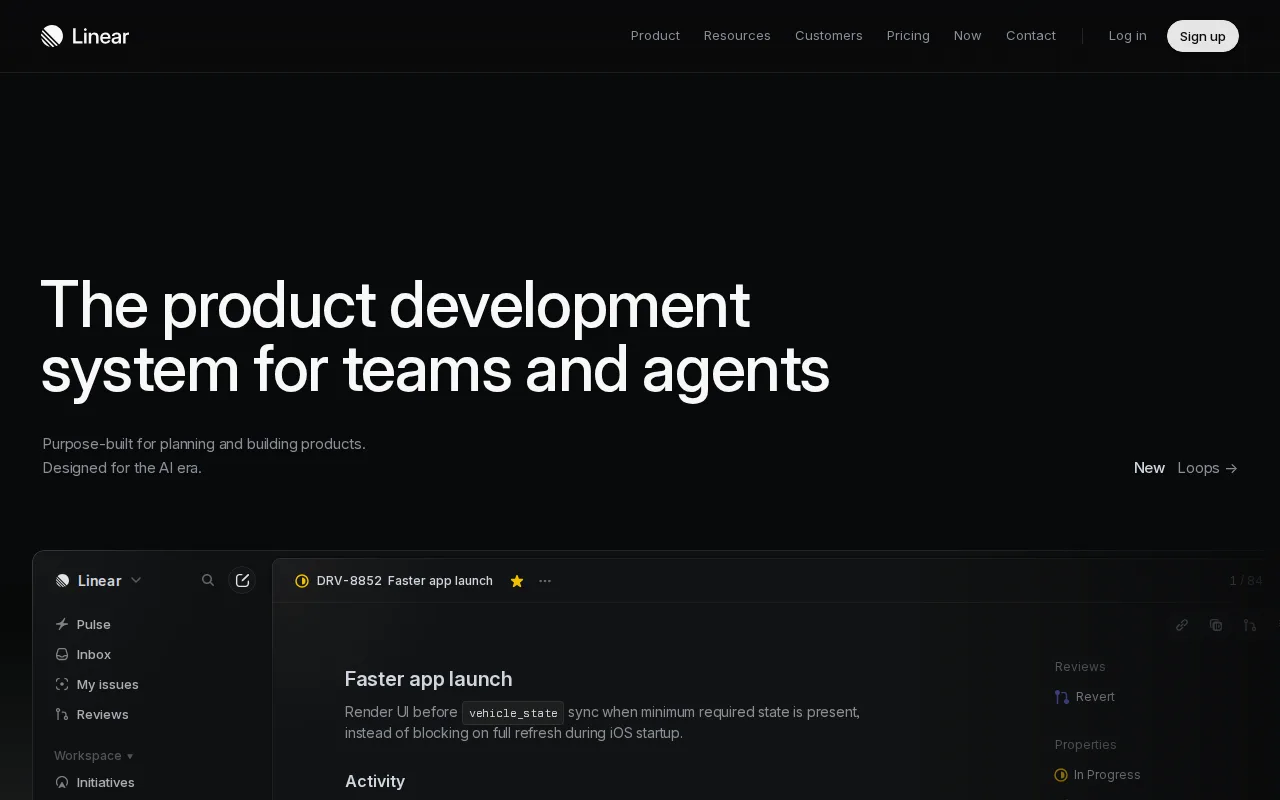
Linear is the best Plane alternative for software product and engineering teams that want a fast, keyboard-driven issue tracker with native support for assigning work to AI coding agents. Linear's Free plan has no user cap at all, up to 2 teams and 250 issues for unlimited members, a more generous baseline than Plane's free cloud tier, which caps out at 12 users entirely. Linear holds a 4.9/5 rating from 436 Product Hunt reviews, and its Business tier at $16/user/month billed annually adds Code Intelligence and Triage Intelligence, AI-driven features distinct from Plane's per-seat AI-credit allotment (500-2,000 credits depending on tier). Linear's Diffs feature provides structural code review for both human- and agent-written changes, a workflow purpose-built for teams adapting to AI-assisted development, while Plane's AI agents focus on triaging issues and posting updates rather than reviewing code changes. Plane is still the better choice for teams that specifically want an AGPL-3.0-licensed, self-hostable open-source platform: Linear is intentionally less configurable than Jira or Plane for teams with complex, non-software workflows, and Linear's Business and Enterprise tiers require annual billing for their listed per-seat prices, reducing flexibility for teams that want to pay monthly the way Plane's Pro and Business tiers allow.
Compared to Plane: unlimited members on the free plan vs Plane's 12-user cloud cap, 4.9/5 rating from 436 Product Hunt reviews vs Plane's no external rating, native AI coding-agent assignment with structural code review via Diffs
Wins:Free plan has no user cap (unlimited members, up to 2 teams, 250 issues), versus Plane's free cloud tier capped at 12 users · 4.9/5 rating from 436 Product Hunt reviews, while Plane has no external rating listed at all · Diffs provides structural code review for AI-agent-written changes, a workflow beyond Plane's issue-triage-focused AI agents
Loses:No AGPL-3.0 self-hosted option; Linear is cloud-only, unlike Plane's fully self-hostable open-source Community Edition · Less configurable than Jira or Plane for teams with complex, non-software workflows · Business and Enterprise tiers require annual billing for their listed per-seat prices, less flexible than Plane's monthly billing option
Pros
- Fast, keyboard-shortcut-driven interface that reviewers consistently cite as faster than Jira or Asana for daily use.
- Free tier is genuinely usable for small teams (unlimited members, 250 issues, 2 teams).
- Native support for assigning issues to AI coding agents with structured code review via Diffs.
- Native desktop and mobile apps keep the same fast experience across platforms.
Cons
- Less configurable than Jira for teams with complex or non-software workflows.
- Business and Enterprise tiers require annual billing for their listed per-seat prices.
- 250-issue cap on the Free plan is restrictive once a team is doing real ongoing work.
- Less suited to non-engineering teams (marketing, HR, ops) than general tools like Asana or ClickUp.
Pricing: Free tier · paid from $10/mo — $16/user/month Business vs Plane's $13/seat/month Business (verified )
2Jira — best Plane alternative for software development teams that need deeply configurable issue workflows and tight integration with Bitbucket/GitHub, and are willing to invest in a dedicated Jira admin to manage the configuration
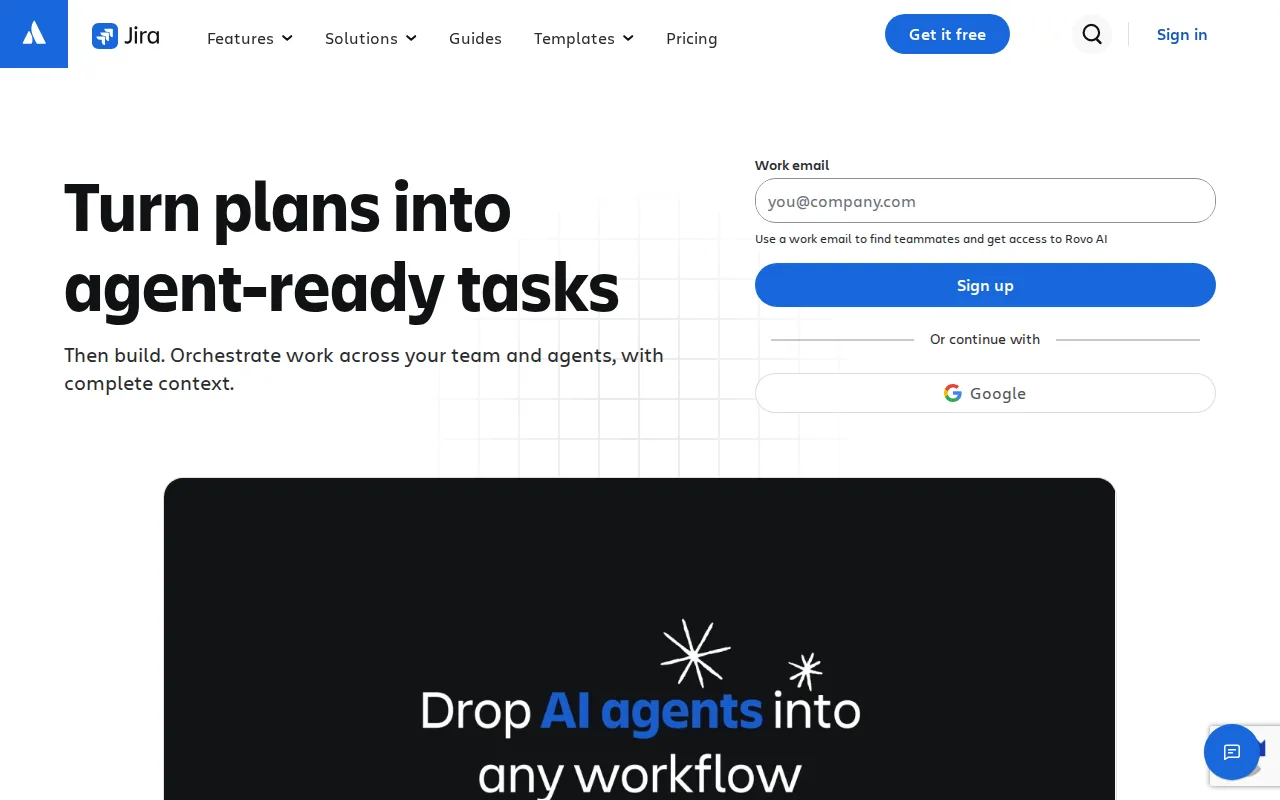
Jira is the best Plane alternative for software development teams that need deeply configurable issue workflows and tight integration with Bitbucket or GitHub, and are willing to invest in a dedicated administrator to manage that configuration. Jira is free for up to 10 users, close to Plane's own 12-user free cloud cap, and it holds a 4.4/5 rating from 15,456 Capterra reviews, a far larger verified sample than Plane's own listing, which carries no external rating at all. Jira's fully customizable workflows and permission schemes per project give teams a depth of configuration beyond Plane's more opinionated Board, Spreadsheet, List, and Gantt view structure, and its native integration with Bitbucket, GitHub, GitLab, and CI/CD pipelines links commits and pull requests directly to issues. Jira's Standard tier starts around $7.91/user/month on monthly billing, undercutting Plane's Pro tier at $6/seat/month only slightly while offering deeper workflow customization. Plane is still the better choice for teams that want a self-hostable, AGPL-3.0-licensed platform with AI credits bundled into every tier: Jira has a steep learning curve for workflow and permission-scheme configuration that commonly requires a dedicated Jira administrator, has no official native desktop app, and offers no self-hosting option comparable to Plane's Docker/Kubernetes deployment.
Compared to Plane: 4.4/5 rating from 15,456 Capterra reviews vs Plane's no external rating, fully customizable workflows and permission schemes per project, native integration with Bitbucket/GitHub/GitLab CI/CD pipelines
Wins:4.4/5 rating from 15,456 Capterra reviews, a far larger verified sample than Plane's unrated listing · Fully customizable workflows and permission schemes per project, deeper configuration than Plane's fixed view structure · Native integration with Bitbucket, GitHub, GitLab, and CI/CD pipelines links commits and pull requests directly to issues
Loses:No self-hosting option; Jira is cloud/data-center only, unlike Plane's AGPL-3.0 self-hostable Community Edition · Steep learning curve for workflow and permission-scheme configuration, often requiring a dedicated Jira administrator · No AI credits bundled into pricing tiers the way Plane bundles 500-2,000 AI credits per seat
Pros
- Free for up to 10 users with core Scrum/Kanban boards and backlog management.
- Deep workflow, field, and permission-scheme customization per project.
- Native integration with Bitbucket, GitHub, GitLab, and CI/CD pipelines links code directly to issues.
- Scales into the broader Atlassian suite (Confluence, Jira Product Discovery) without leaving the ecosystem.
Cons
- Steep learning curve; workflow and permission-scheme setup often requires a dedicated Jira administrator.
- Per-seat pricing slides with team size, making exact cost harder to predict than a flat per-seat rate.
- No official native desktop app; access is web and mobile only.
- Default configuration can feel heavy for small teams that just need a simple task list.
Pricing: Free tier · paid from $7.91/mo — $7.91/user/month Standard vs Plane's $6/seat/month Pro
3ClickUp — best Plane alternative for small and mid-sized teams that want tasks, docs, chat, and time tracking on one paid seat instead of buying a tracker, a wiki, a chat app, and a timesheet tool separately
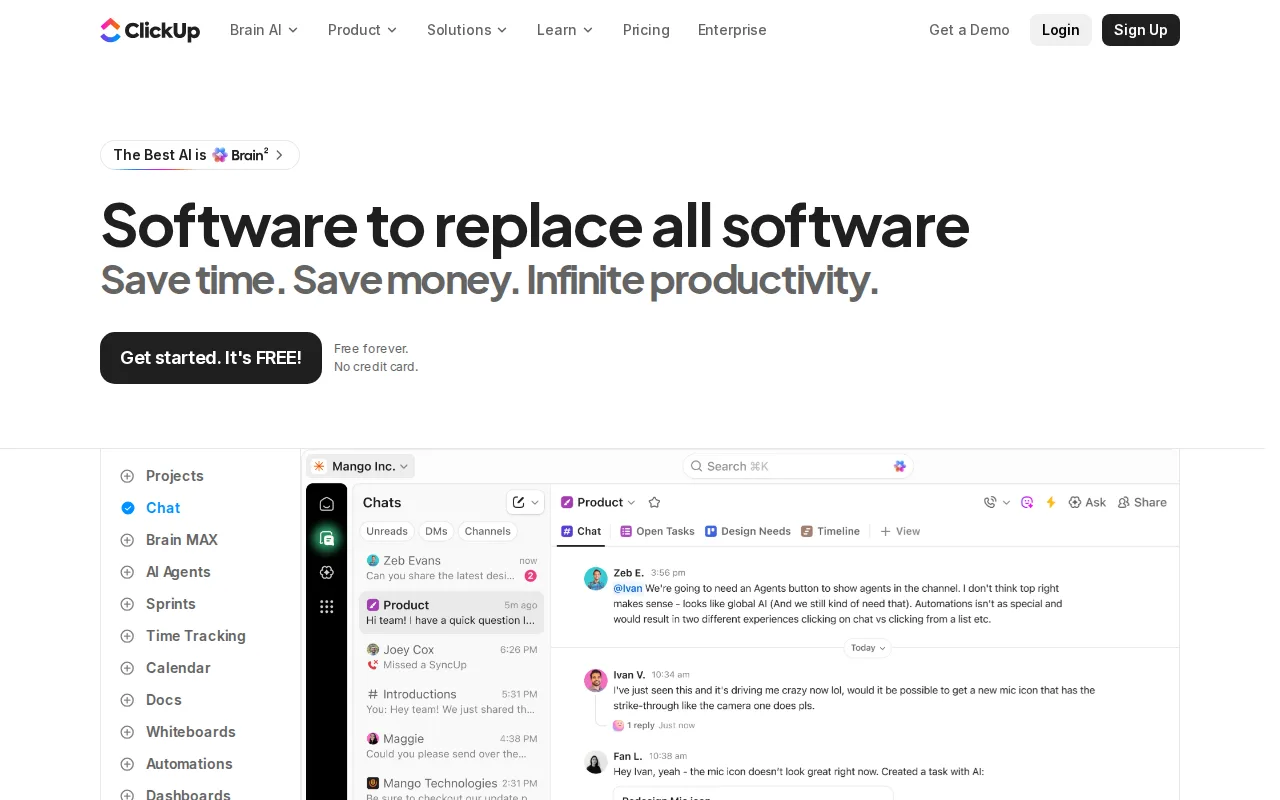
ClickUp is the best Plane alternative for power users who want every workflow knob in one tool, combining tasks, docs, goals, and chat in a single hierarchy of spaces, folders, and lists. ClickUp holds a 4.7/5 rating from 10,600 G2 reviews and 4.6/5 from 4,500 Capterra reviews, a dual-source verified sample Plane's own unrated listing doesn't have, and its Unlimited tier starts at just $7/month, undercutting Plane's Pro tier at $6/seat/month by comparison structure while adding docs, goals, and chat that Plane's wiki-and-issue-tracking scope doesn't bundle together as extensively. ClickUp's ClickApps let teams turn on custom fields and statuses per workflow, a level of per-team customization beyond Plane's fixed Board, Spreadsheet, List, and Gantt views. Both tools offer a genuinely free tier, ClickUp's Free Forever plan against Plane's free cloud tier capped at 12 users, but ClickUp's free tier carries no stated user cap in this data. Plane is still the better choice for teams that want a self-hostable, AGPL-3.0 open-source platform with AI credits bundled directly into pricing: ClickUp's feature density overwhelms new users according to its own stated weakness, it has no self-hosting option the way Plane's Community Edition offers, and its cluttered UI under load is a recurring complaint that Plane's more focused view structure avoids.
Compared to Plane: 4.7/5 from 10,600 G2 reviews vs Plane's no external rating, docs, goals, and chat bundled alongside tasks in one hierarchy, Unlimited tier starts at $7/month
Wins:4.7/5 rating from 10,600 G2 reviews and 4.6/5 from 4,500 Capterra reviews, a dual-source sample Plane's unrated listing lacks · Bundles docs, goals, and chat alongside tasks in one hierarchy, broader than Plane's issue-and-wiki scope · ClickApps let teams turn on deep per-workflow customization (custom fields, statuses) beyond Plane's fixed view structure
Loses:No self-hosting option; ClickUp is cloud-only, unlike Plane's AGPL-3.0 self-hostable Community Edition · Feature density overwhelms new users, a stated weakness that Plane's more focused view structure avoids · No AI credits bundled into pricing tiers the way Plane bundles 500-2,000 AI credits per seat
Pros
- Free Forever includes unlimited tasks and unlimited members with Kanban boards, sprints, collaborative docs, calendar view, and in-app video recording.
- Unlimited at $7/user/month billed yearly already covers unlimited storage, Gantt charts, integrations, custom fields, and native time tracking.
- One workspace spans tasks, docs and wikis, chat, whiteboards, dashboards, goals, forms, and time tracking, cutting the number of separate subscriptions a team carries.
- Native apps for Windows, macOS, Linux, iOS, and Android plus a Chrome extension and a public API (10,000 calls/minute on Enterprise).
- ClickUp holds 4.6/5 across 4,630 Capterra reviews, 4.1/5 across 687 Trustpilot reviews, and 4.6/5 across 123 Product Hunt reviews.
Cons
- AI is priced on top of the plan at $9/user/month (Brain AI) or $28/user/month (Everything AI), plus $10 per 10,000 AI Super Credits once the allowance runs out.
- Free Forever caps total file storage at 60MB and Spaces at 5, so the free plan stops working for any team that attaches real files.
- Depth comes with per-plan caps on Spaces, lists, folders, automations, and view types — 40 lists per Space on Free, 200 on Unlimited, 400 on Business — so a workspace needs deliberate setup before it is usable.
- Payment is per Workspace and the whole Workspace must upgrade at once; a single team cannot be moved to a paid plan on its own.
Pricing: Free tier · paid from $7/mo — $7/month Unlimited vs Plane's $6/seat/month Pro (verified )
4Asana — best Plane alternative for cross-functional teams of 10-500 people who need shared timelines, dependencies, and status reporting across multiple concurrent projects.
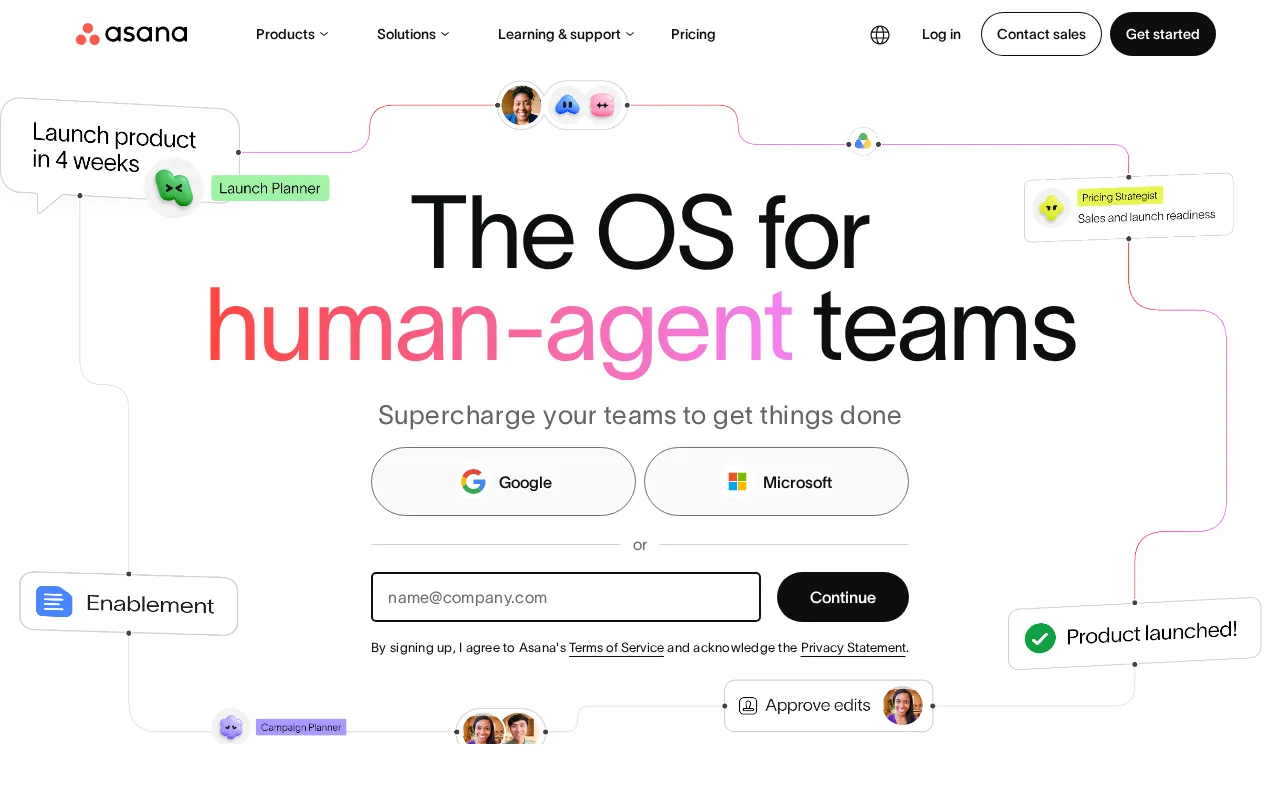
Asana is the best Plane alternative for mid-size teams coordinating many concurrent projects who need workload views and cross-project visibility beyond Plane's initiative-and-epic structure. Asana's Goals → portfolios → projects hierarchy with a dedicated Workload view gives managers cross-project visibility that Plane's Board, Spreadsheet, List, and Gantt views don't specifically surface, and Asana holds a 4.4/5 rating from 11,900 G2 reviews and 4.5/5 from 13,900 Capterra reviews, both larger verified samples than Plane's unrated listing. Asana's Starter tier costs $10.99/month, close to Plane's Business tier at $13/seat/month, and its strong automation Rules engine handles handoffs between multiple views (list, board, timeline, calendar) over the same underlying data, a multi-view flexibility comparable to Plane's own multiple layouts. Both tools offer a free tier, Asana's Personal plan against Plane's free cloud capped at 12 users, giving small teams a genuine starting point on either platform. Plane is still the better choice for teams that want a self-hostable, AGPL-3.0 open-source platform with AI credits bundled into every tier: Asana's per-seat price rises quickly for larger teams and can feel heavyweight for small teams, and it offers no self-hosting option the way Plane's Docker/Kubernetes Community Edition does.
Compared to Plane: 4.4/5 from 11,900 G2 reviews vs Plane's no external rating, Goals → portfolios → projects hierarchy with dedicated Workload view, Starter tier at $10.99/month
Wins:4.4/5 rating from 11,900 G2 reviews and 4.5/5 from 13,900 Capterra reviews, larger verified samples than Plane's unrated listing · Goals → portfolios → projects hierarchy with a dedicated Workload view gives cross-project visibility Plane's fixed views don't specifically surface · Strong automation Rules engine handles handoffs across list, board, timeline, and calendar views over one source of truth
Loses:No self-hosting option; Asana is cloud-only, unlike Plane's AGPL-3.0 self-hostable Community Edition · Per-seat price rises quickly for larger teams and can feel heavyweight for small teams · No AI credits bundled into pricing tiers the way Plane bundles 500-2,000 AI credits per seat
Pros
- Free tier covers unlimited tasks and projects for up to 2 users, not just a time-limited trial
- Multiple views (list, board, timeline/Gantt, calendar) on the same project without extra tools
- Deep integration library (100+ free integrations) plus native Salesforce, Tableau, and Power BI connectors on Advanced
- Reporting dashboards and portfolios give a rollup view across many projects at once
Cons
- Per-user pricing means costs scale linearly and jump 127% from Starter to Advanced ($10.99 to $24.99/user/month)
- Core planning features like Goals and Workload are locked behind the Advanced tier, not available on Starter
- SSO, SCIM provisioning, and capacity planning require Enterprise, which has no published price
- Heavy feature surface (AI Teammates, AI Studio, Service Management) can overwhelm teams that just want simple task tracking
Pricing: Free tier · paid from $10.99/mo — $10.99/month Starter vs Plane's $13/seat/month Business (verified )
5monday.com — best Plane alternative for mid-size teams that want one configurable platform to run project tracking, CRM, and IT/HR workflows on visual boards instead of stitching together separate point tools.
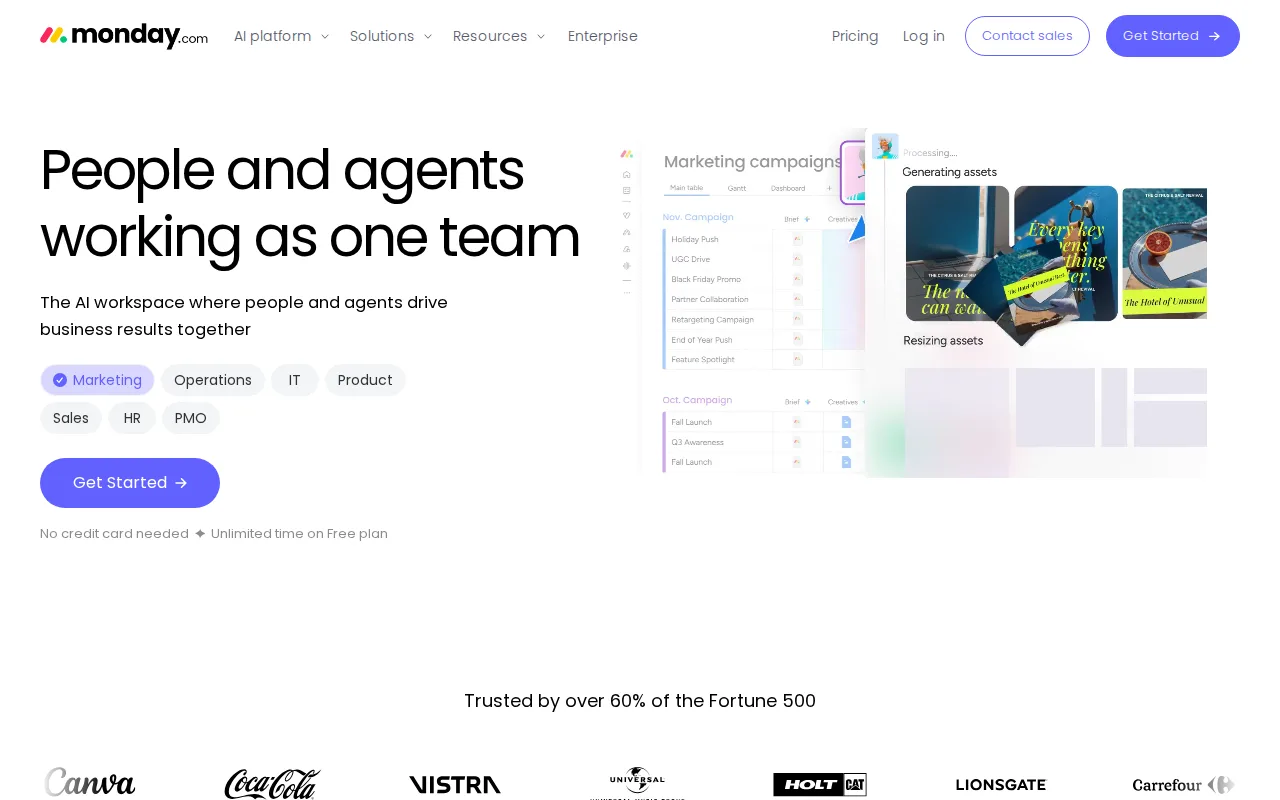
monday.com is the best Plane alternative for non-technical teams that need visual, adoptable workflows rather than a developer-oriented issue tracker. monday.com's 30+ column types and no-code automation recipes give non-technical teams an approachable way to shape boards into CRMs, trackers, and project hubs, a more visual entry point than Plane's Board, Spreadsheet, List, and Gantt views built around software issue tracking. monday.com holds a 4.7/5 rating from 14,000 G2 reviews and 4.6/5 from 5,600 Capterra reviews, both larger verified samples than Plane's own unrated listing, and its Basic tier starts at $9/month, close to Plane's Pro tier at $6/seat/month. monday.com's dashboard widgets give visual reporting out of the box, a strength for teams that want quick visibility without building custom views the way Plane's Spreadsheet and Gantt layouts require setup. Plane is still the better choice for engineering teams that want a self-hostable, AGPL-3.0 open-source platform built specifically for software issue tracking with AI credits bundled into every tier: monday.com's free plan is capped at just 2 seats, tighter than Plane's 12-user free cloud cap, its pricing tiers gate key features behind upgrades, and it has no self-hosting option the way Plane's Docker/Kubernetes Community Edition offers.
Compared to Plane: 4.7/5 from 14,000 G2 reviews vs Plane's no external rating, 30+ column types with no-code automation for non-technical teams, strong dashboard widgets for visual reporting out of the box
Wins:4.7/5 rating from 14,000 G2 reviews and 4.6/5 from 5,600 Capterra reviews, larger verified samples than Plane's unrated listing · 30+ column types and no-code automation recipes make it more approachable for non-technical teams than Plane's issue-tracking-first structure · Strong dashboard widgets give visual reporting out of the box without building custom views
Loses:Free plan is capped at just 2 seats, tighter than Plane's free cloud tier, which allows up to 12 users · No self-hosting option; monday.com is cloud-only, unlike Plane's AGPL-3.0 self-hostable Community Edition · Pricing tiers gate key features behind upgrades, and no AI credits are bundled into pricing the way Plane bundles them
Pros
- Free plan and all paid tiers include AI credits and iOS/Android apps out of the box
- Highly flexible board and column system covers project management, CRM, and ops without needing separate software
- 200+ templates speed up setup for common use cases
- Dashboards and Gantt/timeline views are included from the Standard tier up
Cons
- Free tier is capped at just 2 seats and 3 boards, too small for most real teams
- Automation and integration action limits (250/month on Standard) are easy for active teams to hit and require an upgrade to Pro
- Per-seat annual billing math (e.g., $9/seat shown as $90 for 10 seats) makes true monthly cost easy to underestimate at checkout
- Enterprise features like advanced permissions and portfolio management require contacting sales for custom pricing
Pricing: Free tier · paid from $9/mo — $9/month Basic vs Plane's $6/seat/month Pro (verified )