4 Best Free Alternatives to Mouseflow in 2026
By Noahlast updated pricing verified
Compared: free alternatives to Mouseflow
| Alternative | Best for | Standout | Biggest weakness | Learning curve | Price |
|---|---|---|---|---|---|
| Mouseflowreference | digital marketers and CRO specialists who need session replay and heatmaps to diagnose where a specific page or checkout flow loses users, without paying per seat as the team grows | Session-based pricing with unlimited user seats on every tier including Free, so adding team members never triggers a plan upgrade the way per-seat analytics tools do. | Data retention is capped tightly on lower tiers (1 month on Free, 3 months on Essential), so teams that need to compare behavior against a full seasonal cycle are pushed toward Advanced or Premium regardless of their actual session volume. | Low | Free tier · paid from $25/mo |
| Hotjar | small teams and site owners who want session recordings and heatmaps without a self-serve paid tier, using the free plan's 200,000-session monthly allowance | The free tier now allows 200,000 sessions per month after the Contentsquare merger, roughly 190 times the legacy standalone Hotjar free plan's 35-sessions-per-day cap. | There is no self-serve paid tier: any plan beyond the free tier requires contacting sales for a custom quote, with no public per-seat or per-session dollar pricing, making budgeting difficult compared to analytics tools with transparent paid tiers. | Low | Free |
| FullStory | product and UX teams who need to watch actual user sessions to diagnose friction, not just aggregate funnel metrics | Captures every session by default with no pre-defined event tracking, so teams can retroactively search and replay any past user behavior instead of only what they thought to instrument in advance. | Published pricing stops at the free 30,000-session tier — every paid plan (Business, Advanced, Enterprise) requires a sales quote, and reviewers on G2 and Capterra repeatedly cite cost jumping sharply once a site exceeds the free quota. | Low | Free |
| Crazy Egg | marketers and website owners who want pageview-based (not per-seat) pricing for heatmaps, session recordings, and lightweight A/B testing | Pricing scales by monthly pageviews with unlimited domains and unlimited team members on every plan, and the company states it never charges overages | Lacks advanced conversion-rate-optimization features like funnel analysis and native form tracking that competitors offer, and pricing runs noticeably higher than Hotjar at comparable pageview volumes. | Low | Free tier · paid from $29/mo |
| Microsoft Clarity | marketing and product teams who want free, unlimited session recordings and heatmaps to complement traffic analytics they already run in Google Analytics | Every feature, including unlimited session recordings and heatmaps, is free with no traffic cap or paid tier, funded by Microsoft rather than sold as SaaS. | Clarity only records behavior after installation and has no historical backfill, and its funnel/conversion reporting is thinner than dedicated product-analytics tools like Mixpanel, so most teams run it alongside Google Analytics rather than instead of it. | Low | Free |
 Mouseflow
 Hotjar
 FullStory
 Crazy Egg
 Microsoft Clarity
1.Hotjar — best Mouseflow alternative for small teams and site owners who want session recordings and heatmaps without a self-serve paid tier, using the free plan's 200,000-session monthly allowance
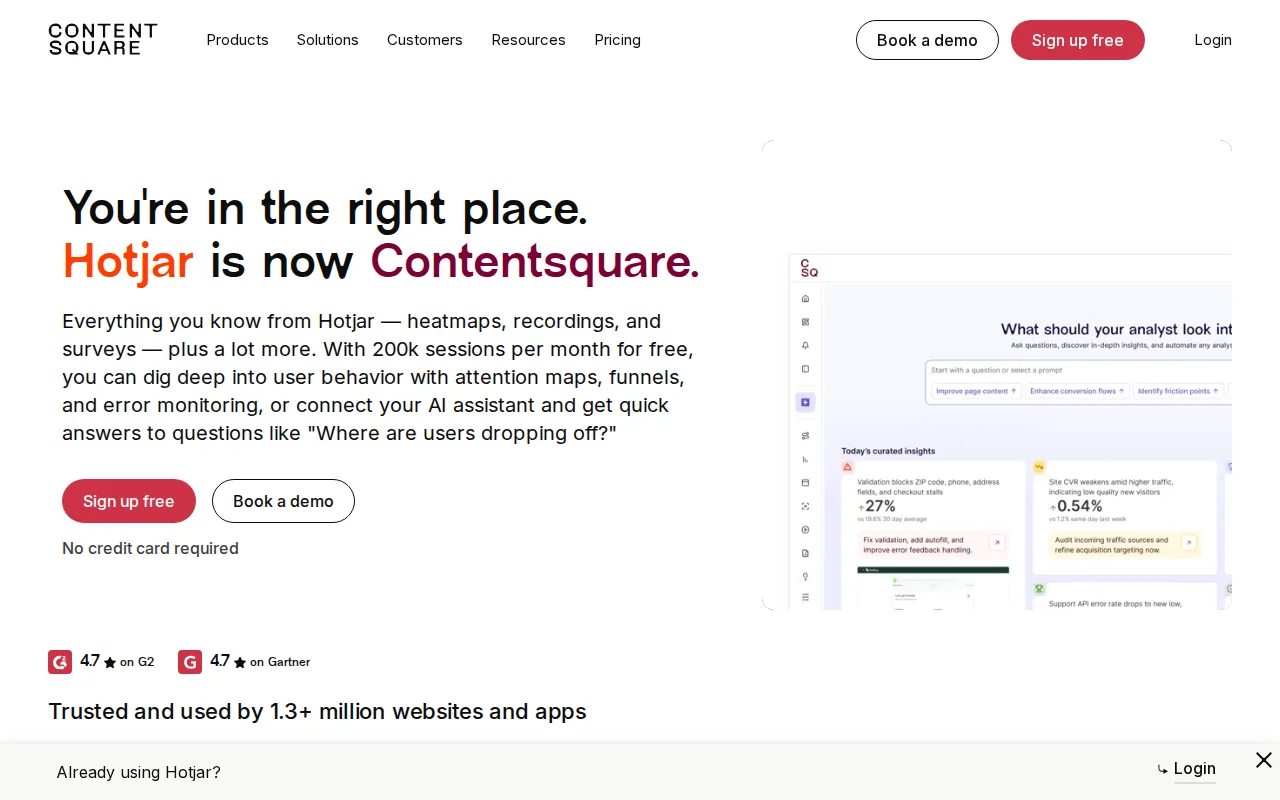
Hotjar is the best Mouseflow alternative for teams that want a dramatically larger free session allowance: Hotjar's Free plan (now part of Contentsquare) covers 200,000 sessions per month, 400 times Mouseflow's own 500-sessions/month Free tier cap. Hotjar holds a 4.6/5 rating from 545 Capterra reviews, matching Mouseflow's own cited 4.6/5 G2 score but with a larger independently-verifiable Capterra sample, and its free tier also bundles on-site surveys, error and performance monitoring, and Sense AI insights that go beyond Mouseflow's core session-replay and heatmap feature set. Mouseflow is still the better choice for anyone who wants published, self-serve dollar pricing at every paid tier: Hotjar's Growth and Enterprise plans beyond the free tier require a sales quote with no public numbers, while Mouseflow lists flat prices at every tier (Essential $25/month, Advanced $109/month, Premium $319/month) and its Mina AI and MCP Server give programmatic, natural-language access to session data that Hotjar's data doesn't describe.
Compared to Mouseflow: 200,000 free sessions/month vs Mouseflow's 500, on-site surveys and error monitoring bundled into the free plan, 4.6/5 rating from 545 Capterra reviews
Wins:Free tier covers 200,000 sessions/month, 400 times Mouseflow's 500-session free cap · Free plan bundles on-site surveys, error/performance monitoring, and Sense AI insights · 4.6/5 rating from 545 Capterra reviews, a large independently-verifiable rated sample
Loses:No self-serve pricing beyond the free tier; Growth and Enterprise require a sales quote with no public numbers · No equivalent to Mouseflow's Mina AI and MCP Server for programmatic session-data queries · Brand and product are mid-transition into Contentsquare, which may confuse users looking for standalone Hotjar
Pros
- Free tier covers 200,000 sessions/month, far above most competitors' free allowances.
- Combines heatmaps, session recordings, and surveys in one product rather than requiring separate tools.
- Error and performance monitoring plus AI-generated insights (Sense AI) are included even on the free plan.
- 10+ built-in integrations (Slack, Jira, Unbounce, and others) work without custom development.
Cons
- No public pricing for any tier beyond Free; Growth and Enterprise require a sales conversation.
- The brand and product are mid-transition into Contentsquare, which may confuse users looking for the standalone Hotjar product they knew.
- Website-only; there is no dedicated mobile app for reviewing recordings or heatmaps on the go.
- Competing free tiers, like Microsoft Clarity, offer unlimited sessions rather than a 200,000-session cap.
Pricing: Free — Free up to 200,000 sessions/month, then custom-quoted, vs Mouseflow's $25/month Essential (5,000 sessions) (verified undefined NaN, NaN)
2.FullStory — best Mouseflow alternative for product and UX teams who need to watch actual user sessions to diagnose friction, not just aggregate funnel metrics
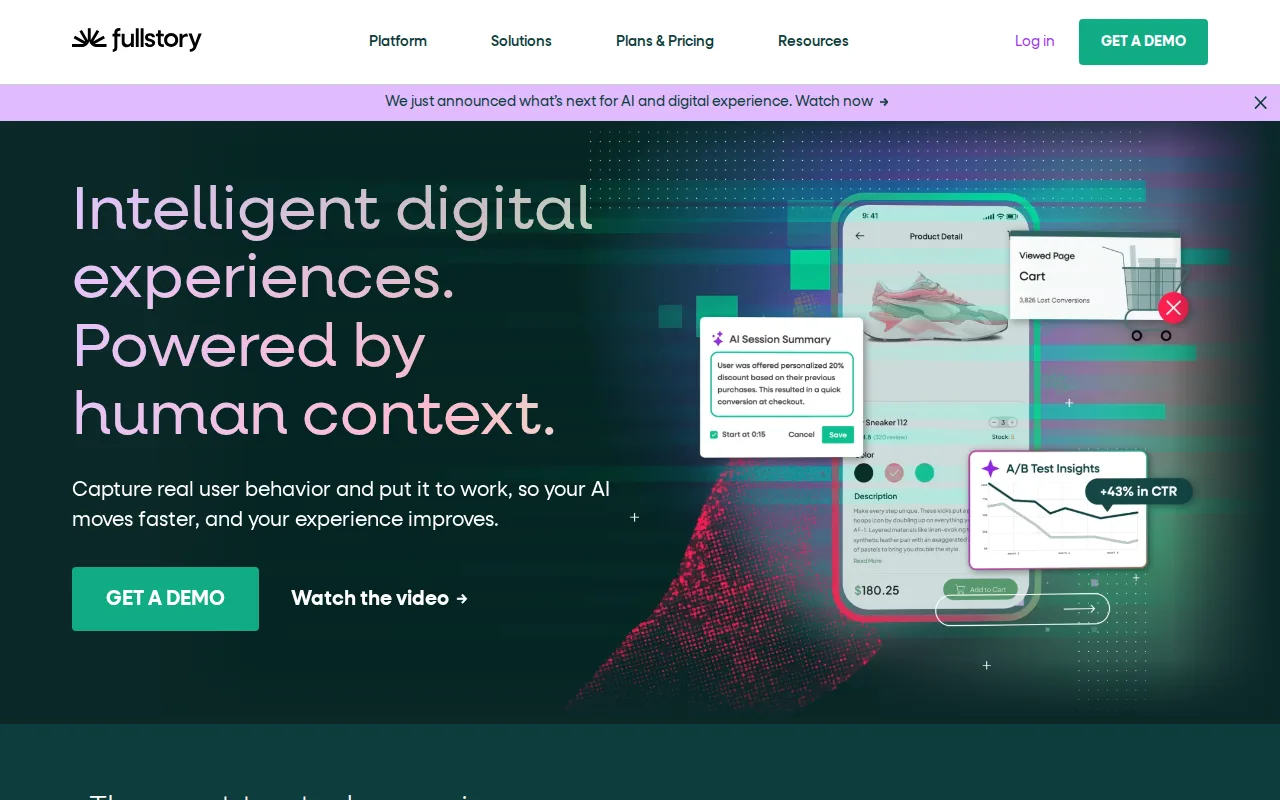
FullStory is the best Mouseflow alternative for teams that want to retroactively search and replay any past user session without pre-defining tracked events or setting up funnels the way Mouseflow's project structure requires. FullStory's free FullstoryFree tier covers 30,000 monthly sessions, 60 times Mouseflow's 500-session free cap, with 12 months of retention and up to 10 users, and it holds a rating cited at 4.5/5 from 1,048 G2 reviews, the largest review base among Mouseflow's alternatives here. FullStory's StoryAI assistant answers behavioral questions in plain language, a parallel to Mouseflow's own Mina AI. Mouseflow is still the better choice for anyone who wants transparent, published self-serve pricing at every tier: FullStory's Business, Advanced, and Enterprise plans all require a sales quote with no public dollar figures, while Mouseflow publishes flat prices (Essential $25/month, Advanced $109/month, Premium $319/month) and guarantees unlimited team members on every plan, including Free, unlike FullStory's 10-user cap on its free tier.
Compared to Mouseflow: 30,000 free sessions/month vs Mouseflow's 500, retroactive session search without pre-defined event tracking, a 4.5/5 rating from 1,048 G2 reviews
Wins:Free tier covers 30,000 sessions/month, 60 times Mouseflow's 500-session free cap · Captures every session by default, letting teams retroactively search behavior without pre-defining tracked events · Rating cited at 4.5/5 from 1,048 G2 reviews, the largest review base among these alternatives
Loses:No self-serve pricing beyond the free tier; Business, Advanced, and Enterprise all require a sales quote · Free tier caps team members at 10 users, unlike Mouseflow's unlimited seats on every plan including Free · Mobile analytics is a separate add-on rather than included by default
Pros
- Retroactive session search finds and replays any past user behavior without pre-defining tracked events.
- StoryAI answers behavioral questions in plain language instead of requiring a custom dashboard build.
- Free tier covers 30,000 sessions/month and 12 months of retention with no credit card required.
- Reviewers consistently rate the interface as intuitive enough for non-technical team members to use directly.
Cons
- No published pricing above the free tier; Business, Advanced, and Enterprise all require a sales quote.
- Reviewers report costs escalate sharply once a site outgrows the 30,000-session free tier.
- High-traffic sites generate enough session volume that finding actionable insights can become overwhelming.
- Mobile analytics is a separate add-on rather than included by default.
Pricing: Free — Free up to 30,000 sessions/month, then custom-quoted, vs Mouseflow's $25/month Essential (5,000 sessions) (verified undefined NaN, NaN)
3.Crazy Egg — best Mouseflow alternative for marketers and website owners who want pageview-based (not per-seat) pricing for heatmaps, session recordings, and lightweight A/B testing
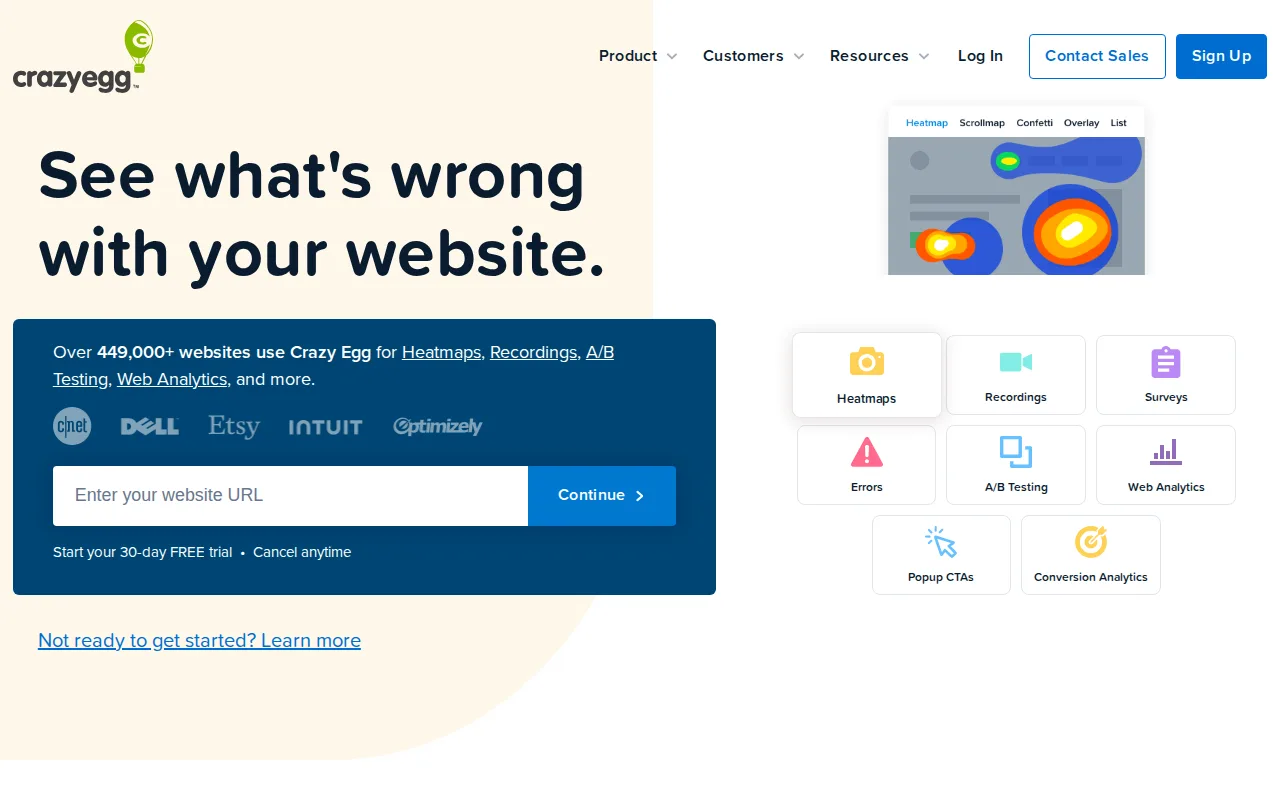
Crazy Egg is the best Mouseflow alternative for marketers who want pageview-based pricing with a guarantee against overage charges, rather than Mouseflow's session-based tiers. Crazy Egg's paid Analytics plan starts at $29/month for 5,000 pageviews and 50 recordings, and the company states it never bills pageview overages, simply pausing data collection until the next billing cycle instead. Crazy Egg holds a 4.4/5 rating from 87 Capterra reviews and, like Mouseflow, offers unlimited domains and unlimited team members on every paid plan. Mouseflow is still the better choice for teams that specifically track sessions rather than pageviews and want a larger free tier: Mouseflow's Free plan covers 500 sessions/month with no stated cap on pageviews, while Crazy Egg's free plan's exact volume isn't specified in this data, and Mouseflow's Mina AI natural-language session querying and MCP Server aren't part of Crazy Egg's described feature set.
Compared to Mouseflow: pageview-based pricing instead of session-based, a stated no-overage-charge policy, 4.4/5 rating from 87 Capterra reviews
Wins:States it never charges pageview overages; collection simply pauses until the next billing cycle · 4.4/5 rating from 87 Capterra reviews plus 4.5/5 from 2 Product Hunt reviews · A/B testing and CTA tools built into the Growth plan
Loses:Prices by pageviews rather than sessions, a different metric than Mouseflow's session-based model · Free plan's exact pageview and recording limits aren't stated, unlike Mouseflow's explicit 500-session free cap · No equivalent to Mouseflow's Mina AI and MCP Server for programmatic session-data access
Pros
- Genuinely free plan requires no credit card and includes heatmaps, analytics, and surveys.
- Unlimited domains and unlimited team members on every paid plan.
- No pageview overage charges; collection just pauses until the next cycle.
- A/B testing and CTA tools built into the Growth plan without a separate product.
Cons
- Lacks advanced CRO features like funnel analysis and native form tracking found in competitors.
- Pricing runs higher than Hotjar at comparable pageview and recording volumes.
- Enterprise features (SSO, audit logs, AI data connectors) are locked behind custom sales pricing.
- Recording and pageview limits reset monthly rather than rolling over, which can strand unused capacity.
Pricing: Free tier · paid from $29/mo — $29/month Analytics (5,000 pageviews) vs Mouseflow's $25/month Essential (5,000 sessions) (verified undefined NaN, NaN)
4.Microsoft Clarity — best Mouseflow alternative for marketing and product teams who want free, unlimited session recordings and heatmaps to complement traffic analytics they already run in Google Analytics
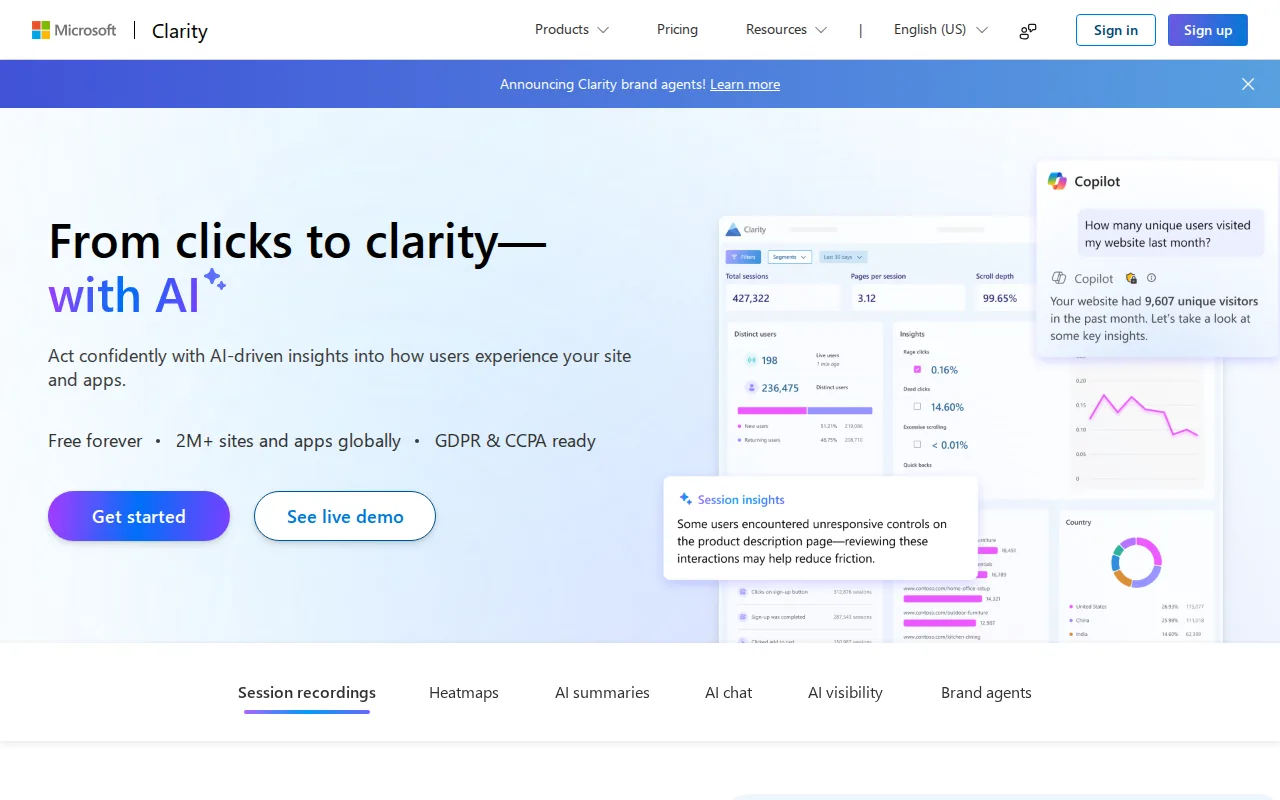
Microsoft Clarity is the best Mouseflow alternative for teams that want unlimited session recording with no traffic cap and no paid tier at all, a stark contrast to Mouseflow's tiered pricing that tops out at $319/month for 100,000 sessions. Clarity is free forever, funded by Microsoft's Bing and advertising ecosystem, and it holds a 4.4/5 rating from 10 Product Hunt reviews, a thin but rated sample. Clarity also layers AI Summaries and an AI Chat feature on top of session data, comparable in spirit to Mouseflow's own Mina AI. Mouseflow is still the better choice for teams that need dedicated conversion funnels or longer data retention: Clarity's own data admits its funnel and conversion reporting is thinner than dedicated tools and it has no retroactive historical backfill before installation, while Mouseflow supports up to 10 conversion funnels and 12 months of data retention on its Premium tier, plus a Mouseflow MCP Server for programmatic session-data access that Clarity's data doesn't describe.
Compared to Mouseflow: free forever with no session cap vs Mouseflow's $319/month ceiling for 100,000 sessions, AI Summaries and AI Chat layered on session data, 4.4/5 rating from 10 Product Hunt reviews
Wins:Free forever with no traffic or session cap, unlike Mouseflow's tiered pricing up to $319/month for 100,000 sessions · AI Summaries and AI Chat surface behavior trends without manual review of recordings · Direct integration with Google Analytics to correlate GA segments with session recordings
Loses:Funnel and conversion-analysis depth is thinner than Mouseflow's dedicated conversion funnels (up to 10 on Premium) · No retroactive historical backfill; recording only begins after the tracking code is installed · No equivalent to Mouseflow's Mina AI or MCP Server for programmatic, natural-language session-data queries
Pros
- Completely free with no traffic limits, session caps, or paid upgrade tier.
- Session recordings and heatmaps installable via a single JavaScript snippet or native SDKs for Android, iOS, Flutter, and React Native.
- AI Summaries and AI Chat surface behavior trends without manual review of individual recordings.
- Direct integration with Google Analytics to correlate GA segments with Clarity session recordings.
Cons
- No conversion funnel or cohort analysis depth comparable to dedicated product analytics tools like Mixpanel or Amplitude.
- Recording only begins after the tracking code is installed, with no retroactive historical data.
- Data ownership sits with Microsoft's free ecosystem product rather than a paid vendor with contractual SLAs.
- Session sampling and masking require manual configuration to avoid capturing sensitive form data.
Pricing: Free — Free forever vs Mouseflow's $25-$319/month tiers depending on session volume (verified undefined NaN, NaN)