5 Best Alternatives to Miro for Web in 2026
By Noahlast updated pricing verified
Compared: Miro alternatives that run on Web
| Alternative | Best for | Learning curve | Price |
|---|---|---|---|
| Miroreference | running live workshops and planning sessions (retros, journey maps, roadmaps) with distributed teams on a shared board | Low | Free tier · paid from $8/mo |
| Mural | running facilitated workshops and design-thinking sessions with large groups, including outside participants who join free as visitors | Moderate | Free tier · paid from $9.99/mo |
| Excalidraw | sketching informal system diagrams and wireframes live with others during a meeting or interview | Low | Free tier · paid from $6/mo |
| tldraw | sketching quick diagrams and flows with collaborators on a free shared board | Low | Free |
| Heptabase | turning PDFs, papers and video lectures into connected note cards laid out on whiteboards for a research or study project | Moderate | From $8.99/mo |
| Figma | design and product teams that need real-time multiplayer editing and a shared design-to-development handoff, from solo freelancers on the free tier up to large enterprises managing design systems across many teams | Moderate | Free tier · paid from $16/mo |
 Miro
Miro Mural
Mural Excalidraw
 tldraw
 Heptabase
 Figma
Figma1Mural — best Miro alternative for running facilitated workshops and design-thinking sessions with large groups, including outside participants who join free as visitors
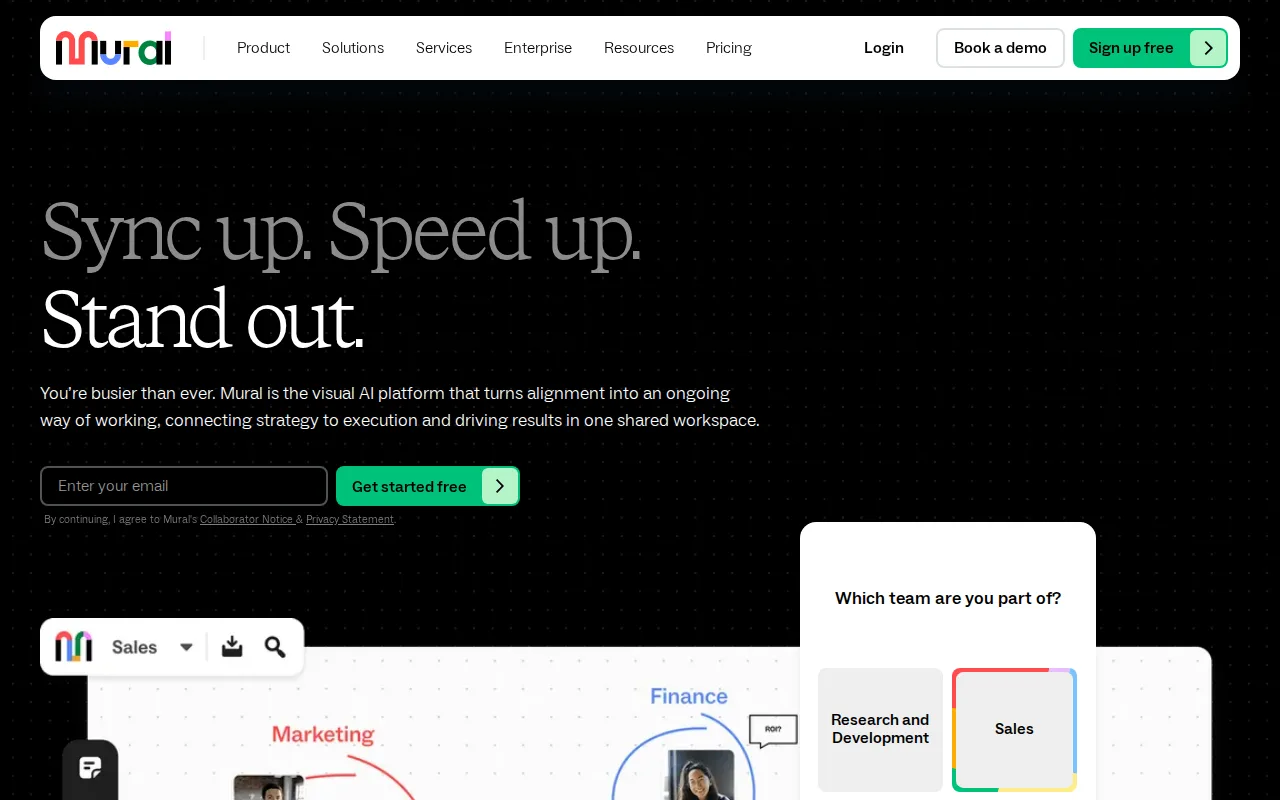
Mural is the best Miro alternative for facilitators who run large live sessions and want the controls on every plan. Mural includes summon, a timer, anonymous voting, private mode, an outline with hide-and-reveal, a laser pointer and facilitator lock even on Free, where Miro adds its timer and voting from Starter at $8/member/month billed annually. Visitors join individual murals free on every Mural plan, view-only on Free and with editing rights on Team+, while Miro Free has no guest role and shows every board to the whole team. For ongoing guest access and SSO, Mural Business costs $17.99/member/month against Miro Business at $20, both billed annually, or $179.90 against $200 a month for 10 members. Miro is still the better choice at the entry tier and for everything around the workshop. Mural Team+ costs $9.99/member/month billed annually ($12 monthly) against Miro Starter's $8 ($10 monthly), Mural ships 250+ templates against Miro's 7,000+, and Mural's MCP server for AI agents is still listed as coming soon while Miro's already connects to Claude, Cursor and Copilot. Miro Business adds two-way Jira, Asana and Linear sync, where Mural's advanced integrations list Azure, GitHub and Okta. Mural's mobile apps also rate 2.3/5 from 73 App Store ratings and 3.1/5 from 559 Google Play reviews, against Miro's 4.7/5 from 5,845 and 4.4/5 from 20.2K.
Compared to Miro: facilitation tools (timer, anonymous voting, private mode, facilitator lock) on every plan including Free, Team+ at $9.99/member/month vs Miro Starter's $8 with both billed annually, an iOS app rated 2.3/5 from 73 App Store ratings vs Miro's 4.7/5 from 5,845
Wins:Facilitation tools (summon, timer, anonymous voting, private mode, outline with hide-and-reveal, laser pointer, facilitator lock) are included on every plan including Free, where Miro adds a timer and voting from Starter at $8/member/month · Visitors join individual murals free on every plan, view-only on Free and with editing on Team+, where Miro Free has no guest role and every board is visible to the whole team · Business costs $17.99/member/month against Miro Business at $20, both billed annually, which is $179.90 vs $200 a month at 10 members
Loses:Team+ costs $9.99/member/month billed annually ($12 monthly) against Miro Starter's $8 ($10 monthly), which is $99.90 vs $80 a month at 10 members · 250+ templates against Miro's 7,000+, and Mural's MCP server for AI agents is still listed as coming soon while Miro's MCP server already connects to Claude, Cursor and Copilot · Mobile apps rate 2.3/5 from 73 App Store ratings and 3.1/5 from 559 Google Play reviews, against Miro's 4.7/5 from 5,845 and 4.4/5 from 20.2K · Business is billed annually only, where Miro Business is also sold at $25/member/month billed monthly, and the learning curve is rated moderate against Miro's low
Pros
- Facilitation tools (timer, anonymous voting, private mode, summon, facilitator lock) are included on every plan, Free included.
- Visitors join individual murals free on every plan, so one-time participants never need a paid seat.
- 250+ templates, plus LUMA design-thinking frameworks on Business.
- Apps for the web, Windows, macOS, iOS, Android and Surface Hub interactive displays.
- SOC 2 Type 2 and ISO 27001 certified, with data residency and bring-your-own-key encryption on Enterprise.
Cons
- The Free plan allows only 3 editable murals at a time.
- Business ($17.99/member/month) is billed annually only, and SSO and ongoing guest access start there.
- Mobile apps rate 2.3/5 on the App Store (73 ratings) and 3.1/5 on Google Play (559 reviews).
- Mural's MCP server for AI agents is still listed as coming soon.
Pricing: Free tier · paid from $9.99/mo — $9.99/member/month for Mural Team+ vs $8 for Miro Starter, both billed annually ($99.90 vs $80 a month at 10 members); Mural Business at $17.99 vs Miro Business at $20 (verified )
2Excalidraw — best Miro alternative for sketching informal system diagrams and wireframes live with others during a meeting or interview
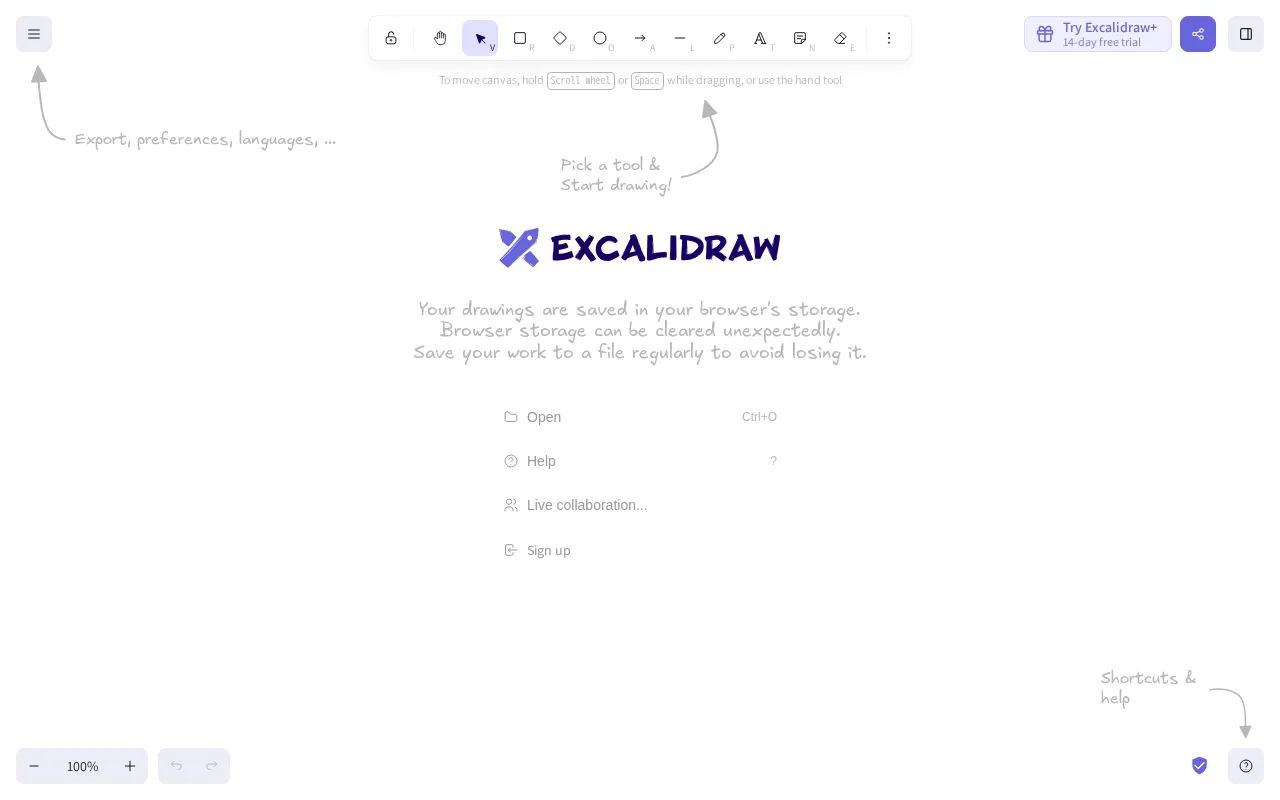
Excalidraw is the best Miro alternative for engineers and product people who need to sketch a system diagram or wireframe with others in seconds, without accounts or seats. Excalidraw opens at excalidraw.com with no sign-up, anyone with the link can draw on the same scene in real time, and shared sessions are end-to-end encrypted. The editor is MIT-licensed open source with 134,000+ GitHub stars and ships as an npm package that developers embed in their own apps. Built-in AI turns text into diagrams, wireframes into code and Mermaid into editable drawings, with 10 free requests a day. When a team needs cloud-saved scenes, folders, comments and presentations, Excalidraw+ costs $6/user/month billed yearly ($7 monthly), against Miro Starter at $8/member/month billed annually ($10 monthly), or $60 against $80 a month for 10 people. Miro is still the better choice for structured workshops and planning. Excalidraw is web-only, where Miro runs on the web, Windows, Mac, iOS and Android; Excalidraw's free editor keeps one scene in the browser, where Miro Free gives unlimited members 3 editable boards; and Miro adds 7,000+ templates, Docs, Tables, Timelines, Kanban and Slides on the same board, and a timer and voting from Starter. Excalidraw+ is also paid by credit card only, and its terms make all charges non-refundable.
Compared to Miro: free with no account and unlimited collaborators by link, MIT-licensed open source with 134,000+ GitHub stars, web-only where Miro has Windows, Mac, iOS and Android apps
Wins:The free editor needs no account and allows unlimited collaborators by link, with end-to-end encrypted shared sessions, where Miro's sign-in-free visitor editing starts on Starter at $8/member/month · MIT-licensed open source with 134,000+ GitHub stars, available as an npm package that developers embed in their own apps · Excalidraw+ costs $6/user/month billed yearly ($7 monthly) against Miro Starter's $8 billed annually ($10 monthly), which is $60 vs $80 a month for 10 people · AI text-to-diagram, wireframe-to-code and Mermaid conversion with 10 free requests a day, where Miro Free includes 10 AI credits a month
Loses:Web-only, where Miro ships desktop apps for Windows and Mac and mobile apps for iOS and Android · The free editor keeps 1 scene in the browser and cloud saving, folders and comments need Excalidraw+, where Miro Free gives unlimited members 3 editable boards · Built for freeform sketching with public shape libraries, where Miro offers 7,000+ templates, Docs, Tables, Timelines, Kanban and Slides on the same board, and a timer and voting from Starter · Excalidraw+ accepts credit cards only, its charges are non-refundable, and its MCP and REST API access are still in public beta
Pros
- Free and open source (MIT), with no account needed to start drawing.
- Link-based real-time collaboration, end-to-end encrypted for free users.
- AI text-to-diagram, wireframe-to-code and Mermaid conversion, with 10 free requests a day.
- Excalidraw+ costs $6/user/month billed yearly and is SOC 2 Type 2 compliant.
- An embeddable npm package and a large open-source community, with 134,000+ GitHub stars.
Cons
- Free scenes live in the browser, one scene on the free plan; cloud saving, folders and comments need Excalidraw+.
- Excalidraw+ accepts credit cards only, and charges are non-refundable under its terms.
- MCP and REST API access are still in public beta.
Pricing: Free tier · paid from $6/mo — $6/user/month for Excalidraw+ billed yearly vs $8/member/month for Miro Starter billed annually ($60 vs $80 a month for 10 people) (verified )
3tldraw — best Miro alternative for sketching quick diagrams and flows with collaborators on a free shared board
tldraw is the best Miro alternative for small groups that want a free shared board and, increasingly, files they keep on their own machine. tldraw.com opens instantly in the browser with shapes, arrows, text, sticky notes and frames, live cursors, viewport following and comments, and a free account keeps boards as files in workspaces. There is no paid plan for it at all, where Miro Free stops at 3 editable boards and Starter costs $8/member/month billed annually. tldraw offline, launched in July 2026, is a desktop app for macOS, Windows and Linux that saves self-contained .tldraw files with no account or server, with LAN multiplayer added in August 2026; Miro has no Linux app. AI agents can read, draw and edit boards through tldraw's plugin for ChatGPT and Codex and an MCP app for Claude and Cursor, and the same canvas engine is licensed to ClickUp, Padlet and Jam. Miro is still the better choice for any organization that needs to standardize on a whiteboard. tldraw sells no team plan for tldraw.com, so it publishes no admin, security or support terms, where Miro Business adds SSO and signed-in guests and Enterprise adds SCIM and audit trails. tldraw also ships early SDK versions to tldraw.com for testing, lists no mobile apps, and lists no templates or facilitation tools, against Miro's 7,000+ templates and its timer and voting on Starter.
Compared to Miro: free tldraw.com with no paid tier where Miro Free stops at 3 editable boards, an offline desktop app for macOS, Windows and Linux that needs no account, no team plan and so no published admin, security or support terms
Wins:tldraw.com is free with no paid tier, and a free account keeps boards as files in workspaces, where Miro Free stops at 3 editable boards and Starter costs $8/member/month billed annually · tldraw offline (launched July 2026) runs on macOS, Windows and Linux and saves self-contained .tldraw files with no account or server, with LAN multiplayer since August 2026, where Miro has no Linux app · AI agents can create and edit boards, including Mermaid diagrams, through a plugin for ChatGPT and Codex and an MCP app for Claude and Cursor
Loses:No paid team plan for tldraw.com, so no published admin, security or support terms, where Miro Business adds SSO and Enterprise adds SCIM, audit trails and data residency · No mobile apps listed, where Miro has iOS and Android apps rated 4.7/5 from 5,845 App Store ratings and 4.4/5 from 20.2K Google Play reviews · Early SDK versions ship to tldraw.com for testing, and no templates or facilitation tools are listed, against Miro's 7,000+ templates and its timer and voting on Starter
Pros
- tldraw.com is free and opens instantly in the browser, with real-time collaboration, live cursors and comments.
- tldraw offline saves self-contained .tldraw files (canvas, images, videos and scripts) on macOS, Windows or Linux with no account or server.
- AI agents can create and edit boards, including Mermaid diagrams, through the tldraw plugin for ChatGPT and Codex and an MCP app for Claude and Cursor.
- The SDK behind it powers ClickUp's whiteboards, Padlet's Sandboxes and Jam, and its source is public on GitHub with 51,000+ stars.
- Developers get a free hobby license and a 100-day free SDK trial with no credit card.
Cons
- No paid team plan for tldraw.com, so organizations get no published admin, security or support terms.
- The SDK is not open source; production use requires a commercial license with unpublished, value-based pricing.
- Hobby licenses show a tldraw watermark in production.
Pricing: Free — tldraw.com is free with no paid tier vs Miro Starter at $8/member/month billed annually ($10 monthly) (verified )
4Heptabase — best Miro alternative for turning PDFs, papers and video lectures into connected note cards laid out on whiteboards for a research or study project

Heptabase is the best Miro alternative for students and researchers whose boards are built from reading rather than from workshops. In Heptabase every note is a card, and highlights from PDFs, YouTube transcripts, web pages, Readwise and Zotero become cards you cluster and connect on infinite whiteboards; because cards live in a library rather than on one board, the same card can sit on several whiteboards. An AI agent explains sources and reorganizes cards, with 100 AI credits a month on Pro at $8.99/month billed yearly ($11.99 monthly), and a bring-your-own OpenAI or Anthropic key keeps it working after the credits run out. Heptabase runs natively on macOS, Windows, Linux, iOS and Android plus the web, works offline, and lets invited collaborators edit shared whiteboards free, where Miro charges every workspace member a seat and has no Linux app. Miro is still the better choice for team sessions and for anyone who wants to start free. Heptabase has no self-serve free plan, only a 7-day trial, where Miro Free gives unlimited members 3 editable boards. Heptabase lists no templates or facilitation tools for live workshops, against Miro's 7,000+ templates and its timer and voting on Starter, and Heptabase's Android app rates 3.8/5 from 225 Google Play reviews against Miro's 4.4/5 from 20.2K. Heptabase's AI credits also do not roll over, and Pro's agent uses Gemini models only.
Compared to Miro: PDF, YouTube, Readwise and Zotero sources turned into reusable cards on whiteboards, a native Linux app and offline access, no free plan beyond a 7-day trial where Miro Free allows 3 editable boards
Wins:PDF annotation, YouTube transcripts, a web clipper and Readwise and Zotero integrations turn sources into cards that can be reused across several whiteboards · Native apps on macOS, Windows, Linux, iOS and Android plus the web, with offline access, where Miro has no Linux app · Invited collaborators edit shared whiteboards free, where every Miro Starter and Business member takes a paid seat
Loses:No self-serve free plan, only a 7-day trial, where Miro Free allows unlimited members and 3 editable boards · Built for personal research rather than live workshops, with no templates or facilitation tools listed, against Miro's 7,000+ templates and its timer and voting on Starter · The Android app rates 3.8/5 from 225 Google Play reviews against Miro's 4.4/5 from 20.2K, AI credits do not roll over, and Pro's agent uses Gemini models only
Pros
- Native apps on macOS (Intel and Apple Silicon), Windows, Linux, iOS and Android, plus a web app, with offline access.
- PDF annotation, YouTube transcripts, a web clipper and Readwise and Zotero integrations bring sources into the same workspace as notes.
- Invited collaborators can edit shared whiteboards and cards in real time for free.
- A bring-your-own OpenAI or Anthropic API key, or Codex sign-in, keeps the AI agent working after included credits run out.
- A Heptabase CLI works with coding agents such as Claude Code and Codex.
Cons
- No self-serve free plan; new users get a 7-day trial.
- AI credits do not roll over, and Pro's AI agent uses Gemini models only.
- Unlimited PDF uploads require Premium ($17.99/month billed yearly); Pro has high but finite upload limits.
- The Android app rates 3.8/5 from 225 Google Play reviews, below the 4.3/5 iOS rating from 71 App Store ratings.
Pricing: From $8.99/mo — $8.99/month for Heptabase Pro billed yearly ($11.99 monthly) vs Miro Starter at $8/member/month billed annually ($10 monthly) (verified )
5Figma — best Miro alternative for design and product teams that need real-time multiplayer editing and a shared design-to-development handoff, from solo freelancers on the free tier up to large enterprises managing design systems across many teams
Figma, through its FigJam whiteboard, is the best Miro alternative for design and product teams that already do their interface work in Figma. FigJam is Figma's whiteboarding product, and it sits in the same browser-based platform as Figma's design files, interactive prototypes, Dev Mode handoff and Figma Slides, so a brainstorm and the screens it produces stay in one tool. Figma holds 4.7/5 from 874 Capterra reviews, the only third-party review score among the alternatives on this page, and Figma reports that about 95% of the Fortune 500 use it. Figma's free Starter plan includes unlimited drafts and 3 collaborative files, close to Miro Free's 3 editable boards. Miro is still the better choice for teams that only need a whiteboard. Figma's listing does not price FigJam on its own: a Professional full seat costs $16/month, double Miro Starter's $8/member/month billed annually, with Dev seats at $12 and Collab seats at $3, and Organization ($55) and Enterprise ($90) full seats are billed annually only. Figma requires an internet connection for full editing, lists no Android app where Miro has one, and has a moderate learning curve against Miro's low. Figma's pricing was last verified on September 14, 2026, earlier than the October 23, 2026 figures for Miro.
Compared to Miro: FigJam whiteboards beside design files, prototypes and Dev Mode in one platform, 4.7/5 from 874 Capterra reviews, $16/month per Professional full seat vs Miro Starter's $8/member/month billed annually
Wins:FigJam whiteboards live in the same platform as Figma's interface design, prototyping, Dev Mode handoff and Slides, so design teams do not add a separate whiteboard tool · 4.7/5 from 874 Capterra reviews, the only third-party review score among the alternatives here, and Figma reports that about 95% of the Fortune 500 use it · Figma lists Linux among its platforms, where Miro's apps cover web, Windows, Mac, iOS and Android
Loses:A Professional full seat costs $16/month, double Miro Starter's $8/member/month billed annually, and Figma's listing does not price FigJam separately · Organization ($55/month per full seat) and Enterprise ($90) are billed annually only, and reviewers say per-role seat pricing (full, Dev, Collab) gets expensive to manage at scale · Requires an internet connection for full editing, lists no Android app, and has a moderate learning curve against Miro's low
Pros
- Real-time multiplayer collaboration works reliably even with many simultaneous editors in one file.
- Free Starter tier is genuinely usable for solo designers with unlimited drafts and basic AI credits.
- Dev Mode gives engineers direct, inspectable access to design specs, reducing handoff friction.
- Broad plugin and integration ecosystem plus FigJam and Slides extend it beyond pure UI design.
Cons
- Requires an internet connection for full editing; offline work is limited.
- No native CMYK color profile or 300dpi export, so print design work needs a separate tool.
- Per-seat, per-role pricing (full/dev/collab) can be confusing and adds up quickly for larger teams.
- Organization and Enterprise tiers are annual-billing only, reducing flexibility for smaller teams.
Pricing: Free tier · paid from $16/mo — $16/month per Figma Professional full seat vs Miro Starter at $8/member/month billed annually ($160 vs $80 a month for 10 people) (verified )