4 Best Alternatives to Heptabase in 2026
By Noahlast updated pricing verified

From our data: All 4 Heptabase alternatives here can be used free, against Heptabase's 7-day trial; the 3 that sell paid plans start at $4/user/month (Obsidian Sync Standard), $8/member/month (Miro Starter) and $10/member/month (Notion Plus), a median of $8 that sits just under Heptabase Pro's $8.99/month billed yearly, while Logseq has no paid tier at all.
 Obsidian
 Logseq
 Miro
Miro Notion
How we picked
- Free access weighed heavily because Heptabase has no self-serve free plan, only a 7-day trial: Obsidian's app is free without limits, Logseq has no paid tier at all, Miro Free allows unlimited members and 3 editable boards, and Notion Free covers solo use with block limits only in multi-member workspaces.
- Pricing was verified on October 23, 2026 for Heptabase and Miro, on September 15, 2026 for Obsidian and Notion, and on September 14, 2026 for Logseq; paid entry points are Obsidian Sync Standard at $4/user/month billed annually, Miro Starter at $8/member/month billed annually and Notion Plus at $10/member/month billed monthly, against Heptabase Pro at $8.99/month billed yearly.
- Third-party review scores exist for Obsidian (4.9/5 from 173 Product Hunt reviews, 4.8/5 from 47 Capterra reviews) and Logseq (4.9/5 from 65 Product Hunt reviews); Heptabase and Miro have only app-store ratings (Heptabase 4.3/5 from 71 App Store ratings, Miro 4.7/5 from 5,845), and Notion has none on record.
- Platform coverage was compared against Heptabase's six platforms (web, Windows, macOS, Linux, iOS, Android): Notion matches all six, Obsidian has no web version, Logseq's Android app is still in development, and Miro has no Linux app.
Paid placement never alters editorial rank — read the full methodology.
Heptabase alternatives at a glance
| Alternative | Best for | Learning curve | Price |
|---|---|---|---|
| Heptabasereference | turning PDFs, papers and video lectures into connected note cards laid out on whiteboards for a research or study project | Moderate | From $8.99/mo |
| Obsidian | individuals building a long-lived personal knowledge base who want their notes to stay plain markdown files they can read, back up, and move without the app | Moderate | Free tier · paid from $4/mo |
| Miro | running live workshops and planning sessions (retros, journey maps, roadmaps) with distributed teams on a shared board | Low | Free tier · paid from $8/mo |
| Notion | Teams that want to consolidate scattered docs, wikis, and lightweight project trackers into one linked workspace, and are willing to spend time designing their own database structure. | Steep | Free tier · paid from $10/mo |
| Logseq | individuals who want a local-first, privacy-respecting outliner that stores notes as portable plain-text files instead of locking them into a proprietary cloud database | Moderate | Free |
 Heptabase
1Obsidian — best Heptabase alternative for individuals building a long-lived personal knowledge base who want their notes to stay plain markdown files they can read, back up, and move without the app
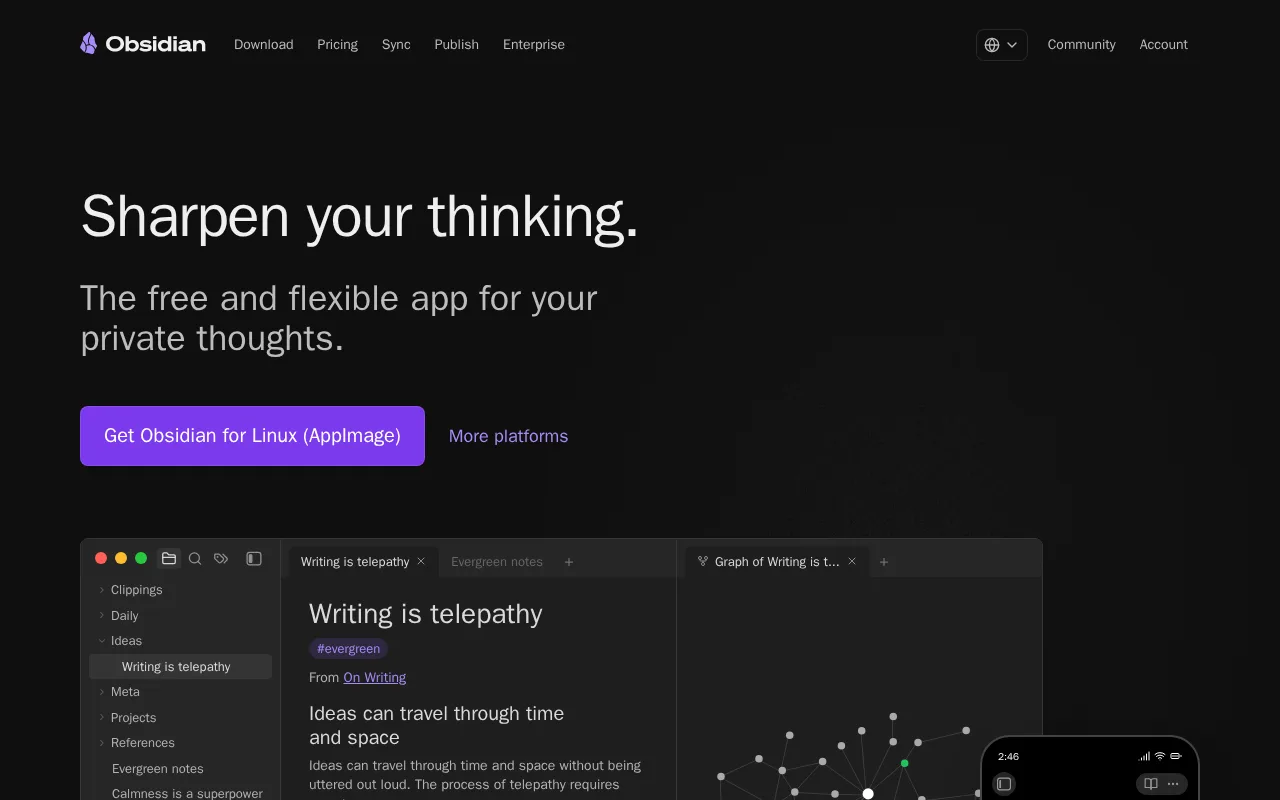
Obsidian is the best Heptabase alternative for people building a long-lived personal knowledge base who do not want a subscription to reach their own notes. The Obsidian app is free without limits and needs no sign-up on Windows, macOS, Linux, iOS and Android, and every note is a plain markdown file in a normal folder, so the vault works offline and stays readable even without Obsidian. Bidirectional links, a graph view and Canvas, an infinite whiteboard for laying out notes, cover much of what Heptabase's cards-on-whiteboards model does, and 7,647 community plugins and 755 themes extend the editor. Obsidian holds 4.9/5 from 173 Product Hunt reviews and 4.8/5 from 47 Capterra reviews. Paying is optional: Sync Standard at $4/user/month billed annually adds end-to-end encrypted sync across devices, $48 a year against $107.88 for Heptabase Pro. Heptabase is still the better choice for research-heavy work and for collaboration. Heptabase reads PDFs, YouTube transcripts, Readwise highlights and Zotero libraries inside the app and has a built-in AI agent, where Obsidian relies on its Web Clipper and community plugins; Heptabase has a web app, where Obsidian has no web version; and Heptabase lets invited collaborators edit shared whiteboards free, where real-time collaboration in Obsidian needs paid shared vaults on Obsidian Sync.
Compared to Heptabase: a free app with no sign-up vs Heptabase's 7-day trial, notes stored as local markdown files that stay readable without the app, no web version and paid shared vaults for real-time collaboration
Wins:The app is free without limits and needs no sign-up, where Heptabase has no self-serve free plan and Pro costs $8.99/month billed yearly · Notes are plain markdown files in a local folder, so the vault works offline and stays readable without Obsidian · 7,647 community plugins and 755 themes, plus 4.9/5 from 173 Product Hunt reviews and 4.8/5 from 47 Capterra reviews
Loses:No web version, so a vault is reachable only where the app is installed, where Heptabase also runs in the browser · Real-time collaboration needs paid shared vaults on Obsidian Sync from $4/user/month, where Heptabase's invited collaborators edit shared whiteboards free · AI and integrations come through community plugins rather than a built-in agent working on PDF, YouTube, Readwise and Zotero sources as in Heptabase
Pros
- The app is free without limits and needs no account; notes are stored locally as plain markdown files in open formats, so there is no lock-in.
- 7,647 community plugins and 755 themes let the editor be reshaped for research, writing, task management, or visualization.
- Works fully offline on Windows, macOS, Linux, iOS, and Android, with no server round-trip to open a note.
- Obsidian states notes stay on the device and are inaccessible to the company, its apps collect no telemetry, and Obsidian Sync is AES-256 end-to-end encrypted.
- Paid products are optional services rather than a feature wall: Sync from $4/user/month, Publish from $8/site/month, and a commercial license the FAQ says is not required.
Cons
- There is no web version, so a vault is only reachable from a device where Obsidian is installed.
- Cross-device sync is a paid add-on from $4/user/month, or a do-it-yourself setup on iCloud, Dropbox, or Git.
- Real-time collaboration needs paid shared vaults on Obsidian Sync; there is no free multi-user editing.
- Obsidian's own apps are not open source — obsidian.md publishes open file formats plus public release and plugin repositories, but not the application source.
Pricing: Free tier · paid from $4/mo — Free app, or $4/user/month for Sync Standard billed annually ($48/year), vs Heptabase Pro at $8.99/month billed yearly ($107.88/year) (verified )
2Miro — best Heptabase alternative for running live workshops and planning sessions (retros, journey maps, roadmaps) with distributed teams on a shared board
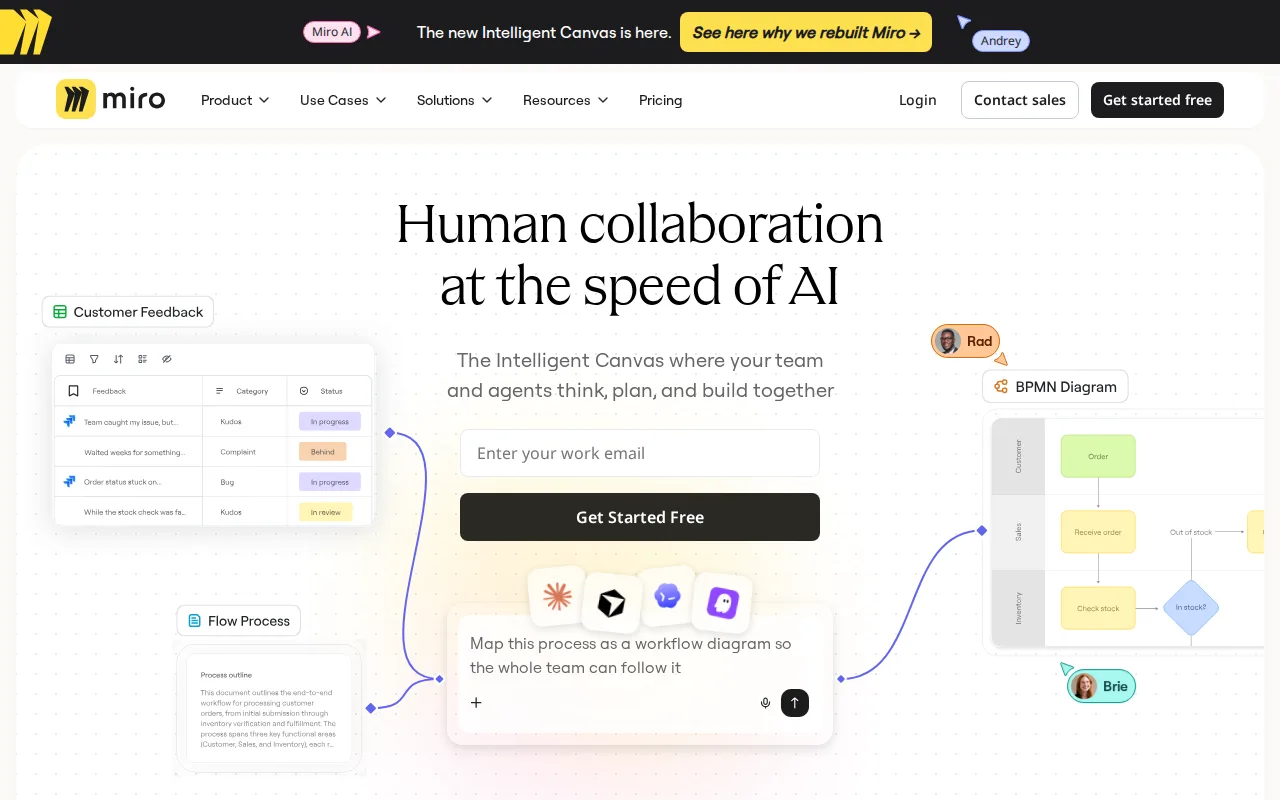
Miro is the best Heptabase alternative when the whiteboard is a team space rather than a personal research desk. Miro's infinite canvas holds sticky notes, shapes, diagrams, images, docs, tables, timelines, kanban boards and slides, with 7,000+ templates and 250+ integrations, and Business adds two-way Jira, Asana and Linear sync. Miro Free allows unlimited members and 3 editable boards, where Heptabase has no self-serve free plan beyond a 7-day trial. Miro's apps rate 4.7/5 from 5,845 App Store ratings and 4.4/5 from 20.2K Google Play reviews, against Heptabase's 4.3/5 from 71 and 3.8/5 from 225, and Miro's learning curve is rated low against Heptabase's moderate. Heptabase is still the better choice for study and research. Heptabase turns PDF highlights, YouTube transcripts, web clips and Readwise and Zotero imports into cards that can be reused across several whiteboards, works offline, and runs natively on Linux, which Miro does not. Cost also favors Heptabase for small groups: Miro charges every workspace member a seat, $8/member/month billed annually on Starter, while a single Heptabase Pro subscription at $8.99/month billed yearly can invite collaborators to edit shared whiteboards free.
Compared to Heptabase: a free plan with unlimited members and 3 editable boards vs a 7-day trial, 7,000+ templates and 250+ integrations with two-way Jira sync on Business, a paid seat for every member where Heptabase invites collaborators free
Wins:A free plan with unlimited members and 3 editable boards, where Heptabase offers only a 7-day trial · 7,000+ templates, 250+ integrations, Docs, Tables, Timelines, Kanban and Slides on the board, and two-way Jira, Asana and Linear sync on Business · Apps rate 4.7/5 from 5,845 App Store ratings and 4.4/5 from 20.2K Google Play reviews, against Heptabase's 4.3/5 from 71 and 3.8/5 from 225, with a low learning curve against Heptabase's moderate
Loses:Every workspace member takes a paid seat on Starter ($8/member/month billed annually) and Business, where Heptabase's invited collaborators edit shared whiteboards free · No Linux app, where Heptabase runs natively on Linux as well as macOS, Windows, iOS, Android and the web · Built for workshops rather than reading: Heptabase's PDF annotation, YouTube transcripts and Readwise and Zotero imports turn sources into reusable cards
Pros
- Free plan with unlimited members, 7,000+ templates and 250+ integrations.
- Docs, Tables, Timelines, Kanban and Slides live on the same canvas as the whiteboard.
- Visitor editing on Starter lets outsiders edit a public board without signing in.
- Native apps for Windows, Mac, iOS and Android; the iOS app rates 4.7/5 from 5,845 App Store ratings.
- An MCP server and two-way Jira, Asana, Linear and ClickUp sync (Business) connect board content to AI and delivery tools.
Cons
- The Free plan allows only 3 editable boards, and every board is visible to the whole team.
- Each workspace member takes a paid seat; signed-in guests require Business at $20/member/month billed annually.
- AI is credit-metered: 25 credits per member per month on Starter and 50 on Business.
- Enterprise features such as SCIM and data residency require at least 30 members.
Pricing: Free tier · paid from $8/mo — $8/member/month for Miro Starter billed annually vs Heptabase Pro at $8.99/month billed yearly; a 3-person team pays $24/month on Miro Starter (verified )
3Notion — best Heptabase alternative for teams that want to consolidate scattered docs, wikis, and lightweight project trackers into one linked workspace, and are willing to spend time designing their own database structure.
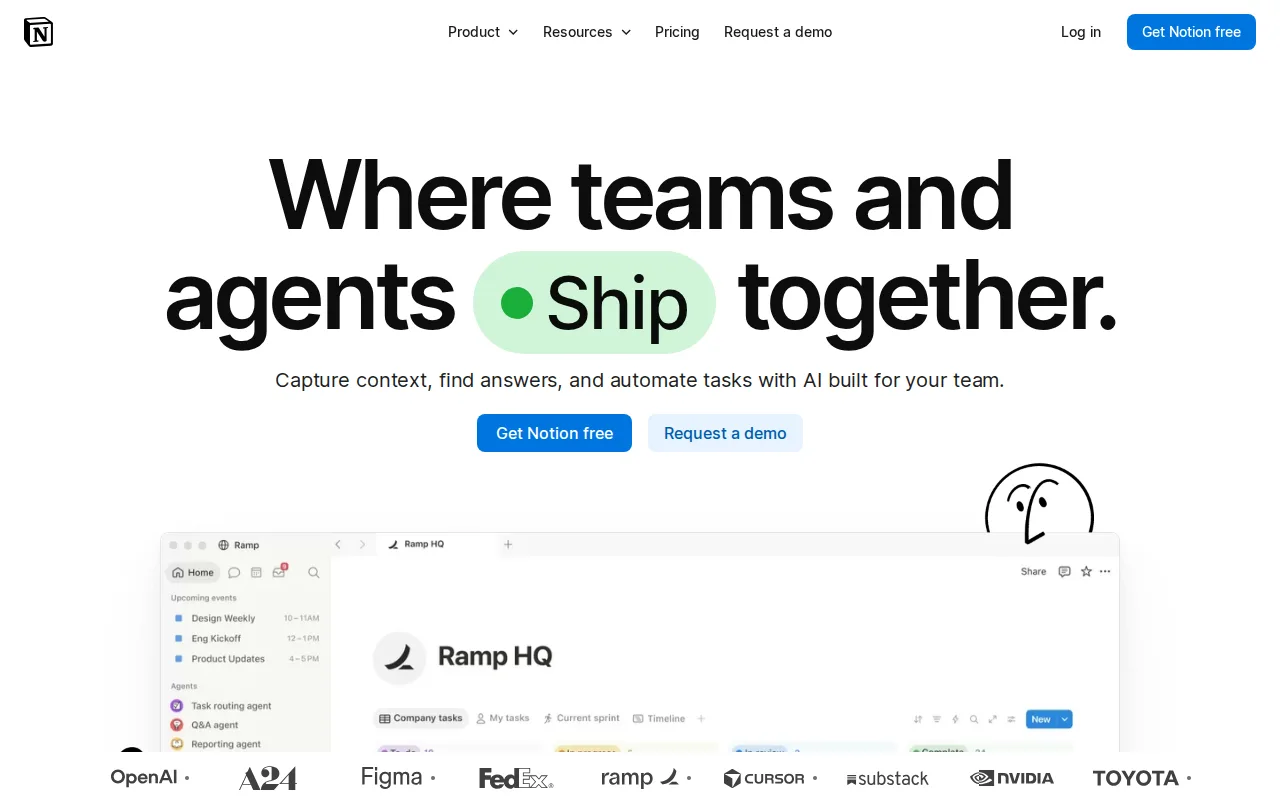
Notion is the best Heptabase alternative for teams whose knowledge base has to double as a company wiki and project tracker. Notion builds docs, wikis and relational databases out of nested pages and blocks, and Business at $20/member/month adds Notion Agent, AI Meeting Notes, Enterprise Search in beta, SAML SSO, private teamspaces and granular database permissions. A public API, webhooks and one-way database syncs from Jira, GitHub and Asana connect outside tools, and Notion runs on the same six platforms as Heptabase: web, Windows, macOS, Linux, iOS and Android. Unlike Heptabase, Notion has a free plan, with unlimited pages and blocks for solo use and block limits only in multi-member workspaces, and Notion Plus costs $10/member/month billed monthly against Heptabase Pro's $11.99 billed monthly. Heptabase is still the better choice for visual thinking and research. Notion organizes pages and databases rather than cards on whiteboards, where Heptabase reads PDFs, YouTube transcripts and Readwise and Zotero sources inside the app and turns highlights into cards. Notion limits offline access to recently viewed or favorited pages on paid plans, where Heptabase works offline. Notion's learning curve is rated steep against Heptabase's moderate, and its Free and Plus plans include only trial AI, where Heptabase Pro includes an AI agent with 100 credits a month.
Compared to Heptabase: docs, wikis and relational databases with SSO on Business instead of cards on whiteboards, a free plan for solo use vs Heptabase's 7-day trial, a steep learning curve and offline access limited to recent or favorited pages
Wins:Docs, wikis and relational databases in one workspace, with SAML SSO, private teamspaces and granular database permissions on Business at $20/member/month · A free plan with unlimited pages and blocks for solo use, where Heptabase has only a 7-day trial, and Plus at $10/member/month billed monthly vs Heptabase Pro's $11.99 billed monthly · Public API, webhooks and one-way database syncs from Jira, GitHub and Asana, with Notion AI searching connected apps such as Slack, GitHub and Google Drive on Business
Loses:Organizes pages and databases rather than cards on whiteboards, where Heptabase turns PDF highlights, YouTube transcripts and Readwise and Zotero imports into reusable cards · Offline access is limited to recently viewed or favorited pages on paid plans, where Heptabase works offline · Steep learning curve against Heptabase's moderate, and Free and Plus get only trial AI, where Heptabase Pro includes an AI agent with 100 credits a month
Pros
- Single tool covers docs, wikis, databases, and basic project tracking, reducing tool-switching
- Free plan supports unlimited pages and blocks for solo use, with only multi-member workspaces hitting block limits
- Deep customization through nested pages, linked databases, and templates
- Public API, webhooks, and 1-way database syncs (Jira, GitHub, Asana) for connecting external tools
Cons
- Per-member pricing on paid tiers ($10-$20/month) gets expensive fast for larger teams compared to flat-fee tools
- Offline support is limited to recently viewed or favorited pages on paid plans rather than full offline access
- Flexible block-and-database model has a steep learning curve for teams used to fixed-structure apps
- Meaningful AI features (Notion Agent, Enterprise Search, AI Meeting Notes) require the $20/month Business plan or higher
Pricing: Free tier · paid from $10/mo — $10/member/month for Notion Plus billed monthly vs Heptabase Pro at $11.99 billed monthly ($8.99 billed yearly) (verified )
4Logseq — best Heptabase alternative for individuals who want a local-first, privacy-respecting outliner that stores notes as portable plain-text files instead of locking them into a proprietary cloud database
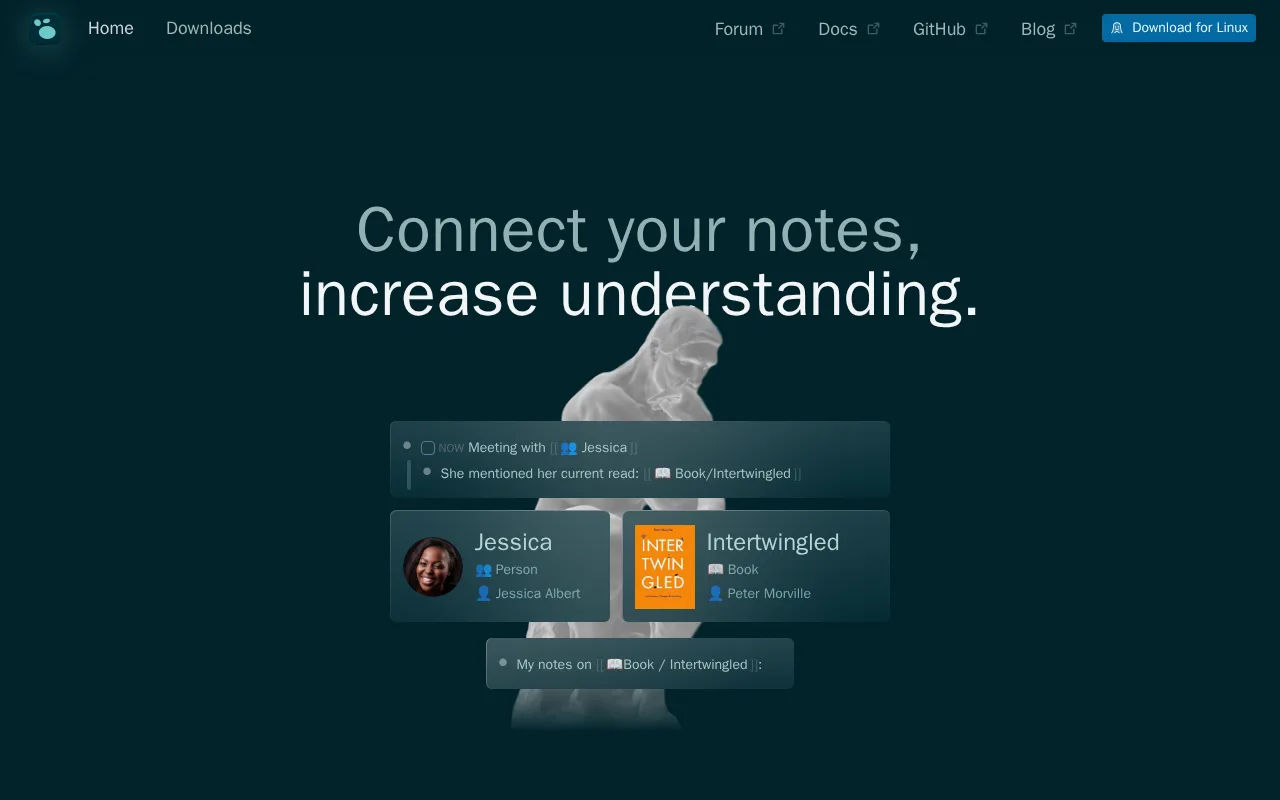
Logseq is the best Heptabase alternative for people who think in outlines and daily journals and want their notes free and fully under their control. Logseq is free and open source under AGPL-3.0, with no paid tier at all, and stores notes as local plain-text Markdown or Org-mode files that can be versioned with Git, synced through any cloud storage or kept entirely offline. Bidirectional links, a daily-journal workflow, native PDF annotation and a plugin ecosystem cover much of a research workflow, and the project has 44,500+ GitHub stars and 4.9/5 from 65 Product Hunt reviews. Against Heptabase Pro at $8.99/month billed yearly, or $107.88 a year, Logseq costs nothing. Heptabase is still the better choice for visual and collaborative work. Logseq is an outliner of linked pages and blocks, while Heptabase lays cards out on nested whiteboards; Logseq's real-time collaboration and sync are still in opt-in alpha, where Heptabase lets invited collaborators edit shared whiteboards today; Logseq's Android app is still in development, where Heptabase ships one; and Logseq has no paid support tier or SLA. Heptabase also builds in YouTube transcripts, Readwise and Zotero imports and an AI agent.
Compared to Heptabase: free and open source (AGPL-3.0) with no paid tier vs Heptabase Pro at $8.99/month, local Markdown or Org-mode files you can version with Git, real-time collaboration and sync still in opt-in alpha
Wins:Completely free and open source under AGPL-3.0 with no paid tier, where Heptabase has no free plan and Pro costs $107.88 a year · Notes are local plain-text Markdown or Org-mode files that can be versioned with Git or synced through any cloud storage · 44,500+ GitHub stars and 4.9/5 from 65 Product Hunt reviews, plus native PDF annotation and a plugin ecosystem
Loses:An outliner of linked pages and blocks rather than cards laid out on nested whiteboards · Real-time collaboration and sync are in opt-in alpha, where Heptabase's invited collaborators edit shared whiteboards free today · The Android app is still in development and there is no paid support tier or SLA, where Heptabase ships Android and iOS apps
Pros
- Completely free and open source (AGPL-3.0) with no paid tier or feature gating.
- Local-first plain-text storage (Markdown or Org-mode) keeps notes portable and outside vendor lock-in.
- Bidirectional linking and a daily-journal workflow suit outliner-style thinking better than document-first note apps.
- Plugin ecosystem and native PDF annotation extend the app without needing a separate tool.
Cons
- Built-in real-time collaboration and sync (RTC) are still in alpha and require opt-in, not yet a reliable production feature.
- Android app is still in development, while competitors offer mobile apps on both platforms already.
- Outliner-based, block-structured notes have a learning curve for users coming from document-style editors like Notion.
- As a volunteer/community-driven open-source project, there is no paid support tier or SLA to fall back on.
Pricing: Free — Free with no paid tier vs Heptabase Pro at $8.99/month billed yearly ($107.88/year) or $11.99 billed monthly (verified )
Which one is right for you?
- You want a free note app whose notes stay plain markdown files you own, with a canvas for laying them outObsidian
- You want to reshape your note app with thousands of community plugins and themesObsidian
- You run live workshops or planning sessions with a team on a shared boardMiro
- Your study group needs a free shared board everyone can join without a trialMiro
- Your team needs one place for docs, a wiki and project databases, with SSONotion
- You want a fully open-source app and are happy to sync notes through Git or your own cloud storageLogseq
- You journal daily and think in outlines more than in spatial layoutsLogseq
Frequently asked questions
Is there a free alternative to Heptabase?
- Yes: Obsidian and Logseq are both free, where Heptabase offers only a 7-day trial before Pro at $8.99/month billed yearly. Obsidian's app is free without limits and includes Canvas, an infinite whiteboard for notes, and Logseq is open source with no paid tier at all. Miro Free and Notion Free also cost nothing, limited to 3 editable boards and to block caps in multi-member workspaces respectively.
What is the closest alternative to Heptabase?
- Obsidian is the closest alternative to Heptabase: both are personal knowledge bases with bidirectional links and an infinite whiteboard for arranging notes (Canvas in Obsidian), on desktop and mobile. The difference is that Obsidian keeps notes as local markdown files and adds AI only through community plugins, while Heptabase builds in PDF, video and AI-agent workflows.
Can Obsidian replace Heptabase?
- Yes for most solo note-takers, since Obsidian's free app covers linked notes, a graph view and Canvas whiteboards, with optional Sync from $4/user/month billed annually. Obsidian falls short for anyone who needs a web app or free real-time collaboration: Obsidian has no web version, and shared vaults require a paid Obsidian Sync plan.
Is there an open-source alternative to Heptabase?
- Logseq is the open-source alternative to Heptabase: it is licensed AGPL-3.0, stores notes as local Markdown or Org-mode files and has 44,500+ GitHub stars. Obsidian is free but not open source, since obsidian.md publishes its file formats and plugin repositories but not the application source.
Which Heptabase alternative is best for teams?
- Miro is best for live visual collaboration and Notion for a shared wiki and project databases. Miro Free gives unlimited members 3 editable boards and Starter costs $8/member/month billed annually, while Notion Business at $20/member/month adds SAML SSO, private teamspaces, Notion Agent and AI Meeting Notes.
Is Heptabase worth paying for over a free alternative?
- Heptabase is worth $8.99/month billed yearly if research sources drive your notes, because it turns PDF highlights, YouTube transcripts, web clips and Readwise and Zotero imports into cards reusable across whiteboards, with a built-in AI agent. If you mainly write and link your own notes, Obsidian's free app with Canvas covers that without a subscription.