5 Best Alternatives to Figma in 2026
By Noahlast updated pricing verified

From our data: 3 of the 5 Figma alternatives listed here have a free tier (Penpot, Canva, and Lunacy), and the four with a published paid entry price start at $7 (Penpot Unlimited, per user), $12 (Sketch Standard, per editor billed yearly), $18 (Canva Pro, billed monthly), and $54.99 (Creative Cloud Standard, the cheapest way to get Adobe XD), a median of $15/month against Figma's $16 Professional full seat.
 Sketch
 Penpot
 Lunacy
 Canva
How we picked
- Each alternative was measured against the three jobs in Figma's own description: interface design, prototyping, and developer handoff. Sketch covers all three; Adobe XD covers all three but is in maintenance mode and has been sold only inside Creative Cloud since Adobe retired its standalone plan on June 22, 2023; Penpot and Lunacy cover design and prototyping, with Penpot exporting SVG, CSS, and HTML; and Canva is a template editor for marketing graphics rather than product UI.
- Free access was compared with Figma's Starter plan, which allows unlimited drafts but only 3 collaborative files: Penpot's free plan covers up to 8 team members plus unlimited viewers, Lunacy's core editor is free, Canva Free includes 1.6M+ templates, and Sketch and Adobe XD have no free tier.
- Platform coverage was checked against Figma's web, Windows, macOS, Linux, and iOS apps: Sketch's editor is macOS-only, Penpot runs only in the browser, Lunacy only as a Windows, macOS, and Linux desktop app, and Adobe XD and Canva add Android, which Figma's listing lacks.
- Ratings were read alongside fit rather than used to set the order: Canva has 4.7/5 from 13,411 Capterra reviews, Adobe XD 4.5/5 from 1,087, Sketch 4.6/5 from 812, Lunacy 4.7/5 from 26, and Penpot 4/5 from a single review, against Figma's 4.7/5 from 874.
- Prices for Figma, Sketch, and Penpot were verified on vendor pages on 14 September 2026 and for Adobe XD and Canva on 1 October 2026; Lunacy's pricing has no verification date, and the price of the Icons8 subscription behind its heavier AI use is not on record.
Paid placement never alters editorial rank — read the full methodology.
Figma alternatives at a glance
| Alternative | Best for | Learning curve | Price |
|---|---|---|---|
| Figmareference | design and product teams that need real-time multiplayer editing and a shared design-to-development handoff, from solo freelancers on the free tier up to large enterprises managing design systems across many teams | Moderate | Free tier · paid from $16/mo |
| Sketch | professional and freelance UI/UX designers on macOS who want a native, distraction-free vector design tool with built-in prototyping and developer handoff | Low | From $12/mo |
| Adobe XD | existing Creative Cloud subscribers who already have XD projects and want to keep using them without migrating to a new tool immediately | Moderate | From $54.99/mo |
| Penpot | small design teams (up to 8 members) wanting a free Figma-style tool, and larger organizations wanting to self-host their design infrastructure under an open-source license | Moderate | Free tier · paid from $7/mo |
| Canva | marketers, small business owners, and social media managers who need on-brand graphics fast without hiring a designer or learning Illustrator or Photoshop | Low | Free tier · paid from $18/mo |
| Lunacy | designers and non-designers who want a free, native desktop vector and UI design tool with built-in AI features instead of a browser-only or per-seat subscription app | Low | Free |
 Figma
 Adobe XD
1Sketch — best Figma alternative for professional and freelance UI/UX designers on macOS who want a native, distraction-free vector design tool with built-in prototyping and developer handoff
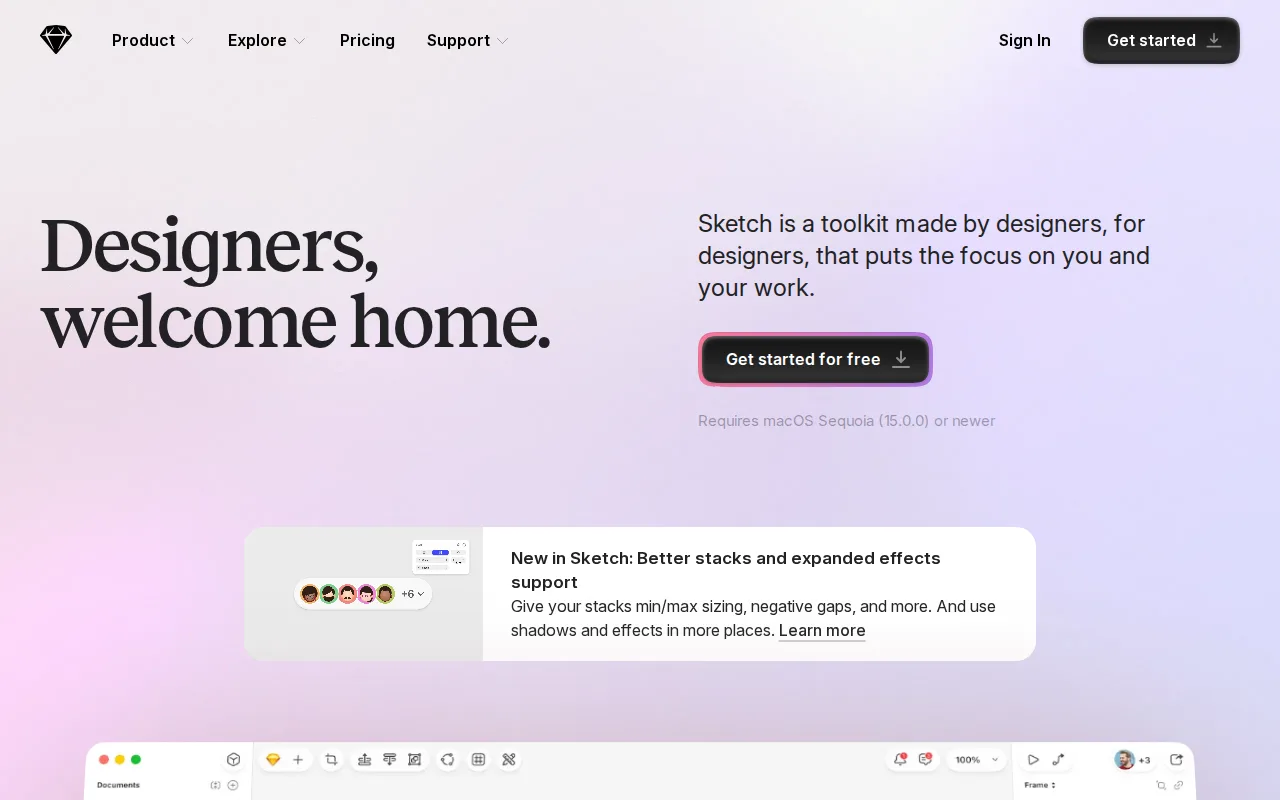
Sketch is the best Figma alternative for UI designers who work on Macs and want a native app instead of a browser-first tool. Sketch covers the same core jobs as Figma: vector design, prototyping with Smart Animate, overlays, and interaction triggers, shared component libraries, real-time co-editing, and developer handoff. Sketch documents can also be edited offline, where Figma needs an internet connection for full editing. Sketch Standard costs $12 per editor per month billed yearly ($144/year) with unlimited free viewers, against $16/month for a Figma Professional full seat, so 10 editors pay $120/month instead of $160. Designers who don't need cloud collaboration can buy Sketch's Mac-only license once for $120, including a year of updates, while every paid Figma plan is a recurring per-seat subscription. Sketch holds 4.6/5 from 812 Capterra reviews, close to Figma's 4.7/5 from 874, and its learning curve is rated low against Figma's moderate. Figma is still the better choice for any team with Windows or Linux users, because Sketch's editor runs only on macOS. Figma also has a free Starter plan where Sketch offers only a 30-day trial, and Figma adds FigJam whiteboarding, Figma Slides, and 3,000 AI credits a month on Professional, none of which appear on Sketch's listing.
Compared to Figma: a native macOS app that edits documents offline, $12 per editor per month billed yearly against $16 for a Figma Professional full seat, and macOS only with no free tier
Wins:Native macOS app that edits documents offline, where Figma needs an internet connection for full editing · Standard costs $12 per editor per month billed yearly with unlimited free viewers, where Figma prices full, Dev, and Collab seats separately at $16, $12, and $3 a month on Professional · One-time $120 Mac-only license with a year of updates, and SCIM provisioning at $44 per editor a month on Sketch Enterprise against $90 per full seat on Figma Enterprise
Loses:The editor runs only on macOS, where Figma runs on web, Windows, macOS, Linux, and iOS · No free tier, only a 30-day trial, where Figma's Starter plan is free with unlimited drafts and 3 collaborative files · No whiteboarding, presentation, or AI features on Sketch's listing, where Figma includes FigJam, Figma Slides, and 3,000 AI credits a month on Professional
Pros
- Native macOS app delivers faster performance than browser-based design tools.
- Prototyping (Smart Animate, overlays, interaction triggers) and developer handoff are built in, not separate products.
- Offline-capable design work, unlike fully cloud-dependent competitors.
- One-time $120 Mac-only license option for designers who don't need cloud collaboration.
Cons
- No Windows or Linux native app; the platform is macOS-only for the design editor.
- No permanent free tier — every plan starts as a 30-day trial before billing begins.
- Enterprise-grade security features (SCIM, BYOK) require the $44/month Enterprise tier.
Pricing: From $12/mo — $12 per editor per month billed yearly vs $16/month per Figma Professional full seat, or $120 against $160 a month for 10 editors (verified )
2Adobe XD — best Figma alternative for existing Creative Cloud subscribers who already have XD projects and want to keep using them without migrating to a new tool immediately
Adobe XD is a Figma alternative only for Creative Cloud subscribers who already have XD projects to maintain. Adobe retired XD's standalone plan on June 22, 2023, and XD is now in maintenance mode, receiving bug fixes and security updates but no new features. The only way to get XD is inside Creative Cloud Standard at $54.99/month or Creative Cloud Pro at $69.99/month, both annual plans billed monthly, which also include Photoshop, Illustrator, and other Adobe apps. For a designer who already pays for Creative Cloud Standard or Pro, XD adds no cost, shares libraries, fonts, and assets with Photoshop and Illustrator, and builds Auto-Animate transitions between artboards without manual keyframing. XD's companion apps cover iOS and Android for previewing prototypes on a device, where Figma's listing has no Android app. Adobe XD holds 4.5/5 from 1,087 Capterra reviews, more reviews than Figma's 874 but a lower score than Figma's 4.7/5. Figma is the better choice for almost everyone else: a Figma Professional full seat costs $16/month against XD's $54.99 minimum, Figma's Starter plan is free, and Figma still receives the active updates XD no longer gets. XD's real-time co-editing and plugin ecosystem also lag behind Figma's, and Capterra reviewers report XD bugs and crashes that lose work.
Compared to Figma: in maintenance mode and sold only inside Creative Cloud since June 22, 2023, Auto-Animate and shared Photoshop and Illustrator libraries, and a $54.99/month minimum against $16 for a Figma Professional full seat
Wins:Included at no extra cost for teams already paying for Creative Cloud Standard or Pro, with libraries, fonts, and assets shared across Photoshop and Illustrator · Auto-Animate turns artboard-to-artboard differences into interactive transitions without manual keyframing · Companion iOS and Android apps for previewing prototypes on a device, where Figma's listing has no Android app
Loses:In maintenance mode with bug fixes and security updates only, and sold only inside Creative Cloud since Adobe retired the standalone plan on June 22, 2023, while Figma keeps receiving active updates · The cheapest way in is Creative Cloud Standard at $54.99/month, against $16/month for a Figma Professional full seat or Figma's free Starter plan · Real-time co-editing and the plugin ecosystem lag behind Figma's, and Capterra reviewers report bugs and crashes that cause lost progress
Pros
- Auto-Animate makes building interactive, animated prototypes faster than manual transition setup in some competitors.
- Shares Creative Cloud libraries, fonts, and assets directly with Photoshop and Illustrator for teams already in the Adobe ecosystem.
- Companion iOS and Android apps let stakeholders preview and test prototypes on an actual device.
- Existing files and projects remain usable for current Creative Cloud subscribers without forced migration.
Cons
- No longer sold as a standalone app; only available bundled inside Creative Cloud Standard ($54.99/mo) or Pro ($69.99/mo) plans.
- Adobe has confirmed no further feature development, so it will fall further behind actively developed competitors over time.
- Real-time multiplayer co-editing and plugin ecosystem lag behind Figma, XD's primary competitor.
- Capterra reviewers report bugs and crashes that interrupt workflow and cause lost progress.
Pricing: From $54.99/mo — $54.99/month for Creative Cloud Standard, an annual plan billed monthly, vs $16/month per Figma Professional full seat (verified )
3Penpot — best Figma alternative for small design teams (up to 8 members) wanting a free Figma-style tool, and larger organizations wanting to self-host their design infrastructure under an open-source license
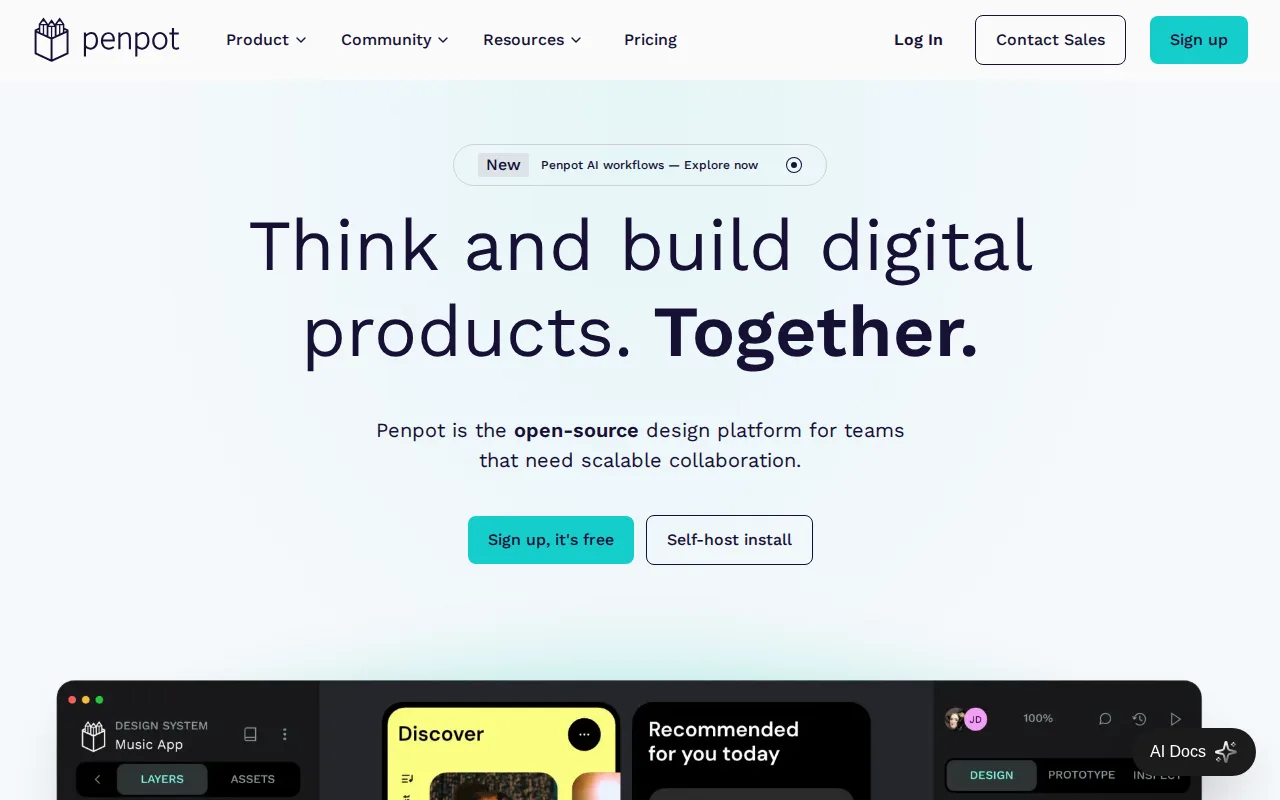
Penpot is the best Figma alternative for teams that want to own their design tool. Penpot's full source code is published under the Mozilla Public License 2.0, and an organization can self-host it with no per-seat fee to Kaleidos, the company behind it, an option Figma's listing does not offer. On Penpot's hosted cloud, the free Professional plan covers up to 8 team members plus unlimited viewers with 10GB of storage, where Figma's free Starter plan allows only 3 collaborative files. Penpot Unlimited costs $7 per user per month, capped at $175/month in total, so 10 users pay $70/month against $160 for 10 Figma Professional full seats, and 40 users still pay $175 against Figma's $640. Penpot's layouts understand CSS Grid and Flexbox, and designs export as SVG, CSS, HTML, or JSON. Figma is still the better choice for teams that depend on plugins, desktop apps, or very large files: Penpot runs only in the browser, its plugin and font marketplace is smaller, and users report that its real-time collaboration and rendering on very large files lag behind Figma's. Penpot's rating rests on a single Capterra review (4/5) against Figma's 874, and its Enterprise plan carries a $950/month minimum, more than 10 Figma Organization full seats at $550/month. The free self-hosted edition is a do-it-yourself setup; Penpot's dedicated Private Server license costs $50,000/year.
Compared to Figma: MPL-2.0 open source and self-hostable, a free plan for up to 8 members and then $7 per user capped at $175 a month, and browser-only with a smaller plugin marketplace
Wins:MPL-2.0 source code that can be self-hosted with no per-seat fee to Kaleidos, an option Figma's listing does not offer · Free Professional plan covers up to 8 team members plus unlimited viewers, where Figma's free Starter plan allows 3 collaborative files · Unlimited costs $7 per user per month and caps at $175/month in total, so 40 users pay $175 against $640 for 40 Figma Professional full seats
Loses:Runs only in the browser, where Figma also ships Windows, macOS, Linux, and iOS apps · Smaller plugin and font marketplace, and users report slower real-time collaboration and rendering than Figma on very large files · Rating rests on 1 Capterra review (4/5) against Figma's 874, and Enterprise carries a $950/month minimum, above 10 Figma Organization full seats at $550/month
Pros
- Full open-source codebase (MPL-2.0) that can be self-hosted with no vendor lock-in.
- Free Professional plan covers teams up to 8 members with unlimited viewers.
- Native CSS Grid and Flexbox-aware layout tools that export directly to standard CSS.
- Design-to-code and code-to-design AI workflows built into the platform.
Cons
- Smaller plugin and font marketplace than Figma, which has years of third-party ecosystem lead.
- Enterprise self-hosted licensing ($50,000/year) is a significant jump from the free self-hosted community edition's DIY setup.
- Cloud Unlimited and Enterprise pricing ($7-$25/user/month) is close to Figma's own tiers, narrowing the price advantage for teams not self-hosting.
- Real-time collaboration and rendering performance on very large files lag behind Figma, per user reports.
Pricing: Free tier · paid from $7/mo — $7 per user per month capped at $175 vs $16/month per Figma Professional full seat, or $70 against $160 a month for 10 users (verified )
4Canva — best Figma alternative for marketers, small business owners, and social media managers who need on-brand graphics fast without hiring a designer or learning Illustrator or Photoshop
Canva is the best Figma alternative for marketers and non-designers who need social posts, presentations, and marketing assets rather than product interfaces. Canva starts from templates instead of a blank canvas: the free plan includes 1.6M+ templates, 4.7M+ photos, videos, graphics, and audio, 1,000+ design types, and 5GB of storage, and Magic Resize reformats one design for dozens of platform sizes. Canva Pro costs $18/month for one person, or $144/year billed annually (about $12/month), and Business costs $25 per person per month with team admin tools, brand kits, and approvals. Canva holds 4.7/5 from 13,411 Capterra reviews, the same score as Figma's 4.7/5 on about 15 times as many reviews, its learning curve is rated low against Figma's moderate, and it ships an Android app, which Figma's listing lacks. Every Canva plan also includes access to Affinity, Canva's professional design app. Figma remains the right tool for anyone designing software: Canva's listing has no interactive prototyping, developer handoff, or component libraries comparable to Figma's Dev Mode and team-wide design libraries. Canva designs also can't be exported as editable source files such as .psd or .ai, so work started in Canva stays in Canva's editor.
Compared to Figma: a template-first editor with 1.6M+ free templates and Magic Resize, 4.7/5 from 13,411 Capterra reviews, and no prototyping, developer handoff, or editable .psd or .ai export
Wins:4.7/5 from 13,411 Capterra reviews, the same score as Figma's on about 15 times as many reviews · Free plan includes 1.6M+ templates and 4.7M+ photos, videos, graphics, and audio, and Magic Resize reformats one design for dozens of platform sizes · Low learning curve against Figma's moderate, an Android app that Figma's listing lacks, and Affinity access on every plan
Loses:No interactive prototyping, developer handoff, or component libraries on Canva's listing, where Figma includes Dev Mode and team-wide design libraries · Designs can't be exported as editable .psd or .ai source files, so work stays in Canva's editor · Premium templates, assets, and most AI features require Pro or Business, and the mobile app is more limited than the web editor
Pros
- Template library and drag-and-drop editor let non-designers produce usable graphics in minutes.
- Magic Resize adapts one design to many platform-specific formats automatically.
- Business plan's brand kits and approval workflows keep team output on-brand without a design lead reviewing everything.
- Bundles docs, presentations, and a website builder alongside design, reducing the number of separate tools a small team needs.
Cons
- No export to editable source formats like .psd or .ai; designs are effectively locked to Canva's own editor.
- Most premium templates, stock assets, and AI features require the Pro or Business paid tier.
- Mobile app is noticeably more limited than the desktop/web editor.
- Some users report confusing billing transitions between the free trial and paid subscription.
Pricing: Free tier · paid from $18/mo — $18/month for Canva Pro (one person; $144/year billed annually) vs $16/month per Figma Professional full seat; Canva Business is $25 per person per month (verified )
5Lunacy — best Figma alternative for designers and non-designers who want a free, native desktop vector and UI design tool with built-in AI features instead of a browser-only or per-seat subscription app
Lunacy is the best Figma alternative for designers who want a free, installable design app on Windows, macOS, or Linux. Icons8 makes Lunacy's core vector editing, UI design, and prototyping tools free to download and use with no per-seat subscription, where Figma's paid plans start at $16/month per full seat and its free Starter plan allows 3 collaborative files. Lunacy builds in AI tools for background removal, image upscaling, and avatar and art generation, and it opens Icons8's libraries of icons, photos, and illustrations inside the editor. Lunacy's learning curve is rated low against Figma's moderate, and it holds 4.7/5 from 26 Capterra reviews, the same score as Figma on a far smaller sample than Figma's 874. Figma is still the better choice for teams that design together live: Lunacy's real-time multiplayer collaboration is less mature than Figma's, its plugin ecosystem and integrations are smaller, and it has fewer tutorials and community templates. Lunacy has no web or iOS version on its listing, while Figma runs in any browser and on iOS. Heavier use of Lunacy's AI actions and Icons8's premium assets also requires a separate Icons8 subscription whose price is not verified in our data, so the free app has practical limits.
Compared to Figma: a free native desktop app for Windows, macOS, and Linux, built-in AI image tools and Icons8 libraries, and less mature real-time collaboration with a smaller plugin ecosystem
Wins:Core vector editing, UI design, and prototyping are free with no per-seat subscription, where Figma's paid plans start at $16/month per full seat · Native desktop apps for Windows, macOS, and Linux with built-in background removal, upscaling, and avatar and art generation · Icons8's icons, photos, and illustrations open inside the editor, and the learning curve is rated low against Figma's moderate
Loses:Real-time multiplayer collaboration is less mature than Figma's · Smaller plugin ecosystem, fewer integrations, and fewer tutorials and community templates than Figma · Heavier AI and premium-asset use requires an Icons8 subscription with no verified price, and there is no web or iOS version, where Figma runs in any browser and on iOS
Pros
- Free native desktop app for Windows, macOS, and Linux, unlike browser-only competitors.
- Built-in AI tools (background removal, upscaling, avatar/art generation) without needing separate plugins.
- Direct in-app access to Icons8's icon, photo, and illustration libraries.
- Low learning curve for users coming from Sketch- or Figma-style vector and UI tools.
Cons
- Heavy AI-feature or premium-asset use requires an Icons8 subscription, so the free tier has practical usage limits.
- Smaller plugin ecosystem and third-party integration support than Figma.
- Real-time multiplayer collaboration is less mature than Figma's, a common gap noted by design teams.
- Brand recognition and community resources are much smaller than for Figma or Sketch, meaning fewer tutorials and community templates.
Pricing: Free — $0 for the core app vs $16/month per Figma Professional full seat; the Icons8 subscription needed for heavier AI and premium-asset use has no verified price
Which one is right for you?
- Everyone on your team uses a Mac, and you want a native app that keeps working offlineSketch
- You would rather pay once than rent a seat, and you don't need cloud collaborationSketch
- You already pay for Creative Cloud and still have XD files to maintainAdobe XD
- Your security team wants the design tool running on your own infrastructurePenpot
- Your team of up to 8 people needs a free shared design workspace with unlimited viewersPenpot
- You make social posts, presentations, and ads rather than app screensCanva
- You want a free design app installed on Windows or Linux, with icons and illustrations built inLunacy
Frequently asked questions
Is there a free alternative to Figma?
- Yes, Penpot, Lunacy, and Canva all have free plans, while Sketch and Adobe XD do not. Penpot's free plan covers up to 8 team members plus unlimited viewers, Lunacy's core desktop editor is free on Windows, macOS, and Linux, and Canva Free includes 1.6M+ templates. Figma's own Starter plan is also free, with unlimited drafts but only 3 collaborative files.
What is the closest alternative to Figma?
- Penpot is the closest match in how it works: like Figma, it is a browser-based, collaborative tool for UI design, prototyping, components, and design tokens, with a free team plan. Sketch is the other close match, with real-time co-editing, prototyping, and developer handoff and far more review evidence (4.6/5 from 812 Capterra reviews against Penpot's single review), but its editor runs only on macOS.
Can Sketch replace Figma?
- Yes, if everyone who edits designs uses a Mac: Sketch covers vector design, prototyping, shared component libraries, real-time co-editing, and developer handoff for $12 per editor per month billed yearly. Sketch cannot replace Figma for Windows or Linux users, since its editor runs only on macOS, and it has no free plan, only a 30-day trial.
Is Adobe XD still a good Figma alternative?
- Only for Creative Cloud subscribers who already have XD projects: Adobe retired XD's standalone plan on June 22, 2023, and XD now receives only bug fixes and security updates. Getting XD today costs at least $54.99/month through Creative Cloud Standard, against $16/month for a Figma Professional full seat.
Can Canva replace Figma for UI design?
- No, Canva's listing has no prototyping, developer handoff, or component libraries comparable to Figma's, and Canva designs can't be exported as editable .psd or .ai files. Canva is the stronger tool for marketing graphics, presentations, and social posts, with 1.6M+ free templates and Magic Resize.
Which Figma alternative can be self-hosted?
- Penpot is the only one here: its source code is published under the Mozilla Public License 2.0 and can run on your own infrastructure with no per-seat fee. The free self-hosted edition is a do-it-yourself setup, while Penpot's dedicated Private Server license costs $50,000/year and adds enterprise SSO, SCIM, and IP whitelisting.
Which Figma alternative works offline?
- Sketch, whose native macOS app edits documents offline, where Figma needs an internet connection for full editing. Sketch also sells a one-time $120 Mac-only license, including a year of updates, for designers who need no cloud collaboration at all.
Which Figma alternative is best for prototyping?
- Sketch, whose prototyping includes Smart Animate, overlays, scroll areas, and interaction triggers, with an iPhone and iPad app for on-device review. Penpot also builds interactive prototypes in the browser and is free for teams of up to 8, while Adobe XD's Auto-Animate still works but gets no new features. If you are moving off InVision, which shut down in 2024, start with Sketch or Penpot.