4 Best Alternatives to Penpot in 2026
By Noahlast updated pricing verified

From our data: 3 of the 4 alternatives with pricing data (Figma, Framer, and UXPin) offer a free tier, while Sketch has none and Marvel's pricing could not be confirmed; among the four alternatives with published starting prices ($16, $12, $0, and $29), the median is $14/month, twice Penpot's own $7/user/month Unlimited tier.
 Figma
Figma Sketch
 Framer
 UXPin
UXPinHow we picked
- External review evidence anchored the ranking: Figma's 4.7/5 from 874 Capterra reviews is the deepest evidence of any alternative here, while Penpot's own rating comes from just 1 Capterra review.
- Self-hosting and license model were weighed against Penpot's MPL-2.0 open-source codebase: Figma, Sketch, Framer, and UXPin are all closed-source SaaS with no self-hosting option, a real trade-off buyers make against Penpot's self-hostable, no-per-seat-fee model.
- Free-tier depth was compared directly: Figma's Starter plan and Framer's Free plan both offer a genuinely usable free tier without Penpot's 8-member cap, while Sketch has no permanent free plan at all, only a 30-day trial.
- One alternative, Marvel, carries no pricing, licensing, or review data in our listing, so its position in this list reflects the site's original alternative ordering rather than a scored comparison against Penpot's published figures.
Paid placement never alters editorial rank — read the full methodology.
Penpot alternatives at a glance
| Alternative | Best for | Learning curve | Price |
|---|---|---|---|
| Penpotreference | small design teams (up to 8 members) wanting a free Figma-style tool, and larger organizations wanting to self-host their design infrastructure under an open-source license | Moderate | Free tier · paid from $7/mo |
| Figma | design and product teams that need real-time multiplayer editing and a shared design-to-development handoff, from solo freelancers on the free tier up to large enterprises managing design systems across many teams | Moderate | Free tier · paid from $16/mo |
| Sketch | professional and freelance UI/UX designers on macOS who want a native, distraction-free vector design tool with built-in prototyping and developer handoff | Low | From $12/mo |
| Framer | designers, marketers, and founders who want to design and launch a production website on a visual canvas without a developer handoff for every change | Moderate | Free tier · paid from $10/mo |
| UXPin | product design teams building on a custom React component library who need prototypes and handoff specs that match production code, not just visual mockups | Steep | Free tier · paid from $29/mo |
 Penpot
1Figma — best Penpot alternative for design and product teams that need real-time multiplayer editing and a shared design-to-development handoff, from solo freelancers on the free tier up to large enterprises managing design systems across many teams
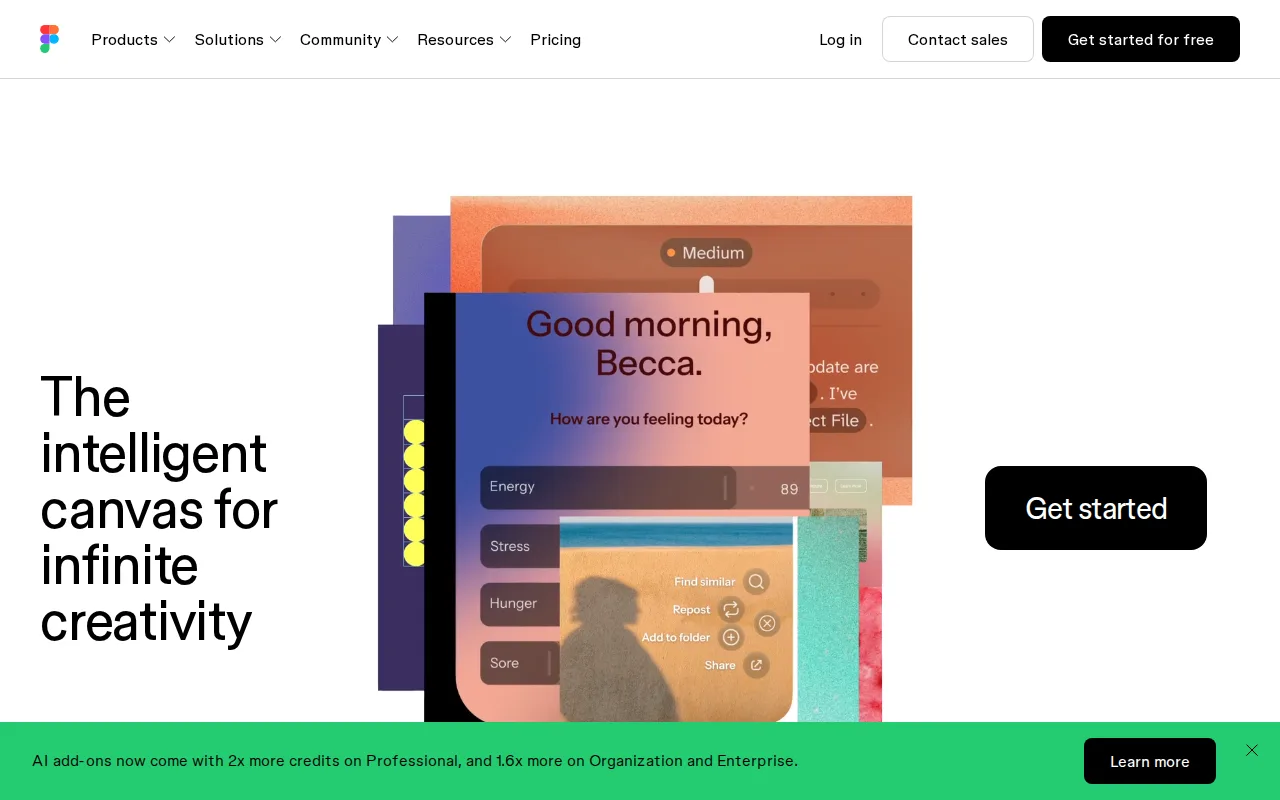
Figma is the best Penpot alternative for design and product teams that need true real-time multiplayer editing at scale, used by roughly 95% of the Fortune 500 according to Figma's own reporting, far beyond Penpot's own market presence, which holds just 1 Capterra review. Figma's Starter plan is free with unlimited drafts, and Professional costs $16/month per full seat, pricier than Penpot's Unlimited tier at $7/user/month capped at $175/month total. Figma holds a 4.7/5 rating from 874 Capterra reviews, far more review evidence than Penpot's 4/5 from a single review. Dev Mode gives engineers direct, inspectable design specs, and FigJam and Slides extend the same real-time engine to whiteboarding and presentations, breadth Penpot's UI-focused platform doesn't match. Penpot is still the better choice for organizations that need full data sovereignty or want to avoid per-seat licensing at scale: Penpot's MPL-2.0 source code can be self-hosted with no vendor lock-in and no per-seat fee, while Figma is closed-source, requires an internet connection for full functionality, and its per-seat, per-role pricing (full/dev/collab) gets expensive to manage at scale.
Compared to Penpot: real-time multiplayer editing used by roughly 95% of the Fortune 500, Professional at $16/user/month vs Penpot's $7/user/month Unlimited tier, a 4.7/5 rating from 874 Capterra reviews vs Penpot's 4/5 from 1 review
Wins:True real-time multiplayer editing works reliably with many simultaneous editors in one file · Dev Mode, FigJam, and Slides extend the same engine to developer handoff, whiteboarding, and presentations · 4.7/5 rating from 874 Capterra reviews vs Penpot's 4/5 from a single review
Loses:Closed-source, proprietary platform, unlike Penpot's fully open-source MPL-2.0 codebase that can be self-hosted with no per-seat fee · Requires an internet connection for full functionality, unlike Penpot's option to self-host entirely on infrastructure the organization controls · Per-seat, per-role pricing (full/dev/collab) costs more at $16/user/month than Penpot's $7/user/month Unlimited tier
Pros
- Real-time multiplayer collaboration works reliably even with many simultaneous editors in one file.
- Free Starter tier is genuinely usable for solo designers with unlimited drafts and basic AI credits.
- Dev Mode gives engineers direct, inspectable access to design specs, reducing handoff friction.
- Broad plugin and integration ecosystem plus FigJam and Slides extend it beyond pure UI design.
Cons
- Requires an internet connection for full editing; offline work is limited.
- No native CMYK color profile or 300dpi export, so print design work needs a separate tool.
- Per-seat, per-role pricing (full/dev/collab) can be confusing and adds up quickly for larger teams.
- Organization and Enterprise tiers are annual-billing only, reducing flexibility for smaller teams.
Pricing: Free tier · paid from $16/mo — $16/user/month (Professional) vs Penpot's $7/user/month Unlimited tier (capped at $175/month total) (verified )
2Sketch — best Penpot alternative for professional and freelance UI/UX designers on macOS who want a native, distraction-free vector design tool with built-in prototyping and developer handoff
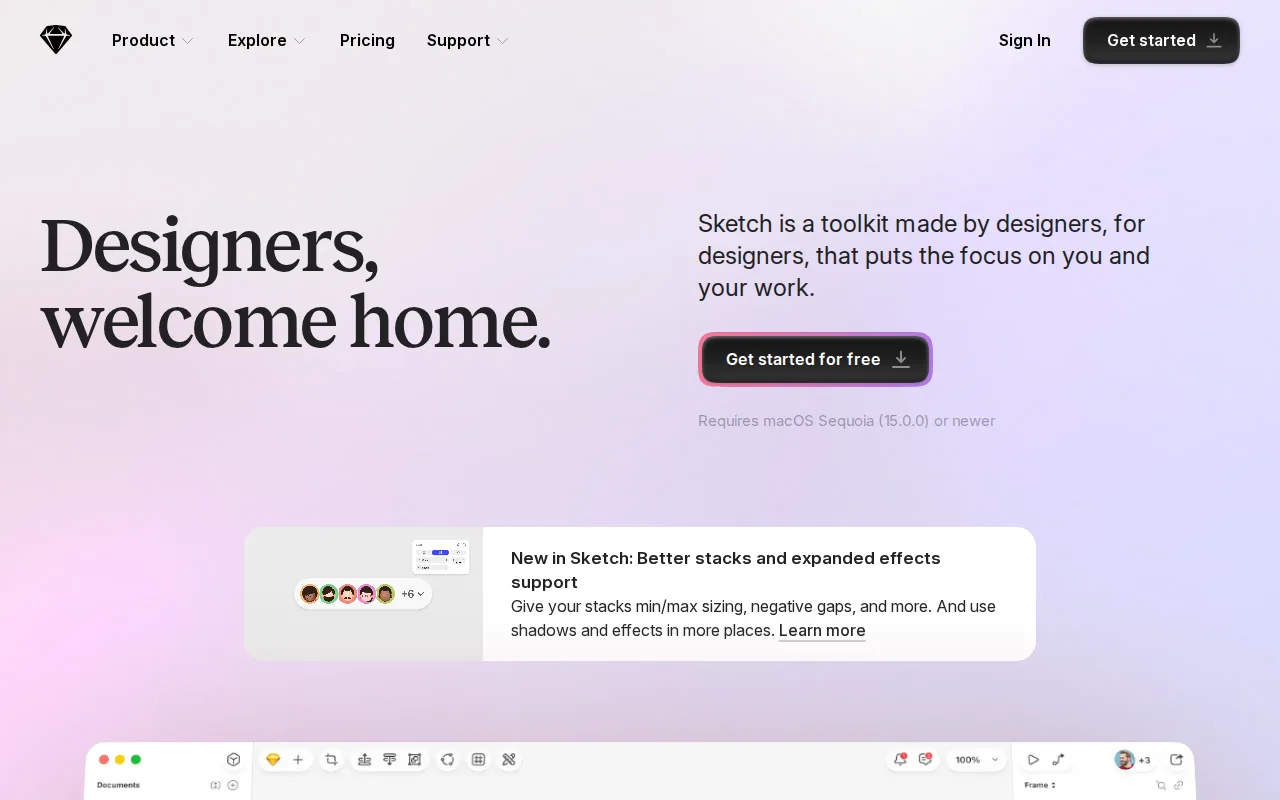
Sketch is the best Penpot alternative for professional and freelance UI/UX designers on macOS who want native app performance rather than a browser-based canvas like Penpot's. Sketch's Standard plan costs $12/month billed annually, cheaper than Penpot's Enterprise tier at $25/user/month but pricier than Penpot's free Professional plan for teams up to 8 members. Sketch holds a 4.6/5 rating from 812 Capterra reviews plus 4.7/5 from 42 Product Hunt reviews, far more review evidence than Penpot's 4/5 from a single Capterra review. A one-time $120 Mac-only license option lets designers skip a subscription entirely for offline, non-collaborative work, something Penpot doesn't offer since it's web-only. Penpot is still the better choice for teams on Windows or Linux, or any team that wants a genuinely free tier: Sketch has no Windows or Linux native app at all and no permanent free plan, only a 30-day trial before billing begins, while Penpot's Professional plan stays free indefinitely for teams up to 8 members and its full source code is open under MPL-2.0.
Compared to Penpot: native macOS app performance vs Penpot's browser-only platform, a 4.6/5 rating from 812 Capterra reviews vs Penpot's 4/5 from 1 review, a one-time $120 Mac-only license option vs Penpot's subscription-based Unlimited tier
Wins:Native macOS app delivers faster performance than Penpot's browser-based canvas · 4.6/5 rating from 812 Capterra reviews plus 4.7/5 from 42 Product Hunt reviews, far more evidence than Penpot's single review · One-time $120 Mac-only license lets designers skip a subscription entirely for offline work
Loses:No Windows or Linux native app at all, unlike Penpot, which runs in any browser on any platform · No permanent free tier; every plan starts as a 30-day trial, unlike Penpot's free-for-8-members Professional plan · Closed-source, proprietary app, unlike Penpot's fully open-source MPL-2.0 codebase
Pros
- Native macOS app delivers faster performance than browser-based design tools.
- Prototyping (Smart Animate, overlays, interaction triggers) and developer handoff are built in, not separate products.
- Offline-capable design work, unlike fully cloud-dependent competitors.
- One-time $120 Mac-only license option for designers who don't need cloud collaboration.
Cons
- No Windows or Linux native app; the platform is macOS-only for the design editor.
- No permanent free tier — every plan starts as a 30-day trial before billing begins.
- Enterprise-grade security features (SCIM, BYOK) require the $44/month Enterprise tier.
Pricing: From $12/mo — $12/month billed annually (Standard) or $120 one-time Mac-only license vs Penpot's free Professional plan (up to 8 members) or $7/user/month Unlimited (verified )
3Framer — best Penpot alternative for designers, marketers, and founders who want to design and launch a production website on a visual canvas without a developer handoff for every change
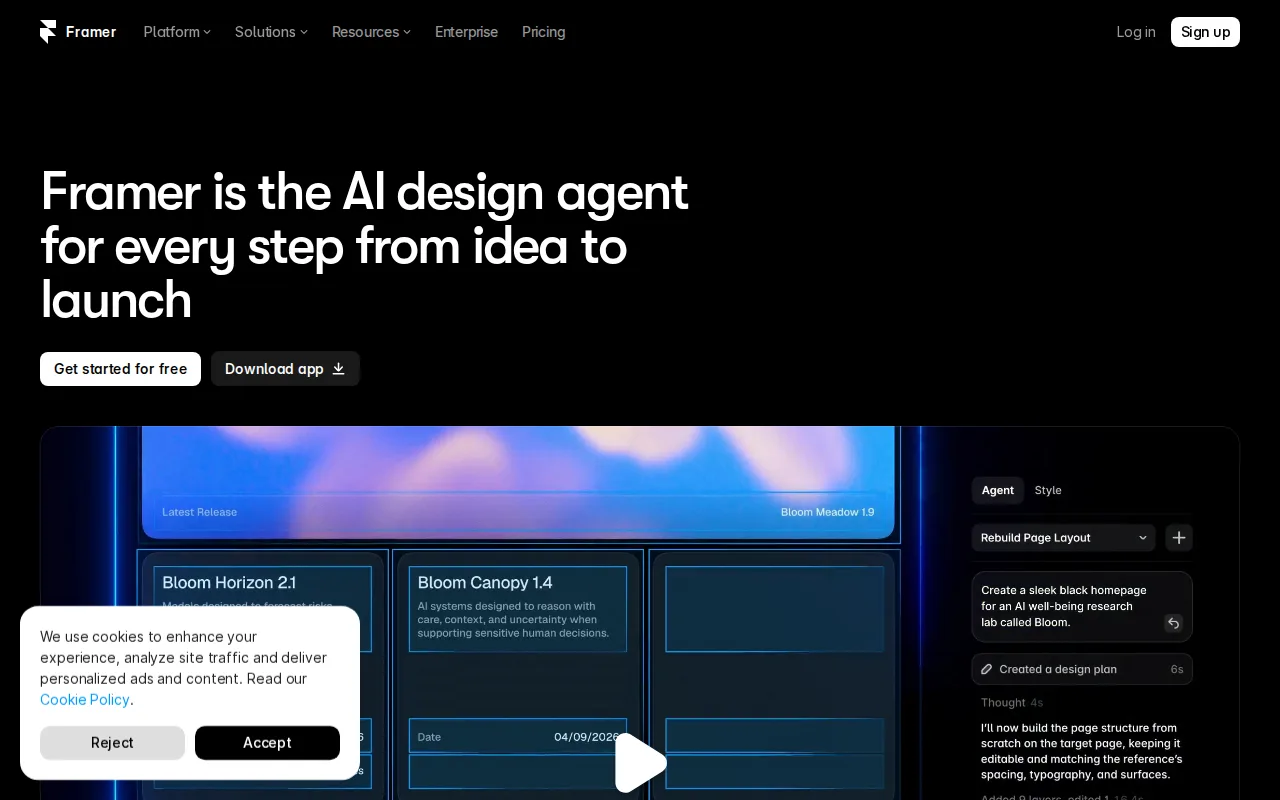
Framer is the best Penpot alternative for designers, marketers, and founders who want to design, launch, and host a production website from one canvas-based editor, going beyond Penpot's UI-design-and-prototyping focus into full website publishing. Framer's Free plan includes a working site with a framer.dev subdomain and 1GB of bandwidth at no cost, comparable in spirit to Penpot's free Professional plan for teams up to 8 members, and Basic costs $10/month for a custom domain. Framer holds a 4.8/5 rating from 261 Product Hunt reviews, far more review evidence than Penpot's 4/5 from a single Capterra review. An AI Design Agent edits a live site directly on the canvas, and hosting, SEO, analytics, and A/B testing are bundled in rather than sold separately. Penpot is still the better choice for teams building reusable design systems and component libraries rather than a single published website: Penpot's MPL-2.0 source code can be self-hosted with no per-seat fee, while Framer is closed-source and each additional editor seat costs $20/month on top of the plan price, adding up quickly for small teams.
Compared to Penpot: a working free site with hosting bundled in, plus a custom domain from $10/month, a 4.8/5 rating from 261 Product Hunt reviews vs Penpot's 4/5 from 1 review, built-in hosting, SEO, and A/B testing bundled with the design canvas
Wins:Design canvas, CMS, and hosting are integrated into one editor, publishing a live site directly · 4.8/5 rating from 261 Product Hunt reviews vs Penpot's 4/5 from 1 review · AI Design Agent edits the live site directly on the canvas rather than generating a draft to copy over
Loses:Closed-source, proprietary platform, unlike Penpot's fully open-source MPL-2.0 codebase that can be self-hosted with no per-seat fee · Each additional editor seat costs $20/month on top of the plan price, adding up quickly for small teams · Not built for reusable design-system component libraries the way Penpot's design-token and component tools are
Pros
- Design canvas, CMS, and hosting are integrated into one editor instead of separate tools.
- Free plan includes a working site with a subdomain and 1GB of bandwidth, not just a trial.
- Built-in AI Design Agent edits the live site directly rather than generating a draft to copy over manually.
- Hosting comes bundled with SEO, analytics, and A/B testing rather than requiring third-party add-ons.
Cons
- Each additional editor seat costs $20/month on top of the plan price, adding up quickly for small teams.
- CMS collections are capped by plan (2 on Basic, 10 on Pro), which can force an upgrade for content-heavy sites.
- Custom domains and most integrations require at least the $10/month Basic plan.
- Canvas-based, freeform layout has a steeper learning curve than block-based builders like Wix for users without design experience.
Pricing: Free tier · paid from $10/mo — Free plan, then $10/month (Basic, custom domain) vs Penpot's free Professional plan (up to 8 members) or $7/user/month Unlimited (verified )
4UXPin — best Penpot alternative for product design teams building on a custom React component library who need prototypes and handoff specs that match production code, not just visual mockups
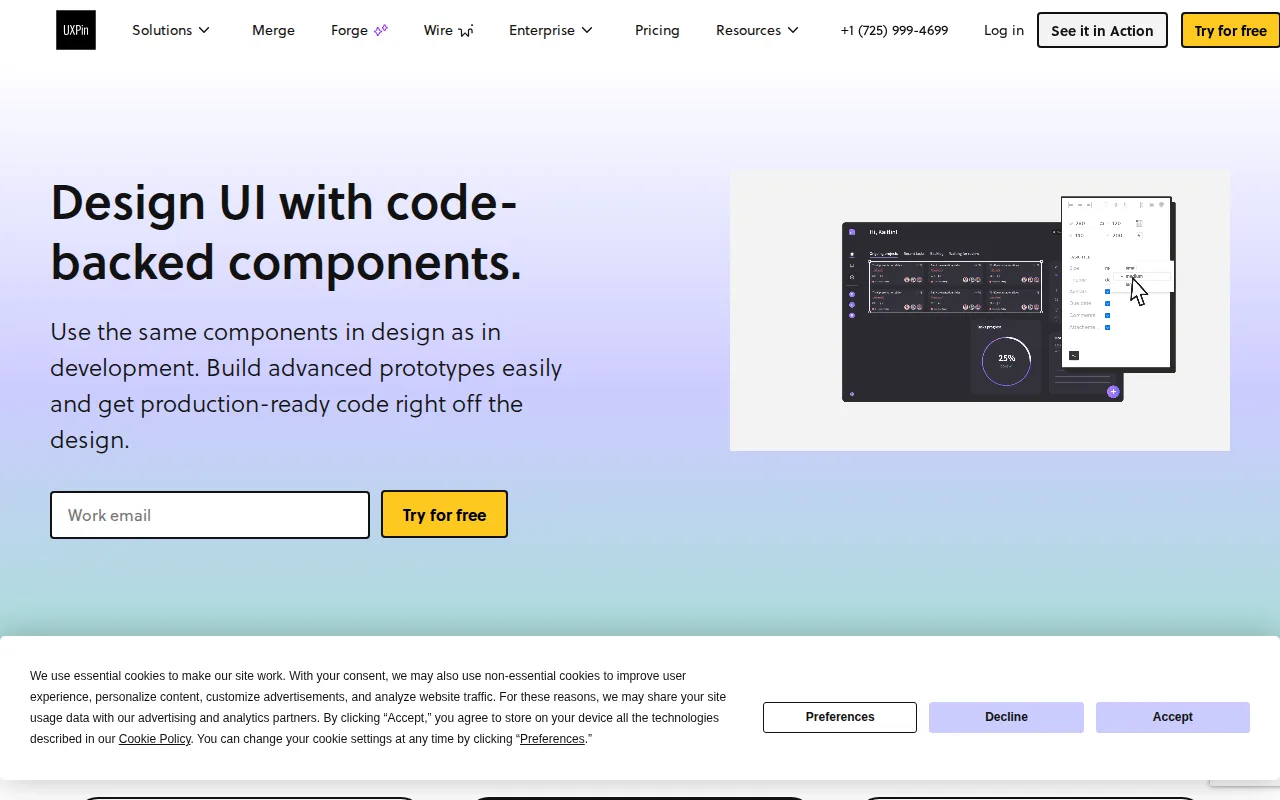
UXPin is the best Penpot alternative for product design teams building on a custom React component library who need prototypes that behave like real software instead of static vector shapes, going beyond Penpot's own vector-based design tools. UXPin's Core plan costs $29/seat/month billed annually, pricier than Penpot's Unlimited tier at $7/user/month, but UXPin's prototypes carry real logic, variables, and conditional flows that export directly to production-ready React code. UXPin holds a 4.3/5 rating from 26 Capterra reviews plus 5.0/5 from 9 Product Hunt reviews, more review evidence than Penpot's 4/5 from a single Capterra review. Git integration syncs a team's own component repository, and the AI Component Creator generates layouts from text prompts using OpenAI or Claude models. Penpot is still the better choice for teams that want a gentler learning curve and lower cost: UXPin's code-backed workflow has a steep learning curve, especially for teams not already working with React component libraries, and its free plan (available only after a 14-day trial) is capped at just 2 prototypes, far more restrictive than Penpot's free Professional plan for teams up to 8 members.
Compared to Penpot: prototypes built from real React components with logic and variables, a 4.3/5 rating from 26 Capterra reviews vs Penpot's 4/5 from 1 review, Core plan at $29/seat/month vs Penpot's $7/user/month Unlimited tier
Wins:Prototypes use real code components with logic and variables, closer to the finished product than static mockups · Direct export to production-ready React code with dependencies shortens design-to-development handoff · 4.3/5 rating from 26 Capterra reviews plus 5.0/5 from 9 Product Hunt reviews, more evidence than Penpot's single review
Loses:Steeper learning curve than Penpot, especially for teams not already working with React component libraries · Free plan (available only after a 14-day trial) is capped at 2 prototypes, far more restrictive than Penpot's free-for-8-members Professional plan · Core plan costs $29/seat/month, pricier than Penpot's $7/user/month Unlimited tier
Pros
- Prototypes use real code components with logic and variables, so they behave closer to the finished product than static mockups.
- Direct export to production-ready React code with dependencies shortens design-to-development handoff.
- Git integration syncs a team's own custom component repository into the design tool.
- AI Component Creator generates layouts from text prompts using OpenAI or Claude models.
Cons
- Steeper learning curve than static vector tools like Figma, especially for teams not already working with React component libraries.
- AI credits are metered per plan (50/200/500 monthly) and can run out for heavy AI users on lower tiers.
- Git integration and dedicated support are Enterprise-only, gating advanced workflows behind custom pricing.
- Free plan after trial is limited to 2 prototypes and 7-day version history, too restrictive for ongoing project use.
Pricing: Free tier · paid from $29/mo — $29/seat/month billed annually (Core) vs Penpot's free Professional plan (up to 8 members) or $7/user/month Unlimited (verified )
Which one is right for you?
- You need true real-time multiplayer editing across design, prototyping, and developer handoffFigma
- You're on macOS and want a native, distraction-free vector design toolSketch
- You want to design, launch, and host a marketing website from one canvasFramer
- You're building on a custom React component library and want production-ready code exportUXPin
- You want a genuinely free tier with no seat cap for solo or small-team design workFigma
Frequently asked questions
Is there a free alternative to Penpot?
- Yes — Figma's Starter plan and Framer's Free plan are both free with no seat cap, matching or extending Penpot's own free-for-8-members Professional plan.
What is the closest alternative to Penpot?
- Figma is the closest match in scope: both are browser-based, real-time collaborative UI design and prototyping platforms with a free tier, differing mainly in license (Figma closed-source vs Penpot's open-source MPL-2.0 codebase) and self-hosting availability.
Can Figma replace Penpot?
- Yes for teams that don't need self-hosting or an open-source codebase, since Figma offers true real-time multiplayer editing and a 4.7/5 rating from 874 Capterra reviews. Teams required to keep design infrastructure on their own servers should stay on Penpot, since Figma has no self-hosting option at all.
Which Penpot alternative is cheapest?
- Figma's Starter plan and Framer's Free plan are both free with no seat cap, and Framer's Basic tier at $10/month for a custom domain is the cheapest paid option among these alternatives.
Does any Penpot alternative offer a one-time payment instead of a subscription?
- Sketch offers a one-time $120 Mac-only license for designers who don't need cloud collaboration, the only alternative here with a non-subscription option; Penpot itself has no equivalent one-time consumer license, only its $50,000/year self-hosted Private Server.
Is there any pricing or review data available for Marvel?
- No — this listing carries no pricing, licensing, or rating information for Marvel; check marvelapp.com directly for current details before comparing it against Penpot.