4 Best Alternatives to Excalidraw in 2026
By Noahlast updated pricing verified

From our data: All 4 Excalidraw alternatives here have a free tier, but every one with a published paid plan costs more than Excalidraw+ at $6/user/month billed yearly (Miro Starter at $8/member/month, Mural Team+ at $9.99/member/month and a Figma Professional full seat at $16/month), while tldraw.com has no paid plan at all.
 tldraw
 Miro
Miro Mural
Mural Figma
FigmaHow we picked
- Excalidraw+ at $6/user/month billed yearly is the cheapest paid plan on this page, so every alternative was measured against it: Miro Starter costs $8/member/month and Mural Team+ $9.99/member/month, both billed annually, and a Figma Professional full seat $16/month, while tldraw.com has no paid plan.
- Pricing was verified on October 23, 2026 for Excalidraw, tldraw, Miro and Mural, and on September 14, 2026 for Figma.
- Platform reach counted because Excalidraw is web-only: tldraw offline adds macOS, Windows and Linux desktop apps, Miro and Mural add Windows, macOS, iOS and Android apps, and Figma lists web, Windows, macOS, Linux and iOS.
- Review evidence is thin: Figma is the only entry with a third-party score (4.7/5 from 874 Capterra reviews); Miro's iOS app rates 4.7/5 from 5,845 App Store ratings and Mural's 2.3/5 from 73, while Excalidraw and tldraw have no ratings on record.
- Licensing was checked for developers who embed a canvas: Excalidraw is the only MIT-licensed option, tldraw's SDK is source-available with a commercial license required in production, and Miro, Mural and Figma are listed as freemium products.
Paid placement never alters editorial rank — read the full methodology.
Excalidraw alternatives at a glance
| Alternative | Best for | Learning curve | Price |
|---|---|---|---|
| Excalidrawreference | sketching informal system diagrams and wireframes live with others during a meeting or interview | Low | Free tier · paid from $6/mo |
| tldraw | sketching quick diagrams and flows with collaborators on a free shared board | Low | Free |
| Miro | running live workshops and planning sessions (retros, journey maps, roadmaps) with distributed teams on a shared board | Low | Free tier · paid from $8/mo |
| Mural | running facilitated workshops and design-thinking sessions with large groups, including outside participants who join free as visitors | Moderate | Free tier · paid from $9.99/mo |
| Figma | design and product teams that need real-time multiplayer editing and a shared design-to-development handoff, from solo freelancers on the free tier up to large enterprises managing design systems across many teams | Moderate | Free tier · paid from $16/mo |
 Excalidraw
1tldraw — best Excalidraw alternative for sketching quick diagrams and flows with collaborators on a free shared board
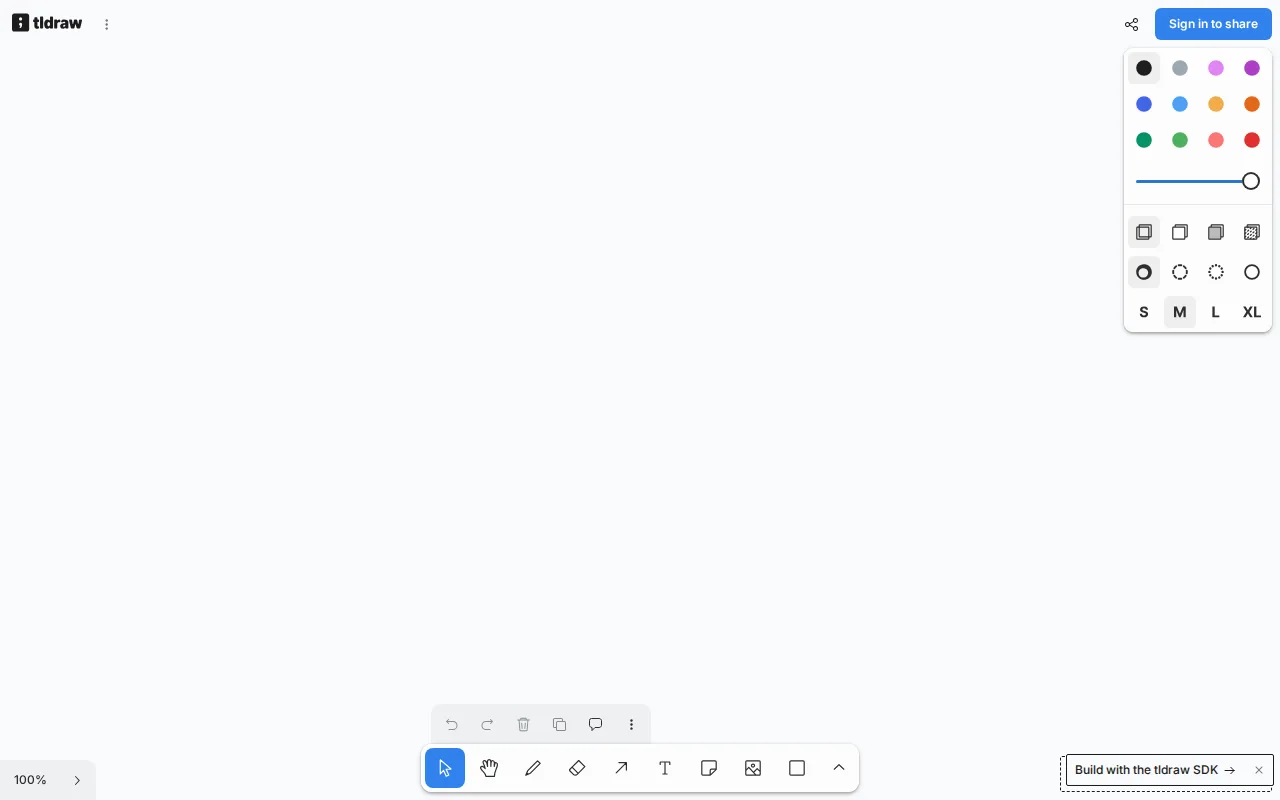
tldraw is the best Excalidraw alternative for people who want the same quick, free sketching but with more than one scene and with files they control. tldraw.com opens instantly in the browser with shapes, arrows, text, sticky notes and frames, live cursors, viewport following and comments, and a free account keeps boards as files in workspaces, where Excalidraw's free editor keeps one scene in the browser and needs Excalidraw+ at $6/user/month billed yearly for cloud saving, folders and comments. tldraw offline, launched in July 2026, is a desktop app for macOS, Windows and Linux that saves self-contained .tldraw files with no account or server, and LAN multiplayer arrived in August 2026; Excalidraw is web-only. AI agents can read, draw and edit tldraw boards through its plugin for ChatGPT and Codex and an MCP app for Claude and Cursor, where Excalidraw's MCP access is in public beta on Plus. Excalidraw is still the better choice for developers and for teams that want a paid plan. Excalidraw's editor is MIT-licensed with 134,000+ GitHub stars, while tldraw's SDK is source-available with 51,000+ stars and needs a commercial license, priced by value, for production use. tldraw also sells no team plan, so it publishes no admin, security or support terms, where Excalidraw+ adds workspaces, access control and SOC 2 Type 2 compliance.
Compared to Excalidraw: free boards kept as files in workspaces vs Excalidraw's single browser scene, an offline desktop app for macOS, Windows and Linux, a source-available SDK that needs a commercial license vs Excalidraw's MIT license
Wins:A free account keeps boards as files in workspaces with comments included, where Excalidraw's free editor keeps 1 scene in the browser and comments need Excalidraw+ · tldraw offline runs on macOS, Windows and Linux and saves self-contained .tldraw files with no account or server, where Excalidraw is web-only · AI agents work on boards through a plugin for ChatGPT and Codex and an MCP app for Claude and Cursor, where Excalidraw's MCP access is in public beta
Loses:The SDK is source-available, not open source, and production use needs a commercial license with unpublished pricing, where Excalidraw is MIT-licensed · No paid team plan, so no published admin, security or support terms, where Excalidraw+ adds access control and SOC 2 Type 2 compliance for $6/user/month billed yearly · 51,000+ GitHub stars against Excalidraw's 134,000+, early SDK versions ship to tldraw.com for testing, and hobby licenses show a tldraw watermark in production
Pros
- tldraw.com is free and opens instantly in the browser, with real-time collaboration, live cursors and comments.
- tldraw offline saves self-contained .tldraw files (canvas, images, videos and scripts) on macOS, Windows or Linux with no account or server.
- AI agents can create and edit boards, including Mermaid diagrams, through the tldraw plugin for ChatGPT and Codex and an MCP app for Claude and Cursor.
- The SDK behind it powers ClickUp's whiteboards, Padlet's Sandboxes and Jam, and its source is public on GitHub with 51,000+ stars.
- Developers get a free hobby license and a 100-day free SDK trial with no credit card.
Cons
- No paid team plan for tldraw.com, so organizations get no published admin, security or support terms.
- The SDK is not open source; production use requires a commercial license with unpublished, value-based pricing.
- Hobby licenses show a tldraw watermark in production.
Pricing: Free — tldraw.com free with no paid tier vs Excalidraw free for 1 browser scene or $6/user/month for Excalidraw+ billed yearly ($7 monthly) (verified )
2Miro — best Excalidraw alternative for running live workshops and planning sessions (retros, journey maps, roadmaps) with distributed teams on a shared board

Miro is the best Excalidraw alternative when a quick sketch has to grow into a workshop, a roadmap or a synced backlog. Miro's infinite canvas holds sticky notes, shapes, diagrams, docs, tables, timelines, kanban boards and slides, with 7,000+ templates, 250+ integrations and a timer and voting from Starter, while Business adds 4,700+ diagram shapes and two-way Jira, Asana and Linear sync. Miro runs in the browser and as apps for Windows, Mac, iOS and Android, rated 4.7/5 from 5,845 App Store ratings and 4.4/5 from 20.2K Google Play reviews, where Excalidraw is web-only. Miro Free keeps 3 editable boards for unlimited members, against Excalidraw's single browser scene, and Business and Enterprise add SSO, SCIM, audit trails and data residency. Excalidraw is still the better choice for speed and cost. Excalidraw needs no account at all, where Miro's sign-in-free visitor editing starts on Starter; Excalidraw+ costs $6/user/month billed yearly ($7 monthly) against Miro Starter's $8/member/month billed annually ($10 monthly), $60 against $80 a month for 10 people; and Excalidraw's editor is MIT-licensed open source with 134,000+ GitHub stars. Excalidraw's free AI also allows 10 requests a day, where Miro Free includes 10 AI credits a month.
Compared to Excalidraw: 7,000+ templates with Docs, Tables, Kanban and Slides on the same board, Windows, Mac, iOS and Android apps vs Excalidraw's web-only editor, Starter at $8/member/month vs Excalidraw+ at $6/user/month with both billed yearly
Wins:7,000+ templates and Docs, Tables, Timelines, Kanban and Slides on the board, plus a timer and voting from Starter and 4,700+ diagram shapes on Business · Apps for Windows, Mac, iOS and Android rated 4.7/5 from 5,845 App Store ratings and 4.4/5 from 20.2K Google Play reviews, where Excalidraw is web-only · The free plan keeps 3 editable boards for unlimited members, and Business adds SSO and two-way Jira, Asana and Linear sync
Loses:Starter costs $8/member/month billed annually ($10 monthly) against Excalidraw+ at $6/user/month billed yearly ($7 monthly) · Sign-in-free visitor editing starts on Starter, where Excalidraw needs no account even on its free editor · Not open source, where Excalidraw's editor is MIT-licensed with 134,000+ GitHub stars and embeddable via npm
Pros
- Free plan with unlimited members, 7,000+ templates and 250+ integrations.
- Docs, Tables, Timelines, Kanban and Slides live on the same canvas as the whiteboard.
- Visitor editing on Starter lets outsiders edit a public board without signing in.
- Native apps for Windows, Mac, iOS and Android; the iOS app rates 4.7/5 from 5,845 App Store ratings.
- An MCP server and two-way Jira, Asana, Linear and ClickUp sync (Business) connect board content to AI and delivery tools.
Cons
- The Free plan allows only 3 editable boards, and every board is visible to the whole team.
- Each workspace member takes a paid seat; signed-in guests require Business at $20/member/month billed annually.
- AI is credit-metered: 25 credits per member per month on Starter and 50 on Business.
- Enterprise features such as SCIM and data residency require at least 30 members.
Pricing: Free tier · paid from $8/mo — $8/member/month for Miro Starter billed annually vs Excalidraw+ at $6/user/month billed yearly ($80 vs $60 a month for 10 people) (verified )
3Mural — best Excalidraw alternative for running facilitated workshops and design-thinking sessions with large groups, including outside participants who join free as visitors
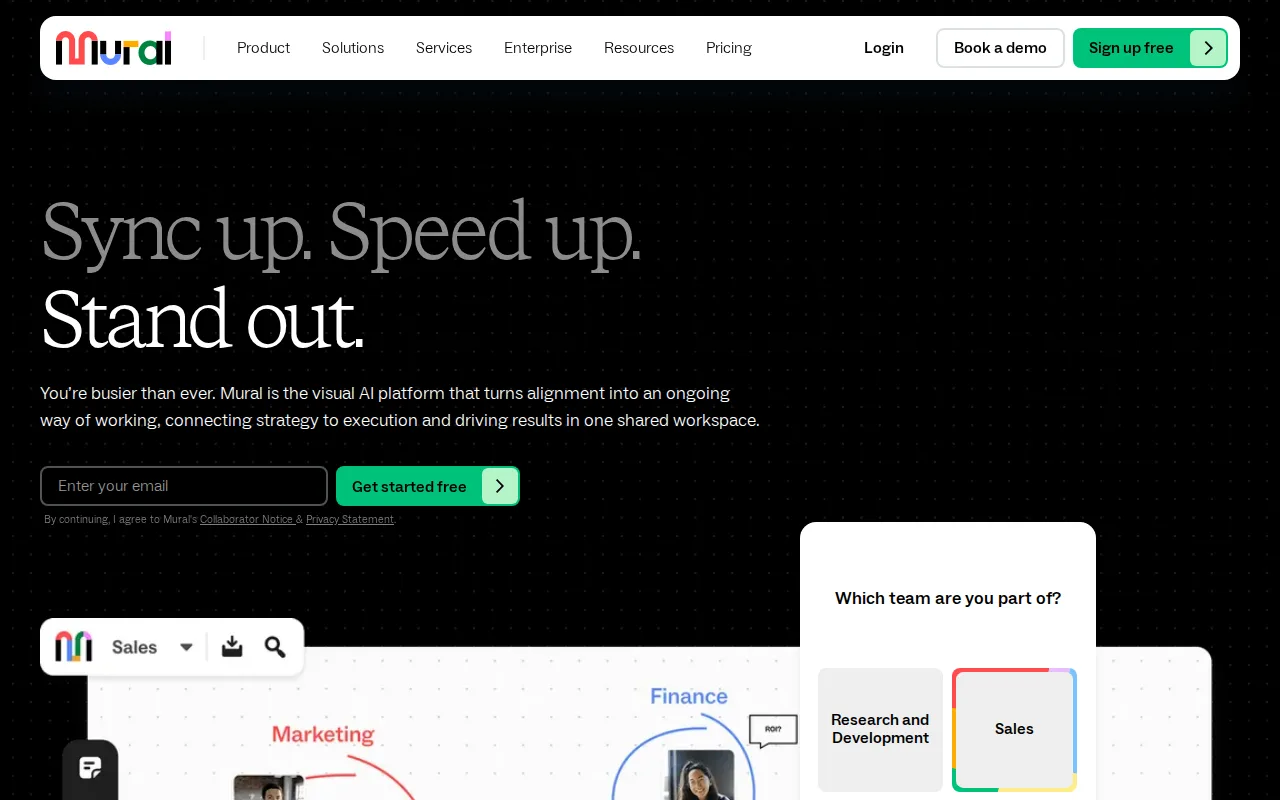
Mural is the best Excalidraw alternative for facilitators who need to steer a group, not just draw with one. Mural includes summon, a timer, anonymous voting, private mode, an outline with hide-and-reveal, a laser pointer and facilitator lock on every plan including Free, where Excalidraw's session tools are presentations and voice hangouts on Excalidraw+. Mural Free gives unlimited members unlimited murals with 3 editable at a time and unlimited view-only visitors, against Excalidraw's single browser scene, and Mural ships 250+ templates and apps for the web, Windows, macOS, iOS, Android and Surface Hub, where Excalidraw is web-only. Mural adds ISO 27001 to the SOC 2 Type 2 compliance both share, plus SSO on Business and data residency and bring-your-own-key encryption on Enterprise. Excalidraw is still the better choice for quick technical sketches and on price. Excalidraw+ costs $6/user/month billed yearly ($7 monthly) against Mural Team+ at $9.99/member/month billed annually ($12 monthly), or $60 against $99.90 a month for 10 people; Excalidraw needs no account, is MIT-licensed open source, and has a low learning curve against Mural's moderate. Mural's mobile apps also rate 2.3/5 from 73 App Store ratings, and its MCP server is still coming soon while Excalidraw's is in public beta.
Compared to Excalidraw: facilitation tools (summon, timer, anonymous voting, private mode) on every plan, native apps on Windows, macOS, iOS, Android and Surface Hub vs web-only, Team+ at $9.99/member/month vs Excalidraw+ at $6/user/month
Wins:Facilitation tools (summon, timer, anonymous voting, private mode, outline with hide-and-reveal, laser pointer, facilitator lock) on every plan including Free · Apps for Windows, macOS, iOS, Android and Surface Hub alongside the web, where Excalidraw is web-only · The free plan keeps unlimited murals with 3 editable at a time plus unlimited view-only visitors, and Mural adds ISO 27001, SSO on Business and data residency on Enterprise
Loses:Team+ costs $9.99/member/month billed annually ($12 monthly) against Excalidraw+ at $6/user/month billed yearly ($7 monthly) · Not open source, where Excalidraw's editor is MIT-licensed and needs no account · Mobile apps rate 2.3/5 from 73 App Store ratings and 3.1/5 from 559 Google Play reviews, the MCP server is still coming soon, and the learning curve is moderate against Excalidraw's low
Pros
- Facilitation tools (timer, anonymous voting, private mode, summon, facilitator lock) are included on every plan, Free included.
- Visitors join individual murals free on every plan, so one-time participants never need a paid seat.
- 250+ templates, plus LUMA design-thinking frameworks on Business.
- Apps for the web, Windows, macOS, iOS, Android and Surface Hub interactive displays.
- SOC 2 Type 2 and ISO 27001 certified, with data residency and bring-your-own-key encryption on Enterprise.
Cons
- The Free plan allows only 3 editable murals at a time.
- Business ($17.99/member/month) is billed annually only, and SSO and ongoing guest access start there.
- Mobile apps rate 2.3/5 on the App Store (73 ratings) and 3.1/5 on Google Play (559 reviews).
- Mural's MCP server for AI agents is still listed as coming soon.
Pricing: Free tier · paid from $9.99/mo — $9.99/member/month for Mural Team+ billed annually vs Excalidraw+ at $6/user/month billed yearly ($99.90 vs $60 a month for 10 people) (verified )
4Figma — best Excalidraw alternative for design and product teams that need real-time multiplayer editing and a shared design-to-development handoff, from solo freelancers on the free tier up to large enterprises managing design systems across many teams
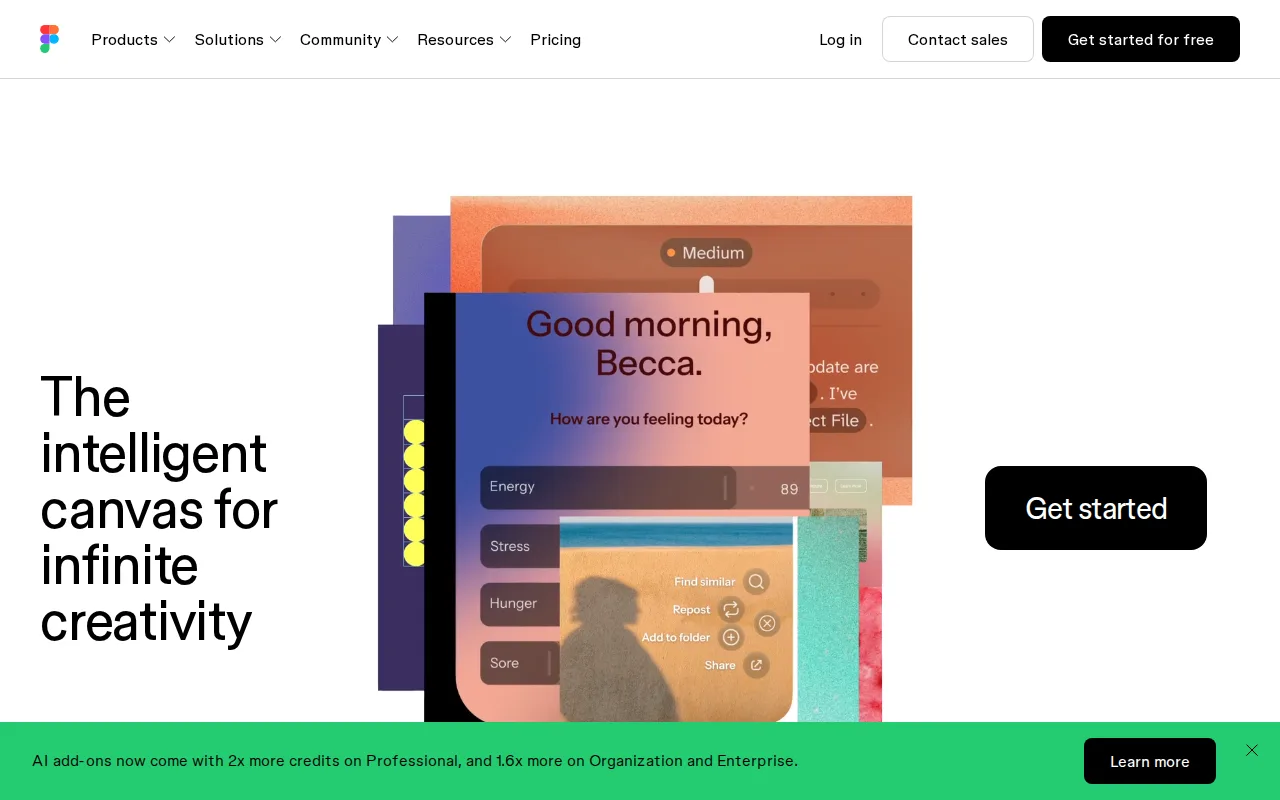
Figma, through its FigJam whiteboard, is the best Excalidraw alternative for product teams whose wireframes become real interface designs. Excalidraw can turn a wireframe into code with AI, but Figma keeps the whole path in one platform: FigJam for whiteboarding, interface design and vector editing, interactive prototyping, Dev Mode for handing inspectable specs to engineers, and Figma Slides. Figma holds 4.7/5 from 874 Capterra reviews, with reviewers consistently praising its real-time multiplayer editing, and Figma reports that about 95% of the Fortune 500 use it. Figma also runs as desktop apps on Windows, macOS and Linux and on iOS, where Excalidraw is web-only, and its paid tiers add team-wide libraries, centralized admin on Organization and SCIM on Enterprise. Excalidraw is still the better choice for quick diagrams and for cost. A Figma Professional full seat costs $16/month against Excalidraw+ at $6/user/month billed yearly, Figma's listing does not price FigJam on its own, and Figma's free Starter plan is limited to 3 collaborative files where anyone can join an Excalidraw scene by link with no account. Figma requires an internet connection for full editing, bills Organization ($55) and Enterprise ($90) full seats annually only, and has a moderate learning curve against Excalidraw's low.
Compared to Excalidraw: FigJam whiteboards in the same platform as design, prototyping and Dev Mode, 4.7/5 from 874 Capterra reviews, $16/month per Professional full seat vs Excalidraw+ at $6/user/month
Wins:FigJam whiteboards share a platform with interface design, prototyping, Dev Mode handoff and Slides, so a wireframe and the final interface design stay in one tool · 4.7/5 from 874 Capterra reviews, where Excalidraw has no ratings on record, and Figma reports that about 95% of the Fortune 500 use it · Desktop apps for Windows, macOS and Linux plus an iOS app, where Excalidraw is web-only
Loses:A Professional full seat costs $16/month against Excalidraw+ at $6/user/month billed yearly, and FigJam is not priced separately in Figma's listing · The free Starter plan is limited to 3 collaborative files, where anyone can join an Excalidraw scene by link with no account · Requires an internet connection for full editing, Organization and Enterprise are billed annually only, and the learning curve is moderate against Excalidraw's low
Pros
- Real-time multiplayer collaboration works reliably even with many simultaneous editors in one file.
- Free Starter tier is genuinely usable for solo designers with unlimited drafts and basic AI credits.
- Dev Mode gives engineers direct, inspectable access to design specs, reducing handoff friction.
- Broad plugin and integration ecosystem plus FigJam and Slides extend it beyond pure UI design.
Cons
- Requires an internet connection for full editing; offline work is limited.
- No native CMYK color profile or 300dpi export, so print design work needs a separate tool.
- Per-seat, per-role pricing (full/dev/collab) can be confusing and adds up quickly for larger teams.
- Organization and Enterprise tiers are annual-billing only, reducing flexibility for smaller teams.
Pricing: Free tier · paid from $16/mo — $16/month per Figma Professional full seat vs Excalidraw+ at $6/user/month billed yearly ($160 vs $60 a month for 10 people) (verified )
Which one is right for you?
- You sketch on several boards at once and want them saved without payingtldraw
- You work offline or on Linux and want board files on your own disktldraw
- You want AI agents in ChatGPT or Codex to draw on a live boardtldraw
- Your sketches turn into roadmaps and backlogs that should sync to Jira, Asana or LinearMiro
- You need native mobile apps to review boards on a phoneMiro
- You facilitate workshops and need a timer, anonymous voting and private modeMural
- Your wireframes go straight into interface design and developer handoffFigma
Frequently asked questions
Is there a free alternative to Excalidraw?
- Yes: tldraw.com is free with no paid tier, and a free account keeps boards as files in workspaces with comments included. Miro Free and Mural Free also allow unlimited members with 3 editable boards, and Figma's Starter plan allows 3 collaborative files.
What is the closest alternative to Excalidraw?
- tldraw is the closest alternative to Excalidraw: both are browser whiteboards for quick collaborative sketches, both publish their canvas code on GitHub, and developers embed both in other products. The main differences are that tldraw adds an offline desktop app and free workspaces, while Excalidraw is MIT-licensed and sells a team plan.
Can tldraw replace Excalidraw?
- Yes for everyday sketching, since tldraw.com is free with live cursors, comments and boards saved in workspaces, and tldraw offline adds local files on macOS, Windows and Linux. Developers embedding a canvas in a commercial product should stay with Excalidraw, because tldraw's SDK needs a commercial license in production while Excalidraw is MIT-licensed.
Which Excalidraw alternative has native mobile apps?
- Miro and Mural both have iOS and Android apps, and Figma lists an iOS app, while Excalidraw and tldraw list none. Miro's apps rate 4.7/5 from 5,845 App Store ratings and 4.4/5 from 20.2K Google Play reviews, well above Mural's 2.3/5 and 3.1/5.
Is any Excalidraw alternative cheaper than Excalidraw+?
- Only tldraw, which charges nothing for tldraw.com but sells no team plan. Every alternative with a paid plan costs more than Excalidraw+ at $6/user/month billed yearly: Miro Starter is $8/member/month and Mural Team+ $9.99/member/month, both billed annually, and a Figma Professional full seat is $16/month.
Which Excalidraw alternative is best for workshops?
- Mural is best if facilitation is the point, since summon, a timer, anonymous voting, private mode and facilitator lock come on every plan including Free. Miro is the better pick when workshop output has to flow into delivery tools, with 7,000+ templates and two-way Jira, Asana and Linear sync on Business.