5 Best Alternatives to Jira for macOS in 2026
By Noahlast updated
Compared: Jira alternatives that run on macOS
| Alternative | Best for | Learning curve | Price |
|---|---|---|---|
| Jirareference | software development teams that need deeply configurable issue workflows and tight integration with Bitbucket/GitHub, and are willing to invest in a dedicated Jira admin to manage the configuration | Steep | Free tier · paid from $7.91/mo |
| Linear | software product and engineering teams that want a fast, keyboard-driven issue tracker with built-in support for assigning work to AI coding agents, rather than a heavily customizable general project-management tool | Low | Free tier · paid from $10/mo |
| Asana | Cross-functional teams of 10-500 people who need shared timelines, dependencies, and status reporting across multiple concurrent projects. | Moderate | Free tier · paid from $10.99/mo |
| monday.com | Mid-size teams that want one configurable platform to run project tracking, CRM, and IT/HR workflows on visual boards instead of stitching together separate point tools. | Moderate | Free tier · paid from $9/mo |
| ClickUp | small and mid-sized teams that want tasks, docs, chat, and time tracking on one paid seat instead of buying a tracker, a wiki, a chat app, and a timesheet tool separately | Steep | Free tier · paid from $7/mo |
| Trello | Small teams and individuals who want a simple kanban board to track to-dos without adopting a full project-management framework | Low | Free tier · paid from $5/mo |
 Jira
Jira Linear
 Asana
Asana monday.com
 ClickUp
 Trello
1Linear — best Jira alternative for software product and engineering teams that want a fast, keyboard-driven issue tracker with built-in support for assigning work to AI coding agents, rather than a heavily customizable general project-management tool
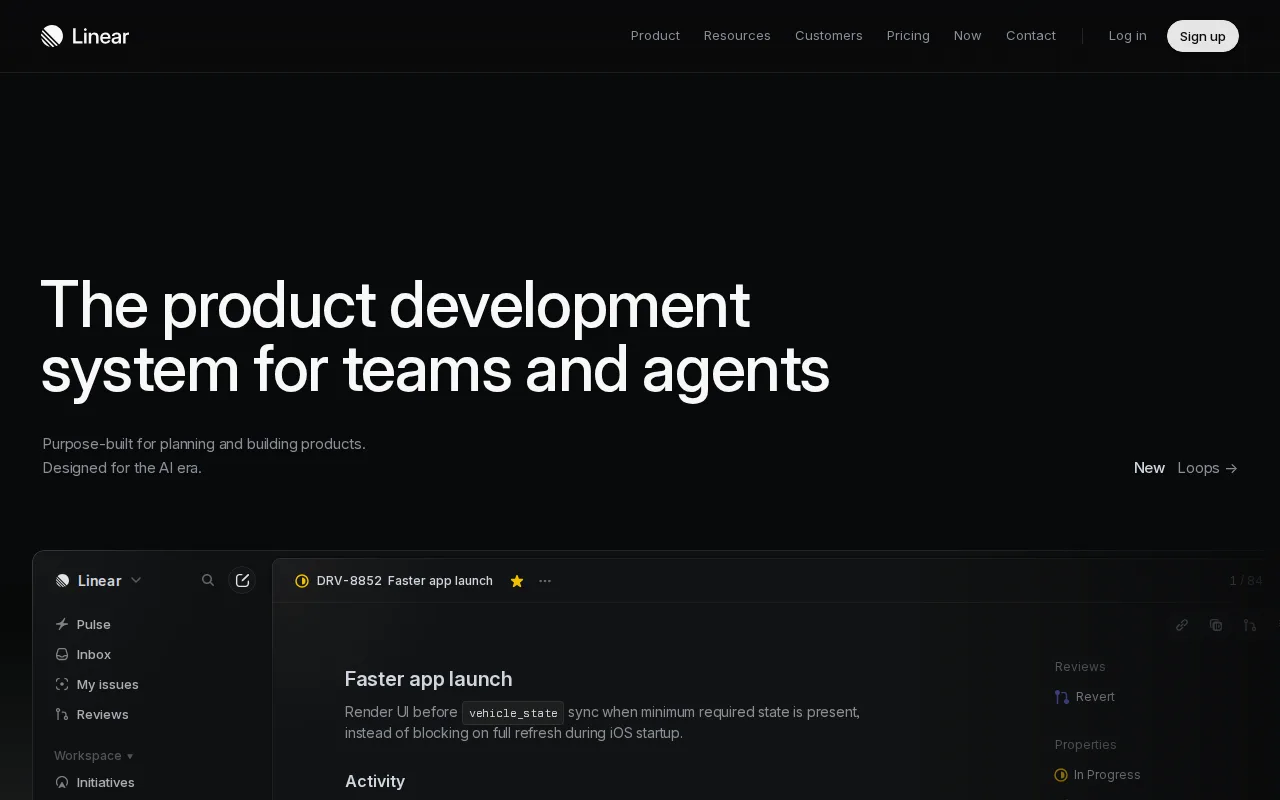
Linear is the best Jira alternative for software product and engineering teams that want speed and a deliberately opinionated interface instead of Jira's deep but complex configurability. Linear's Free plan covers unlimited members with up to 2 teams and 250 issues, and Basic starts at $10/user/month billed annually, close to Jira's own $7.91/user/month Standard tier. Linear holds a 4.9/5 rating from 436 Product Hunt reviews, well above Jira's 4.4/5 from 15,456 Capterra reviews, and it's used by companies including OpenAI, Ramp, and Opendoor. A distinguishing feature as of 2026 is native support for AI coding agents: issues can be assigned directly to agents, with Linear's Diffs feature providing structured code review for both human- and agent-written changes. Jira is still the better choice for teams with complex, non-software workflows or heavy custom-field and permission-scheme requirements: Linear is intentionally less configurable than Jira, its Free plan caps at 250 issues once a team is doing real ongoing work, and Business and Enterprise tiers require annual billing for their listed per-seat prices.
Compared to Jira: native support for assigning issues directly to AI coding agents with structured code review via Diffs, keyboard-shortcut-driven interface reviewers call faster than Jira's, 4.9/5 Product Hunt rating vs Jira's 4.4/5 Capterra score
Wins:Native support for assigning issues directly to AI coding agents, with structured code review via Linear's Diffs feature, a capability Jira doesn't offer · Keyboard-shortcut-driven interface that reviewers consistently cite as faster than Jira for daily use · 4.9/5 rating from 436 Product Hunt reviews, above Jira's 4.4/5 from 15,456 Capterra reviews
Loses:Intentionally less configurable than Jira, so teams with complex or non-software workflows often find it too rigid · Free plan caps at 250 issues, restrictive once a team is doing real ongoing work, versus Jira's free tier for up to 10 full users · Business and Enterprise tiers require annual billing for their listed per-seat prices, reducing flexibility for teams that want to pay monthly
Pros
- Fast, keyboard-shortcut-driven interface that reviewers consistently cite as faster than Jira or Asana for daily use.
- Free tier is genuinely usable for small teams (unlimited members, 250 issues, 2 teams).
- Native support for assigning issues to AI coding agents with structured code review via Diffs.
- Native desktop and mobile apps keep the same fast experience across platforms.
Cons
- Less configurable than Jira for teams with complex or non-software workflows.
- Business and Enterprise tiers require annual billing for their listed per-seat prices.
- 250-issue cap on the Free plan is restrictive once a team is doing real ongoing work.
- Less suited to non-engineering teams (marketing, HR, ops) than general tools like Asana or ClickUp.
Pricing: Free tier · paid from $10/mo — $10/user/month Basic (billed annually) vs Jira's $7.91/user/month Standard (also billed with per-seat pricing sliding by team size) (verified )
2Asana — best Jira alternative for cross-functional teams of 10-500 people who need shared timelines, dependencies, and status reporting across multiple concurrent projects.
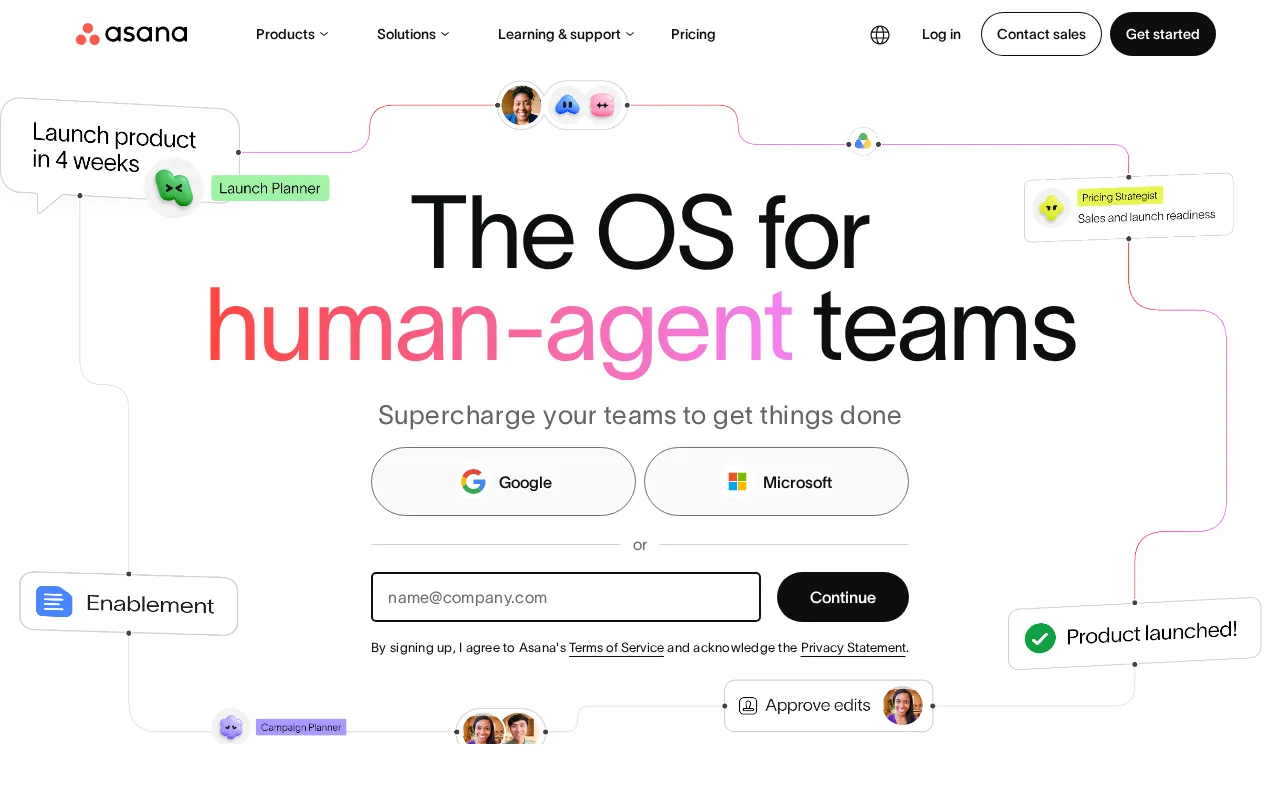
Asana is the best Jira alternative for mid-size teams coordinating many concurrent projects who want multiple views (list, board, timeline, calendar) over one source of truth rather than Jira's issue-and-sprint-centric model. Asana's Personal tier is free, and Starter costs $10.99/month, with Portfolios and Workload views giving managers cross-project visibility that Jira's default project-by-project structure doesn't surface as directly. Asana holds a 4.4/5 rating from 11,900 G2 reviews and 4.5/5 from 13,900 Capterra reviews, comparable to Jira's own 4.4/5 from 15,456 Capterra reviews. Jira is still the better choice for software teams that need deep issue-tracking rigor tied to code: Asana has no native integration with Bitbucket, GitHub, or CI/CD pipelines the way Jira does, and per-seat pricing rises quickly for larger teams on Asana's Advanced tier at $24.99/month, similar to the price growth Jira itself is criticized for.
Compared to Jira: goals-to-portfolios-to-projects hierarchy with a dedicated Workload view for managers, multiple views (list, board, timeline, calendar) over the same project data, comparable Capterra rating (4.5/5 vs 4.4/5) on a larger review base
Wins:Goals, Portfolios, and Workload views give managers cross-project visibility that Jira's project-by-project structure doesn't surface as directly · Multiple views (list, board, timeline, calendar) over the same underlying project data, more view variety than Jira's board/backlog-centric layout · 4.5/5 Capterra rating from 13,900 reviews, slightly above Jira's 4.4/5 from 15,456 reviews
Loses:No native integration with Bitbucket, GitHub, or CI/CD pipelines the way Jira links commits and pull requests directly to issues · Per-seat pricing rises quickly on the Advanced tier ($24.99/month), a similar cost-growth pattern to what Jira itself is criticized for · Can feel heavyweight for small teams that just need Jira's simpler free-tier board and backlog
Pros
- Free tier covers unlimited tasks and projects for up to 2 users, not just a time-limited trial
- Multiple views (list, board, timeline/Gantt, calendar) on the same project without extra tools
- Deep integration library (100+ free integrations) plus native Salesforce, Tableau, and Power BI connectors on Advanced
- Reporting dashboards and portfolios give a rollup view across many projects at once
Cons
- Per-user pricing means costs scale linearly and jump 127% from Starter to Advanced ($10.99 to $24.99/user/month)
- Core planning features like Goals and Workload are locked behind the Advanced tier, not available on Starter
- SSO, SCIM provisioning, and capacity planning require Enterprise, which has no published price
- Heavy feature surface (AI Teammates, AI Studio, Service Management) can overwhelm teams that just want simple task tracking
Pricing: Free tier · paid from $10.99/mo — $10.99/month Starter vs Jira's $7.91/user/month Standard — both scale per user as a team grows (verified )
3monday.com — best Jira alternative for mid-size teams that want one configurable platform to run project tracking, CRM, and IT/HR workflows on visual boards instead of stitching together separate point tools.
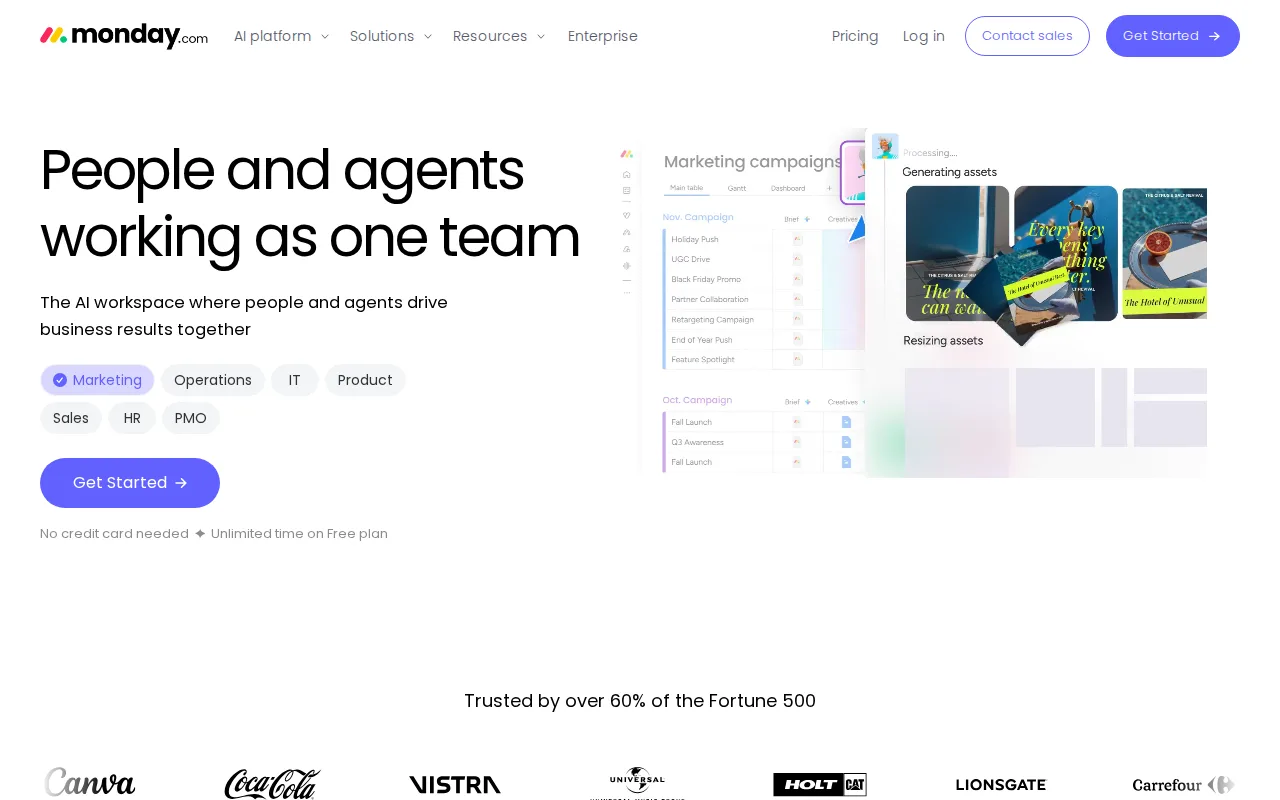
monday.com is the best Jira alternative for non-technical teams that need visual, adoptable workflows rather than Jira's issue-tracker-first design built for software teams. monday.com's Basic tier starts at $9/user/month, close to Jira's $7.91/user/month Standard tier, and its 30+ column types plus no-code automation recipes let teams shape boards into CRMs, trackers, or project hubs without Jira's workflow-configuration complexity. monday.com holds a 4.7/5 rating from 14,000 G2 reviews and 4.6/5 from 5,600 Capterra reviews, both above Jira's own 4.4/5 from 15,456 Capterra reviews. Jira is still the better choice for software development teams that need deep issue-workflow customization and native Bitbucket/GitHub/CI-CD integration: monday.com's free plan is capped at just 2 seats, and reviewers note its pricing tiers gate key features behind higher plans in a way similar to Jira's own Standard-to-Premium jump.
Compared to Jira: 30+ column types and no-code automation recipes for non-technical teams, higher external ratings (4.7/5 G2, 4.6/5 Capterra vs Jira's 4.4/5), more approachable UI for teams outside software development
Wins:30+ column types and no-code automation recipes let teams shape boards into CRMs, trackers, or project hubs without Jira's workflow-configuration complexity · Higher external ratings (4.7/5 G2 from 14,000 reviews, 4.6/5 Capterra from 5,600 reviews) than Jira's 4.4/5 Capterra score · More approachable, visually driven UI for non-technical teams than Jira's issue-tracker-first design
Loses:Free plan is capped at just 2 seats, tighter than Jira's free tier for up to 10 users · Reviewers note pricing tiers gate key features behind higher plans, a similar pattern to Jira's own Standard-to-Premium jump · No native integration with Bitbucket, GitHub, or CI/CD pipelines the way Jira links commits and pull requests directly to issues
Pros
- Free plan and all paid tiers include AI credits and iOS/Android apps out of the box
- Highly flexible board and column system covers project management, CRM, and ops without needing separate software
- 200+ templates speed up setup for common use cases
- Dashboards and Gantt/timeline views are included from the Standard tier up
Cons
- Free tier is capped at just 2 seats and 3 boards, too small for most real teams
- Automation and integration action limits (250/month on Standard) are easy for active teams to hit and require an upgrade to Pro
- Per-seat annual billing math (e.g., $9/seat shown as $90 for 10 seats) makes true monthly cost easy to underestimate at checkout
- Enterprise features like advanced permissions and portfolio management require contacting sales for custom pricing
Pricing: Free tier · paid from $9/mo — $9/user/month Basic vs Jira's $7.91/user/month Standard — close in price, but monday.com's free tier caps at 2 seats versus Jira's 10 (verified )
4ClickUp — best Jira alternative for small and mid-sized teams that want tasks, docs, chat, and time tracking on one paid seat instead of buying a tracker, a wiki, a chat app, and a timesheet tool separately
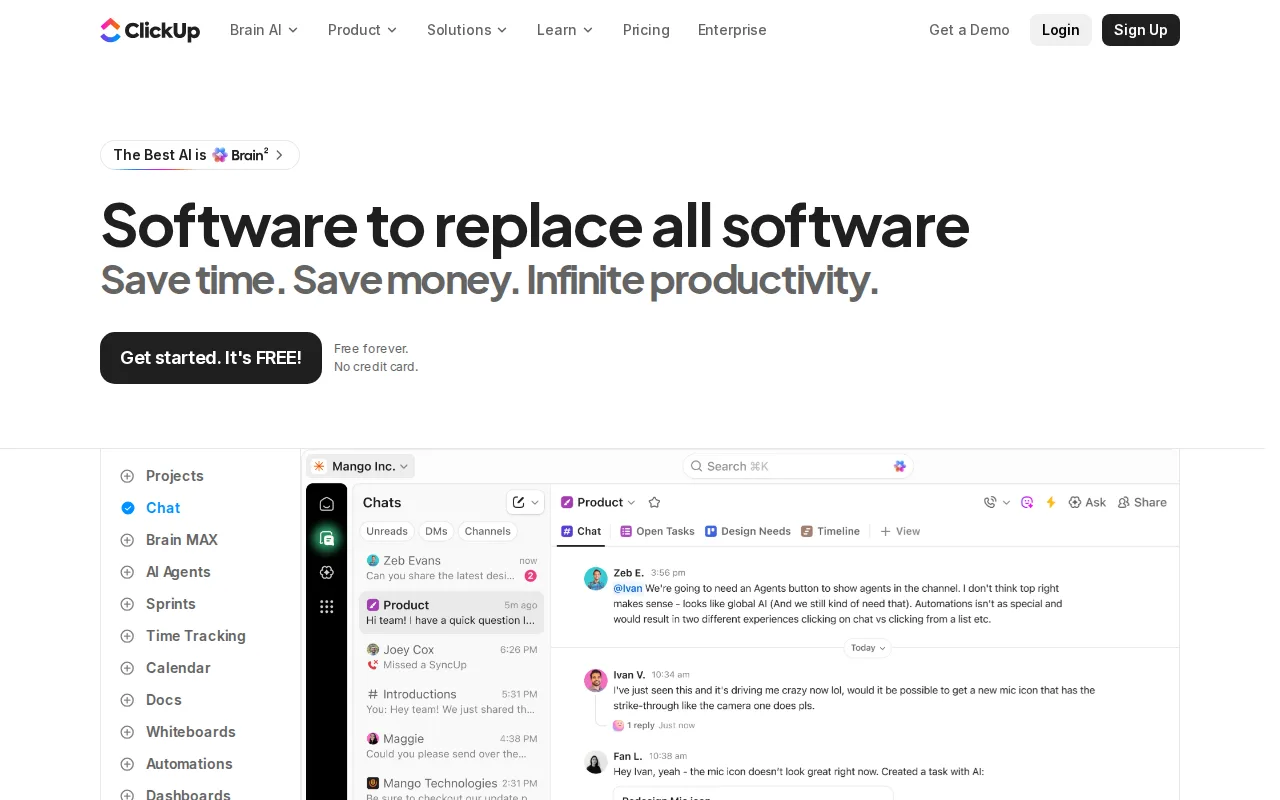
ClickUp is the best Jira alternative for power users who want tasks, docs, whiteboards, goals, and chat combined into one deeply customizable hierarchy instead of Jira's issue-tracker-only scope. ClickUp's Free Forever plan has no time limit, and Unlimited costs just $7/user/month, cheaper than Jira's $7.91/user/month Standard tier, while still offering custom fields, statuses, and ClickApps that rival Jira's own workflow customization depth. ClickUp holds a 4.7/5 rating from 10,600 G2 reviews and 4.6/5 from 4,500 Capterra reviews, both above Jira's own 4.4/5 from 15,456 Capterra reviews. Jira is still the better choice for software teams that specifically need native Bitbucket/GitHub/CI-CD integration linking commits and pull requests directly to issues: ClickUp's feature density is frequently described by reviewers as overwhelming for new users, and its UI can feel cluttered under load, a different flavor of the same steep-learning-curve complaint Jira itself gets.
Compared to Jira: cheaper entry price ($7/user/month Unlimited vs $7.91/user/month Standard), combines tasks, docs, whiteboards, and goals in one tool rather than Jira's issue-tracker-only scope, higher external ratings (4.7/5 G2, 4.6/5 Capterra vs Jira's 4.4/5)
Wins:Unlimited tier costs $7/user/month, cheaper than Jira's $7.91/user/month Standard tier · Combines tasks, docs, whiteboards, goals, and chat in one hierarchy rather than Jira's issue-tracker-only scope · Higher external ratings (4.7/5 G2 from 10,600 reviews, 4.6/5 Capterra from 4,500 reviews) than Jira's 4.4/5 Capterra score
Loses:No native integration with Bitbucket, GitHub, or CI/CD pipelines linking commits and pull requests directly to issues the way Jira does · Feature density is frequently described by reviewers as overwhelming for new users · UI can feel cluttered under load, and occasional performance hiccups are reported
Pros
- Free Forever includes unlimited tasks and unlimited members with Kanban boards, sprints, collaborative docs, calendar view, and in-app video recording.
- Unlimited at $7/user/month billed yearly already covers unlimited storage, Gantt charts, integrations, custom fields, and native time tracking.
- One workspace spans tasks, docs and wikis, chat, whiteboards, dashboards, goals, forms, and time tracking, cutting the number of separate subscriptions a team carries.
- Native apps for Windows, macOS, Linux, iOS, and Android plus a Chrome extension and a public API (10,000 calls/minute on Enterprise).
- ClickUp holds 4.6/5 across 4,630 Capterra reviews, 4.1/5 across 687 Trustpilot reviews, and 4.6/5 across 123 Product Hunt reviews.
Cons
- AI is priced on top of the plan at $9/user/month (Brain AI) or $28/user/month (Everything AI), plus $10 per 10,000 AI Super Credits once the allowance runs out.
- Free Forever caps total file storage at 60MB and Spaces at 5, so the free plan stops working for any team that attaches real files.
- Depth comes with per-plan caps on Spaces, lists, folders, automations, and view types — 40 lists per Space on Free, 200 on Unlimited, 400 on Business — so a workspace needs deliberate setup before it is usable.
- Payment is per Workspace and the whole Workspace must upgrade at once; a single team cannot be moved to a paid plan on its own.
Pricing: Free tier · paid from $7/mo — $7/user/month Unlimited vs Jira's $7.91/user/month Standard — ClickUp is slightly cheaper at the entry paid tier (verified )
5Trello — best Jira alternative for small teams and individuals who want a simple kanban board to track to-dos without adopting a full project-management framework
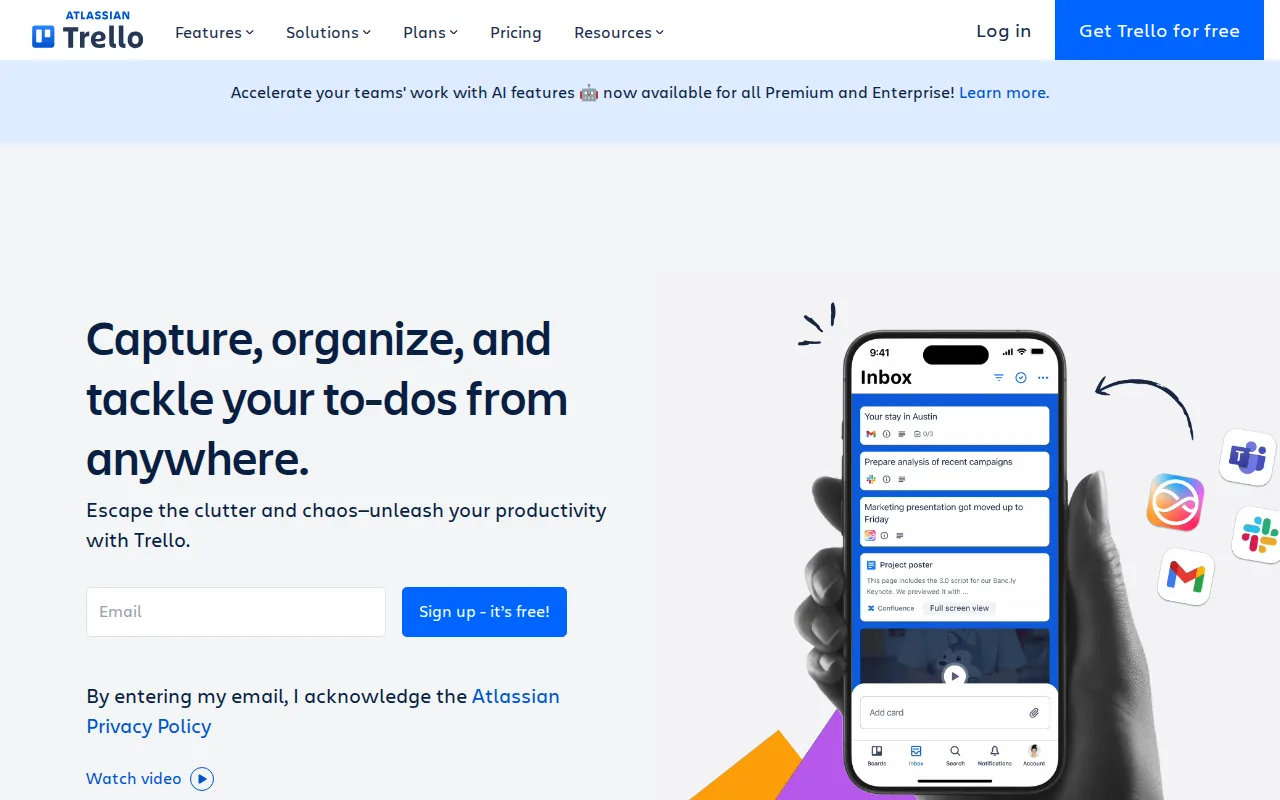
Trello is the best Jira alternative for small teams that want a shared board working in five minutes instead of Jira's configuration-heavy setup. Trello's Free tier has no time limit, and Standard costs just $5/month, well under Jira's $7.91/user/month Standard tier, while Butler automation handles repetitive card moves without any code. Trello holds a 4.4/5 rating from 13,700 G2 reviews and 4.5/5 from 23,500 Capterra reviews, the largest Capterra review count among Jira's listed alternatives, edging above Jira's own 4.4/5 from 15,456 reviews. Jira is still the better choice for software teams tracking complex, multi-project work: Trello's flat boards don't scale well to multi-team portfolios, its free plan has no native timeline view, and its reporting is comparatively weak next to Jira's built-in backlog, sprint, and workflow reporting.
Compared to Jira: simpler setup, a shared board working in minutes versus Jira's configuration-heavy onboarding, cheaper entry price ($5/month Standard vs $7.91/user/month Standard), largest Capterra review count among these alternatives (23,500 vs 15,456 reviews)
Wins:Simpler setup: a shared board working in minutes, versus Jira's configuration-heavy workflow and permission-scheme onboarding · Standard tier costs just $5/month, well under Jira's $7.91/user/month Standard tier · Largest Capterra review count among these alternatives (23,500 reviews at 4.5/5), edging above Jira's 15,456 reviews at 4.4/5
Loses:Flat boards don't scale well to multi-team portfolios the way Jira's project-and-epic hierarchy does · No native timeline view on the free plan · Reporting is comparatively weak next to Jira's built-in backlog, sprint, and workflow reporting
Pros
- Free plan supports unlimited cards and up to 10 boards per workspace with no time limit
- Simple drag-and-drop kanban interface that most users learn in minutes
- Deep Power-Up and integration ecosystem plus native automation (Butler) without scripting
- Native mobile apps for iOS and Android
Cons
- Free tier limits workspaces to 10 boards and caps file size at 10MB
- Advanced views (Calendar, Timeline, Table, Dashboard, Map) require the Premium plan at $10/user/month
- Card-based structure lacks native support for complex dependencies or Gantt-style planning without add-ons
- Annual billing is required to get the advertised per-seat prices; monthly billing costs 20-25% more per seat
Pricing: Free tier · paid from $5/mo — $5/month Standard vs Jira's $7.91/user/month Standard — Trello is cheaper, but has less workflow depth (verified )