5 Best Alternatives to Jan for Windows in 2026
By Noahlast updated pricing verified
Compared: Jan alternatives that run on Windows
| Alternative | Best for | Learning curve | Price |
|---|---|---|---|
| Janreference | developers and privacy-conscious users who want to run open-weight LLMs entirely offline while keeping the option to plug in cloud models from one interface | Low | Free |
| LM Studio | developers and privacy-conscious users who want to run open-weight LLMs locally on their own hardware, with an OpenAI-compatible API server for integrating local models into other tools | Moderate | Free |
| Ollama | developers who want to run open-weight LLMs locally for privacy, offline use, or air-gapped applications, with optional cloud access for models too large to run on local hardware | Low | Free tier · paid from $20/mo |
| Msty | individuals who want a polished, one-click desktop app for comparing local and cloud LLM responses side by side without command-line setup | Low | Free tier · paid from $149/yr |
| Open WebUI | individuals, startups, and regulated organizations that want a self-hosted, vendor-independent chat interface for local or API-based AI models | Moderate | Free |
| AnythingLLM | developers and privacy-sensitive teams that want document chat and agents running on their own hardware, with no per-token bill and no files leaving the machine | Moderate | Free tier · paid from $50/mo |
 Jan
 LM Studio
 Ollama
 Msty
 Open WebUI
 AnythingLLM
1LM Studio — best Jan alternative for developers and privacy-conscious users who want to run open-weight LLMs locally on their own hardware, with an OpenAI-compatible API server for integrating local models into other tools
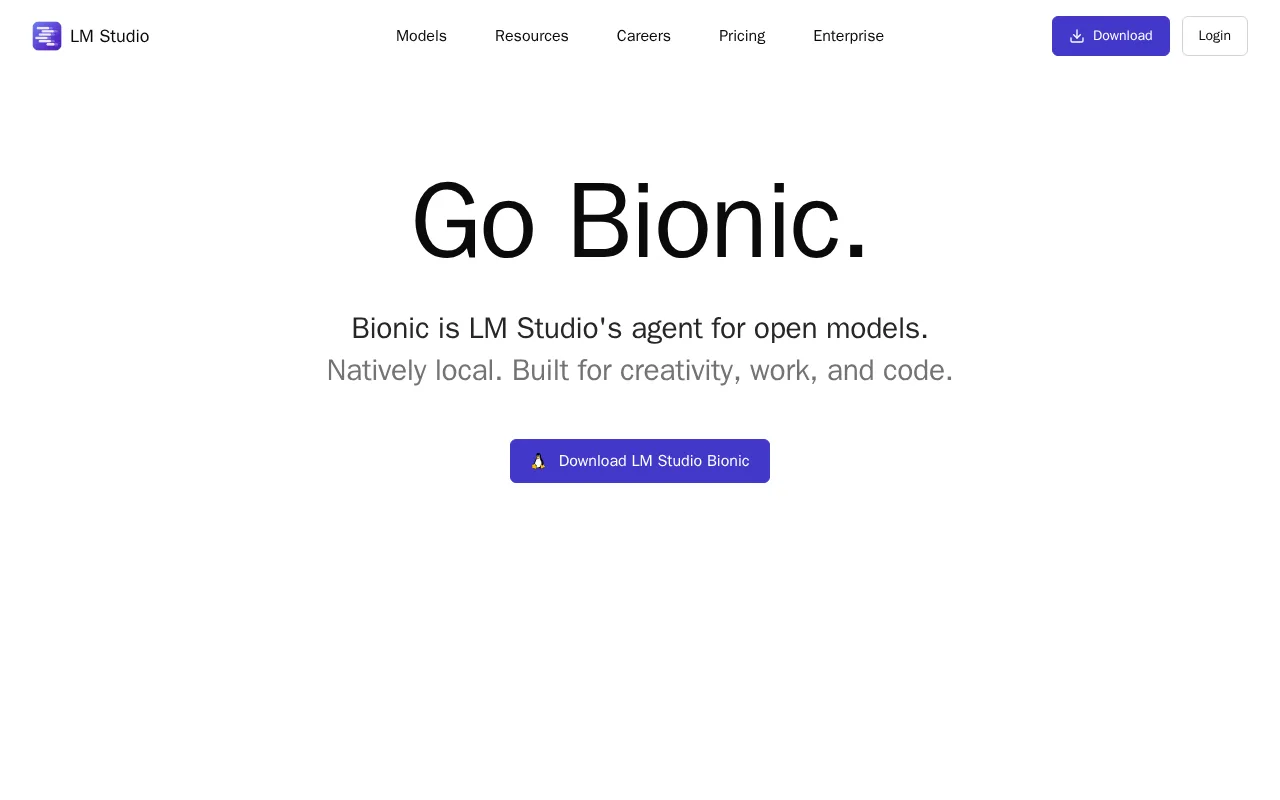
LM Studio is the best Jan alternative for developers and hobbyists who want a polished desktop app for discovering, downloading, and running open-weight models locally via llama.cpp and MLX, plus an optional pay-as-you-go cloud tier when local hardware isn't enough. LM Studio's core app is free with no account required, matching Jan's own no-account, fully free local model, and it holds a 4.7/5 rating from 4 Product Hunt reviews, where Jan has no external rating on record. LM Studio's Bionic Agent adds an agentic mode for coding and document tasks with automatic saving, and LM Link syncs across up to 5 devices, features Jan's listing does not describe. Jan remains the better choice for anyone who specifically wants a fully open-source client: LM Studio itself is closed-source freeware, built on open-source llama.cpp and MLX engines but not open source itself, unlike Jan's Apache 2.0 license and public GitHub repository with 44,000+ stars. LM Studio's optional cloud tier bills per million tokens (roughly $0.13 to $3.00 per million, depending on model size), a metered cost Jan doesn't impose since Jan has no built-in cloud billing layer of its own.
Compared to Jan: Bionic Agent adds an agentic mode for coding and document tasks with automatic saving, LM Link syncs across up to 5 devices, optional pay-as-you-go cloud tier fills the gap when local hardware can't run larger models
Wins:Bionic Agent adds an agentic mode for coding and document tasks with automatic saving · LM Link syncs across up to 5 devices · Optional pay-as-you-go cloud tier (roughly $0.13-$3.00 per million tokens) fills the gap when local hardware can't run larger models
Loses:Closed-source freeware, not open source, unlike Jan's Apache 2.0 license and public GitHub repository with 44,000+ stars · Very thin public review base (4 total on Product Hunt) makes it hard to gauge broad user sentiment · Bionic Pass subscription tier has no published pricing yet ("coming soon")
Pros
- Entirely free for local model use with no account or subscription required.
- Runs models on-device via llama.cpp and MLX, keeping data off the cloud by default.
- Built-in OpenAI-compatible API server lets other tools call local models as a drop-in cloud API replacement.
- Optional pay-as-you-go cloud tier fills the gap when local hardware can't run larger models, without forcing a subscription.
Cons
- Running larger models well requires substantial RAM or a capable GPU; modest hardware is limited to smaller quantized models.
- Bionic Pass subscription tier has no published pricing yet ("coming soon").
- LM Studio itself is closed-source freeware, not open-source, despite being built on open-source inference engines.
- Very thin public review base (4 total on Product Hunt) makes it hard to gauge broad user sentiment.
Pricing: Free — LM Studio's free core app vs Jan's fully free Apache 2.0 license (LM Studio adds an optional $0.13-$3.00/million-token cloud tier Jan doesn't have) (verified )
2Ollama — best Jan alternative for developers who want to run open-weight LLMs locally for privacy, offline use, or air-gapped applications, with optional cloud access for models too large to run on local hardware
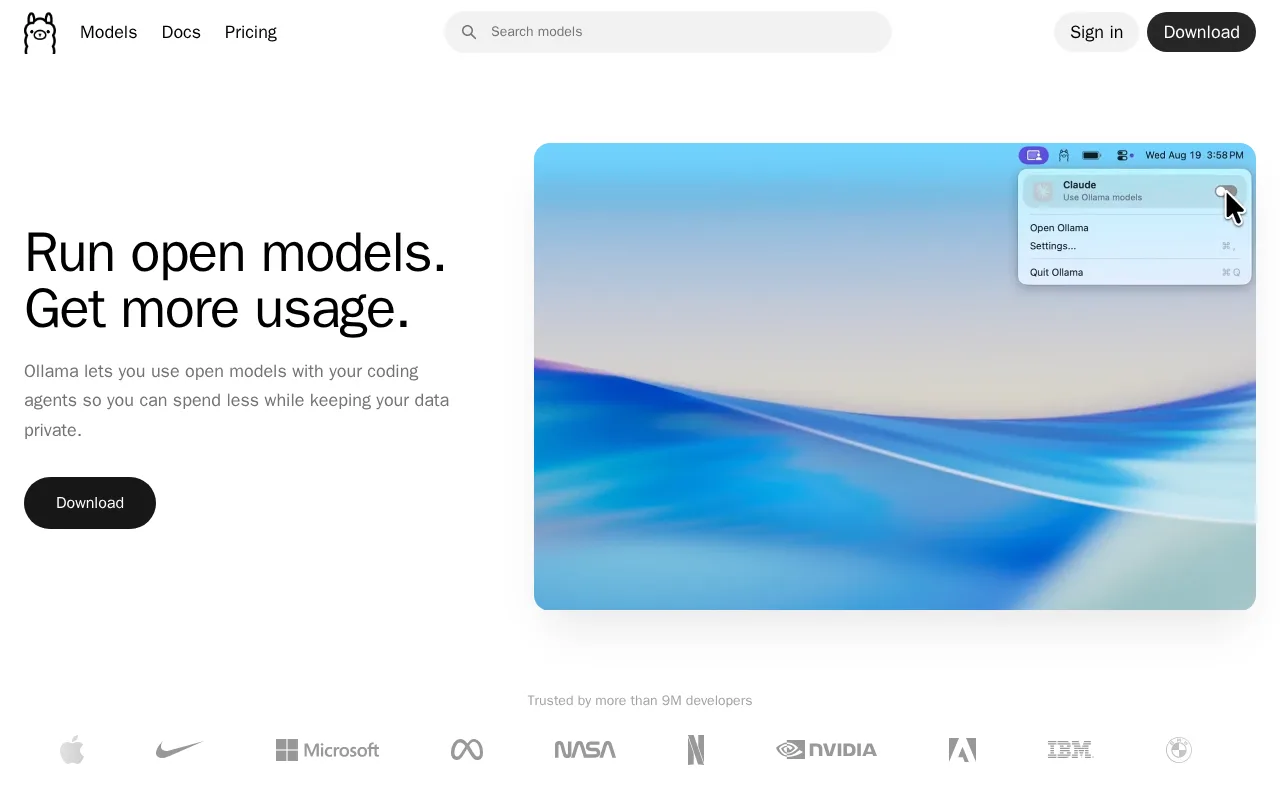
Ollama is the best Jan alternative for developers who want a simple CLI and REST API for running open models locally, backed by 40,000+ community tools and editor integrations. Ollama is MIT-licensed and open source, similar to Jan's own Apache 2.0 license, and holds a 5/5 rating from 40 Product Hunt reviews, the largest external review sample among Jan's tracked alternatives. Ollama's free tier runs local models with no telemetry, and an optional Pro cloud tier costs $20/month for larger cloud models and roughly 50x the free usage, a metered cloud option Jan's own profile doesn't describe. Jan remains the better choice for anyone who wants a native desktop chat interface without touching a command line: Ollama's core interaction model is CLI- and API-first even though Ollama also ships a desktop app, while Jan ships a ChatGPT-style desktop interface out of the box, and Ollama's Team plan requires a 5-seat minimum ($125/month), a bigger commitment than Jan's individual, account-free use. Ollama's Max plan ($100/month) is also currently paused for new signups while the company adds capacity.
Compared to Jan: 5/5 rating from 40 Product Hunt reviews, the largest external review sample among Jan's tracked alternatives, MIT-licensed, open source, with 40,000+ community tool and editor integrations, optional Pro cloud tier ($20/month) accesses larger models than local hardware can run
Wins:5/5 rating from 40 Product Hunt reviews, the largest external review sample among Jan's tracked alternatives · MIT-licensed, open source, with 40,000+ community tool and editor integrations · Optional Pro cloud tier ($20/month) accesses larger cloud models with roughly 50x the free usage
Loses:Core interaction model is CLI- and API-first, unlike Jan's ChatGPT-style desktop interface out of the box · Team plan requires a 5-seat minimum ($125/month), a bigger commitment than Jan's individual, account-free use · Max plan ($100/month) is currently paused for new signups while capacity is added
Pros
- Core local runtime is free, open source (MIT), and requires no account to run models offline.
- No telemetry from local inference; data never leaves the device unless a cloud model is explicitly used.
- Simple CLI and REST API make it easy to integrate into existing developer tools and 40,000+ community integrations.
- Cloud tier extends the same interface to larger models when local hardware isn't enough.
Cons
- Local performance depends entirely on the user's own hardware; larger models need significant RAM or GPU VRAM to run well.
- Max plan ($100/month) is currently paused for new signups while Ollama adds capacity.
- Cloud usage limits reset on 5-hour and 7-day cycles, which can be restrictive for bursty workloads compared to flat monthly quotas.
- Team plan has a 5-seat minimum ($125/month), which is a meaningful jump for very small teams.
Pricing: Free tier · paid from $20/mo — Ollama's free local tier plus optional $20/month Pro cloud tier vs Jan's fully free Apache 2.0 license with no built-in cloud billing (verified )
3Msty — best Jan alternative for individuals who want a polished, one-click desktop app for comparing local and cloud LLM responses side by side without command-line setup
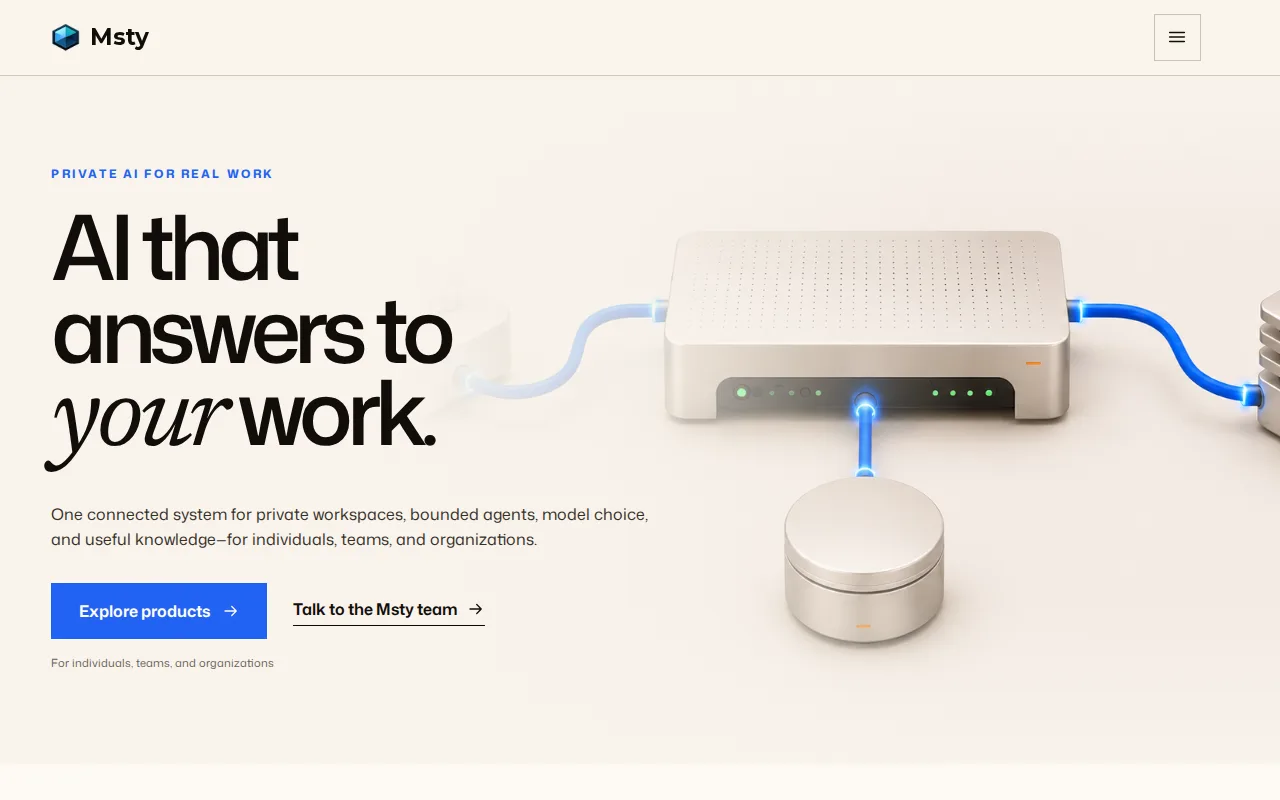
Msty is the best Jan alternative for individuals who want to run the same prompt against multiple local and cloud models at once and compare the responses side by side, a feature called parallel multiverse chats. Msty's core Studio app has been free forever since July 2025, matching Jan's own fully free, no-account model, and it connects to more than a dozen cloud providers (OpenAI, Anthropic, DeepSeek, and others) alongside local models via a bundled MLX/llama.cpp engine, more cloud-provider breadth than Jan's own profile describes. A paid Aurum tier costs $149/year or $349 as a one-time lifetime purchase, adding Azure/Bedrock connections and Studio Assistants on top of the free core. Jan remains the better choice for anyone who specifically wants an open-source client: Msty is closed source with no public GitHub repository, unlike Jan's Apache 2.0 license and 44,000+ GitHub stars, and Msty has not yet completed SOC 2 or ISO 27001 certification, a gap for security-conscious teams comparing it against open-source alternatives like Jan.
Compared to Jan: parallel multiverse chats compare multiple local and cloud models' answers to the same prompt at once, connects to 12+ cloud providers alongside local models in one interface, core Studio app free forever since July 2025, no account required
Wins:Parallel multiverse chats compare multiple local and cloud models' answers to the same prompt at once, a comparison feature Jan's profile doesn't describe · Connects to 12+ cloud providers (OpenAI, Anthropic, DeepSeek, and others) alongside local models in one interface · Core Studio app has been free forever since July 2025, matching Jan's no-account, fully free model
Loses:Closed source with no public GitHub repository, unlike Jan's Apache 2.0 license and 44,000+ GitHub stars · Has not yet completed SOC 2 or ISO 27001 certification, a gap for security-conscious teams · Azure/Bedrock connections and Studio Assistants sit behind the paid Aurum tier ($149/year or $349 lifetime), while Jan has no paid tier at all
Pros
- Core Studio app is free forever with no account required and fully local data storage.
- One-click local model downloads via a bundled MLX/llama.cpp engine, no separate Ollama install needed.
- Parallel multiverse chats compare multiple models' answers to the same prompt at once.
- Connects to 12+ cloud providers alongside local models in the same interface.
Cons
- Closed source, unlike direct competitors Jan and Open WebUI.
- No SOC 2 or ISO 27001 certification yet, a gap for enterprise buyers.
- No web or mobile client; desktop only (Windows, macOS, Linux).
- Go (agent product) and Stack (knowledge layer) are still in beta or listed as coming soon.
Pricing: Free tier · paid from $149/yr — Msty's free Studio core (Aurum add-on $149/year or $349 lifetime) vs Jan's fully free Apache 2.0 license with no paid tier at all (verified )
4Open WebUI — best Jan alternative for individuals, startups, and regulated organizations that want a self-hosted, vendor-independent chat interface for local or API-based AI models
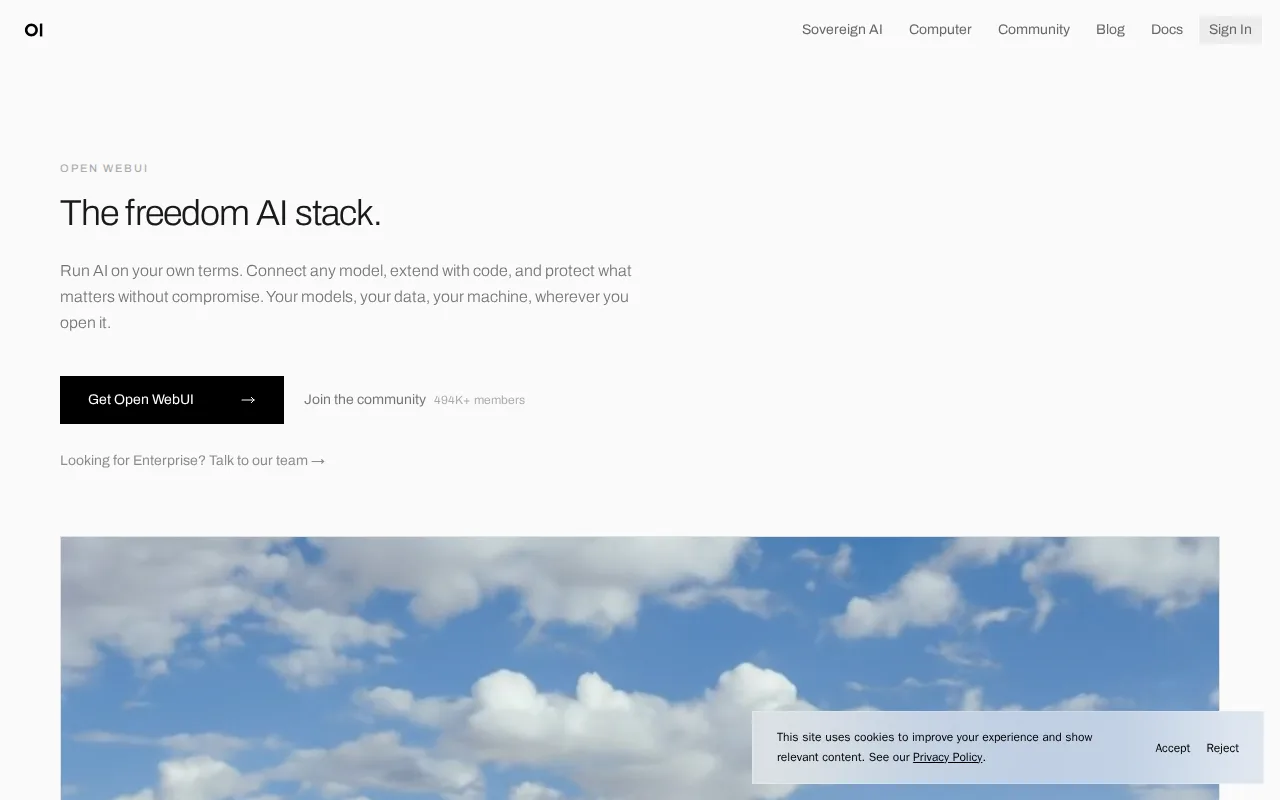
Open WebUI is the best Jan alternative for individuals, startups, and regulated enterprises that want full self-hosted control over AI model routing and chat data, from a homelab running one Ollama model to institutional air-gapped installs. Open WebUI is free to self-host with a one-command Docker or pip install, no account required, matching Jan's own free, no-account model, and it connects to both local runners like Ollama and cloud APIs such as OpenAI and Anthropic from one interface. Its community includes 478,000+ members sharing prompts, tools, and custom functions, a far larger public community than Jan's profile describes. Jan remains the better choice for anyone who wants a native desktop app rather than infrastructure to maintain: Open WebUI requires ongoing Docker and, typically, a separate Ollama or model-serving backend, unlike Jan's native Windows, macOS, and Linux installers, and Open WebUI's core license is source-available rather than a standard OSI open-source license, since it requires preserving Open WebUI branding unless an Enterprise license is purchased, a more restrictive model than Jan's Apache 2.0.
Compared to Jan: connects to both local runners (Ollama) and cloud APIs from one self-hosted interface, 478,000+ community members sharing prompts, tools, and custom functions, air-gapped and data-residency deployment options suit regulated industries
Wins:Connects to both local runners (Ollama) and cloud APIs (OpenAI, Anthropic, and compatible providers) from one self-hosted interface · 478,000+ community members sharing prompts, tools, and custom functions, a far larger public community than Jan's profile describes · Air-gapped and data-residency-controlled deployment options suit regulated industries
Loses:Requires ongoing Docker and, typically, a separate Ollama or model-serving backend, unlike Jan's native Windows, macOS, and Linux installers · Core license is source-available rather than a standard OSI open-source license, requiring preserved branding unless an Enterprise license is purchased, more restrictive than Jan's Apache 2.0 · Enterprise pricing (SSO, RBAC, audit logs, branding removal) is not published and requires a sales conversation
Pros
- Free to self-host with a one-command Docker or pip install, no account required.
- Connects to both local model runners (Ollama) and cloud APIs (OpenAI, Anthropic, and compatible providers) from one interface.
- Air-gapped and data-residency-controlled deployment options suit regulated industries.
- Large community library (478,000+ members) sharing prompts, tools, and custom functions.
Cons
- Source-available Open WebUI License requires preserving Open WebUI branding unless an Enterprise license is purchased, which is not a standard OSI open-source license.
- Self-hosting requires ongoing maintenance of Docker and, typically, a separate Ollama or model-serving backend.
- Enterprise pricing (SSO, RBAC, audit logs, branding removal) is not published and requires a sales conversation.
- No official native mobile app; access on phones is through the web interface.
Pricing: Free — Open WebUI's free self-hosted Community tier vs Jan's fully free Apache 2.0 license (Open WebUI's Enterprise tier is custom-quoted, unlike Jan, which has no paid tier at all)
5AnythingLLM — best Jan alternative for developers and privacy-sensitive teams that want document chat and agents running on their own hardware, with no per-token bill and no files leaving the machine
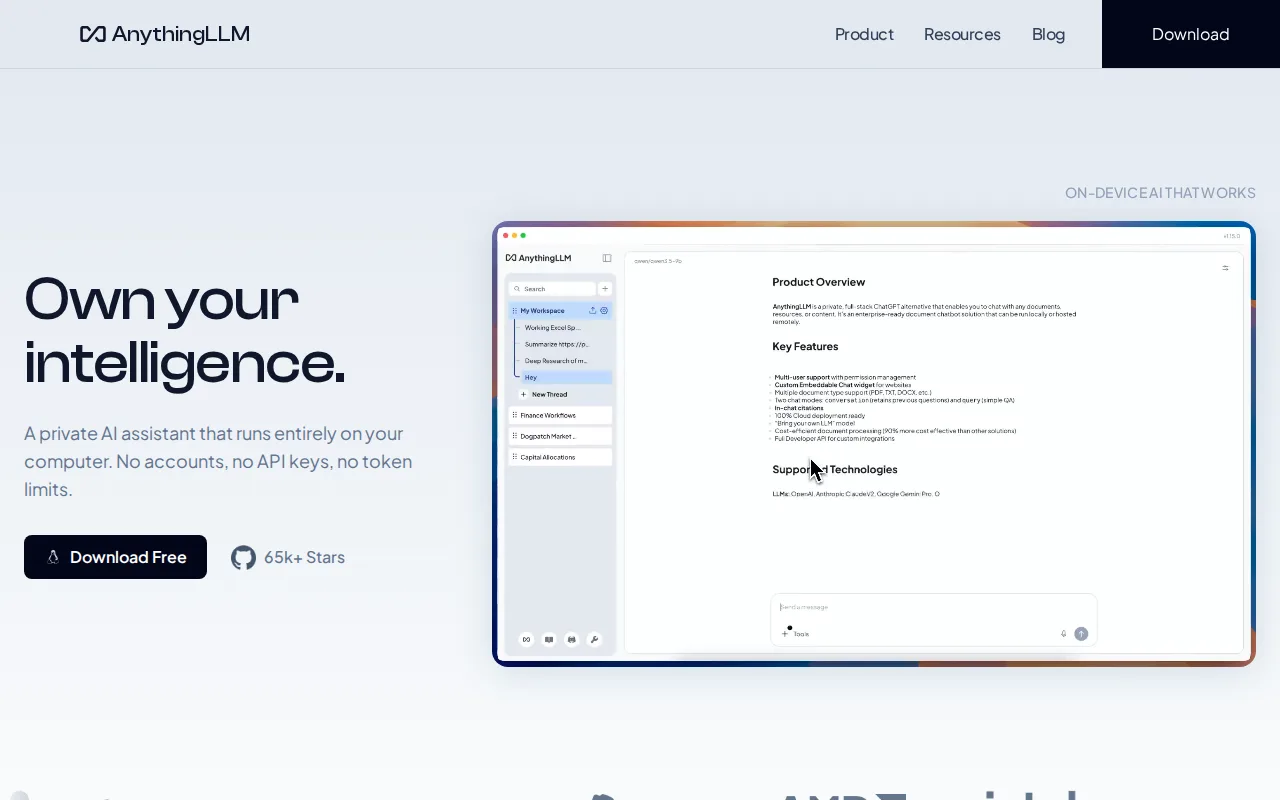
AnythingLLM is the best Jan alternative for people whose local AI work centers on their own documents rather than open-ended chat. Mintplex Labs' free AnythingLLM desktop app for macOS, Windows, and Linux bundles a model runner, a document knowledge base, and tool-using agents in one install, with no account, API key, or token limits: files dropped into a workspace become retrievable context, and agents can scrape the web, search files, and call custom tools. Jan's listing describes local and cloud chat plus an OpenAI-compatible API server, but no document knowledge base or agents. AnythingLLM's MIT-licensed code has more than 66,000 GitHub stars and over 5 million Docker pulls, and the same project self-hosts as a multi-user server with per-user isolation, admin controls, and white-labeling at no license fee, where Jan ships only as a desktop app. AnythingLLM also has an Android app, while Jan has no mobile client. Jan is still the better choice for anyone who wants a simple chat app that stays free in every respect: Jan has no paid tier of any kind and a low learning curve, while AnythingLLM's learning curve is moderate, its system-wide Magic features carry daily usage caps unless you buy a Desktop Pro license whose price is not published, and its hosted Cloud starts at $50/month and still needs your own LLM API key.
Compared to Jan: a document knowledge base and tool-using agents in the same free desktop install, multi-user self-hosting with admin controls and white-labeling at no license fee, and daily caps on the Magic features unless you buy a Desktop Pro license with no published price
Wins:Bundles a document knowledge base and agents that scrape the web, search files, and call custom tools into the free desktop app, features Jan's listing does not describe · Self-hosts as a multi-user Docker deployment with per-user isolation, admin controls, and white-labeling at no license fee, where Jan ships only as a desktop app · Ships an Android app and reports more than 66,000 GitHub stars and 5 million Docker pulls, against Jan's desktop-only builds and 44,000+ stars
Loses:The Magic features (Magic Echo dictation, Magic Tab autocomplete, Magic Beacon) carry daily usage caps unless you buy Desktop Pro, whose price is not published, while Jan has no paid tier at all · Moderate learning curve against Jan's low one · Hosted AnythingLLM Cloud costs $50/month (Basic) or $99/month (Pro) and still requires your own LLM API key, and there is no iOS app
Pros
- MIT-licensed on GitHub with more than 66,000 stars and over 5 million Docker pulls, and free to self-host for unlimited users.
- The desktop app runs with no account, no API key, and no token limits; documents, embeddings, and chat history stay on the machine.
- Works with local runtimes (Ollama, LM Studio, LocalAI, KoboldCPP) and cloud providers (OpenAI, Anthropic, Google Gemini, Groq, Mistral, OpenRouter) behind the same interface.
- The meeting assistant transcribes and summarizes calls entirely on-device, with no bot joining the meeting.
- Self-hosted deployments include multi-user tenant isolation, fine-grained admin controls, and white-labeling without a paid tier.
Cons
- No iOS app; the mobile client ships only on Google Play and as a manual APK download.
- The Magic features have daily free-usage caps, and the Desktop Pro subscription that lifts them has no price published on the site or in the docs.
- AnythingLLM Cloud starts at $50/month for the whole instance and still requires you to bring your own LLM API key, so the model bill is separate.
- Output quality depends on which local model your hardware can run, so results are less predictable than a hosted assistant on a fixed model.
Pricing: Free tier · paid from $50/mo — Both desktop apps are free; AnythingLLM's optional hosted Cloud costs $50/month (Basic) or $99/month (Pro) and Desktop Pro's price is unpublished, while Jan has no paid tier (verified )