6 Best Alternatives to AnythingLLM in 2026
By Noahlast updated pricing verified

From our data: All 6 AnythingLLM alternatives listed here have a free tier and 4 of them (Ollama, LM Studio, Jan, and Msty) run models locally at no cost, while the published paid entry points work out to $8/month (ChatGPT Go), about $12.42/month (Msty Aurum at $149/year), and $20/month (Ollama Pro), all below AnythingLLM Cloud Basic's $50/month.
 Ollama
 Open WebUI
 Jan
Jan Msty
Msty ChatGPT
How we picked
- Each alternative is compared on the three jobs AnythingLLM bundles into one install, running a local model, chatting over your own documents, and running agents, and on AnythingLLM's listed gaps: no iOS app, Magic features capped daily unless you buy a Desktop Pro license with no published price, and answer quality bounded by local hardware.
- Prices come from on-site figures verified on 1 October 2026 for AnythingLLM and ChatGPT and on 14 September 2026 for Ollama, LM Studio, Jan, and Msty. Open WebUI's listing carries no verification date, and LM Studio's Bionic Pass, Open WebUI Enterprise, and AnythingLLM Desktop Pro have no published price.
- Licensing was checked directly: AnythingLLM's code is MIT, Ollama's local runtime is MIT, and Jan is Apache 2.0, while Open WebUI is source-available with a branding requirement, LM Studio and Msty are closed source, and ChatGPT is a hosted service.
- Review evidence is thin, so it is reported rather than relied on: ChatGPT holds 4.4/5 from 389 Capterra reviews, Ollama 5/5 from 40 Product Hunt reviews, Open WebUI 4/5 from 5, and LM Studio 4.7/5 from 4. AnythingLLM, Jan, and Msty have no rating on record here, though AnythingLLM reports 66,000+ GitHub stars and Jan 44,000+.
- Platform coverage was checked against AnythingLLM's Windows, macOS, and Linux desktop apps, web deployment, and Android app: Ollama, LM Studio, Jan, and Msty are desktop only on those three operating systems, Open WebUI is a web interface with no native mobile app, and ChatGPT is the only alternative with an iOS app.
Paid placement never alters editorial rank — read the full methodology.
AnythingLLM alternatives at a glance
| Alternative | Best for | Learning curve | Price |
|---|---|---|---|
| AnythingLLMreference | developers and privacy-sensitive teams that want document chat and agents running on their own hardware, with no per-token bill and no files leaving the machine | Moderate | Free tier · paid from $50/mo |
| Ollama | developers who want to run open-weight LLMs locally for privacy, offline use, or air-gapped applications, with optional cloud access for models too large to run on local hardware | Low | Free tier · paid from $20/mo |
| LM Studio | developers and privacy-conscious users who want to run open-weight LLMs locally on their own hardware, with an OpenAI-compatible API server for integrating local models into other tools | Moderate | Free |
| Open WebUI | individuals, startups, and regulated organizations that want a self-hosted, vendor-independent chat interface for local or API-based AI models | Moderate | Free |
| Jan | developers and privacy-conscious users who want to run open-weight LLMs entirely offline while keeping the option to plug in cloud models from one interface | Low | Free |
| Msty | individuals who want a polished, one-click desktop app for comparing local and cloud LLM responses side by side without command-line setup | Low | Free tier · paid from $149/yr |
| ChatGPT | individuals and teams who want a general-purpose AI assistant for writing, coding, research, and file analysis inside one chat interface | Low | Free tier · paid from $8/mo |
 AnythingLLM
 LM Studio
1Ollama — best AnythingLLM alternative for developers who want to run open-weight LLMs locally for privacy, offline use, or air-gapped applications, with optional cloud access for models too large to run on local hardware
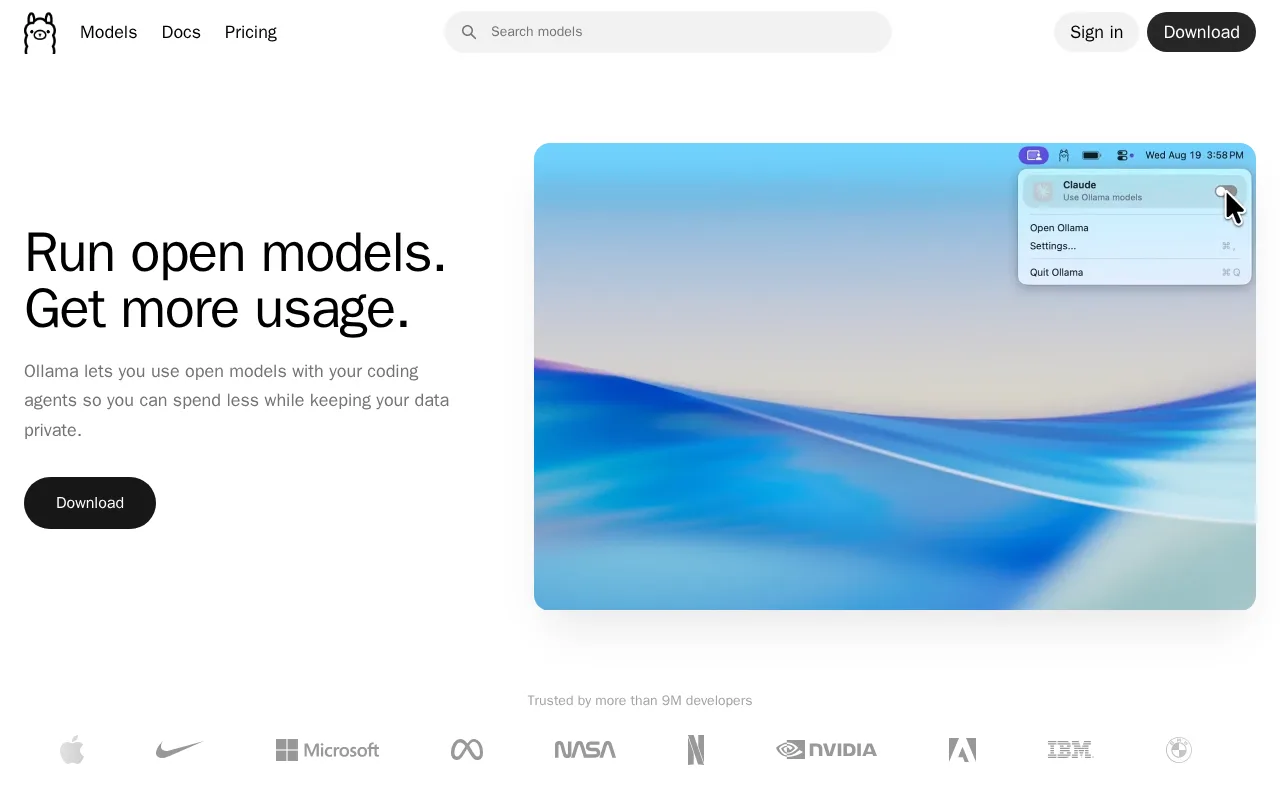
Ollama is the best AnythingLLM alternative for developers who mainly want to run open-weight models locally and call them from their own code. Ollama packages model download, quantization, and a local inference server behind a simple CLI, a REST API, and a desktop app on Windows, macOS, and Linux, so an application calls a local model the way it would call a hosted API. The local runtime is free and open source under the MIT license, sends no telemetry from local inference, and connects to 40,000+ community integrations, and its learning curve is rated low against AnythingLLM's moderate. When a model is too large for local hardware, Ollama Pro at $20/month or $200/year opens larger cloud models through the same interface, where AnythingLLM Cloud starts at $50/month and still needs your own LLM API key. Ollama holds 5/5 from 40 Product Hunt reviews. AnythingLLM is still the better choice for anyone who wants document chat and agents without writing code. AnythingLLM bundles a document knowledge base, tool-using agents, and an on-device meeting assistant, and it lists Ollama as one of the runtimes it can sit on top of. Ollama has no Android app where AnythingLLM does, Ollama's cloud limits reset on 5-hour and 7-day cycles, and Ollama's Team plan needs 5 seats, or $125/month at minimum.
Compared to AnythingLLM: a local model runtime behind a CLI, REST API, and desktop app with a low learning curve, larger cloud models from $20/month against AnythingLLM Cloud's $50/month plus your own API key, and a model runner that AnythingLLM can itself sit on top of
Wins:Learning curve rated low against AnythingLLM's moderate, with a simple CLI and REST API that other tools call like a hosted API · Ollama Pro at $20/month or $200/year adds larger cloud models, up to 3 at once, through the same interface, where AnythingLLM Cloud starts at $50/month and still needs your own LLM API key · 5/5 from 40 Product Hunt reviews and 40,000+ community integrations, where AnythingLLM has no external rating on record here
Loses:Ollama's listing describes a model runner and API, not the document knowledge base, tool-using agents, and on-device meeting assistant AnythingLLM bundles in one install · No Android app, where AnythingLLM ships on Google Play and as an APK · Cloud usage limits reset on 5-hour and 7-day cycles, the $100/month Max plan is paused for new signups, and Team needs 5 seats ($125/month minimum)
Pros
- Core local runtime is free, open source (MIT), and requires no account to run models offline.
- No telemetry from local inference; data never leaves the device unless a cloud model is explicitly used.
- Simple CLI and REST API make it easy to integrate into existing developer tools and 40,000+ community integrations.
- Cloud tier extends the same interface to larger models when local hardware isn't enough.
Cons
- Local performance depends entirely on the user's own hardware; larger models need significant RAM or GPU VRAM to run well.
- Max plan ($100/month) is currently paused for new signups while Ollama adds capacity.
- Cloud usage limits reset on 5-hour and 7-day cycles, which can be restrictive for bursty workloads compared to flat monthly quotas.
- Team plan has a 5-seat minimum ($125/month), which is a meaningful jump for very small teams.
Pricing: Free tier · paid from $20/mo — Free local runtime vs AnythingLLM's free desktop app; Ollama Pro at $20/month for cloud models vs AnythingLLM Cloud Basic at $50/month plus your own API key (verified )
2LM Studio — best AnythingLLM alternative for developers and privacy-conscious users who want to run open-weight LLMs locally on their own hardware, with an OpenAI-compatible API server for integrating local models into other tools
LM Studio is the best AnythingLLM alternative for people who want a desktop app that discovers, downloads, and runs open-weight models on-device and can fall back to hosted models without a separate provider account. LM Studio runs models through the llama.cpp and MLX engines on Windows, macOS, and Linux, includes Bionic Agent for coding and document tasks, local voice transcription, web search, and an OpenAI-compatible local API server, and syncs across up to 5 devices with LM Link, all free with no account. LM Studio's optional pay-as-you-go tier bills hosted models per million tokens, from roughly $0.13 per million input tokens for smaller models up to $3.00 for larger ones, with zero data retention, where AnythingLLM's cloud options require you to bring your own LLM API key. AnythingLLM is still the better choice for open code, teams, and phones. LM Studio is closed-source freeware, where AnythingLLM is MIT-licensed with more than 66,000 GitHub stars, and LM Studio's listing includes nothing like AnythingLLM's free multi-user Docker deployment with tenant isolation, admin controls, and white-labeling. LM Studio has no Android app, its Bionic Pass tier has no published price, and its 4.7/5 rating rests on only 4 Product Hunt reviews. Both apps carry a moderate learning curve.
Compared to AnythingLLM: pay-as-you-go cloud models from about $0.13 per million input tokens without your own API key, closed-source freeware against AnythingLLM's MIT code, and a desktop-only app with no Android client
Wins:Optional pay-as-you-go cloud inference billed per million tokens (about $0.13 to $3.00 per million input tokens) with zero data retention, where AnythingLLM Cloud costs $50/month and still needs your own LLM API key · LM Link syncs the app across up to 5 devices, and Bionic Agent, local voice transcription, and web search are free with no account · An OpenAI-compatible local API server lets tools built for cloud LLM APIs point at a local model instead
Loses:Closed-source freeware, where AnythingLLM is MIT-licensed with more than 66,000 GitHub stars and over 5 million Docker pulls · Desktop only, with no Android app and no listed multi-user deployment, where AnythingLLM ships on Android and self-hosts for many users with tenant isolation and white-labeling at no license fee · Bionic Pass has no published price, and the 4.7/5 rating rests on only 4 Product Hunt reviews
Pros
- Entirely free for local model use with no account or subscription required.
- Runs models on-device via llama.cpp and MLX, keeping data off the cloud by default.
- Built-in OpenAI-compatible API server lets other tools call local models as a drop-in cloud API replacement.
- Optional pay-as-you-go cloud tier fills the gap when local hardware can't run larger models, without forcing a subscription.
Cons
- Running larger models well requires substantial RAM or a capable GPU; modest hardware is limited to smaller quantized models.
- Bionic Pass subscription tier has no published pricing yet ("coming soon").
- LM Studio itself is closed-source freeware, not open-source, despite being built on open-source inference engines.
- Very thin public review base (4 total on Product Hunt) makes it hard to gauge broad user sentiment.
Pricing: Free — Free locally plus pay-as-you-go cloud at about $0.13 to $3.00 per million input tokens vs AnythingLLM's free desktop app and Cloud Basic at $50/month plus your own API key (verified )
3Open WebUI — best AnythingLLM alternative for individuals, startups, and regulated organizations that want a self-hosted, vendor-independent chat interface for local or API-based AI models
Open WebUI is the best AnythingLLM alternative for teams that want a ChatGPT-style web interface on their own servers, connected to Ollama or to OpenAI, Anthropic, and other compatible APIs. Open WebUI installs with one Docker or pip command and no account, supports Python-based pipelines for custom retrieval-augmented generation, voice and vision input, and air-gapped or data-residency-controlled deployments for regulated industries, and draws on a community library of prompts, tools, and functions with 478,000+ members. Because Open WebUI is a web interface, users reach it from a browser, including on phones. AnythingLLM is still the better choice for most self-hosters on licensing and setup. AnythingLLM is MIT-licensed and its free Docker deployment includes white-labeling, while Open WebUI's source-available license requires keeping Open WebUI branding unless you buy an Enterprise license at an unpublished price. Open WebUI also needs ongoing Docker maintenance plus a separate model backend such as Ollama, where AnythingLLM's desktop app installs as a single file with a model runner built in. Open WebUI has no native mobile app, its pricing carries no verification date here, and its 4/5 rating comes from only 5 Product Hunt reviews.
Compared to AnythingLLM: a browser-based interface with custom Python RAG pipelines and air-gapped deployments, a source-available license that requires keeping Open WebUI branding unless you buy Enterprise, and a separate model backend to maintain
Wins:Python-based pipelines for custom retrieval-augmented generation, plus voice and vision input · Air-gapped and data-residency-controlled deployment options aimed at regulated industries · A community library of prompts, tools, and functions with 478,000+ members, and browser access on phones
Loses:Source-available license requires preserving Open WebUI branding unless an Enterprise license is bought, where AnythingLLM's MIT self-hosted deployment includes white-labeling at no license fee · Self-hosting needs ongoing Docker maintenance and usually a separate Ollama or model-serving backend, where AnythingLLM's desktop app bundles a model runner in a single install · No native mobile app, unpublished Enterprise pricing for SSO, RBAC, and audit logs, and a 4/5 rating from only 5 Product Hunt reviews
Pros
- Free to self-host with a one-command Docker or pip install, no account required.
- Connects to both local model runners (Ollama) and cloud APIs (OpenAI, Anthropic, and compatible providers) from one interface.
- Air-gapped and data-residency-controlled deployment options suit regulated industries.
- Large community library (478,000+ members) sharing prompts, tools, and custom functions.
Cons
- Source-available Open WebUI License requires preserving Open WebUI branding unless an Enterprise license is purchased, which is not a standard OSI open-source license.
- Self-hosting requires ongoing maintenance of Docker and, typically, a separate Ollama or model-serving backend.
- Enterprise pricing (SSO, RBAC, audit logs, branding removal) is not published and requires a sales conversation.
- No official native mobile app; access on phones is through the web interface.
Pricing: Free — Both are free to self-host; Open WebUI Enterprise pricing is unpublished, while AnythingLLM sells a hosted Cloud Basic instance at $50/month
4Jan — best AnythingLLM alternative for developers and privacy-conscious users who want to run open-weight LLMs entirely offline while keeping the option to plug in cloud models from one interface
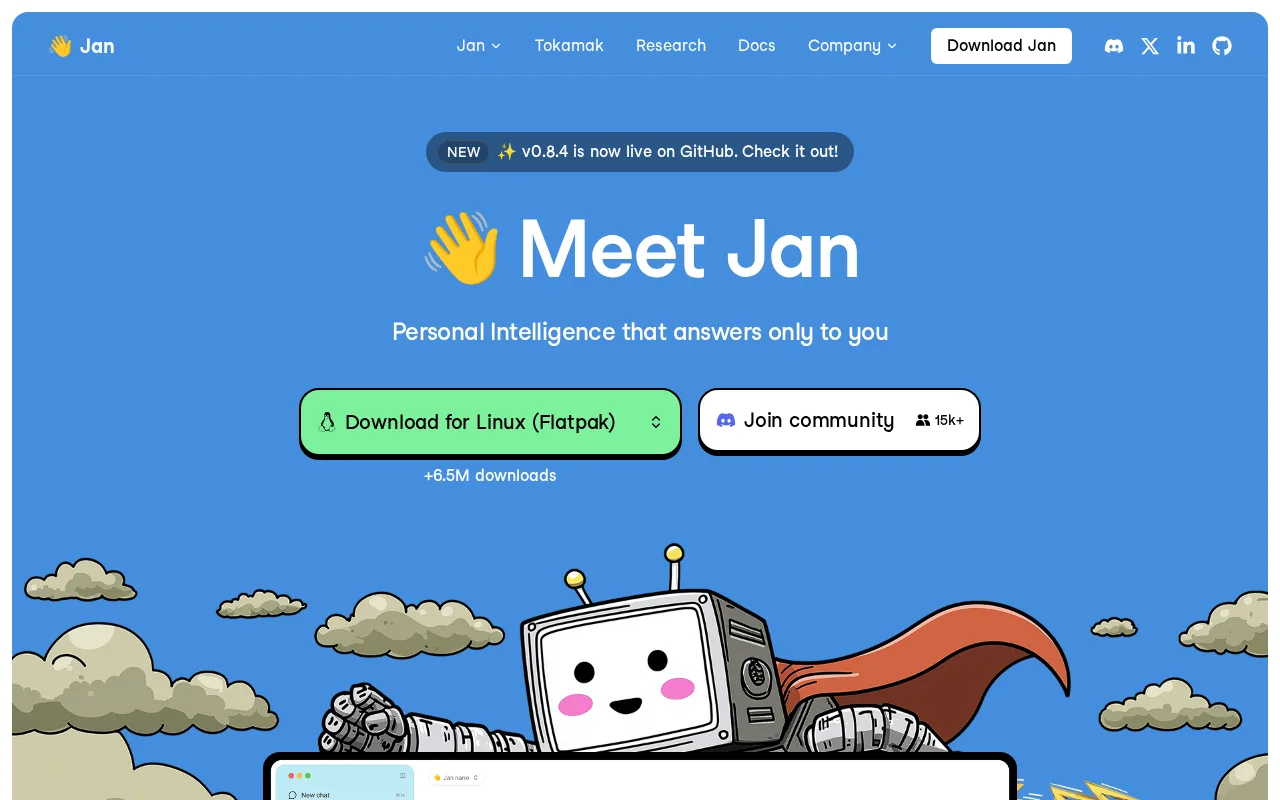
Jan is the best AnythingLLM alternative for people who want a desktop chat app that is open source end to end and never asks for money. Jan is free under the Apache License 2.0 with no paid tiers or subscriptions, where AnythingLLM sells Cloud plans from $50/month and a Desktop Pro license, with no published price, to lift daily caps on its Magic features. Jan bundles a llama.cpp engine to download and run open models such as Llama, Gemma, Qwen, Mistral, and DeepSeek fully offline on Windows, macOS, and Linux, connects to OpenAI, Anthropic, and Google when you want a cloud model, and exposes an OpenAI-compatible local API server for other apps. Jan's learning curve is rated low against AnythingLLM's moderate, and the project reports more than 44,000 GitHub stars and over 6.3 million downloads. AnythingLLM is still the better choice for document work, teams, and phones. AnythingLLM bundles a document knowledge base, tool-using agents, and an on-device meeting assistant, and its MIT code self-hosts as a multi-user Docker deployment with admin controls, while Jan is a desktop app with no web or mobile version. Jan's Memory feature for persistent context is still listed as coming soon, Jan has no rating on record here, and Jan's own listing notes a smaller community and fewer integrations than Ollama.
Compared to AnythingLLM: Apache 2.0 with no paid tier at all, a low learning curve against AnythingLLM's moderate, and a desktop-only app with Memory still coming soon
Wins:Fully free under the Apache License 2.0 with no paid tiers, where AnythingLLM caps its Magic features daily unless you buy a Desktop Pro license with no published price · Learning curve rated low against AnythingLLM's moderate · An OpenAI-compatible local API server lets other apps call the models Jan runs on-device
Loses:Desktop only on Windows, macOS, and Linux, with no web or mobile version, where AnythingLLM adds an Android app and a multi-user Docker deployment · Memory feature for persistent context across chats is still listed as coming soon · Smaller community and fewer integrations than Ollama, 44,000+ GitHub stars against AnythingLLM's 66,000+, and no rating on record here
Pros
- Fully open source under Apache 2.0 with no account or subscription required.
- Runs models 100% offline once downloaded, with no data leaving the device by default.
- OpenAI-compatible local API server lets other tools call locally hosted models.
- Supports both local open-weight models and cloud providers in one interface.
Cons
- No web or mobile client; desktop only (Windows, macOS, Linux).
- Memory/persistent-context feature is still marked coming soon.
- Running larger local models is limited by the user's own hardware, unlike cloud-only competitors.
- Smaller community and fewer integrations than Ollama, which some users prefer for headless/server use.
Pricing: Free — Free with no paid tier vs AnythingLLM's free desktop app, Cloud Basic at $50/month, and an unpriced Desktop Pro license (verified )
5Msty — best AnythingLLM alternative for individuals who want a polished, one-click desktop app for comparing local and cloud LLM responses side by side without command-line setup
Msty is the best AnythingLLM alternative for individuals who want to test several models against the same prompt without command-line setup. Msty's parallel multiverse chats send one prompt to multiple local and cloud models at once and show the answers side by side, and users can switch models mid-conversation without starting over. Local models download with one click through a bundled MLX and llama.cpp engine, more than a dozen cloud providers connect in the same workspace, and local documents can be added for retrieval-augmented chat with files staying on the machine. Msty Studio is free forever with no account, including personas, crews, agent mode, and knowledge stacks, its learning curve is rated low against AnythingLLM's moderate, and its paid Aurum tier publishes its price, $149/year or $349 one time, where AnythingLLM's Desktop Pro price is not published. AnythingLLM is still the better choice for open code and team deployments. Msty is closed source with no public GitHub repository and has no SOC 2 or ISO 27001 certification yet, where AnythingLLM is MIT-licensed and self-hosts for many users with tenant isolation at no license fee. Msty is desktop only, with no web or mobile client, its Enterprise tier needs at least 5 seats, its Go and Stack products are in beta or coming soon, and Msty has no rating on record here.
Compared to AnythingLLM: parallel chats that compare several models' answers side by side, a published Aurum price of $149/year against AnythingLLM's unpriced Desktop Pro, and closed-source code with no SOC 2 or ISO 27001 certification
Wins:Parallel multiverse chats compare several models' answers to the same prompt at once, and models can be switched mid-conversation · Learning curve rated low against AnythingLLM's moderate, with one-click local model downloads through a bundled MLX and llama.cpp engine · Aurum publishes its price ($149/year or $349 lifetime), where AnythingLLM's Desktop Pro license shows a price only at checkout
Loses:Closed source with no public GitHub repository, where AnythingLLM is MIT-licensed with more than 66,000 GitHub stars · No SOC 2 or ISO 27001 certification yet, and Enterprise needs at least 5 seats, where AnythingLLM's self-hosted deployment serves many users with tenant isolation at no license fee · Desktop only, with no web or mobile client, where AnythingLLM adds an Android app
Pros
- Core Studio app is free forever with no account required and fully local data storage.
- One-click local model downloads via a bundled MLX/llama.cpp engine, no separate Ollama install needed.
- Parallel multiverse chats compare multiple models' answers to the same prompt at once.
- Connects to 12+ cloud providers alongside local models in the same interface.
Cons
- Closed source, unlike direct competitors Jan and Open WebUI.
- No SOC 2 or ISO 27001 certification yet, a gap for enterprise buyers.
- No web or mobile client; desktop only (Windows, macOS, Linux).
- Go (agent product) and Stack (knowledge layer) are still in beta or listed as coming soon.
Pricing: Free tier · paid from $149/yr — Free Studio plus Aurum at $149/year or $349 lifetime vs AnythingLLM's free desktop app plus a Desktop Pro license with no published price (verified )
6ChatGPT — best AnythingLLM alternative for individuals and teams who want a general-purpose AI assistant for writing, coding, research, and file analysis inside one chat interface
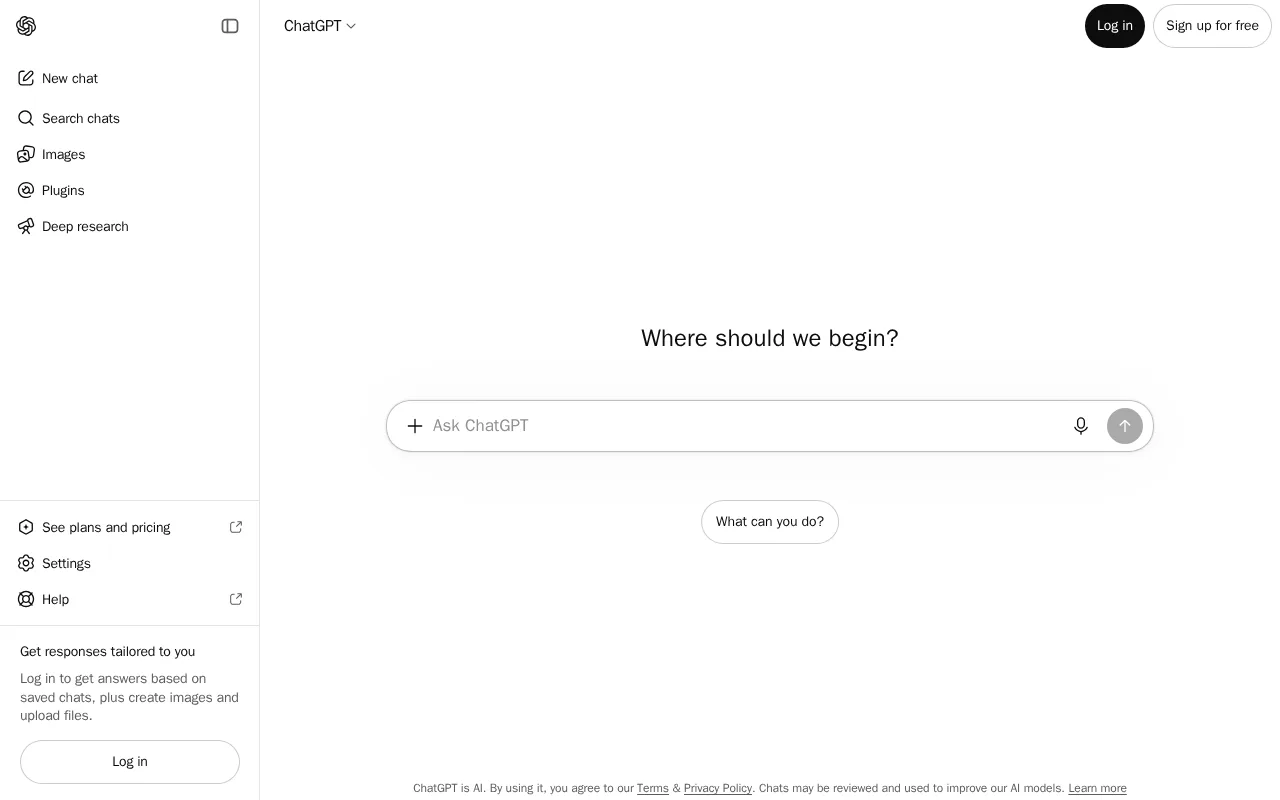
ChatGPT is the best AnythingLLM alternative for people whose own hardware cannot run models well enough and who are comfortable sending data to a hosted service. ChatGPT runs on OpenAI's GPT models in the cloud, so answer quality does not depend on local RAM or GPU, and it bundles chat, file and image analysis, image generation, code execution, web browsing, voice mode, and Deep Research on Pro. ChatGPT runs on web, Windows, macOS, iOS, and Android, including the iOS app AnythingLLM lacks, its learning curve is rated low against AnythingLLM's moderate, and it holds 4.4/5 from 389 Capterra reviews. The free tier is usable for casual work, Go costs $8/month, Plus $20/month, and Business $20/seat/month billed annually with no training on workspace data by default. AnythingLLM is the better choice whenever privacy or per-token cost matters. AnythingLLM keeps documents, embeddings, and chats on your own machine with no account, API key, or token limits, while ChatGPT is a cloud service whose listing promises no training on conversations by default only for Business and Enterprise plans. ChatGPT's free tier caps usage, and the jump from Plus at $20/month to Pro at $200/month is steep, while AnythingLLM's MIT code self-hosts for unlimited users at no license cost.
Compared to AnythingLLM: OpenAI's hosted models with quality independent of local hardware, an iOS app alongside web, desktop, and Android, and cloud processing where AnythingLLM keeps documents and chats on your machine
Wins:Hosted GPT models mean answer quality does not depend on local RAM or GPU, the limit AnythingLLM's listing names as its own · Apps on web, Windows, macOS, iOS, and Android, where AnythingLLM has no iOS app · Learning curve rated low against AnythingLLM's moderate, with 4.4/5 from 389 Capterra reviews where AnythingLLM has no rating on record here
Loses:Conversations are processed in OpenAI's cloud, and only Business and Enterprise plans exclude workspace data from training by default, where AnythingLLM keeps documents and chats on your machine with no account · Heavier use is billed by plan (Go $8/month, Plus $20/month, Pro $200/month), where AnythingLLM's desktop app has no token limits and its MIT code self-hosts for unlimited users free · Free tier usage caps reset periodically and can interrupt longer sessions, and the step from Plus at $20/month to Pro at $200/month is steep
Pros
- Broad feature set (chat, image generation, code execution, voice, web browsing) under one subscription.
- Free tier is genuinely usable for casual, low-volume use, not just a demo.
- Business and Enterprise plans exclude workspace conversations from model training by default.
- Available on web, desktop, and mobile with consistent conversation history across devices.
Cons
- Can produce confident-sounding but factually incorrect answers, requiring users to verify important claims.
- Large price jump from Plus ($20/month) to Pro ($200/month) for users who outgrow Plus's usage caps.
- Free tier usage limits reset periodically and can interrupt longer work sessions.
- Business plan monthly pricing (versus annual) is noticeably higher per seat.
Pricing: Free tier · paid from $8/mo — ChatGPT Business at $20/seat/month billed annually ($60/month at 3 seats) vs AnythingLLM Cloud Basic at $50/month for the whole instance plus your own LLM API bill (verified )
Which one is right for you?
- You are building your own app and want a local model behind a REST APIOllama
- You want local models on a laptop and pay-per-token cloud models when the laptop is not enough, without your own provider keyLM Studio
- You want a ChatGPT-style web interface for a team on your own servers or an air-gapped networkOpen WebUI
- You want a free, Apache-licensed desktop chat app with no paid tier at allJan
- You want to send one prompt to several models and compare the answers side by sideMsty
- Your hardware cannot run large models and you want one assistant on web, desktop, iPhone, and AndroidChatGPT
- You mostly run models locally but occasionally need larger cloud models through the same APIOllama
Frequently asked questions
Is there a free alternative to AnythingLLM?
- Yes, all 6 alternatives here have a free tier, and Jan is the only one with no paid tier at all. Ollama, LM Studio, Jan, and Msty run models locally for free on Windows, macOS, and Linux, Open WebUI is free to self-host, and ChatGPT has a usage-capped free tier; AnythingLLM's own desktop app and self-hosted version are free as well.
What is the closest alternative to AnythingLLM?
- Open WebUI is the closest match for AnythingLLM's self-hosted side, and Msty for its desktop side. Open WebUI connects to Ollama or cloud APIs from a self-hosted web interface with custom RAG pipelines, while Msty runs local and cloud models in one desktop app with knowledge stacks, agent mode, and document chat that keeps files on the machine.
Can Ollama replace AnythingLLM?
- Ollama replaces AnythingLLM's model runner, not its document knowledge base and agents, and AnythingLLM can use Ollama as its local runtime, so the two can run together. Ollama is a free MIT-licensed runtime with a CLI, REST API, and desktop app and a low learning curve, while AnythingLLM adds document chat, tool-using agents, and an on-device meeting assistant on top.
Which AnythingLLM alternatives are open source?
- Jan is fully open source under Apache 2.0, and Ollama's local runtime is open source under MIT with a paid cloud tier on top. Open WebUI is source-available under a license that requires keeping its branding, LM Studio and Msty are closed source, and ChatGPT is a hosted service; AnythingLLM itself is MIT-licensed.
Is there an AnythingLLM alternative with an iOS app?
- ChatGPT is the only alternative here with an iOS app, alongside web, Windows, macOS, and Android, while AnythingLLM ships on Android only. Ollama, LM Studio, Jan, and Msty are desktop apps, and Open WebUI has no native mobile app but works in a phone browser.
Is ChatGPT Business cheaper than AnythingLLM Cloud?
- Not past 2 seats: ChatGPT Business costs $20/seat/month billed annually, so 3 seats come to $60/month against $50/month for an AnythingLLM Cloud Basic instance. AnythingLLM Cloud still requires your own LLM API key, so its model usage is billed separately on top of the $50.