5 Best Alternatives to Cal.com for Android in 2026
By Noahlast updated pricing verified
Compared: Cal.com alternatives that run on Android
| Alternative | Best for | Standout | Biggest weakness | Learning curve | Price |
|---|---|---|---|---|---|
| Cal.comreference | individuals and technical teams who want an open-source, self-hostable Calendly alternative with API-level control over booking flows | The scheduling engine is genuinely self-hostable via Docker, with a fully open community fork (cal.diy, MIT-licensed) that strips out enterprise/commercial code entirely, giving teams a real self-hosted path rather than an open-source demo that funnels users to the paid cloud. | Self-hosting requires ongoing infrastructure maintenance and doesn't include Cal.com's managed support, while advanced features like SSO and fine-grained access control are gated behind the pricier Organizations and Enterprise tiers on the hosted product. | Moderate | Free tier · paid from $12/mo |
| Calendly | individuals and small teams who need to eliminate scheduling back-and-forth via a shared booking link, especially sales and recruiting teams needing round-robin routing | Notetaker and Callie, which extend Calendly beyond booking into recording meetings, drafting follow-ups, and coordinating scheduling over email automatically. | The free plan is limited to a single event type and one calendar connection, pushing most real usage onto per-seat paid plans, and per-seat pricing compounds quickly for larger sales or recruiting teams. | Low | Free tier · paid from $10/mo |
| Acuity Scheduling | solo practitioners and small studios (salons, coaches, tutors, therapists) that need clients to self-book and pay online without phone-tag scheduling | HIPAA-compliant scheduling with a signed Business Associate Agreement on the Premium plan, letting healthcare and wellness practices book clients without a separate compliant system. | No free tier, only a 7-day trial, and HIPAA compliance, custom API access, and custom CSS are locked behind the $49/month Premium plan, which reviewers note is pricier than some scheduling-only competitors for what is a single-purpose tool. | Low | From $16/mo |
| Doodle | small teams and client-facing professionals coordinating group availability and 1:1 bookings across multiple calendars | Group polls let an organizer find a time across many invitees' calendars without any invitee needing a Doodle account. | The free plan is capped at a single active poll, booking page, and 1:1 link at a time, so anyone scheduling more than one thing simultaneously has to upgrade to Pro. | Low | Free tier · paid from $11/mo |
| HubSpot | small businesses that start on the free CRM and want marketing, sales, and service tools sharing one contact database as they grow, and can absorb the price jump into Professional tiers | A free, seat-unlimited core CRM that every paid Hub (Marketing, Sales, Service) plugs into, so contact and deal data stays unified without separate integrations. | Pricing jumps sharply between tiers — Marketing Hub goes from about $20/seat/month at Starter to an $800+/month Professional bundle plus a mandatory $3,000 onboarding fee — and Trustpilot reviewers report unexpected charges and difficulty canceling subscriptions. | Moderate | Free tier · paid from $7/mo |
| Google Meet | individuals and teams already using Gmail, Calendar, and Google Workspace who want video calls that launch directly from a calendar invite with no separate app install | Gemini-powered automatic note-taking, live meeting summaries, and real-time translation are built into paid tiers, generated directly inside the call rather than through a separate transcription add-on. | The free tier caps group calls at 60 minutes with no recording, and Google Workspace's plan-comparison page does not display exact per-user dollar prices without going through a purchase or sign-in flow, making cost comparison against Zoom or Microsoft Teams harder upfront. | Low | Free |
 Cal.com
 Calendly
 Acuity Scheduling
 Doodle
 HubSpot
 Google Meet
1.Calendly — best Cal.com alternative for individuals and small teams who need to eliminate scheduling back-and-forth via a shared booking link, especially sales and recruiting teams needing round-robin routing
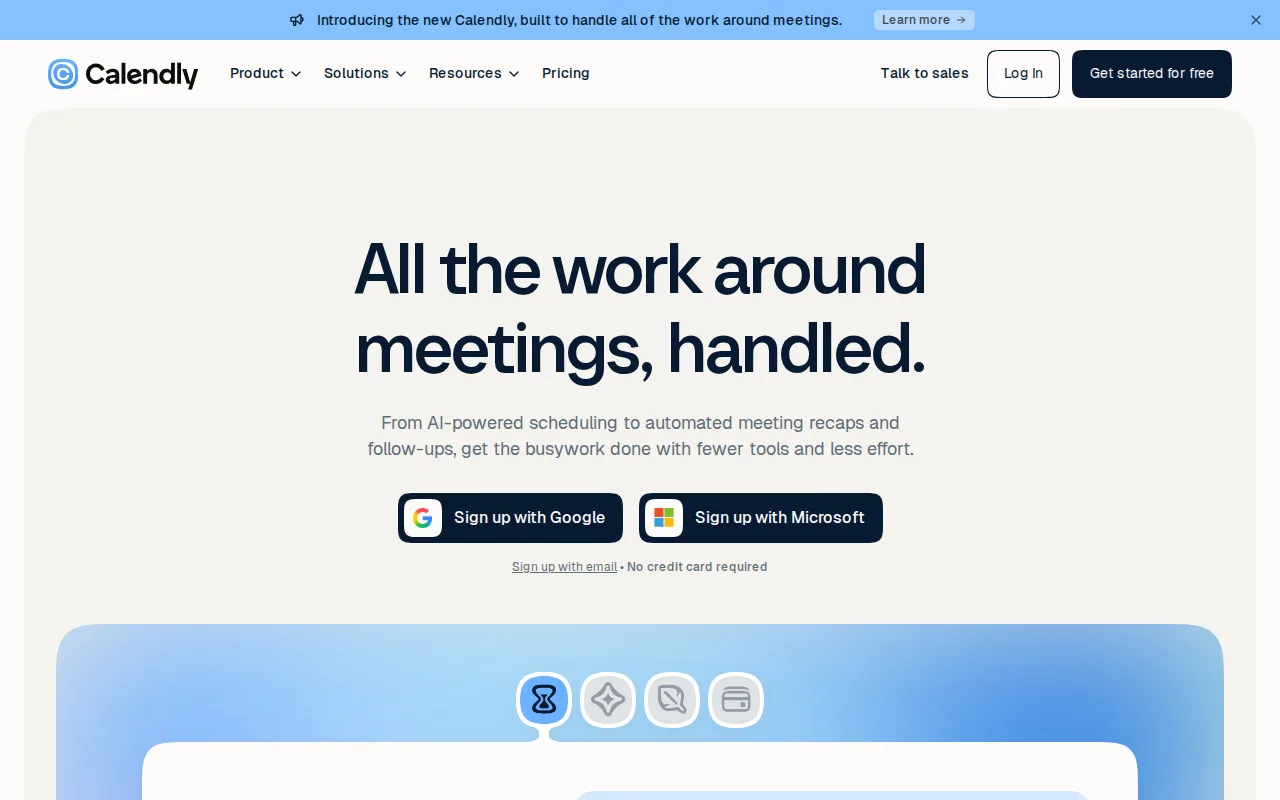
Calendly is the best Cal.com alternative for sales and recruiting teams that need round-robin scheduling and lead routing without setting up self-hosted infrastructure. Calendly's Standard plan costs $10/seat/month billed monthly (17% cheaper billed annually), close to Cal.com's own $12/user/month Teams plan, and Calendly's Teams tier at $16/seat/month adds round-robin scheduling, lead routing, and Salesforce sync built specifically for sales workflows. Calendly holds a 4.7/5 rating from 4,139 Capterra reviews, a far deeper sample than Cal.com's own 4.8/5 from just 85 Product Hunt reviews. Calendly also ships Notetaker and Callie, an AI assistant that records meetings, drafts follow-ups, and coordinates scheduling by email for invitees who don't use a booking link, features Cal.com's own listing doesn't describe having equivalents of. Cal.com is still the better choice for technical teams that want genuine self-hosting control: Calendly's free plan is limited to just one event type and one calendar connection, far more restrictive than Cal.com's free tier, which covers unlimited event types and calendars for a single user, and Calendly has no open-source, self-hostable codebase the way Cal.com's community fork (cal.diy, MIT-licensed) provides.
Compared to Cal.com: 4.7/5 rating from 4,139 Capterra reviews vs Cal.com's 85, Notetaker and Callie AI assistant, but no open-source self-hosting option and a more restrictive free tier
Wins:4.7/5 rating from 4,139 Capterra reviews, a far deeper sample than Cal.com's 4.8/5 from just 85 Product Hunt reviews · Notetaker and Callie extend booking into meeting recording, follow-up drafting, and email-based scheduling for invitees who skip the booking link · Teams tier adds round-robin scheduling, lead routing, and Salesforce sync built specifically for sales workflows
Loses:Free plan is limited to one event type and one calendar connection, far more restrictive than Cal.com's free tier of unlimited event types and calendars · No open-source, self-hostable codebase; Cal.com's community fork (cal.diy, MIT-licensed) gives technical teams a genuine self-hosting path · Enterprise tier requires a 50-seat minimum at $15,000/year, pricing out smaller teams that need SSO
Pros
- Booking links eliminate scheduling back-and-forth with almost no setup.
- 150+ integrations cover most calendar, video, CRM, and payment tools teams already use.
- Notetaker and Callie extend the product past scheduling into meeting notes and email-based booking.
- Round-robin and lead-routing features on Teams suit sales and recruiting workflows well.
Cons
- Free plan is restricted to one event type and one calendar, too limited for most business use.
- Per-seat pricing adds up quickly for larger teams compared to flat-rate competitors.
- Customer support response times on lower tiers lag behind what Teams and Enterprise get.
- Enterprise pricing requires a 50-seat minimum, pricing out smaller companies that need SSO.
Pricing: Free tier · paid from $10/mo — $10/seat/month Standard (17% cheaper annually) vs Cal.com's $12/user/month Teams plan; Calendly Enterprise at $15,000/year (50-seat minimum) vs Cal.com's custom-quoted Enterprise (verified undefined NaN, NaN)
2.Acuity Scheduling — best Cal.com alternative for solo practitioners and small studios (salons, coaches, tutors, therapists) that need clients to self-book and pay online without phone-tag scheduling
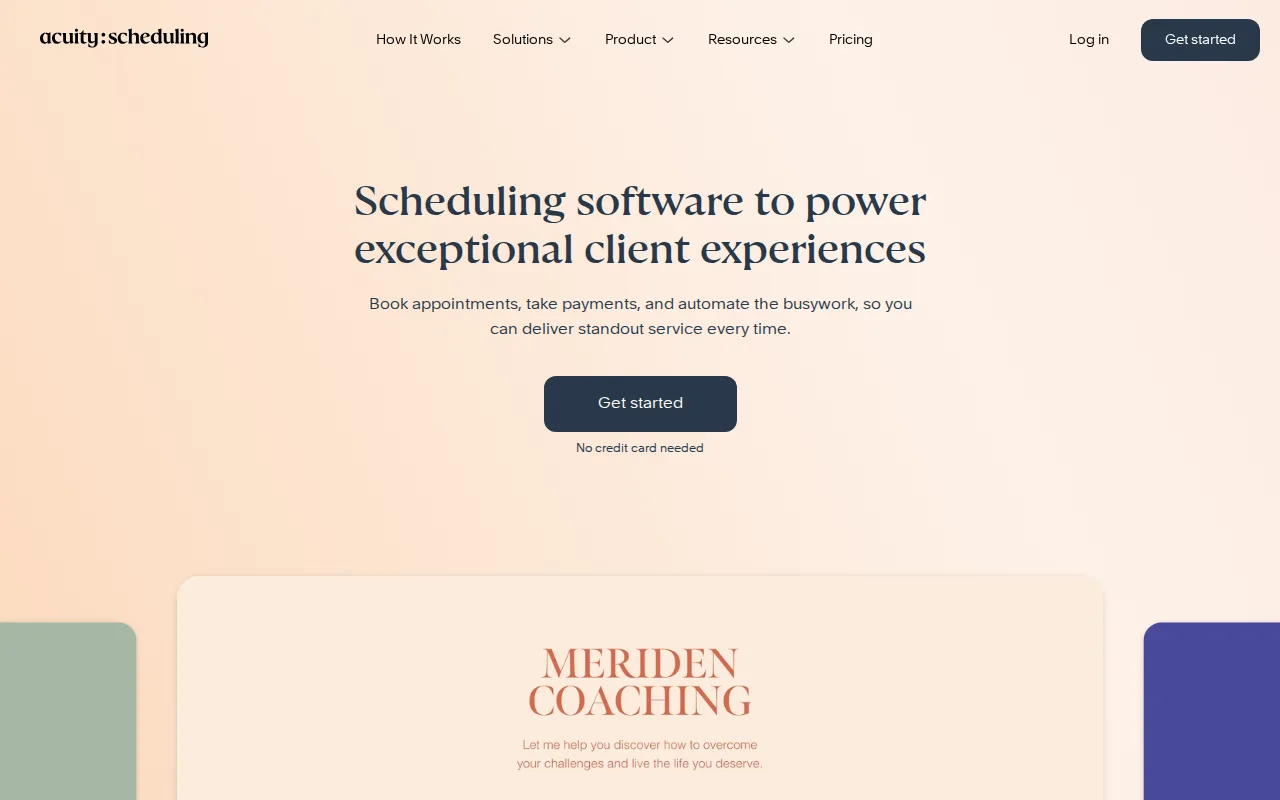
Acuity Scheduling is the best Cal.com alternative for solo practitioners and studios that need clients to book and pay online, with HIPAA-compliant scheduling available for healthcare and wellness practices. Acuity Scheduling holds a 4.8/5 rating from 5,755 Capterra reviews, the deepest review sample among Cal.com's listed alternatives and ahead of Cal.com's own 4.8/5 from just 85 Product Hunt reviews. Used by over 250,000 service businesses, its Premium tier at $49/month billed annually adds a signed HIPAA Business Associate Agreement, custom API and CSS access, and support for up to 36 calendars, capabilities Cal.com's own listing doesn't describe having a compliance equivalent of. Acuity's Starter plan at $16/month billed annually is close to Cal.com's own $12/user/month Teams plan, and being owned by Squarespace, it ships with an integrated website builder Cal.com's scheduling-only product doesn't include. Cal.com is still the better choice for technical teams and cost-conscious individuals: Acuity Scheduling has no free plan at all, only a 7-day trial, unlike Cal.com's free tier covering unlimited event types and calendars for one user, and Acuity has no open-source or self-hostable option, while Cal.com's community fork (cal.diy) is fully MIT-licensed.
Compared to Cal.com: 4.8/5 rating from 5,755 Capterra reviews (deepest sample here), HIPAA-compliant booking with a signed BAA on Premium, but no free tier and no self-hosting option
Wins:4.8/5 rating from 5,755 Capterra reviews, the deepest sample among Cal.com's listed alternatives · HIPAA-compliant booking with a signed Business Associate Agreement on the $49/month Premium tier, plus custom API/CSS access · Ships with an integrated Squarespace website builder, which Cal.com's scheduling-only product doesn't include
Loses:No free plan at all, only a 7-day trial, unlike Cal.com's free tier covering unlimited event types and calendars for one user · No open-source or self-hostable option, while Cal.com's community fork (cal.diy) is fully MIT-licensed · Calendar-based tiering (1/6/36 calendars) means multi-staff businesses can hit plan limits faster than expected
Pros
- Clients can book, reschedule, and pay entirely on their own through a branded page, cutting down administrative back-and-forth.
- Memberships, packages, and gift certificate sales are built in on Standard and above, useful for studios selling bundles.
- HIPAA-compliant plan with a signed BAA is available for healthcare and therapy practices needing compliant booking.
- Deep integrations with Google Calendar, Zoom, Stripe, Square, PayPal, and Zapier reduce double-booking risk.
Cons
- No free plan; only a 7-day trial with no credit card required.
- HIPAA compliance, custom API, and custom CSS require the top $49/month Premium tier.
- Reviewers note pricing runs higher than some competitors purely for scheduling, especially once add-ons are factored in.
- Calendar-based tiering means multi-staff businesses can hit plan limits faster than expected.
Pricing: From $16/mo — $16/month Starter (billed annually, 1 calendar) up to $49/month Premium (36 calendars, HIPAA BAA) vs Cal.com's free tier or $12/user/month Teams plan (verified undefined NaN, NaN)
3.Doodle — best Cal.com alternative for small teams and client-facing professionals coordinating group availability and 1:1 bookings across multiple calendars
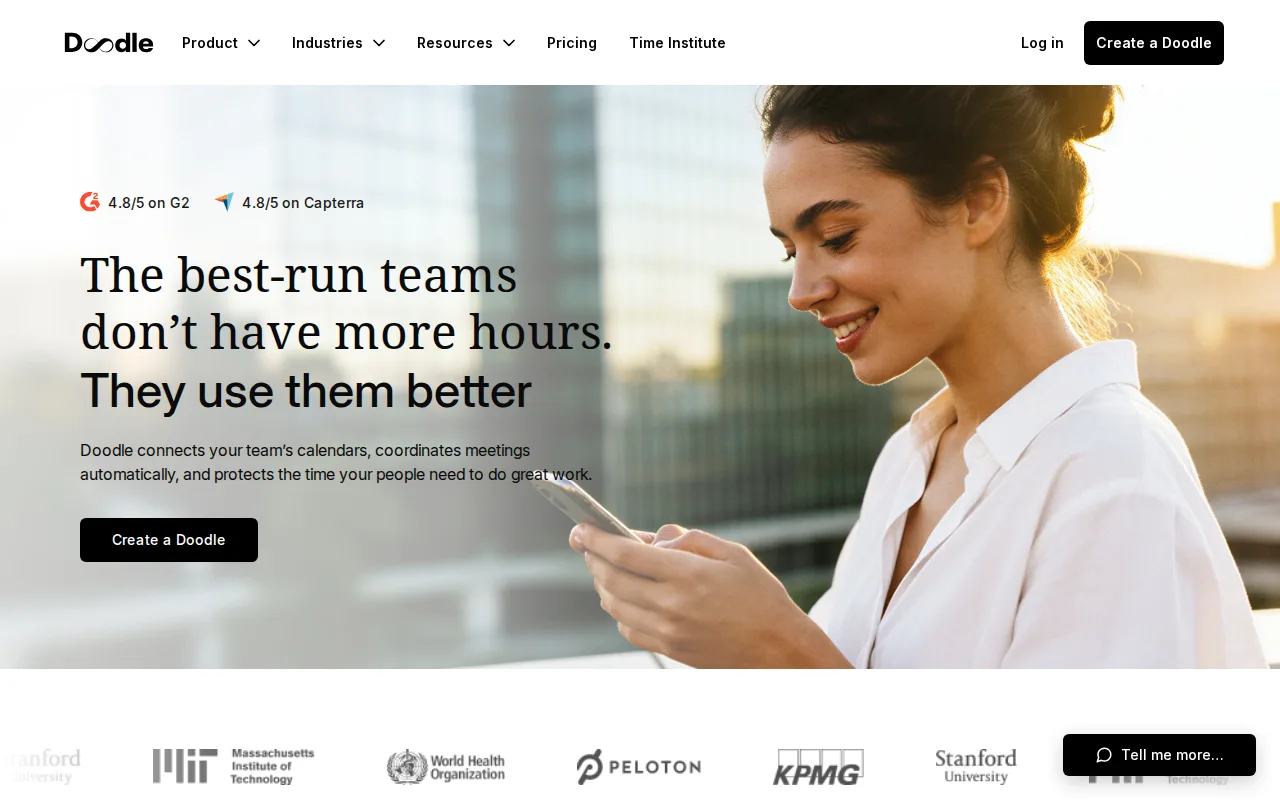
Doodle is the best Cal.com alternative for organizers who need to find a meeting time across many people's calendars through group polls, a workflow Cal.com's event-type-and-booking-link model doesn't build around. Doodle's group polls let invitees mark availability without creating an account, and its Pro plan starts at $11/month per seat billed annually, close to Cal.com's own $12/user/month Teams plan. Doodle is Swiss-built and holds SOC 2, GDPR, CCPA, and HIPAA compliance certifications, matching the kind of compliance depth serious teams look for even though our listing data carries no external rating score for Doodle. Doodle's Team plan at $16/month per seat (minimum 2 seats) adds Stripe payment collection for paid bookings, similar to the Stripe/PayPal payment collection Cal.com already includes on its own free tier. Cal.com is still the better choice for teams that want a rating track record and open-source flexibility: Doodle carries no external rating data at all in our listing data, unlike Cal.com's 4.8/5 from 85 Product Hunt reviews, and Doodle's free plan caps out at just one active group poll, booking page, and 1:1 link at a time, more restrictive than Cal.com's free tier of unlimited event types and calendars for a single user.
Compared to Cal.com: group polls find availability across many calendars without invitees needing an account, SOC 2/GDPR/CCPA/HIPAA compliance, but no external rating data and a more restrictive free tier
Wins:Group polls let invitees respond without creating an account, a workflow Cal.com's booking-link model doesn't build around · SOC 2, GDPR, CCPA, and HIPAA compliance certifications support regulated industries · Team plan adds Stripe payment collection for paid bookings, similar to what Cal.com already includes on its free tier
Loses:Carries no external rating data at all in our listing data, unlike Cal.com's 4.8/5 from 85 Product Hunt reviews · Free plan caps out at one active group poll, booking page, and 1:1 link at a time, more restrictive than Cal.com's free tier of unlimited event types · No open-source or self-hostable codebase, unlike Cal.com's MIT-licensed community fork
Pros
- Group polls let invitees respond without creating an account.
- Team plan adds Stripe payment collection for paid bookings and consultations.
- SOC 2, GDPR, CCPA, and HIPAA compliance certifications support regulated industries.
- Zoom, Teams, and Webex integrations auto-attach video links to booked meetings on Pro and above.
Cons
- Free plan allows only one active group poll, booking page, and 1:1 link at a time.
- Team plan requires a minimum of 2 seats even for a single power user who wants admin features.
- Enterprise pricing starts around $15,000/year and requires a sales conversation rather than transparent per-seat rates.
- Advanced time-protection features (meeting density limits, focus-time enforcement) are gated to Enterprise.
Pricing: Free tier · paid from $11/mo — Free (1 poll/booking page/1:1 link) or $11/month per seat Pro (billed annually) vs Cal.com's free unlimited tier or $12/user/month Teams plan (verified undefined NaN, NaN)
4.HubSpot — best Cal.com alternative for small businesses that start on the free CRM and want marketing, sales, and service tools sharing one contact database as they grow, and can absorb the price jump into Professional tiers
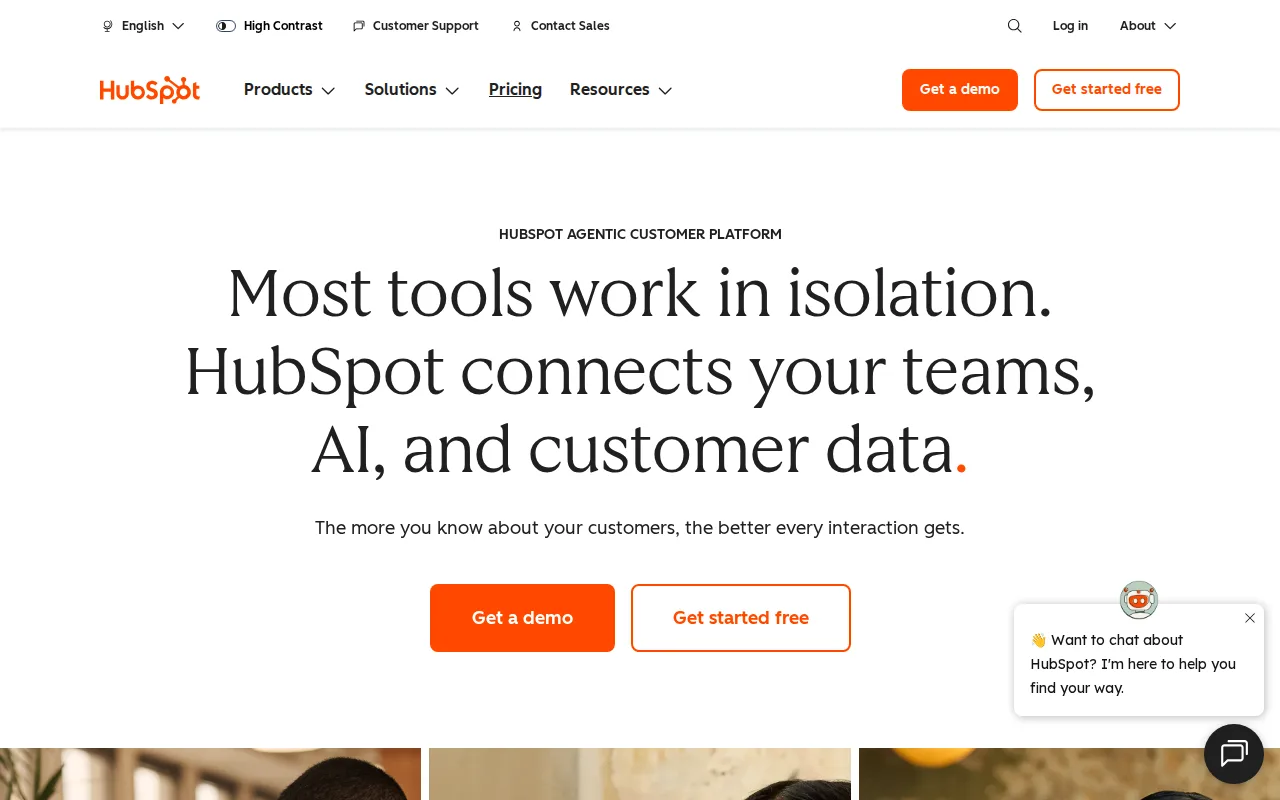
HubSpot is the best Cal.com alternative for teams that want scheduling bundled into a free, seat-unlimited CRM rather than a standalone booking tool. HubSpot's Free CRM has no seat limit at all, a contrast to Cal.com's free tier, which is capped to a single user, and HubSpot built its base of over 299,000 customers on that free entry point before upselling into paid Hubs. HubSpot holds a 4.5/5 rating from 4,480 Capterra reviews on its CRM listing, more review volume than Cal.com's own 4.8/5 from 85 Product Hunt reviews. Marketing Hub Starter runs about $7/month per seat billed annually, below Cal.com's $12/user/month Teams plan, though HubSpot's own Professional tier jumps to $800/month for 3 seats plus a one-time $3,000 onboarding fee. Cal.com is still the better choice for teams that just need scheduling, not a full CRM: HubSpot's pricing model multiplies quickly once Marketing, Sales, and Service Hubs are combined, its Professional and Enterprise tiers require mandatory onboarding fees of $3,000-$7,000 that Cal.com's transparent per-seat pricing doesn't carry, and Trustpilot reviewers report unexpected charges and difficulty canceling subscriptions, a complaint Cal.com's own listing doesn't carry.
Compared to Cal.com: free CRM with no seat limit vs Cal.com's single-user free tier, 4.5/5 rating from 4,480 Capterra reviews, but Professional tier jumps to $800/month plus a $3,000 onboarding fee
Wins:Free CRM has no seat limit at all, vs Cal.com's free tier capped to a single user · 4.5/5 rating from 4,480 Capterra reviews, deeper evidence than Cal.com's own 4.8/5 from 85 Product Hunt reviews · Marketing Hub Starter runs about $7/month per seat billed annually, below Cal.com's $12/user/month Teams plan
Loses:Professional tier jumps to $800/month for 3 seats plus a mandatory one-time $3,000 onboarding fee, with Enterprise requiring $7,000 more · Trustpilot reviewers report unexpected charges and difficulty canceling subscriptions, a complaint Cal.com's own listing doesn't carry · Running Marketing, Sales, and Service Hubs together multiplies per-seat costs quickly, unlike Cal.com's flatter per-seat model
Pros
- Free CRM has no user-seat limit, unlike most competitors' free tiers.
- Marketing, Sales, and Service Hubs share one contact record, avoiding duplicate data entry across departments.
- AI Customer Agent and prospecting agents are built into paid tiers without separate integration work.
- Large ecosystem of native integrations and a certified-partner network for implementation help.
Cons
- Steep price jump from Starter to Professional tier, plus mandatory one-time onboarding fees ($3,000-$7,000) at Professional and Enterprise.
- Trustpilot reviewers report unexpected charges and difficulty canceling, a stark contrast to its high G2/Capterra ratings.
- Running Marketing, Sales, and Service Hubs together multiplies per-seat costs quickly for a growing team.
- Advanced customization and reporting are gated behind Professional/Enterprise tiers, not available on Starter.
Pricing: Free tier · paid from $7/mo — Free CRM (unlimited seats) or Marketing Hub Starter ~$7/month/seat vs Cal.com's free single-user tier or $12/user/month Teams plan; HubSpot Professional jumps to $800/month plus a $3,000 onboarding fee (verified undefined NaN, NaN)
5.Google Meet — best Cal.com alternative for individuals and teams already using Gmail, Calendar, and Google Workspace who want video calls that launch directly from a calendar invite with no separate app install
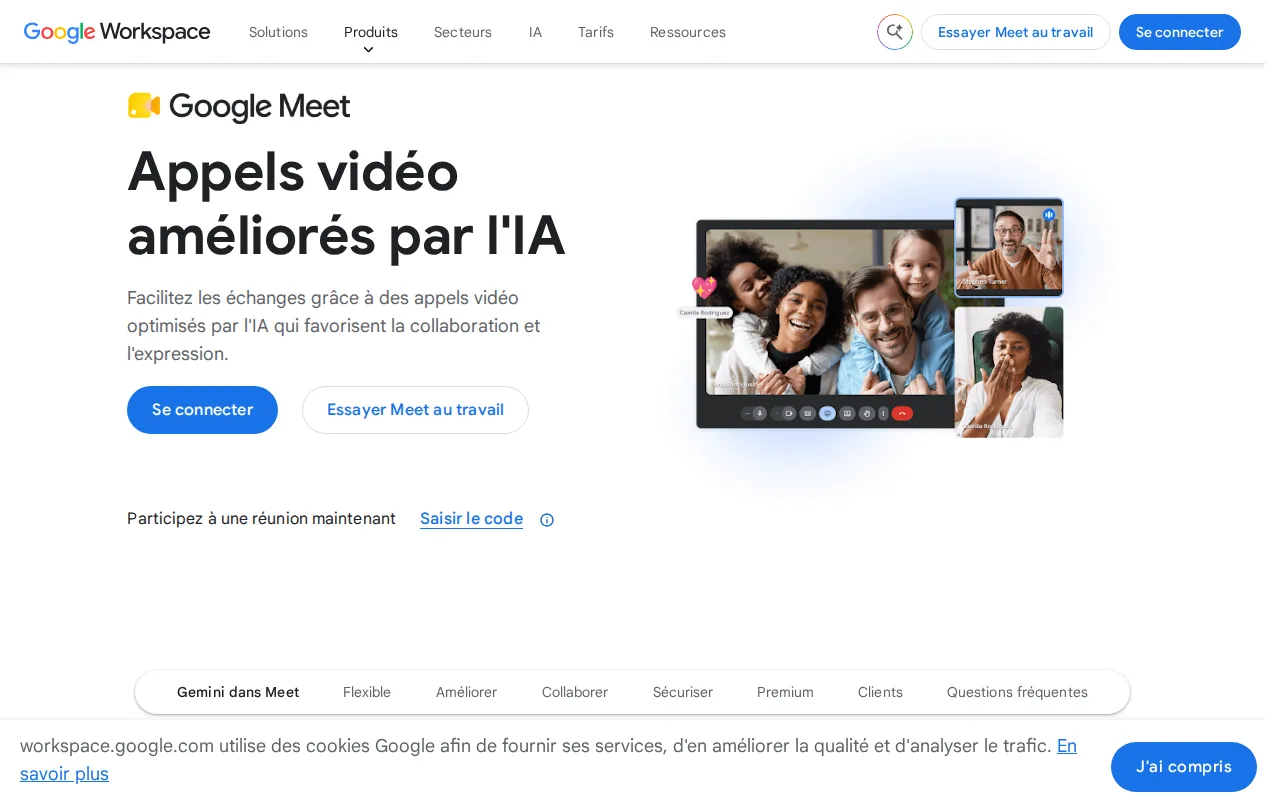
Google Meet is the best Cal.com alternative for teams that need video calls to launch directly from a Google Calendar booking rather than a separate scheduling-and-video stack. Google Meet's Free plan supports up to 100 participants for 60-minute group calls at no cost, matching Cal.com's own free tier in price if not in function, since Cal.com handles the booking link while Google Meet handles the call itself. Gemini-powered features generate live captions, real-time translation, and automatic meeting notes on paid Google Workspace tiers, a category of AI assistance Cal.com's booking-focused product doesn't offer. Google Meet integrates directly with Google Calendar, so a meeting scheduled through any booking tool, including Cal.com, can still launch through Meet with no separate app install on desktop. Cal.com is still the better choice for anyone who actually needs a scheduling and booking tool: Google Meet is a video conferencing product, not a booking-link generator, so it doesn't replace Cal.com's event types, availability rules, or Stripe/PayPal payment collection at time of booking, and Google's own Workspace pricing page doesn't display exact per-user dollar prices without a purchase or sign-in flow, a transparency gap Cal.com's own published $12/user/month Teams price doesn't have.
Compared to Cal.com: a video-calling product, not a booking tool, with Gemini AI notes on paid tiers, but no per-user pricing shown and no scheduling/booking functionality
Wins:Free tier supports up to 100 participants for casual and small-team video calls, integrating directly with Google Calendar bookings · Gemini-powered live captions, real-time translation, and automatic meeting notes on paid tiers · Meetings launch with no separate app install on desktop, complementing any booking tool including Cal.com
Loses:Is a video conferencing product, not a booking-link generator, so it doesn't replace Cal.com's event types, availability rules, or payment collection · Free tier caps group calls at 60 minutes with no recording option · Google Workspace's paid tiers don't display exact per-user dollar prices without a purchase or sign-in flow, unlike Cal.com's published $12/user/month Teams price
Pros
- Meetings launch directly from a Google Calendar invite with no separate app download required on desktop.
- Gemini features generate live captions, real-time translation, and automatic meeting notes on paid tiers.
- Free tier supports up to 100 participants, generous enough for most small-team or casual calls.
- Tight integration with Google Docs, Sheets, and Slides for in-meeting collaboration.
Cons
- Free tier caps group calls at 60 minutes and includes no recording option.
- No native Windows or macOS desktop app; runs only through the browser or mobile apps.
- Exact per-user pricing for Workspace Business Starter, Standard, and Plus is not shown on the plan-comparison page without starting a purchase flow.
- Meeting recording and Studio Sound require at least the Business Standard tier, not available on Business Starter.
Pricing: Free