5 Best Free Alternatives to TreeSize in 2026
By Noahlast updated pricing verified
Compared: free alternatives to TreeSize
| Alternative | Best for | Learning curve | Price |
|---|---|---|---|
| TreeSizereference | Auditing which folders, file types and owners fill Windows file servers and network shares, with scheduled scans and exported storage reports | Low | Free tier · paid from $25.20/yr |
| WizTree | Windows and macOS users who need to quickly find and clear large files or folders eating up local disk space, especially on NTFS drives. | Low | Free tier · paid from $25 one-time |
| WinDirStat | Finding which folders and files are filling a Windows drive or file server before deciding what to delete, archive or compress | Low | Free |
| DaisyDisk | Mac users who need to visually locate large files and free up storage on an internal or external drive without manually browsing folders | Low | Pricing not verified |
| CCleaner | Windows or Mac users who want to reclaim disk space, clear browser/app junk, and keep device drivers updated without manually hunting for updates | Low | Free tier · paid from $44.95/yr |
| BleachBit | Freeing space and wiping browser and application traces on Windows and Linux machines with a free cleaner that previews every file before deleting it | Low | Free |
 TreeSize
 WizTree
 WinDirStat
 DaisyDisk
 CCleaner
 BleachBit
1WizTree — best TreeSize alternative for windows and macOS users who need to quickly find and clear large files or folders eating up local disk space, especially on NTFS drives.
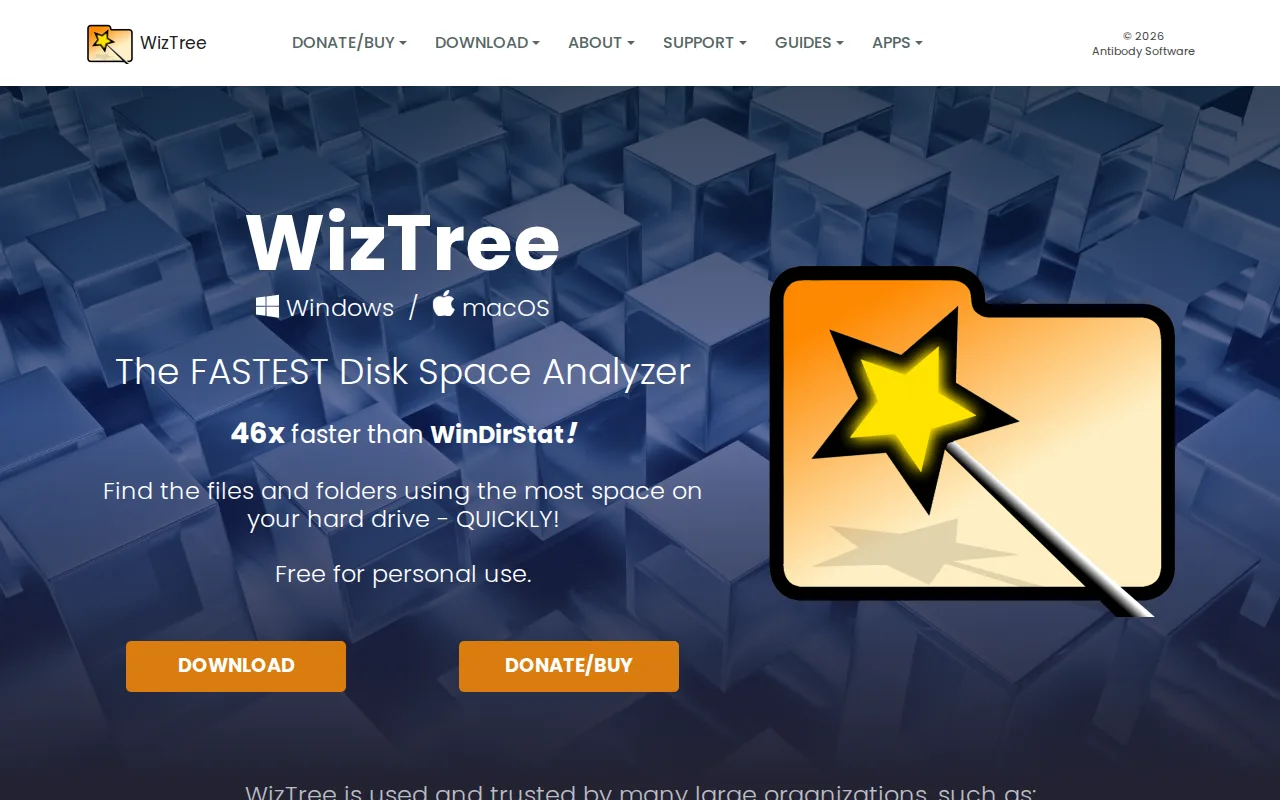
WizTree is the best TreeSize alternative for anyone whose main job is finding what filled a local drive, fast. WizTree reads the NTFS Master File Table directly instead of walking folders through the operating system, which its vendor claims makes scans up to 46x faster than WinDirStat, and shows the result as a treemap, a sortable file list and a duplicate-file finder. WizTree is free for personal use with no time limit and also runs on macOS, where TreeSize is Windows-only. Paid WizTree licenses are one-time and perpetual: $25 for an individual, $100 for a business with up to 5 staff and $750 for unlimited staff at one site, against TreeSize Personal at $25.20/user/year and TreeSize Professional from $49.20/user/year, both billed annually. TreeSize is still the better choice for IT admins who audit file servers. TreeSize Professional scans network drives and UNC paths, runs from the command line and task scheduler, and exports custom PDF, Excel and HTML reports, while WizTree's listing shows no scheduling or report exports and its speed shortcut does not apply to network drives, USB or FAT volumes, or the macOS version. WizTree's paid codes also include upgrades only for versions released within one year of purchase.
Compared to TreeSize: macOS support alongside Windows, one-time licenses from $25 instead of TreeSize's $25.20/user/year Personal subscription, fast scanning limited to local NTFS drives while network drives, USB and FAT volumes scan without the shortcut
Wins:Reads the NTFS Master File Table directly, which WizTree's vendor claims makes scans up to 46x faster than WinDirStat · Runs on Windows and macOS, where TreeSize has no macOS or Linux version · Paid licenses are one-time and perpetual ($25 individual, $100 for up to 5 staff, $750 for unlimited staff at one site), where TreeSize Personal and Professional bill per user every year
Loses:The speed shortcut applies only to local NTFS drives on Windows; network drives, USB and FAT volumes and the macOS version scan without it, while network-share auditing is what TreeSize Professional is built for · WizTree's listing shows no scheduled scans, command-line options or PDF, Excel and HTML report exports, all of which TreeSize Professional includes · Commercial use of any kind needs a paid code priced by staff count, upgrades are free only for versions released within one year of purchase, and the interface is utilitarian rather than aimed at less technical users
Pros
- Scans large NTFS drives in seconds by reading the Master File Table directly
- Free for personal use with no time limit
- Visual treemap plus sortable file list makes large files easy to spot
- Perpetual one-time license for commercial use instead of a recurring subscription
Cons
- Commercial use of any kind requires a paid supporter code, priced by staff count
- Supporter codes only include free upgrades for versions released within one year of purchase
- No Linux version
- Interface is utilitarian, not aimed at less technical users
Pricing: Free tier · paid from $25 one-time — $25 one-time for an individual or $100 one-time for up to 5 staff vs TreeSize Personal at $25.20/user/year and Professional from $49.20/user/year (verified )
2WinDirStat — best TreeSize alternative for finding which folders and files are filling a Windows drive or file server before deciding what to delete, archive or compress
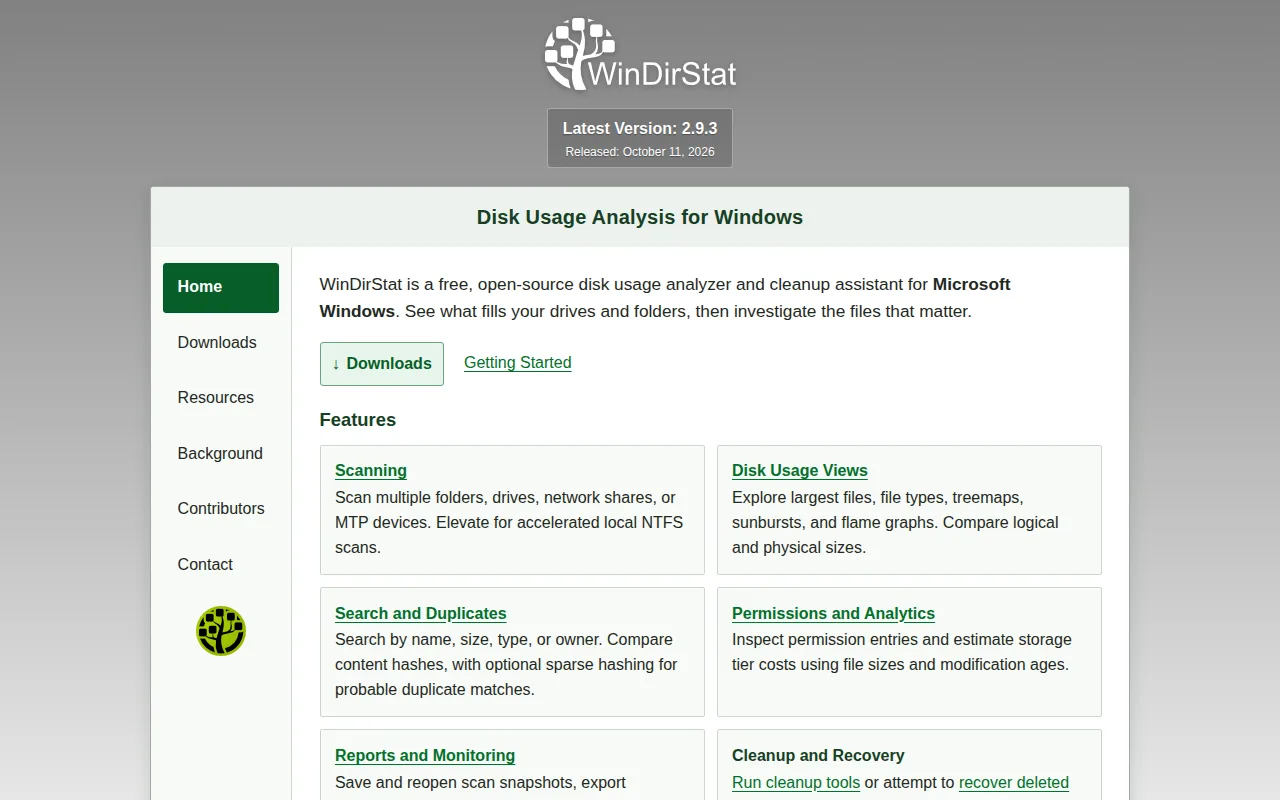
WinDirStat is the best TreeSize alternative for businesses that need a disk-usage map on workstations and servers without buying a license. WinDirStat is free for personal and commercial use under the GNU GPL v3 or later, with no paid edition, and supports Windows Server 2008 R2 through 2025, while TreeSize Free is limited to personal, non-commercial use and can't be used on Windows Server, which pushes any business into TreeSize Personal at $25.20/user/year or Professional from $49.20/user/year. WinDirStat 2.x includes features TreeSize reserves for paid tiers: duplicate detection by content hash, network-share scanning and command-line scans with CSV and JSON reports, alongside treemap, sunburst and flame-graph views. WinDirStat reads the NTFS Master File Table directly when run as administrator, installs via MSI, winget, Chocolatey, Scoop or the Microsoft Store, and has 4,300+ GitHub stars. TreeSize is still the better choice for admins who want scheduled scans and formatted reports. TreeSize Professional adds task-scheduler options and custom PDF, Excel and HTML exports, where WinDirStat exports CSV and JSON and has no scheduled cleaning. WinDirStat's fast scan also needs administrator rights on a local NTFS drive; network shares and phones fall back to slower folder-by-folder enumeration.
Compared to TreeSize: free for commercial use and Windows Server under the GPLv3, duplicate finding and network-share scanning without a paid tier, CSV and JSON exports instead of formatted PDF, Excel and HTML reports
Wins:Free for personal and commercial use under the GNU GPL v3 or later, where TreeSize Free bars commercial use and can't be used on Windows Server · Supports Windows Server 2008 R2 through 2025 and Windows 7 through 11 on x64, x86 and ARM64 at no cost · Duplicate detection by content hash, network-share scanning and command-line scans are free, where TreeSize puts its duplicate finder in Personal ($25.20/user/year) and network and command-line features in Professional ($49.20/user/year) · Cleanup options include NTFS compression, hardlink deduplication and recovery of deleted files on NTFS, exFAT and FAT drives
Loses:No scheduled cleaning and no PDF, Excel or HTML reports (CSV and JSON only), where TreeSize Professional adds task-scheduler options and custom PDF, Excel and HTML exports · Fast Master File Table scanning needs administrator rights and a local NTFS drive; network shares and phones fall back to slower folder-by-folder enumeration · WinDirStat's listing shows no bulk move or rename, which TreeSize offers alongside bulk delete
Pros
- Free and open source under the GNU GPL v3 or later, for personal and commercial use.
- Treemap, sunburst and flame-graph views make large files and folders obvious at a glance.
- Accelerated scanning reads the NTFS Master File Table directly when run as administrator.
- Finds duplicates by content hash and can replace them with hardlinks or shrink files with NTFS compression.
- Portable ZIP plus winget, Chocolatey, Scoop and Microsoft Store installs for x64, x86 and ARM64.
Cons
- Windows only; the project points Mac and Linux users to GrandPerspective and QDirStat.
- Fast MFT scanning requires admin rights and a local NTFS drive; network shares and phones scan more slowly.
- No automatic junk detection or scheduled cleaning; every deletion is chosen by hand.
Pricing: Free — Free for any use vs TreeSize Personal at $25.20/user/year and Professional from $49.20/user/year for commercial or Windows Server use (verified )
3DaisyDisk — best TreeSize alternative for mac users who need to visually locate large files and free up storage on an internal or external drive without manually browsing folders
DaisyDisk is the best TreeSize alternative for anyone who has moved to a Mac, since TreeSize runs only on Windows and has no macOS or Linux client. DaisyDisk scans drives on macOS, with a companion app for iPhone and iPad, and renders storage as an interactive sunburst chart that users click into folder by folder. Unwanted files and folders get dragged into an on-screen Collector and deleted in one batch, and the version sold directly from the developer scans more locations, including some network and external volumes, than the sandboxed Mac App Store build. TreeSize is still the better choice on Windows and for anyone who needs duplicate detection or reporting. DaisyDisk has no duplicate finder, while TreeSize Personal adds one for $25.20/user/year, and DaisyDisk's listing shows no exports to match the PDF, Excel, HTML and CSV reports in TreeSize Professional. DaisyDisk also publishes no price in its listing: its free trial scans and explores but restricts how much can be deleted until a license is bought, so its cost cannot be checked against TreeSize Free, which costs nothing for personal use.
Compared to TreeSize: native macOS and iOS apps where TreeSize is Windows-only, a sunburst chart with drag-to-Collector batch deletes, no duplicate finder or published price
Wins:Native macOS app, where TreeSize has no macOS or Linux version · Companion app for iPhone and iPad, a platform TreeSize does not cover · Interactive sunburst chart lets users drill into any folder ring, then queue files from different folders in the Collector and delete them in one action
Loses:Runs only on Apple devices, so it cannot analyze the Windows PCs and file servers TreeSize targets · No duplicate finder, which TreeSize Personal includes at $25.20/user/year, and no report exports to match TreeSize Professional's PDF, Excel, HTML and CSV output · No published price in its listing, and the free trial restricts deletion until a license is bought, where TreeSize Free costs nothing for personal use · The Mac App Store build is sandboxed and scans fewer locations than the direct-download version
Pros
- Sunburst visualization makes it fast to spot which folders or file types are using the most disk space
- Drag-to-Collector workflow lets you queue many files across different folders and delete them in one action
- Mature, long-running product with a simple, focused interface rather than a bundled suite of unrelated system tools
- Works on internal drives, and (in the direct-download version) additional external and mounted volumes
Cons
- No Windows or Linux version, so it cannot help on non-Apple machines
- Full deletion functionality requires a paid license after the trial
- The Mac App Store build is sandboxed and more limited in what it can scan compared to the version sold directly from the developer
- Only analyzes and deletes files; it does not include broader system maintenance features like uninstallers or duplicate finders that some competing suites bundle in
Pricing: Pricing not verified
4CCleaner — best TreeSize alternative for windows or Mac users who want to reclaim disk space, clear browser/app junk, and keep device drivers updated without manually hunting for updates
CCleaner is the best TreeSize alternative for home users who want disk space back without deciding file by file what to delete. TreeSize shows where storage went and leaves the cleanup to the user; CCleaner removes temporary files, browser caches and history itself, and CCleaner Pro at $44.95/year adds cloud cleaning that finds duplicate or unnecessary files inside Google Drive and OneDrive, a driver updater and a performance optimizer. CCleaner runs on Windows, macOS, Android and iOS, against TreeSize's Windows-only build, and paid plans carry a 30-day money-back guarantee. CCleaner Pro costs less than TreeSize Professional's $49.20/user/year, though CCleaner licenses one device rather than one user. TreeSize is still the better choice for anyone who needs to see and audit storage. CCleaner's listing shows no treemap or folder-size view, so large files outside known junk locations stay hidden from a junk scan, and it lists no network-share scanning or exportable reports for file servers. CCleaner also carries a 2017 supply-chain attack in which malware shipped inside signed CCleaner installers, a lasting trust concern for IT buyers, and its registry cleaning can remove entries a user still needs if used carelessly.
Compared to TreeSize: junk, browser and cloud-drive cleaning instead of a disk map, apps for Windows, macOS, Android and iOS, a 2017 malware-in-installer incident TreeSize's listing does not carry
Wins:Removes temporary files, browser caches and history itself, where TreeSize shows where space went and leaves deletion to the user · Pro at $44.95/year adds cloud cleaning inside Google Drive and OneDrive, a driver updater and a performance optimizer · Runs on Windows, macOS, Android and iOS, where TreeSize is Windows-only · 30-day money-back guarantee on paid plans
Loses:No treemap or folder-size view in its listing, so large files outside known junk locations stay hidden, and no network-share scanning or exportable reports for file servers · A 2017 supply-chain attack shipped malware inside signed CCleaner installers, a trust concern for IT buyers that TreeSize's listing does not carry · Driver updates and automated cleaning need the annual Pro subscription, and registry cleaning can remove entries a user still needs if used carelessly
Pros
- Free tier covers basic junk-file and browser cleaning with no cost
- Driver Updater and cloud-drive cleaning (Google Drive, OneDrive) are useful features rivals often charge more for
- Available across Windows, Mac, Android, and iOS under one brand
- 30-day money-back guarantee on paid plans
Cons
- Past malware-in-installer incident (2017) remains a trust concern for some IT buyers
- Real feature parity (driver updates, automation) requires a paid annual subscription, not the free version
- Multi-device pricing jumps from $44.95 for 1 device to $64.95 for 3-5 devices, which can feel steep for single extra devices
- Registry-cleaning utilities like this carry inherent risk of removing entries a user still needs if used carelessly
Pricing: Free tier · paid from $44.95/yr — $44.95/year for one device (Pro) vs TreeSize Professional at $49.20/user/year and Personal at $25.20/user/year (verified )
5BleachBit — best TreeSize alternative for freeing space and wiping browser and application traces on Windows and Linux machines with a free cleaner that previews every file before deleting it
BleachBit is the best TreeSize alternative for Linux users and for anyone who wants free, scriptable cleanup rather than a storage map. BleachBit runs on Windows and Linux, free under the GPLv3 for any use, with no ads, telemetry or paid edition, while TreeSize is Windows-only and restricts its free edition to personal, non-commercial use. BleachBit deletes caches, cookies, temp files, logs, package-manager caches and application leftovers, previews every file before removal, and goes further than plain deletion: it shreds files, overwrites free disk space so deleted data cannot be recovered, and vacuums Firefox and Chrome databases. System administrators run it from the command line across fleets, extend it with CleanerML rules, or import winapp2.ini for thousands of community Windows cleaners. BleachBit has 7,200+ GitHub stars and is translated into 61 languages. TreeSize is still the better choice for nearly every disk-analysis job. BleachBit has no disk-usage map or duplicate finder and only cleans known junk locations, so it cannot show which folders or files are filling a drive, the core of what TreeSize does with its folder tree and treemap. BleachBit's macOS build is experimental, and its password and cookie cleaners sign users out of sites if ticked carelessly.
Compared to TreeSize: free for any use on Windows and Linux under the GPLv3, file shredding and free-space wiping, no disk-usage map or duplicate finder
Wins:Free for any use under the GPLv3, with no ads, telemetry or paid edition, where TreeSize Free bars commercial use and Windows Server · Runs on Linux (Debian, Ubuntu, Fedora, openSUSE and an AppImage) as well as Windows, where TreeSize is Windows-only · Shreds files, overwrites free disk space and vacuums Firefox and Chrome databases, with a preview of every file before deletion
Loses:No disk-usage map, treemap or duplicate finder; it only cleans known junk locations and cannot show what is filling a drive · The macOS build is experimental with limited features · Password and cookie cleaners sign users out of sites if ticked carelessly, and Linux distribution repositories often ship outdated versions, such as 4.6.0 on Linux Mint 22.3
Pros
- Free and open source under the GPLv3, with no ads, telemetry, registration or paid upsell.
- Preview lists every file before deletion, so nothing is removed blindly.
- Shreds files and wipes free space, useful before selling or handing over a machine.
- Command-line interface and CleanerML rules support scripted cleanup across many machines.
- winapp2.ini import adds thousands of community-maintained Windows cleaners.
Cons
- macOS support is experimental with limited features; FreeBSD and macOS builds are still maturing.
- No disk-space visualizer, duplicate finder or uninstaller; it only cleans known junk locations.
- Distribution repositories often ship outdated versions (Linux Mint 22.3 ships 4.6.0), so users need the project's own packages.
- Cleaners for saved passwords and cookies can sign users out of sites if selected carelessly.
Pricing: Free — Free for any use vs TreeSize Personal at $25.20/user/year and Professional from $49.20/user/year (verified )