4 Best Alternatives to BleachBit in 2026
By Noahlast updated pricing verified

From our data: None of the 4 alternatives listed here runs on Linux, where BleachBit does; WinDirStat is the only one that matches BleachBit's free-for-any-use GPL licensing, and the 3 with paid tiers start at $25 one-time (WizTree), $39.95/year (CleanMyMac, one Mac) and $44.95/year (CCleaner Pro).
 CCleaner
 CleanMyMac
 WinDirStat
 WizTree
How we picked
- No tool on this page, BleachBit included, has an external rating or review count on record, so the order follows how much of BleachBit's job each alternative takes over: deleting junk files and privacy traces.
- CCleaner and CleanMyMac rank first because they are cleaners like BleachBit. WinDirStat and WizTree are disk analyzers that delete nothing automatically; they follow as complements that fill the gap BleachBit's own listing names, no disk-usage map or duplicate finder.
- License and price were compared against BleachBit's free GPLv3 terms: WinDirStat is the only alternative with the same free-for-any-use licensing, WizTree is free for personal use only, CleanMyMac costs $39.95/year for one Mac and CCleaner Pro $44.95/year.
- Platform coverage was checked against BleachBit's Windows and Linux support: none of the four alternatives has a Linux version, while CCleaner, CleanMyMac and WizTree run on macOS, where BleachBit's build is experimental.
- Prices come from listings verified on 23 September 2026 (WizTree), 1 October 2026 (CCleaner, CleanMyMac) and 23 October 2026 (WinDirStat and BleachBit).
Paid placement never alters editorial rank — read the full methodology.
BleachBit alternatives at a glance
| Alternative | Best for | Learning curve | Price |
|---|---|---|---|
| BleachBitreference | Freeing space and wiping browser and application traces on Windows and Linux machines with a free cleaner that previews every file before deleting it | Low | Free |
| CCleaner | Windows or Mac users who want to reclaim disk space, clear browser/app junk, and keep device drivers updated without manually hunting for updates | Low | Free tier · paid from $44.95/yr |
| CleanMyMac | Mac owners who want a single app to clear system junk, remove malware, and speed up performance without manually navigating Terminal or system folders. | Low | Free tier · paid from $9.95/mo |
| WinDirStat | Finding which folders and files are filling a Windows drive or file server before deciding what to delete, archive or compress | Low | Free |
| WizTree | Windows and macOS users who need to quickly find and clear large files or folders eating up local disk space, especially on NTFS drives. | Low | Free tier · paid from $25 one-time |
 BleachBit
1CCleaner — best BleachBit alternative for windows or Mac users who want to reclaim disk space, clear browser/app junk, and keep device drivers updated without manually hunting for updates
CCleaner is the best BleachBit alternative for people who want the same junk and browser cleaning on Windows and a Mac, plus extras BleachBit does not offer. CCleaner's free tier covers standard cleaning, privacy protection and a basic health check, and CCleaner Pro at $44.95/year for one device adds a driver updater, a performance optimizer, automated cleaning and cleanup of unnecessary files inside connected Google Drive and OneDrive accounts. CCleaner runs on Windows, macOS, Android and iOS, where BleachBit's macOS build is still experimental and there is no mobile app, and paid CCleaner plans carry a 30-day money-back guarantee. BleachBit is still the better choice on Linux, where CCleaner has no version, and for anyone who weighs trust and cost. BleachBit is free under the GPLv3 with no ads, telemetry or paid upsell, while CCleaner's driver updates and automation need the annual subscription, and its history includes a 2017 supply-chain attack in which signed CCleaner installers shipped with malware. BleachBit also shreds files, wipes free disk space and previews every file before deletion, none of which CCleaner's listing names, and CCleaner's registry cleaning can remove entries a user still needs.
Compared to BleachBit: apps for Windows, macOS, Android and iOS, a driver updater and cloud-drive cleaning in Pro at $44.95/year, no Linux version and a 2017 installer malware incident
Wins:Runs on Windows, macOS, Android and iOS, where BleachBit covers Windows and Linux with only an experimental macOS build · Pro adds a driver updater, a performance optimizer and automated cleaning, none of which BleachBit offers · Cleans unnecessary files inside connected Google Drive and OneDrive accounts as well as local disks
Loses:No Linux version, where BleachBit ships Debian, Ubuntu, Fedora and openSUSE packages and an AppImage · Driver updates and automation require a paid subscription from $44.95/year, where BleachBit is free with no paid edition · A 2017 supply-chain attack distributed malware inside signed CCleaner installers · No file shredding or free-space wiping in its listing, both of which BleachBit includes
Pros
- Free tier covers basic junk-file and browser cleaning with no cost
- Driver Updater and cloud-drive cleaning (Google Drive, OneDrive) are useful features rivals often charge more for
- Available across Windows, Mac, Android, and iOS under one brand
- 30-day money-back guarantee on paid plans
Cons
- Past malware-in-installer incident (2017) remains a trust concern for some IT buyers
- Real feature parity (driver updates, automation) requires a paid annual subscription, not the free version
- Multi-device pricing jumps from $44.95 for 1 device to $64.95 for 3-5 devices, which can feel steep for single extra devices
- Registry-cleaning utilities like this carry inherent risk of removing entries a user still needs if used carelessly
Pricing: Free tier · paid from $44.95/yr — $44.95/year for Pro on one device, or $64.95/year for up to 5 devices on the discounted Premium Bundle, vs BleachBit's $0 for any use (verified )
2CleanMyMac — best BleachBit alternative for mac owners who want a single app to clear system junk, remove malware, and speed up performance without manually navigating Terminal or system folders.
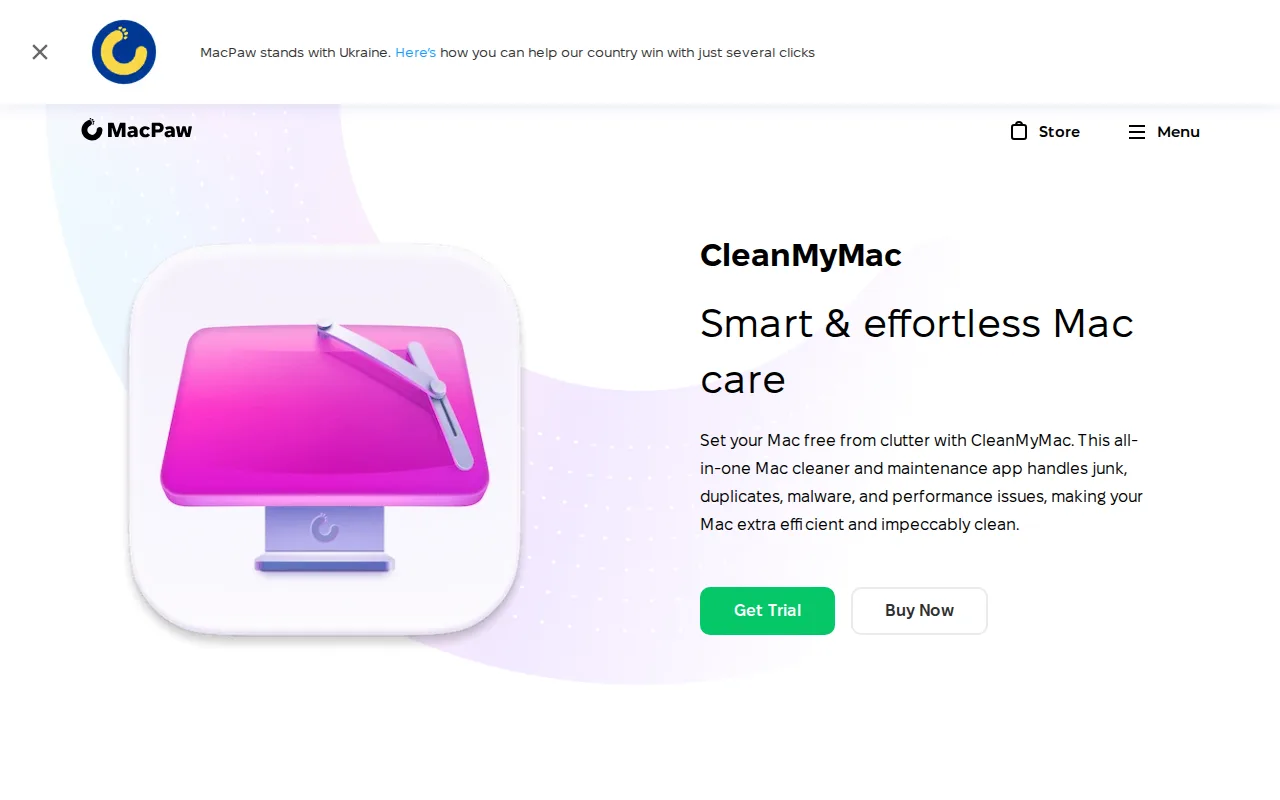
CleanMyMac is the best BleachBit alternative for Mac owners, because BleachBit's macOS build is still experimental with limited features while CleanMyMac is built for macOS by MacPaw and notarized by Apple. CleanMyMac's Smart Care runs deep cleaning, a malware scan, a performance boost, software updates and storage decluttering in one click, and the app also uninstalls apps, removes duplicate files and monitors CPU and memory, including the uninstaller and duplicate finder BleachBit's listing says it lacks. MacPaw reports 29 million downloads and a 4.7-star rating across 3,327 reviews on its own site, a vendor-published figure rather than an independent one. CleanMyMac costs $39.95/year for one Mac, $9.95 billed monthly, or $119.95 one-time. BleachBit is still the better choice on Windows and Linux, where CleanMyMac has no version at all, and for anyone who will not pay for cleaning. BleachBit is free under the GPLv3 for any number of machines, while CleanMyMac's per-Mac pricing climbs to $63.95/year for 2 Macs and $127.95/year for 5. BleachBit also shreds files and overwrites free disk space, which CleanMyMac's listing does not name.
Compared to BleachBit: a native macOS app instead of an experimental build, one-click Smart Care with malware scanning and an uninstaller, $39.95/year per Mac where BleachBit is free
Wins:Built for macOS and notarized by Apple, where BleachBit's macOS build is experimental with limited features · Smart Care runs deep cleaning, malware scanning, performance boosting, software updates and storage decluttering in one action · Includes an app uninstaller and duplicate-file removal, both of which BleachBit's listing says it lacks
Loses:macOS only, with no Windows or Linux version, where BleachBit runs on both · Costs $39.95/year for one Mac, rising to $63.95/year for 2 Macs and $127.95/year for 5, where BleachBit is free · Not open source, where BleachBit is GPLv3 with no ads or telemetry · Its 4.7-star rating across 3,327 reviews is published on MacPaw's own site, not by an independent review platform
Pros
- Single interface covers junk removal, malware scanning, uninstalling, and duplicate-finding instead of needing separate utilities
- Notarized by Apple and backed by a 30-day money-back guarantee on annual plans
- One-time purchase option ($119.95 for one Mac) exists for users who refuse subscriptions
- 4.7-star rating across 3,327 reviews claimed on MacPaw's own product page
Cons
- Mac-only; there is no Windows version, so switching platforms means losing the tool entirely
- Pricing scales per Mac, so households or small teams with multiple machines pay significantly more (2 Macs: $63.95/year, 5 Macs: $127.95/year)
- Core cleaning tasks (deleting caches, uninstalling apps, finding duplicates) overlap with free built-in macOS tools and free third-party apps
- One-time license price ($119.95) is roughly 3x the first-year annual subscription cost, which can make the 'no subscription' option feel like a premium tax
Pricing: Free tier · paid from $9.95/mo — $39.95/year for one Mac ($9.95 monthly or $119.95 one-time) vs BleachBit's $0 (verified )
3WinDirStat — best BleachBit alternative for finding which folders and files are filling a Windows drive or file server before deciding what to delete, archive or compress
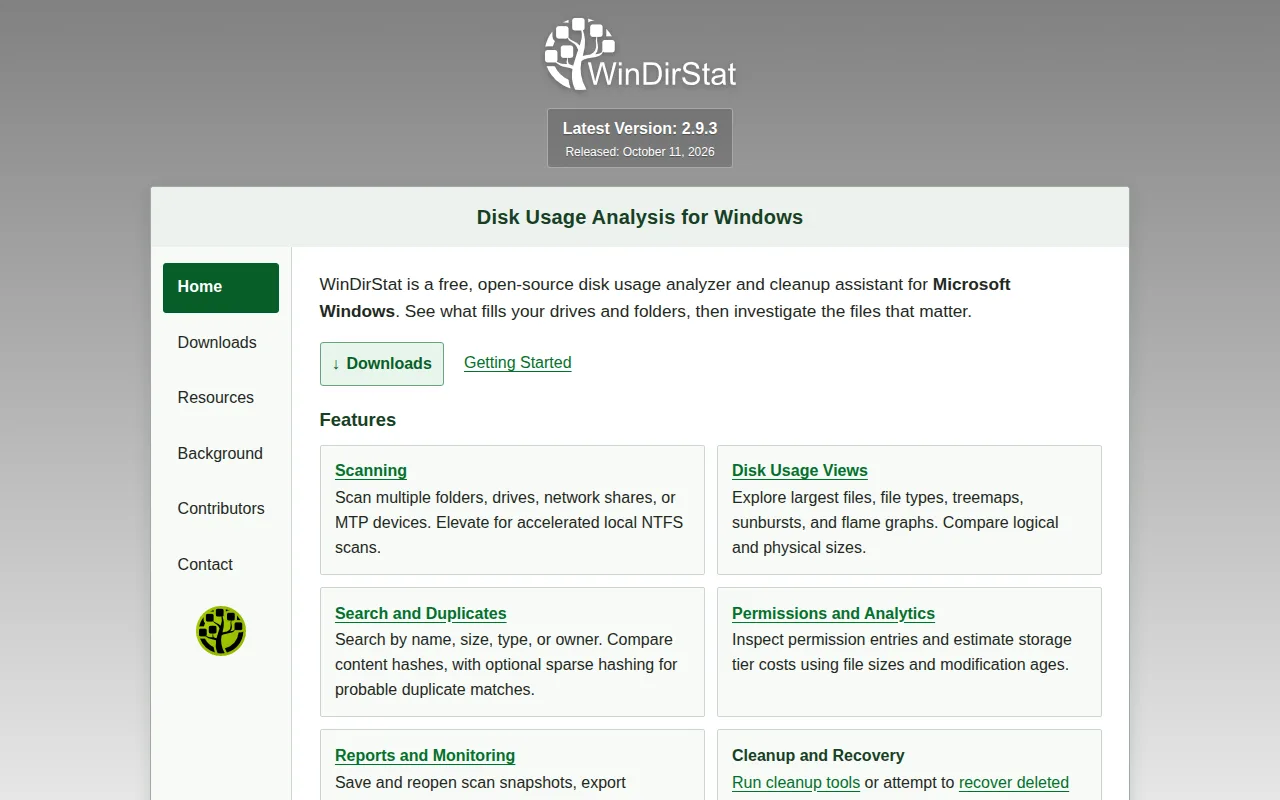
WinDirStat is the best BleachBit alternative for Windows users whose drive is still full after cleaning, because WinDirStat finds the large files that BleachBit's cleaners never look at. BleachBit only deletes known junk locations and has no disk-usage map or duplicate finder; WinDirStat maps the whole drive as a treemap in which every rectangle is a file sized by space, adds sunburst and flame-graph views, detects duplicates by content hash and can replace them with hardlinks or shrink files with NTFS compression. WinDirStat is free under the GNU GPL v3 or later, like BleachBit, with no paid edition or account, and it supports Windows 7 through 11 and Windows Server 2008 R2 through 2025, where BleachBit 6 needs Windows 10 or 11. BleachBit is still the better choice for routine cleanup and privacy. WinDirStat has no automatic junk detection, so every deletion is chosen by hand, it cannot shred files or wipe free space, and it runs only on Windows, while BleachBit also covers Linux. BleachBit's 7,200+ GitHub stars also outnumber WinDirStat's 4,300+.
Compared to BleachBit: a treemap of the whole drive with duplicate detection instead of known-junk cleaners, the same free GPL licensing, Windows only with no automatic junk detection
Wins:Maps every file on a drive as a treemap, with sunburst and flame-graph views, so large files outside known junk locations show up · Finds duplicates by content hash and can replace them with hardlinks or shrink files with NTFS compression · Supports Windows 7 through 11 and Windows Server 2008 R2 through 2025, where BleachBit 6 needs Windows 10 or 11
Loses:No automatic junk detection or scheduled cleaning; every deletion is chosen by hand · Runs only on Windows, where BleachBit also ships Linux packages · No file shredding, free-space wiping or browser-trace cleaning · Fast scanning needs administrator rights on a local NTFS drive
Pros
- Free and open source under the GNU GPL v3 or later, for personal and commercial use.
- Treemap, sunburst and flame-graph views make large files and folders obvious at a glance.
- Accelerated scanning reads the NTFS Master File Table directly when run as administrator.
- Finds duplicates by content hash and can replace them with hardlinks or shrink files with NTFS compression.
- Portable ZIP plus winget, Chocolatey, Scoop and Microsoft Store installs for x64, x86 and ARM64.
Cons
- Windows only; the project points Mac and Linux users to GrandPerspective and QDirStat.
- Fast MFT scanning requires admin rights and a local NTFS drive; network shares and phones scan more slowly.
- No automatic junk detection or scheduled cleaning; every deletion is chosen by hand.
Pricing: Free — Both free under the GPL v3 for personal and commercial use, with no paid edition (verified )
4WizTree — best BleachBit alternative for windows and macOS users who need to quickly find and clear large files or folders eating up local disk space, especially on NTFS drives.
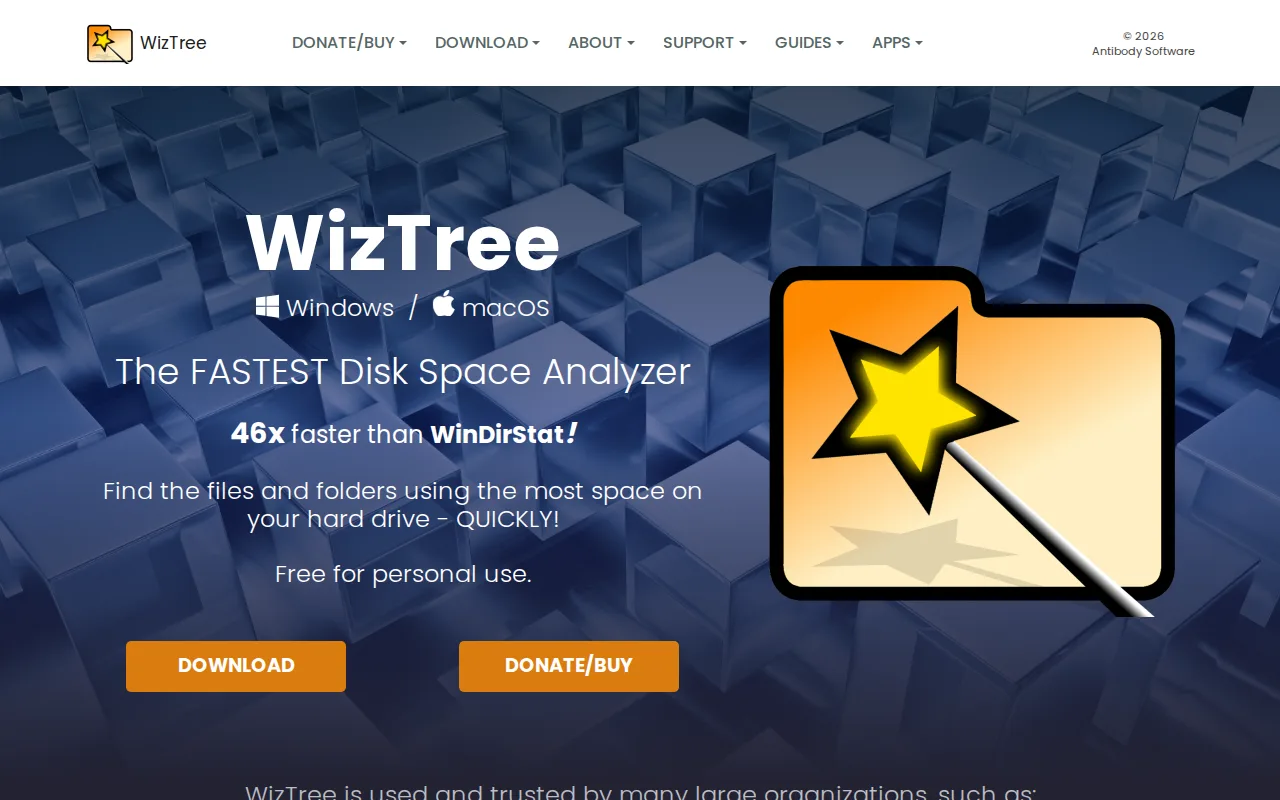
WizTree is the best BleachBit alternative for anyone who needs to see what is filling a drive quickly, on Windows or on a Mac. WizTree reads the NTFS Master File Table directly, and Antibody Software claims scans up to 46x faster than WinDirStat; it then shows a treemap, a sortable file-size list and a duplicate-file finder, so the largest files are visible in seconds. BleachBit cannot do this at all: it only cleans known junk locations and has no disk-usage map or duplicate finder. WizTree also has a macOS version, where BleachBit's macOS build is experimental. WizTree is free for personal use, with an optional $25 one-time supporter code. BleachBit is still the better choice for actual cleaning, for business use and for Linux. WizTree's listing names no cache, cookie or history cleaners and no file shredding, and WizTree has no Linux version. Commercial use of WizTree requires a supporter code priced by staff count, from $100 one-time for up to 5 staff to $1,800 for unlimited staff across several sites, while BleachBit is free for any use under the GPLv3.
Compared to BleachBit: a fast treemap and file-size list of the whole drive, a macOS version, commercial licenses from $100 one-time where BleachBit is free for any use
Wins:Maps disk usage with a treemap and a sortable file-size list, which BleachBit's listing says it does not have · Includes a duplicate-file finder, which BleachBit lacks · Reads the NTFS Master File Table directly, and the vendor claims scans up to 46x faster than WinDirStat · Runs on macOS, where BleachBit's macOS build is experimental
Loses:No junk, cache, cookie or history cleaners and no file shredding in its listing · No Linux version, where BleachBit ships Linux packages and an AppImage · Commercial use requires a supporter code from $100 one-time for up to 5 staff, where BleachBit is free for any use · Not open source, where BleachBit is GPLv3
Pros
- Scans large NTFS drives in seconds by reading the Master File Table directly
- Free for personal use with no time limit
- Visual treemap plus sortable file list makes large files easy to spot
- Perpetual one-time license for commercial use instead of a recurring subscription
Cons
- Commercial use of any kind requires a paid supporter code, priced by staff count
- Supporter codes only include free upgrades for versions released within one year of purchase
- No Linux version
- Interface is utilitarian, not aimed at less technical users
Pricing: Free tier · paid from $25 one-time — Free for personal use and from $100 one-time for up to 5 staff commercially, vs BleachBit's $0 for any use (verified )
Which one is right for you?
- You want junk and browser cleaning on a Windows PC and a Mac from one vendor, plus driver updatesCCleaner
- You want to clear out Google Drive and OneDrive as well as your local diskCCleaner
- You own a Mac and want junk removal, a malware scan and an app uninstaller in one clickCleanMyMac
- Your Windows drive is still full after cleaning and you need to see which folders take the spaceWinDirStat
- You need to find duplicate files on Windows for free, including on work machinesWinDirStat
- You scan large NTFS drives and want the biggest files listed in secondsWizTree
- You switch between Windows and macOS and want the same disk analyzer on bothWizTree
Frequently asked questions
Is there a free alternative to BleachBit?
- Yes — WinDirStat is free for any use under the GPL v3, though it is a disk analyzer rather than a junk cleaner. CCleaner's free tier covers standard cleaning and privacy protection, and WizTree is free for personal use only.
What is the closest alternative to BleachBit?
- CCleaner is the closest: it is also a junk and privacy cleaner for Windows that clears temporary files, browser history and caches. CCleaner is not open source, has no Linux version and puts automation behind a $44.95/year Pro plan.
Can CCleaner replace BleachBit?
- Yes on Windows and macOS for routine junk and browser cleaning, but not on Linux, where CCleaner has no version. BleachBit also shreds files and wipes free space, has no telemetry or paid upsell, and carries no history like CCleaner's 2017 supply-chain attack.
Is there a BleachBit alternative for Linux?
- No — none of the four alternatives on this page runs on Linux; CCleaner, CleanMyMac, WinDirStat and WizTree cover Windows, macOS, Android and iOS between them, so BleachBit remains the Linux option here.
What is the best BleachBit alternative for Mac?
- CleanMyMac, a native macOS cleaner with one-click Smart Care, an app uninstaller and duplicate removal from $39.95/year for one Mac. BleachBit's own macOS build is experimental with limited features, and CCleaner and WizTree also ship Mac versions.
Does BleachBit find large files?
- No — BleachBit only cleans known junk locations and has no disk-usage map, so pair it with WinDirStat (free under the GPL v3) or WizTree (free for personal use) to find large files and duplicates.