5 Best Free Alternatives to Shotcut in 2026
By Noahlast updated pricing verified
Compared: free alternatives to Shotcut
| Alternative | Best for | Learning curve | Price |
|---|---|---|---|
| Shotcutreference | hobbyist and independent video editors on Windows, macOS, or Linux who want a capable, no-cost editor that handles native footage formats without a conversion step | Moderate | Free |
| DaVinci Resolve | colorists and post-production editors who want node-based, Hollywood-grade color grading and a full VFX/audio suite without paying a monthly subscription | Steep | Free tier · paid from $295 one-time |
| Kdenlive | independent video creators and hobbyists who want a full-featured, free video editor on Linux, Windows, or macOS without a subscription | Steep | Free |
| Adobe Premiere Pro | professional video editors and filmmakers who need frame-accurate multi-track editing, broadcast color grading, and Frame.io review workflows | Steep | Free tier · paid from $22.99/mo |
| CapCut | social media creators and marketers making short-form video for TikTok, Reels, and YouTube Shorts who want templates and AI tools over a professional timeline | Low | Free tier · paid from $9.99/mo |
| Filmora | social media creators and small business marketers who want AI-assisted video editing without the learning curve of Premiere Pro or DaVinci Resolve | Low | Free tier · paid from $49.99/yr |
 Shotcut
 DaVinci Resolve
 Kdenlive
 Adobe Premiere Pro
 CapCut
 Filmora
1DaVinci Resolve — best Shotcut alternative for colorists and post-production editors who want node-based, Hollywood-grade color grading and a full VFX/audio suite without paying a monthly subscription
DaVinci Resolve is the best Shotcut alternative for editors who need Hollywood-grade color correction alongside editing, since DaVinci Resolve's node-based Color page is used industry-wide on major film and TV productions, a depth of color tooling well beyond Shotcut's more basic color controls. Both are free at the core: DaVinci Resolve's free version supports editing up to Ultra HD at 60fps in 8-bit at no cost, matching Shotcut's own $0 price with no feature gating. DaVinci Resolve holds a 4.8/5 rating from 272 Capterra reviews, far more documented feedback than Shotcut's single Product Hunt review at 4/5. DaVinci Resolve Studio adds the Neural Engine AI tools, 10-bit video up to 120fps, and advanced noise reduction for a one-time $295 payment, no subscription required, similar in spirit to Shotcut's own no-subscription model. Shotcut is still the better choice for anyone who wants native FFmpeg-based format support that edits hundreds of file types directly on the timeline with no conversion step: DaVinci Resolve's node-based, multi-page workflow has a steeper learning curve for editors used to Shotcut's simpler single-timeline interface, and DaVinci Resolve recommends at least 16GB of RAM, more demanding than Shotcut's lighter footprint.
Compared to Shotcut: Hollywood-grade node-based color grading used on major productions, both free at the core, but a steeper learning curve and higher RAM requirements
Wins:Node-based Color page used industry-wide on major film and TV productions, well beyond Shotcut's color tools · 4.8/5 rating from 272 Capterra reviews, far more documented feedback than Shotcut's single Product Hunt review · Fusion VFX and Fairlight audio pages add professional-grade tools beyond Shotcut's core editing scope
Loses:Steeper, multi-page (Cut, Edit, Color, Fusion, Fairlight) learning curve for editors coming from Shotcut's simpler single-timeline interface · Recommends at least 16GB of RAM, more demanding than Shotcut's lighter footprint · Advanced AI tools (Neural Engine), higher bit depths, and higher frame rates require the $295 Studio upgrade, an optional cost Shotcut doesn't have at all
Pros
- Free version is fully professional-grade, not a crippled trial, supporting Ultra HD 60fps 8-bit editing and grading.
- Studio upgrade is a one-time $295 purchase with no recurring subscription.
- Node-based color grading is used industry-wide on film and TV productions.
- Native support for Windows, macOS, and Linux in a single application.
Cons
- Steep learning curve for editors transitioning from layer-based tools like Premiere Pro.
- Recommends at least 16GB of RAM; performance lags on underpowered systems.
- Project database and media management model confuses users coming from simpler NLEs.
- Advanced AI features (Neural Engine) and higher bit depths/frame rates are locked behind the $295 Studio upgrade.
Pricing: Free tier · paid from $295 one-time — Both free at the core; DaVinci Resolve Studio adds a one-time $295 upgrade, no subscription, similar in spirit to Shotcut's no-cost model (verified )
2Kdenlive — best Shotcut alternative for independent video creators and hobbyists who want a full-featured, free video editor on Linux, Windows, or macOS without a subscription
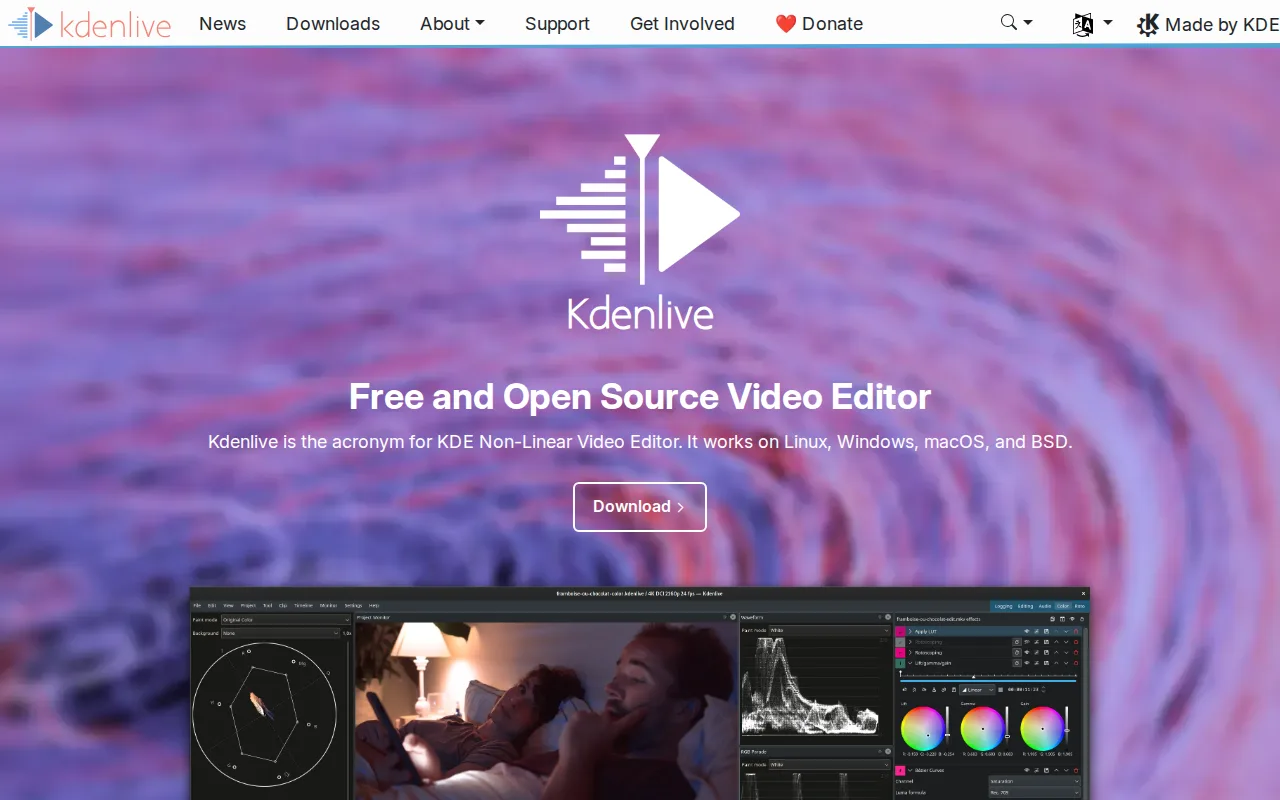
Kdenlive is the best Shotcut alternative for anyone who wants to stay entirely within free, open-source, GPL-licensed software, since Kdenlive is built by the KDE community under GPL-3.0, matching Shotcut's own GPLv3 license and $0 price exactly, with no paid tier, watermark, or export limit on either tool. Both run on Windows, macOS, and Linux, and both are funded through community donations rather than a commercial vendor. Kdenlive provides a full non-linear editing timeline with multi-track video and audio, keyframeable effects, and proxy editing for large 4K+ footage, a feature set comparable in scope to Shotcut's own FFmpeg-based toolset. Neither Kdenlive nor Shotcut has a substantial external rating on record: Kdenlive has none in our listing data, and Shotcut has only a single Product Hunt review at 4/5. Shotcut is still the better choice for anyone who specifically wants native FFmpeg integration that supports hundreds of formats directly on the timeline without a separate proxy step, and Blackmagic Design SDI/HDMI output for professional external monitoring, a hardware integration Kdenlive's MLT-framework-based architecture does not specifically advertise.
Compared to Shotcut: same GPL-3.0 open-source license and $0 price, built by the KDE community, but no Blackmagic Design SDI/HDMI output for external monitoring
Wins:Same GPL-3.0 open-source license as Shotcut, with full source code available on GitHub under the KDE project · Proxy editing for large 4K+ footage is a standard part of the workflow, useful for lower-powered hardware · Backed by the broader KDE Frameworks 6 ecosystem and community, a larger contributor base than Shotcut's Meltytech maintainership
Loses:No native FFmpeg-based format support advertised to the same degree as Shotcut's hundreds-of-formats, no-conversion-step timeline editing · No Blackmagic Design SDI/HDMI output for professional external monitoring, a feature Shotcut includes · No external ratings on record in our listing data, similar to Shotcut's own thin single-review sample
Pros
- Completely free and open source with no paid tier, watermark, or export limit.
- Cross-platform on Linux, Windows, and macOS with active KDE community development.
- Full non-linear editing feature set: multi-track timeline, keyframeable effects, color grading, proxy editing for 4K+ footage.
- Source code is public on GitHub under GPL-3.0, so the project can't disappear behind a licensing change.
Cons
- Interface and stability lag behind paid NLEs like Adobe Premiere Pro and DaVinci Resolve, especially on large or complex projects.
- No official paid support; help comes from documentation, community forums, and Matrix chat.
- Fewer built-in stock media, motion graphics templates, and AI tools than commercial competitors.
- Steeper learning curve for users coming from simplified consumer editors like CapCut.
Pricing: Free — Both completely free under GPL-3.0/GPLv3 with no paid tier of any kind (verified )
3Adobe Premiere Pro — best Shotcut alternative for professional video editors and filmmakers who need frame-accurate multi-track editing, broadcast color grading, and Frame.io review workflows
Adobe Premiere Pro is the best Shotcut alternative for professional editors who need AI-assisted rough cuts and industry-standard finishing tools, since Premiere Pro's text-based editing and Media Intelligence let editors search and cut footage by transcript or spoken content, a capability well beyond Shotcut's manual timeline editing. Premiere Pro holds a 4.7/5 rating from 573 Capterra reviews, far more documented feedback than Shotcut's single Product Hunt review. Premiere Pro's single-app plan starts at $22.99/month billed annually, a recurring cost against Shotcut's $0 price with no subscription at all. Premiere Pro's Generative Extend adds frames or ambient sound to a clip using AI, and its Frame.io integration streamlines client review directly from the timeline, tools aimed at professional post-production workflows Shotcut's volunteer-maintained project doesn't build toward. Shotcut is still the better choice for anyone who wants a genuinely free editor with no ongoing cost: Premiere Pro has no perpetual license option, so access ends when the subscription lapses, and cancelling an annual-billed-monthly plan within the first year can trigger an early termination fee, a cost structure Shotcut's no-subscription model avoids entirely.
Compared to Shotcut: text-based editing and AI-generated Generative Extend, Frame.io review integration, but $22.99/month vs Shotcut's $0 with no subscription
Wins:Text-based editing and Media Intelligence let editors search and cut footage by transcript or spoken content · 4.7/5 rating from 573 Capterra reviews, far more documented feedback than Shotcut's single Product Hunt review · Frame.io integration streamlines client review and approval directly from the timeline
Loses:$22.99/month recurring subscription with no perpetual license, versus Shotcut's $0 price and no subscription at all · Cancelling an annual-billed-monthly plan within the first year can trigger an early termination fee · Demanding on CPU/GPU, especially with multi-cam or high-resolution footage, more than Shotcut's lighter footprint
Pros
- Multi-track timeline and Color Mode grading tools built for professional finishing work.
- Text-based editing and Media Intelligence speed up rough cuts by searching footage like a transcript.
- Frame.io integration streamlines client review and approval directly from the timeline.
- Tight integration with After Effects and Audition for motion graphics and audio finishing.
Cons
- Steep learning curve; overkill for short-form social content compared to template-driven editors.
- Demanding on CPU/GPU, especially with multi-cam or high-resolution footage.
- Subscription-only, and cancelling an annual-billed-monthly plan within the first year can trigger an early termination fee.
- No perpetual license option for editors who prefer a one-time purchase.
Pricing: Free tier · paid from $22.99/mo — $22.99/month single-app plan vs Shotcut's $0 with no paid tier of any kind (verified )
4CapCut — best Shotcut alternative for social media creators and marketers making short-form video for TikTok, Reels, and YouTube Shorts who want templates and AI tools over a professional timeline
CapCut is the best Shotcut alternative for creators making short-form content for TikTok, Reels, or YouTube Shorts, since CapCut's large, constantly refreshed library of trending templates and transitions plus built-in auto-captioning and AI voiceover let creators match a viral format in minutes, a workflow Shotcut's general-purpose timeline editor doesn't specifically build toward. CapCut's free plan covers a full multi-track editing toolkit and 1080p export at $0, matching Shotcut's own free price, though Pro-marked templates export with a watermark unless upgraded. CapCut is available on web, Windows, macOS, iOS, and Android, with projects syncing across devices, a mobile-first reach Shotcut's desktop-only app does not have. Shotcut is still the clearly better choice for anyone concerned about billing trust or who wants professional-grade, non-template editing: CapCut carries a 1.2/5 TrustScore on Trustpilot driven by billing and subscription-cancellation complaints, a trust issue Shotcut's donation-funded, no-subscription model does not carry at all, and CapCut's 4K export and full AI toolkit require the $19.99/month Pro plan, a recurring cost Shotcut never charges.
Compared to Shotcut: trending templates, auto-captioning, and mobile apps for short-form content, but a 1.2/5 Trustpilot TrustScore and $19.99/month Pro plan for 4K export
Wins:Large, constantly refreshed template and transition library tuned specifically for social platforms · Built-in auto-captioning and AI voiceover save editing time for solo short-form creators · Available on web, Windows, macOS, iOS, and Android with projects syncing across devices, unlike Shotcut's desktop-only app
Loses:1.2/5 Trustpilot TrustScore driven by widespread billing and cancellation complaints, a trust issue Shotcut's donation-funded, no-subscription model doesn't carry · 4K export and the full AI toolkit require the $19.99/month Pro plan, a recurring cost Shotcut never charges · Pro-marked templates and effects export with a watermark unless subscribed, unlike Shotcut's no-watermark, fully free model
Pros
- Free tier covers a genuinely usable multi-track editor, not just a stripped-down demo.
- Large, constantly refreshed template and effects library tuned for social platforms.
- Auto-captioning and AI voiceover save real editing time for solo creators.
- Available on desktop, web, and mobile with projects that sync across devices.
Cons
- 1.2/5 Trustpilot TrustScore reflects widespread billing and cancellation complaints.
- Templates and effects marked Pro export with a watermark unless subscribed.
- 4K export and the full AI toolkit require the Pro plan, not just Standard.
- Pricing varies by platform and region, and buying through the iOS App Store can cost more than through CapCut's own site.
Pricing: Free tier · paid from $9.99/mo — Free tier available; Pro (4K export, full AI toolkit) costs $19.99/month vs Shotcut's $0 with no paid tier of any kind (verified )
5Filmora — best Shotcut alternative for social media creators and small business marketers who want AI-assisted video editing without the learning curve of Premiere Pro or DaVinci Resolve
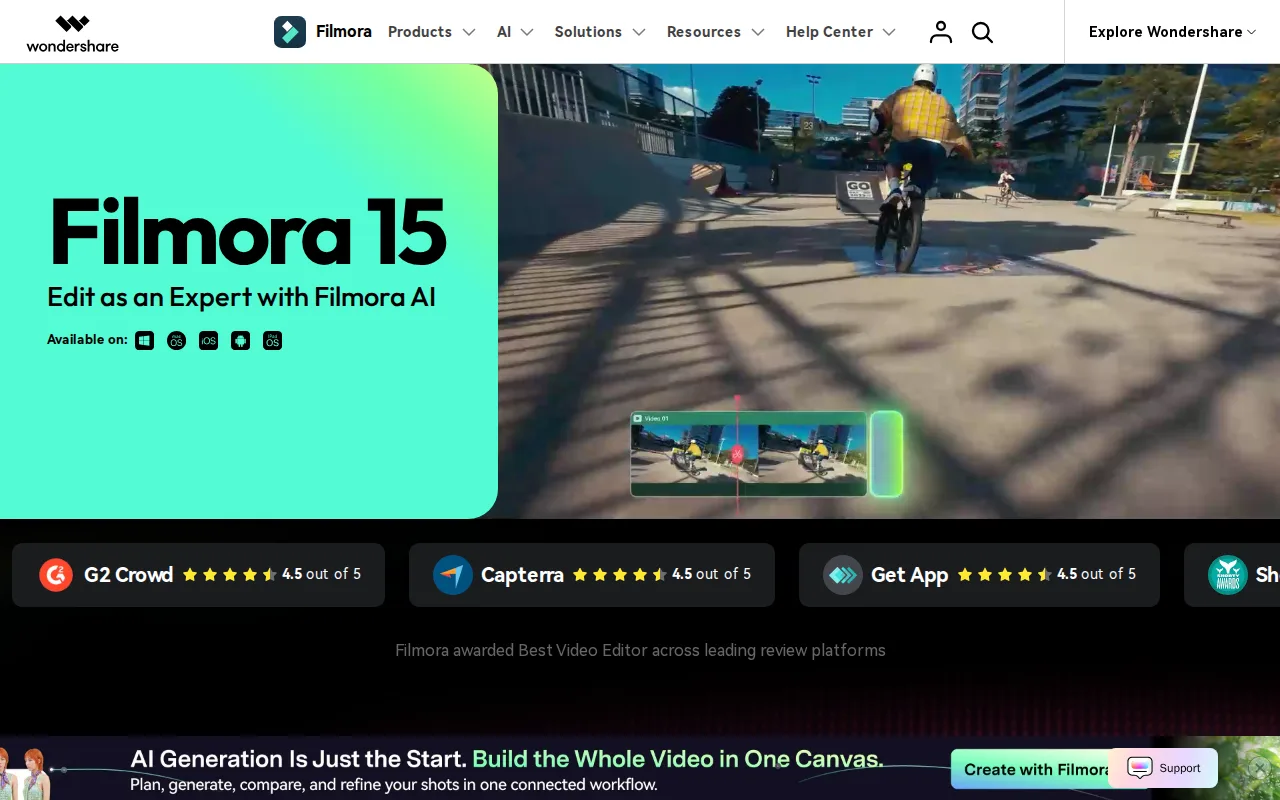
Filmora is the best Shotcut alternative for beginners who want AI-assisted editing without Shotcut's more manual, FFmpeg-based workflow, since Filmora's AI text-to-video generation and automatic dynamic captions let creators produce short-form content faster than manually cutting and captioning on Shotcut's timeline. Filmora's free version includes all core editing features at $0, matching Shotcut's own free price, though exports carry a watermark unless upgraded, unlike Shotcut's no-watermark model. Filmora holds a 4.5/5 rating from 736 Capterra reviews, far more documented feedback than Shotcut's single Product Hunt review. Filmora's Basic plan costs $49.99/year (about $4.17/month), and a separate perpetual license option is available from $79.99 for users who want to avoid a subscription, similar in spirit to Shotcut's no-subscription model though not free. Shotcut is still the better choice for anyone who wants professional-grade color tools with no watermark and no cost at any tier: Filmora's pricing structure across subscriptions, perpetual licenses, and AI credits is confusing, a recurring complaint in user reviews, and it lacks the advanced color grading and motion tracking depth of dedicated professional editors.
Compared to Shotcut: AI text-to-video generation and dynamic captions for beginners, far more Capterra reviews, but a watermarked free tier and confusing subscription-vs-perpetual pricing
Wins:AI text-to-video generation and automatic dynamic captions speed up short-form content creation for beginners · 4.5/5 rating from 736 Capterra reviews, far more documented feedback than Shotcut's single Product Hunt review · 2.9 million-item asset library of templates, effects, and stock music on paid plans
Loses:Free version watermarks every exported video, unlike Shotcut's no-watermark, fully free model · Pricing structure across annual subscriptions, perpetual licenses, and AI credits is confusing, a recurring user complaint · Lacks the advanced color grading and motion tracking depth of dedicated professional editors like DaVinci Resolve
Pros
- Free version includes all core editing tools, not just a crippled demo.
- AI text-to-video and dynamic captions speed up short-form content creation.
- Available across Windows, Mac, iOS, and Android for mobile and desktop editing.
- 2.9 million-item asset library of templates, effects, and stock music on paid plans.
Cons
- Pricing structure across subscriptions, perpetual licenses, and AI credits is confusing, a recurring complaint in user reviews.
- Free version watermarks every exported video.
- Perpetual license is platform-specific (separate Windows and Mac purchases) and doesn't include future major-version upgrades.
- Lacks the advanced color grading and motion tracking depth professional editors get from DaVinci Resolve or Premiere Pro.
Pricing: Free tier · paid from $49.99/yr — Free (watermarked) or Basic $49.99/year vs Shotcut's $0 with no watermark and no paid tier at all (verified )