6 Best Alternatives to Runway for Web in 2026
By Noahlast updated pricing verified
Compared: Runway alternatives that run on Web
| Alternative | Best for | Learning curve | Price |
|---|---|---|---|
| Runwayreference | generating short text-to-video and image-to-video clips for ads, social posts and concept work, with Gen-4.5 and third-party video models in one credit-based workspace | Moderate | Free tier · paid from $12/mo |
| Krea | creative teams and brands that need real-time AI image and video generation with style presets and custom model fine-tuning, rather than a single-prompt generator | Low | Free tier · paid from $9/mo |
| Leonardo AI | game artists and concept artists who need multiple fine-tuned AI models plus in-app editing (inpainting, upscaling) rather than a single-model prompt-only workflow | Moderate | Free |
| Adobe Firefly | designers and marketing teams already in the Adobe ecosystem who need commercially licensed generative AI (image, video, audio) integrated directly into Photoshop and Express | Low | Free tier · paid from $9.99/mo |
| Midjourney | designers, illustrators, and marketers who want stylized, painterly AI-generated imagery for concept art and creative content rather than strictly photorealistic output | Moderate | From $10/mo |
| Stable Diffusion | developers and enterprises wanting a self-hostable, fine-tunable image generation model that's free under the Community License for small-scale or non-commercial use, rather than a closed API-only image generator | Steep | Free |
| ComfyUI | visual professionals in VFX, animation, and advertising who need node-level control over Stable Diffusion and other AI generation pipelines rather than a fixed prompt box | Steep | Free tier · paid from $16/mo |
 Runway
 Krea
 Leonardo AI
 Adobe Firefly
 Midjourney
 Stable Diffusion
 ComfyUI
1Krea — best Runway alternative for creative teams and brands that need real-time AI image and video generation with style presets and custom model fine-tuning, rather than a single-prompt generator
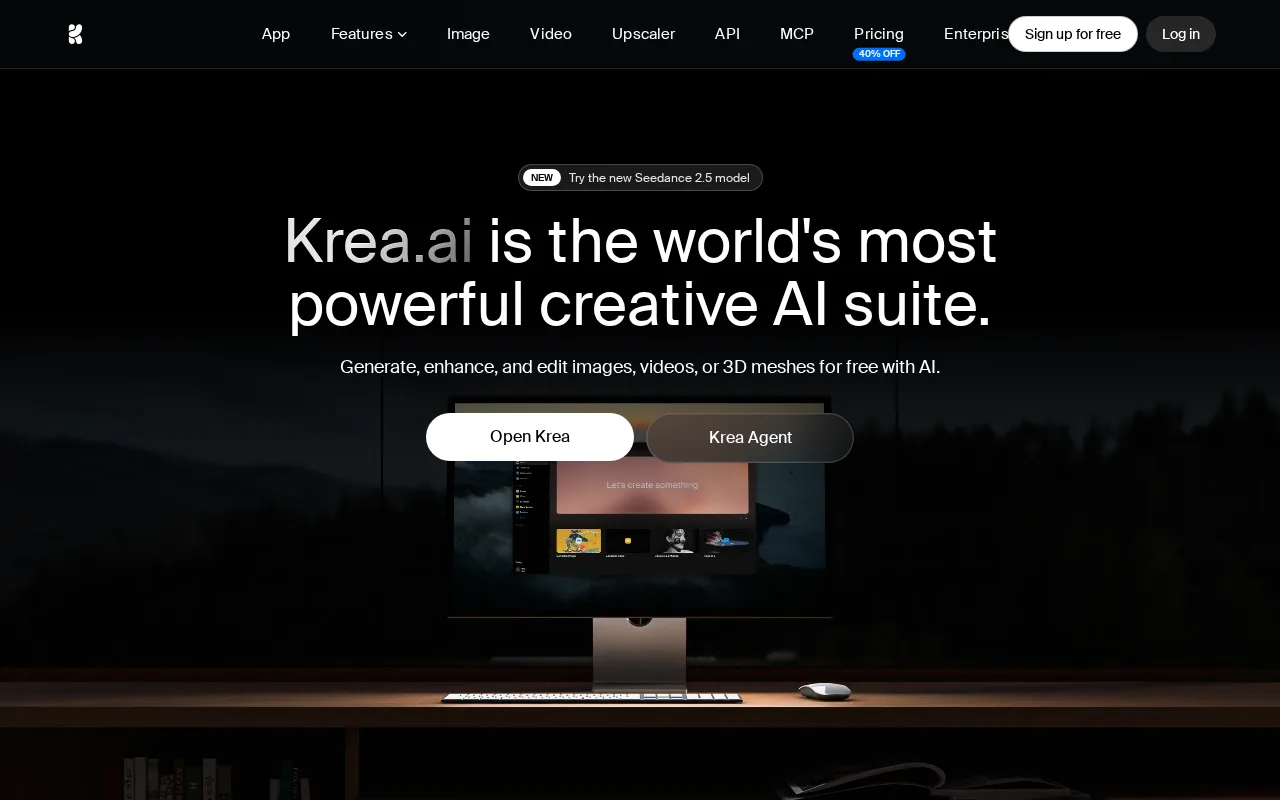
Krea is the best RunwayML alternative for creative teams that iterate visually and want image, video, and 3D generation on one platform. Krea's real-time image generation renders in under 50 milliseconds as a prompt or sketch changes, and Krea adds 1,000+ style presets, 3D asset generation, and LoRA fine-tuning for custom models, none of which RunwayML's listing mentions, plus upscaling to 22K resolution against RunwayML's 4K upscaling. Krea also generates video, including through ByteDance's Seedance 2.5 model. Krea's free plan refills 100 compute units every day, where RunwayML gives 125 credits once, and paid plans start at $9/month for 5,000 units against RunwayML Standard's $12/month billed annually, though the two vendors' units are not interchangeable. Krea rates its learning curve low against RunwayML's moderate, holds 4.2/5 from 13 Product Hunt reviews where RunwayML has no aggregate score, and names Nike, Samsung, Microsoft, and Amazon Studios as users. RunwayML is still the better choice for video-first work and mobile use. RunwayML's own Gen-4.5 video model, which it markets as leading on motion quality and prompt adherence, ProRes export and 16-bit HDR generation on Max, custom voices for lip sync on Pro, and the Runway Dev API have no equivalent in Krea's listing, and RunwayML ships iOS and Android apps where Krea is web-only.
Compared to RunwayML: real-time image generation in under 50 milliseconds plus 3D generation and LoRA fine-tuning, a free plan that refills 100 compute units daily where RunwayML gives 125 credits once, web-only with no in-house video model to match RunwayML's Gen-4.5
Wins:Real-time image generation in under 50 milliseconds, 1,000+ style presets, 3D asset generation, and LoRA fine-tuning, none of which RunwayML's listing mentions · Free plan refills 100 compute units every day, where RunwayML's free plan gives 125 credits once, and Basic starts at $9/month against RunwayML Standard's $12/month billed annually · Upscaling to 22K resolution against RunwayML's 4K upscaling, a low learning curve against RunwayML's moderate, and 4.2/5 from 13 Product Hunt reviews where RunwayML has no aggregate score
Loses:No in-house video model to match RunwayML's Gen-4.5, which RunwayML markets as leading on motion quality and prompt adherence; Krea's video generation includes access to ByteDance's Seedance 2.5 · Web-only with no desktop or mobile app, where RunwayML ships iOS and Android apps · Listing mentions no ProRes export, HDR generation, credit rollover, lip-sync voices, or developer API, all offered by RunwayML
Pros
- Real-time generation (under 50ms) provides immediate visual feedback while adjusting a prompt.
- Single platform covers image, video, and 3D generation plus upscaling to 22K resolution.
- LoRA fine-tuning lets users train custom style or subject models.
- Used in production by named enterprise brands including Nike, Samsung, Microsoft, and Amazon Studios.
Cons
- Compute-unit pricing is harder to budget against than a flat subscription, since video and upscaling consume units faster than standard image generation.
- Free plan is capped at 100 units per day, thin for anything beyond casual testing.
- Web-only, with no desktop or mobile app.
- Product Hunt review volume (13 reviews, 4.2/5) is limited relative to larger AI image competitors.
Pricing: Free tier · paid from $9/mo — $9/month for 5,000 compute units (Krea Basic) vs $12/month billed annually for 625 credits (RunwayML Standard); the two vendors' units are not interchangeable (verified )
2Leonardo AI — best Runway alternative for game artists and concept artists who need multiple fine-tuned AI models plus in-app editing (inpainting, upscaling) rather than a single-model prompt-only workflow
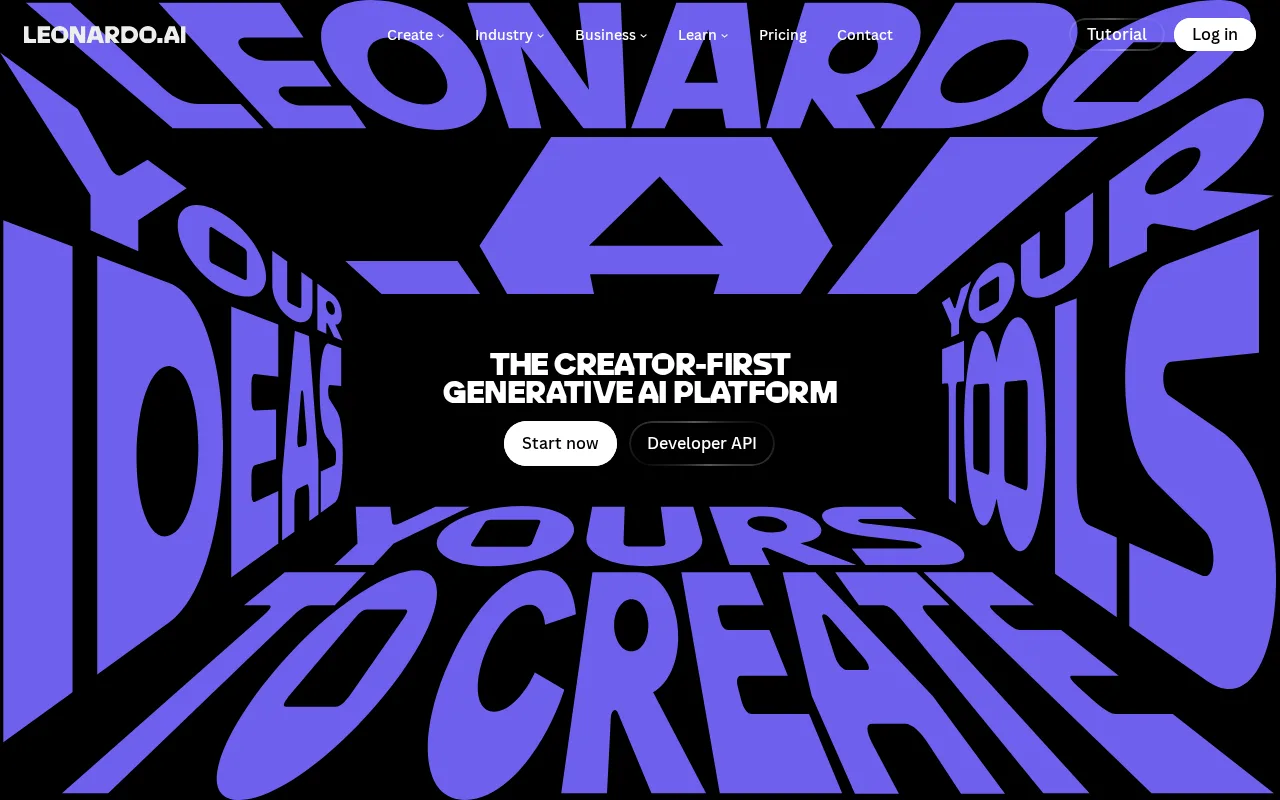
Leonardo AI is the best RunwayML alternative for game artists, concept artists, and marketers whose work is mostly still images that need a consistent style. Instead of one house model, Leonardo AI offers a library of fine-tuned models, including its own Phoenix and Lucid families and community-trained checkpoints for game assets, product shots, and character art, plus a real-time canvas for inpainting, outpainting, background removal, and upscaling, so an image can be refined after generation rather than re-prompted. Leonardo AI's free tier refills a limited token allowance daily, where RunwayML's free plan is 125 one-time credits, and Leonardo AI has run with Canva's backing since the 2024 acquisition. Its only rating on record is 5/5 from 4 Product Hunt reviews, where RunwayML has no aggregate score. RunwayML is still the better choice for video and for anyone who needs to know the price before signing up. Leonardo AI's paid tier names and dollar prices could not be verified because its site blocked automated fetches, so no paid price is published here, while RunwayML's $12, $28, and $76/month plans, all billed annually, were verified on September 14, 2026. Leonardo AI is browser-only, where RunwayML has iOS and Android apps, its listing describes short-form video rather than a flagship model like Gen-4.5, model quality varies across checkpoints, and heavy editing burns through tokens quickly.
Compared to RunwayML: a library of fine-tuned and community models instead of one house model, a canvas editor for inpainting, outpainting, background removal, and upscaling, paid prices that could not be verified where RunwayML's plans were verified at $12 to $76/month billed annually
Wins:Library of fine-tuned models, including Phoenix, Lucid, and community checkpoints for game assets, product shots, and character art, where RunwayML centers on its own Gen-4.5 model · Real-time canvas supports inpainting, outpainting, background removal, and upscaling, so images are refined after generation instead of re-prompted · Free tier refills a limited token allowance daily, where RunwayML's free plan is 125 one-time credits
Loses:Paid tier names and dollar prices could not be verified because leonardo.ai blocked automated fetches, while RunwayML's plans were verified on September 14, 2026 · Browser-only with no desktop or mobile app, where RunwayML ships iOS and Android apps · Listing describes short-form video rather than a flagship video model like Gen-4.5, model quality varies across checkpoints, and only 4 Product Hunt reviews back its 5/5 rating
Pros
- Wide selection of fine-tuned and community models instead of being locked to one house style.
- Built-in canvas editor supports inpainting, outpainting, and upscaling without leaving the app.
- Free tier lets new users test multiple models before committing to a paid plan.
- Backed by Canva's resources following the 2024 acquisition, which has expanded its creative-suite integrations.
Cons
- Token-based credit system means heavy generation and editing use can exhaust a monthly plan quickly.
- Model quality and prompt behavior vary across the many available checkpoints, requiring experimentation to find a reliable one.
- No native desktop or mobile app; browser-only workflow.
- Current pricing was not independently verifiable because leonardo.ai blocked automated page fetches.
Pricing: Free
3Adobe Firefly — best Runway alternative for designers and marketing teams already in the Adobe ecosystem who need commercially licensed generative AI (image, video, audio) integrated directly into Photoshop and Express
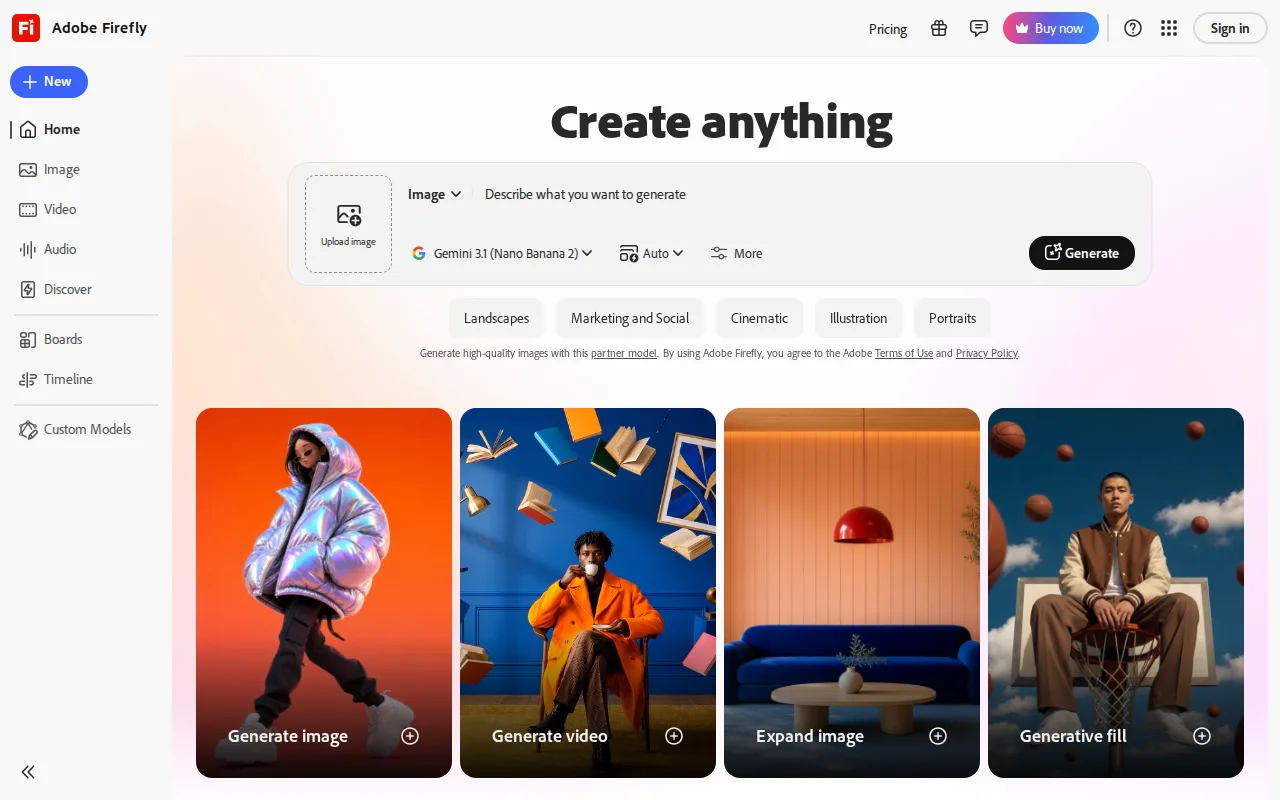
Adobe Firefly is the best RunwayML alternative for designers and marketing teams who already work in Photoshop and Adobe Express and need output they can use commercially without legal doubt. Adobe trains its own Firefly models on licensed Adobe Stock, openly licensed, and public-domain content and backs enterprise customers with IP indemnification, a commitment RunwayML's listing does not make. Firefly is also a multi-model hub: one credit pool covers 30+ models, including Google's Veo and Kling for video, and Firefly is built into Photoshop's Generative Fill and Generative Expand. The free plan refills limited daily generations across image, video, and audio, where RunwayML gives 125 credits once, and Firefly Standard costs $9.99/month for 2,000 credits with Adobe Express Premium included, against RunwayML Standard's $12/month billed annually. Firefly runs on web, Windows, macOS, iOS, and Android, rates its learning curve low against RunwayML's moderate, and holds 4.5/5 from 19 Capterra reviews. RunwayML is still the better choice for heavy video users. Firefly's credits burn far faster on video than on images, and unlimited generation on models like Veo 3.1 Fast and Kling 3.0 requires Premium at $199.99/month, while RunwayML Max costs $76/month billed annually and adds ProRes export and 16-bit HDR. Firefly's own image model has lagged Midjourney in independent comparisons, and its listing mentions no developer API like Runway Dev.
Compared to RunwayML: models trained on licensed Adobe Stock and public-domain content with IP indemnification for enterprise customers, 30+ models including Veo and Kling in one credit pool built into Photoshop and Adobe Express, unlimited generation on top video models only on the $199.99/month Premium plan against RunwayML Max at $76/month billed annually
Wins:Own models trained on licensed Adobe Stock, openly licensed, and public-domain content, with IP indemnification for enterprise customers · One credit pool covers 30+ models, including Veo and Kling for video, and Firefly is built into Photoshop's Generative Fill and Generative Expand and Adobe Express · Free generations refill daily, Standard costs $9.99/month against RunwayML Standard's $12/month billed annually, and apps cover web, Windows, macOS, iOS, and Android
Loses:Video burns credits far faster than images, and unlimited generation on Veo 3.1 Fast and Kling 3.0 requires Premium at $199.99/month, against RunwayML Max at $76/month billed annually · Firefly's own image model has lagged Midjourney and some third-party models in independent comparisons, and full value assumes an Adobe subscription relationship · Listing mentions no developer API like Runway Dev and no ProRes export or HDR generation like RunwayML's Max plan
Pros
- Trained on licensed Adobe Stock and public-domain content, with IP indemnification for enterprise use.
- Access to 30+ models, including third-party video models like Veo and Kling, in one interface.
- Deep integration with Photoshop (Generative Fill/Expand) and Adobe Express.
- Free tier available for testing before committing to a paid plan.
Cons
- Generative credits are consumed unevenly across image, video, and audio, making monthly cost hard to predict.
- Premium tier needed for unlimited access to the newest video models, at $199.99/month before discounts.
- Output quality on Firefly's own image model has lagged behind Midjourney and some third-party models in independent comparisons.
- Full value requires an existing or new Adobe subscription relationship, adding friction for non-Adobe users.
Pricing: Free tier · paid from $9.99/mo — $9.99/month Firefly Standard vs $12/month billed annually for RunwayML Standard; $199.99/month Firefly Premium vs $76/month billed annually for RunwayML Max (verified )
4Midjourney — best Runway alternative for designers, illustrators, and marketers who want stylized, painterly AI-generated imagery for concept art and creative content rather than strictly photorealistic output
Midjourney is the best RunwayML alternative for designers, illustrators, and marketers who mainly use RunwayML for images and want a recognizable artistic look. Midjourney's house style of cinematic lighting, painterly textures, and strong composition is something many users seek out, and every paid plan includes commercial usage rights, with users owning the images they generate. Usage is metered in fast GPU hours rather than credits: Basic at $10/month includes 3.3 hours, and Standard at $30/month adds unlimited relaxed-speed generation on top of 15 fast hours, so generation continues at relaxed speed after the fast hours are spent, where RunwayML's credits simply deplete. Extra fast hours cost $4 each and never expire, and Midjourney holds 4.7/5 from 81 Product Hunt reviews, the largest review base on this page, where RunwayML shows zero Product Hunt reviews. RunwayML is still the better choice for anything involving video, which Midjourney's listing does not describe, and for trying before buying. Midjourney has no free tier or trial, where RunwayML gives 125 free credits, and refunds apply only under 20 minutes of lifetime GPU usage. Access runs through Discord or a web app, where RunwayML adds iOS and Android apps and the Runway Dev API, reviewers report slow customer support, and Midjourney's prices carry no verification date.
Compared to RunwayML: a distinctive painterly house style with commercial rights on every paid plan, unlimited relaxed-speed generation from the $30/month Standard plan where RunwayML caps usage by credits, no free tier and no video generation where RunwayML offers 125 free credits and its Gen-4.5 video model
Wins:Distinctive painterly house style with strong compositional coherence, and commercial usage rights with image ownership on every paid plan · Standard at $30/month includes unlimited relaxed-speed generation on top of 15 fast GPU hours, and extra fast hours at $4 each never expire, where RunwayML rolls credits over for one month only on Max · 4.7/5 from 81 Product Hunt reviews, the largest review base on this page, where RunwayML shows zero Product Hunt reviews
Loses:Listing describes image generation only, with no video generation to match RunwayML's Gen-4.5 model · No free tier or trial, where RunwayML gives 125 free credits, and refunds apply only under 20 minutes of lifetime GPU usage · Access is through Discord or a web app only, with no mobile app or developer API, reviewers report slow support, and prices carry no verification date
Pros
- Produces distinctive, high-quality stylized imagery frequently cited as best-in-class for artistic output.
- All paid plans include general commercial usage rights, with users owning generated images.
- Four tiers scale fast-GPU-hour allotments from casual (3.3 hrs) to heavy production use (60 hrs).
- Extra fast-GPU hours ($4 each) don't expire once purchased.
Cons
- No free tier or trial; new users must pay before testing the product.
- Refund eligibility requires under 20 minutes of lifetime GPU usage, not monthly usage, which surprises users.
- Access is prompt-based via Discord or the web app rather than a conventional app interface.
- Reviewers report weak, slow customer support responsiveness.
Pricing: From $10/mo — $10/month Basic (about $8/month billed annually) vs $12/month billed annually for RunwayML Standard
5Stable Diffusion — best Runway alternative for developers and enterprises wanting a self-hostable, fine-tunable image generation model that's free under the Community License for small-scale or non-commercial use, rather than a closed API-only image generator
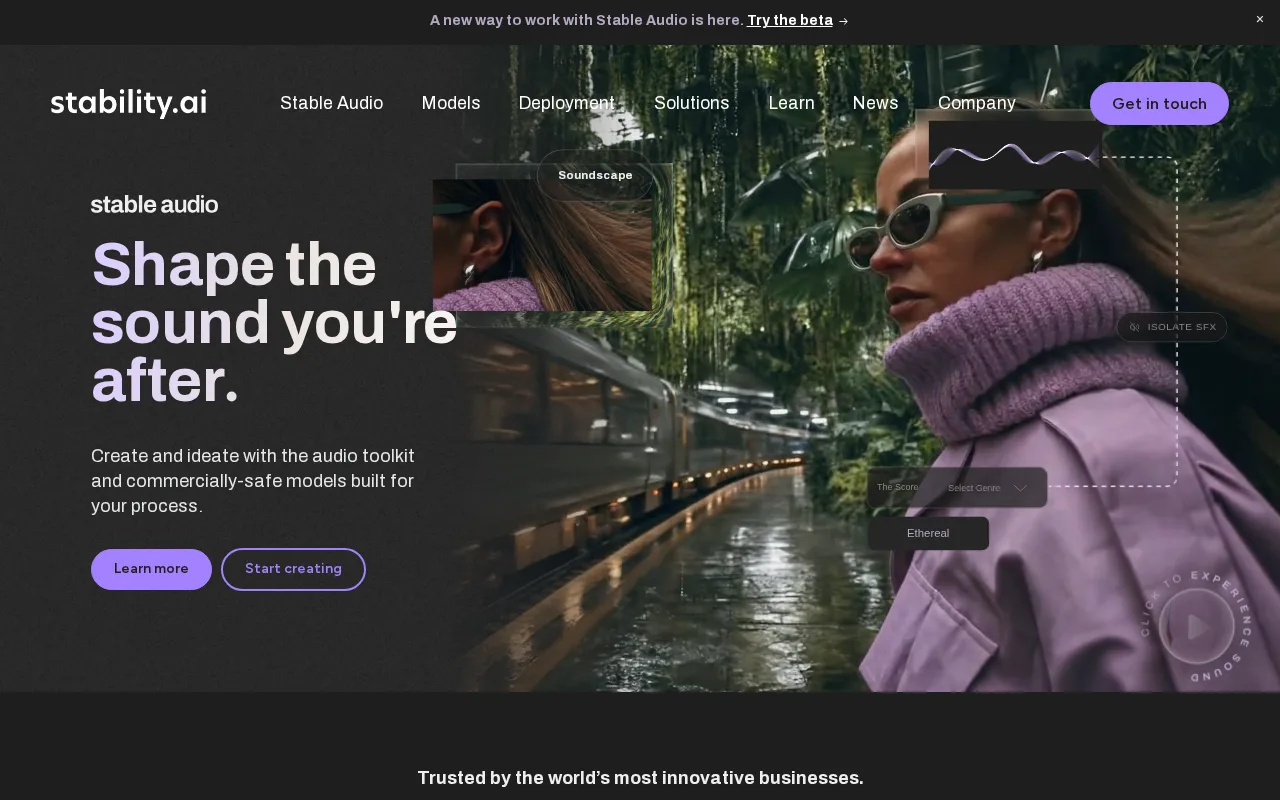
Stable Diffusion is the best RunwayML alternative for developers and companies that want to run and fine-tune an image model on their own hardware instead of renting credits. Stability AI ships Stable Diffusion as open model weights that can be downloaded, self-hosted, and fine-tuned, free under the Community License for individuals, non-commercial use, and organizations under $1M in annual revenue, where every RunwayML plan meters generation by credits. Stable Diffusion runs on Windows, macOS, and Linux, and teams that do not want to manage GPUs can use Stability AI's pay-as-you-go Platform API or its Brand Studio app instead. Named customers include Electronic Arts, HubSpot, Mercado Libre, UMG, and Warner Music Group, and Stability AI holds 5/5 from 9 Product Hunt reviews. RunwayML is still the better choice for anyone without ML infrastructure and for video. Stable Diffusion's learning curve is rated steep against RunwayML's moderate, because self-hosting requires GPU infrastructure and ML tooling knowledge, and Stable Diffusion is a text-to-image model family, with Stability AI's video models released separately, where RunwayML's Gen-4.5 generates video in the browser and on iOS and Android. Organizations above $1M in revenue need a separately negotiated Enterprise License, and Platform API pricing is neither transparently published nor verified, where RunwayML's plans start at a verified $12/month billed annually.
Compared to RunwayML: open model weights that can be downloaded, self-hosted, and fine-tuned, free under the Community License below $1M in annual revenue where RunwayML meters every plan by credits, a steep learning curve that requires GPU infrastructure against RunwayML's browser and mobile apps
Wins:Open model weights can be downloaded, self-hosted, and fine-tuned, where RunwayML is used through its browser editor, mobile apps, and API · Free under the Community License for individuals, non-commercial use, and organizations under $1M in annual revenue, with no per-generation credits when self-hosted · Runs on Windows, macOS, and Linux, with a pay-as-you-go Platform API and a Brand Studio app for teams that do not want to run GPUs
Loses:Steep learning curve against RunwayML's moderate, since self-hosting and fine-tuning require GPU infrastructure and ML tooling knowledge · A text-to-image model family, with Stability AI's video models released separately, where RunwayML centers on Gen-4.5 video generation · Organizations above $1M in annual revenue need a negotiated Enterprise License, and Platform API pricing is neither transparently published nor verified
Pros
- Open model weights can be downloaded, self-hosted, and fine-tuned rather than accessed only through a closed API.
- Free under the Community License for individuals, non-commercial use, and organizations under $1M in annual revenue.
- Platform API and Brand Studio offer a managed path for teams that don't want to run their own GPU infrastructure.
- Named enterprise customers (Electronic Arts, HubSpot, UMG, Warner Music Group) demonstrate production-scale use.
Cons
- Self-hosting and fine-tuning require GPU infrastructure and ML tooling knowledge, a steep learning curve versus closed API tools.
- Community License free tier ends at $1M in annual revenue, after which pricing requires a sales conversation.
- Per-image Platform API and Brand Studio pricing isn't transparently published on the marketing site.
Pricing: Free — Free to self-host under the Community License (below $1M annual revenue) vs RunwayML Standard at $12/month billed annually
6ComfyUI — best Runway alternative for visual professionals in VFX, animation, and advertising who need node-level control over Stable Diffusion and other AI generation pipelines rather than a fixed prompt box
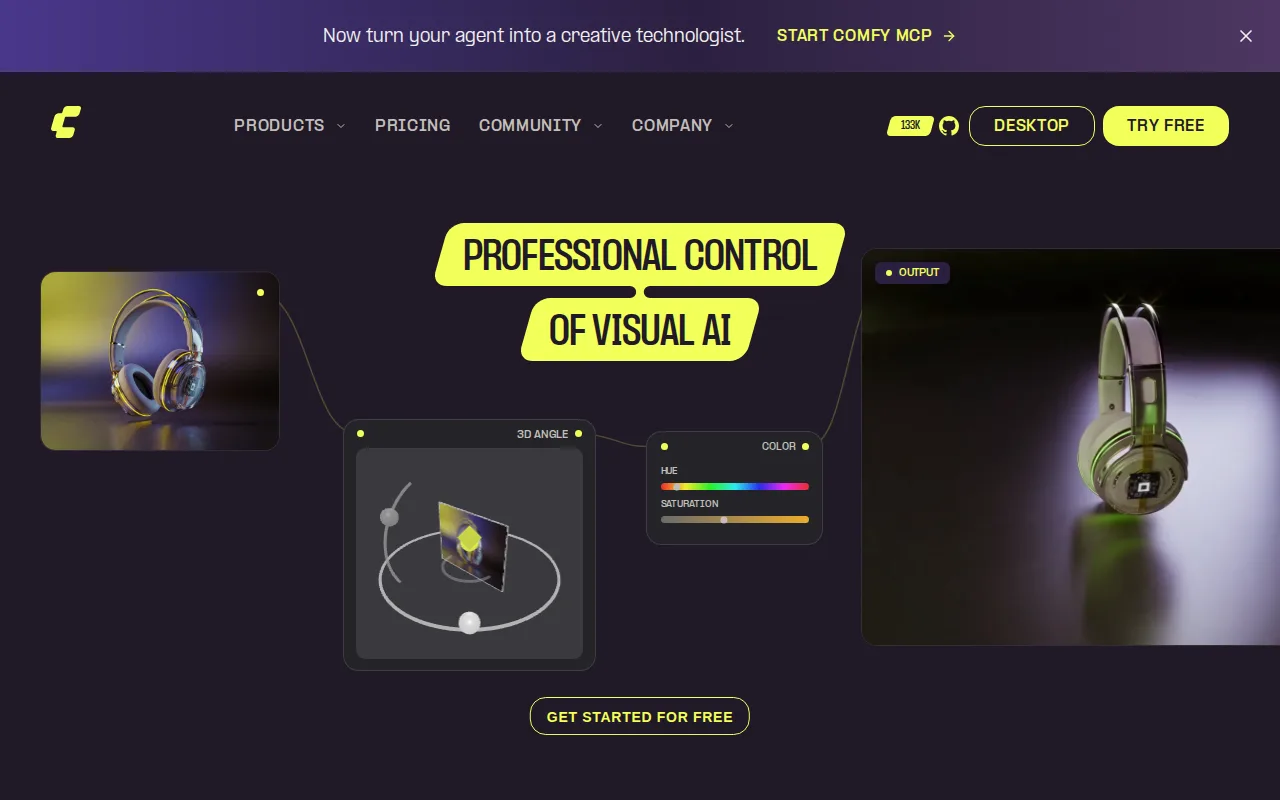
ComfyUI is the best RunwayML alternative for VFX, animation, advertising, and game professionals who need to see and adjust every step of a generation pipeline. ComfyUI replaces a prompt box with a node graph in which loading checkpoints, sampling, conditioning, and output are separate nodes that can be inspected and swapped, and it drives image, video, 3D, and audio pipelines. The desktop app is free and open source under GPL-3.0, runs on Windows, macOS, and Linux against the user's own GPU with no usage caps, and draws on 60,000+ community nodes and a GitHub repository past 128,000 stars. For users without a GPU, Comfy Cloud Standard costs $16/month billed annually for 4,200 credits, about 380 five-second videos, and Cloud Creator costs $28/month billed annually, the same as RunwayML Pro, for about 670 five-second videos plus custom models from CivitAI or Hugging Face. ComfyUI's pricing was verified on October 1, 2026. RunwayML is still the better choice for anyone who wants results without building a pipeline. ComfyUI's learning curve is rated steep against RunwayML's moderate, local use requires a capable GPU, Cloud Standard blocks custom model importing and caps workflows at 30 minutes, and ComfyUI has no iOS or Android app and no external rating on record. RunwayML's own Gen-4.5 model, ProRes export, and HDR generation also have no direct equivalent in ComfyUI's listing.
Compared to RunwayML: a node graph that exposes every pipeline step instead of a single prompt box, a free open-source GPL-3.0 desktop app with no usage caps on local hardware, a steep learning curve and a GPU requirement for local use against RunwayML's browser and mobile apps
Wins:Node graph exposes every checkpoint, sampling, and conditioning step, with 60,000+ community nodes and shareable workflow files · Free, open-source GPL-3.0 desktop app on Windows, macOS, and Linux with no usage caps on local hardware, where every RunwayML plan meters credits · Cloud Creator at $28/month billed annually matches RunwayML Pro's price and includes about 670 five-second videos a month plus custom models from CivitAI or Hugging Face
Loses:Steep learning curve against RunwayML's moderate, and local use requires a capable GPU · Cloud Standard ($16/month billed annually) blocks custom model importing and caps workflows at 30 minutes · No iOS or Android app, no external rating on record, and no in-house model like RunwayML's Gen-4.5
Pros
- Free, open-source desktop app with no usage caps when run on local hardware.
- Node-based workflow editor exposes every parameter instead of hiding pipeline steps behind a single prompt box.
- 60,000+ community nodes and shareable workflow files for reproducing complex pipelines.
- Supports custom model importing from CivitAI and Hugging Face on paid Cloud tiers.
Cons
- Steep learning curve for users coming from single-prompt tools like Midjourney or DALL-E.
- Local use requires a capable GPU; without one, users must pay for Comfy Cloud credits.
- Cloud Standard tier blocks custom model importing, forcing an upgrade to Creator for that workflow.
- Credit-based Cloud pricing is harder to predict than a flat monthly fee, especially for longer video generations.
Pricing: Free tier · paid from $16/mo — Free locally, or $28/month billed annually for Cloud Creator vs $28/month billed annually for RunwayML Pro (verified )