4 Best Alternatives to ComfyUI in 2026
By Noahlast updated pricing verified

From our data: 3 of ComfyUI's 4 listed alternatives (Leonardo AI, Stable Diffusion, RunwayML) ship a free tier, matching ComfyUI's own free desktop app and Cloud Free tier; Midjourney is the exception, with no free tier at all and a $10/month minimum to start.
 Midjourney
 Leonardo AI
 Stable Diffusion
 Runway
How we picked
- External review-platform ratings were compared where available: Midjourney's 4.7/5 from 81 Product Hunt reviews is the largest sample among ComfyUI's four listed alternatives, followed by Stable Diffusion's 5.0/5 from 9 and Leonardo AI's 5.0/5 from 4; RunwayML and ComfyUI itself both carry no external ratings on file in this listing.
- Pricing verification status varied sharply: RunwayML's pricing carries a recorded pricing-verification date from 2026-08-21, matching ComfyUI's own, while Midjourney and Stable Diffusion carry no recorded pricing-verification date, and Leonardo AI's exact paid-tier dollar prices could not be confirmed at all because leonardo.ai blocked automated fetches.
- Free-tier availability was checked against ComfyUI's own free desktop app and 5 free Cloud runs: Leonardo AI, Stable Diffusion, and RunwayML all ship a free tier, while Midjourney is the exception, with no free tier at all and a $10/month minimum to start.
- Learning curve was compared against ComfyUI's own steep, node-based interface: only Stable Diffusion shares that steep curve for self-hosting and fine-tuning, while Midjourney, Leonardo AI, and RunwayML are all rated moderate, prompt- or canvas-driven workflows.
Paid placement never alters editorial rank — read the full methodology.
ComfyUI alternatives at a glance
| Alternative | Best for | Learning curve | Price |
|---|---|---|---|
| ComfyUIreference | visual professionals in VFX, animation, and advertising who need node-level control over Stable Diffusion and other AI generation pipelines rather than a fixed prompt box | Steep | Free tier · paid from $16/mo |
| Midjourney | designers, illustrators, and marketers who want stylized, painterly AI-generated imagery for concept art and creative content rather than strictly photorealistic output | Moderate | From $10/mo |
| Leonardo AI | game artists and concept artists who need multiple fine-tuned AI models plus in-app editing (inpainting, upscaling) rather than a single-model prompt-only workflow | Moderate | Free |
| Stable Diffusion | developers and enterprises wanting a self-hostable, fine-tunable image generation model that's free under the Community License for small-scale or non-commercial use, rather than a closed API-only image generator | Steep | Free |
| Runway | generating short text-to-video and image-to-video clips for ads, social posts and concept work, with Gen-4.5 and third-party video models in one credit-based workspace | Moderate | Free tier · paid from $12/mo |
 ComfyUI
1Midjourney — best ComfyUI alternative for designers, illustrators, and marketers who want stylized, painterly AI-generated imagery for concept art and creative content rather than strictly photorealistic output
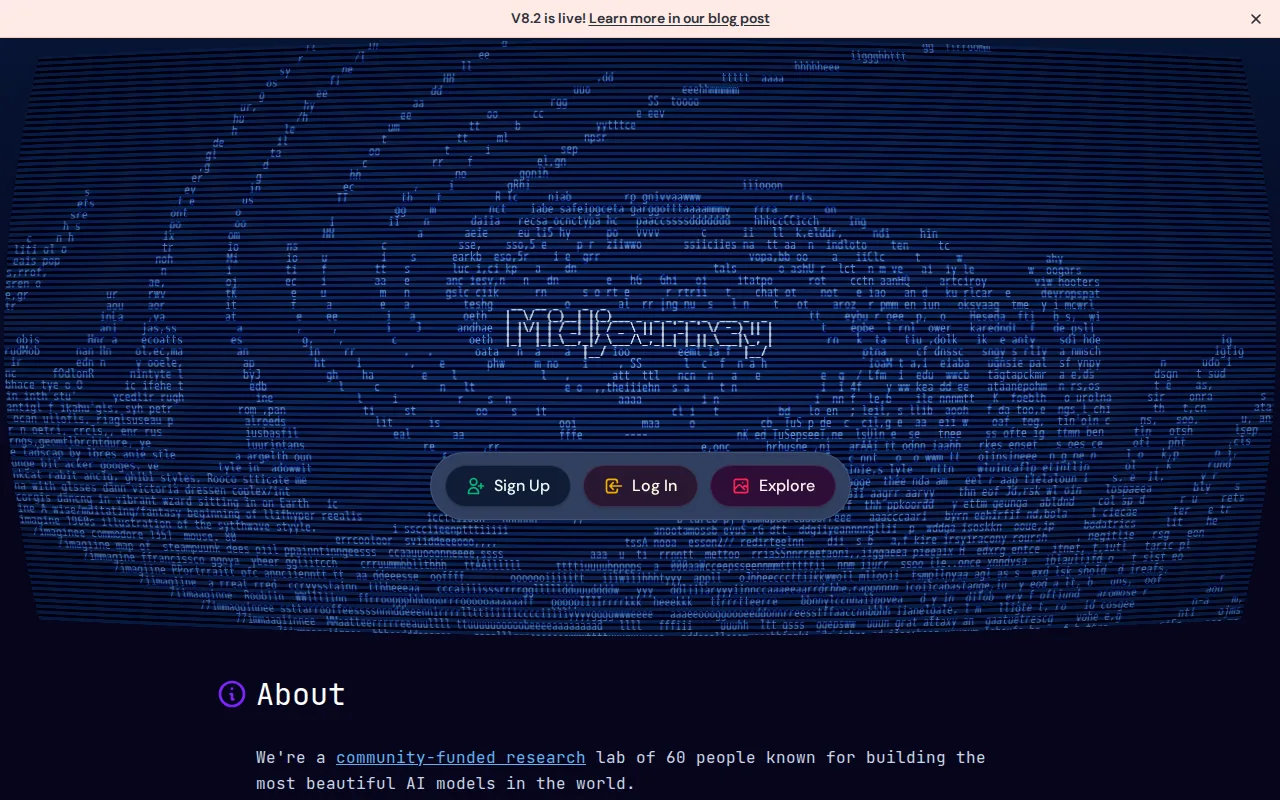
Midjourney is the best ComfyUI alternative for designers, illustrators, and marketers who want stylized, painterly AI imagery through a simple prompt interface instead of wiring together a node graph. Midjourney holds a 4.7/5 rating from 81 Product Hunt reviews, the largest review sample among ComfyUI's four listed alternatives, while ComfyUI itself carries no external ratings on file. Its distinctive house visual style, cinematic lighting, painterly textures, strong compositional coherence, is widely cited as recognizably different from more photorealistic generators, and every paid plan includes general commercial usage rights. Midjourney's moderate learning curve, prompt-based access via Discord or the web, is a shallower climb than ComfyUI's own steep, node-based interface. ComfyUI is still the better choice for visual professionals who need node-level control over every step of a pipeline and want to generate for free on their own hardware: Midjourney has no free tier at all, so evaluating it requires an immediate $10+/month commitment, refunds are only granted under 20 minutes of lifetime GPU usage, and there's no way to inspect or swap individual sampling, conditioning, or model nodes the way ComfyUI's visual editor exposes them.
Compared to ComfyUI: a 4.7/5 rating from 81 Product Hunt reviews vs no external ratings on file for ComfyUI, a distinctive painterly house style with commercial usage rights on every paid plan, and a moderate prompt-based learning curve instead of a steep node graph
Wins:4.7/5 rating from 81 Product Hunt reviews, the largest sample among ComfyUI's four listed alternatives, versus no external ratings on file for ComfyUI itself · Distinctive, painterly house visual style with strong compositional coherence and commercial usage rights included on every paid plan · Moderate, prompt-based learning curve via Discord or the web, shallower than ComfyUI's steep, node-based interface
Loses:No free tier at all; evaluating the product requires an immediate $10+/month commitment, unlike ComfyUI's free desktop app · Refunds are only granted under 20 minutes of lifetime GPU usage, not monthly usage, which reviewers say catches people off guard · No node-level control over individual sampling, conditioning, or model steps the way ComfyUI's visual editor exposes them
Pros
- Produces distinctive, high-quality stylized imagery frequently cited as best-in-class for artistic output.
- All paid plans include general commercial usage rights, with users owning generated images.
- Four tiers scale fast-GPU-hour allotments from casual (3.3 hrs) to heavy production use (60 hrs).
- Extra fast-GPU hours ($4 each) don't expire once purchased.
Cons
- No free tier or trial; new users must pay before testing the product.
- Refund eligibility requires under 20 minutes of lifetime GPU usage, not monthly usage, which surprises users.
- Access is prompt-based via Discord or the web app rather than a conventional app interface.
- Reviewers report weak, slow customer support responsiveness.
Pricing: From $10/mo — No free tier; $10-120/month across four tiers (Basic to Mega) vs ComfyUI's free desktop app or Cloud tiers starting at $16/month ($192/year annual)
2Leonardo AI — best ComfyUI alternative for game artists and concept artists who need multiple fine-tuned AI models plus in-app editing (inpainting, upscaling) rather than a single-model prompt-only workflow
Leonardo AI is the best ComfyUI alternative for game artists, marketers, and creators who want a library of fine-tuned image models, including its own Phoenix and Lucid families plus community-published checkpoints, selectable side by side with a built-in canvas for inpainting, outpainting, and upscaling, without wiring individual nodes together. It offers a free tier with a limited daily token allowance for testing multiple models before subscribing, and holds a 5.0/5 rating from 4 Product Hunt reviews, though that's a small sample. Leonardo AI was acquired by Canva in 2024 and continues to expand its creative-suite integrations. ComfyUI is still the better choice for users who want guaranteed free, uncapped local generation and transparent pricing: Leonardo's site blocked automated fetches during this research, so its current paid-tier dollar prices could not be independently verified, its token-based credit system is consumed quickly at higher resolutions or with iterative editing, and there's no native desktop or mobile app, browser-only, unlike ComfyUI's free local desktop app with no usage caps.
Compared to ComfyUI: a library of fine-tuned models selectable side by side, a built-in canvas editor for inpainting and upscaling without wiring nodes, and a free daily token tier for testing multiple models before subscribing
Wins:Library of fine-tuned models (Phoenix, Lucid, community checkpoints) selectable side by side instead of manually wiring model-loading nodes · Built-in canvas editor for inpainting, outpainting, background removal, and upscaling in the same workspace · Free tier with a limited daily token allowance for testing multiple models before subscribing
Loses:Exact paid-tier dollar pricing could not be independently verified because leonardo.ai blocked automated fetches · Token-based credit system is consumed quickly at higher resolutions or with iterative editing, unlike ComfyUI's uncapped local generation · No native desktop or mobile app; browser-only, unlike ComfyUI's free local desktop app
Pros
- Wide selection of fine-tuned and community models instead of being locked to one house style.
- Built-in canvas editor supports inpainting, outpainting, and upscaling without leaving the app.
- Free tier lets new users test multiple models before committing to a paid plan.
- Backed by Canva's resources following the 2024 acquisition, which has expanded its creative-suite integrations.
Cons
- Token-based credit system means heavy generation and editing use can exhaust a monthly plan quickly.
- Model quality and prompt behavior vary across the many available checkpoints, requiring experimentation to find a reliable one.
- No native desktop or mobile app; browser-only workflow.
- Current pricing was not independently verifiable because leonardo.ai blocked automated page fetches.
Pricing: Free — Free daily token tier vs ComfyUI's free desktop app and 5 free Cloud runs; Leonardo AI's paid-tier dollar prices are unverified due to blocked automated fetches, vs ComfyUI Cloud's verified $16-80/month tiers
3Stable Diffusion — best ComfyUI alternative for developers and enterprises wanting a self-hostable, fine-tunable image generation model that's free under the Community License for small-scale or non-commercial use, rather than a closed API-only image generator
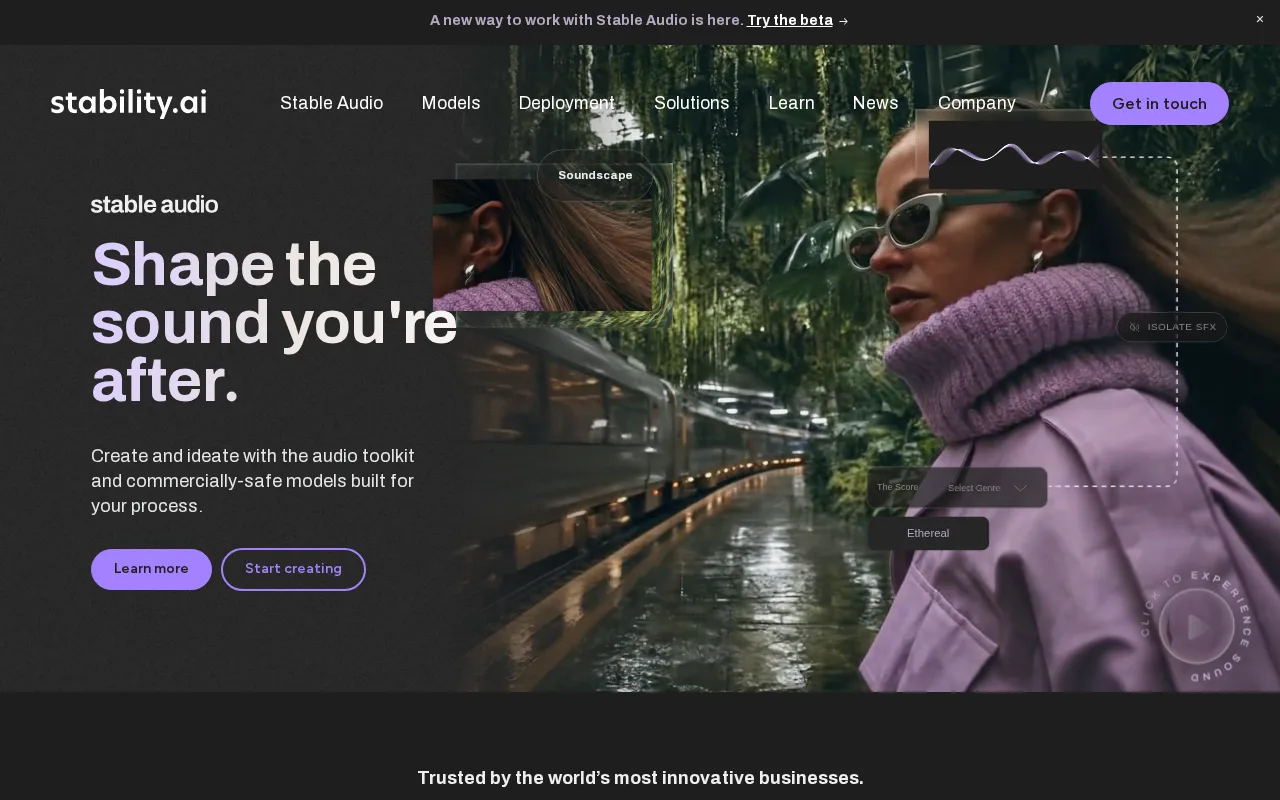
Stable Diffusion is the best ComfyUI alternative for developers and enterprises who want a free, open-weight image model they can self-host and fine-tune without a node-based visual interface layered on top. Self-hosting is free under the Stability AI Community License for individuals, non-commercial use, and organizations under $1M in annual revenue, directly matching ComfyUI's own free desktop app, and Stable Diffusion holds a 5.0/5 rating from 9 Product Hunt reviews. For teams that don't want to run their own GPU infrastructure, Stability AI also offers a pay-as-you-go Platform API and a Brand Studio SaaS application, a managed path ComfyUI doesn't offer on its own, and named enterprise customers include Electronic Arts, HubSpot, UMG, and Warner Music Group. ComfyUI is still the better choice for users who specifically want a visual node graph to inspect and swap every step of a pipeline: Stable Diffusion's own self-hosting still carries the same steep learning curve and GPU requirements as ComfyUI, its free Community License ends at the $1M revenue threshold, and per-image Platform API costs vary by model version and resolution in ways that aren't transparently listed on the marketing site.
Compared to ComfyUI: free self-hosting under the Community License matching ComfyUI's own free desktop app, a pay-as-you-go Platform API and Brand Studio for teams without GPU infrastructure, and named enterprise customers including Electronic Arts and Warner Music Group
Wins:Free self-hosting under the Community License for individuals, non-commercial use, and organizations under $1M in annual revenue, matching ComfyUI's own free desktop app · Pay-as-you-go Platform API and Brand Studio SaaS offer a managed path for teams that don't want to run their own GPU infrastructure, an option ComfyUI doesn't offer on its own · Named enterprise customers (Electronic Arts, HubSpot, UMG, Warner Music Group) demonstrate production-scale use
Loses:Same steep learning curve and GPU/ML tooling requirements as ComfyUI for self-hosting and fine-tuning · Free Community License ends at the $1M annual revenue threshold, after which pricing requires a sales conversation · Per-image Platform API and Brand Studio costs vary by model version and resolution and aren't transparently published on the marketing site
Pros
- Open model weights can be downloaded, self-hosted, and fine-tuned rather than accessed only through a closed API.
- Free under the Community License for individuals, non-commercial use, and organizations under $1M in annual revenue.
- Platform API and Brand Studio offer a managed path for teams that don't want to run their own GPU infrastructure.
- Named enterprise customers (Electronic Arts, HubSpot, UMG, Warner Music Group) demonstrate production-scale use.
Cons
- Self-hosting and fine-tuning require GPU infrastructure and ML tooling knowledge, a steep learning curve versus closed API tools.
- Community License free tier ends at $1M in annual revenue, after which pricing requires a sales conversation.
- Per-image Platform API and Brand Studio pricing isn't transparently published on the marketing site.
Pricing: Free — Free self-hosting under the Community License, matching ComfyUI's free desktop app, vs ComfyUI Cloud's verified $16-80/month tiers; Stable Diffusion's Platform API is pay-as-you-go with per-image credit pricing, not independently verified
4Runway — best ComfyUI alternative for generating short text-to-video and image-to-video clips for ads, social posts and concept work, with Gen-4.5 and third-party video models in one credit-based workspace

RunwayML (rebranded as Runway) is the best ComfyUI alternative for creators who want AI video generation without assembling a node-based pipeline by hand. Built around the Gen-4.5 model, which the company markets as leading on motion quality and prompt adherence, Runway's Free plan grants 125 one-time credits and 5GB of storage to test generation before paying, and paid tiers run from Standard at $12/month (625 monthly credits, billed annually) up to Max at $76/month (9,500 credits, ProRes export, 16-bit HDR). Runway also ships native iOS and Android apps and reports over 60 million creatives have used the platform. ComfyUI is still the better choice for users who want node-level control and a verified track record of independent reviews: Runway's G2 listing shows 78 reviews with no clear aggregate score surfaced, and its Product Hunt listing shows zero reviews despite the product's reported scale, monthly credits deplete quickly on video generation, especially at higher resolutions, and studio-grade features like ProRes export and custom voice lip-sync are locked behind the $76/month Max tier.
Compared to ComfyUI: the Gen-4.5 video model for AI video generation without a node-based pipeline, a free plan with 125 one-time credits, and native iOS and Android apps reaching a reported 60 million creatives
Wins:Gen-4.5 model, marketed as leading on motion quality and prompt adherence, for AI video generation without wiring a node-based pipeline · Free plan with 125 one-time credits and 5GB of storage to test generation before paying · Native iOS and Android apps extend generation to mobile, plus a Runway Dev API for embedding generative video in other products
Loses:G2 listing shows 78 reviews with no clear aggregate score surfaced, and its Product Hunt listing shows zero reviews despite the product's reported scale · Monthly credits deplete quickly on video generation, especially at higher resolutions or longer clips, unlike ComfyUI's uncapped local generation · Studio-grade features like ProRes export, 16-bit HDR generation, and custom voice lip-sync are locked behind the $76/month Max tier
Pros
- Free plan with 125 credits that never expire lets new users test real generations before paying.
- Gen-4.5, Aleph 2.0 and Act-Two sit alongside third-party models (Kling 4.0, Seedance 2.0 Pro, Nano Banana Pro) in one workspace and one credit balance.
- Custom voice clones for lip sync and text to speech are included from the $28/month Pro plan (one voice), not only on the top tier.
- The self-serve Team plan pools 6,900 credits per seat in a shared workspace with frame-accurate comments and 1TB of storage for 2-9 people.
- Native iOS and Android apps (4.5/5 from 18,567 US App Store ratings) and the Runway Dev API extend generation beyond the web editor.
Cons
- Gen-4.5 uses 12 credits per second, so Standard's 625 monthly credits buy roughly 52 seconds of video.
- Monthly credits on Standard and Pro reset each billing cycle; only Max and Team roll over one month of unused credits.
- ProRes, image-sequence and 16-bit HDR output are limited to Max ($76/month billed annually), Team and Enterprise.
- The Unlimited plan and its unlimited relaxed-speed Explore Mode closed to new subscribers on June 1, 2026, and remaining Unlimited subscribers move to Max on November 30, 2026.
Pricing: Free tier · paid from $12/mo — Free (125 one-time credits) vs ComfyUI's free desktop app or 5 free Cloud runs; Runway's Standard tier is $12/month (625 credits, billed annually) vs ComfyUI Cloud's $16/month Standard tier (4,200 credits) (verified )
Which one is right for you?
- You want stylized, painterly AI imagery through a simple prompt interfaceMidjourney
- You want commercial usage rights included on every paid planMidjourney
- You want multiple fine-tuned models selectable side by side with in-app canvas editingLeonardo AI
- You want a free tier to test several models before subscribingLeonardo AI
- You want a free, open-weight model you can self-host and fine-tuneStable Diffusion
- You need a managed API or Brand Studio for on-brand content at enterprise scaleStable Diffusion
- You want AI video generation built around a top-tier video modelRunway
- You want native mobile apps for generating on iOS or AndroidRunway
Frequently asked questions
Is there a free alternative to ComfyUI?
- ComfyUI's own desktop app is already free with no usage caps; among its listed alternatives, Leonardo AI, Stable Diffusion (self-hosted, Community License), and RunwayML all offer free tiers, while Midjourney has no free tier at all and starts at $10/month.
What is the closest alternative to ComfyUI?
- Stable Diffusion is the closest match technically, since it's an open-weight model family free to self-host under the Community License, matching ComfyUI's own free local desktop app, though it lacks ComfyUI's node-based visual pipeline editor.
Can Midjourney replace ComfyUI?
- Yes for users who want stylized imagery through prompts rather than pipeline control. Teams that specifically need node-level control over sampling, conditioning, and model steps should stick with ComfyUI, since Midjourney has no equivalent visual editor and no free tier to test first.
Is there an alternative to ComfyUI for AI video generation?
- RunwayML, built around the Gen-4.5 model, offers AI video generation through a browser editor, native mobile apps, and a free plan with 125 one-time credits, without requiring a node-based pipeline.
Which ComfyUI alternative is best for game artists needing multiple model styles?
- Leonardo AI, whose library of fine-tuned models, including its own Phoenix and Lucid families plus community checkpoints, pairs with a built-in canvas for inpainting, outpainting, and upscaling.
Which ComfyUI alternative has the most independent reviews?
- Midjourney, with a 4.7/5 rating from 81 Product Hunt reviews, the largest sample among ComfyUI's four listed alternatives; ComfyUI itself has no external ratings on file.