5 Best Alternatives to Krea in 2026
By Noahlast updated pricing verified

From our data: Four of the five alternatives listed here — Leonardo AI, Ideogram, Adobe Firefly, and RunwayML — offer a free tier, versus only Midjourney, which starts at $10/month with no free option; among the three alternatives with pricing independently verified on-site (Ideogram at $15/month, Adobe Firefly at $9.99/month, RunwayML at $12/month), the median lowest paid tier is RunwayML's $12/month.
 Midjourney
 Leonardo AI
 Ideogram
 Adobe Firefly
 Runway
How we picked
- Pricing was independently verified on-site for three of the five alternatives — Ideogram, Adobe Firefly, and RunwayML — matching Krea's own verified pricing; Midjourney and Leonardo AI carry no recorded pricing-verification date, and Leonardo AI's paid tier prices could not be confirmed at all because leonardo.ai blocked every automated fetch attempted.
- Four of the five alternatives (Leonardo AI, Ideogram, Adobe Firefly, RunwayML) offer a free tier, matching Krea's own free 100-compute-units-per-day plan; Midjourney is the only one with no free tier at all.
- Review volume varies sharply: Midjourney's 4.7/5 rests on 81 Product Hunt reviews, while Ideogram's 5/5 and Leonardo AI's 5/5 rest on just 3 and 4 reviews respectively, both thinner samples than Krea's own 13 Product Hunt reviews at 4.2/5, and RunwayML carries no ratings on Product Hunt or Capterra at all.
- Leonardo AI's site returned 403/429 responses on every automated pricing fetch, so its paid tier names and dollar amounts are omitted here rather than reported as stale numbers.
Paid placement never alters editorial rank — read the full methodology.
Krea alternatives at a glance
| Alternative | Best for | Learning curve | Price |
|---|---|---|---|
| Kreareference | creative teams and brands that need real-time AI image and video generation with style presets and custom model fine-tuning, rather than a single-prompt generator | Low | Free tier · paid from $9/mo |
| Midjourney | designers, illustrators, and marketers who want stylized, painterly AI-generated imagery for concept art and creative content rather than strictly photorealistic output | Moderate | From $10/mo |
| Leonardo AI | game artists and concept artists who need multiple fine-tuned AI models plus in-app editing (inpainting, upscaling) rather than a single-model prompt-only workflow | Moderate | Free |
| Ideogram | designers and marketers who need AI-generated images with accurate, legible text inside them, like posters, logos, and social graphics | Low | Free tier · paid from $15/mo |
| Adobe Firefly | designers and marketing teams already in the Adobe ecosystem who need commercially licensed generative AI (image, video, audio) integrated directly into Photoshop and Express | Low | Free tier · paid from $9.99/mo |
| Runway | generating short text-to-video and image-to-video clips for ads, social posts and concept work, with Gen-4.5 and third-party video models in one credit-based workspace | Moderate | Free tier · paid from $12/mo |
 Krea
Krea1Midjourney — best Krea alternative for designers, illustrators, and marketers who want stylized, painterly AI-generated imagery for concept art and creative content rather than strictly photorealistic output
Midjourney is the best Krea alternative for designers, illustrators, and marketers who want a distinctive, painterly house visual style rather than Krea's real-time, prompt-editing workflow. Midjourney holds a 4.7/5 rating from 81 Product Hunt reviews, a far larger and more established review base than Krea's own 4.2/5 from 13 reviews. Every paid Midjourney plan includes general commercial usage rights, starting at Basic for $10/month with 3.3 fast-GPU-hours and scaling to Mega at $120/month for 60 hours, a flat monthly-hour system that's easier to predict than Krea's compute-unit pricing, where image, video, and upscale generations burn credits at different rates. Midjourney is accessed through Discord commands or its own web app rather than Krea's real-time canvas, so there's no under-50-millisecond live preview as a prompt is typed. Krea remains the better choice for anyone who wants that instant visual feedback loop, plus video and 3D generation and LoRA fine-tuning in the same product: Midjourney generates only still images, has no free tier at all so evaluating it requires an immediate $10 commitment, and its refund policy only applies under 20 minutes of lifetime GPU usage, a detail Krea's free 100-daily-unit tier avoids entirely.
Compared to Krea: no real-time preview (Discord/web-prompt workflow vs Krea's sub-50ms live canvas), 4.7/5 from 81 Product Hunt reviews vs Krea's 4.2/5 from 13, no free tier vs Krea's 100 free daily compute units
Wins:4.7/5 rating from 81 Product Hunt reviews, a much larger review base than Krea's 4.2/5 from 13 reviews · Flat fast-GPU-hour monthly plans ($10-$120/month) are simpler to budget than Krea's per-generation-type compute-unit pricing · All paid plans include general commercial usage rights, and unused fast-GPU hours ($4 each) don't expire
Loses:No free tier at all, unlike Krea's 100 free compute units per day, so trying Midjourney requires an immediate $10/month commitment · No real-time, sub-50ms live generation preview as a prompt is typed, unlike Krea's real-time canvas · Generates only still images — no video or 3D asset generation and no LoRA fine-tuning, both of which Krea offers in the same platform
Pros
- Produces distinctive, high-quality stylized imagery frequently cited as best-in-class for artistic output.
- All paid plans include general commercial usage rights, with users owning generated images.
- Four tiers scale fast-GPU-hour allotments from casual (3.3 hrs) to heavy production use (60 hrs).
- Extra fast-GPU hours ($4 each) don't expire once purchased.
Cons
- No free tier or trial; new users must pay before testing the product.
- Refund eligibility requires under 20 minutes of lifetime GPU usage, not monthly usage, which surprises users.
- Access is prompt-based via Discord or the web app rather than a conventional app interface.
- Reviewers report weak, slow customer support responsiveness.
Pricing: From $10/mo — $10/month Basic (3.3 fast-GPU-hours) vs Krea's $9/month Basic (5,000 compute units); Midjourney has no free tier, Krea's Free plan gives 100 units/day
2Leonardo AI — best Krea alternative for game artists and concept artists who need multiple fine-tuned AI models plus in-app editing (inpainting, upscaling) rather than a single-model prompt-only workflow
Leonardo AI is the best Krea alternative for game artists and concept artists who want to choose between many fine-tuned models — including Leonardo's own Phoenix and Lucid families plus community-trained checkpoints — rather than working inside Krea's single real-time engine. Leonardo AI's canvas adds inpainting, outpainting, background removal, and upscaling directly inside the same workspace, and the platform has been backed by Canva's resources since its 2024 acquisition. On Product Hunt it holds a 5/5 rating, though that score comes from just 4 reviews, a thinner sample than Krea's own 13 Product Hunt reviews at 4.2/5. Leonardo AI's site blocked every automated pricing fetch attempted, so its paid tier names and dollar amounts can't be confirmed here and aren't reported to avoid publishing stale numbers — only its free tier of limited daily tokens is verified. Krea remains the better choice for anyone who wants real-time, sub-50ms generation feedback as a prompt or sketch is adjusted, since Leonardo AI's canvas still runs on a discrete generate-then-edit cycle rather than Krea's live rendering, and Krea's compute-unit pricing, while not simple, is at least fully published across every paid tier.
Compared to Krea: wide library of fine-tuned models plus an inpainting/upscaling canvas, 5/5 Product Hunt rating from just 4 reviews (thinner than Krea's 13), paid pricing unverifiable due to blocked automated fetches
Wins:Library of many fine-tuned and community-trained models to choose from, instead of Krea's single real-time engine · Built-in canvas supports inpainting, outpainting, background removal, and upscaling in the same workspace · Backed by Canva's resources since the 2024 acquisition, expanding creative-suite integrations
Loses:Paid tier names and dollar prices could not be verified because leonardo.ai blocked automated fetches (403/429 responses), unlike Krea's fully published pricing · No real-time, sub-50ms live generation preview the way Krea's canvas provides while a prompt or sketch is edited · 5/5 Product Hunt rating rests on just 4 reviews, a thinner sample than Krea's own 13 Product Hunt reviews
Pros
- Wide selection of fine-tuned and community models instead of being locked to one house style.
- Built-in canvas editor supports inpainting, outpainting, and upscaling without leaving the app.
- Free tier lets new users test multiple models before committing to a paid plan.
- Backed by Canva's resources following the 2024 acquisition, which has expanded its creative-suite integrations.
Cons
- Token-based credit system means heavy generation and editing use can exhaust a monthly plan quickly.
- Model quality and prompt behavior vary across the many available checkpoints, requiring experimentation to find a reliable one.
- No native desktop or mobile app; browser-only workflow.
- Current pricing was not independently verifiable because leonardo.ai blocked automated page fetches.
Pricing: Free
3Ideogram — best Krea alternative for designers and marketers who need AI-generated images with accurate, legible text inside them, like posters, logos, and social graphics
Ideogram is the best Krea alternative for designers and marketers who need AI-generated images with correctly spelled, legible text — logos, posters, memes — a rendering weak point Krea's general-purpose engine doesn't specifically target. Ideogram's Free plan offers limited weekly credits with public-by-default generations, and Plus starts at $15/month billed annually (1,000 credits, private generations, character consistency for keeping the same subject across multiple images), pricing verified on-site the same as Krea's own tiers. Ideogram holds a 5/5 Product Hunt rating, though from only 3 reviews, thinner evidence than Krea's own 4.2/5 from 13 reviews. Multiple selectable model versions (1.0 through 4.0) and rendering speeds (Turbo, Balanced, Quality) let users trade credits for output fidelity, a level of model-version control Krea doesn't expose. Krea is still the better choice for anyone who needs video or 3D generation, or Krea's real-time sub-50ms live canvas: Ideogram is image-only, its free-tier generations are public by default (privacy requires the $15/month Plus plan), and unused monthly subscription credits expire at the end of each billing cycle rather than rolling over, unlike Krea's daily-refreshing free allowance.
Compared to Krea: purpose-built for accurate in-image text rendering, 5/5 Product Hunt rating from just 3 reviews (vs Krea's 13), monthly subscription credits expire unused each billing cycle unlike Krea's daily-refreshing free allowance
Wins:Renders legible, correctly spelled text inside generated images, historically a weak point for general-purpose generators · Character consistency lets users generate the same subject across multiple images, a feature not documented for Krea · Multiple model versions (1.0-4.0) and selectable rendering speeds (Turbo/Balanced/Quality) let users trade credits for fidelity
Loses:Image-only — no video or 3D asset generation, both of which Krea offers in the same platform · Free-tier generations are public by default; privacy requires the $15/month Plus plan · 5/5 Product Hunt rating rests on just 3 reviews, thinner evidence than Krea's own 4.2/5 from 13 reviews
Pros
- Text rendering inside images is meaningfully more reliable than most competing AI image generators.
- Character consistency lets users generate the same subject across multiple images.
- Multiple model versions and rendering-speed settings (Turbo/Balanced/Quality) let users trade credits for quality.
- Team plan adds centralized billing for organizations generating at volume.
Cons
- Free-tier images are public by default; privacy requires a paid plan.
- Monthly subscription credits expire unused at the end of each billing cycle.
- No desktop or mobile app; web and API only.
- Enterprise pricing is not published and requires a sales conversation.
Pricing: Free tier · paid from $15/mo — $15/month Plus (1,000 credits, billed annually; $20/month billed monthly) vs Krea's $9/month Basic (5,000 compute units) (verified )
4Adobe Firefly — best Krea alternative for designers and marketing teams already in the Adobe ecosystem who need commercially licensed generative AI (image, video, audio) integrated directly into Photoshop and Express
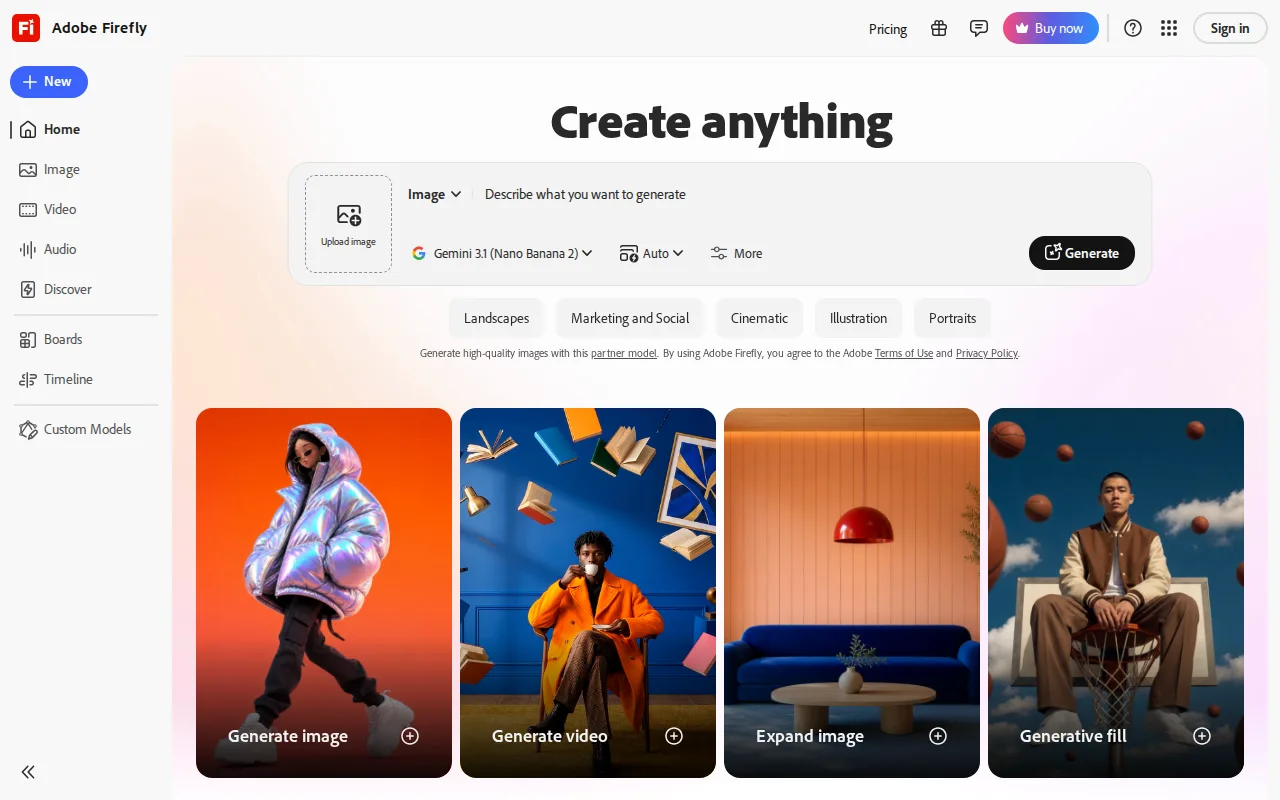
Adobe Firefly is the best Krea alternative for designers and marketing teams already in the Adobe ecosystem who need commercially licensed generative AI built directly into Photoshop and Adobe Express, rather than Krea's standalone web platform. Firefly gives paid subscribers access to more than 30 AI models — including Adobe's own Firefly models plus licensed third-party models like Veo and Kling — through one credit pool, and its own models are trained on licensed Adobe Stock and public-domain content rather than scraped web images, backed by IP indemnification for enterprise customers. Firefly Standard costs $9.99/month for 2,000 generative credits, close to Krea's $9/month Basic tier for 5,000 compute units. Firefly holds a 4.5/5 rating from 19 Capterra reviews, verified on-site, versus Krea's 4.2/5 from 13 Product Hunt reviews. Krea is still the better choice for anyone who wants real-time, sub-50ms live generation feedback and doesn't need Adobe's ecosystem: Firefly's credit system is consumed unevenly across image, video, and audio, so heavy video users can exhaust a Standard or Pro plan's monthly allotment and need to jump to the $199.99/month Premium tier, a steeper ceiling than Krea's own $200/month Business plan, which covers up to 50 seats.
Compared to Krea: access to 30+ AI models (including licensed Veo and Kling) inside Photoshop and Adobe Express, 4.5/5 from 19 Capterra reviews, Standard tier at $9.99/month vs Krea's $9/month Basic
Wins:Access to 30+ models including licensed third-party video models (Veo, Kling) through one credit pool and one commercial license · Own Firefly models trained on licensed Adobe Stock and public-domain content, with IP indemnification for enterprise use · 4.5/5 rating from 19 Capterra reviews, verified on-site
Loses:Generative credits are consumed unevenly across image, video, and audio, and unlimited access to the newest video models requires the $199.99/month Premium tier, above Krea's $200/month Business tier which covers up to 50 seats · No real-time, sub-50ms live generation preview the way Krea's canvas provides while a prompt or sketch is edited · Firefly's own image model has lagged behind Midjourney and other third-party models in independent comparisons, per Adobe's own listed weaknesses
Pros
- Trained on licensed Adobe Stock and public-domain content, with IP indemnification for enterprise use.
- Access to 30+ models, including third-party video models like Veo and Kling, in one interface.
- Deep integration with Photoshop (Generative Fill/Expand) and Adobe Express.
- Free tier available for testing before committing to a paid plan.
Cons
- Generative credits are consumed unevenly across image, video, and audio, making monthly cost hard to predict.
- Premium tier needed for unlimited access to the newest video models, at $199.99/month before discounts.
- Output quality on Firefly's own image model has lagged behind Midjourney and some third-party models in independent comparisons.
- Full value requires an existing or new Adobe subscription relationship, adding friction for non-Adobe users.
Pricing: Free tier · paid from $9.99/mo — $9.99/month Standard (2,000 credits) vs Krea's $9/month Basic (5,000 compute units); Firefly's Premium tier reaches $199.99/month vs Krea's Business at $200/month for up to 50 seats (verified )
5Runway — best Krea alternative for generating short text-to-video and image-to-video clips for ads, social posts and concept work, with Gen-4.5 and third-party video models in one credit-based workspace
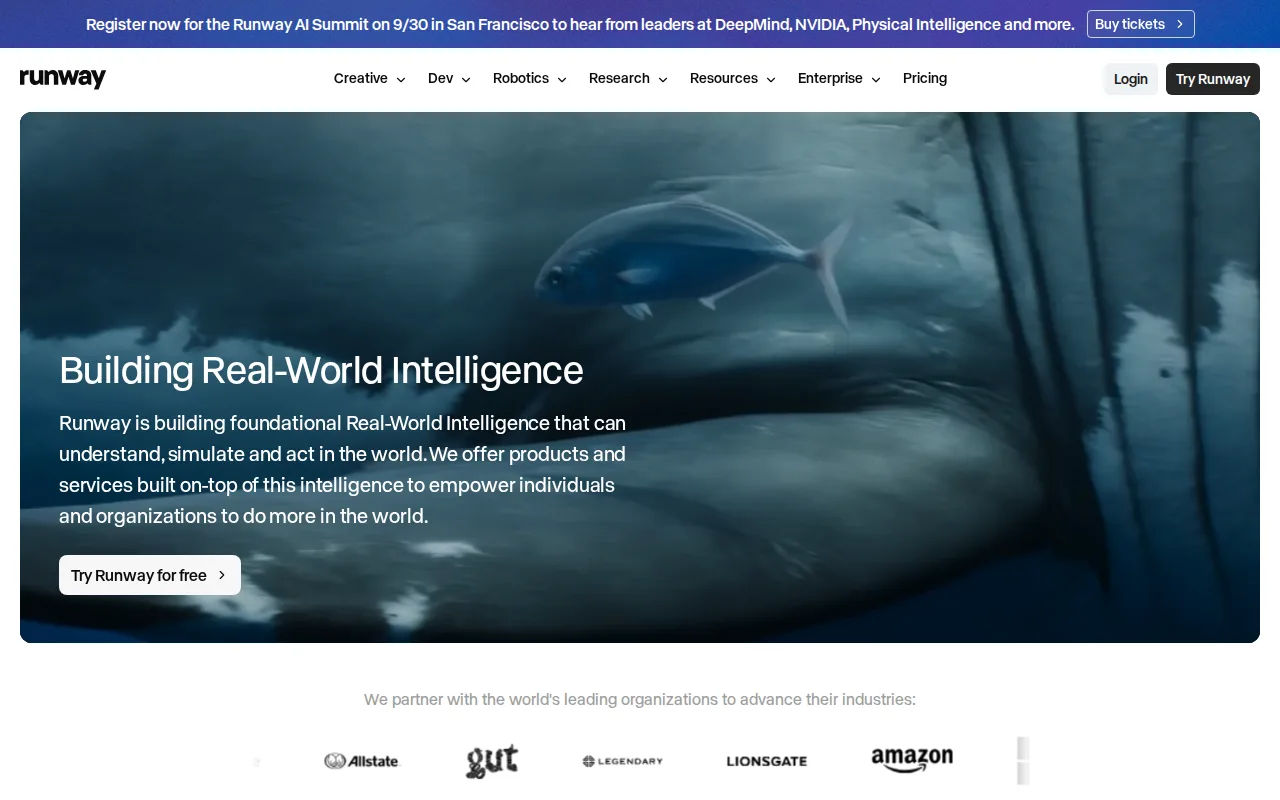
RunwayML is the best Krea alternative for video creators and small teams who want a dedicated, state-of-the-art AI video model rather than Krea's multi-purpose image-first platform. RunwayML's Gen-4.5 model is marketed as leading on motion quality and prompt adherence, and the company reports over 60 million creatives have used the platform. The Free plan grants 125 one-time credits and 5GB of storage to test real generation quality before paying, and Standard starts at $12/month billed annually (625 monthly credits, 4K upscaling, no watermarks), close to Krea's own $9/month Basic tier. RunwayML also ships native iOS and Android apps and a separate Runway Dev API for developers building custom generative pipelines, neither of which Krea offers since Krea is web-only. Krea is still the better choice for anyone who wants a single real-time canvas spanning image, video, and 3D generation with sub-50ms live feedback: RunwayML has no ratings on Product Hunt or Capterra to compare against Krea's own 4.2/5 from 13 Product Hunt reviews, and its monthly credits are consumed quickly by video generation, especially at higher resolutions, pushing studio-grade features like ProRes export and HDR generation behind the $76/month Max tier.
Compared to Krea: Gen-4.5 model marketed as leading on motion quality, native iOS/Android apps plus a Runway Dev API, no Product Hunt or Capterra ratings to compare against Krea's 4.2/5
Wins:Gen-4.5 video model marketed as leading on motion quality and prompt adherence, with 60 million+ reported platform users · Native iOS and Android apps extend generation to mobile, unlike Krea's web-only platform · Separate Runway Dev API lets developers embed generative video in their own products, a use case Krea doesn't offer
Loses:No aggregate rating surfaced on Product Hunt or Capterra to set against Krea's own 4.2/5 from 13 Product Hunt reviews · Monthly credits are consumed quickly by video generation at higher resolutions, and studio-grade export (ProRes, HDR) requires the $76/month Max tier · No real-time, sub-50ms live generation preview the way Krea's canvas provides while a prompt or sketch is edited
Pros
- Free plan with 125 credits that never expire lets new users test real generations before paying.
- Gen-4.5, Aleph 2.0 and Act-Two sit alongside third-party models (Kling 4.0, Seedance 2.0 Pro, Nano Banana Pro) in one workspace and one credit balance.
- Custom voice clones for lip sync and text to speech are included from the $28/month Pro plan (one voice), not only on the top tier.
- The self-serve Team plan pools 6,900 credits per seat in a shared workspace with frame-accurate comments and 1TB of storage for 2-9 people.
- Native iOS and Android apps (4.5/5 from 18,567 US App Store ratings) and the Runway Dev API extend generation beyond the web editor.
Cons
- Gen-4.5 uses 12 credits per second, so Standard's 625 monthly credits buy roughly 52 seconds of video.
- Monthly credits on Standard and Pro reset each billing cycle; only Max and Team roll over one month of unused credits.
- ProRes, image-sequence and 16-bit HDR output are limited to Max ($76/month billed annually), Team and Enterprise.
- The Unlimited plan and its unlimited relaxed-speed Explore Mode closed to new subscribers on June 1, 2026, and remaining Unlimited subscribers move to Max on November 30, 2026.
Pricing: Free tier · paid from $12/mo — $12/month Standard (625 credits, billed annually) vs Krea's $9/month Basic (5,000 compute units); both offer a free tier to test before paying (verified )
Which one is right for you?
- You want a distinctive, painterly art style for concept art or illustration rather than photorealistic images.Midjourney
- You need to pick from many fine-tuned or community-trained models and edit results with an inpainting and upscaling canvas.Leonardo AI
- You're designing posters, logos, or social graphics that need correctly spelled text rendered inside the image.Ideogram
- You're already paying for Adobe Creative Cloud and want generative AI built directly into Photoshop and Express.Adobe Firefly
- You mostly generate AI video and want a model marketed as leading on motion quality.Runway
- You want to try multiple model versions and rendering-speed settings to trade credit cost for output quality.Ideogram
Frequently asked questions
What is the best alternative to Krea?
- Midjourney is the best alternative to Krea for stylized, painterly AI image generation, holding a 4.7/5 rating from 81 Product Hunt reviews. It has no free tier, though, so anyone wanting Krea's zero-cost testing should look at Ideogram, Adobe Firefly, or RunwayML instead, all of which offer a free plan.
Is there a free alternative to Krea?
- Yes — Ideogram, Adobe Firefly, RunwayML, and Leonardo AI all include a free tier, similar to Krea's own 100-free-compute-units-per-day plan. Midjourney is the only alternative here with no free tier at all, requiring a $10/month commitment from day one.
Which Krea alternative is best for AI video?
- RunwayML is the best Krea alternative for AI video, built around its Gen-4.5 model, which the company markets as leading on motion quality and prompt adherence. Adobe Firefly also generates video through licensed third-party models like Veo and Kling, but RunwayML is the dedicated video specialist of the two.
Can Leonardo AI replace Krea?
- Leonardo AI can replace Krea for users who want a library of many fine-tuned models and an inpainting and upscaling canvas rather than Krea's single real-time engine, though its paid pricing couldn't be verified because leonardo.ai blocked automated fetches. Krea remains the better choice for real-time, sub-50ms generation feedback, which Leonardo AI's discrete generate-then-edit workflow doesn't match.
Which AI image generator is best for adding text to images?
- Ideogram is the best choice among Krea's alternatives for adding accurate, legible text to generated images, a capability most general-purpose generators like Midjourney and Krea itself don't specifically target. Ideogram holds a 5/5 Product Hunt rating, though from only 3 reviews.
Is Adobe Firefly cheaper than Krea?
- Adobe Firefly's Standard tier costs $9.99/month for 2,000 generative credits, close to Krea's $9/month Basic tier for 5,000 compute units, so neither is meaningfully cheaper at the entry level. Firefly's top Premium tier reaches $199.99/month, just under Krea's $200/month Business plan, which covers up to 50 seats instead of one credit pool.