5 Best Alternatives to ownCloud for Windows in 2026
By Noahlast updated pricing verified
Compared: ownCloud alternatives that run on Windows
| Alternative | Best for | Learning curve | Price |
|---|---|---|---|
| ownCloudreference | organizations that need full control over where their files are stored (self-hosted or EU-hosted) and want an open-source alternative to Dropbox or Google Drive for file sync and sharing | Moderate | Free |
| Nextcloud | organizations that want a self-hosted, data-sovereign alternative to Google Workspace or Microsoft 365 for file sync, groupware, and video conferencing | Moderate | Free |
| Syncthing | privacy-conscious individuals and self-hosters who want continuous file sync across their own devices without routing data through a third-party cloud server | Moderate | Free |
| Dropbox | individuals and teams who need dependable cross-device file sync and simple sharing links, especially teams already invoking Dropbox's large-file-transfer and version-history features | Low | Free tier · paid from $9.99/mo |
| Google Drive | individuals and teams already using Google Docs, Sheets, and Slides who want real-time collaborative editing with simple cloud storage and sharing links | Low | Free tier · paid from $1.99/mo |
| Seafile | small IT teams and privacy-focused organizations that want to self-host Dropbox-style file sync with granular permissions and optional office-document editing | Moderate | Free tier · paid from $8/mo |
 ownCloud
 Nextcloud
 Syncthing
 Dropbox
 Google Drive
 Seafile
1Nextcloud — best ownCloud alternative for organizations that want a self-hosted, data-sovereign alternative to Google Workspace or Microsoft 365 for file sync, groupware, and video conferencing
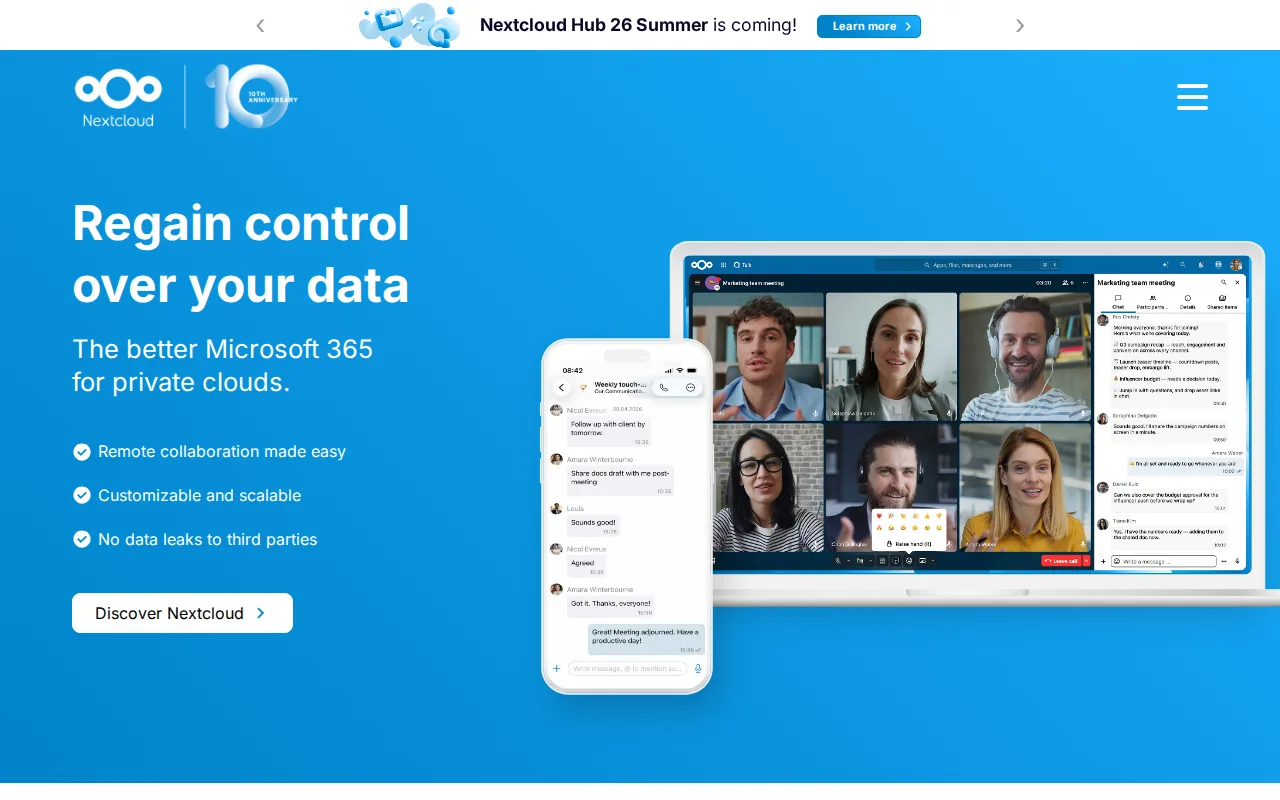
Nextcloud is the best ownCloud alternative for organizations that want a self-hosted, data-sovereign file sync platform with video conferencing, groupware, and document editing bundled into one open-source codebase. Nextcloud's Community edition is free to self-host with no user limit under AGPL-3.0, the same open-core model ownCloud itself uses, and Nextcloud holds a 4.6/5 rating from 443 Capterra reviews, nearly 7 times the review volume of ownCloud's own 60 Capterra reviews at a 4.3/5 rating. Nextcloud bundles Talk (video conferencing), Calendar and Contacts, a LibreOffice-based Office app, and workflow automation directly into the same self-hosted suite, going beyond ownCloud's core file-sync focus. ownCloud is still the better choice for organizations under 25 users that specifically want vendor support without an enterprise-scale minimum: Nextcloud's enterprise support pricing starts at a 100-user minimum with no published self-serve rate, a higher bar than ownCloud's own 25-user minimum for Standard and Enterprise editions.
Compared to ownCloud: 4.6/5 rating from 443 Capterra reviews versus ownCloud's 4.3/5 from 60 reviews, bundles video conferencing, groupware, and document editing in one suite, enterprise support requires a 100-user minimum versus ownCloud's 25-user minimum
Wins:4.6/5 rating from 443 Capterra reviews, nearly 7 times the review volume of ownCloud's own 60 reviews · Bundles file sync, video conferencing (Talk), groupware, and document editing into one open-source codebase · Scales from a single Raspberry Pi to installations serving tens of millions of users
Loses:Enterprise support pricing starts at a 100-user minimum, higher than ownCloud's own 25-user minimum for Standard/Enterprise · Self-hosting the Community edition puts updates, backups, and uptime entirely on the organization's own IT staff · The large number of optional apps can make initial setup more complex than ownCloud's narrower core focus
Pros
- Fully open source (AGPL-3.0) and free to self-host with no user limit on the Community edition.
- Bundles file sync, video conferencing, groupware, and document editing into one connected suite.
- Scales from a single Raspberry Pi to distributed installations serving tens of millions of users.
- Native apps across web, Windows, macOS, Linux, iOS, and Android.
Cons
- Enterprise support pricing starts at a 100-user minimum, with no published self-serve rate for smaller teams.
- Self-hosting the Community edition puts the burden of updates, backups, and uptime on the organization's own IT staff.
- Performance and app ecosystem depend heavily on the hosting hardware and configuration, unlike a fully managed SaaS suite.
- The large number of optional apps can make initial setup and configuration more complex than a single-purpose file-sync tool.
Pricing: Free (verified )
2Syncthing — best ownCloud alternative for privacy-conscious individuals and self-hosters who want continuous file sync across their own devices without routing data through a third-party cloud server
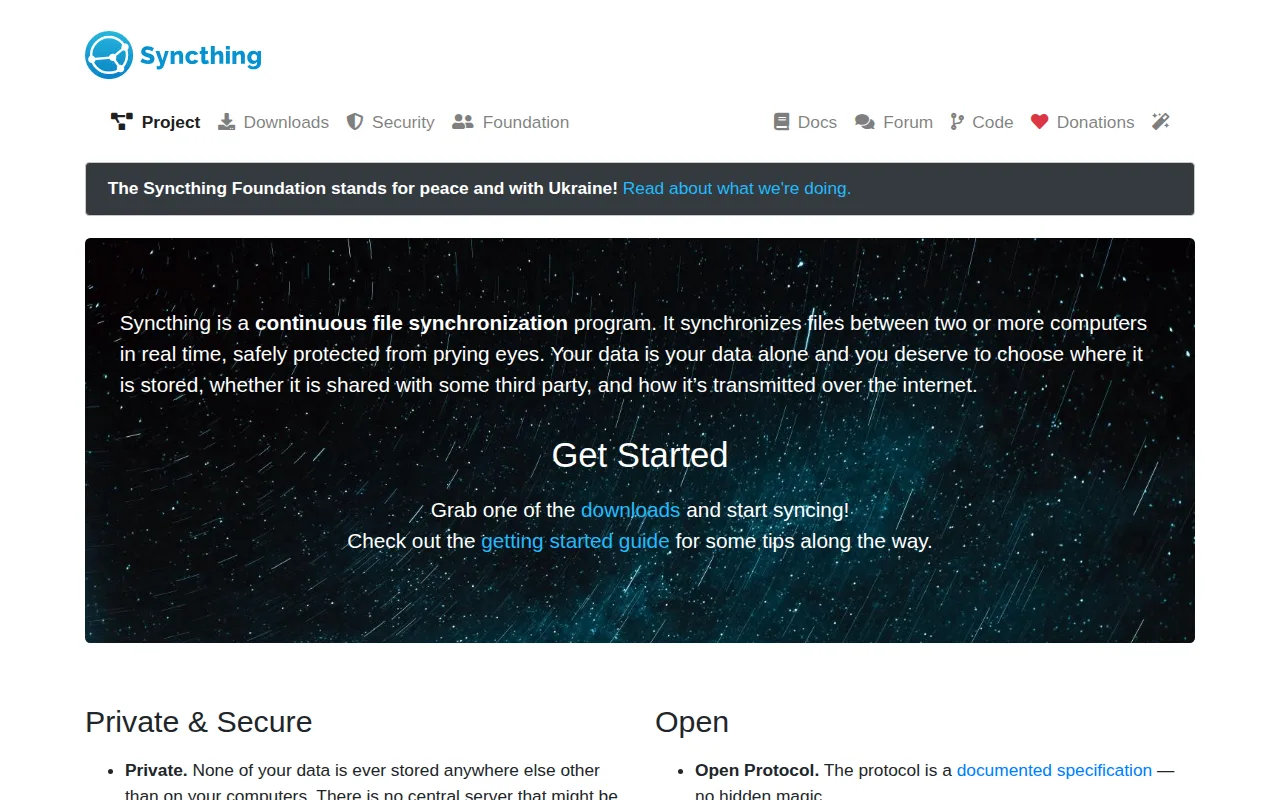
Syncthing is the best ownCloud alternative for privacy-conscious individuals and self-hosters who want continuous file sync across their own devices with no central server at all, not even a self-hosted one like ownCloud requires. Syncthing is entirely free with no paid tier, licensed under MPL-2.0, and has 87.8K stars on GitHub, using TLS encryption with perfect forward secrecy and cryptographic device authentication to sync folders directly between devices. Unlike ownCloud, which still requires standing up and maintaining a server application, Syncthing needs no server software running anywhere, only the Syncthing client on each device that wants to sync. ownCloud is still the better choice for organizations and teams that need shared drives, link sharing, or web-based access to files from a browser: Syncthing has no web-accessible file browser or public share-link feature the way ownCloud does, no official iOS client due to Apple's background-execution restrictions, and no built-in cloud backup, since losing every synced device simultaneously means losing the data.
Compared to ownCloud: no central server required at all, unlike ownCloud's self-hosted server model, no official iOS client due to Apple's background-execution restrictions, no web-based file browser or public share links
Wins:No central server required at all; files transfer directly between devices, one step beyond ownCloud's own self-hosted model · Completely free with no paid tier or feature gating of any kind · Strong security model: TLS with perfect forward secrecy and cryptographic device authentication
Loses:No official iOS app, since Apple's background-execution restrictions limit continuous peer-to-peer sync · No web-based file browser or public share-link feature the way ownCloud provides · No built-in cloud backup; losing all synced devices simultaneously means losing the data
Pros
- Completely free and open source (MPL-2.0), with no paid tier or feature gating.
- True peer-to-peer sync means no third-party server ever holds a copy of user files.
- Strong security model: TLS with perfect forward secrecy and cryptographic device authentication.
- Runs on Windows, macOS, Linux, and Android, manageable via a browser-based web GUI.
Cons
- No official iOS app, since Apple's background-execution restrictions limit continuous peer-to-peer sync.
- Initial setup across multiple machines requires manual device pairing and folder-sharing configuration.
- No built-in cloud backup; since there's no central server, losing all synced devices simultaneously means losing the data.
- No official mobile app for iOS means Apple users need third-party, unofficial clients if they want Syncthing on iPhone or iPad.
Pricing: Free — $0 free vs ownCloud's free Community edition (verified )
3Dropbox — best ownCloud alternative for individuals and teams who need dependable cross-device file sync and simple sharing links, especially teams already invoking Dropbox's large-file-transfer and version-history features
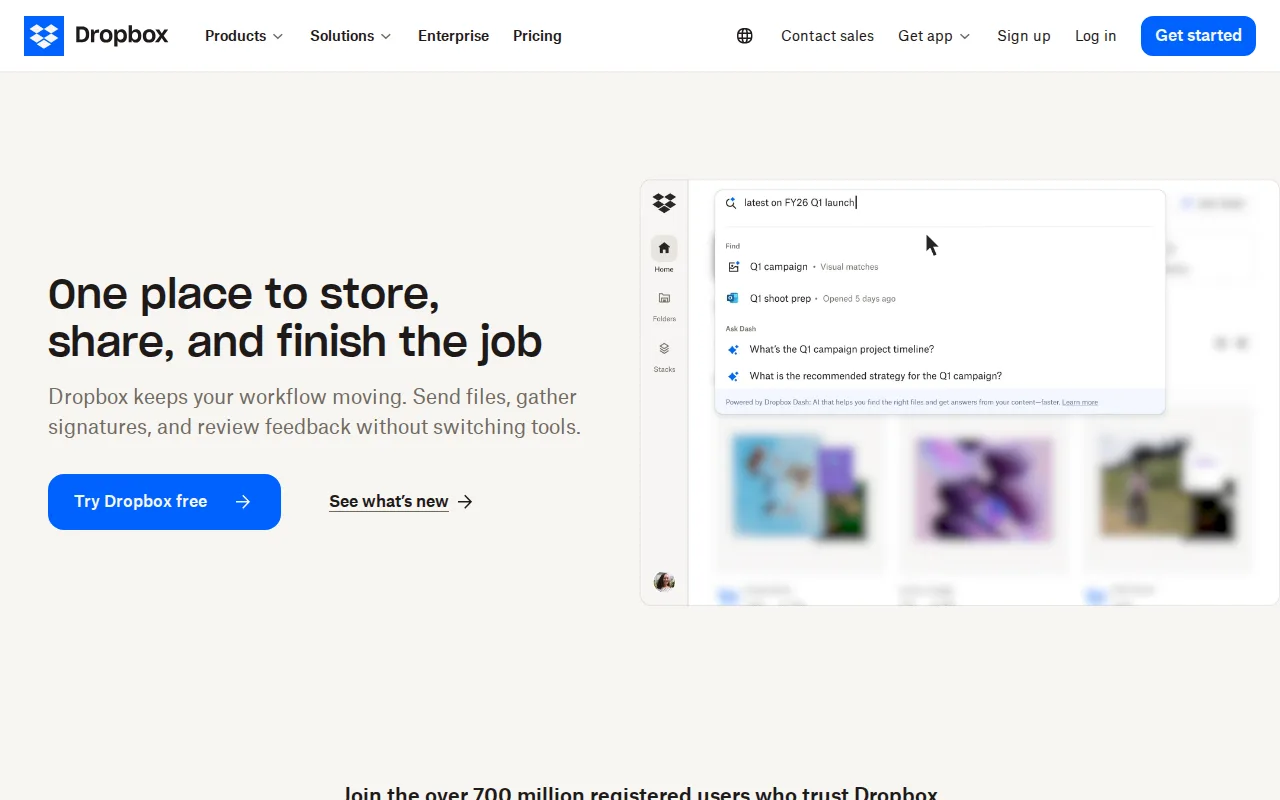
Dropbox is the best ownCloud alternative for individuals and teams who want a mature, heavily reviewed SaaS file-sync product rather than self-hosting their own server. Dropbox holds a 4.5/5 rating from 21,704 Capterra reviews, far more review volume than ownCloud's own 60 reviews, and its file-transfer links support files up to 250GB alongside 175+ file-type previews. Dropbox's Plus plan costs $9.99/month for 2TB, and team Standard and Advanced plans run $15-$24/user/month with pooled storage, version history up to a year, and single sign-on on the higher tier. ownCloud is still the better choice for organizations that need full control over where their data physically lives: Dropbox offers no self-hosting option at all, unlike ownCloud's Community edition, and Dropbox's free tier is limited to just 2GB, far smaller than ownCloud's own unlimited-user self-hosted free tier.
Compared to ownCloud: 4.5/5 rating from 21,704 Capterra reviews versus ownCloud's 4.3/5 from 60 reviews, file-transfer links support files up to 250GB, no self-hosting option at all unlike ownCloud's Community edition
Wins:4.5/5 rating from 21,704 Capterra reviews, far more review volume than ownCloud's own 60 reviews · File-transfer links support files up to 250GB, with 175+ file-type previews without downloading · Broad platform support and deep third-party integrations (Slack, Zoom, Adobe, Microsoft Office)
Loses:No self-hosting option at all, unlike ownCloud's free, self-hosted, unlimited-user Community edition · Free tier is limited to just 2GB, far smaller than ownCloud's own unlimited-user self-hosted free tier · Per-user team pricing ($15-$24/month) makes larger teams considerably more expensive than a self-hosted deployment
Pros
- Reliable cross-device sync with a simple, well-understood synced-folder model.
- File-transfer links support very large files (up to 250GB) without needing a separate tool.
- Long version history and file-recovery windows on paid tiers protect against accidental deletion or ransomware.
- Broad platform support and deep third-party integrations (Slack, Zoom, Adobe, Microsoft Office).
Cons
- Per-user team pricing ($15-$24/month) makes larger teams considerably more expensive than storage-only competitors.
- Free tier is limited to just 2GB, among the smallest of major cloud storage services.
- Syncing very large folders can be slower than expected, according to reviewer feedback.
- Advanced security and admin features (SSO, tiered admin) are locked behind the higher Advanced tier.
Pricing: Free tier · paid from $9.99/mo — $9.99/month Plus (2TB) vs ownCloud's free self-hosted Community edition (verified )
4Google Drive — best ownCloud alternative for individuals and teams already using Google Docs, Sheets, and Slides who want real-time collaborative editing with simple cloud storage and sharing links
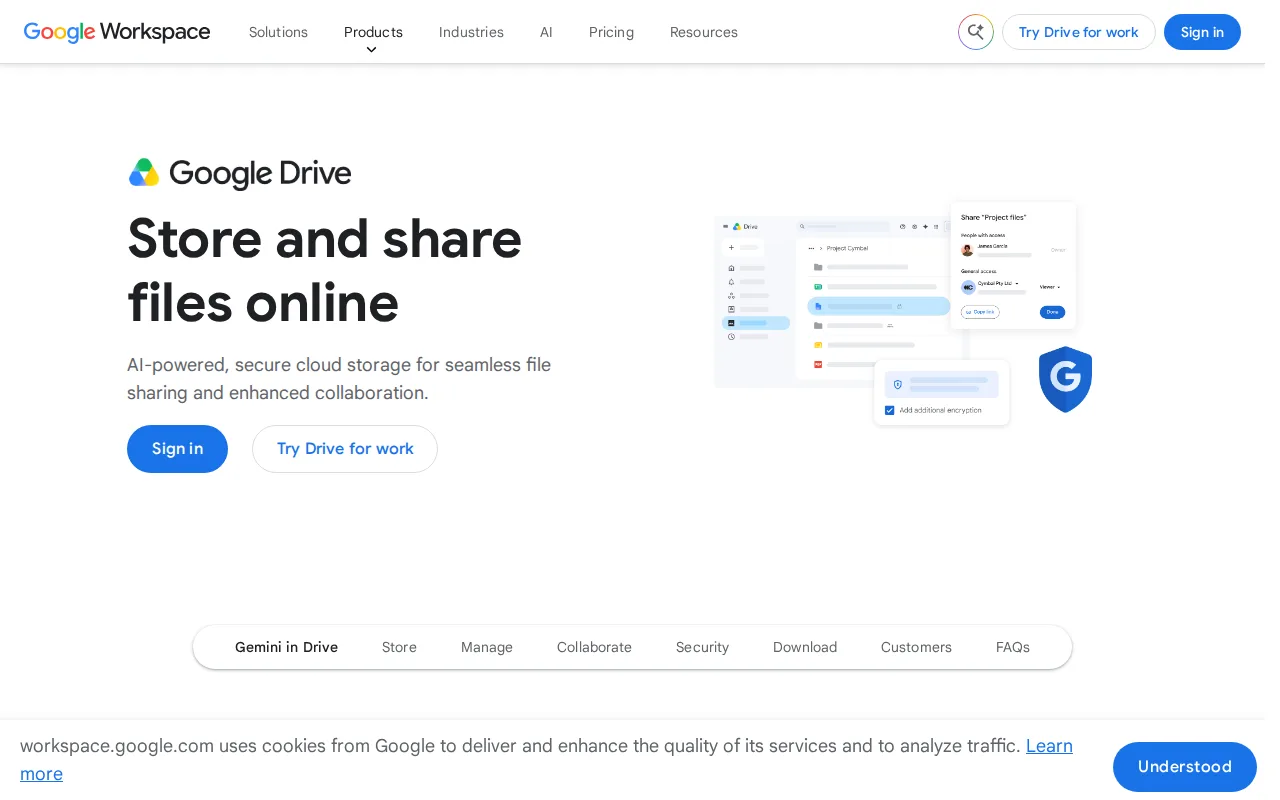
Google Drive is the best ownCloud alternative for individuals and teams who want free cloud storage with real-time collaborative editing built directly into Docs, Sheets, and Slides, rather than a self-hosted server to maintain. Google Drive holds a 4.8/5 rating from 28,587 Capterra reviews, the highest rating and largest review volume of any alternative listed here, and its 15GB free tier requires no server, no maintenance, and no IT staff the way ownCloud's self-hosted Community edition does. Additional storage through Google One starts at $1.99/month for 100GB, far cheaper per gigabyte than ownCloud's custom-quoted paid tiers. ownCloud is still the better choice for organizations that need data sovereignty or full control over where files are stored: Google Drive offers no self-hosting option at all, its 15GB free tier is shared across Drive, Gmail, and Photos rather than dedicated to file storage, and business/team storage requires a full Google Workspace subscription rather than ownCloud's flexible self-hosted or hosted-in-Germany options.
Compared to ownCloud: 4.8/5 rating from 28,587 Capterra reviews, the highest of any alternative here, real-time collaborative editing built directly into Docs, Sheets, and Slides, no self-hosting option at all unlike ownCloud's Community edition
Wins:4.8/5 rating from 28,587 Capterra reviews, the highest rating and review volume of any alternative in our listing data · Real-time collaborative editing built directly into Docs, Sheets, and Slides from stored files · Google One storage plans are inexpensive relative to competitors, starting at $1.99/month for 100GB
Loses:No self-hosting option at all, unlike ownCloud's free, self-hosted, unlimited-user Community edition · Free 15GB storage is shared across Drive, Gmail, and Photos rather than dedicated to file storage · Business/team storage requires a full Google Workspace subscription rather than being sold standalone
Pros
- Real-time collaborative editing built directly into Docs, Sheets, and Slides from stored files.
- Google One storage plans are inexpensive relative to competitors, starting at $1.99/month for 100GB.
- Powerful in-document and in-file search across the entire Drive.
- 2TB plan allows sharing storage with up to 5 family members at no extra cost.
Cons
- Free 15GB storage is shared across Drive, Gmail, and Photos, so it fills up quickly with normal use.
- Some bundled apps (particularly Sheets) are described by reviewers as lacking features versus dedicated tools like Excel.
- Large file uploads can experience delays compared to some competitors.
- Business/team storage isn't sold standalone; it requires a full Google Workspace subscription.
Pricing: Free tier · paid from $1.99/mo — $1.99/month Google One 100GB vs ownCloud's free self-hosted Community edition
5Seafile — best ownCloud alternative for small IT teams and privacy-focused organizations that want to self-host Dropbox-style file sync with granular permissions and optional office-document editing
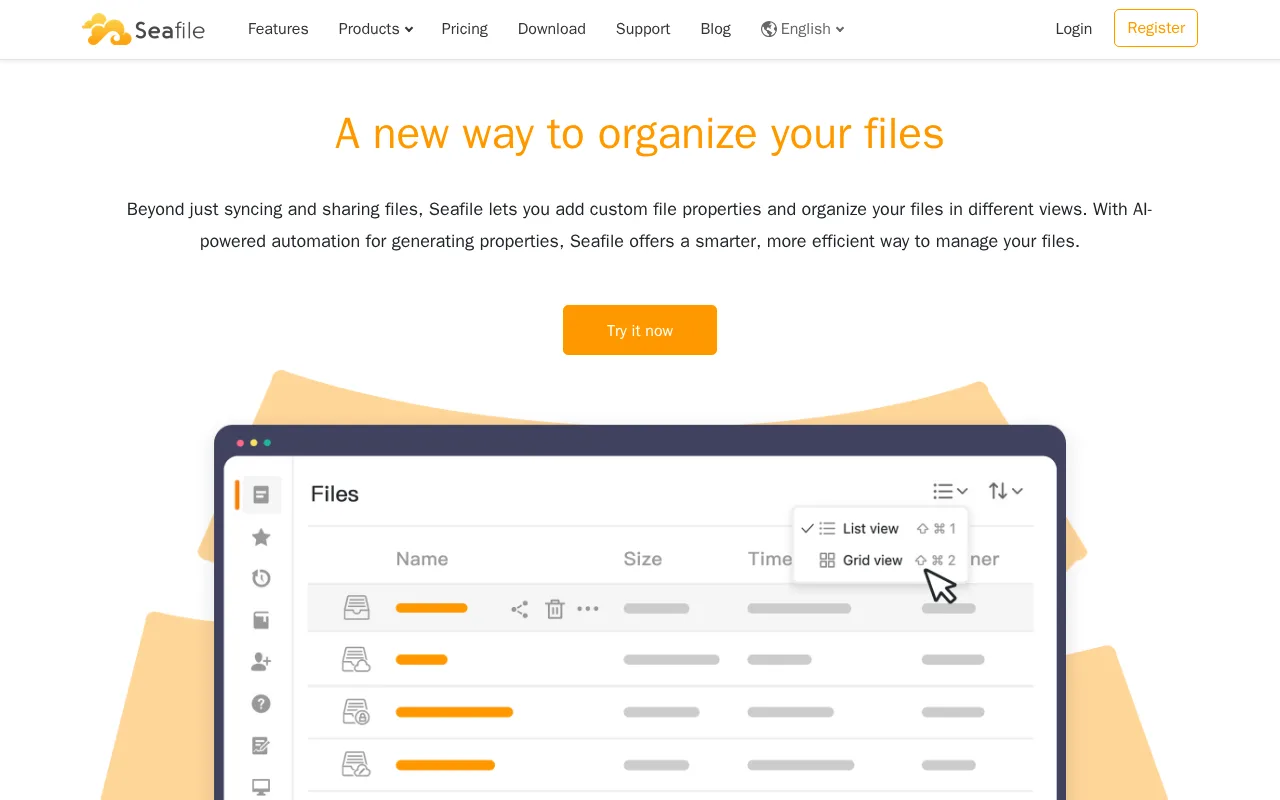
Seafile is the best ownCloud alternative for small IT teams and privacy-focused organizations that want to self-host Dropbox-style file sync with granular permissions and optional office-document editing at a lower per-user price than ownCloud's own quoted tiers. Seafile's Community Edition is free, open source, and self-hosted like ownCloud's own Community edition, and its self-hosted Pro Edition starts at $48/user/year for 10-249 users, dropping to $35/user/year above 750 seats, a published rate ownCloud's own Standard and Enterprise editions don't offer (they're custom-quoted with a 25-user minimum). Seafile's cloud-hosted Plus/Team plan costs $8/user/month for 3 or more users with 500GB of expandable storage and built-in document collaboration via SeaDoc. ownCloud is still the better choice for organizations that specifically need a longer version-history window or a larger, more established open-source community: Seafile's cloud Plus plan caps version history at 3 months, and Seafile has no external rating recorded in our listing data, unlike ownCloud's own 4.3/5 from 60 Capterra reviews.
Compared to ownCloud: Pro Edition starts at a published $48/user/year versus ownCloud's custom-quoted Standard and Enterprise tiers, cloud Plus plan costs $8/user/month with 500GB, version history capped at 3 months on the cloud plan versus ownCloud's longer options
Wins:Pro Edition licensing starts at a published $48/user/year, unlike ownCloud's custom-quoted, 25-user-minimum Standard and Enterprise tiers · Cloud-hosted Plus/Team plan costs a published $8/user/month with 500GB of expandable storage and built-in document collaboration · Free, open-source Community Edition can be self-hosted with no per-user cost, matching ownCloud's own free tier
Loses:Version history on the cloud Plus plan is capped at 3 months, shorter than some self-hosted alternatives offer · No external review-platform rating recorded in our listing data, unlike ownCloud's own 4.3/5 from 60 Capterra reviews · Advanced features like SSO and audit logs are locked behind paid Pro/Plus tiers, not available in the free Community Edition
Pros
- Free, open-source Community Edition can be self-hosted with no per-user cost.
- Native sync clients and mobile apps across Windows, macOS, Linux, iOS, and Android.
- Pro tier adds SSO, LDAP/AD, 2FA, and audit logs for organizations with compliance needs.
- Cloud Plus plan includes built-in document collaboration (SeaDoc) and full-text search.
Cons
- Cloud Plus plan caps version history at 3 months, shorter than some competitors.
- Pro Edition licensing is per-user-per-year, which scales up quickly for larger teams.
- Advanced features like SSO and audit logs are locked behind paid Pro/Plus tiers, not available in Community Edition.
- Self-hosting the Pro Edition still requires ongoing server administration, unlike fully managed alternatives.
Pricing: Free tier · paid from $8/mo — $48/user/year Pro Edition (10-249 users) vs ownCloud's custom-quoted Standard edition (verified )