4 Best Open-Source Alternatives to Obsidian in 2026
By Noahlast updated pricing verified
Compared: open-source alternatives to Obsidian
| Alternative | Best for | Standout | Biggest weakness | Learning curve | Price |
|---|---|---|---|---|---|
| Obsidianreference | individuals building a long-lived personal knowledge base who want their notes to stay plain markdown files they can read, back up, and move without the app | Every note is a plain markdown file in a normal folder on the device, so the vault opens offline and instantly, syncs with whatever tool you already use, and remains readable if Obsidian ever disappears. | Obsidian is built around one person's local vault, so the things a team takes for granted cost extra or do not exist: real-time collaboration only arrives through paid shared vaults on Obsidian Sync, and there is no web version at all, which means a vault is unreachable from any machine where you cannot install the app. Getting the same notes onto a phone and a laptop also means $4-$8/user/month for Sync or assembling your own iCloud, Dropbox, or Git setup, since the free app ships no sync of its own. | Moderate | Free tier · paid from $4/mo |
| Logseq | individuals who want a local-first, privacy-respecting outliner that stores notes as portable plain-text files instead of locking them into a proprietary cloud database | Notes are stored as local plain-text Markdown or Org-mode files rather than a proprietary database, so users can version them with Git, sync through any cloud provider they choose, or work entirely offline. | Real-time collaboration and multi-device sync are still in alpha testing and require opt-in signup, so teams that need reliable built-in sync today must rely on third-party file-sync tools, and Android support remains in development while iOS is already available. | Moderate | Free |
| Anytype | privacy-conscious individuals and small teams who want a Notion-style flexible workspace that works fully offline and doesn't require trusting a third party with unencrypted data | Local-first, end-to-end encrypted storage with optional peer-to-peer sync, so the app is fully functional offline and data isn't dependent on a company's cloud servers by default. | The client is released under a source-available license, not a standard OSI-approved open-source license, so it doesn't carry the same community-audit and fork guarantees as fully open-source competitors like Logseq; the product is also younger and less mature than Notion or Obsidian, with a smaller plugin and integration ecosystem. | Moderate | Free |
| Standard Notes | privacy-focused professionals and journalists who want a fully open-source, end-to-end encrypted notes app they can self-host instead of trusting a vendor's servers | Fully open-source (AGPL-3.0) client and server code that can be self-hosted, combined with end-to-end encryption that keeps even Standard Notes/Proton from reading note content. | The free tier's editor is intentionally minimal (plain text-focused), so richer formatting, extended note history, and file attachments require a paid plan whose current price is not transparently listed on the marketing site without navigating to a signup flow, and the plain-text-first design means it lacks the richer block-based editing found in competitors like Notion. | Low | Free |
| Joplin | People who want an offline-first, end-to-end encrypted Markdown note app with a free self-hosted sync option and no vendor lock-in. | End-to-end encryption is available on every sync method, including the free options (Dropbox, OneDrive, WebDAV, Nextcloud), not just the paid Joplin Cloud tier. | Joplin's editor and web clipper feel less polished than Notion or Evernote, and Joplin Cloud has no free plan of its own, so ongoing hosted sync costs money even though the app itself is free. | Moderate | Free tier · paid from $3.23/mo |
 Obsidian
 Logseq
 Anytype
 Standard Notes
 Joplin
1.Logseq — best Obsidian alternative for individuals who want a local-first, privacy-respecting outliner that stores notes as portable plain-text files instead of locking them into a proprietary cloud database
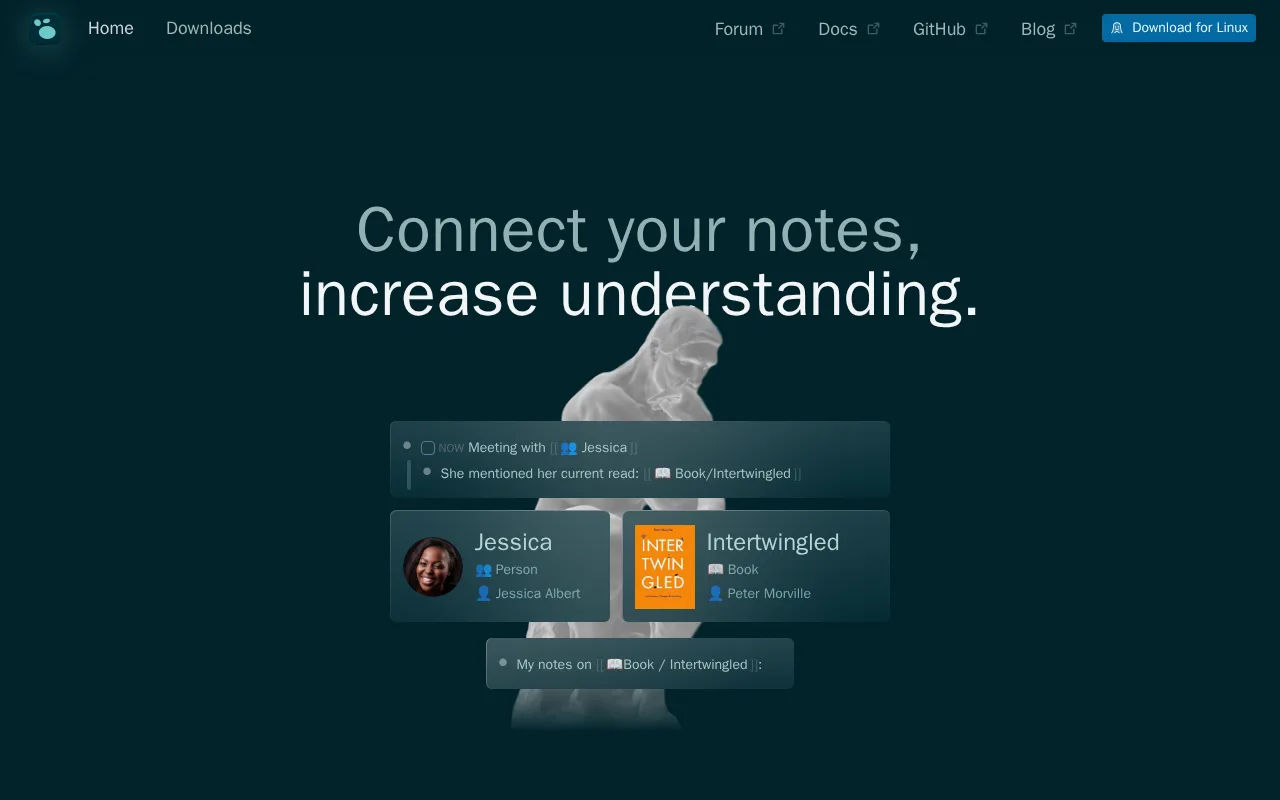
Open-source outliner that also stores notes as local markdown files with backlinks and a graph view, the closest free alternative to Obsidian.
Pros
- Completely free and open source (AGPL-3.0) with no paid tier or feature gating.
- Local-first plain-text storage (Markdown or Org-mode) keeps notes portable and outside vendor lock-in.
- Bidirectional linking and a daily-journal workflow suit outliner-style thinking better than document-first note apps.
- Plugin ecosystem and native PDF annotation extend the app without needing a separate tool.
Cons
- Built-in real-time collaboration and sync (RTC) are still in alpha and require opt-in, not yet a reliable production feature.
- Android app is still in development, while competitors offer mobile apps on both platforms already.
- Outliner-based, block-structured notes have a learning curve for users coming from document-style editors like Notion.
- As a volunteer/community-driven open-source project, there is no paid support tier or SLA to fall back on.
Pricing: Free (verified undefined NaN, NaN)
2.Anytype — best Obsidian alternative for privacy-conscious individuals and small teams who want a Notion-style flexible workspace that works fully offline and doesn't require trusting a third party with unencrypted data
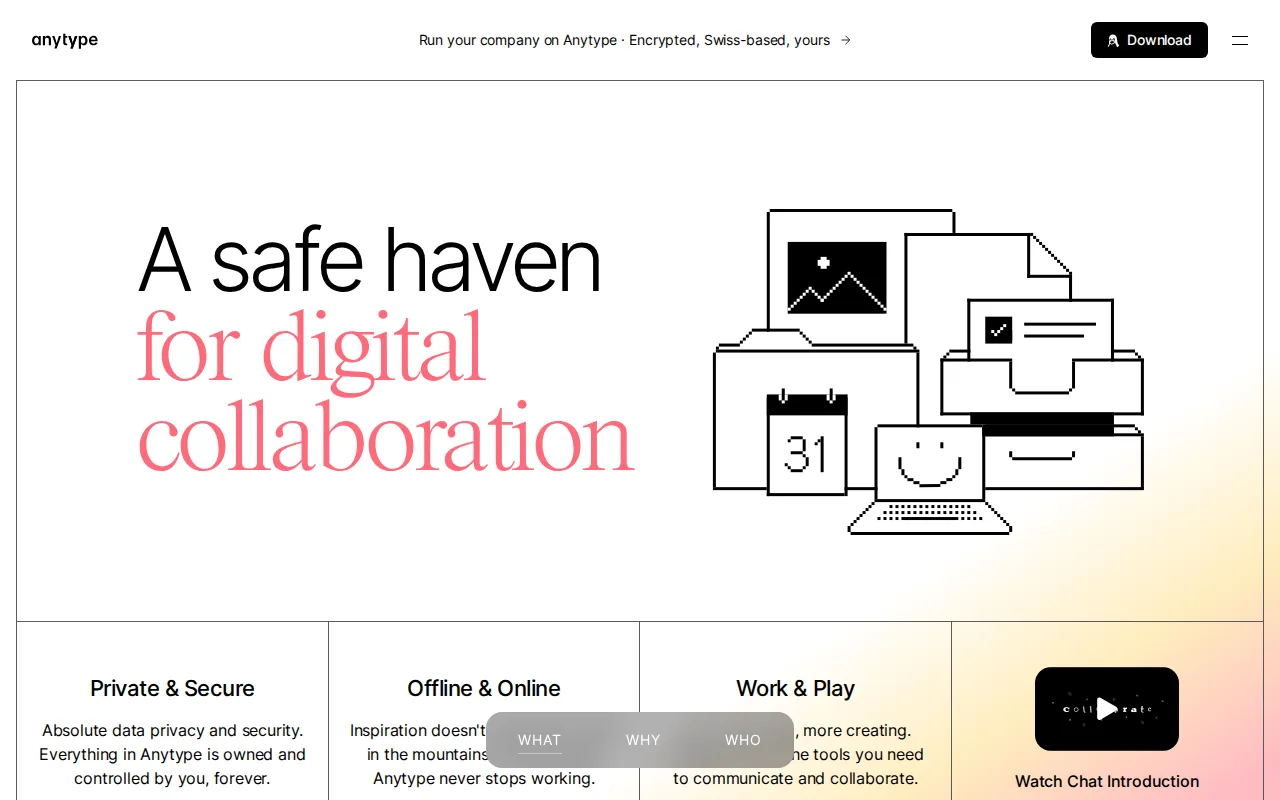
Local-first, end-to-end-encrypted knowledge base with linked objects and multi-device sync included, competing directly with Obsidian's privacy and data-ownership pitch.
Pros
- Local-first architecture means the app works fully offline with data stored on-device.
- End-to-end, zero-knowledge encryption for any data that does sync.
- Free desktop and mobile apps with no feature paywall on core offline functionality.
- Composable block system (databases, kanban, calendar) offers Notion-like flexibility.
Cons
- Uses a source-available license rather than a standard OSI-approved open-source license.
- Smaller plugin and third-party integration ecosystem than Notion or Obsidian.
- Paid Any-Sync Network membership pricing is not clearly published, making cost planning harder.
- Younger, less battle-tested product than long-established note-taking competitors.
Pricing: Free
3.Standard Notes — best Obsidian alternative for privacy-focused professionals and journalists who want a fully open-source, end-to-end encrypted notes app they can self-host instead of trusting a vendor's servers
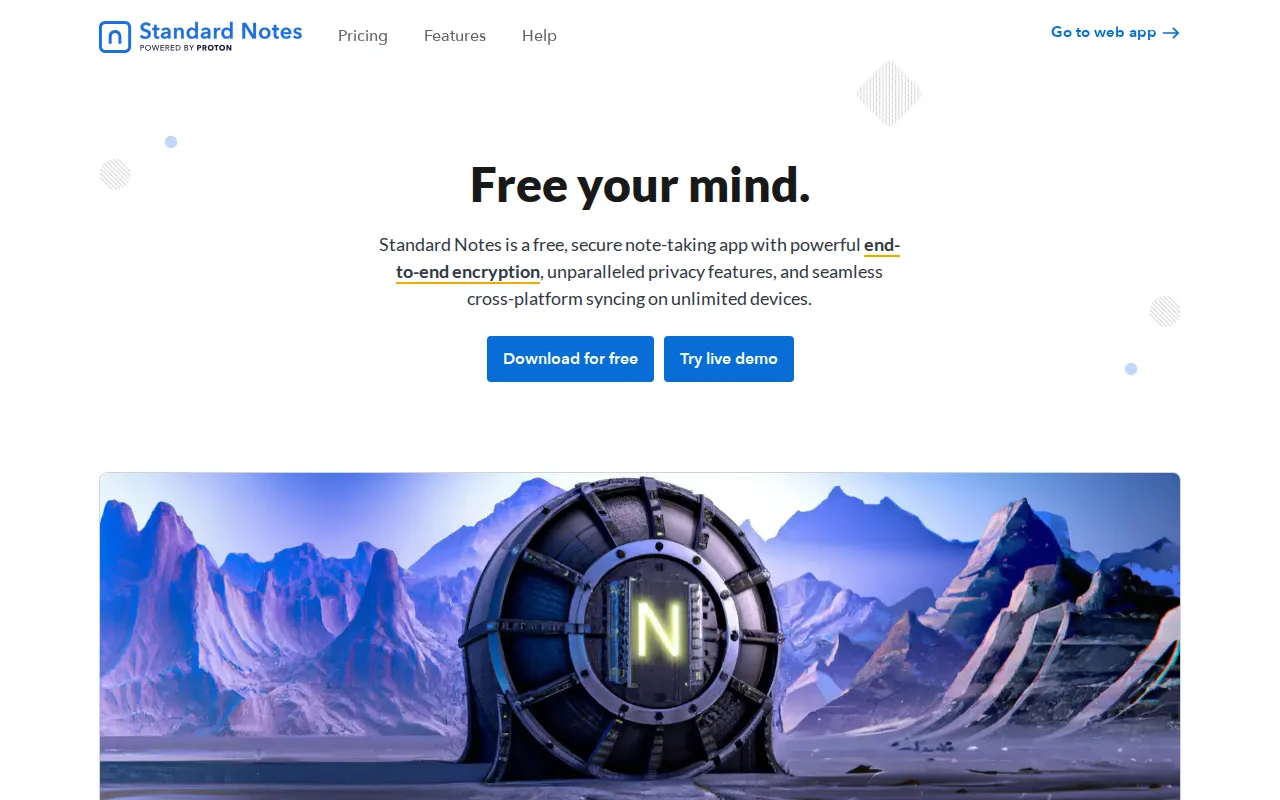
Open-source, end-to-end-encrypted notes app that bundles cross-device sync, cross-shopped by users who do not want to pay separately for Obsidian Sync.
Pros
- Fully open-source and self-hostable (AGPL-3.0), letting privacy-conscious users run their own server.
- End-to-end encryption means Standard Notes cannot read note content, even after the Proton acquisition.
- Native apps across web, Windows, macOS, Linux, iOS, and Android from one shared codebase.
- Backed by Proton's infrastructure and funding since the April 2024 acquisition.
Cons
- Free tier's default editor is intentionally plain and minimal compared to rich-text or block-based note apps.
- Paid tier's exact current pricing is not clearly published on the marketing site without starting a signup flow.
- Smaller user base and review footprint than mainstream note apps, meaning fewer third-party integrations.
- Self-hosting the server requires technical setup that most users will skip in favor of the hosted service.
Pricing: Free
4.Joplin — best Obsidian alternative for people who want an offline-first, end-to-end encrypted Markdown note app with a free self-hosted sync option and no vendor lock-in.
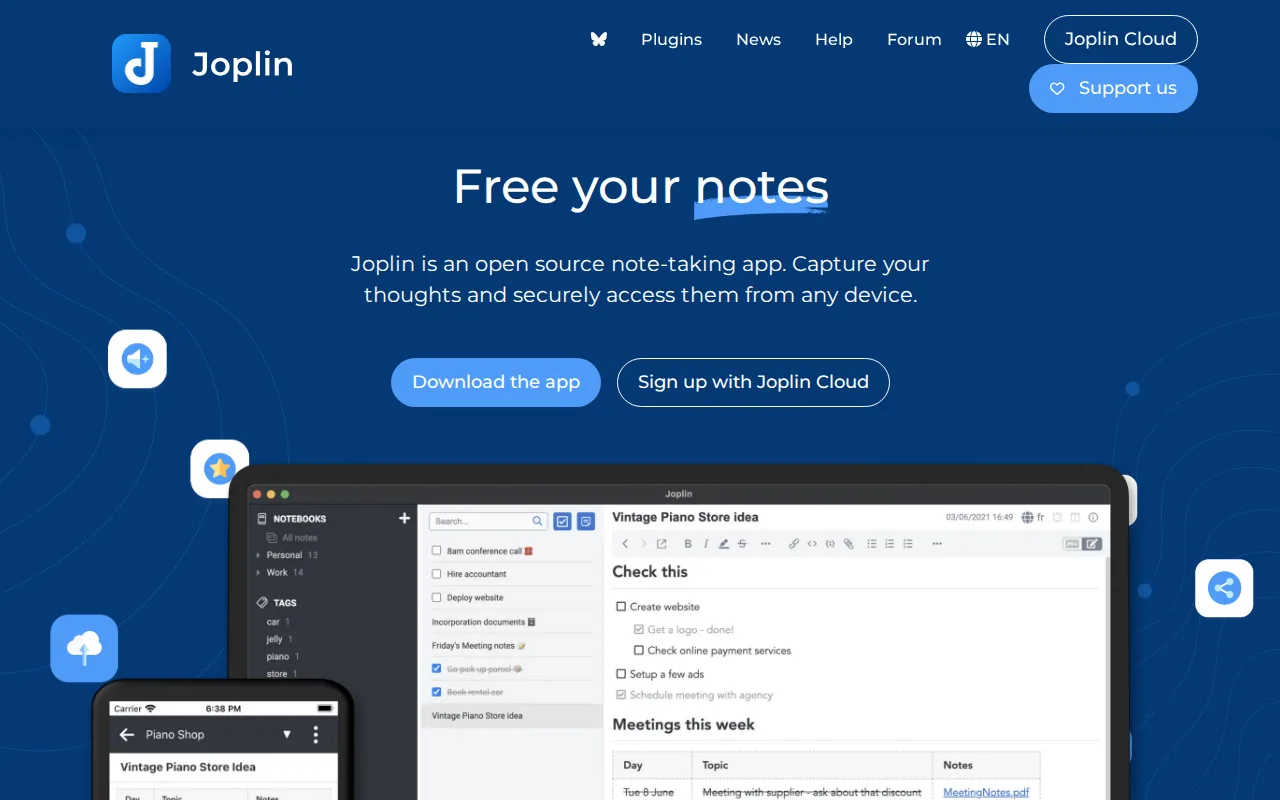
Open-source markdown note app with free sync through your own Dropbox, OneDrive, or WebDAV, the usual free substitute for Obsidian Sync.
Pros
- Fully open-source core app under a permissive license, with source code on GitHub
- Notes stored as local Markdown files with attachments, avoiding proprietary lock-in
- End-to-end encryption supported on all sync backends, including free ones like Dropbox and WebDAV
- Extensible via a plugin API, custom themes, and both Markdown and Rich Text editors
- Available on Windows, macOS, Linux, Android, iOS, and as a terminal app
Cons
- No free tier for the official Joplin Cloud sync service; cheapest paid plan is 2.99 EUR/month billed monthly
- Basic Joplin Cloud plan caps attachments at 10 MB and storage at 2 GB, well below Pro's 30 GB
- Notebook sharing and email-to-note require the Pro tier or higher, not included in Basic
- UI and mobile clipper are less refined than commercial alternatives like Notion or Evernote
Pricing: Free tier · paid from $3.23/mo (verified undefined NaN, NaN)